
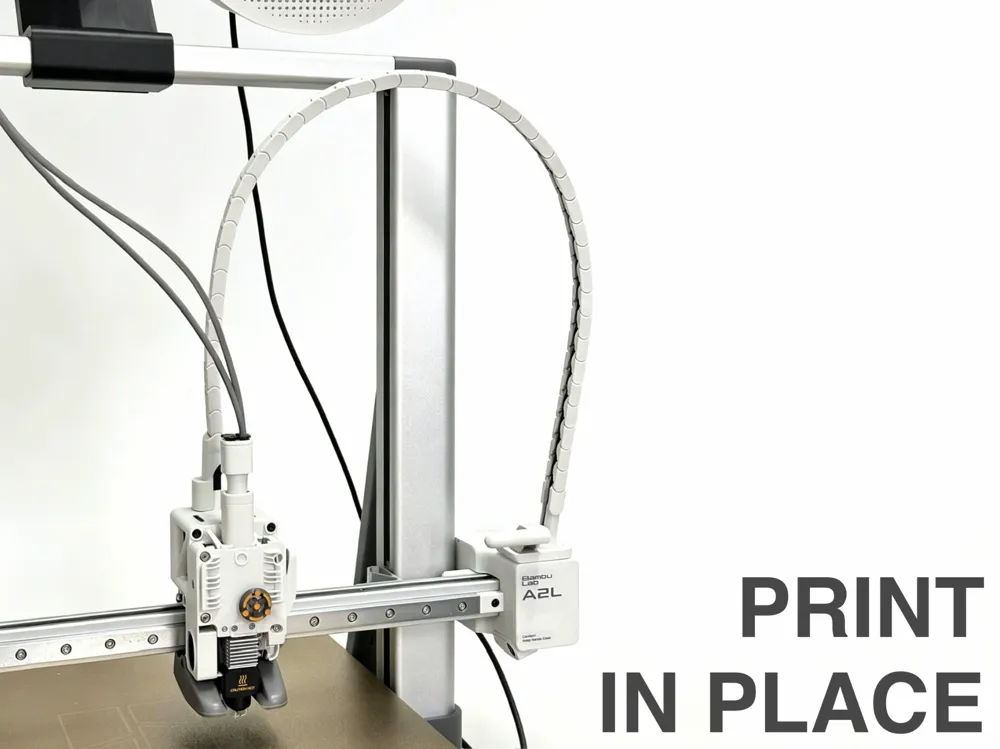
A2L Print Head Drag Chain (Print-in-Place)
Print Profile(4)
![[Print Test] Print in Place Drag Chain](https://makerworld.bblmw.com/makerworld/model/US566150528be390/835322544/instance/9b4941395a9ff590.png?x-oss-process=image%2Fresize%2Cw_100%2Fformat%2Cwebp)


Bill of Materials


Description
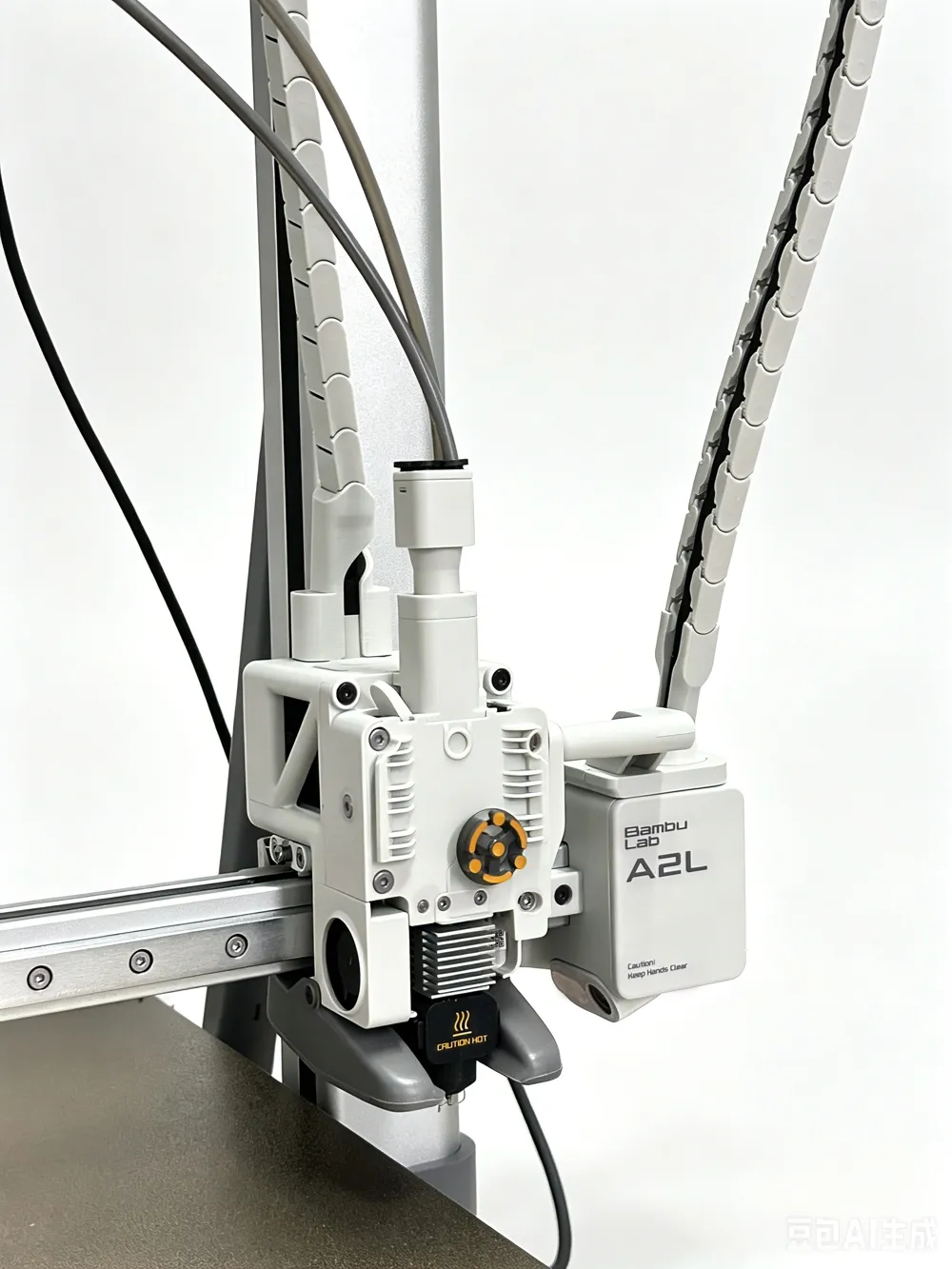
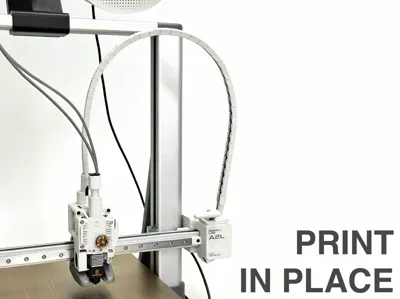
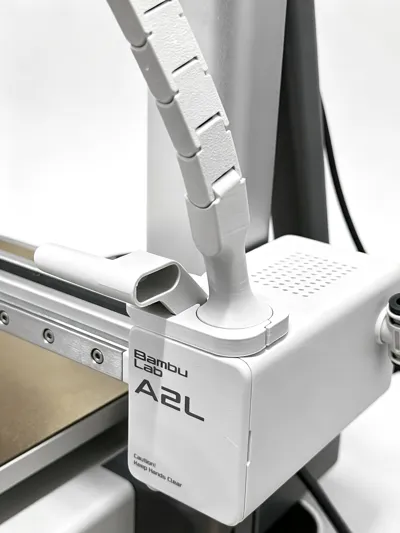
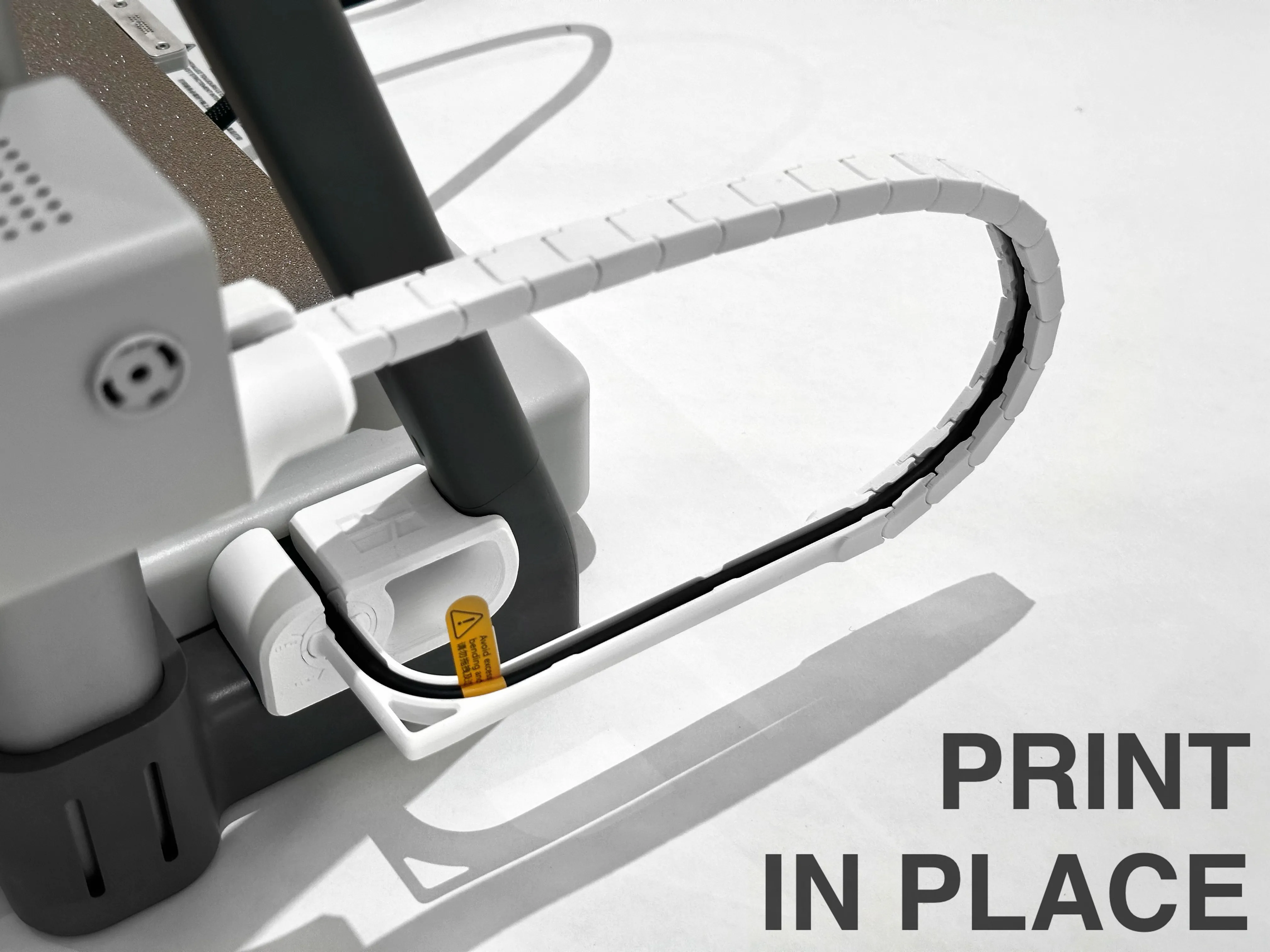
This is a Print-in-Place drag chain for the A2L toolhead cable.
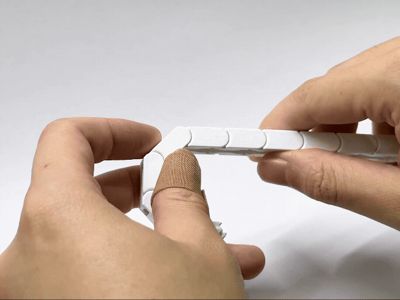
No complicated assembly work is needed. All you need to do is:
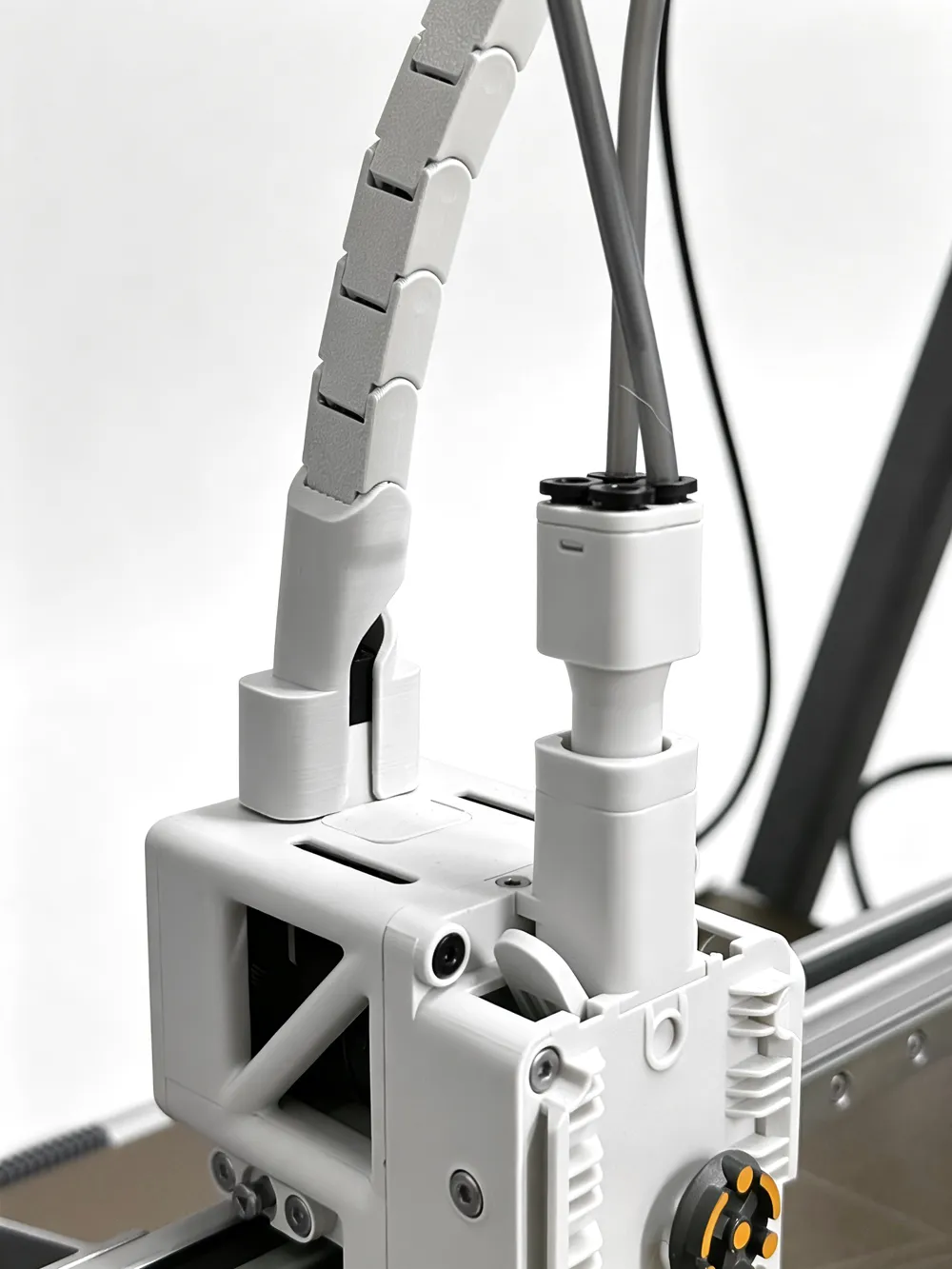
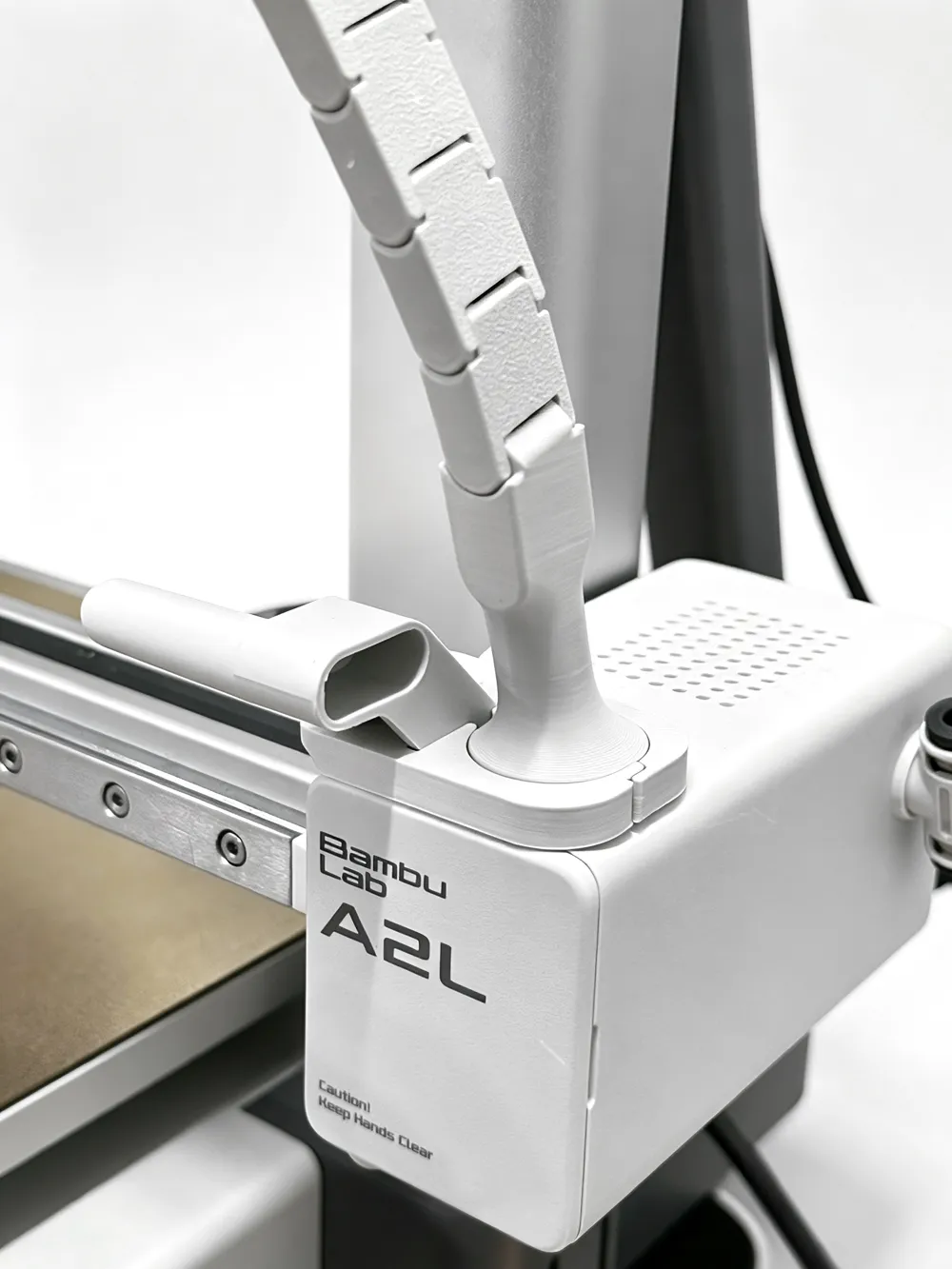
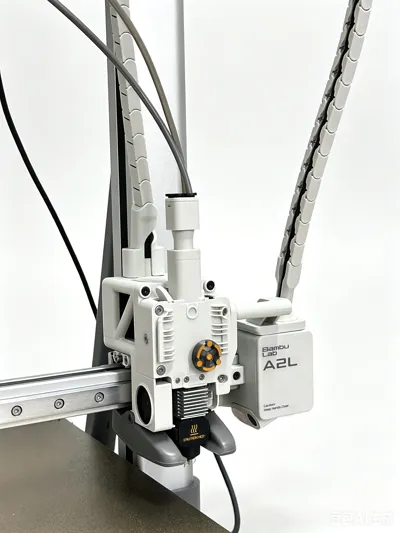
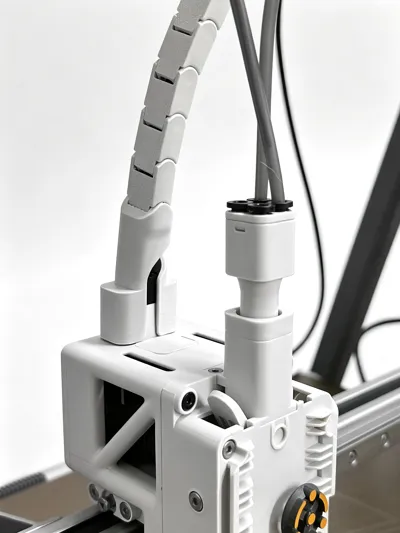
1. Attach both mounting ends on the X-axis motor shell and Toolhead.
2. Connect the two segments.

3. **Gently bend each joint inward** to make the chain flexible and ready to use.
4. Finally, guide the cable into the chain. And connect to drag chain on the mounting ends.

(Due to the total length of the drag chain, it is split into two segments on the print plate. )
Boost Me (for free)
Do you like this Print-In-Place drag chain? Boost me for more interest model!
License

You shall not share, sub-license, sell, rent, host, transfer, or distribute in any way the digital or 3D printed versions of this object, nor any other derivative work of this object in its digital or physical format (including - but not limited to - remixes of this object, and hosting on other digital platforms). The objects may not be used without permission in any way whatsoever in which you charge money, or collect fees.


Comment & Rating (83)