
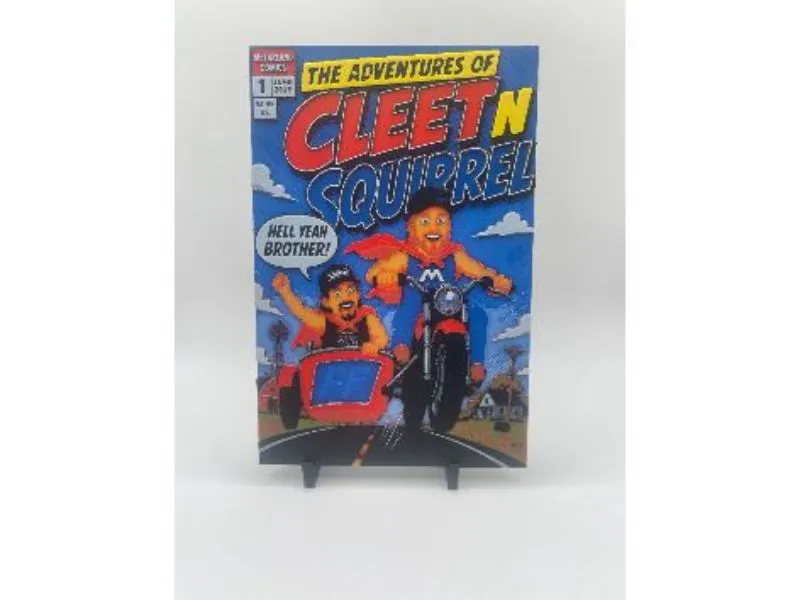
Cleet N Squirrel Comic HueForge
Print Profile(1)
Description
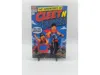
Cleet N Squirrel Comic HueForge print.
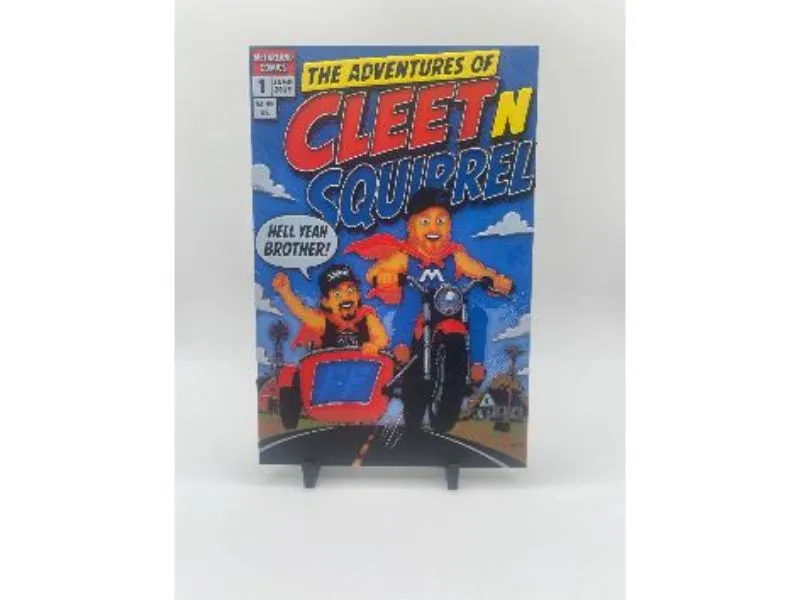
A bright comic-book style HueForge print featuring Cleet and Squirrel in a bold superhero cover layout, with strong colour blocking and layered cartoon detail.
Print Settings:
- Print at 100% infill
- With a layer height of 0.04mm and a base layer of 0.16mm
Filaments used:
- PLA BambuLab Basic Black
- PLA Bambu Cobalt Blue
- PLA BambuLab Basic Jade White
- PLA BambuLab Basic Sunflower Yellow
- PLA Bambu Red
- PLA Bambu Brown
- PLA BambuLab Basic Green
This print uses 7 unique filaments.
Swap Instructions:
Start with Black
At layer #13 / 0.64mm, swap to Cobalt Blue.
At layer #18 / 0.84mm, swap to Jade White.
At layer #26 / 1.16mm, swap to Sunflower Yellow.
At layer #37 / 1.60mm, swap to Red.
At layer #46 / 1.96mm, swap to Brown.
At layer #50 / 2.12mm, swap to BambuLab Green.
At layer #54 / 2.28mm, swap to Black.
At layer #59 / 2.48mm, swap to Jade White for the rest of the print.
Printing More Than 4 Colours With One AMS
This model uses more than 4 colours, but it can still be printed with a single AMS.
Start the print from Bambu Studio or the Bambu Handy app so that you can manually map the filament colours to AMS slots.
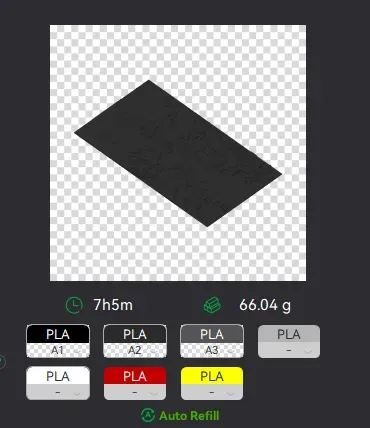
Load the first 4 filaments into the AMS and map them to slots 1–4.
For the later colours, map them again to the same AMS slots. Once the printer has finished using an earlier colour, remove that spool and replace it with the next required colour.
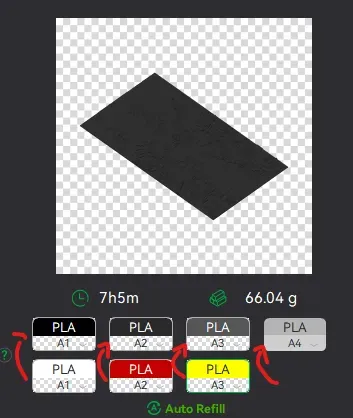
For example:
- When Cobalt Blue is finished, replace it with Red
- When Sunflower Yellow is finished, replace it with Brown
- When Red is finished, replace it with BambuLab Green
Be mindful that Black and Jade White are both used more than once in this print, so do not remove them too early.
You can swap the physical spool while the print is still running, as long as that colour is no longer needed.
Make sure each filament is mapped correctly before starting the print.
License



Comment & Rating (0)