
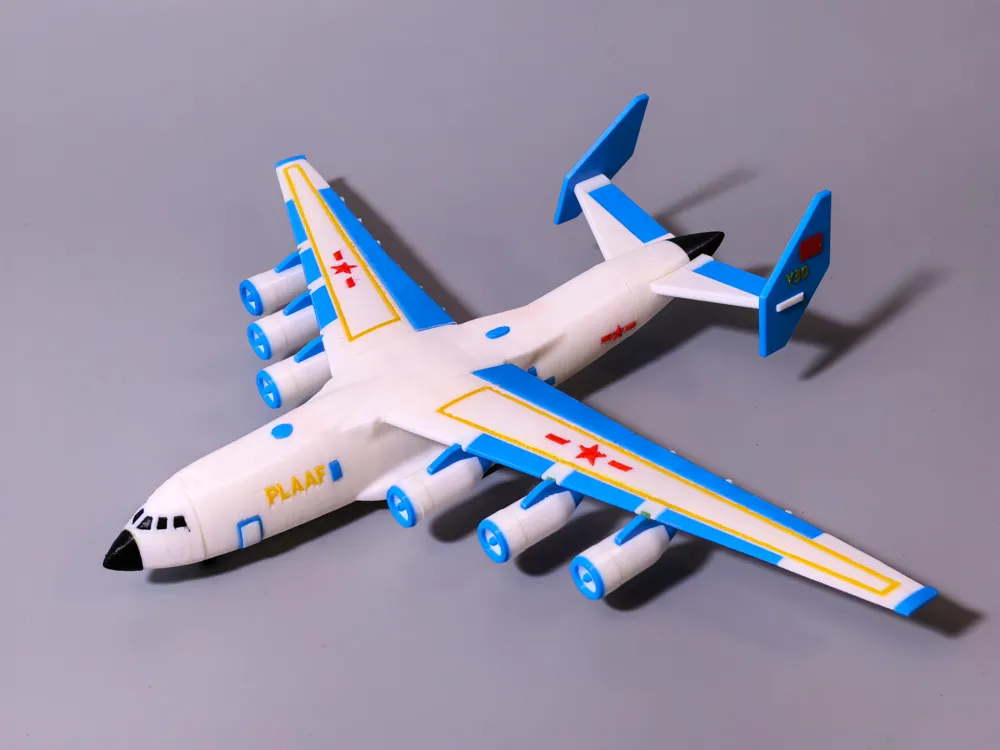
Transport aircraft Y35
Print Profile(2)
Description
<Board Game Miniature Collection>--<Warship Collection>--<Aircraft Collection>--<Vehicle-Tank Collection>--<Aerospace Collection>
Membership
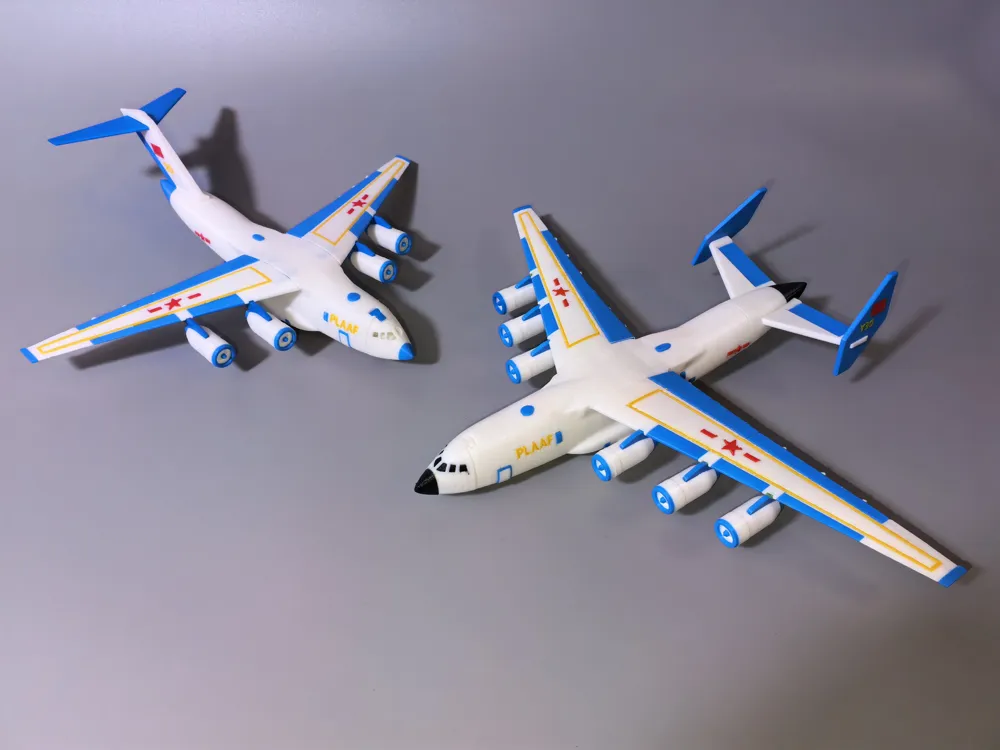
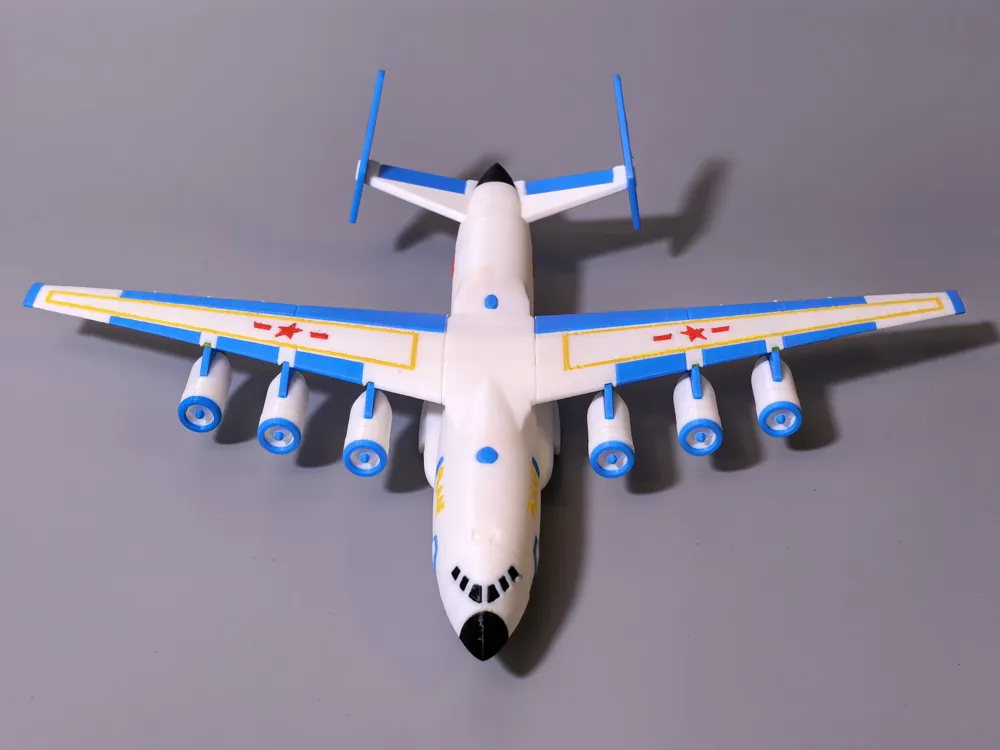
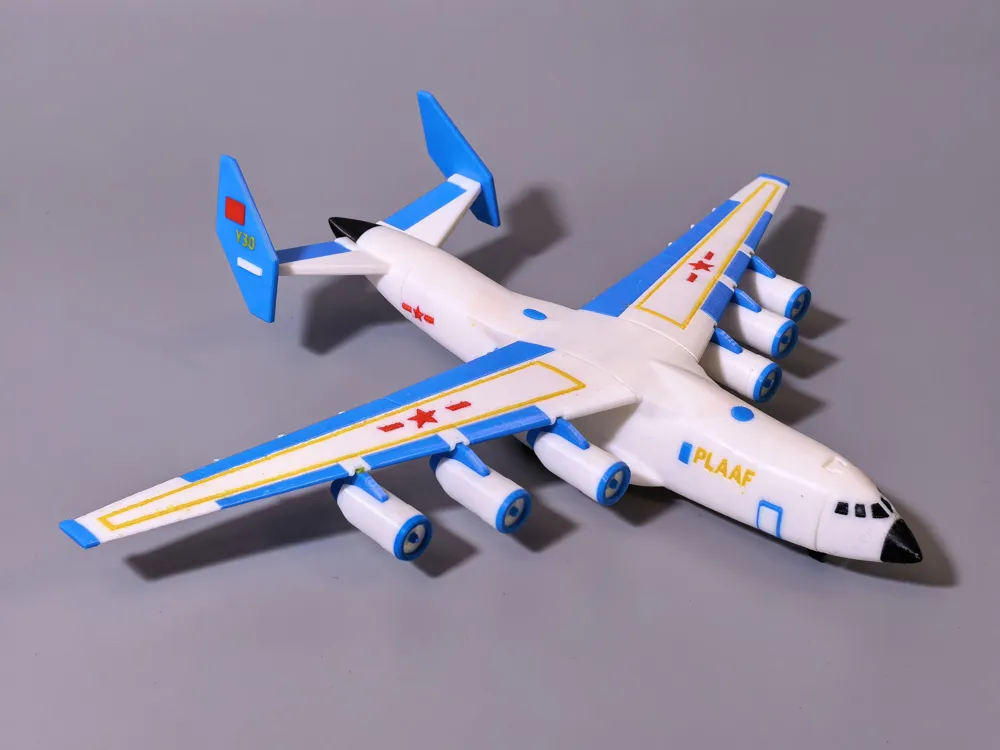
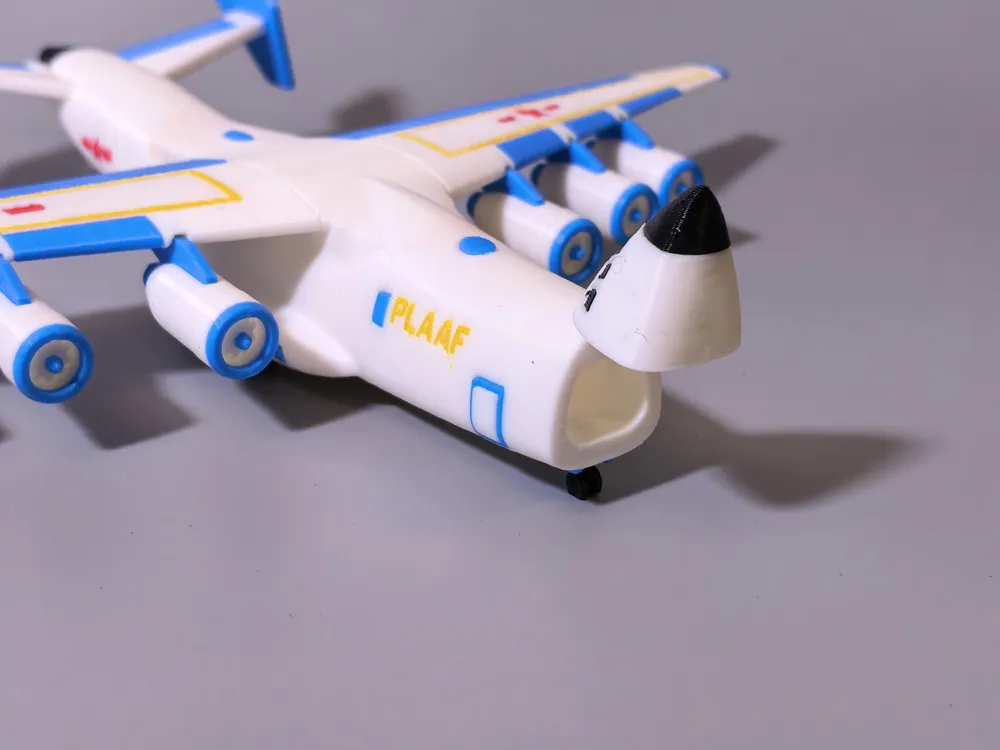
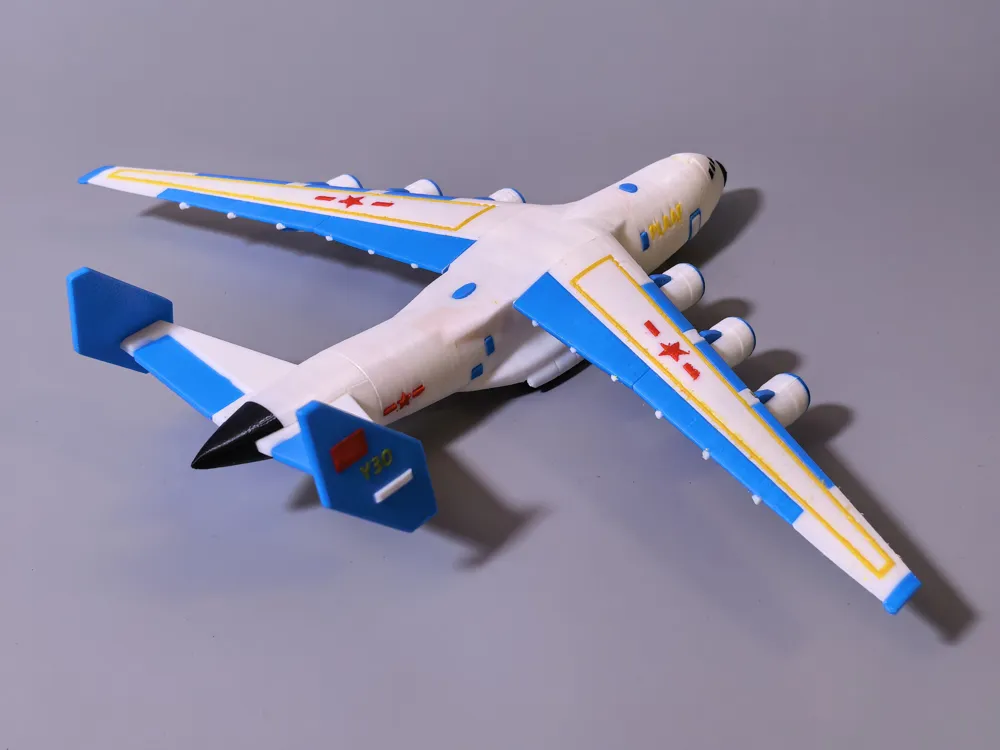
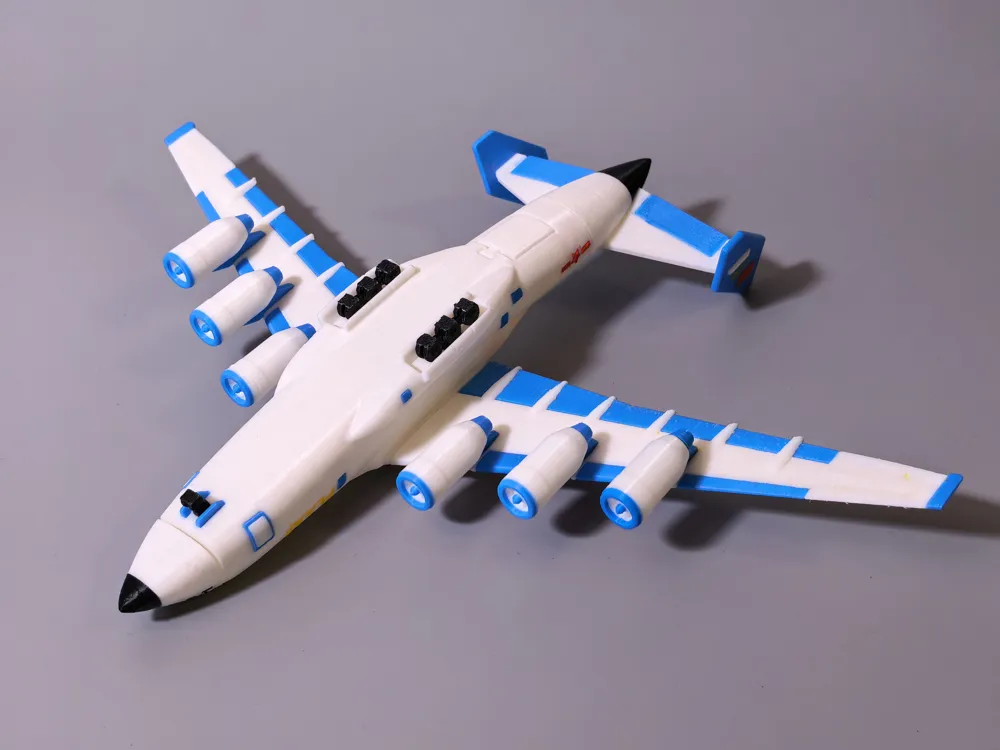
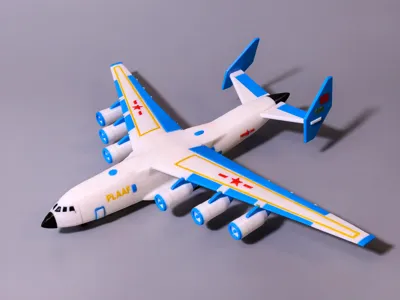
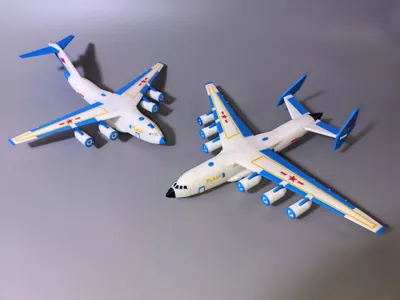
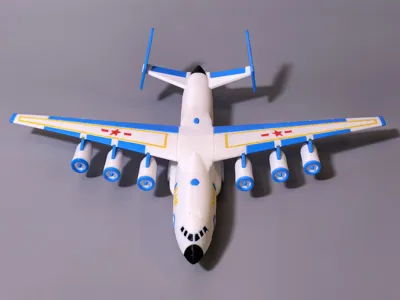
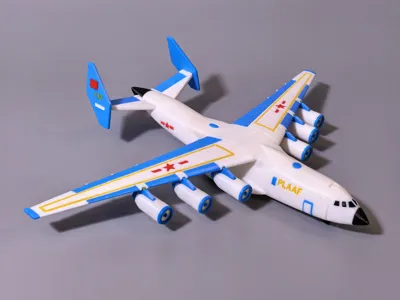
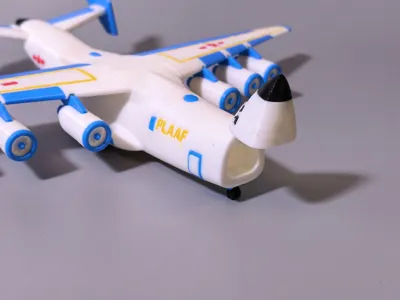
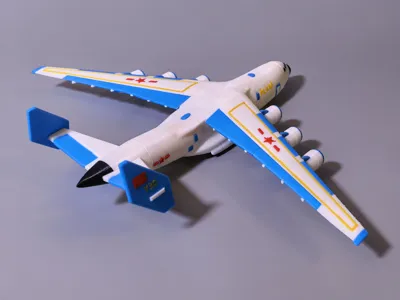
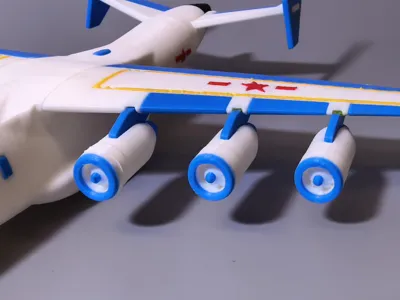
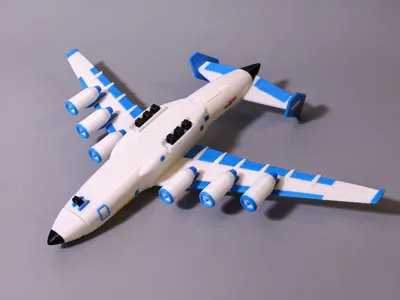
Transport Aircraft Y35-Gundam Version
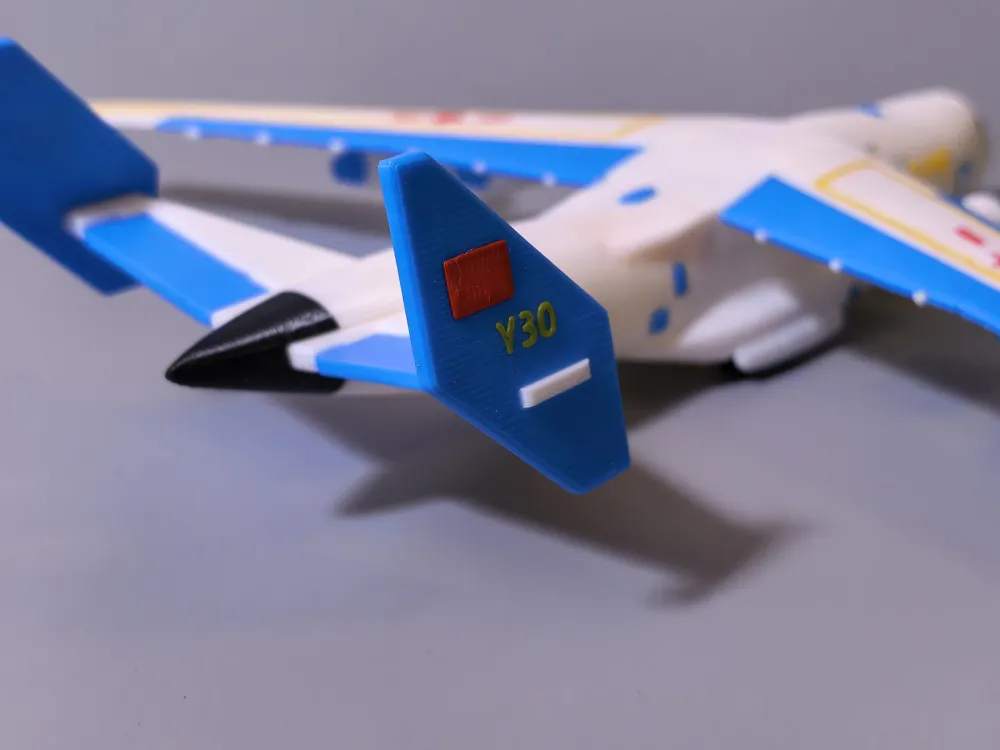
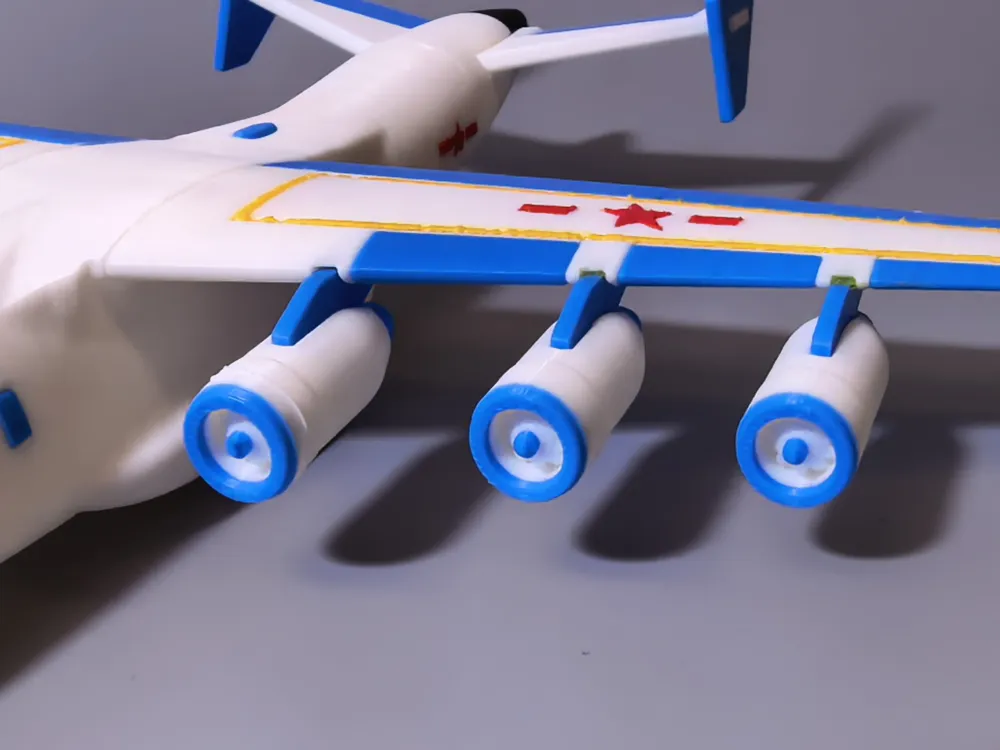
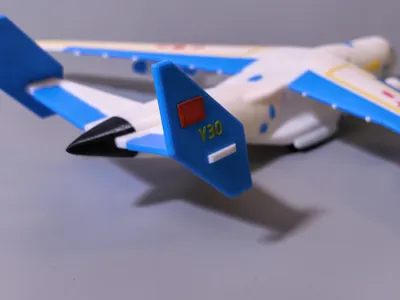
Evolved from the Y20, with a longer fuselage, 6 engines, and adopting the AN225's tail fin design
The nose and tail doors can be opened, allowing small tanks or armored vehicles to be placed inside. You can also stash secret money inside... hehe
This model is available in two versions
One is a single-color version
The other is a multi-color version (requires H2C or a multi-color printer for faster printing and to avoid material waste)
Printing Tips:
Build Plate: Use a textured PEI plate.
Filament: PLA
Layer Height: 0.2mm
Outer Wall Count: 2
Acceleration: Set all accelerations to 1000 mm/s² or lower.
Important Notes:
Some sanding and gluing may be required due to material shrinkage and printing tolerances. Apply even pressure when assembling parts.
Before printing, thoroughly clean the PEI build plate to ensure good adhesion, and ensure your filament is dry.
Special thanks to all friends for your attention, likes, downloads, and support!
============================================================================
Single cockpit, movable wings and canopy, glue required for assembly.
placed and taken out.
Printing Tips:
Print Bed: Use a textured PEI sheet.
Material: PLA
Layer Height: 0.12mm
Outer Wall Count: 2
Acceleration: Set all acceleration values to 1000 mm/s² or lower.
Important Notes:
Some sanding and gluing may be required due to material shrinkage and printing tolerances. Apply even pressure when assembling parts.
Before printing, thoroughly clean the PEI print bed to ensure good adhesion, and ensure your material is dry.
Special thanks to all friends for your attention, likes, downloads, and support!
License

You shall not share, sub-license, sell, rent, host, transfer, or distribute in any way the digital or 3D printed versions of this object, nor any other derivative work of this object in its digital or physical format (including - but not limited to - remixes of this object, and hosting on other digital platforms). The objects may not be used without permission in any way whatsoever in which you charge money, or collect fees.
Comment & Rating (2)