
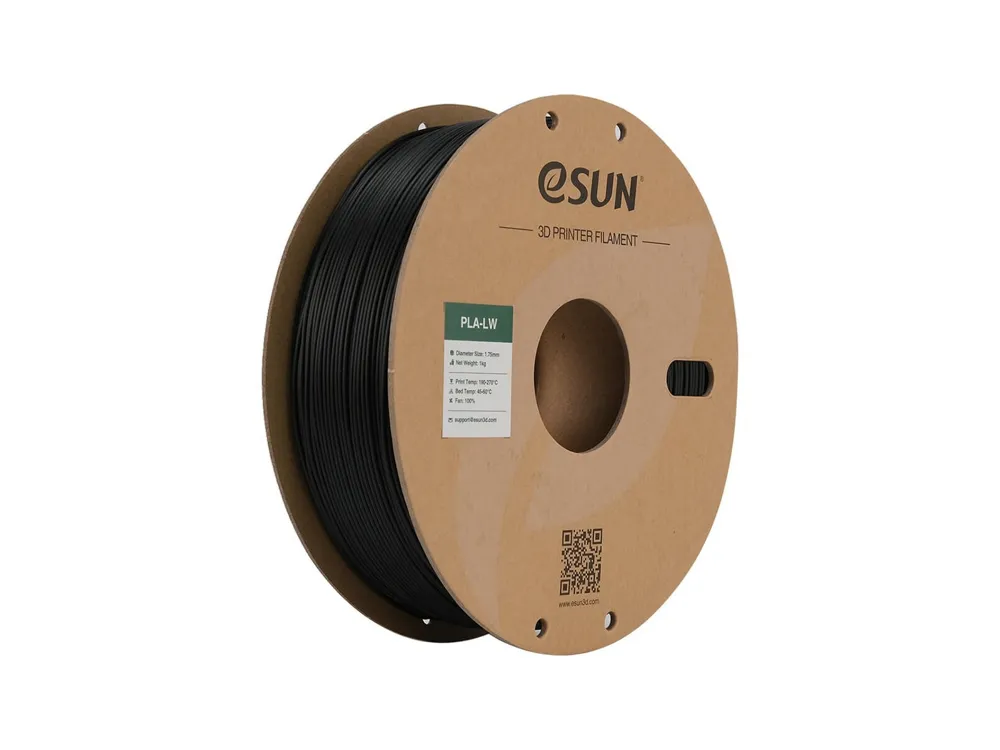
eSun ePLA-LW / PLA-LW / PLA LW / Lightweight PLA
Print Profile(1)
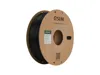
Description
I was tired of guessing, so I built this profile to take the headache out of printing with eSUN PLA-LW / ePLA-LW / PLA-LW / PLA LW / Lightweight PLA on Bambu Lab printers.
How this profile was made:
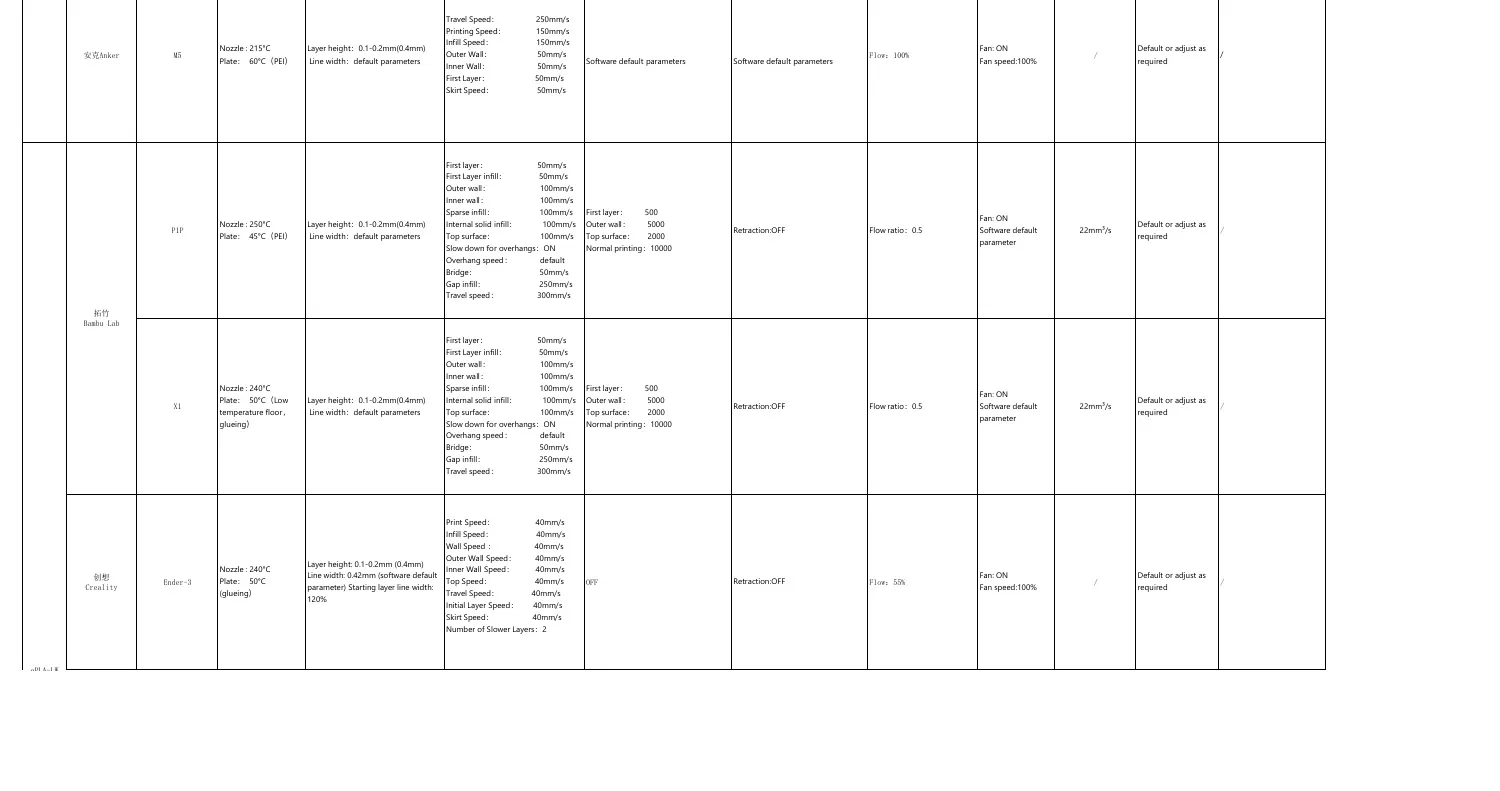
The included filament and process/print-settings JSONs are not just a blind copy of generic slicer defaults. It was consolidated from the supplied eSUN/Bambu machine-specific profiles and checked against the official eSUN fast-filament parameter PDF / product information where available.
It corrects several common issues found when using default generic PLA settings:
- Temperature and flow tuned away from generic PLA defaults so high-speed Bambu prints stay consistent.
- Calibrated speeds for clean outer walls and top surfaces without unnecessarily slowing the whole print.
- Max volumetric flow set from the eSUN/Bambu source data to reduce under-extrusion at high speed.
Compatibility:
This is set up as a Universal Profile. Once imported, it is intended to be available for:
- X1 / X1 Carbon / X1E
- P1S / P1P / P2S
- A1 / A1 Mini
- Other current Bambu Lab printer presets found in Bambu Studio
How to Install:
1. Download the .zip file or the raw profile file from the Raw Model Files section and extract it if needed.
2. Open Bambu Studio.
3. Go to File > Import > Import Configs…
4. Select both included JSON files:
- eSUN_PLA-LW_Universal_Bambu_Filament.json
- eSUN_PLA-LW_Universal_Bambu_Process.json
5. Select the imported eSUN PLA-LW Universal Bambu filament profile in the filament dropdown and the matching eSUN PLA-LW Universal Bambu Process profile in the process/print-settings dropdown.
Important notes:
- Filled/abrasive CF/GF materials should be printed with a hardened nozzle and are not advertised for 0.2 mm nozzles.
- Dry filament is still recommended for best surface finish, especially on high-speed profiles.
License

You shall not share, sub-license, sell, rent, host, transfer, or distribute in any way the digital or 3D printed versions of this object, nor any other derivative work of this object in its digital or physical format (including - but not limited to - remixes of this object, and hosting on other digital platforms). The objects may not be used without permission in any way whatsoever in which you charge money, or collect fees.


Comment & Rating (2)