
Print Profile(1)

Description
Inspiration - open for replication
An enhancement to the free MOTIONEYE camera software, which has been running exceptionally well on our Linux / Raspberry Pi systems for years (free, local, no cloud, very low hardware costs)
The cameras operate on the local Wi-Fi network or over the internet
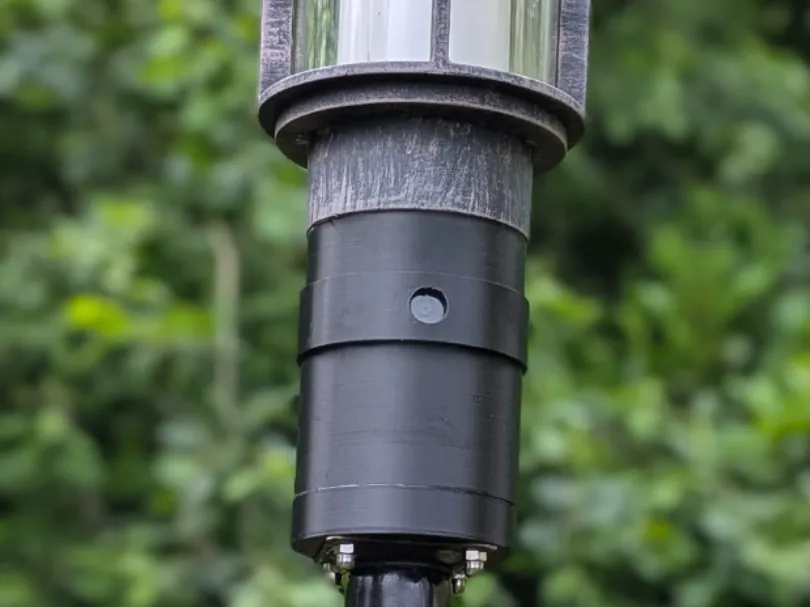
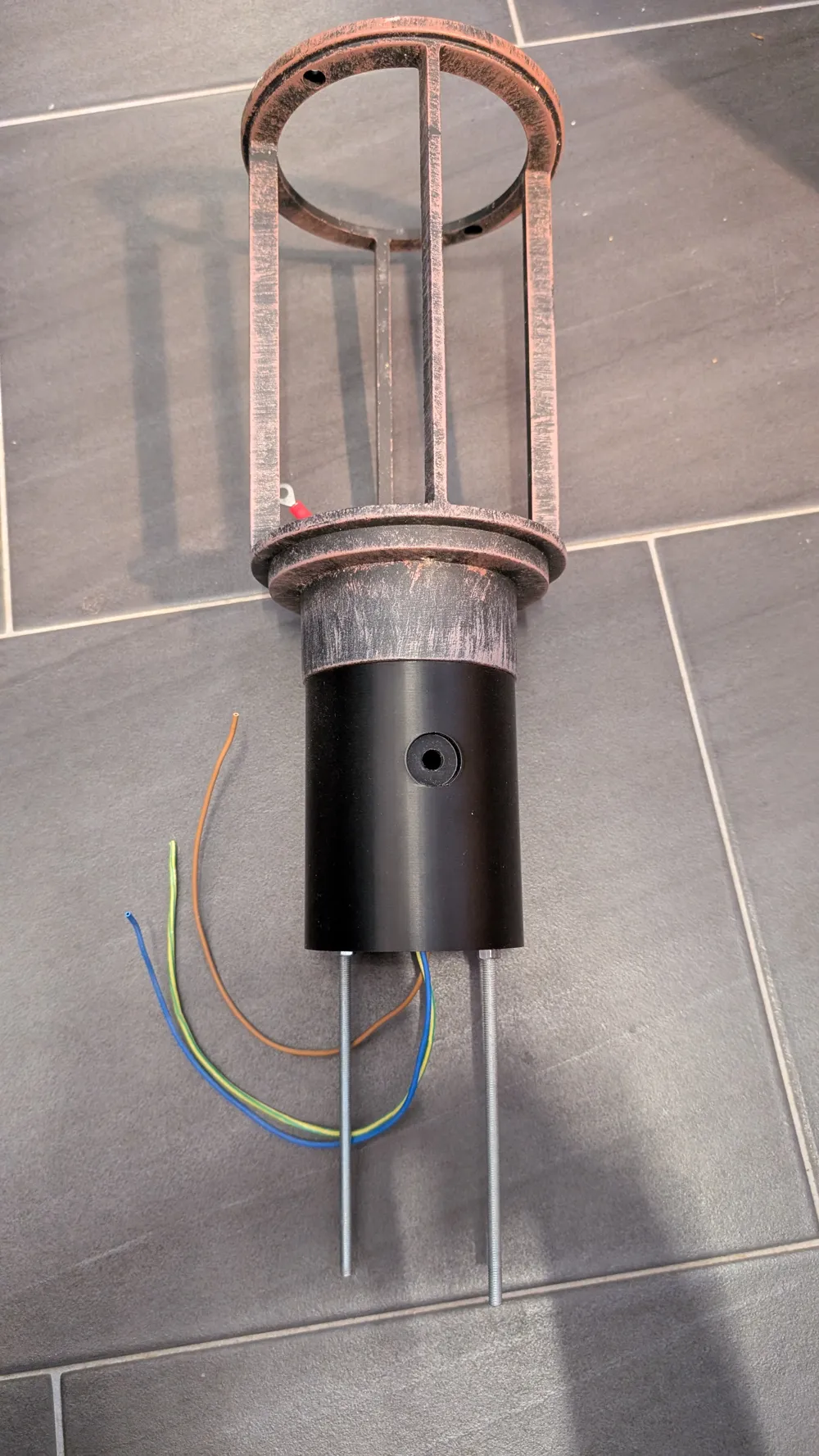
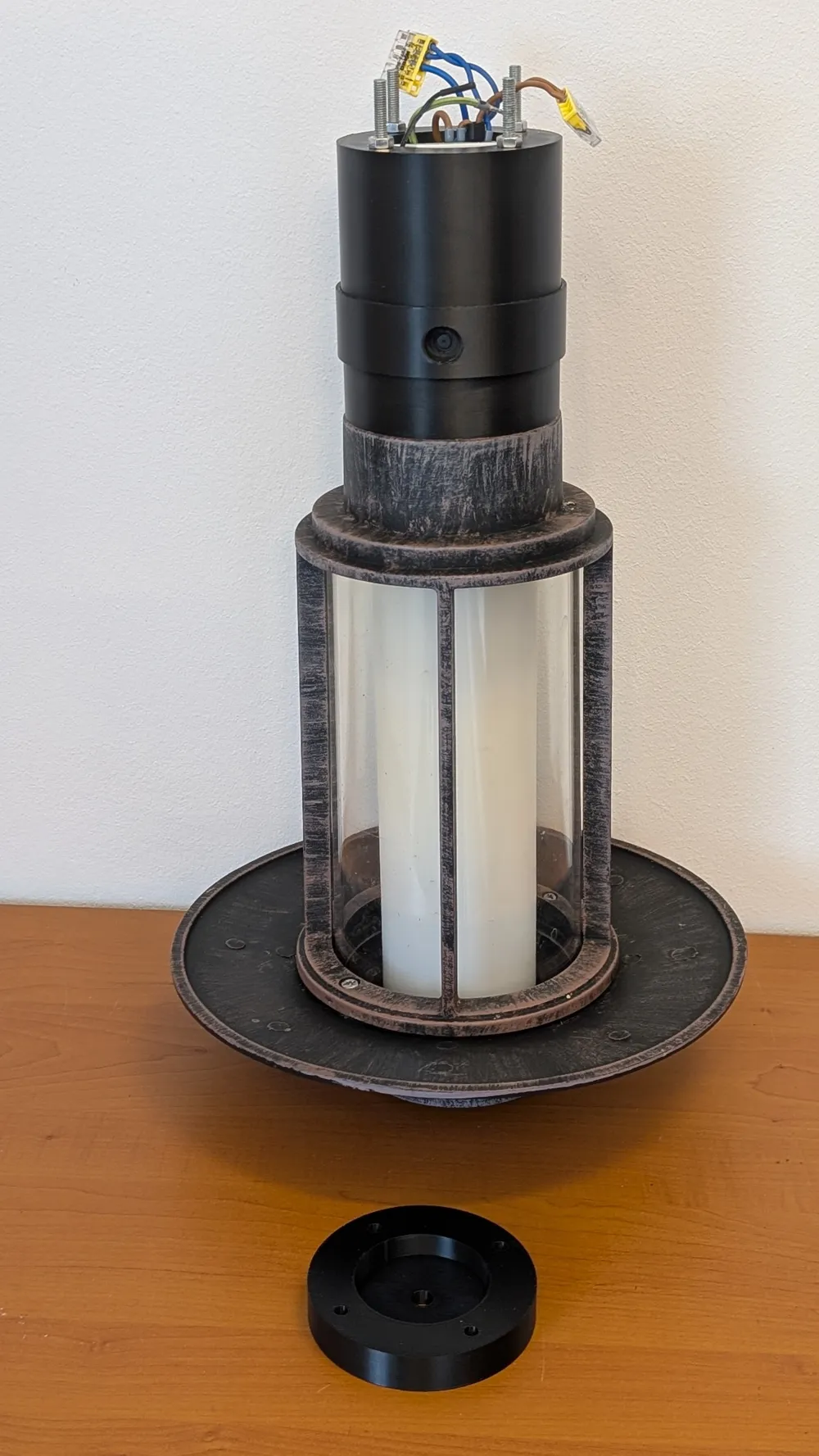
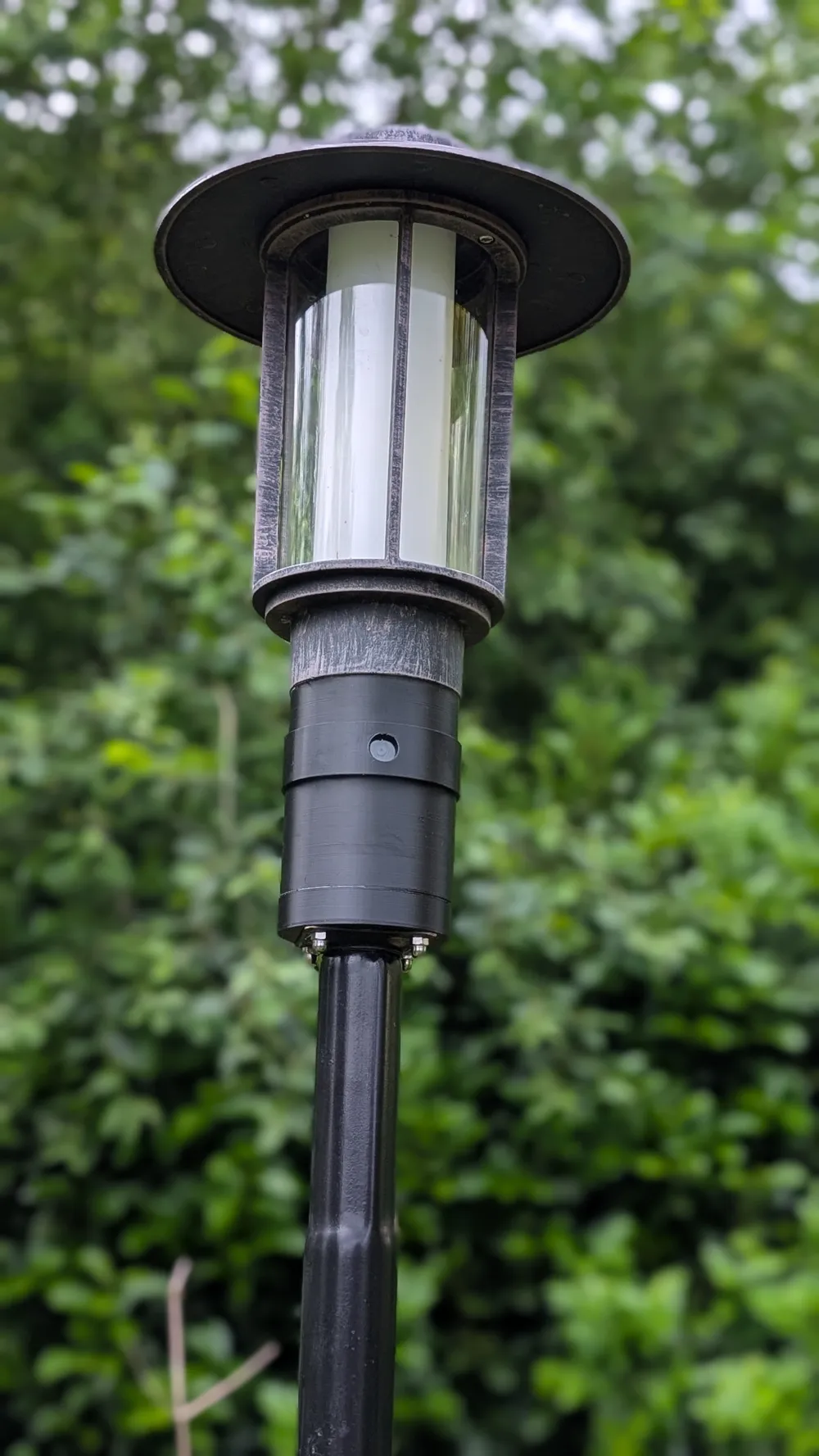
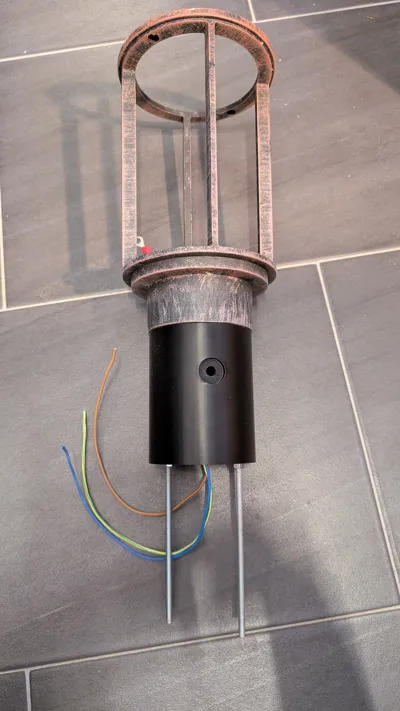
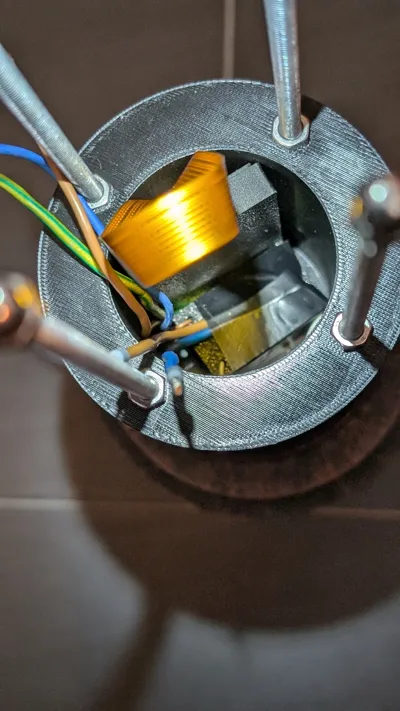
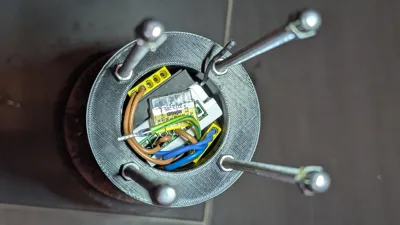
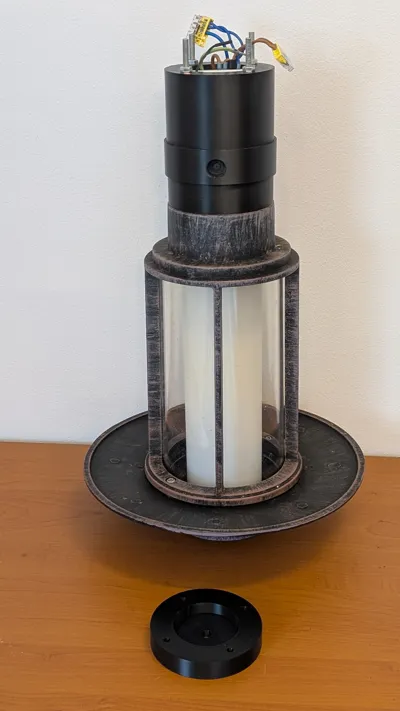
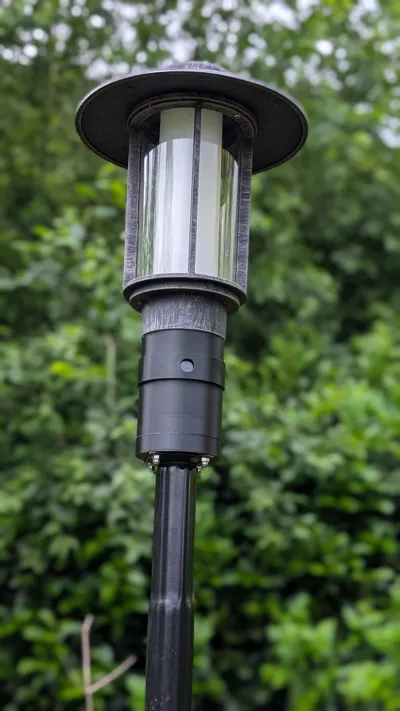
The idea: to retrofit an existing garden light and equip it with a camera
Prerequisites:
230 V or 5 V via solar
Wi-Fi
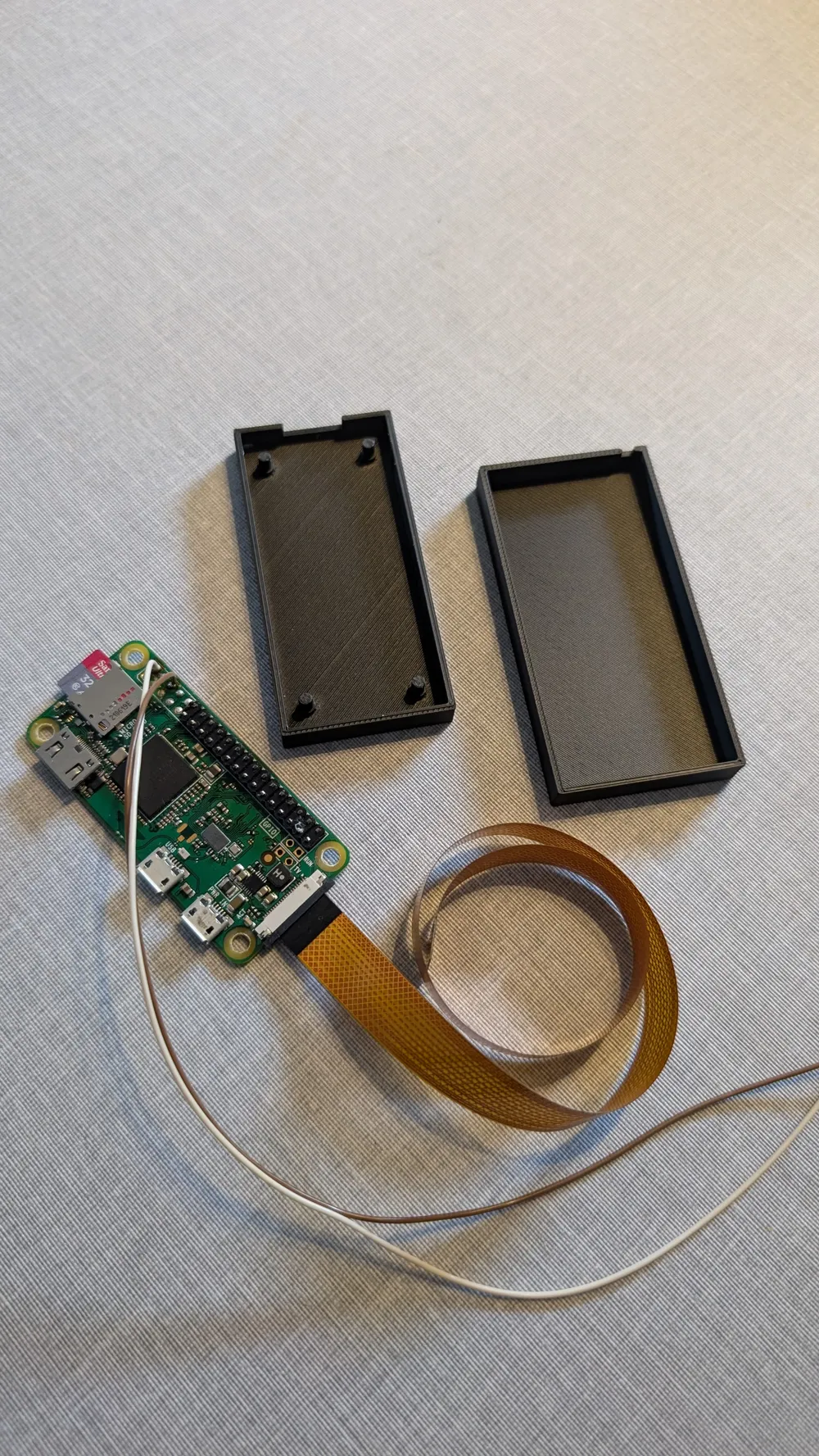
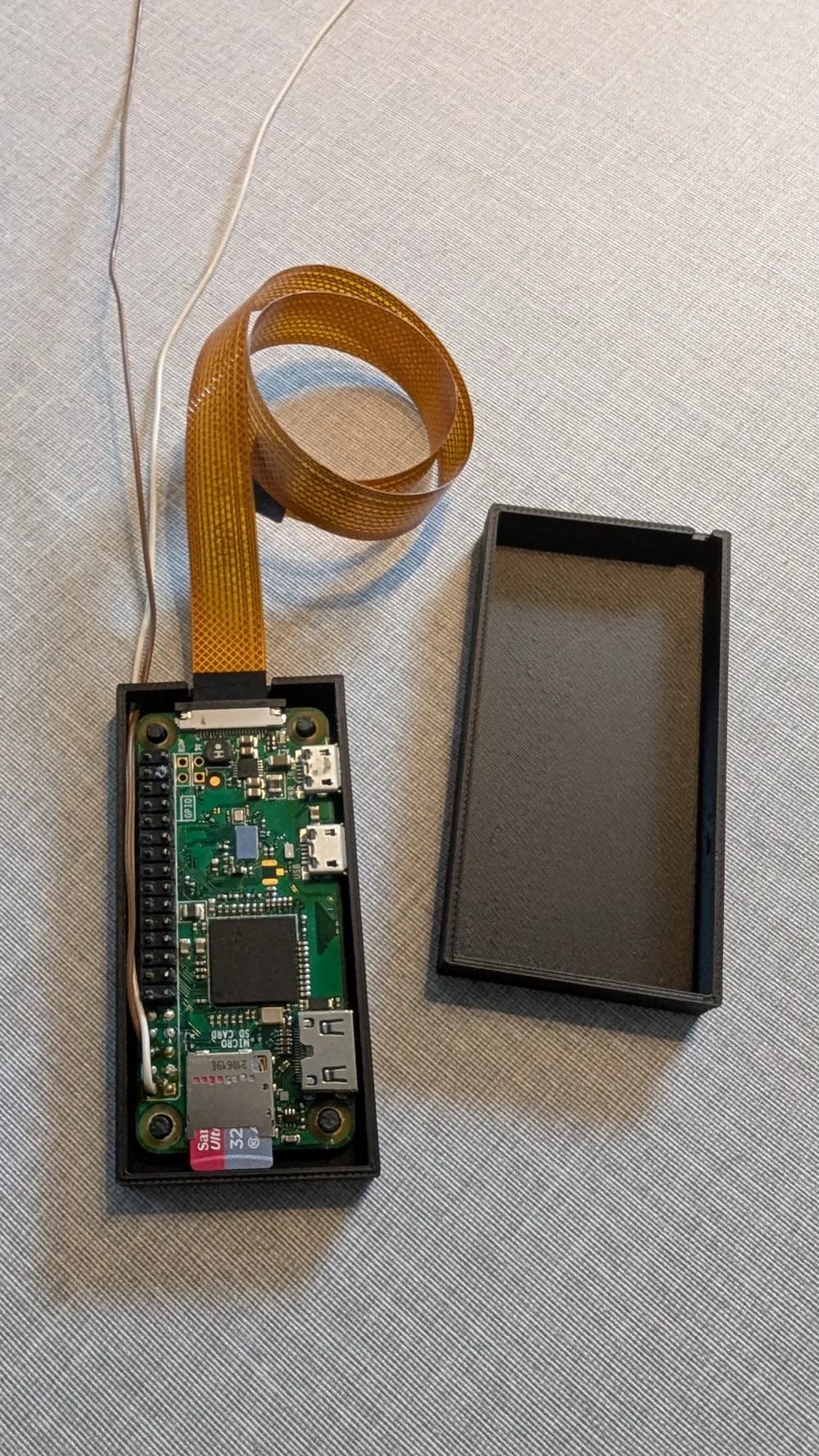
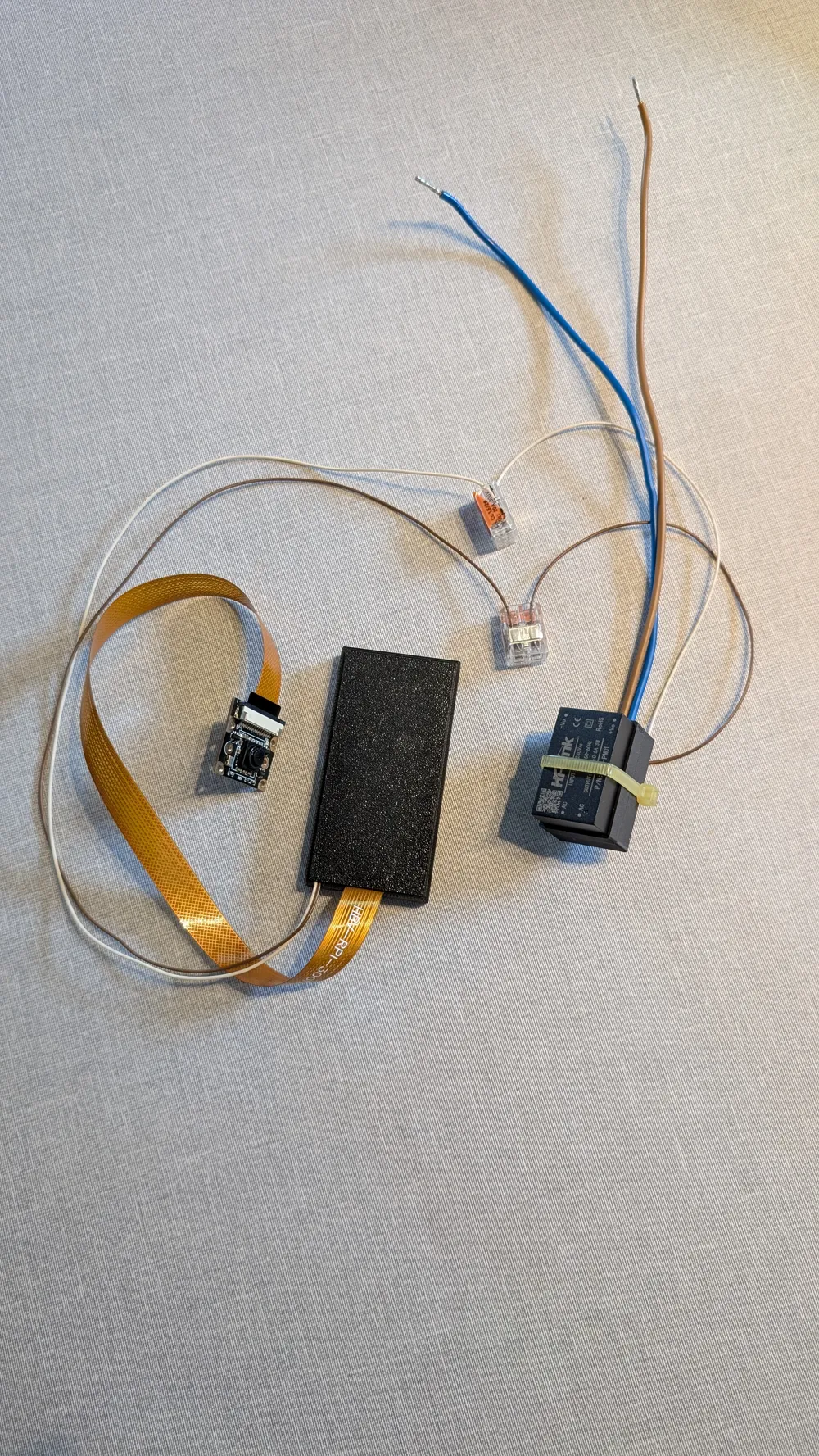
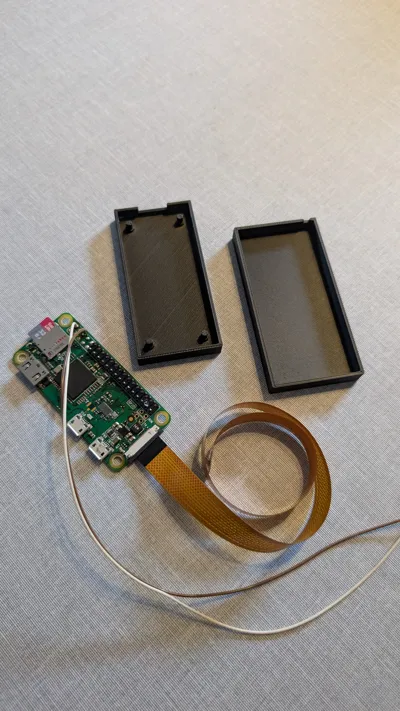
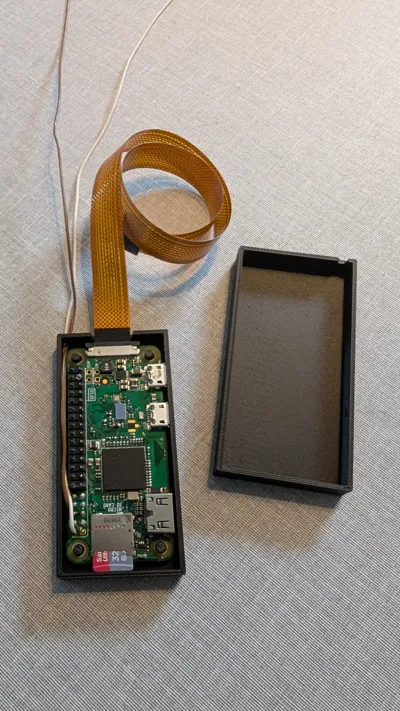
Raspberry Pi - at least a Zero
5V power supply for the Raspberry Pi (not required with solar)
Smart home controller (here, homee)
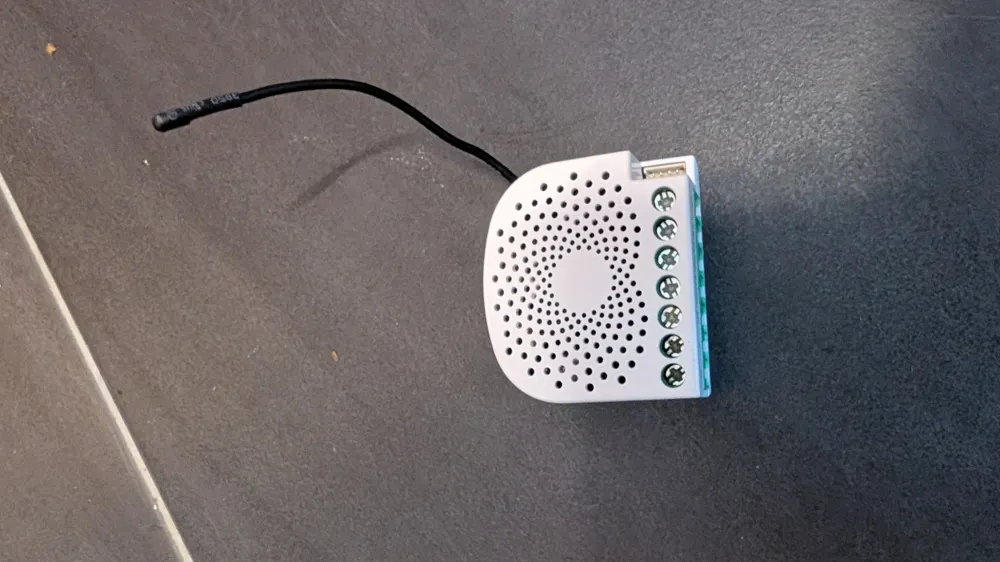
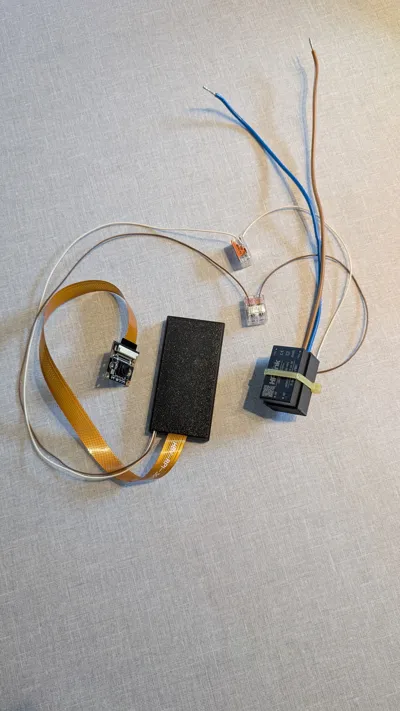
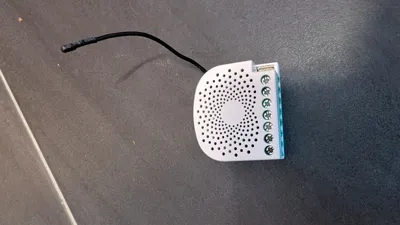
Intelligent wireless switch (AEOTEC Dual Nano Switch for the wall box)
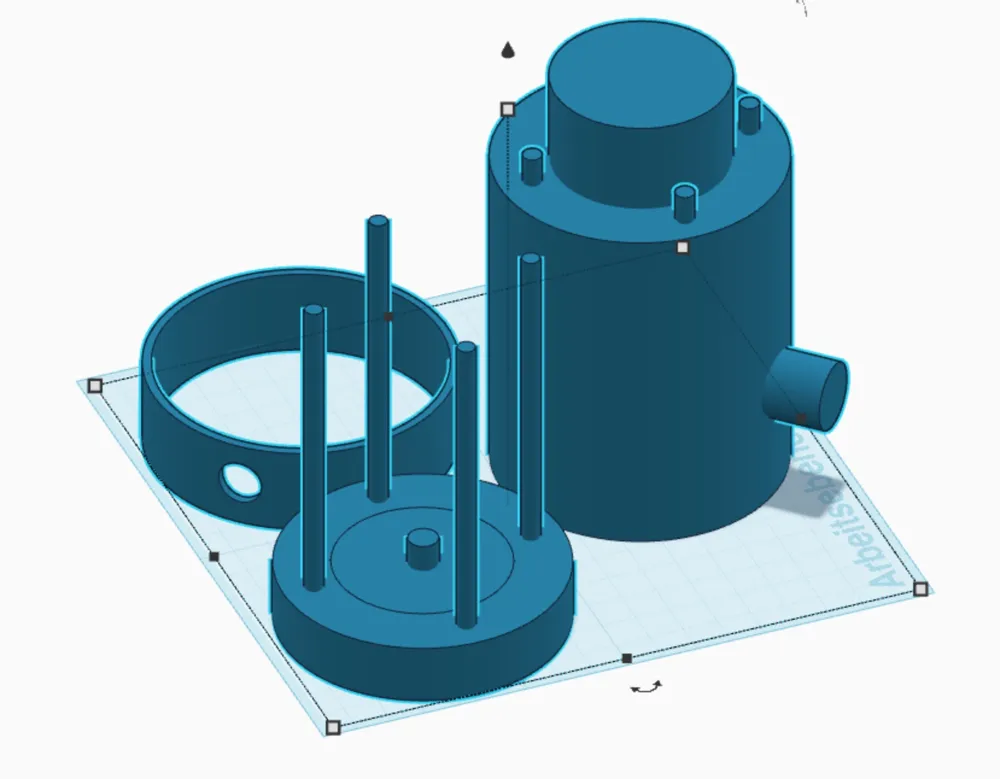
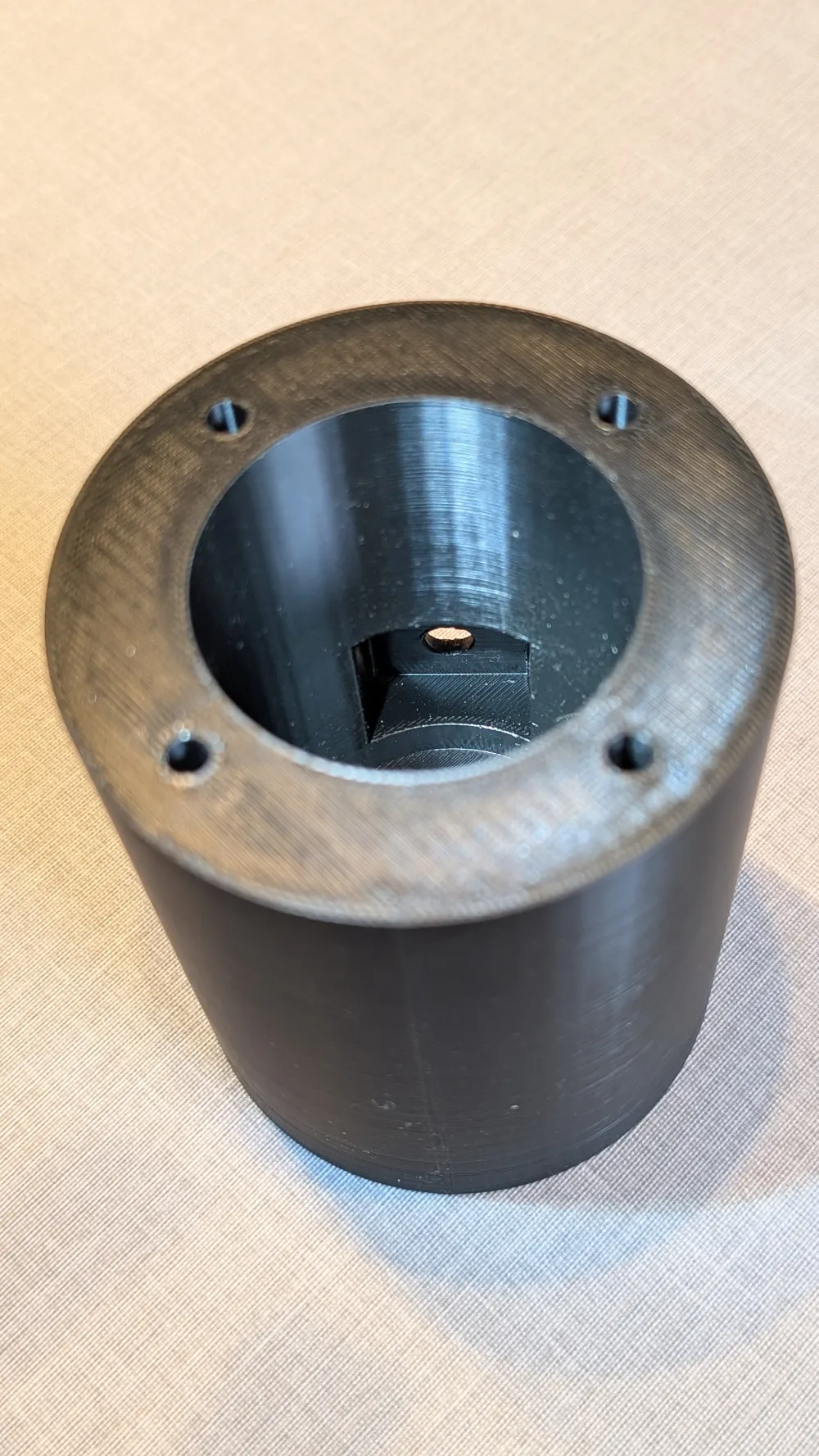
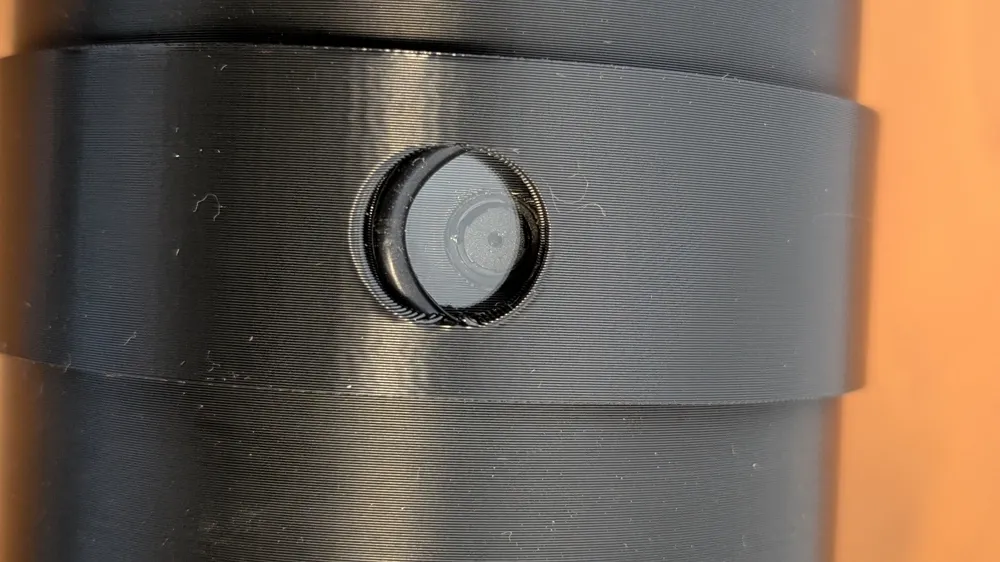
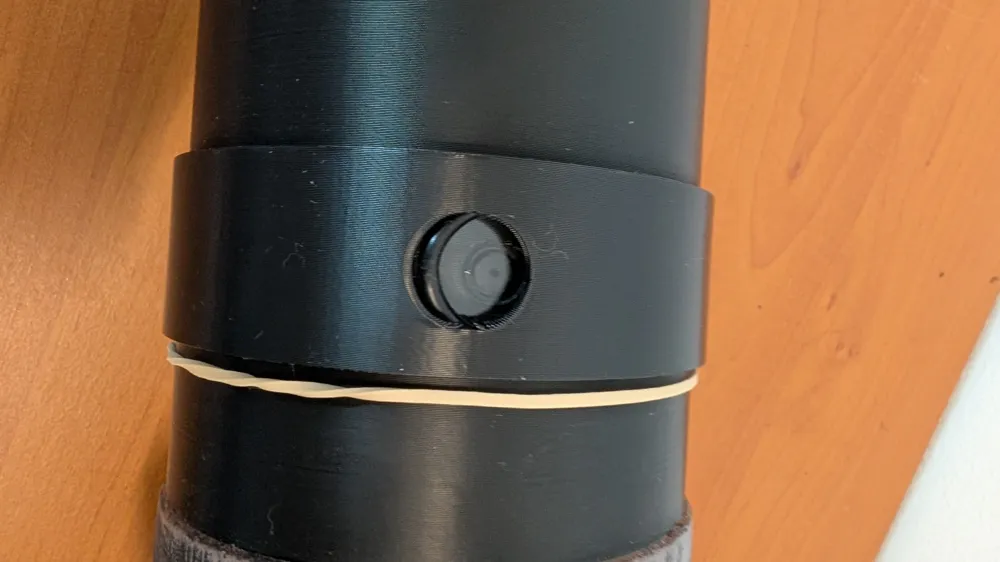
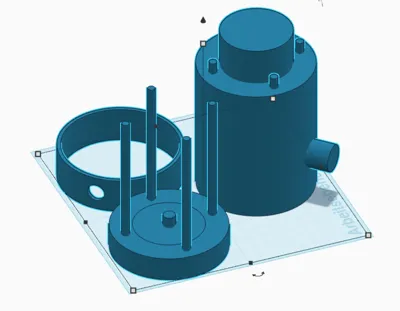
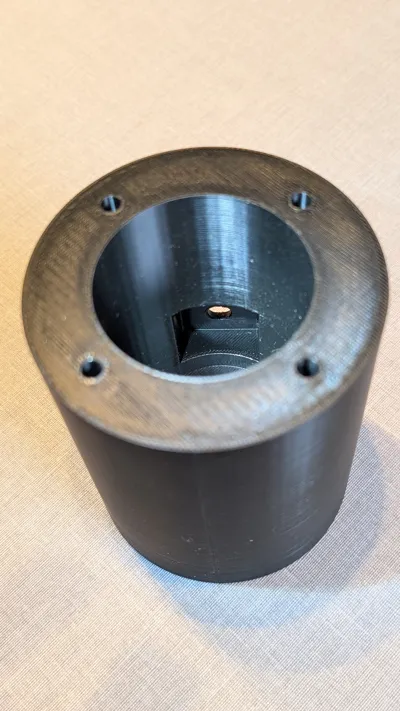
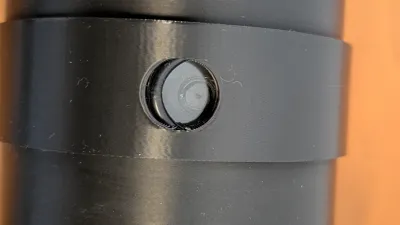
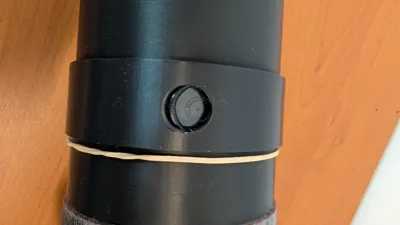
The camera lens is protected by an 18mm replacement watch glass (available on Amazon) and an O-ring. The printed retaining ring presses the O-ring against the glass, creating a seal. Sealing with silicone adhesive would also likely be possible
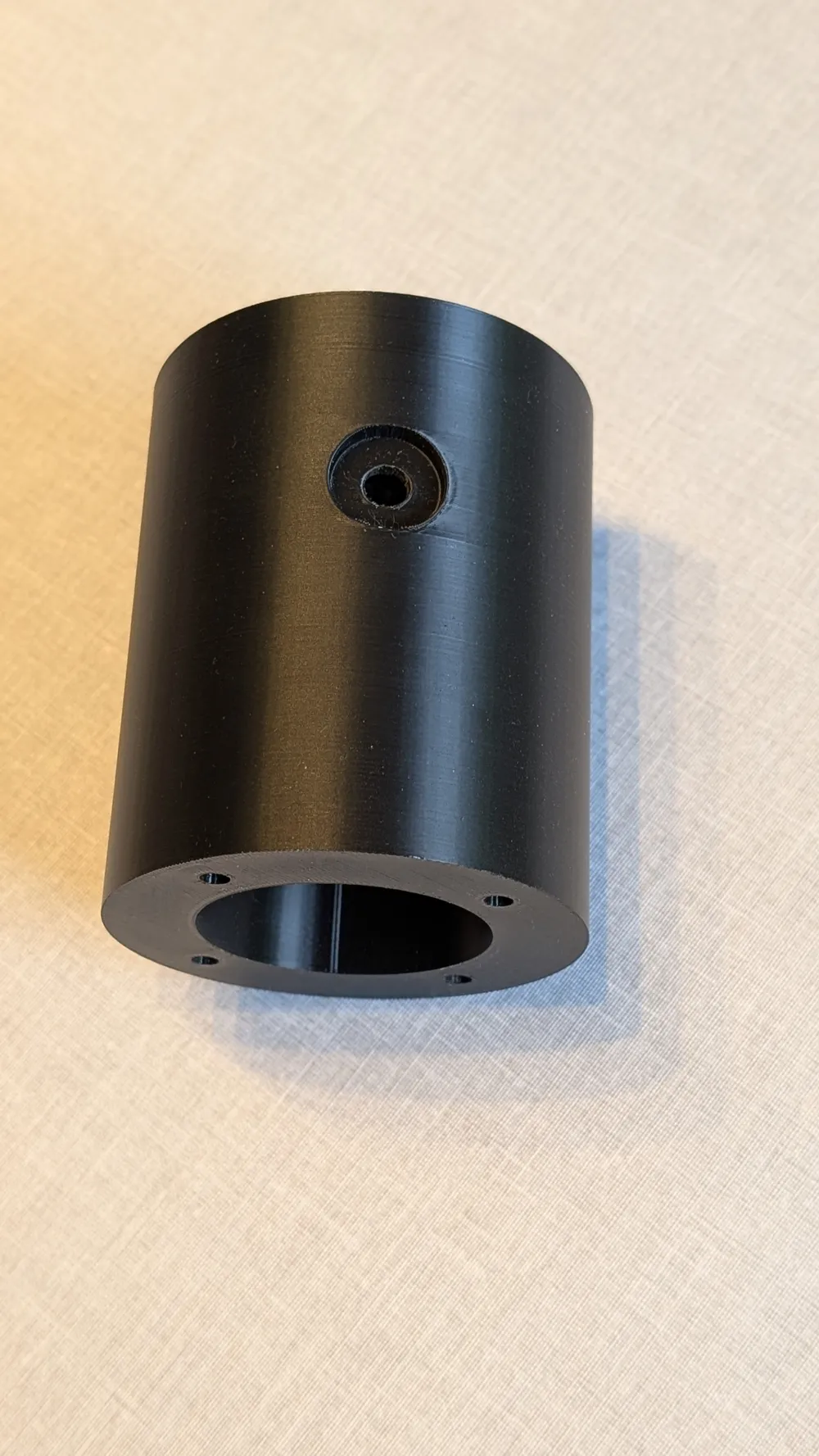
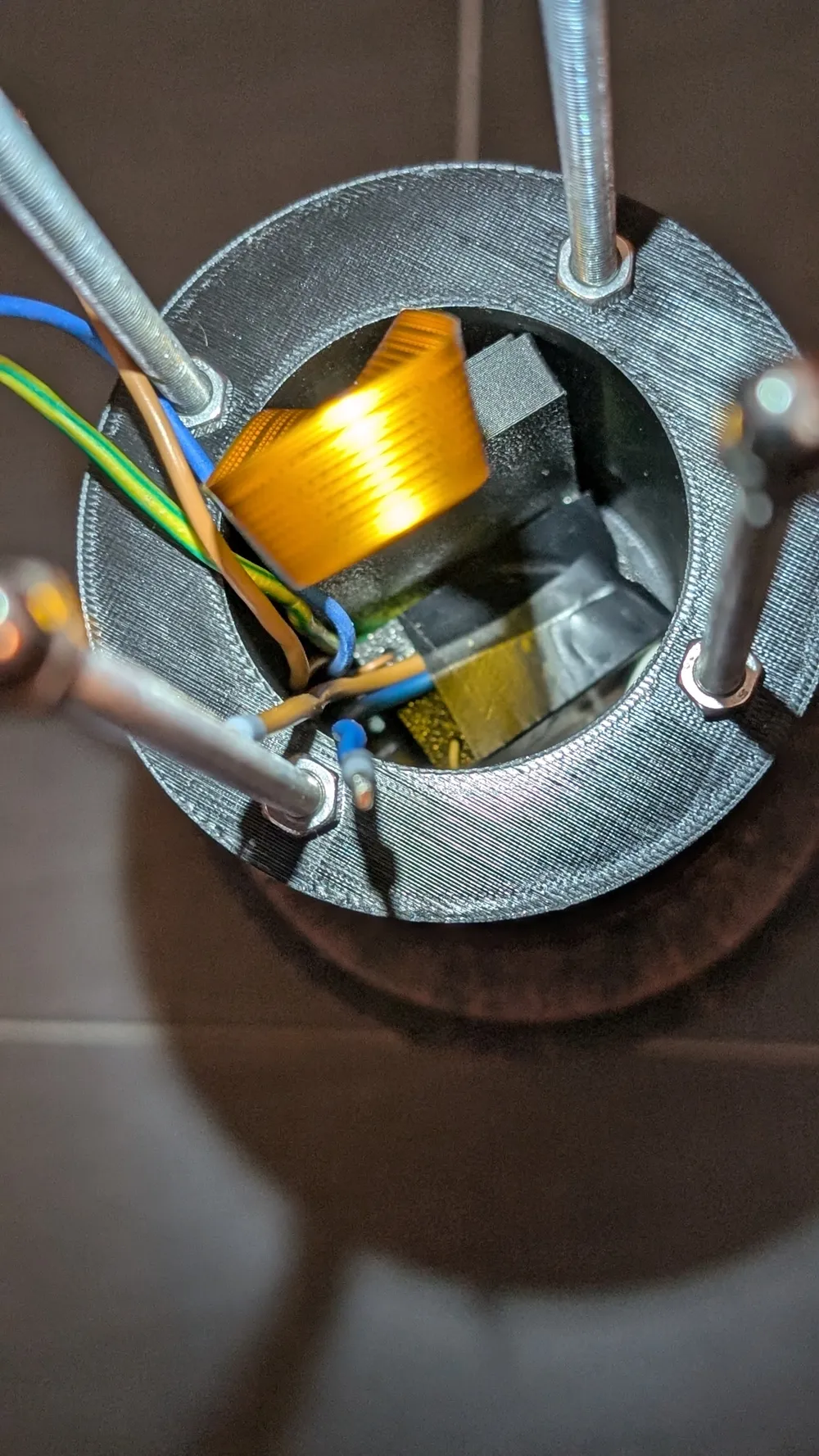
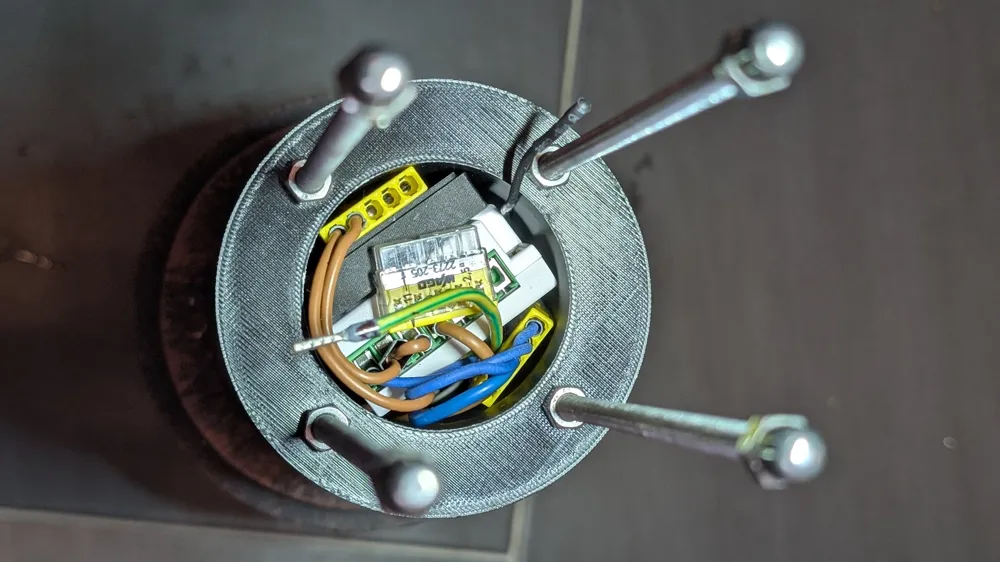
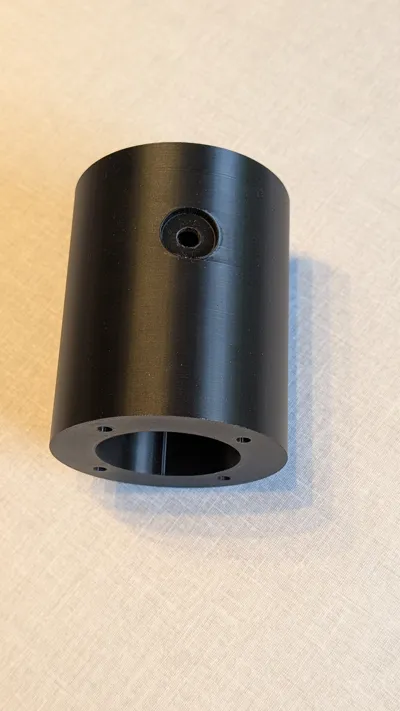
The components: the lamp body against the camera housing and the camera housing against the end cap are sealed and secured with silicone adhesive and screws
230 V powers the main power supply, which in turn provides 5V to the Raspberry Pi Zero, which is connected to the Wi-Fi network (with a static IP) — The smart home system activates the power supply when residents are absent, and the Raspberry Pi Zero starts the MOTIONEYE software and controls the camera — The camera operates (internet access, records motion if desired, sends notifications as needed... these are all various options within MOTIONEYE) — When residents return home, the smart home system switches off the power supply, thereby deactivating the camera (any recordings remain on the SD card)
For MOTIONEYE, Holger has created a truly excellent tutorial on the YOUTUBE CHANNEL —> LOGIN Techblog – Surveillance Kamera (just search for it)
Feel free to be INSPIRED - REPLICATE - POST pictures - RATE OR ASK questions and... print
License



Comment & Rating (0)