
ThermalMaster P3 Field Grip
Print Profile(1)
Description
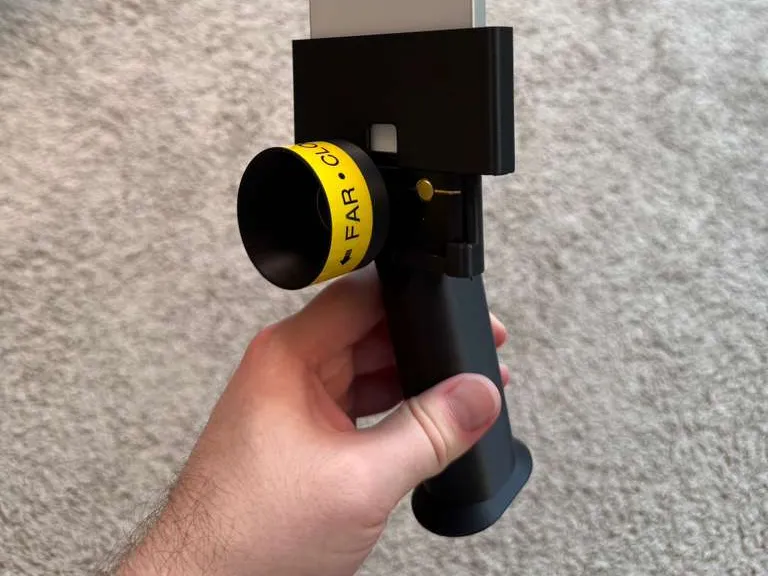
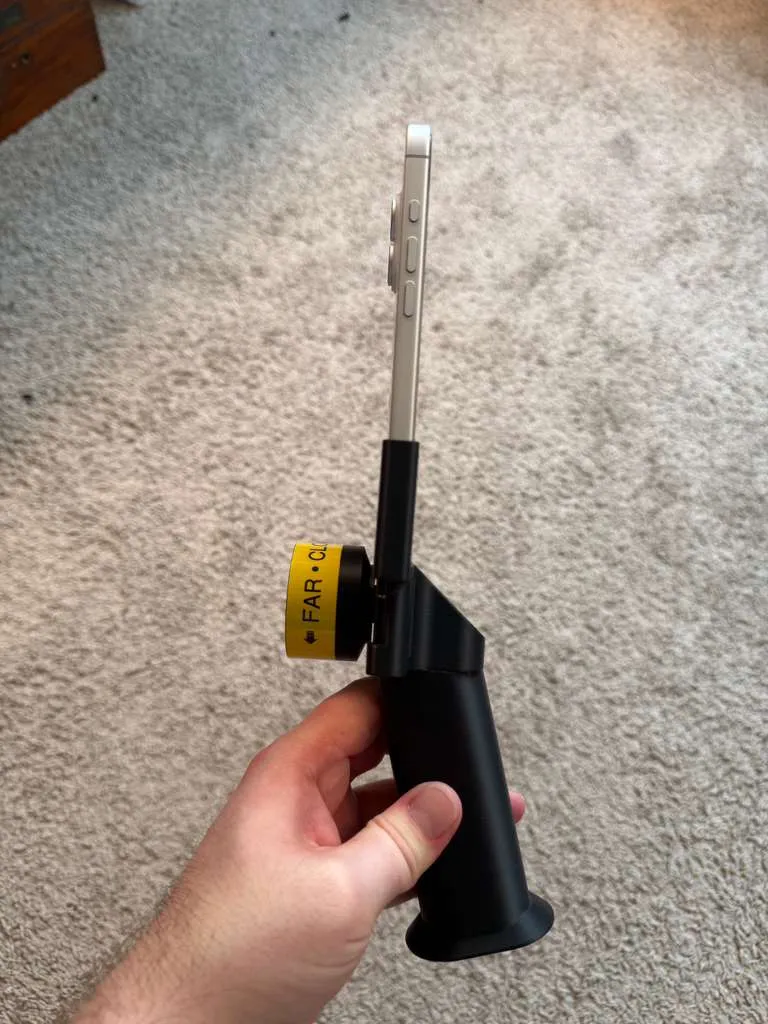
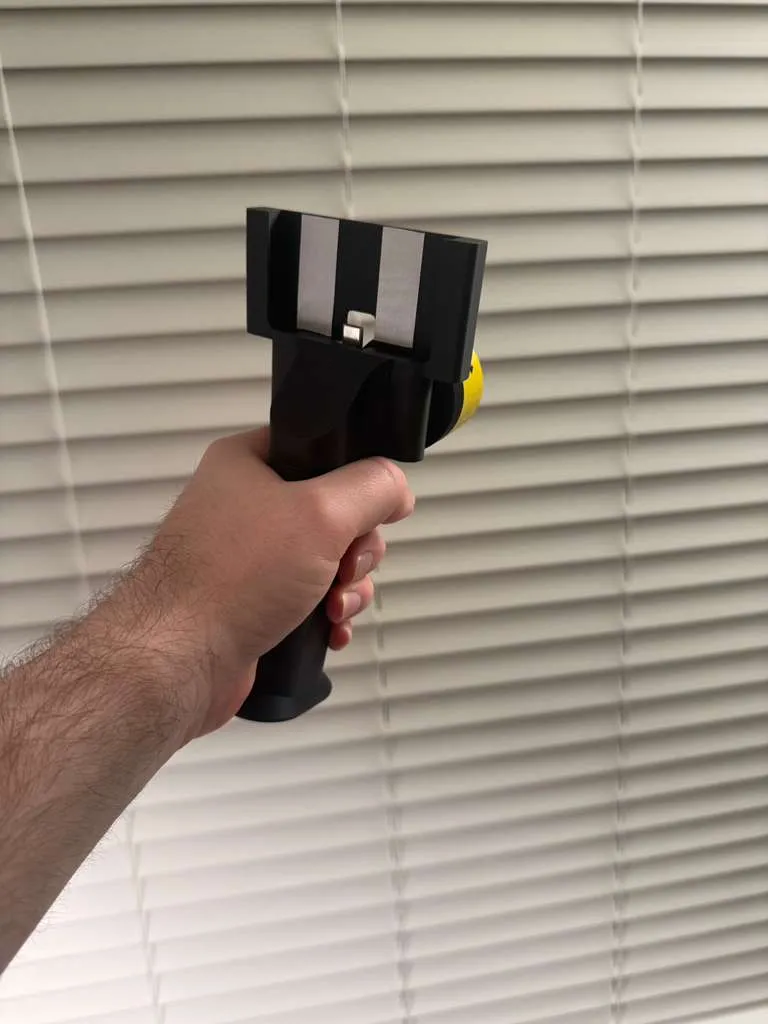
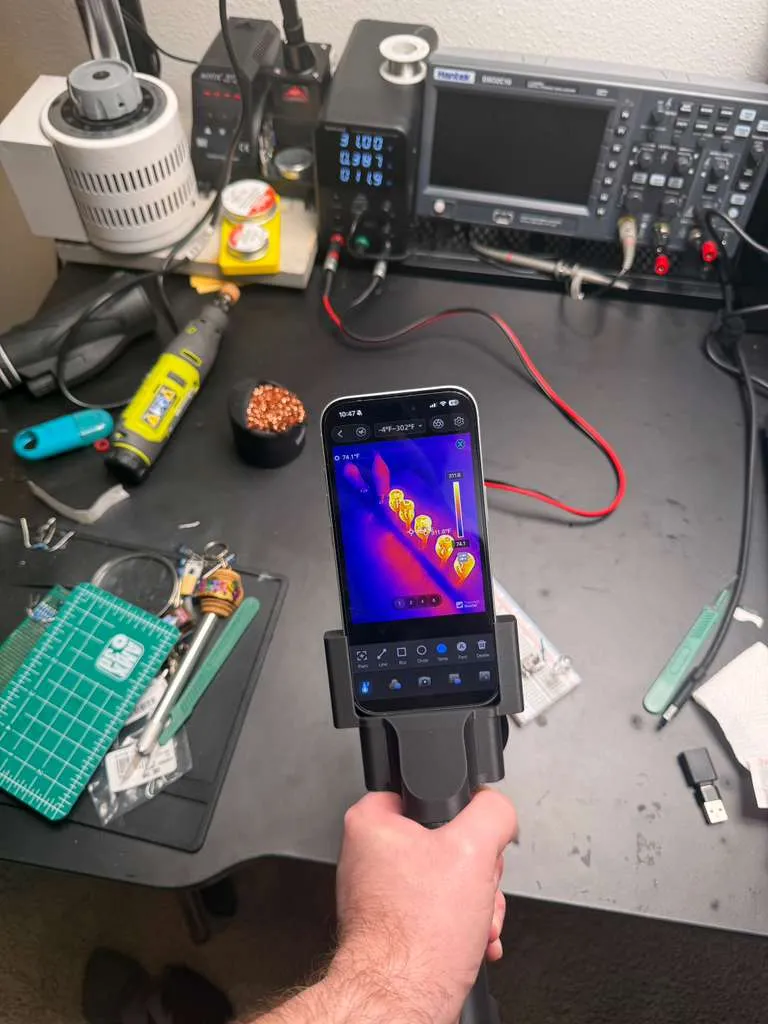
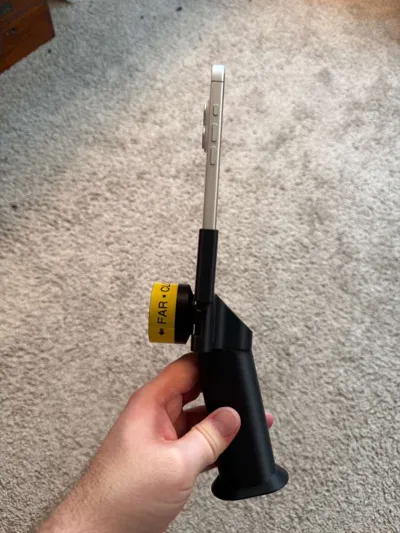
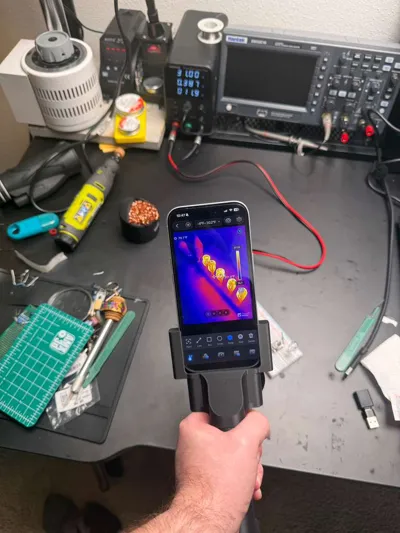
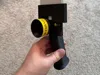
This is a 3D printed handheld grip and phone cradle for the ThermalMaster P3 USB-C thermal imager.
The goal of this project is to make the P3 feel more like a small handheld thermal camera instead of a phone dongle hanging from a USB-C port. The phone acts as the display/control interface, while the printed body supports the phone and P3 module in a more secure, tool-like form factor.
The design is especially useful for scanning/panning, manual focusing, bench inspection, reptile enclosure checks, equipment checks, PCB inspection, and general thermal imaging where the bare dongle form factor feels awkward.
The P3 is a great little imager, but the stock form factor has a few ergonomic issues:
- The USB-C connector can feel like it is doing too much structural work.
- The small focus ring can be awkward to adjust while the imager is plugged directly into a phone.
- Panning/scanning with a flat phone is not as comfortable as using a handheld imager.
- Focusing can torque or wiggle the module because of normal USB-C connector play.
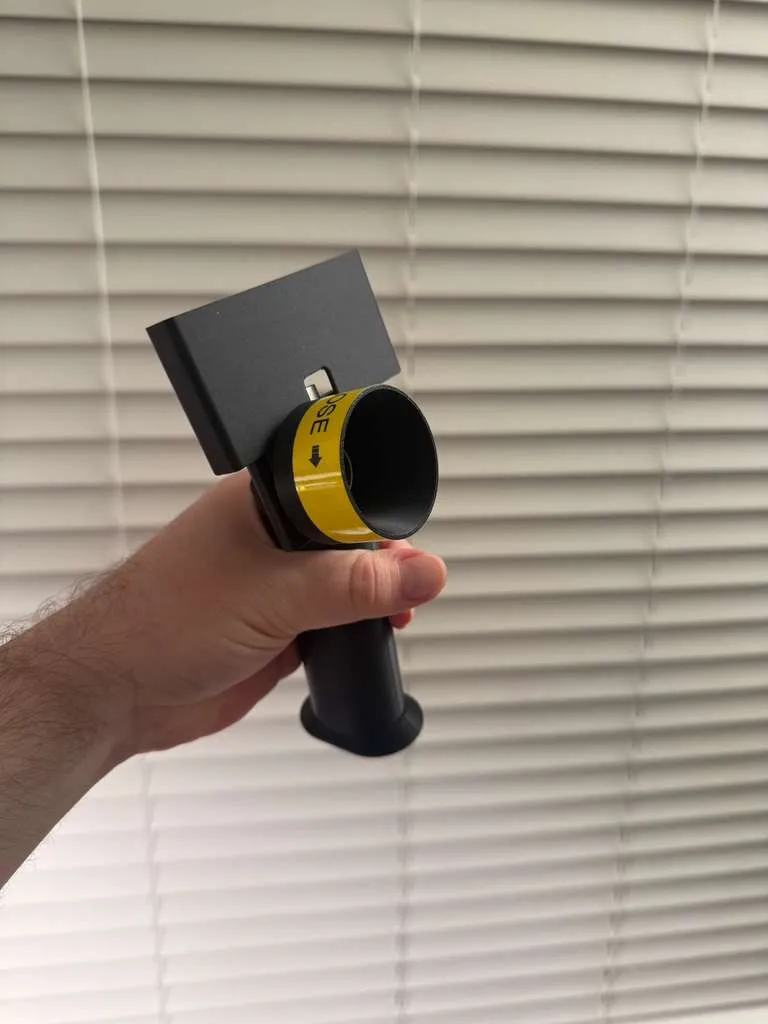
This print turns the P3 into a handheld-style tool with:
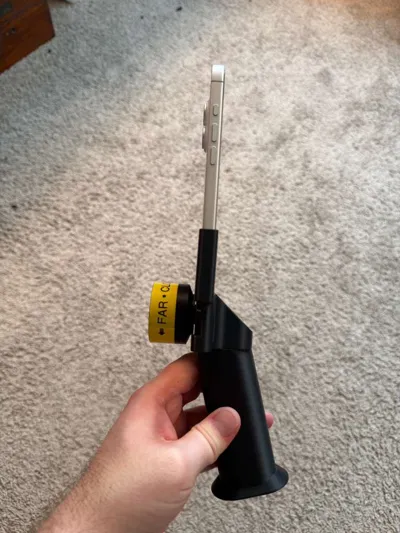
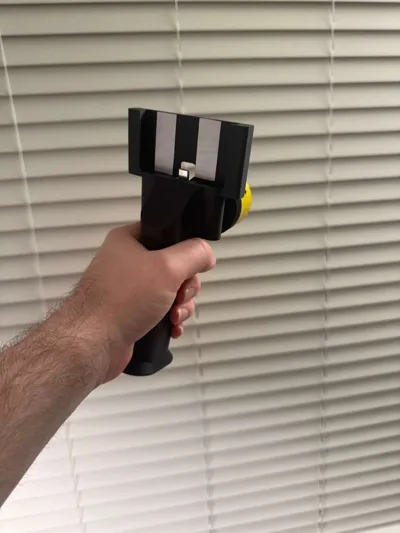
- A grip handle
- A phone cradle
- A supported P3 cradle
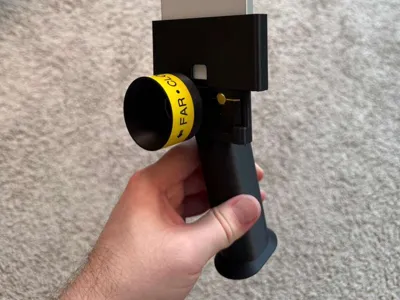
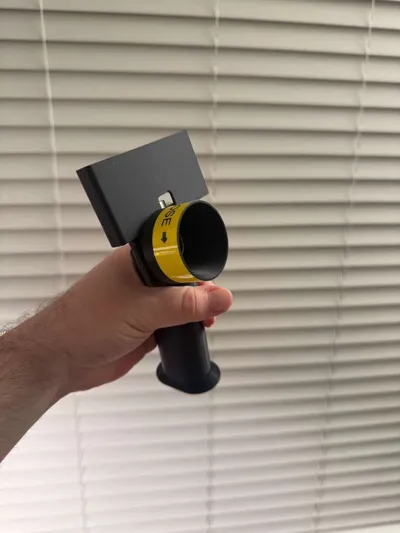
- A larger focus knob/lens hood
- A printed focus direction label
- A more stable one-handed scanning form factor
The focus hood/knob is designed to sit outside the P3’s field of view. It gives the focus ring a larger surface to grab while also adding some protection around the lens area.
Currently fit-tested with:
- ThermalMaster P3
- iPhone 16 Pro
- iPhone 17
Other iPhone models may fit, but I have not personally tested them. This design assumes the phone is used without a case.
Assembly notes:
- Print all parts.
- Carefully remove supports from the grip and cradle parts.
- Pay special attention to cleaning out the P3 cradle area. The P3 fit depends on this area being cleaned up properly.
- Test-fit the P3 in the cradle before gluing anything.
- Test-fit the phone in the phone cradle and check USB-C alignment before gluing.
- Once the cradle and handle fit correctly, glue the handle to the cradle body using superglue.
- Let the glue fully cure before installing the phone and P3 for normal use.
- Install the printed focus hood/knob onto the P3 focus ring.
- Use the grip like a small handheld thermal imager.
Important fitment note:
The P3 cradle has some tight support areas that need to be cleaned out carefully after printing. Cleaning out the supports inside the P3 cradle is critical for proper fitment.
A pair of pliers, a hobby knife, and optionally a low-temperature soldering iron around 200°C should be enough to clean up the cradle and smooth any rough edges. Be careful with heat and do not over-melt the part.
Do not force the P3 or phone into the cradle. The P3 should slide into place, with the lower right corner acting as a small retainer that captures the module. If the fit is too tight, stop and clean up the support material or adjust the print before using it.
This version uses a unitized phone/P3 cradle body for simplicity and strength, but the handle still needs to be glued to the cradle. I used superglue for assembly.
This is still a hobby design, so use common sense. The parts are designed to be printed as a functional tool, not a decorative model. Some light cleanup may be needed depending on printer settings and filament. Check the USB-C fit carefully before forcing anything.
License

You shall not share, sub-license, sell, rent, host, transfer, or distribute in any way the digital or 3D printed versions of this object, nor any other derivative work of this object in its digital or physical format (including - but not limited to - remixes of this object, and hosting on other digital platforms). The objects may not be used without permission in any way whatsoever in which you charge money, or collect fees.


Comment & Rating (0)