
Don't Ask for Free Prints – Funny Maker Sign
Print Profile(2)




Description
Membership
Get licensed to sell physical prints of Kasperzi designs and unlock valuable member benefits, including exclusive content and early access to selected releases. Every subscription directly supports the development of new models and future collections. ❤️
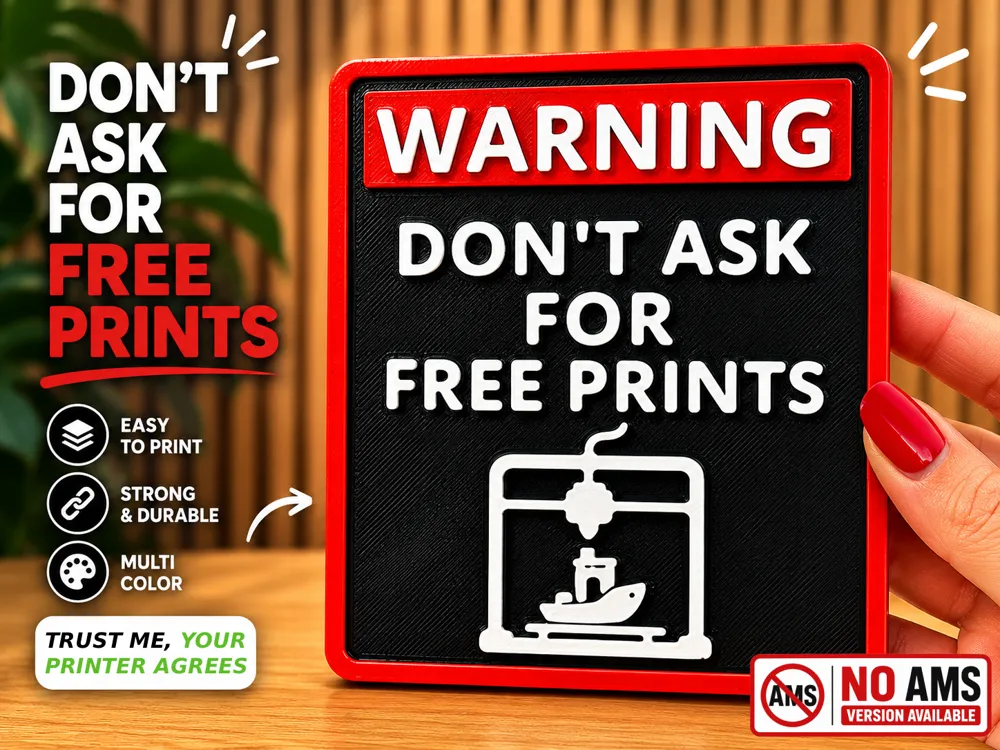
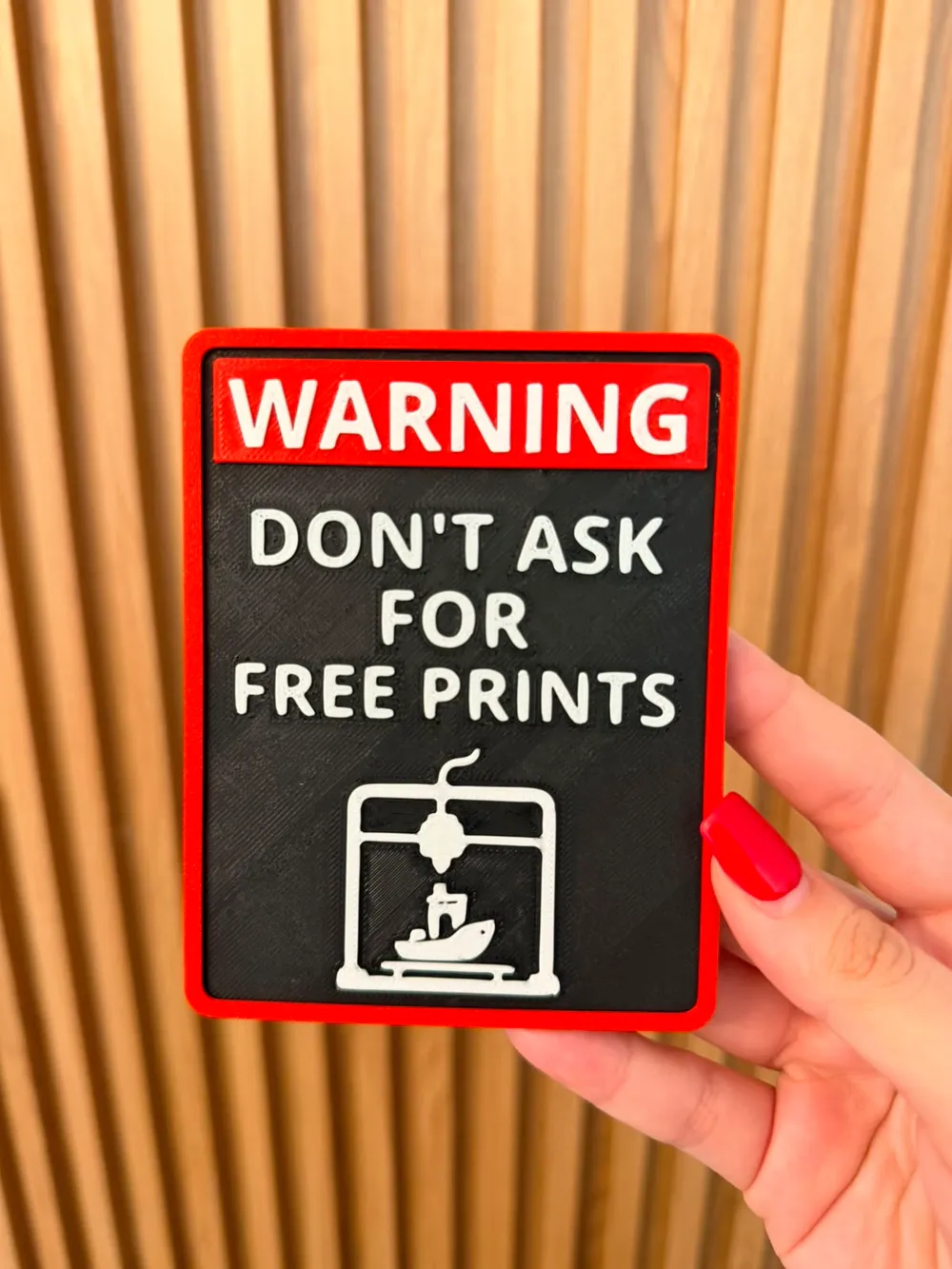
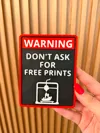
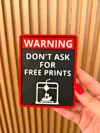
A fun wall sign for every 3D printing enthusiast who is tired of hearing "Can you print this for me?" 😄
This multicolor sign features a bold warning design with raised text and a 3D printer icon. Perfect for your workshop, print farm, maker space, office, or hobby room.
Features:
- Easy multicolor print
- No supports required
- Clean layered design
- Great gift for makers and 3D printing fans
Trust me, your printer agrees.
___________________________________________________________________
UPDATE: 14.06.2026
NO AMS VERSION – MANUAL PAUSE – GLUE REQUIRED
This model includes a non-AMS version that uses manual filament changes and separate insert parts.
To use this version, select the "NO AMS" print profile before printing.
Plate 1 (Base)
The base plate contains recessed areas for the text and border inserts.
- Print the base in your primary color (for example, black).
- Add a manual pause at Layer 11.
- Change the filament to your secondary color (for example, white).
- Resume the print.
Plate 2 (Text & Border Inserts)
- Print the inserts in your primary color (for example, red).
- Add a manual pause at Layer 7.
- Change the filament to your secondary color (for example, white).
- Resume the print.
Important Note
Please do not modify the provided files unless you understand how they work.
The Base file (Plate 1) contains carefully positioned negative parts that create the required recesses for the text and border inserts. Modifying these files may affect the fit of the final assembly.
Assembly
Once all parts have been printed, use glue to attach the inserts to their designated recesses on the base plate.
A small amount of glue is recommended for the best results.
Boost Me (for free)
If you enjoy my designs and want to support my work, please consider giving me a Boost! I would really appreciate it 🙏.
License

You shall not share, sub-license, sell, rent, host, transfer, or distribute in any way the digital or 3D printed versions of this object, nor any other derivative work of this object in its digital or physical format (including - but not limited to - remixes of this object, and hosting on other digital platforms). The objects may not be used without permission in any way whatsoever in which you charge money, or collect fees.


Comment & Rating (16)