
Build your own weather station - Atmos - CYD case
Print Profile(2)

Description
Boost Me (for free)
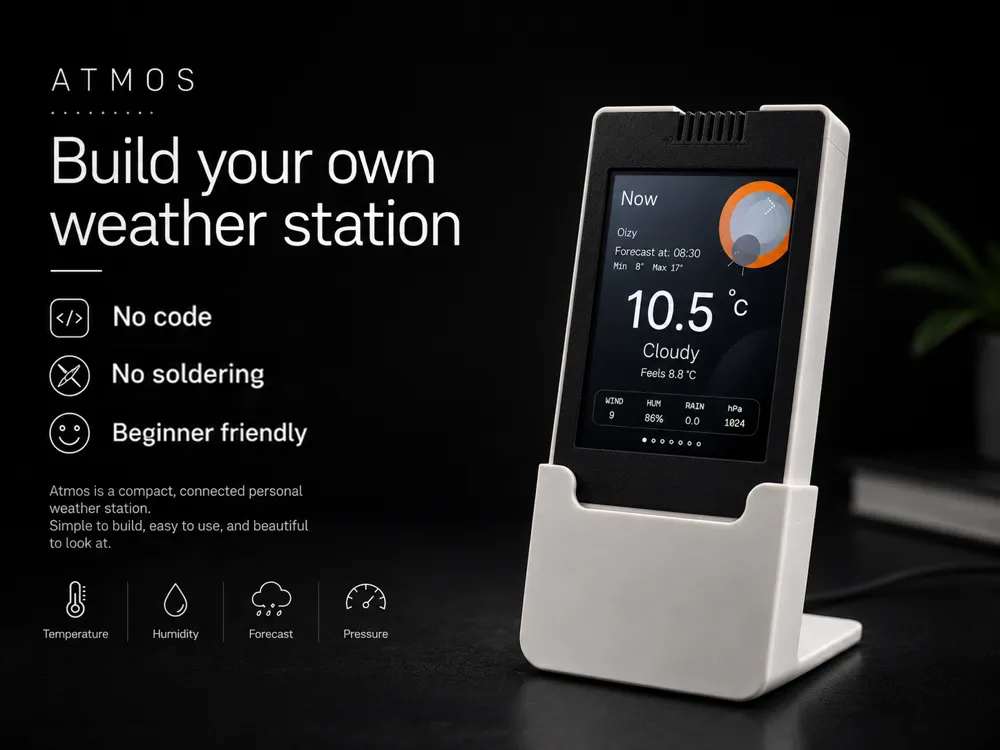
Atmos – Connected Weather Station
Overview
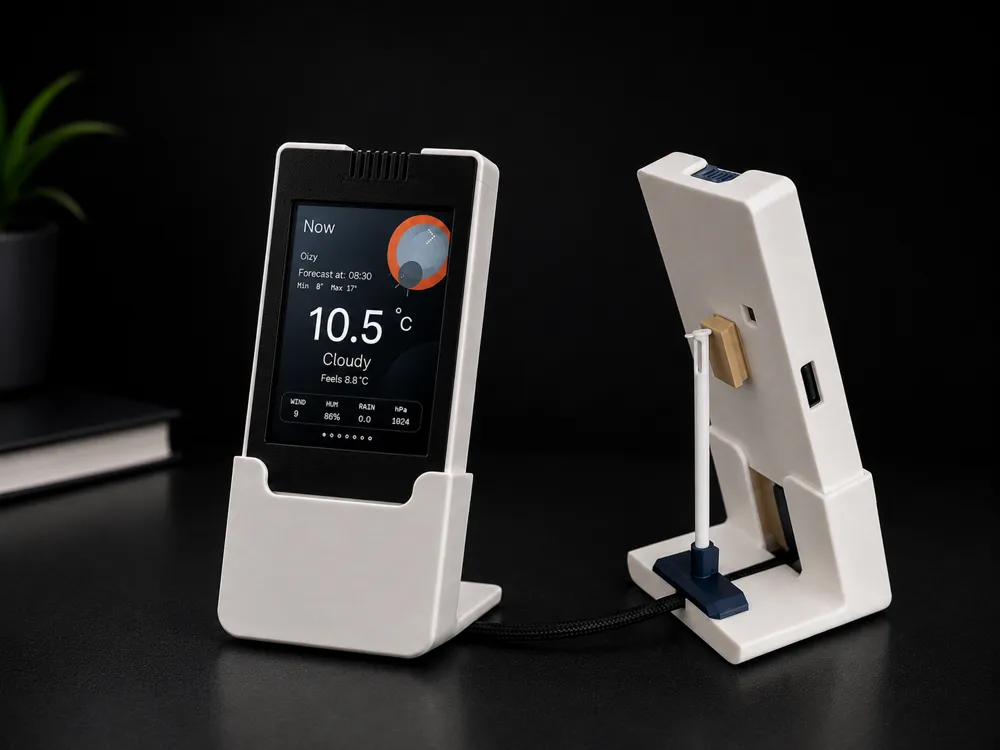
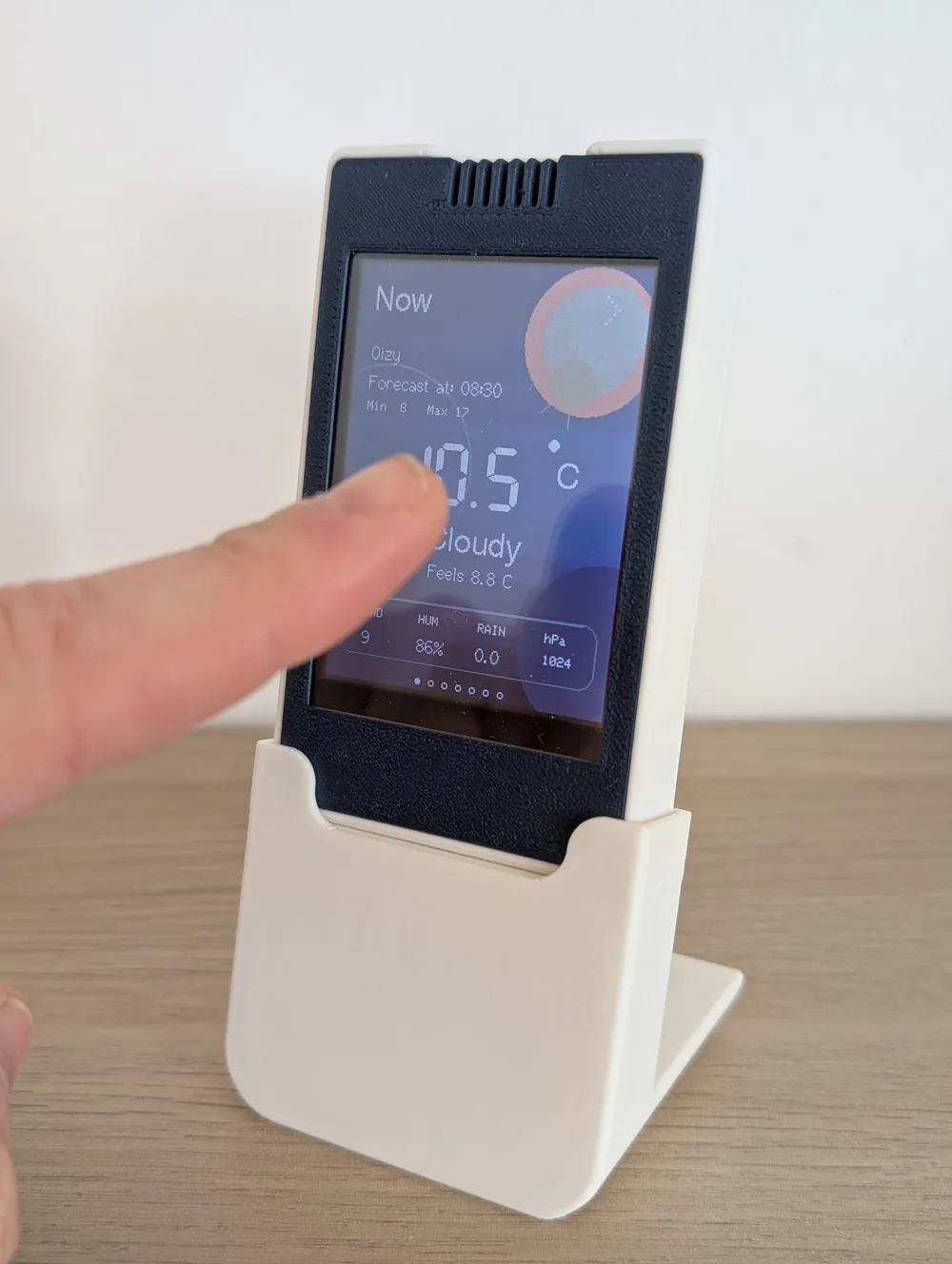
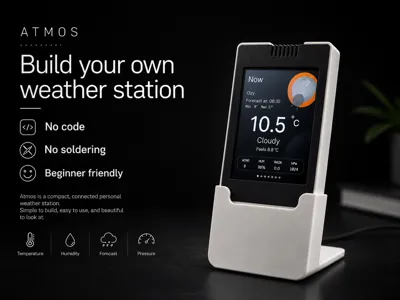
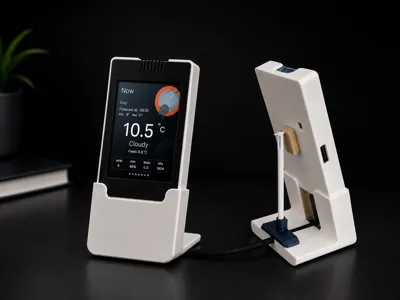
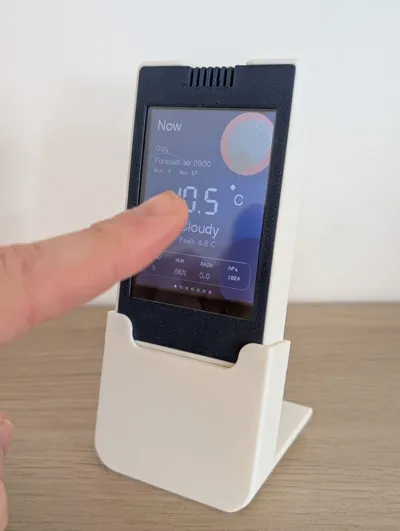
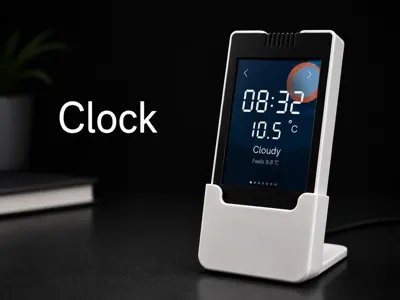
Atmos is a compact and connected personal weather station built around a CYD ESP32 touchscreen module. It displays real-time weather data from Open-Meteo through a clean and modern interface designed to look great on a desk, shelf, or wall.
No soldering, no additional weather sensors, no cloud account, and no paid API key are required. Simply flash the firmware, connect to Wi-Fi, select your city, and Atmos is ready to use.
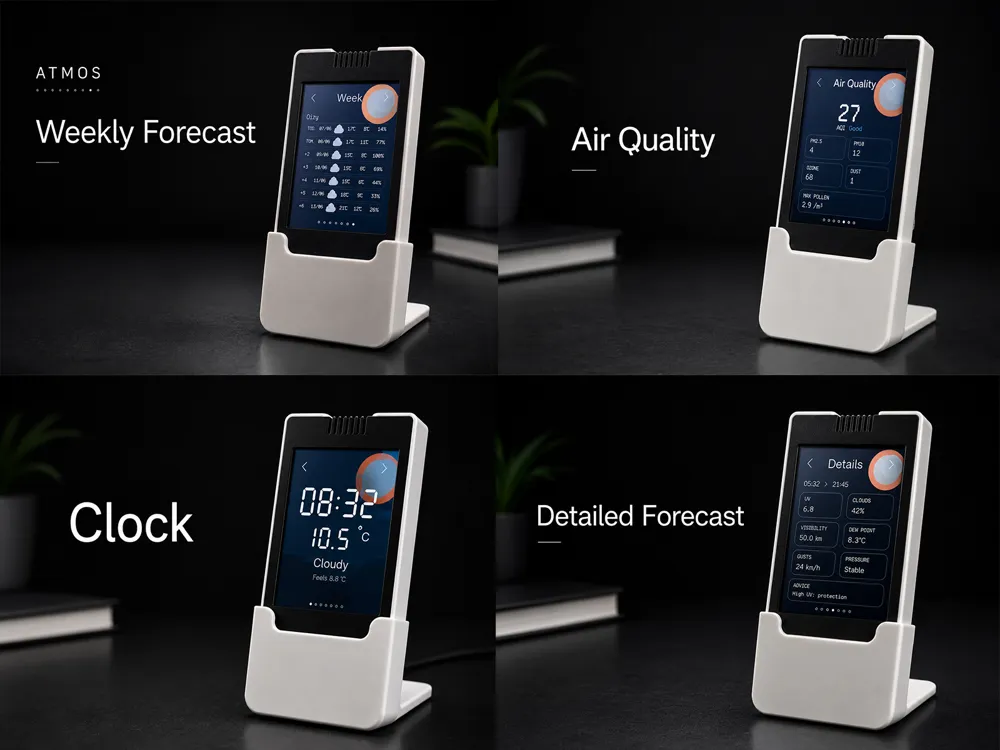
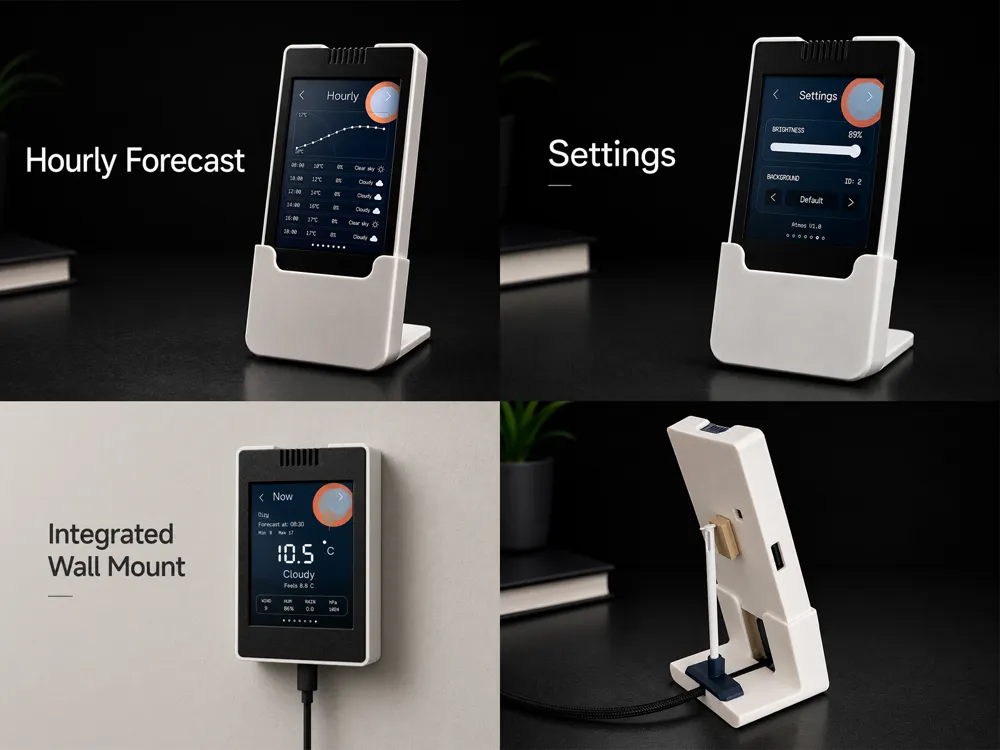
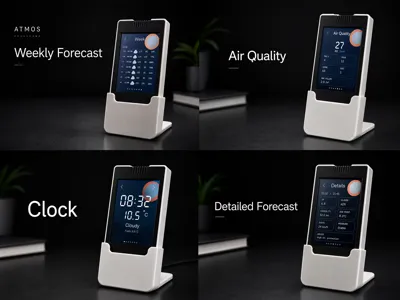
The station includes multiple pages:
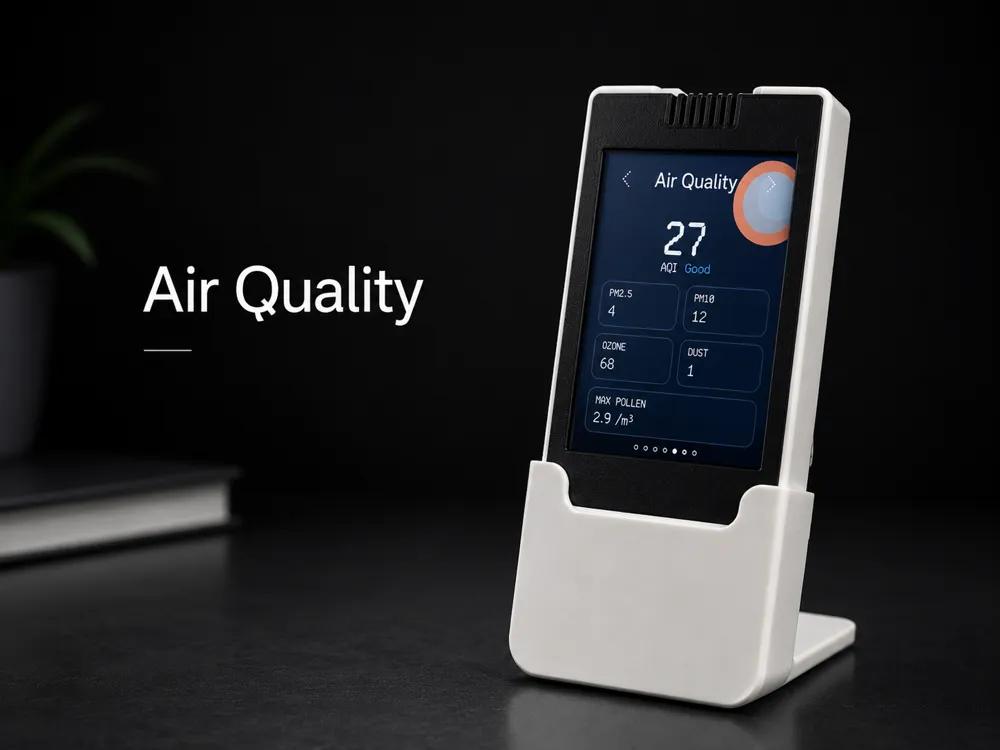
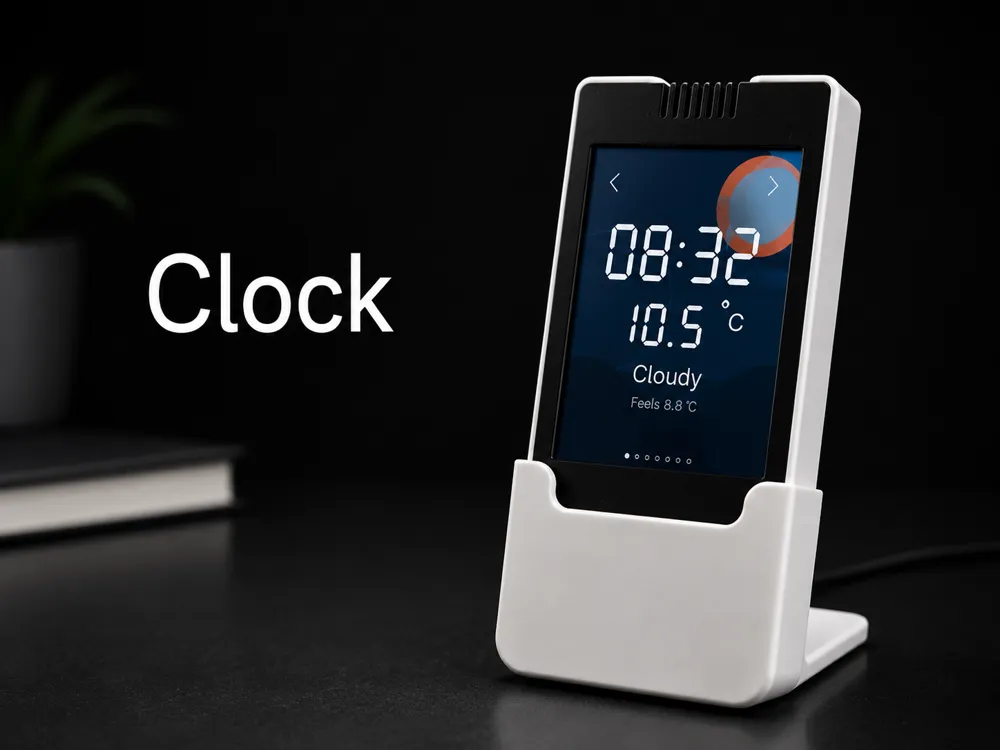
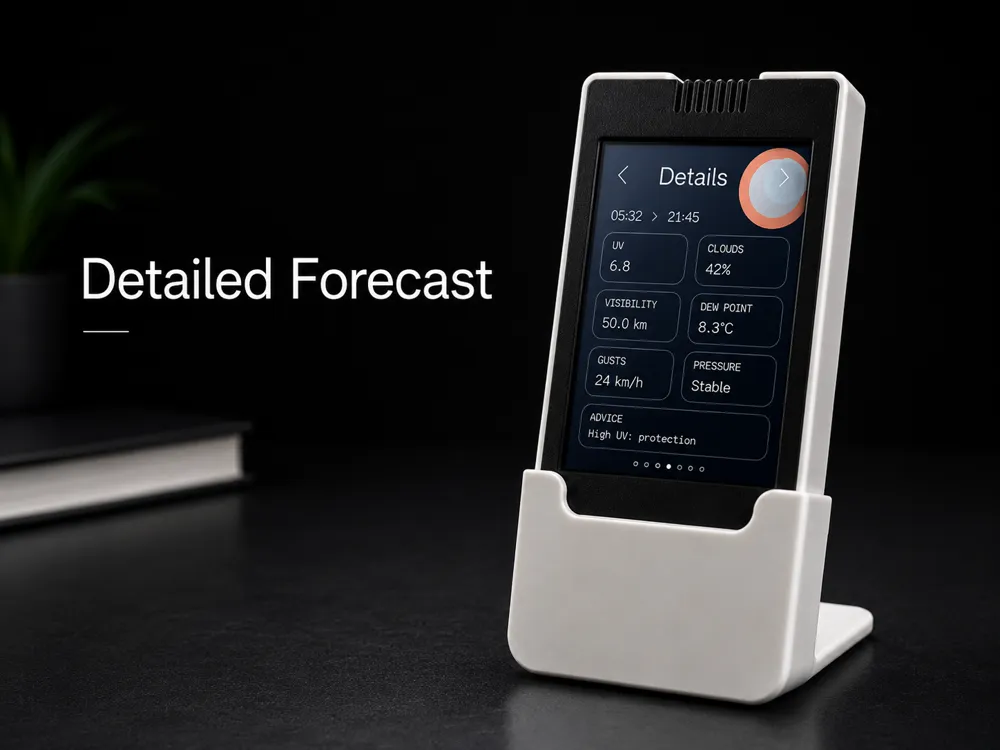
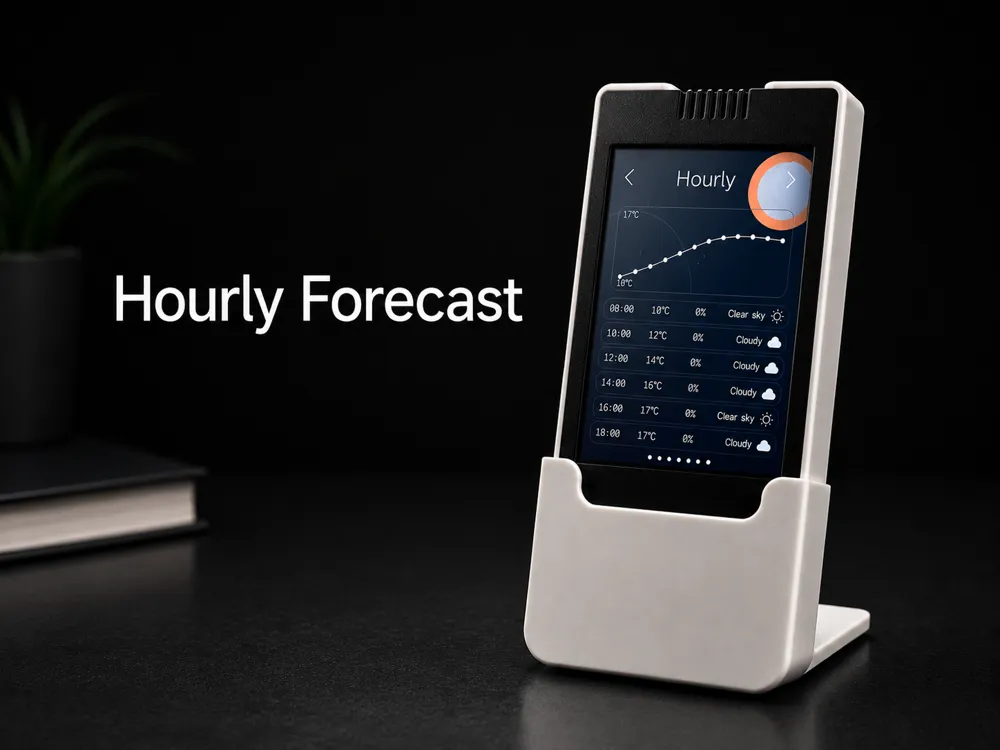
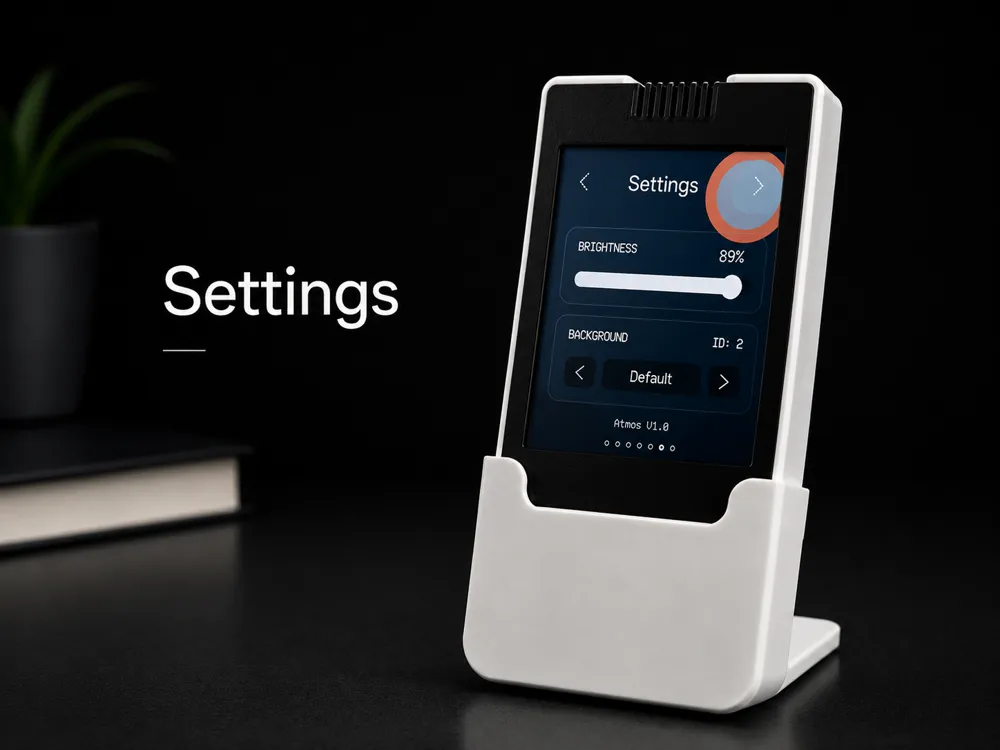
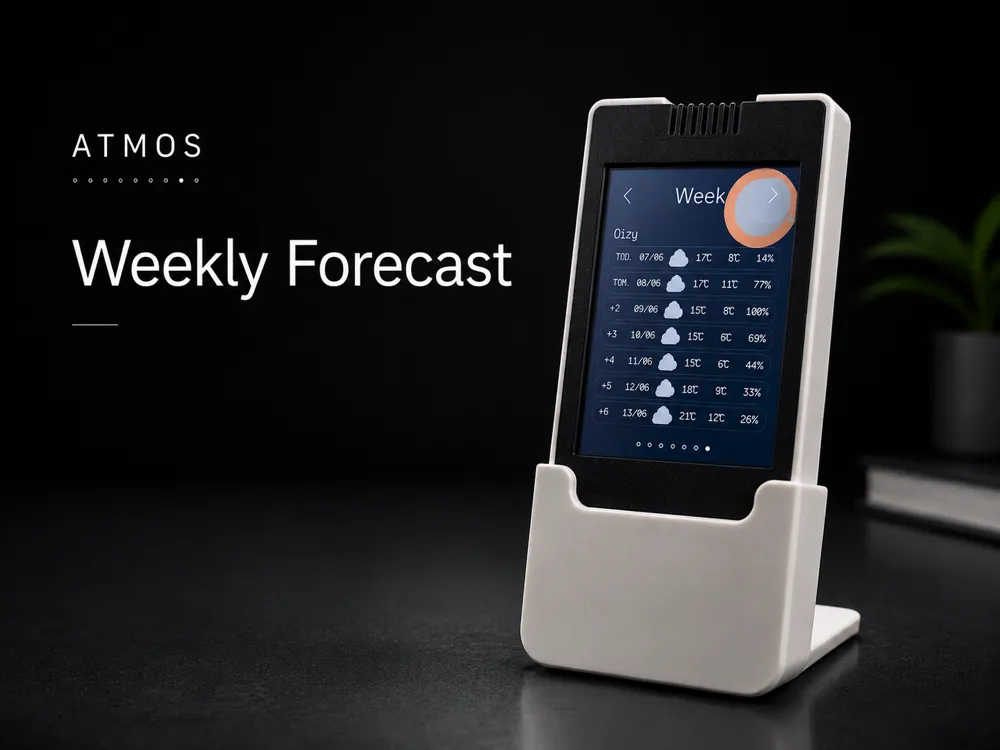
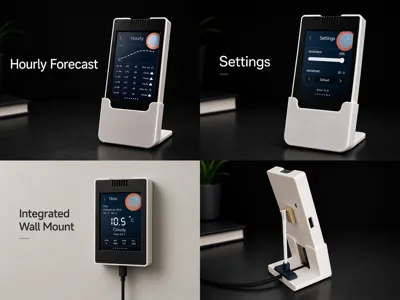
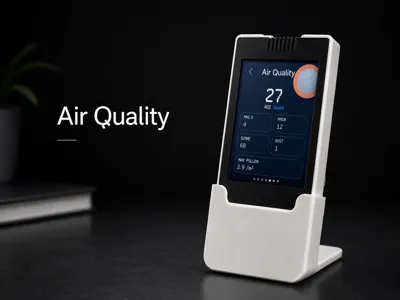
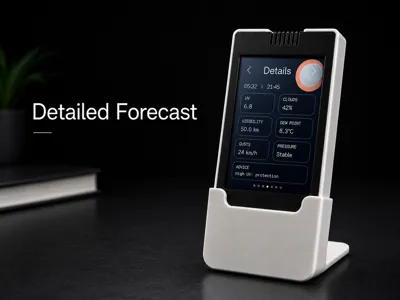
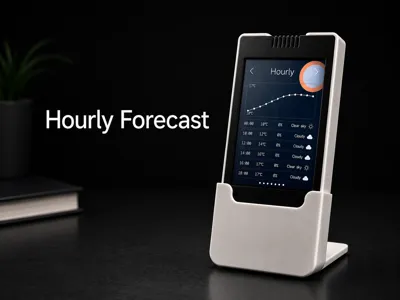
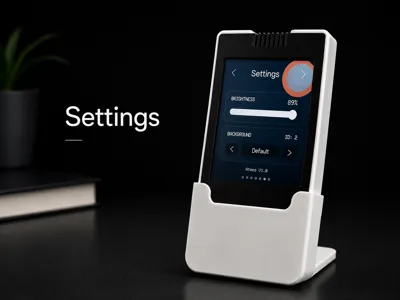
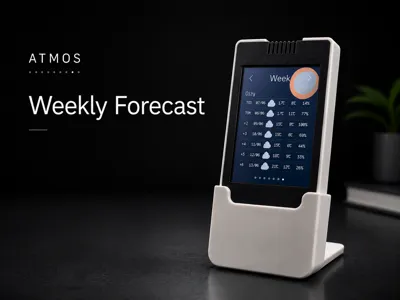
Current Weather - Clock - Hourly Forecast - Detailed Forecast - Air Quality - Weekly Forecast - Settings
It displays a wide range of information, including:
Temperature - Feels-like temperature - Humidity - Wind speed - Rainfall - Atmospheric pressure - UV index - Sunrise and sunset times - Air quality - Fine particles - Pollen levels - And much more
The built-in web configuration interface allows you to customize the station directly from your browser:
- Language → EN, FR, DE, ES
- Location
- Temperature unit
- Brightness
- Eco mode
- RGB LED
- Backgrounds
- Colors
- Card borders
- Display style
You can also upload your own background images using a microSD card. Custom backgrounds must be in 240 × 320 pixels format for the best display quality.

Atmos supports Wi-Fi setup through a local access point, with current or planned support for a simplified web installer. The device also maintains a real local clock synchronized at startup and refreshes the display only when necessary to reduce flickering.
Perfect for makers looking for a connected object that is simple, useful, and elegant.
Features
✓ CYD ESP32 touchscreen weather station, ✓ Open-Meteo weather data, ✓ No API key required, ✓ No soldering required, ✓ Current weather page,✓ Digital clock page, ✓ Hourly forecast page, ✓ 7-day forecast page, ✓ Detailed weather page, ✓ Air quality page , ✓ Fully customizable web interface
✓ Built-in city search, ✓ Multi-language interface (FR / EN / ES / DE), ✓ Celsius / Fahrenheit support, ✓ Eco brightness mode, ✓ RGB LED control, ✓ Custom colors and backgrounds, ✓ Custom background support via microSD card, ✓ Minimal navigation dots, ✓ Compatible with desk stand and integrated wall mount
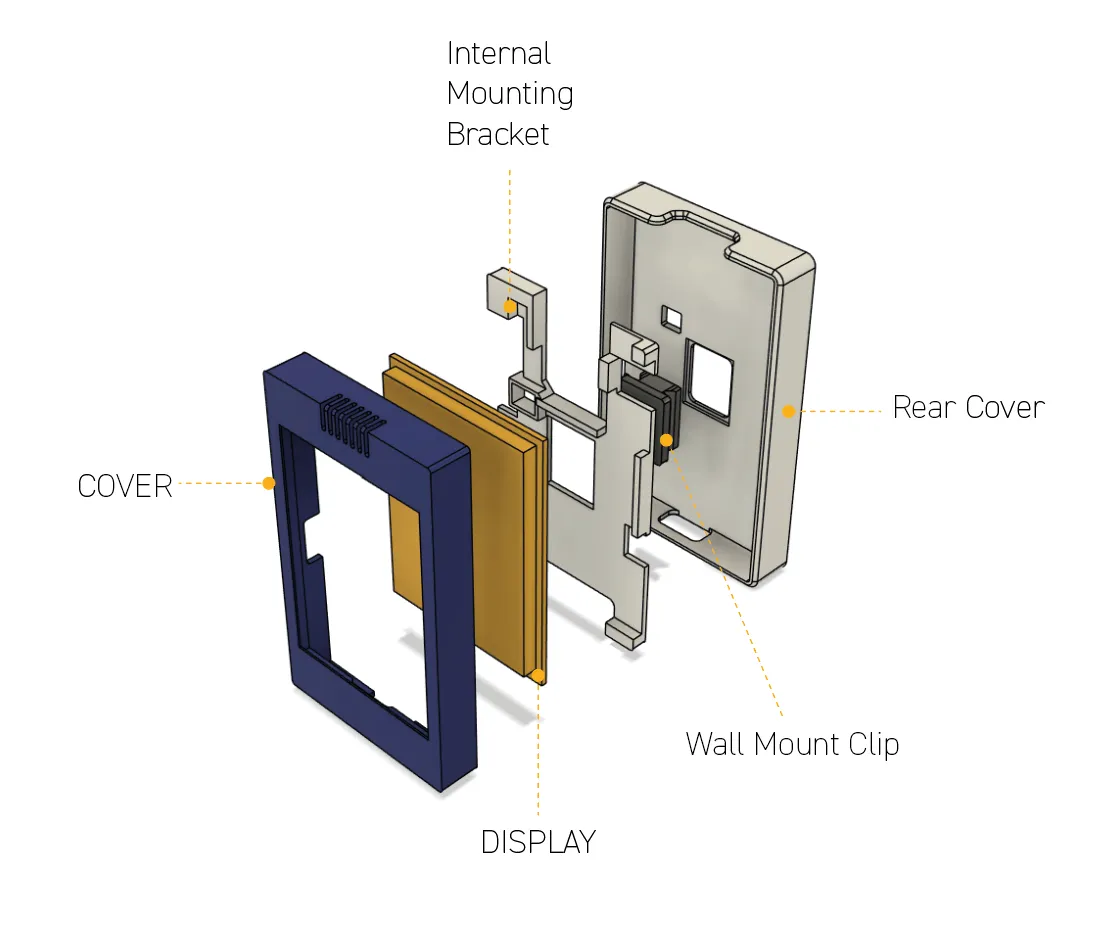
ASSEMBLY
Requirements
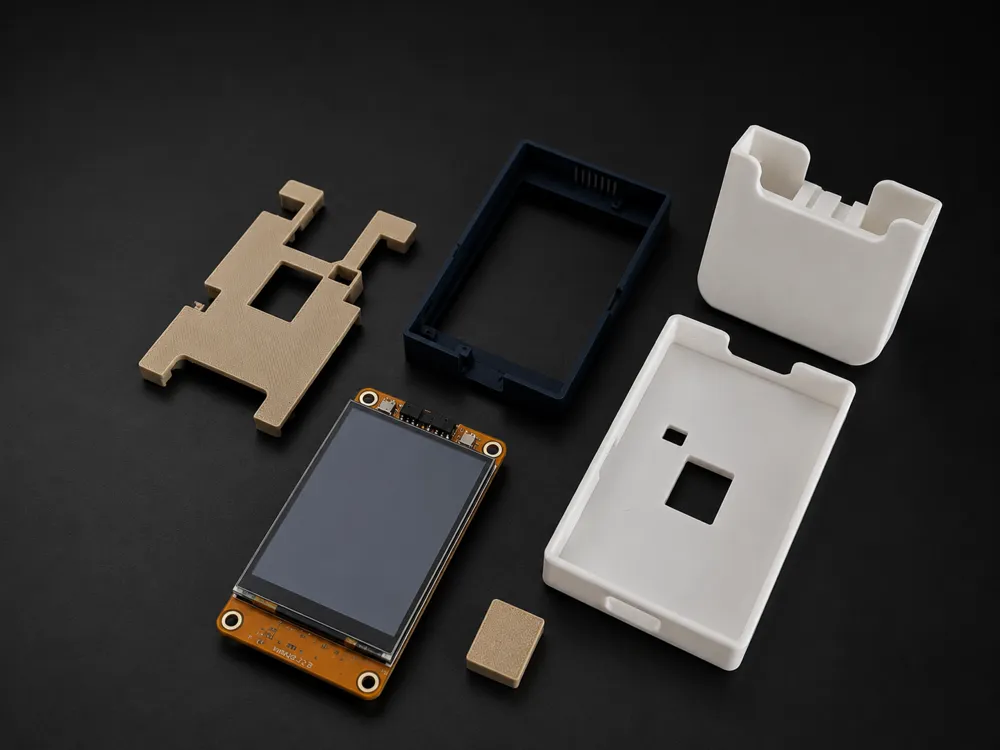
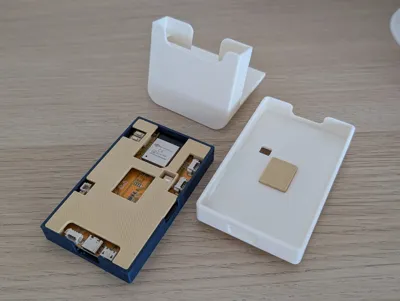
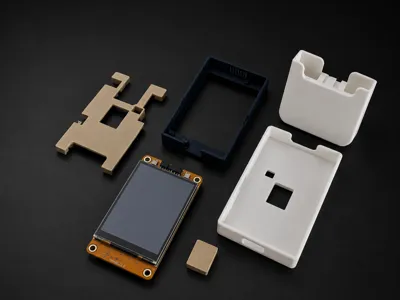
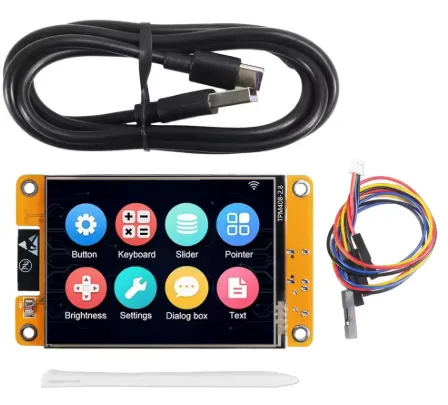
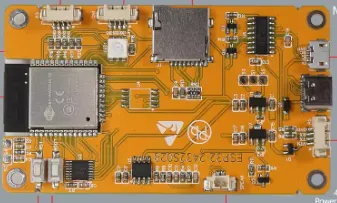
- ESP32 CYD display module
- microSD card (optional, for custom backgrounds)
- Wi-Fi connection
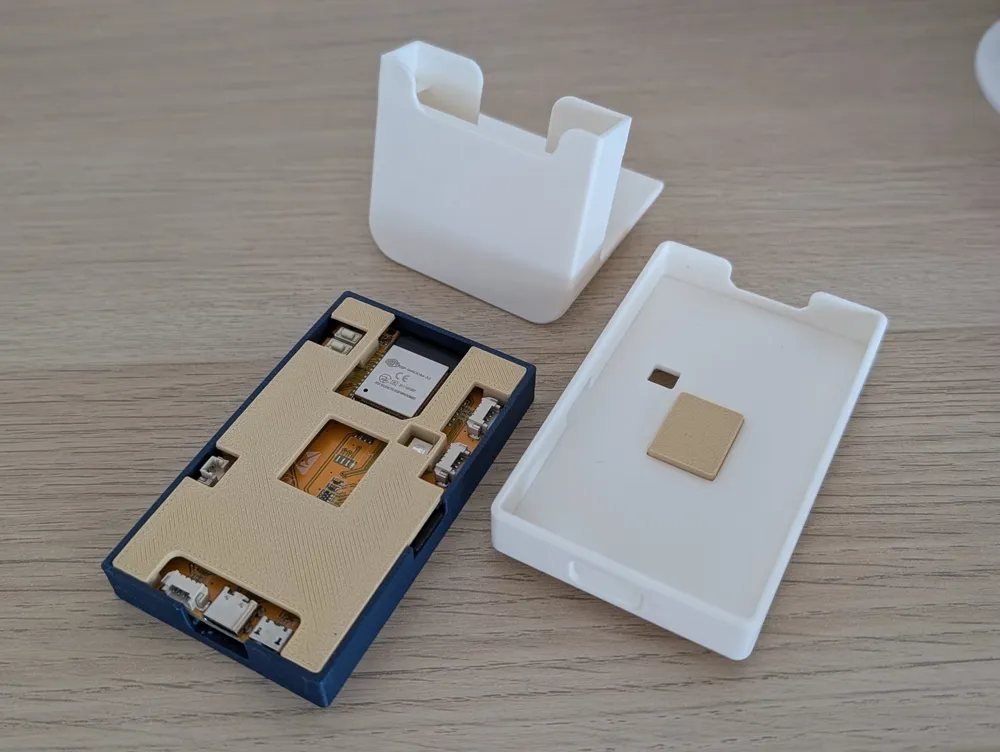
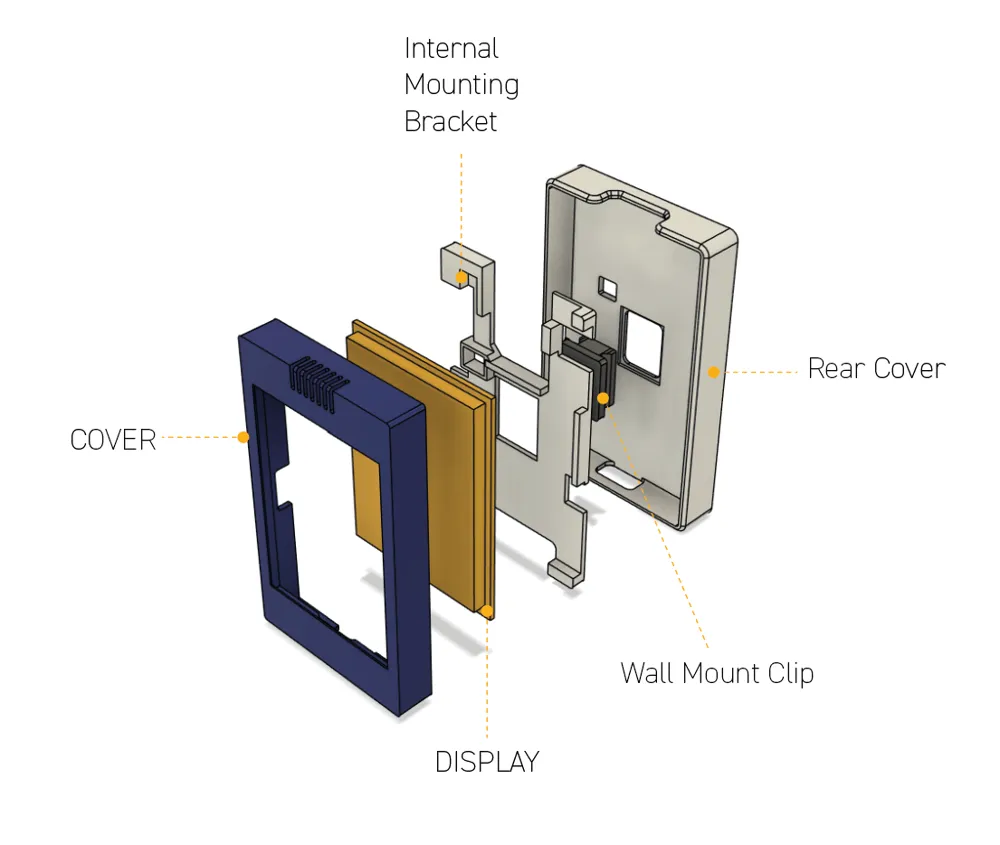
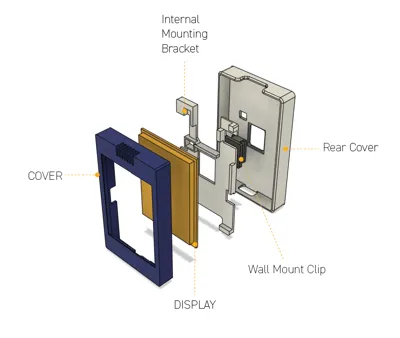
- 3D printed case, desk stand, or wall mount files
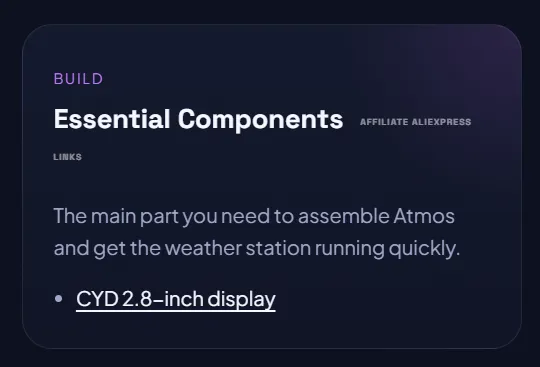
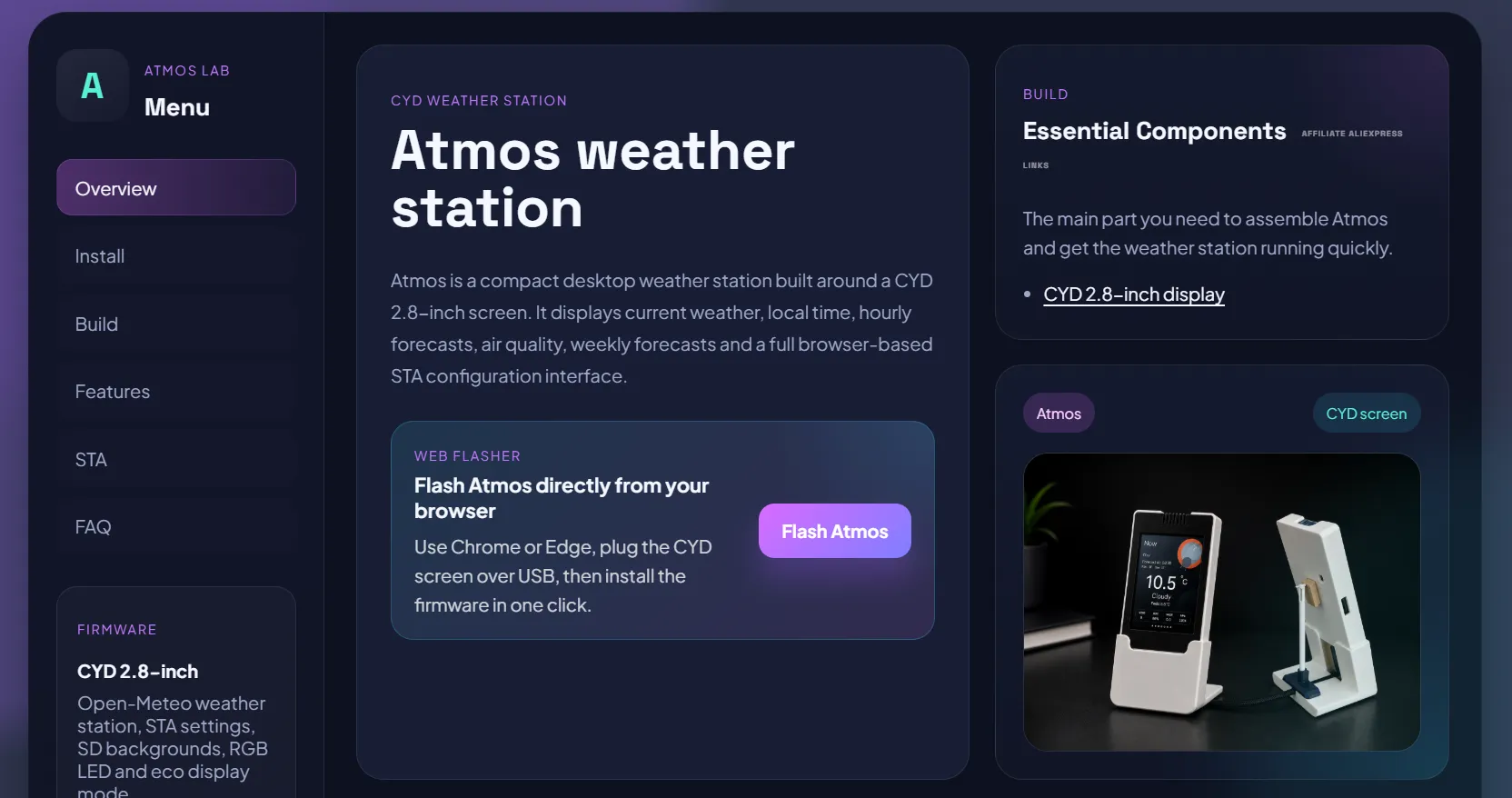
A link to the exact display I use is available on leroyd.com/atmos under the "Build" section.
|  |
Install Atmos
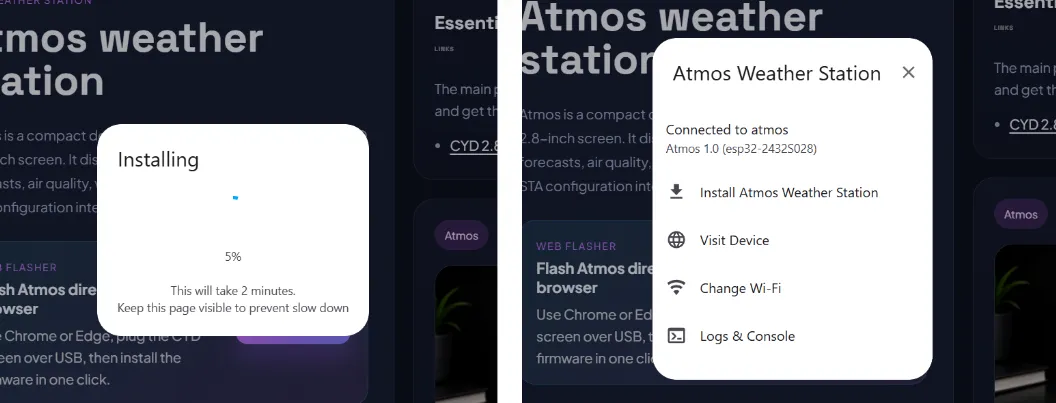
- Open leroyd.com/atmos, connect your CYD via USB, then click "Flash Atmos" to install the firmware.
- After installation, click "Visit Device" to access your Atmos weather station.
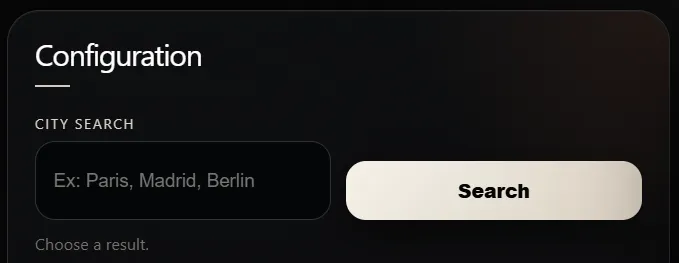
- Search for and select your city, then scroll down to the bottom of the page and click "Save".
Wi-Fi Setup
You can configure Wi-Fi in two different ways:
Option 1: Web Installer
If you use the web installer, Wi-Fi can be configured directly after flashing through USB, without connecting to the temporary access point.
Option 2: Local Setup Access Point
If Wi-Fi has not been configured yet, or if you choose not to use the web installer, Atmos automatically creates a temporary Wi-Fi network:
ID: Atmos-Setup
Password: 12345678
Connect your phone, tablet, or computer to this network, then open:
From there, select your Wi-Fi network, enter your password, and save the settings.
Configuration
Once Atmos is connected to your Wi-Fi network, open the configuration interface from any device on the same network:
From the web interface, you can customize:
- Language
- Location
- Temperature units
- Default page
- Brightness
- Eco mode
- RGB LED
- Colors
- Backgrounds
- Card borders
- Display style
Changes are applied directly to the station and saved automatically.
Conclusion
Atmos was designed to be simple to build, easy to use, and enjoyable to look at every day.
License

You shall not share, sub-license, sell, rent, host, transfer, or distribute in any way the digital or 3D printed versions of this object, nor any other derivative work of this object in its digital or physical format (including - but not limited to - remixes of this object, and hosting on other digital platforms). The objects may not be used without permission in any way whatsoever in which you charge money, or collect fees.


Comment & Rating (25)