
Chocolate Pieces Fidget Clicker
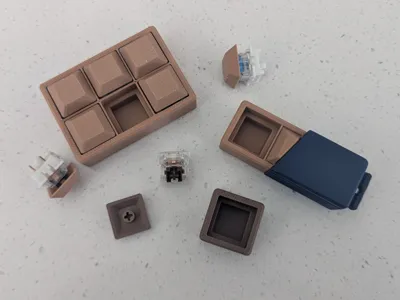
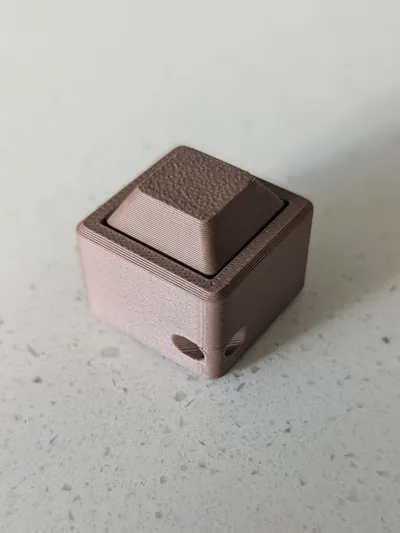
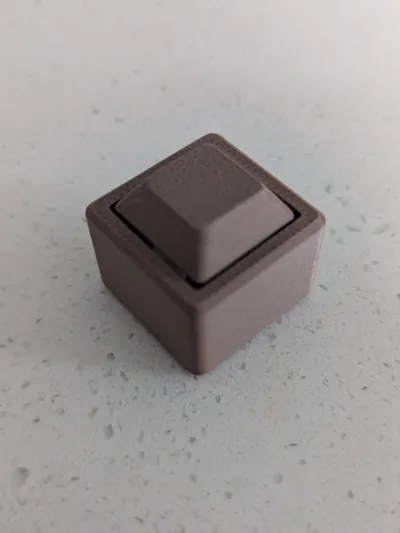
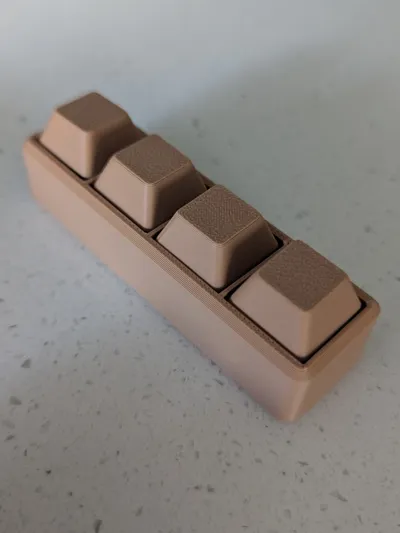
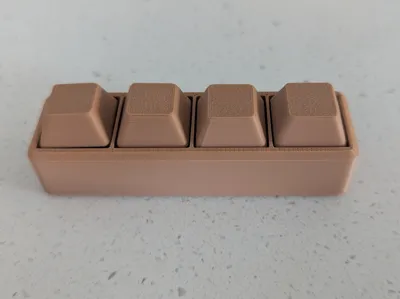
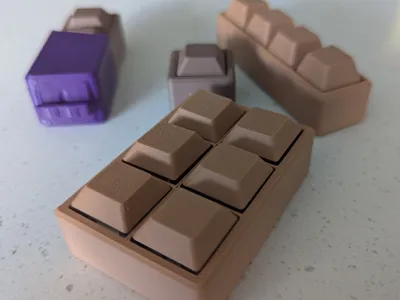
Print Profile(4)
Bill of Materials






Description
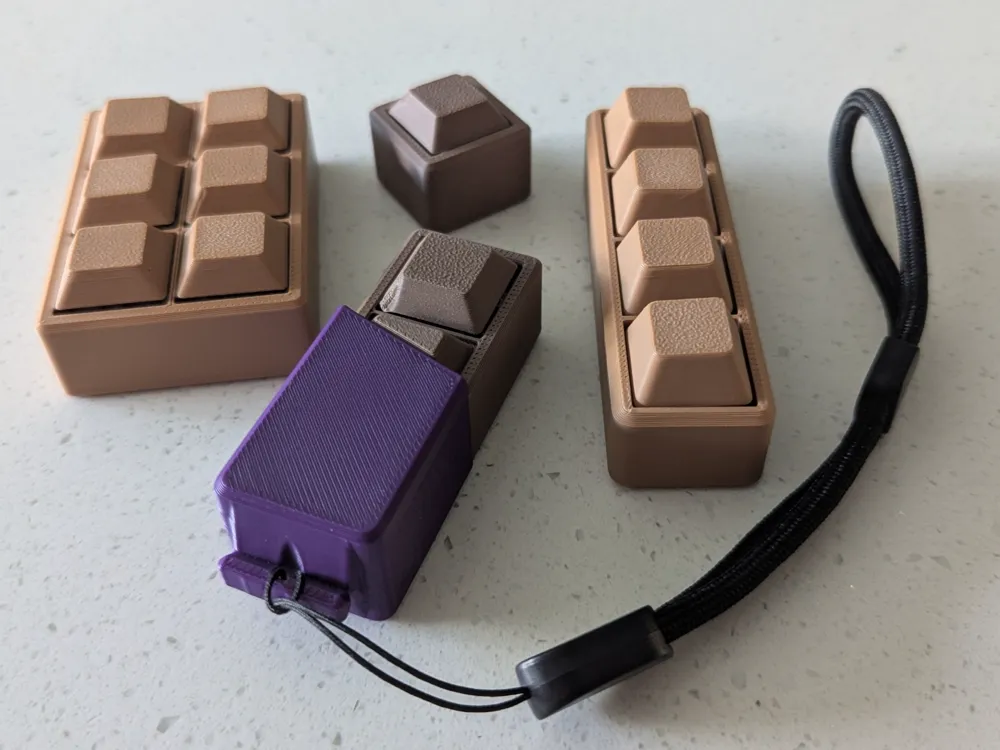
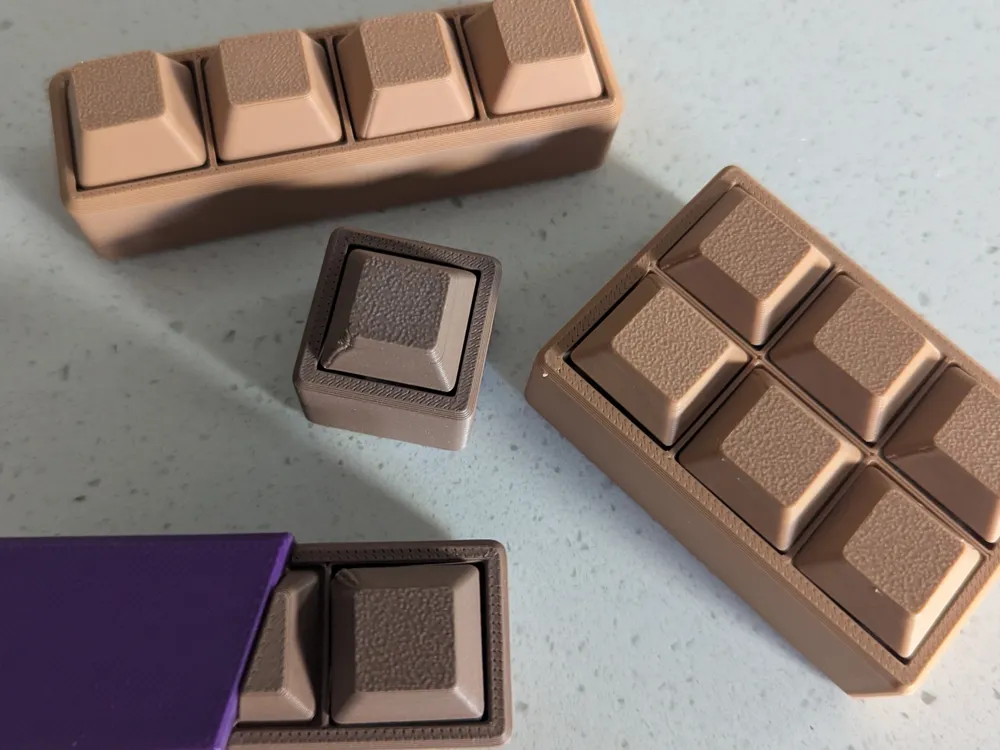
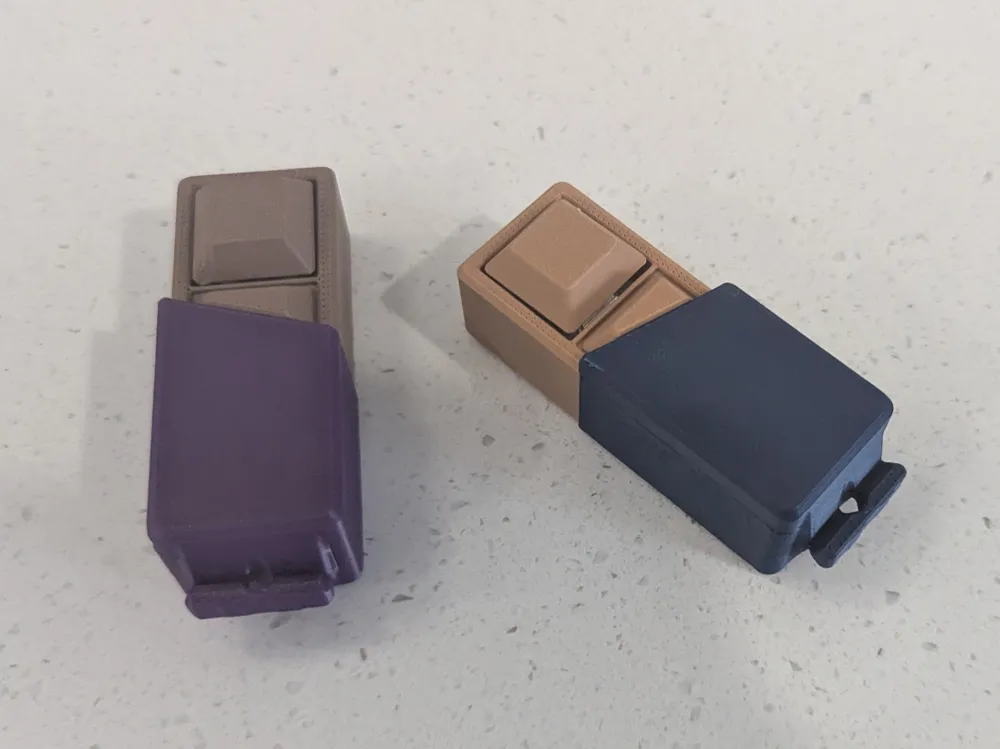
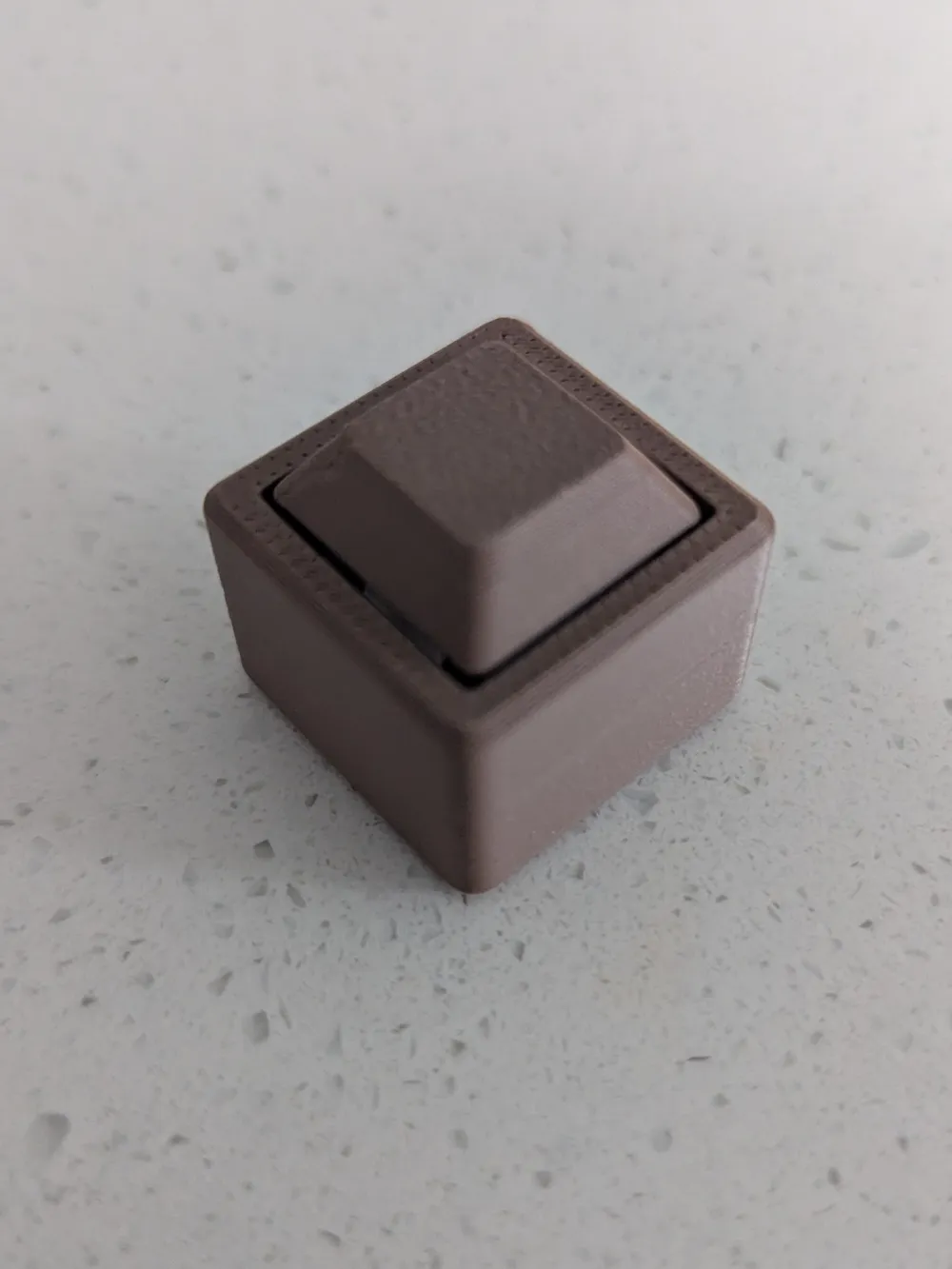
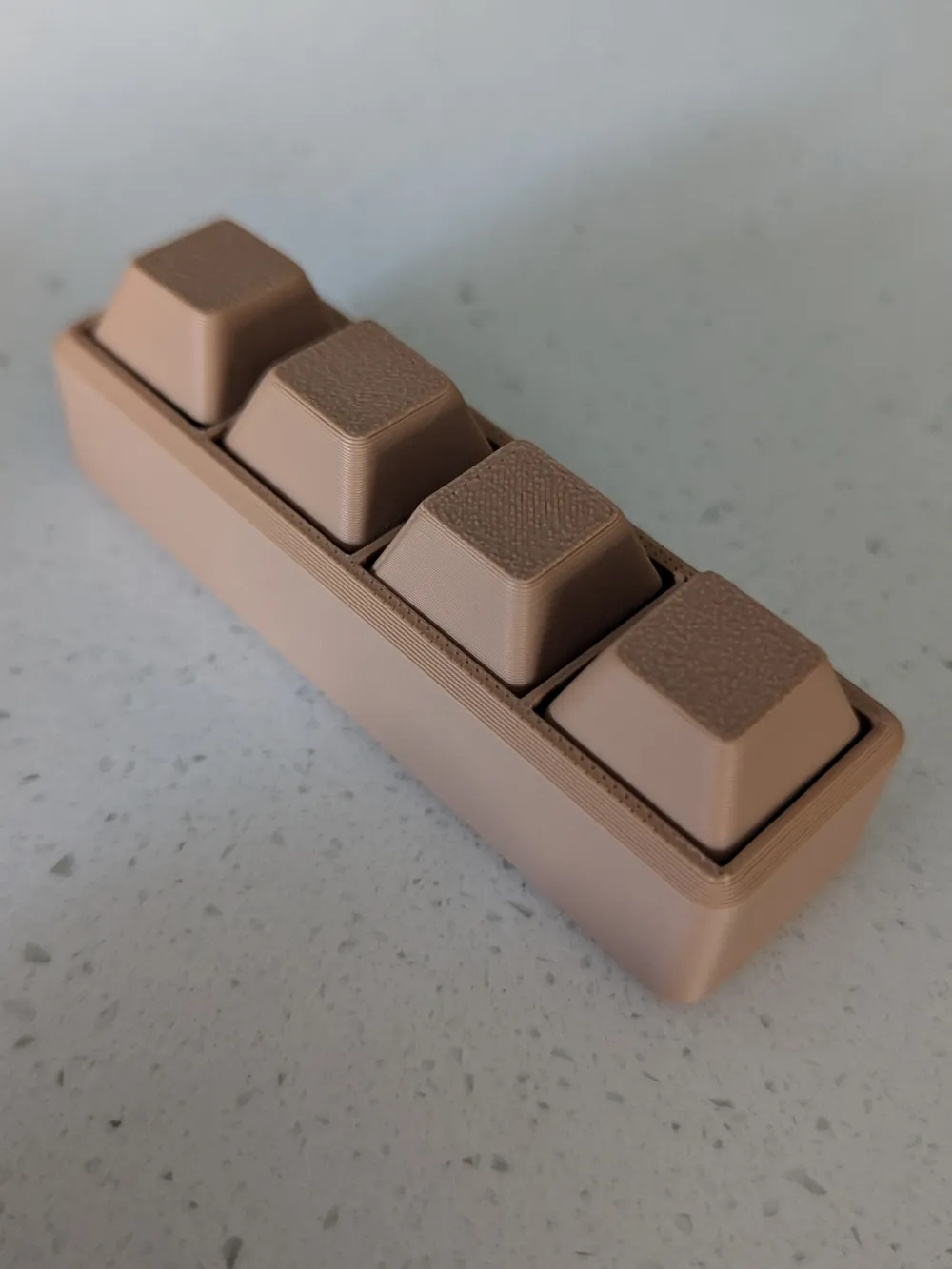
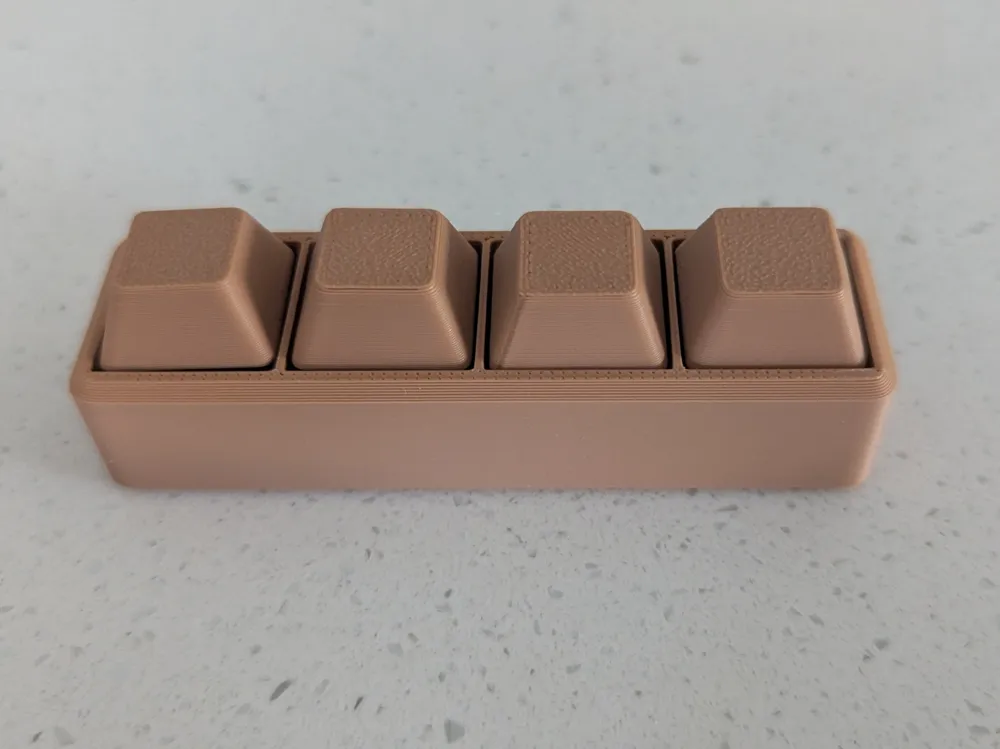
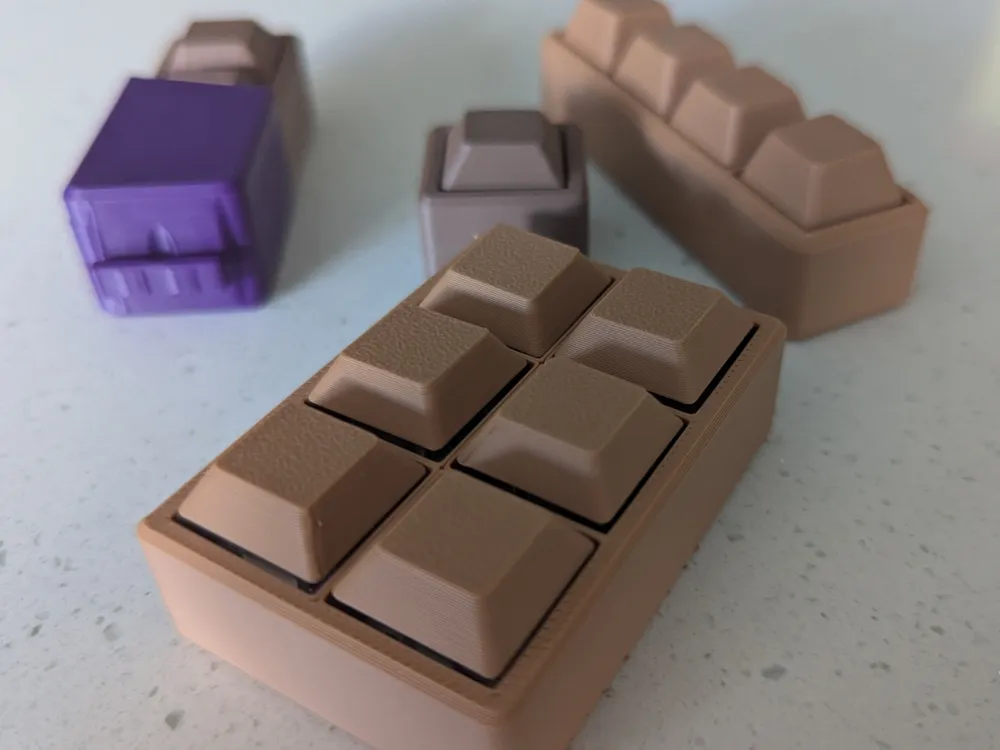
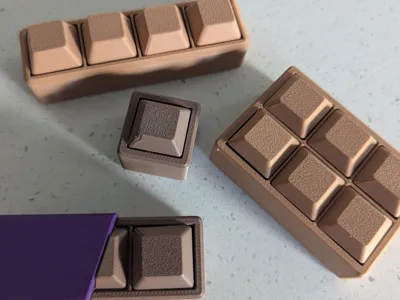
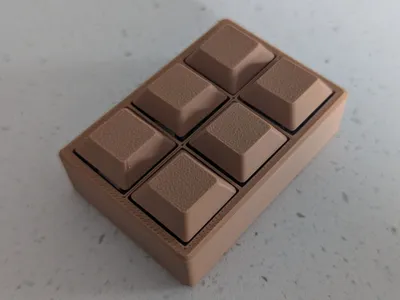
Chocolate Pieces Fidget Clicker Blocks

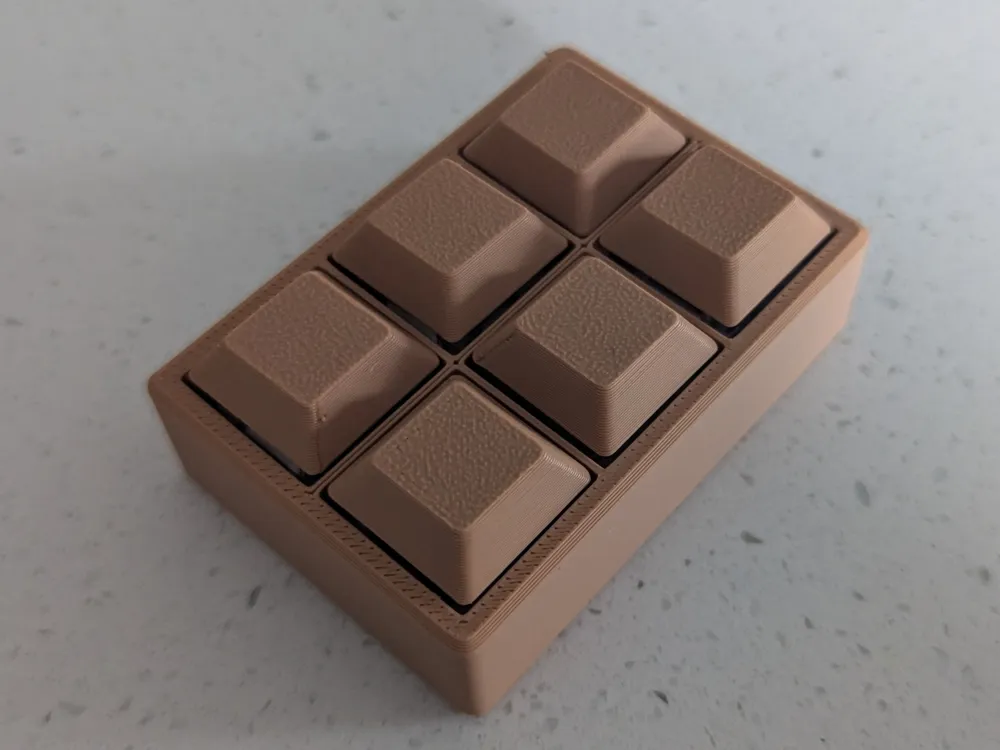
Just like a regular fidget clicker, but delicious!
If you wish to sell this model yourself, you can! Just sign up to the ClickKey Commercial licence here and you can sell them anywhere you like.
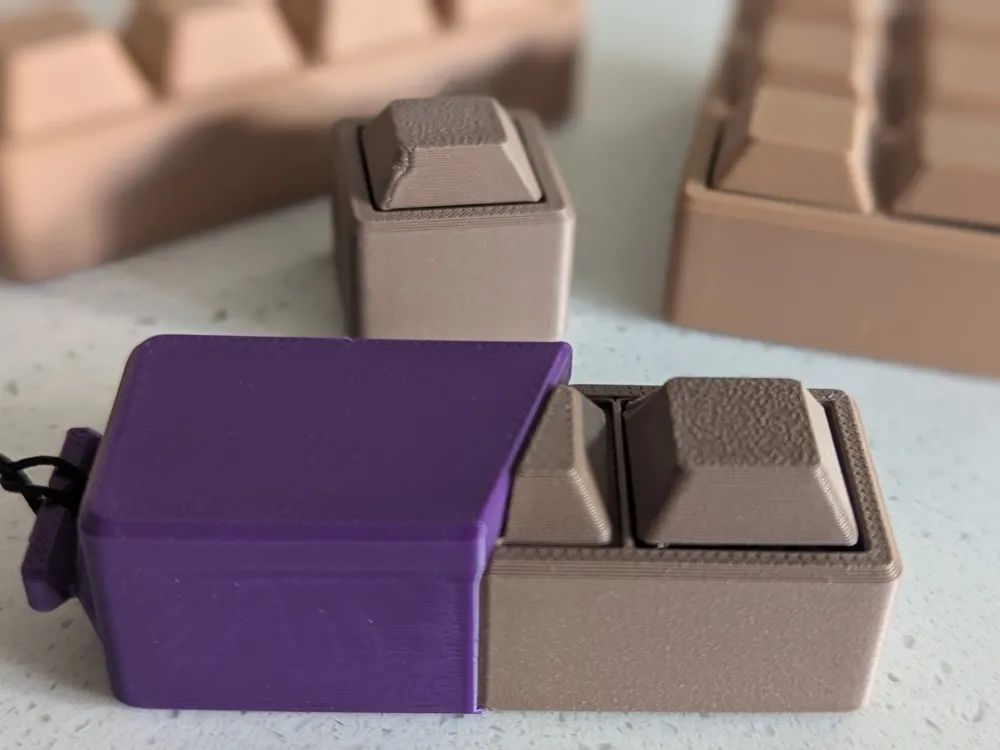
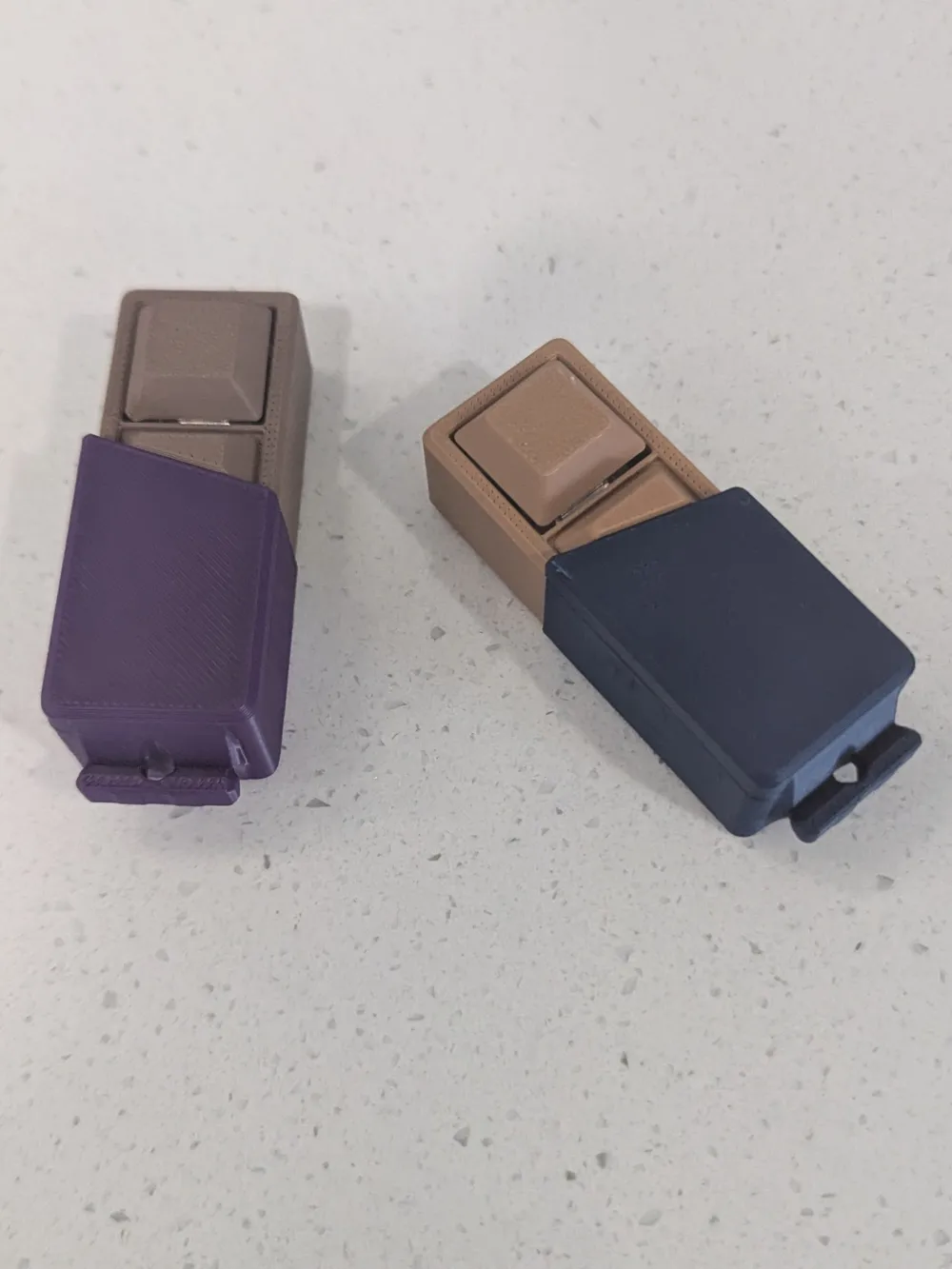
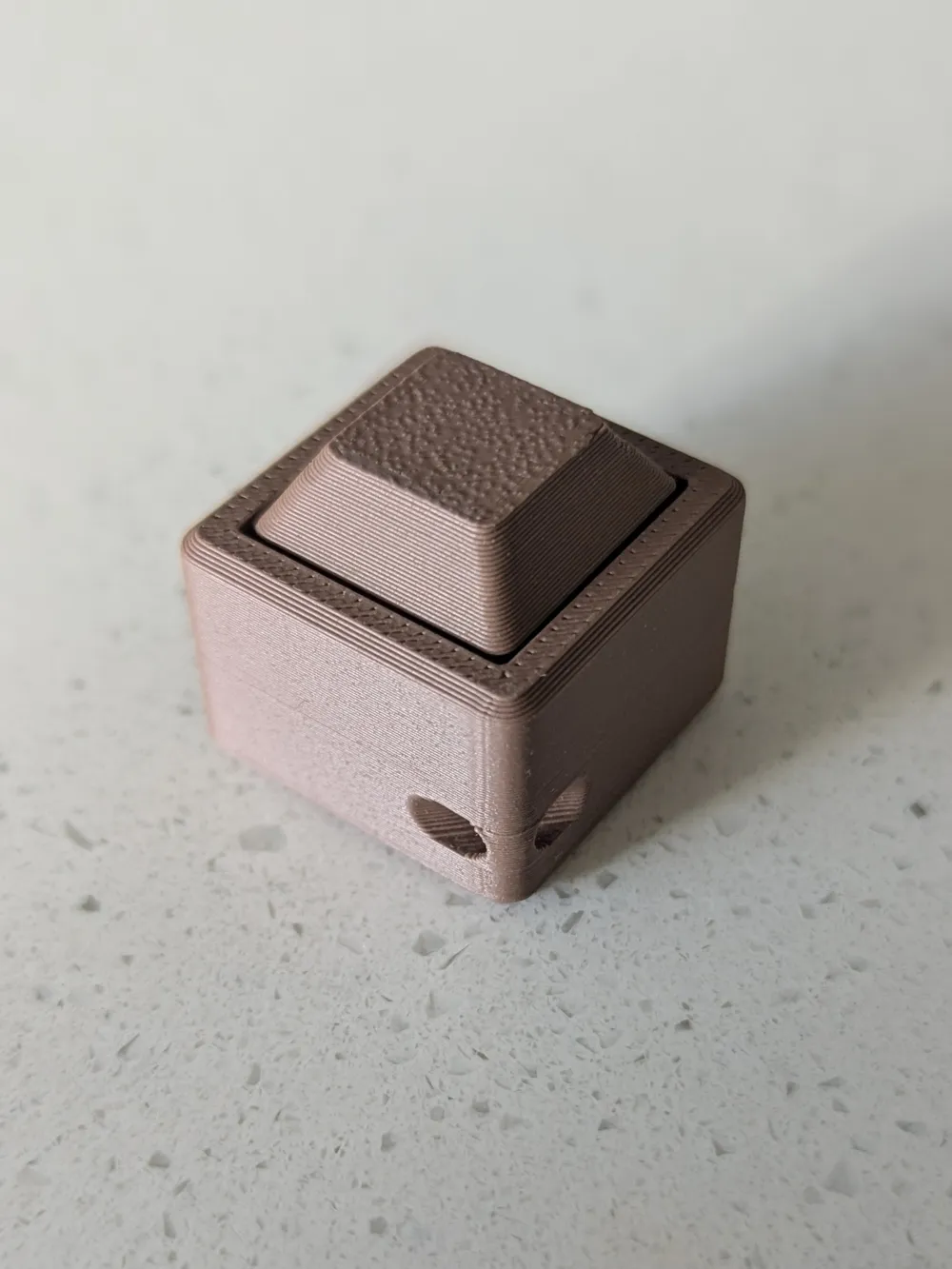
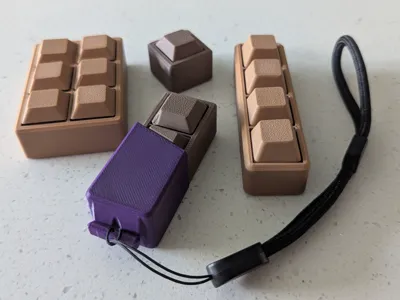
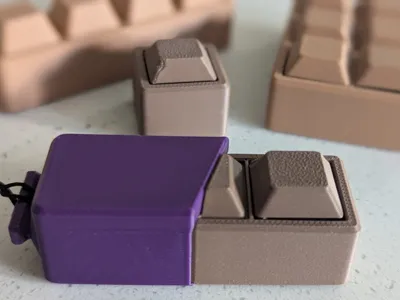
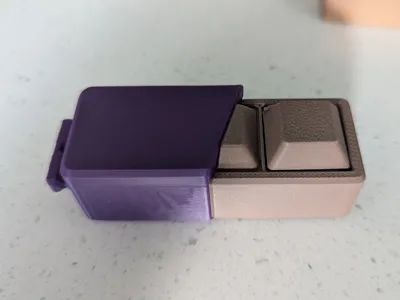
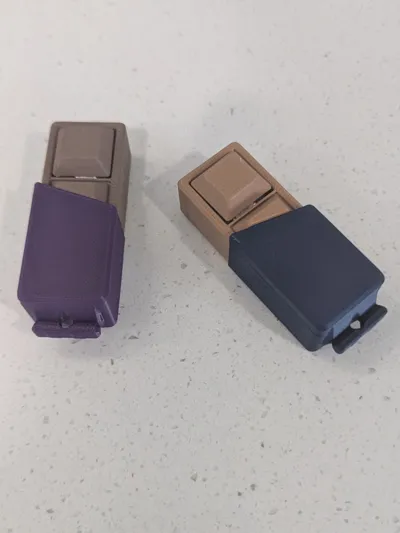
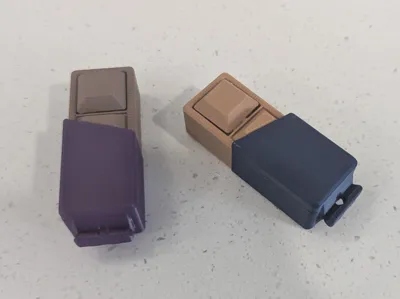
Four print profile versions available. One is a standard profile, with just the shapes. Another is the shapes but with a hole for a keychain to be added.
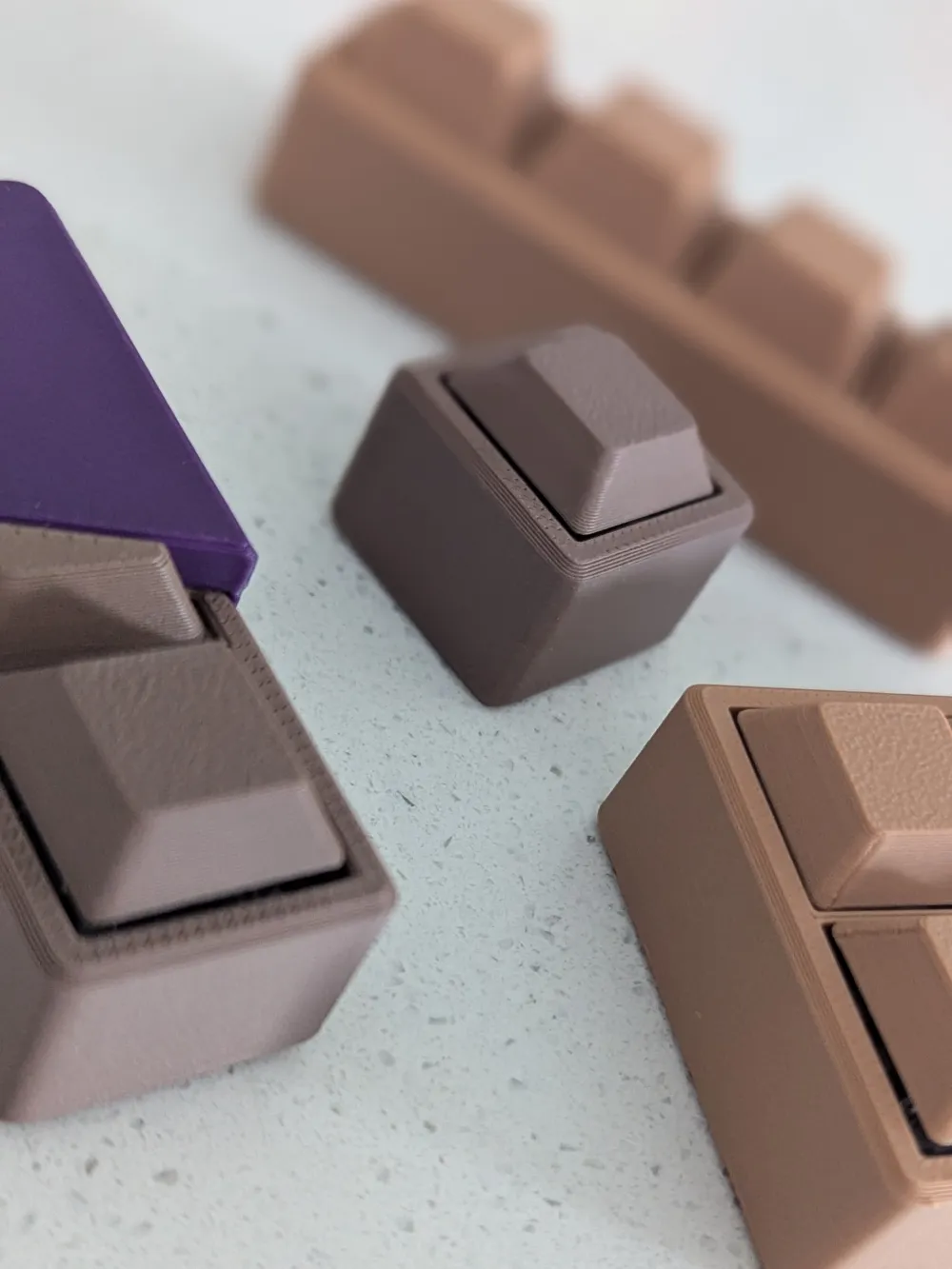
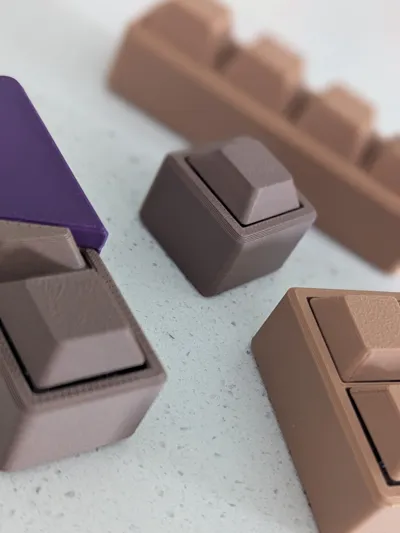
Print with various PLA Matte colours to give the ‘chocolate’ look. Can also use the wood variety of colours.
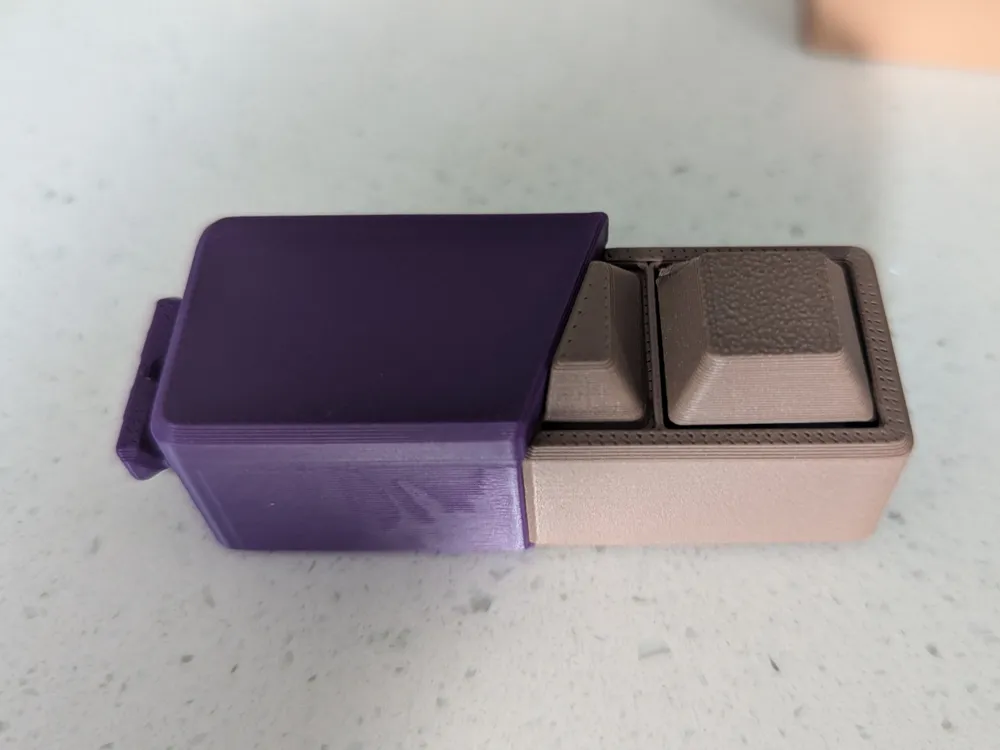
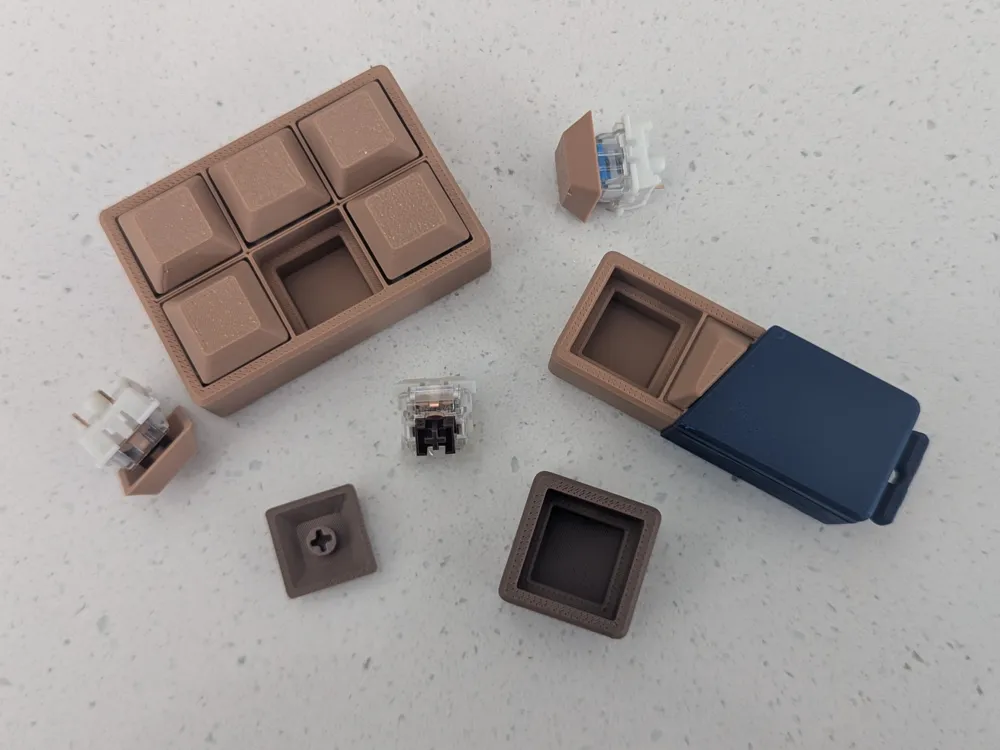
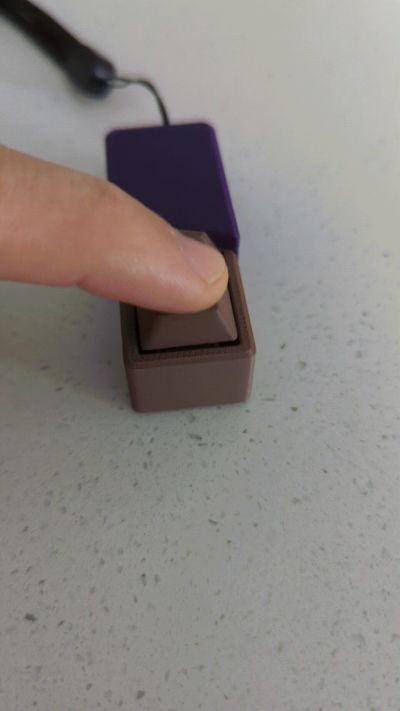
You will need a keyboard switch for each model to operate as pictured. Depending on the type of key switch you have, a small amount of glue may be required to hold the buttons onto the switches. If you reside in Australia, you can purchase some key switches here and help support local creators: ClickKey Store Alternatively, an old keyboard could be harvested for the key switches for free.
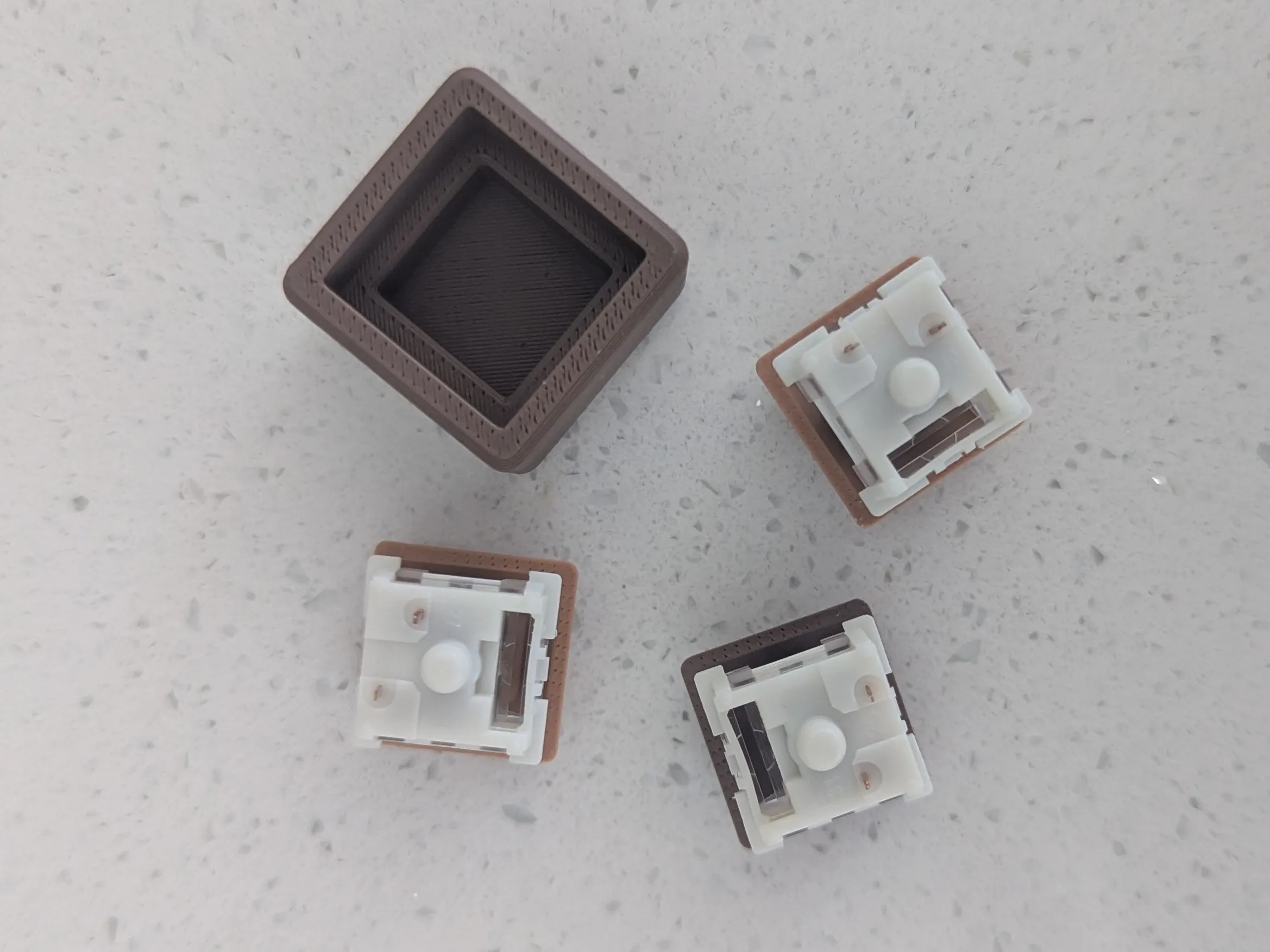
The best way to build this model is to have the buttons on a hard surface. Push your keyboard switches into the buttons. This is intentionally tight and will require some pressing to do so. All switches will fit, some will be tighter and others will be more loose. You can then push the button with the keyswitch attached into the grip handle. See below:
Boost Me (for free)
You can check out all the other print-in-pieces designs in my profile. If you like this one, consider giving me a Boost so that I can continue to create great designs.
You can find more fidget clickers created by ClickKey here
License

You shall not share, sub-license, sell, rent, host, transfer, or distribute in any way the digital or 3D printed versions of this object, nor any other derivative work of this object in its digital or physical format (including - but not limited to - remixes of this object, and hosting on other digital platforms). The objects may not be used without permission in any way whatsoever in which you charge money, or collect fees.


Comment & Rating (0)