
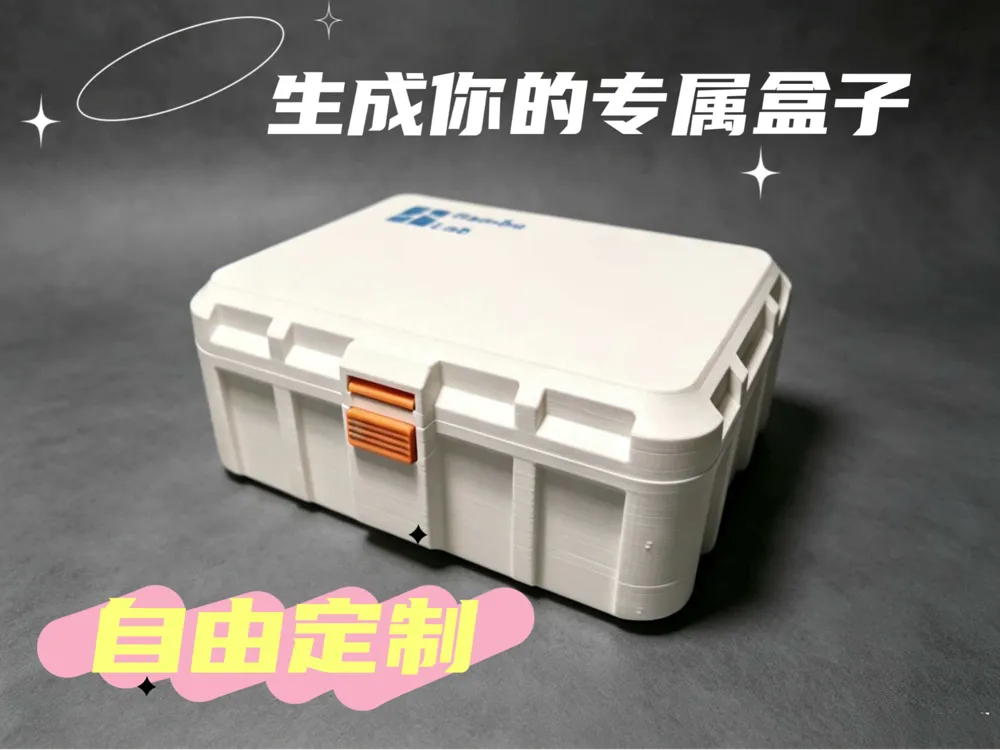
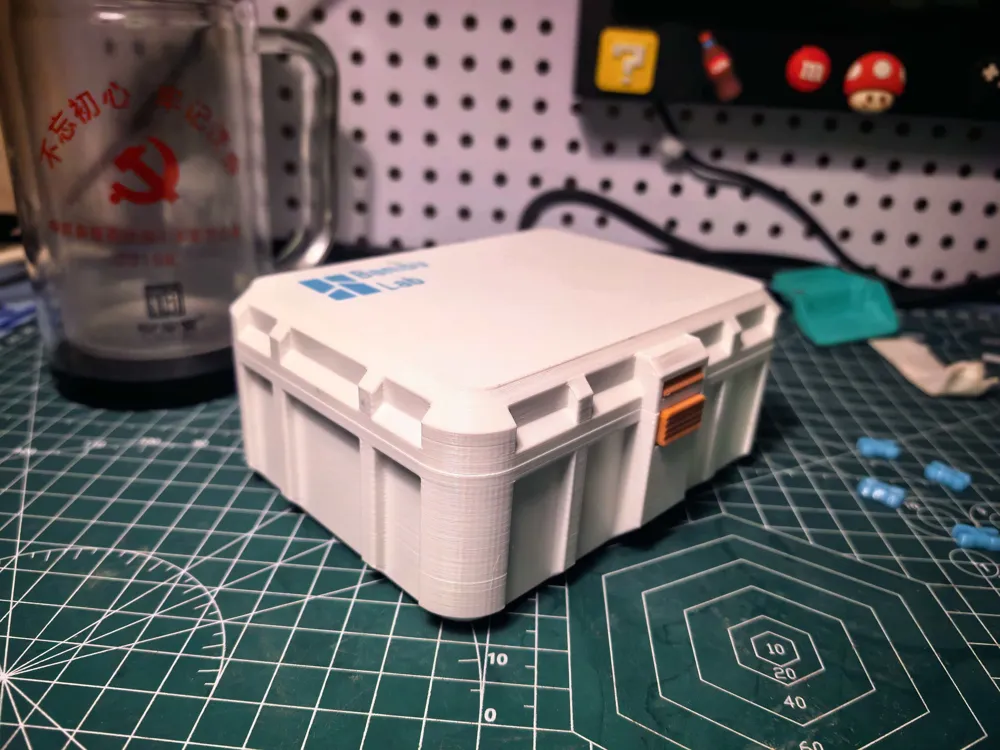
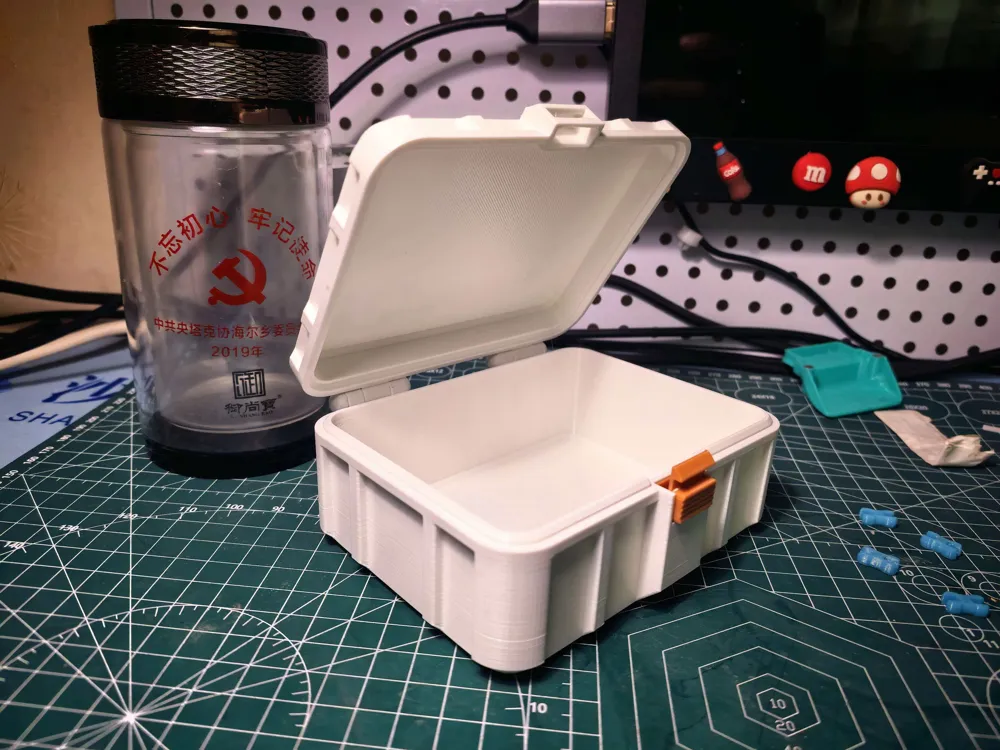
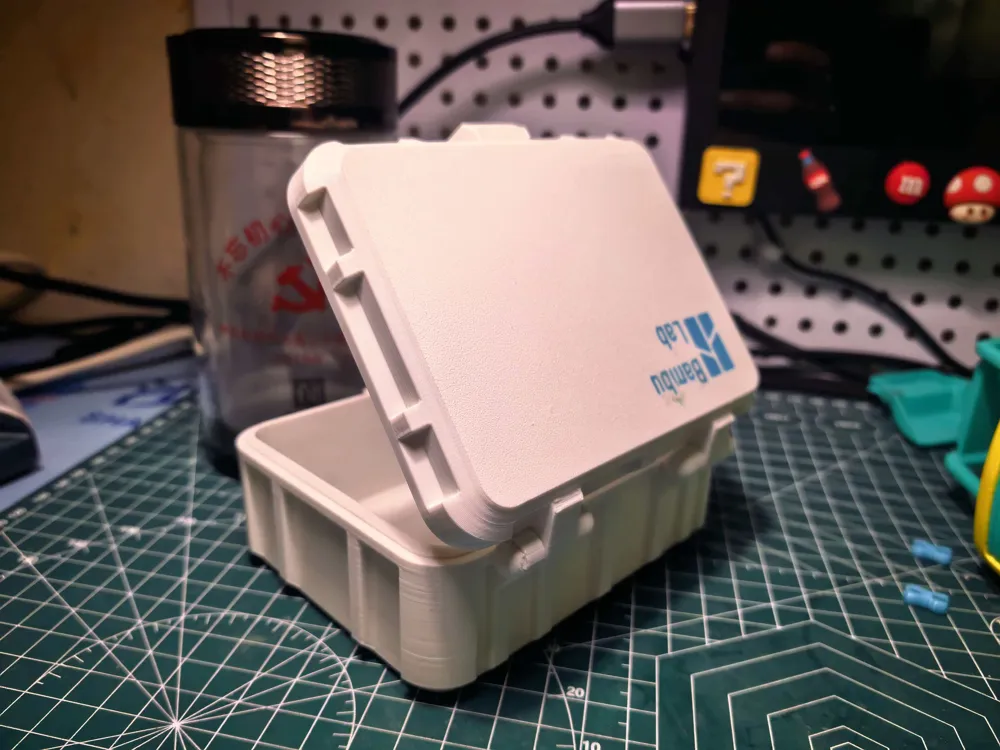
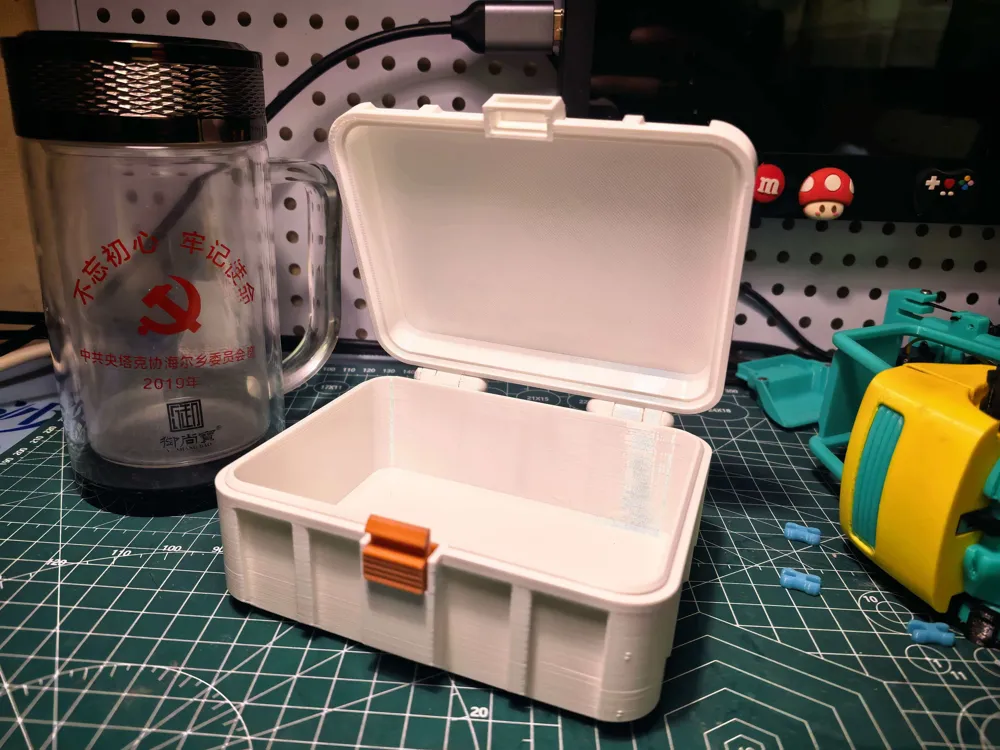
Exquisite Storage Box - Customizable Size
Print Profile(9)
Description
2026.07.04 Update: Thanks to “小积木呀” for reporting the issue of missing letters in the generator, the error has been corrected, the source file re-uploaded, and the generator model optimized.
==================================================================================
Traditionally, on the website, designers dictate the size of the boxes, and Bambu Lab users can only print boxes of that size, with dimensions determined by the designer's preference.
Fixed-size boxes cannot meet everyone's needs, as everyone's storage requirements vary, so once the appearance and structure are designed, the box dimensions should be customizable by each individual
You input your desired dimensions, and Maker World can help you generate the box you want, at least for now, it's free with unlimited generations.
So, you can input the box parameters to generate a custom-made box according to your needs, this is the ultimate purpose of a storage box.
Box size can be customized by yourself, input length, width, height, generate, download, then just add supports and print.
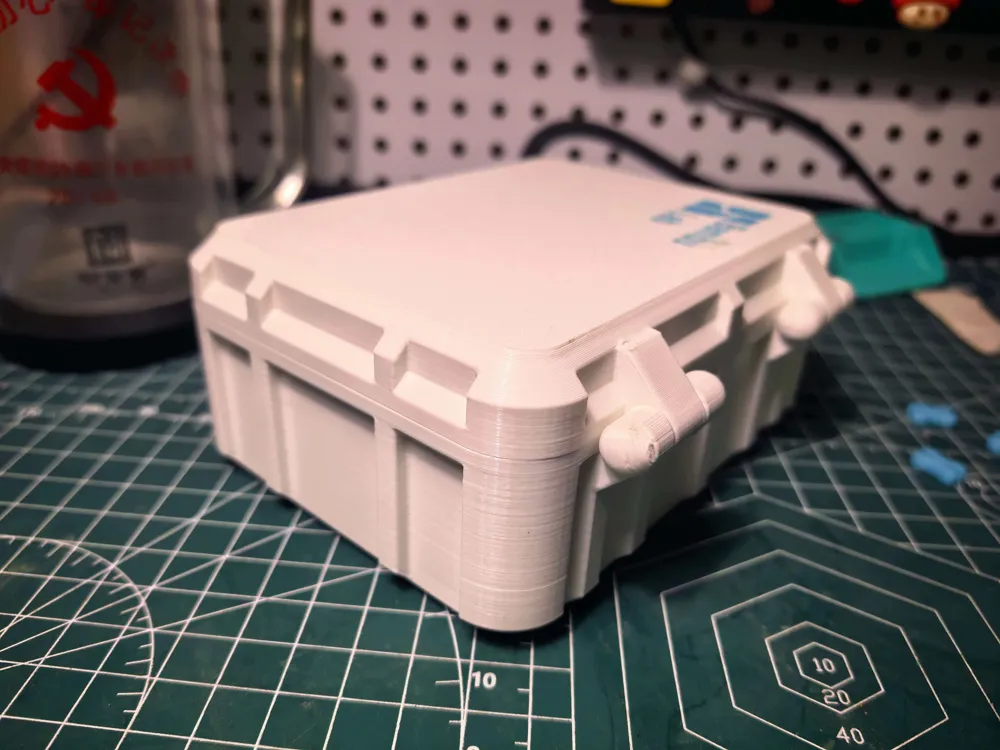
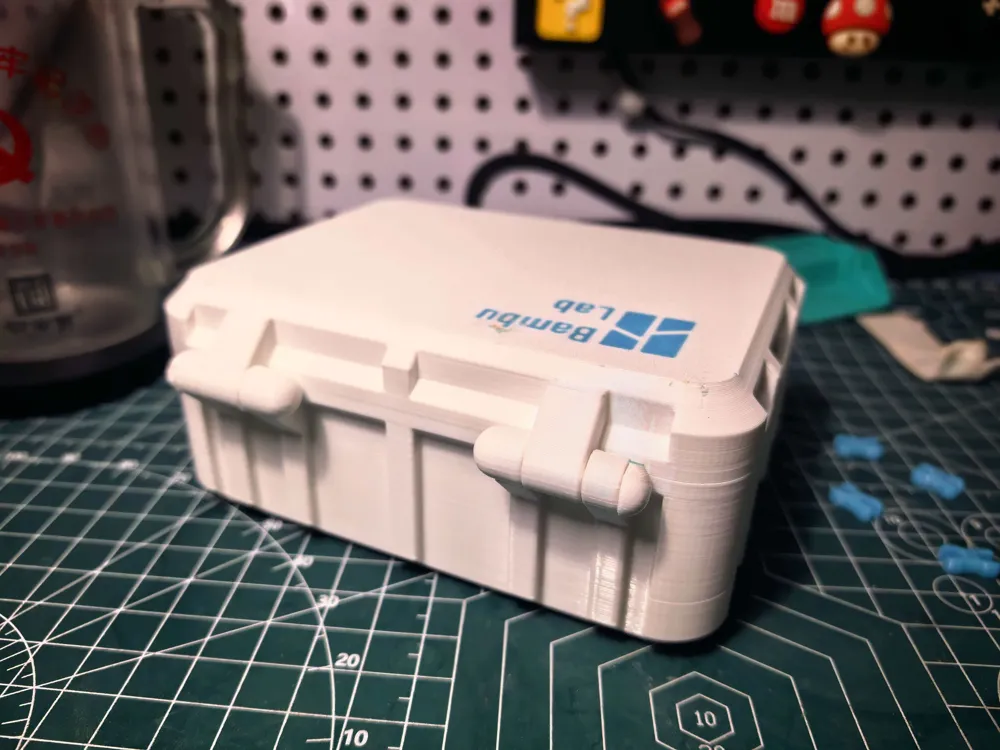
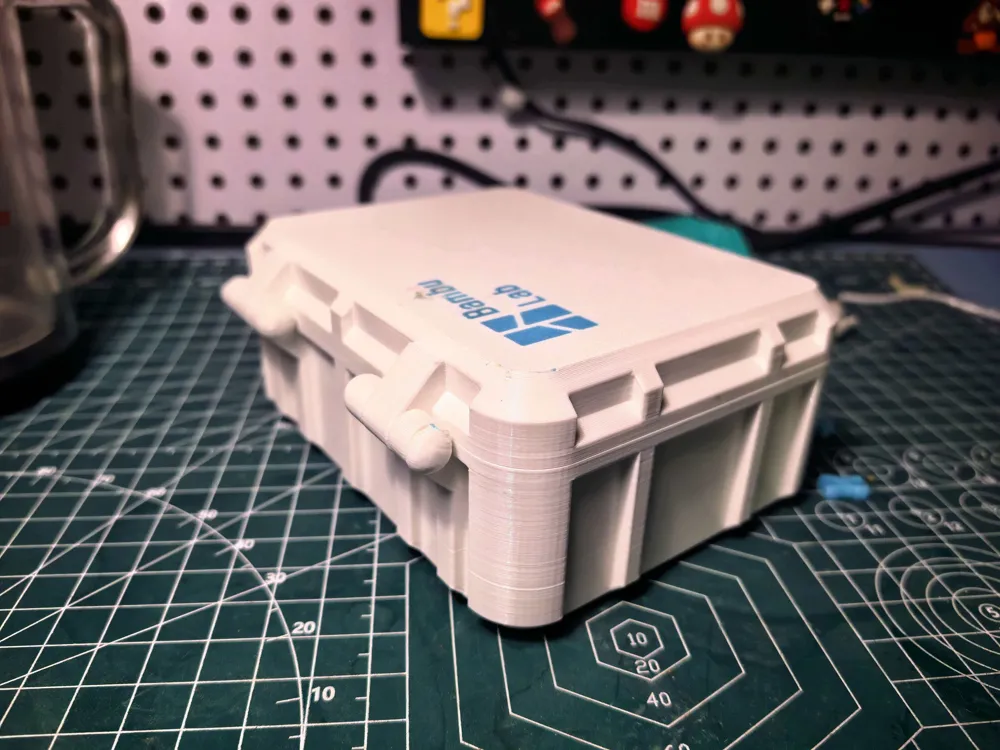
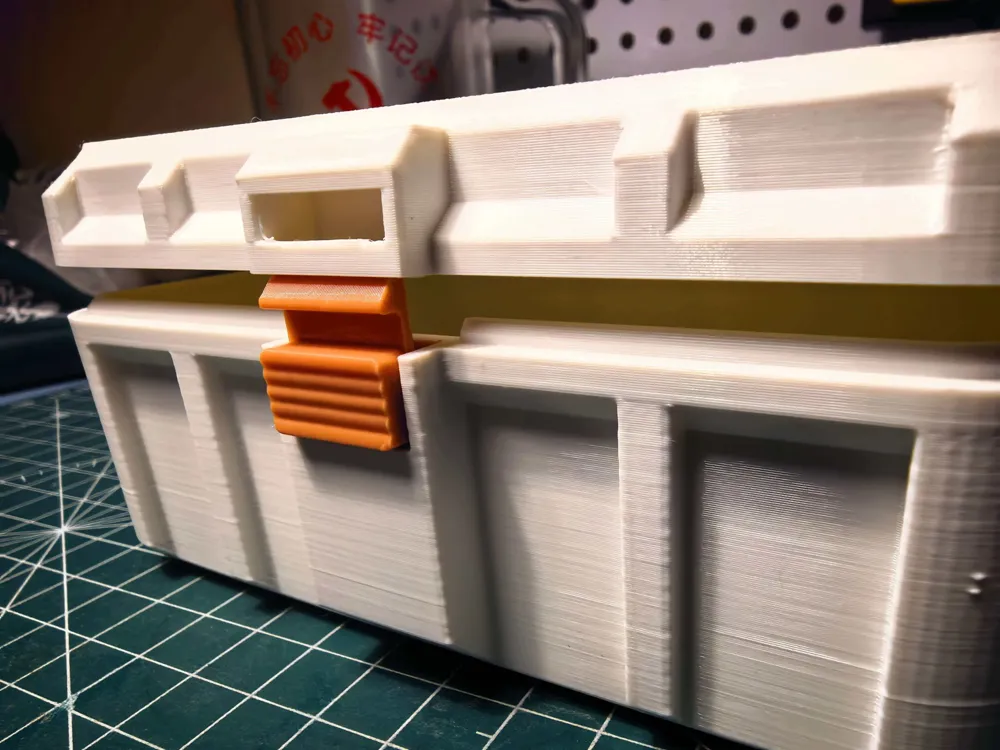
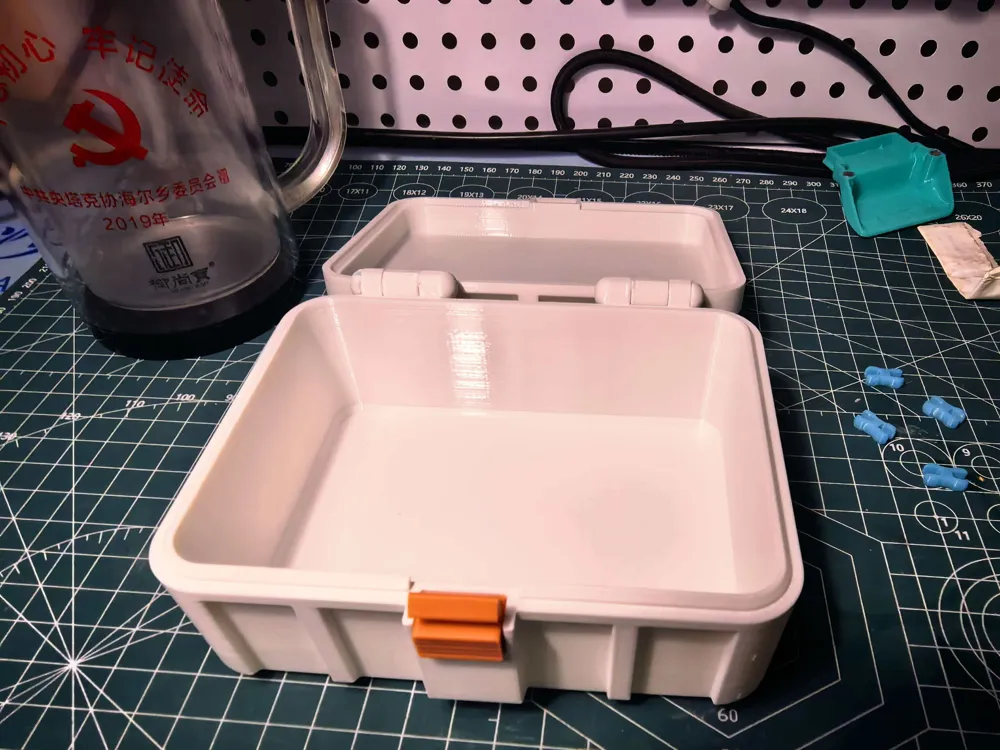
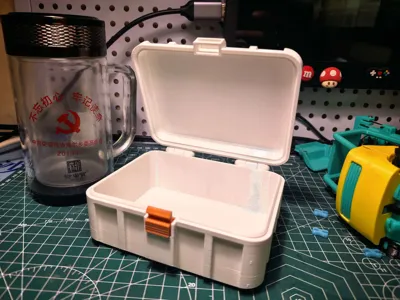
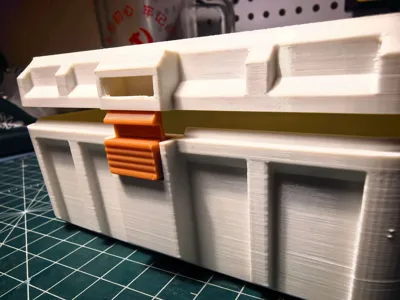
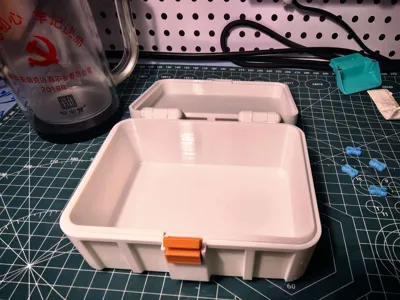
This design addresses some common issues (in my opinion) prevalent in boxes: 1. The top lid and bottom box being the same height, leading to low utilization; 2. Clasps occupying internal space, affecting the neatness of the box's interior; 3. A single, unattractive appearance; 4. The use of hardware, which is troublesome and requires certain manual skills. 5. Overly complicated clasps that require two hands to open forcefully; 6. Clasps that are easily damaged and difficult to replace.
If you can't figure it out, leave a comment, and I'll generate it for you. The pins are a bit tight; if you can't push them in by hand, you can gently tap them in with a tool.
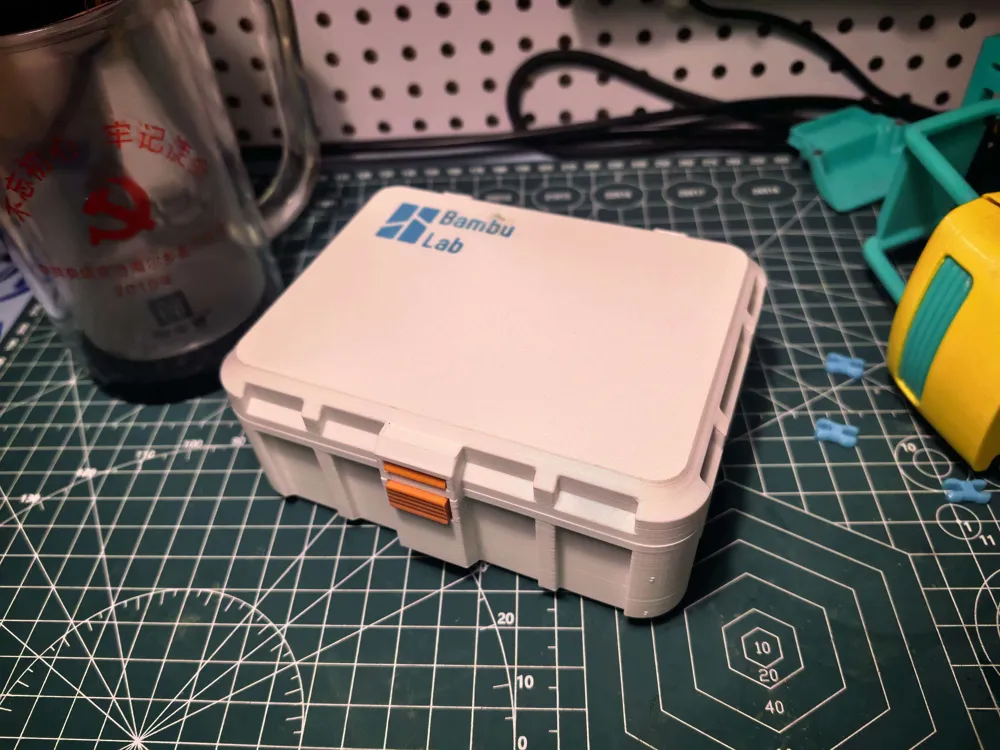
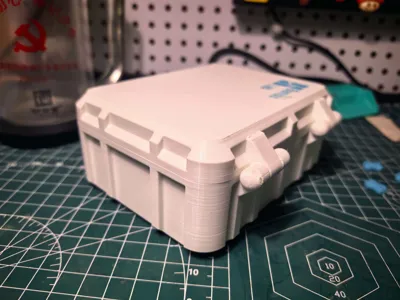
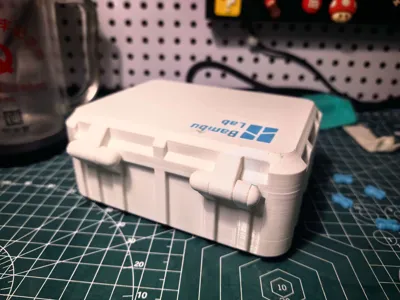
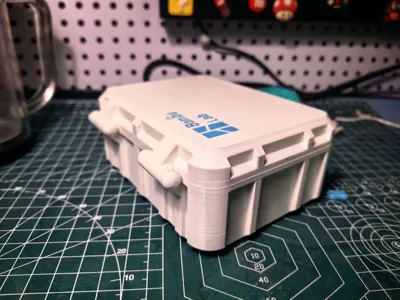
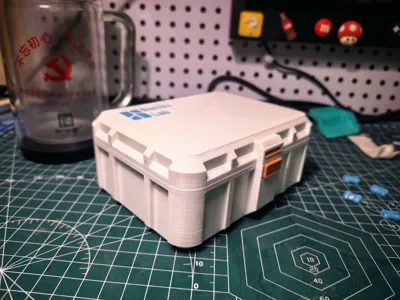
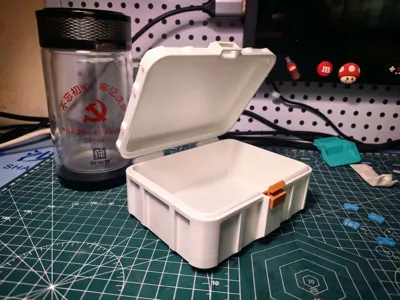
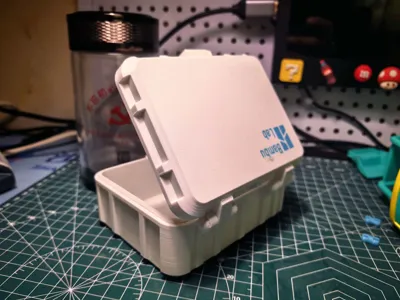
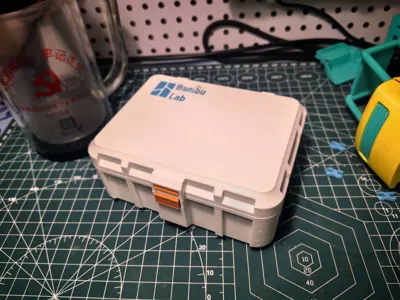
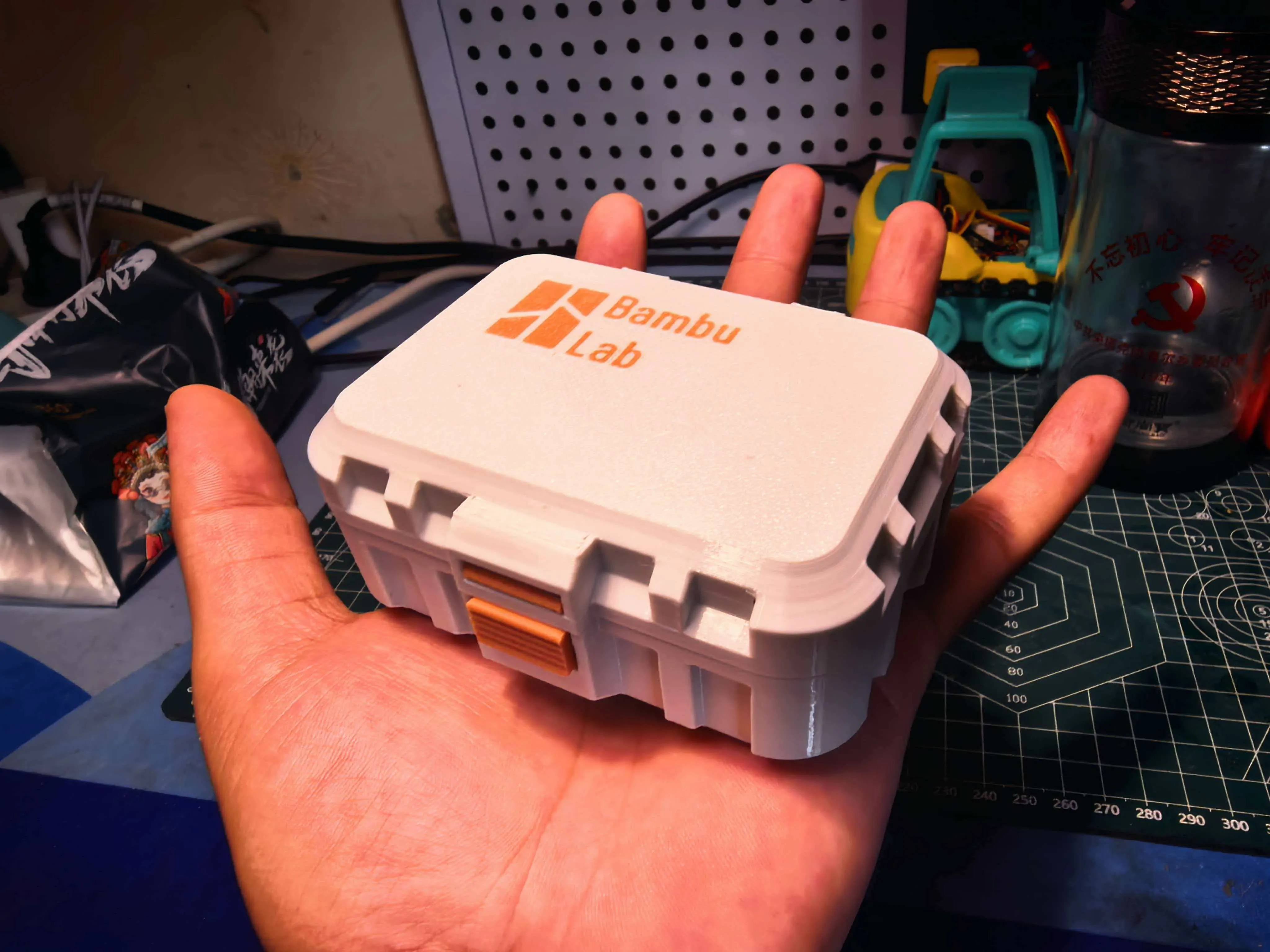
This is a box with length 120, width 90, height 40.
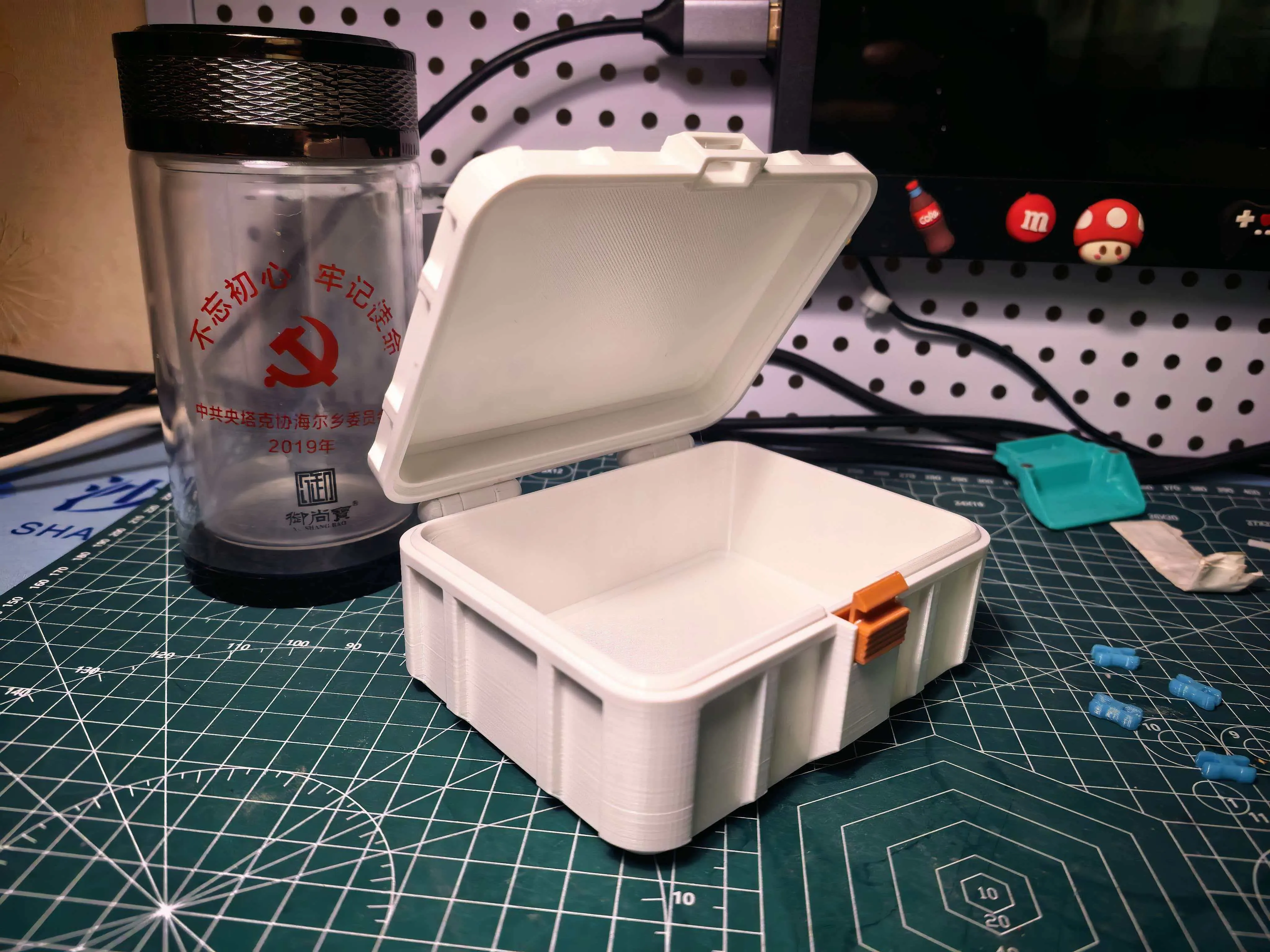
And this is a box with length 80, width 60, height 25, it's this small and can hold small parts, screws, jewelry, and similar small items.
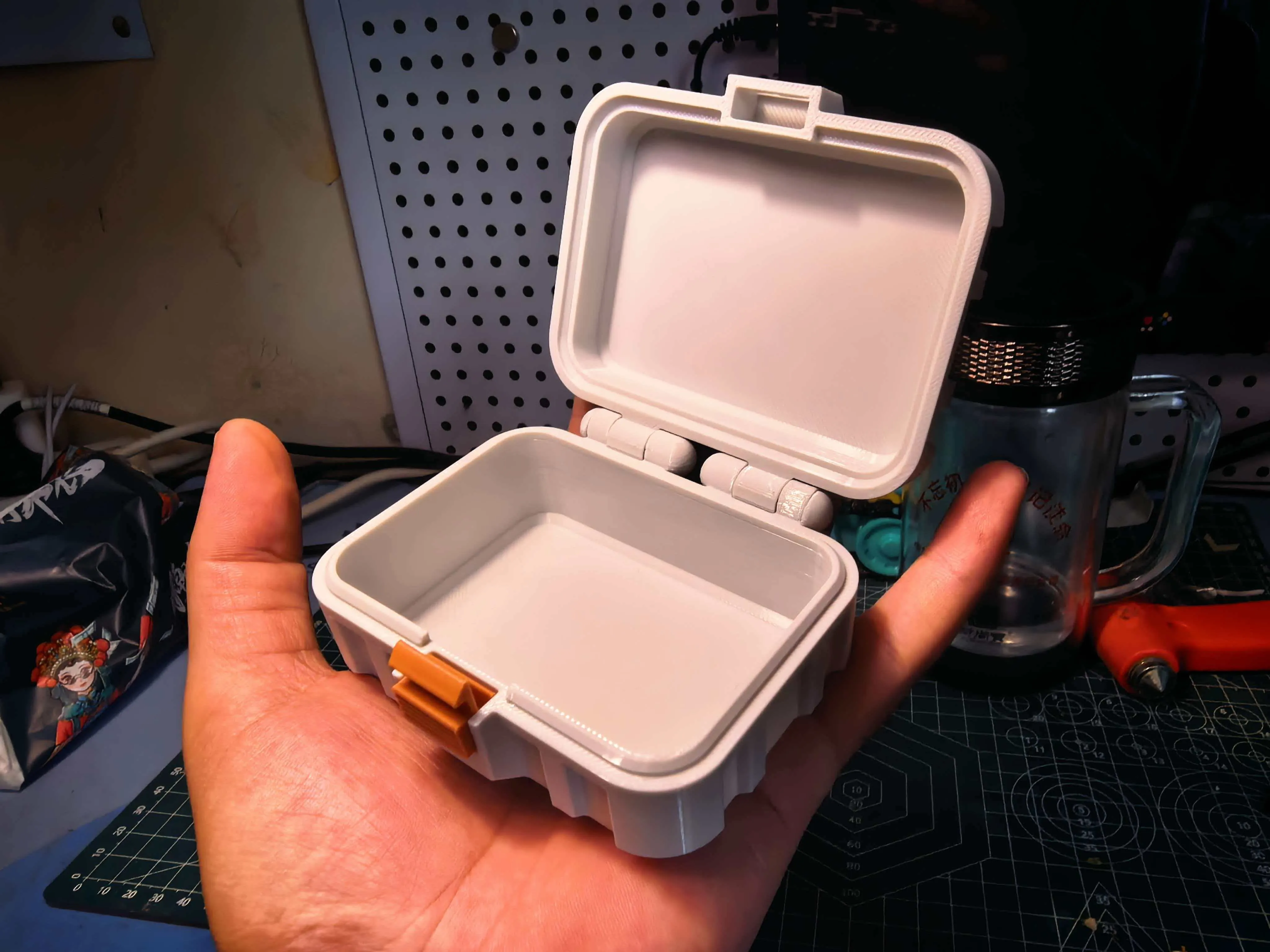
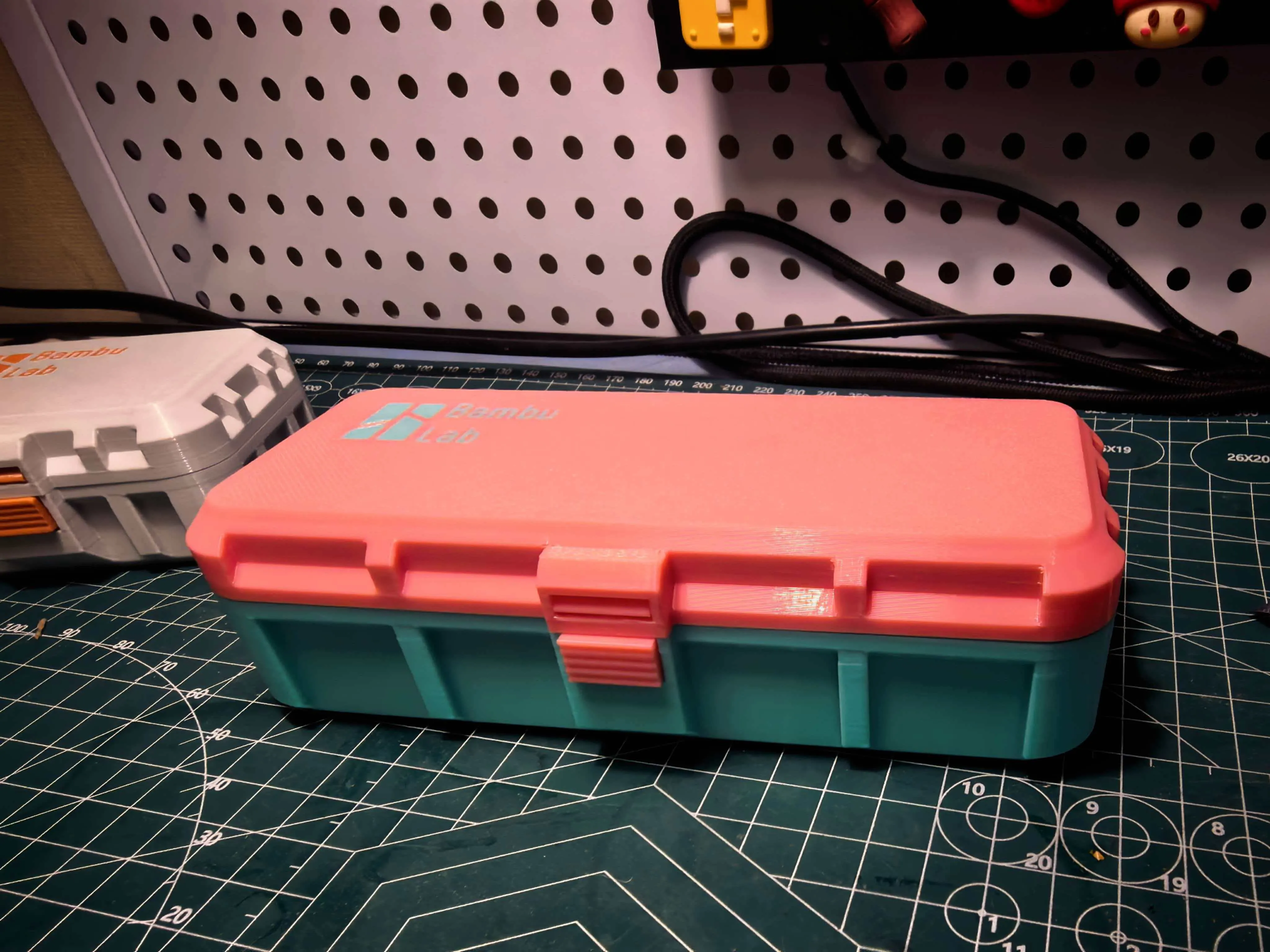
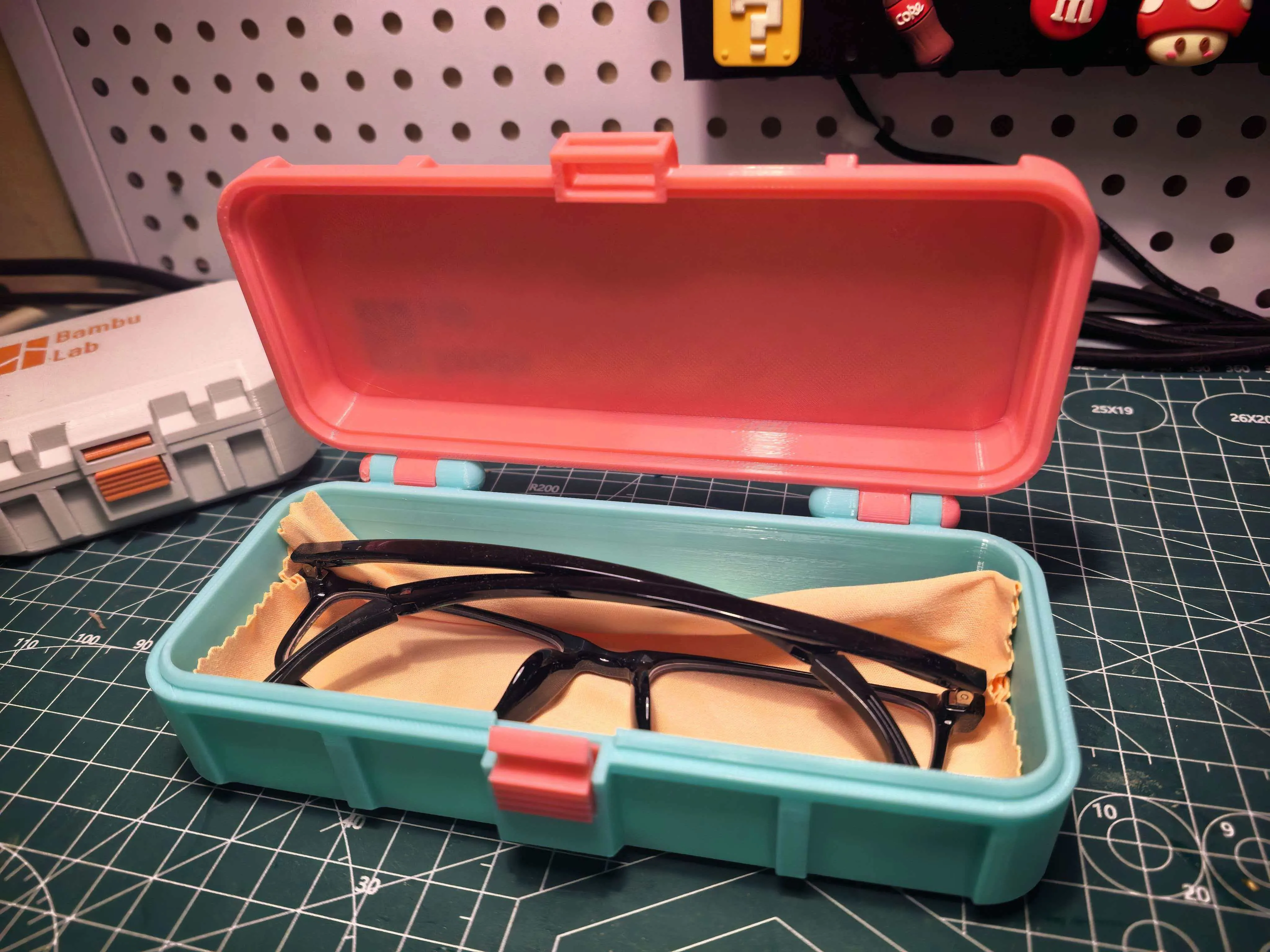
You can also set it to length 155, width 60, height 30, it's an elongated shape that can hold glasses and be used as a glasses case.
You can also design it with length 100, width 100, height 145, to turn it into a marker pen holder or a desktop waste bin.
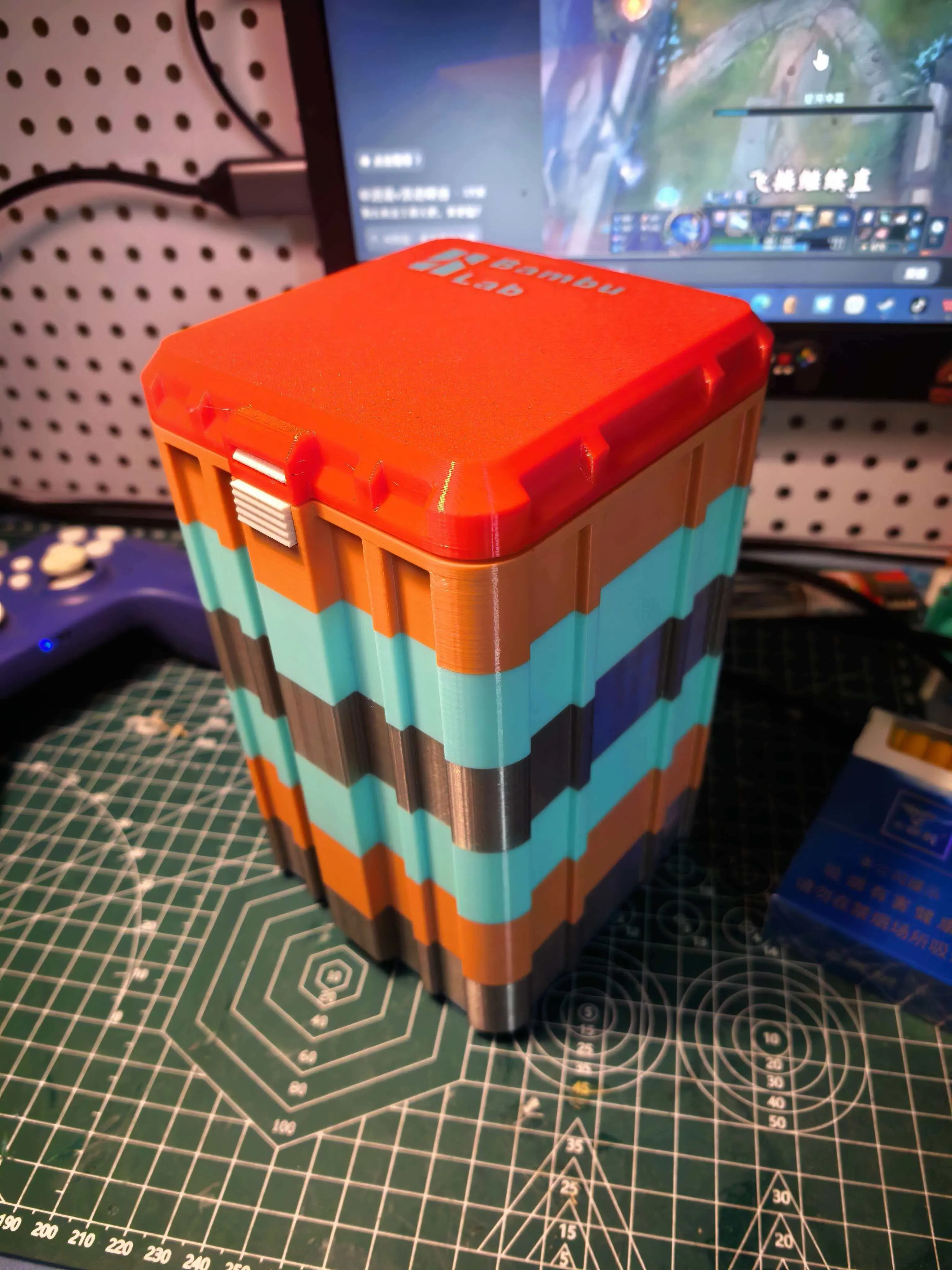
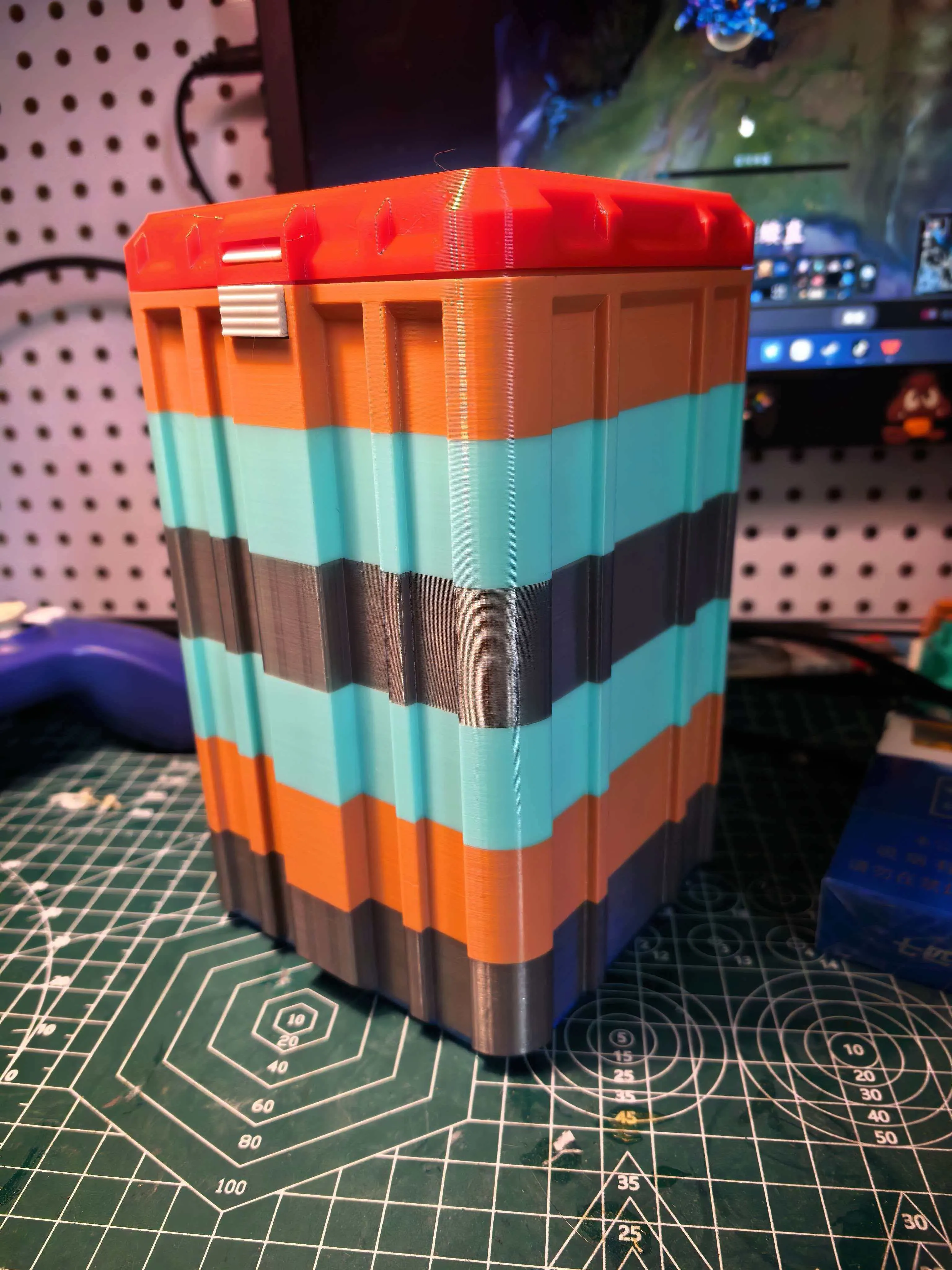
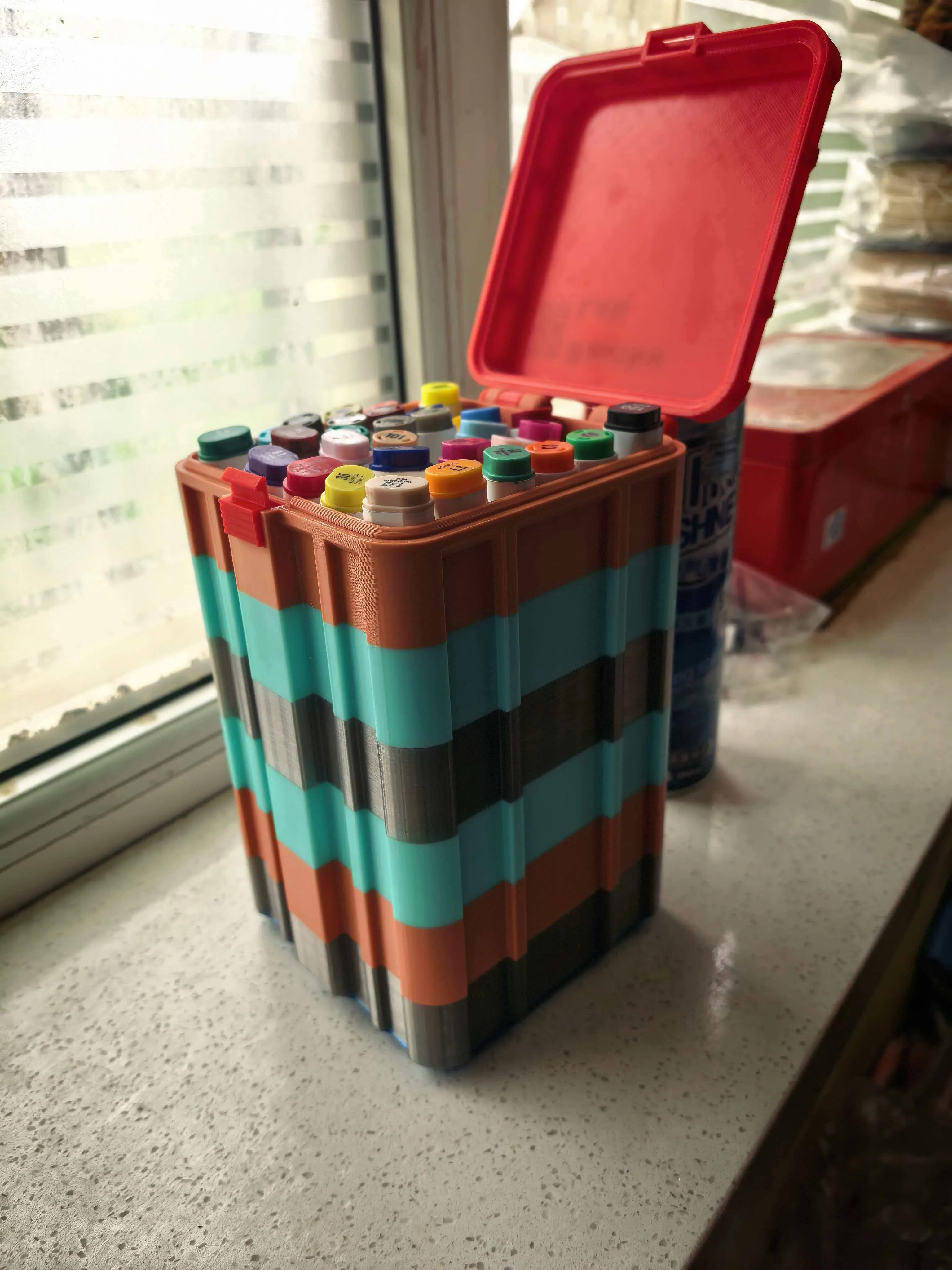
Or generate a 160*160*170 size, and print a giant box using waste.
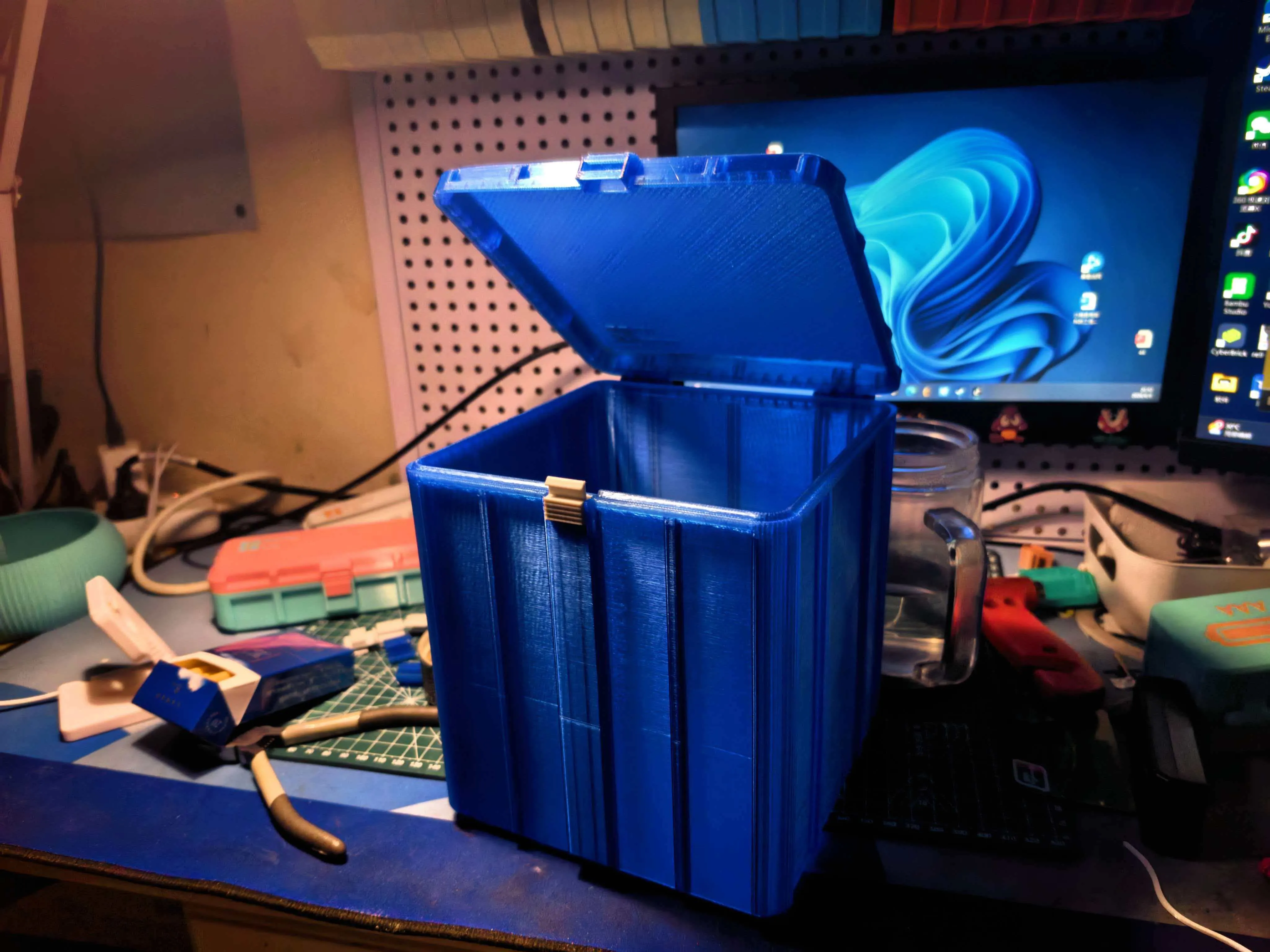
Everyone is welcome to share pictures of your boxes
=================================================================================
Someone commented about the print plate arrangement issue, here's a tutorial below.
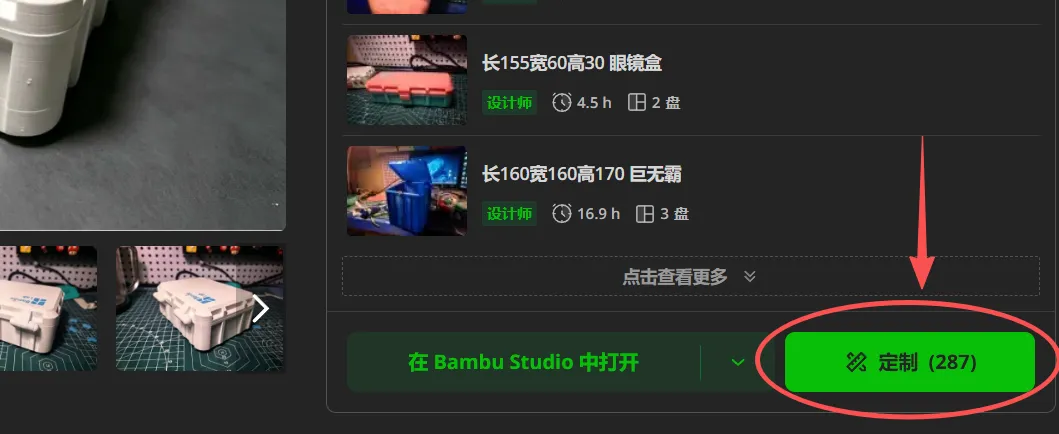
1. Click “Customize”
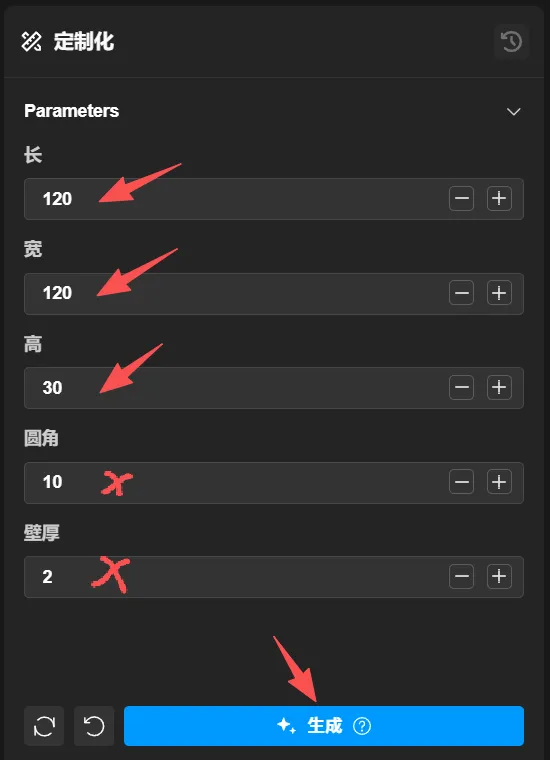
2. Enter your desired dimensions and generate
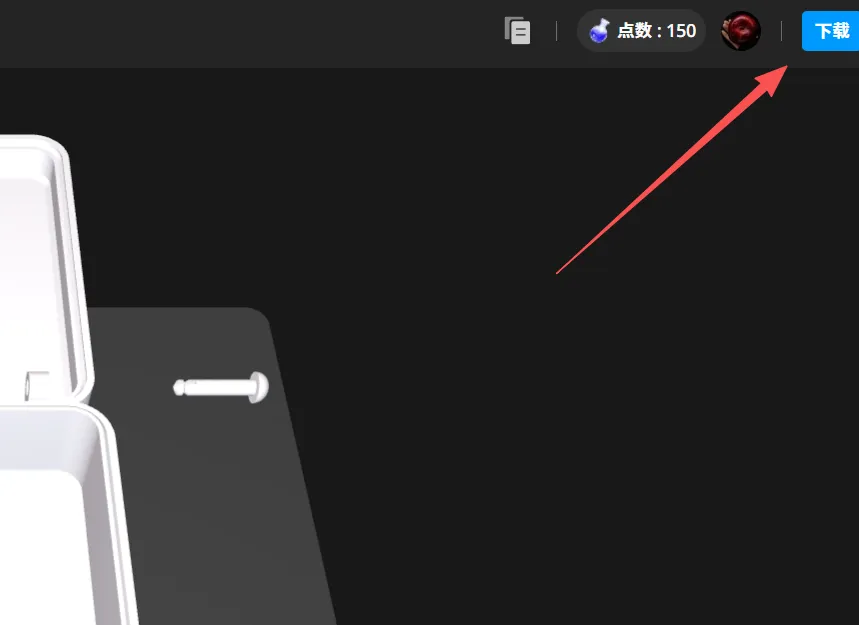
3. Download the 3mf file to your computer from the top right corner
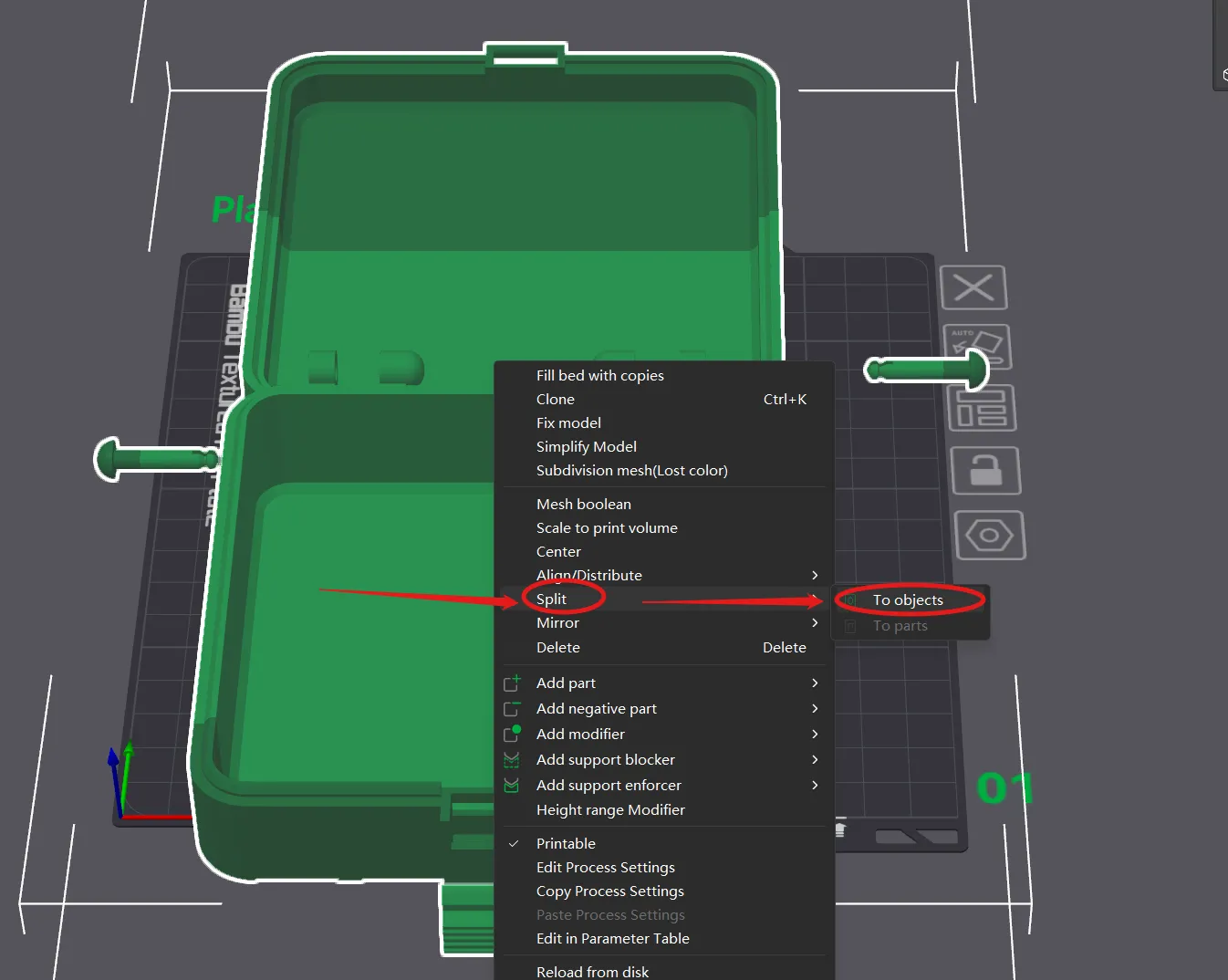
4. It's floating because of the solid combination, right-click the box and select: Split to objects
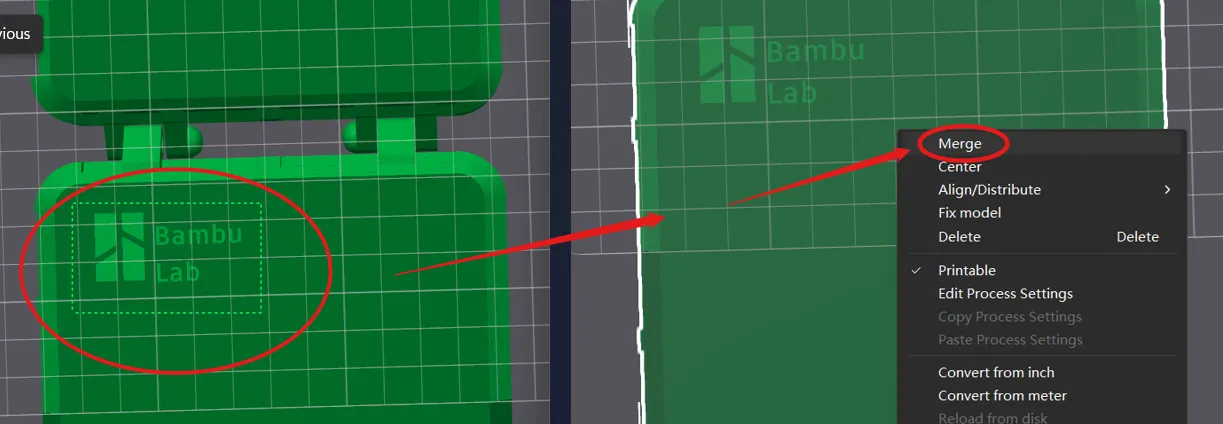
5. Flip the view to the bottom of the box, hold “SHIFT” to select the logo and letters, then right-click and select: Group
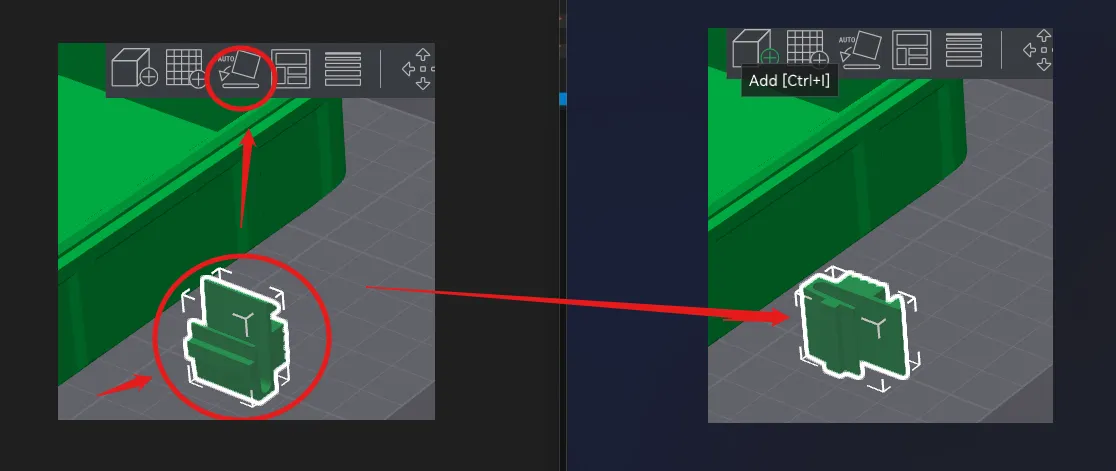
6. To ensure the strength of the latch, choose to print in the XY direction, laying the latch on its side.
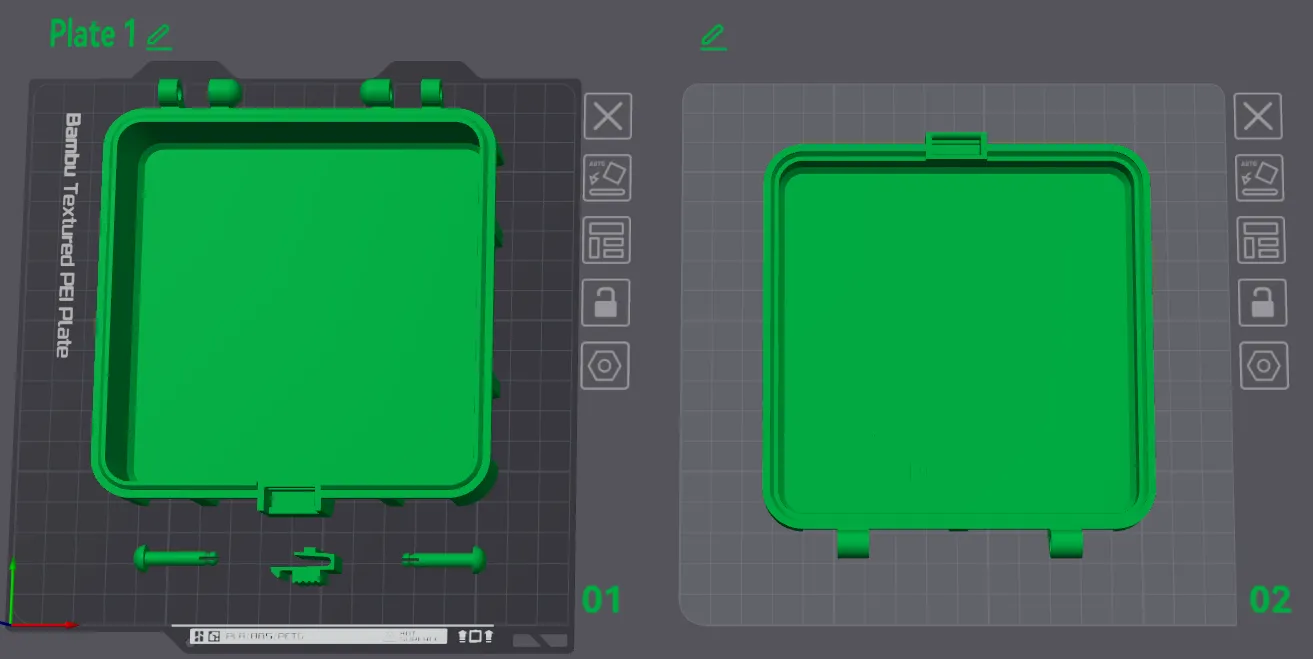
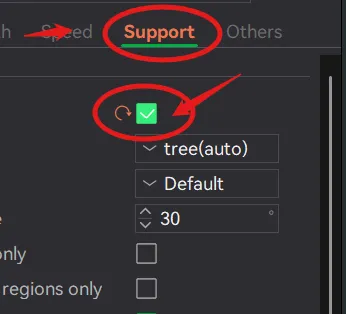
7. Arrange it as you like, add supports, and it can be printed in a single color.
=============================Below is for multi-color printing of logos and letters==========================
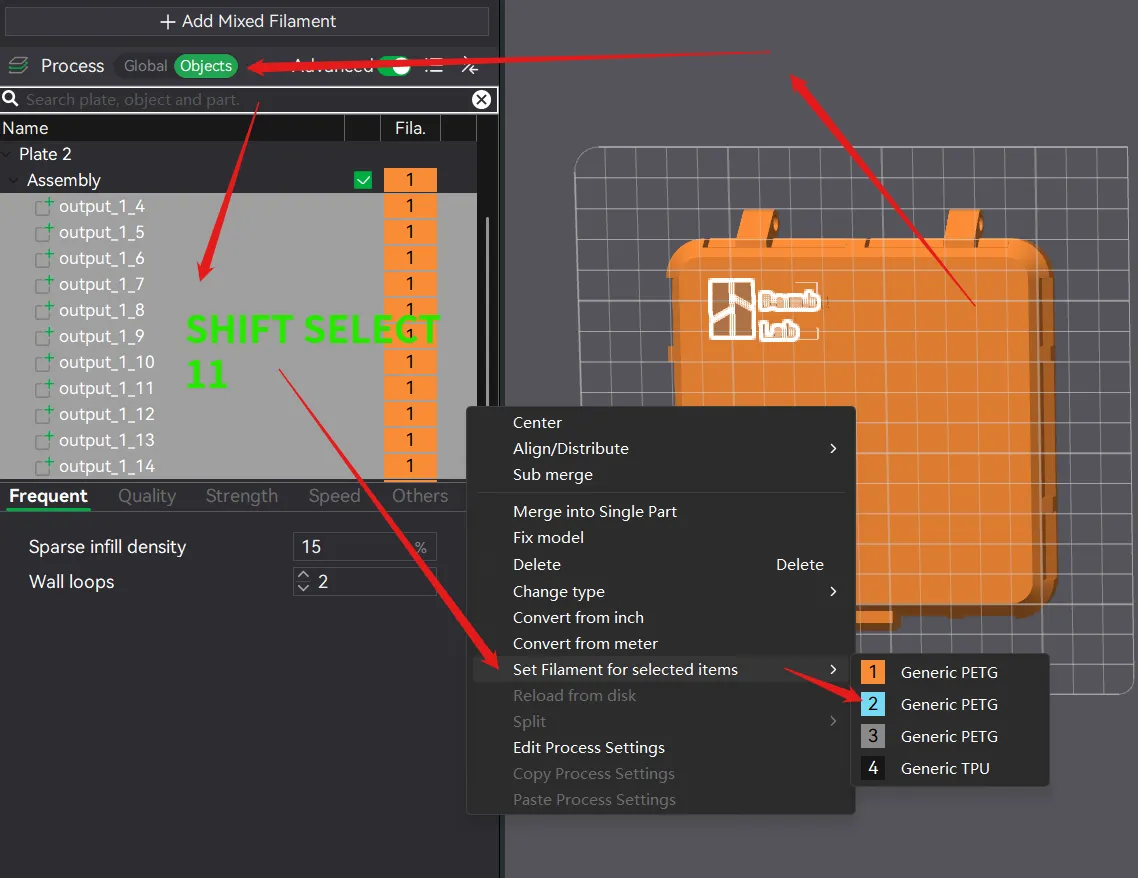
First, select the top lid, click “Objects” on the left, hold “SHIFT”, select the first 11 items, then right-click to select different colors of filament and print.
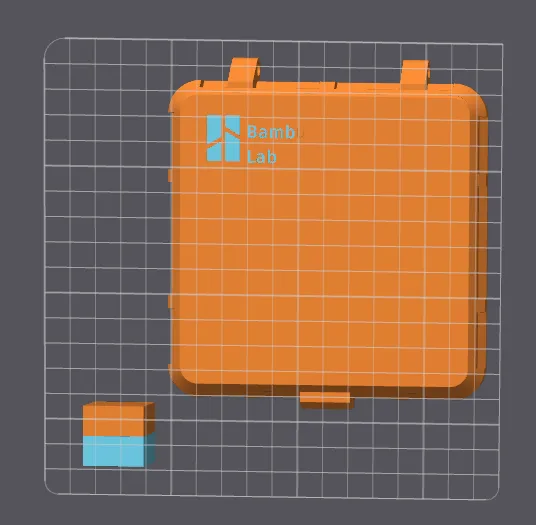
===============================Dimension Instructions===============================
The length and width include the inner wall thickness, the inner wall thickness is 2mm by default, so the two side walls account for a thickness of 4mm. If you set the length or width to 100, the actual internal length or width of the box you get will be 100-4mm=96.
Therefore, if you want to accurately generate your desired internal length and width, please add 4mm to the length and width respectively (for the 2 inner wall thicknesses). For example, if I want an internal space of 120 length by 100 width, my input length will be 124, and width will be 104.
This is an issue with my design, I didn't consider this convenience at the beginning.
License

You may create derivative works based on this object, provided that all such derivative works are published exclusively on the MakerWorld platform and include proper attribution to the original creator. You may not share, upload, host, distribute, or publish this object—or any derivative work of this object—on any other digital platform, marketplace, or distribution channel. Commercial use of this object and any derivative works is strictly prohibited. This includes, but is not limited to, selling, renting, sublicensing, or using the object in any context in which you receive monetary compensation or other financial benefits.


Comment & Rating (11)