
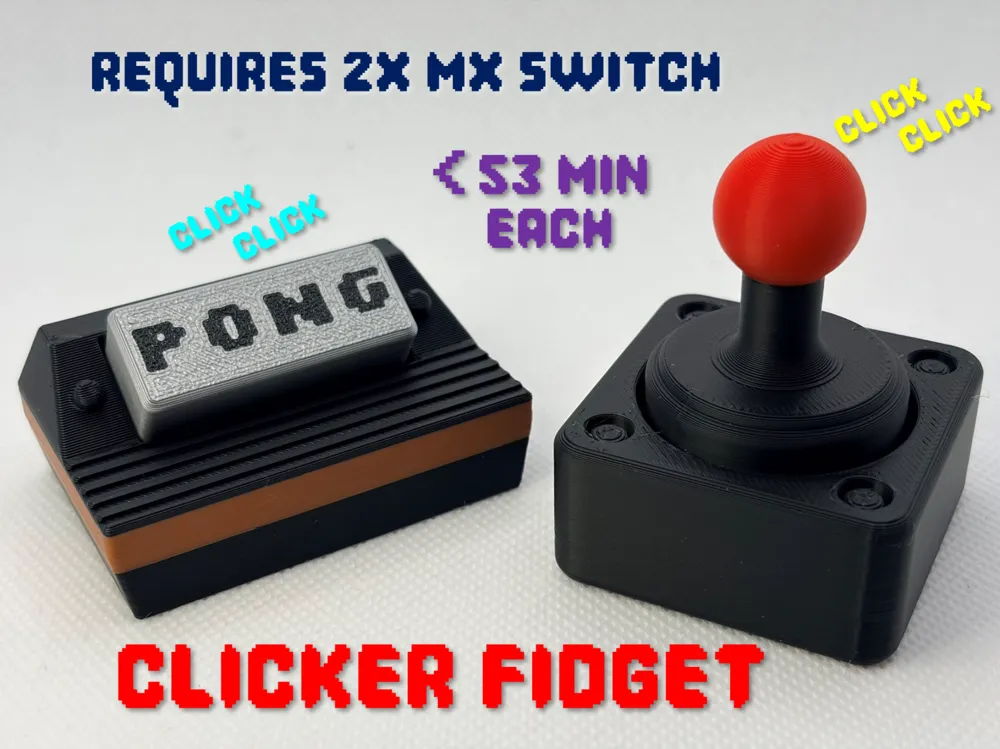
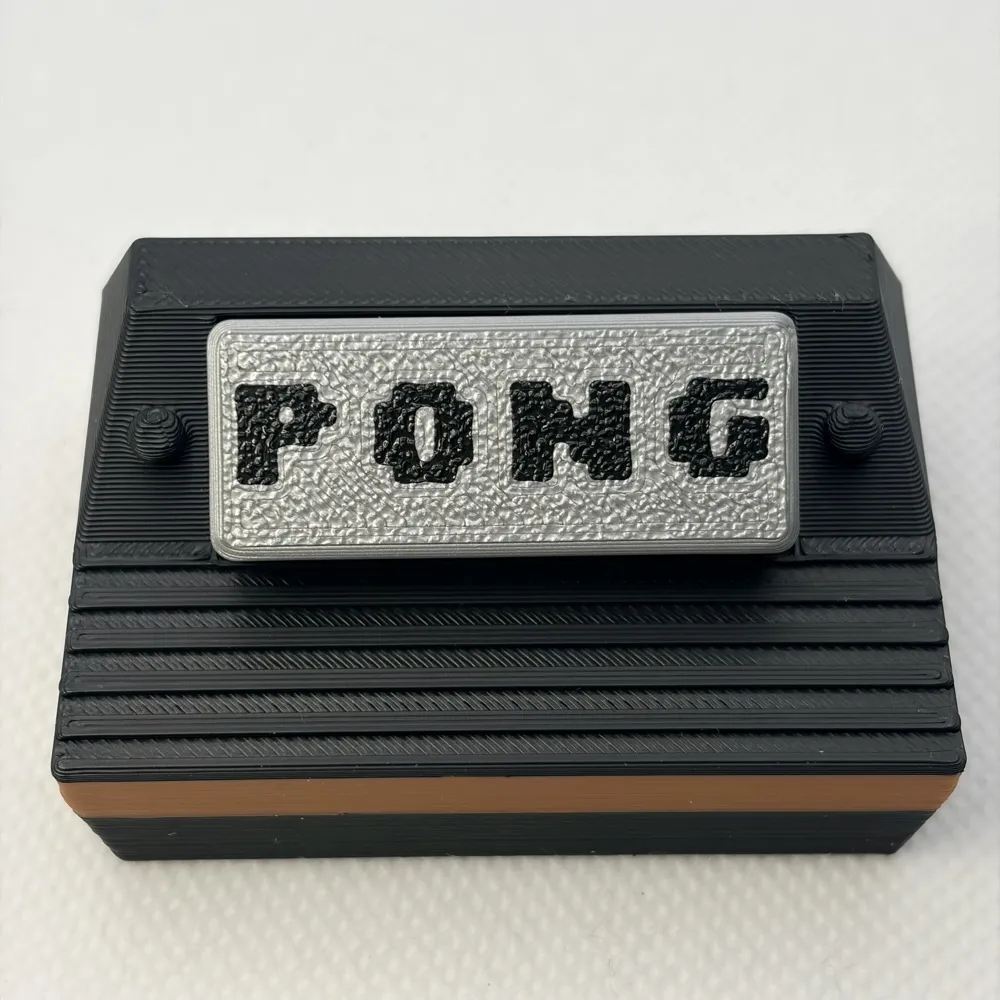
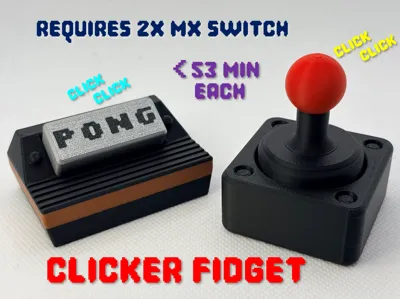
Retro Video Game Clicker Fidget Toy (<53 mins ea)
Print Profile(4)


Description
Thank you for your support! If you like our family's designs - you can sell the physical prints through a paid Patreon membership:
https://www.patreon.com/c/SpacedOutStudio
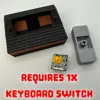
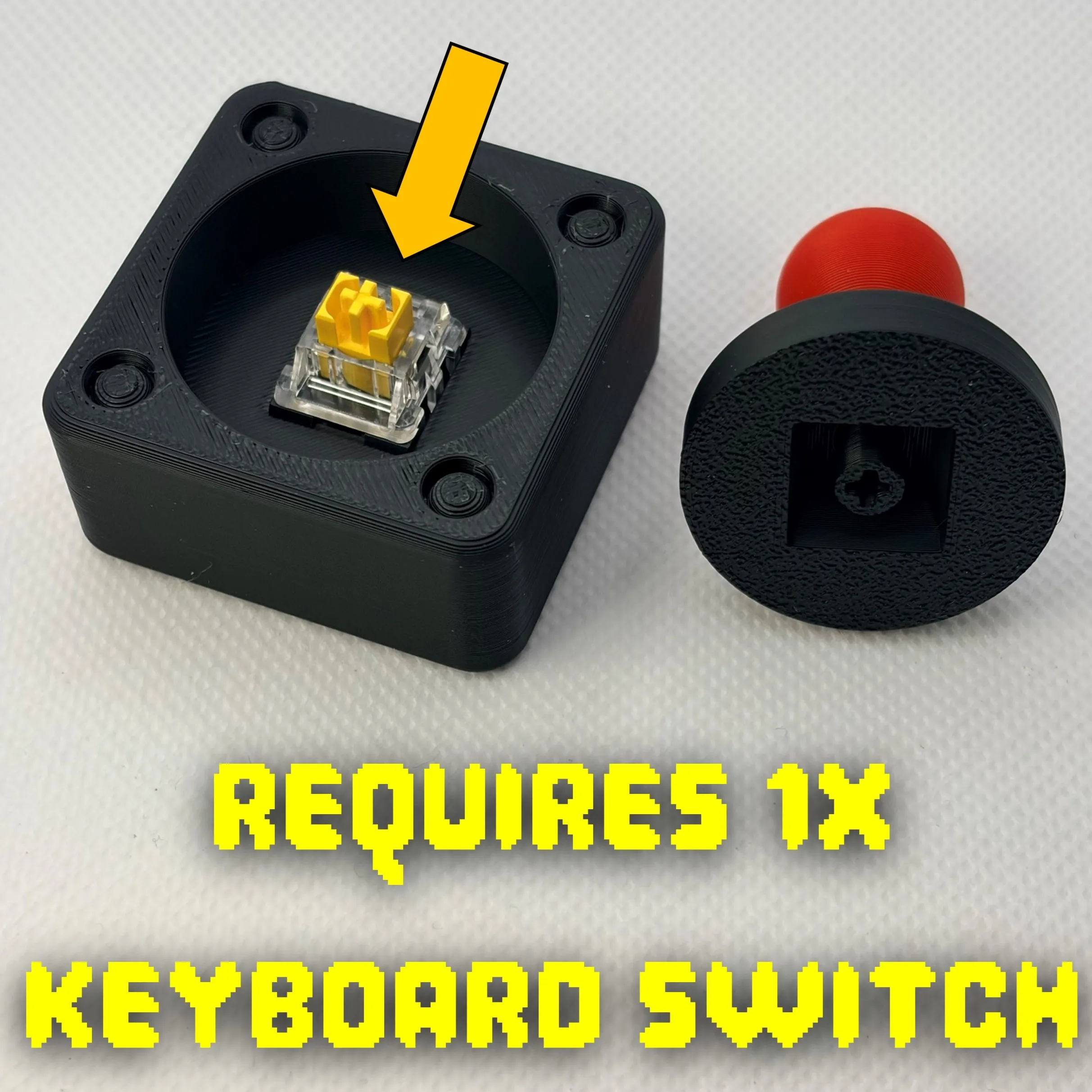
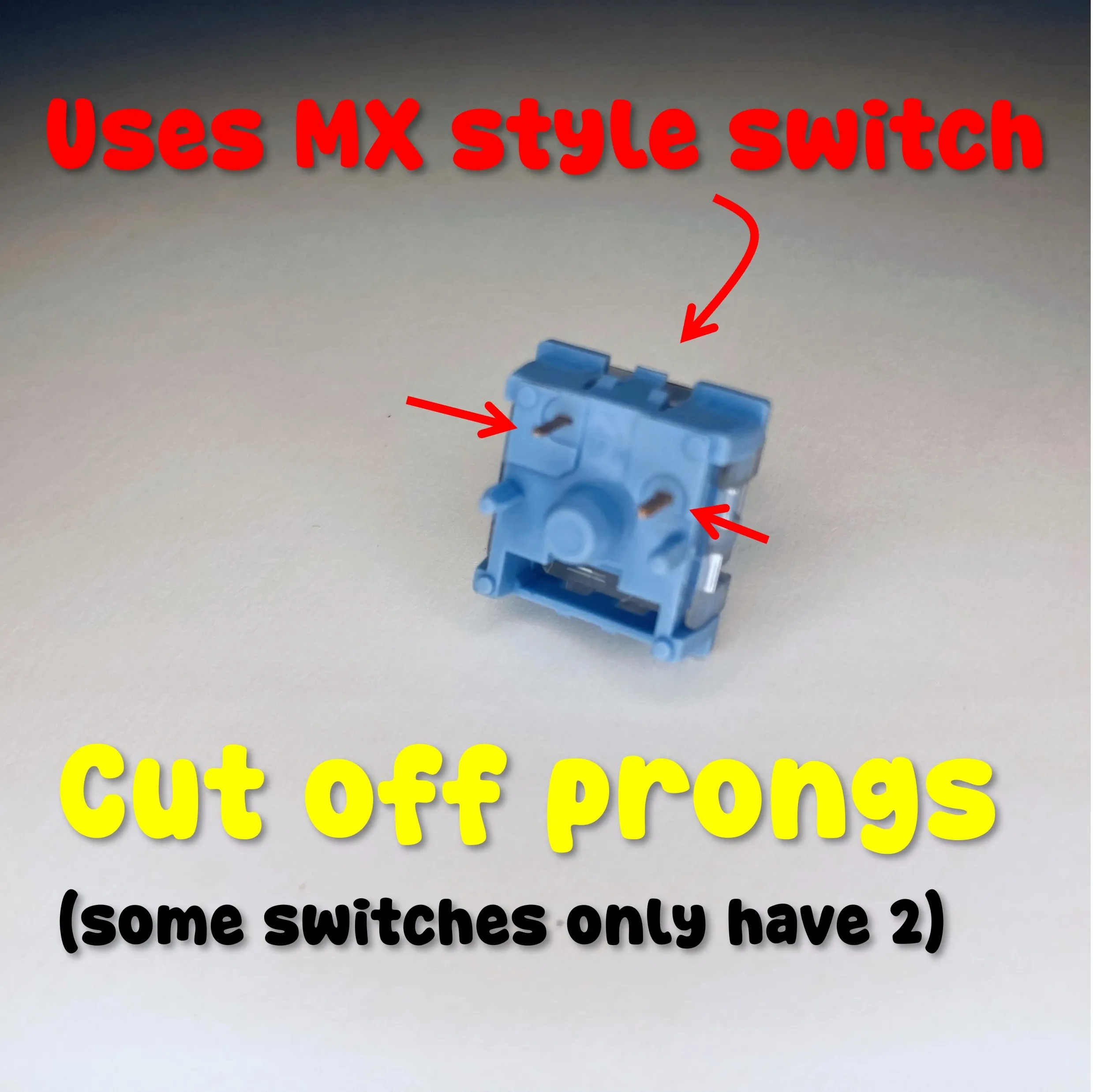
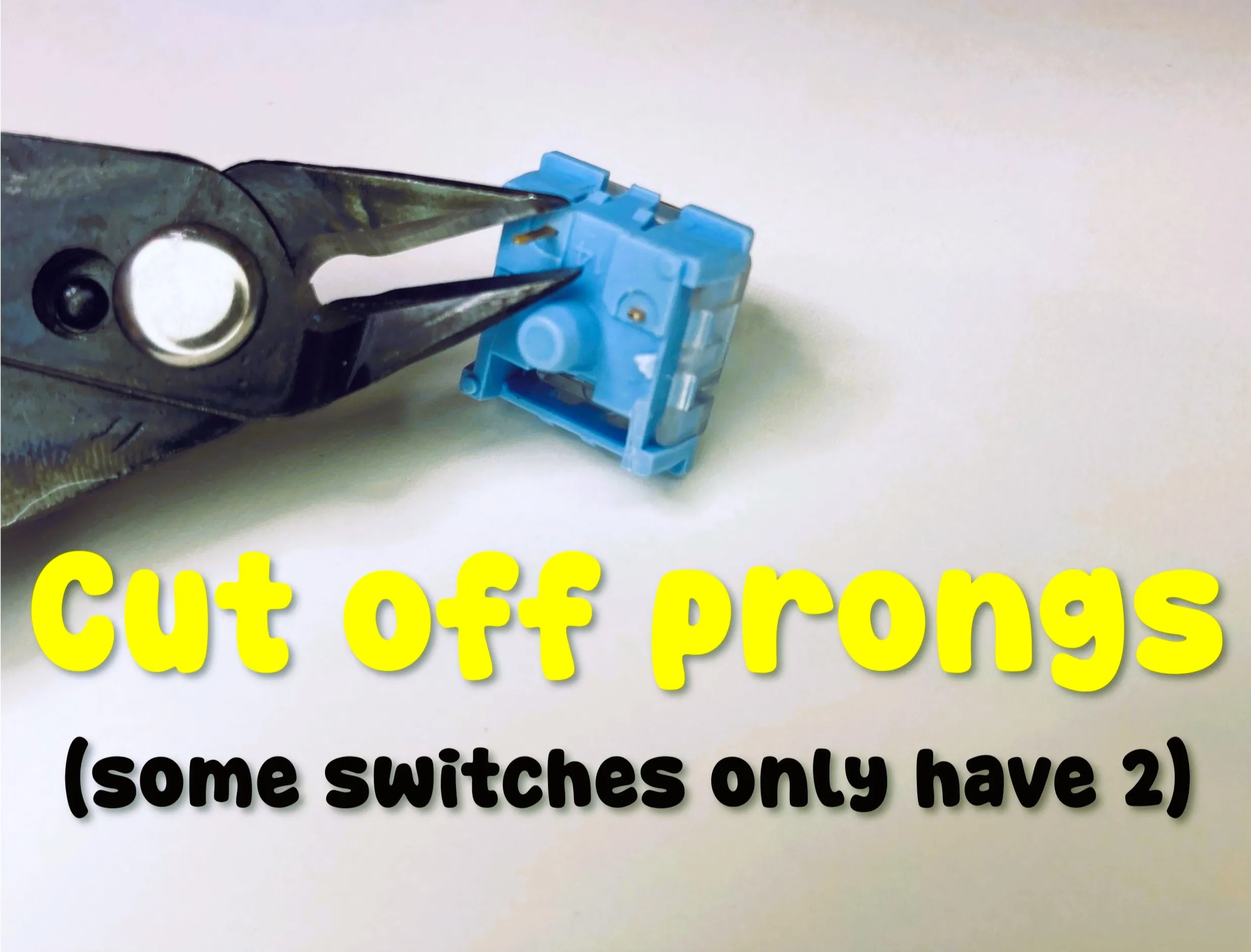
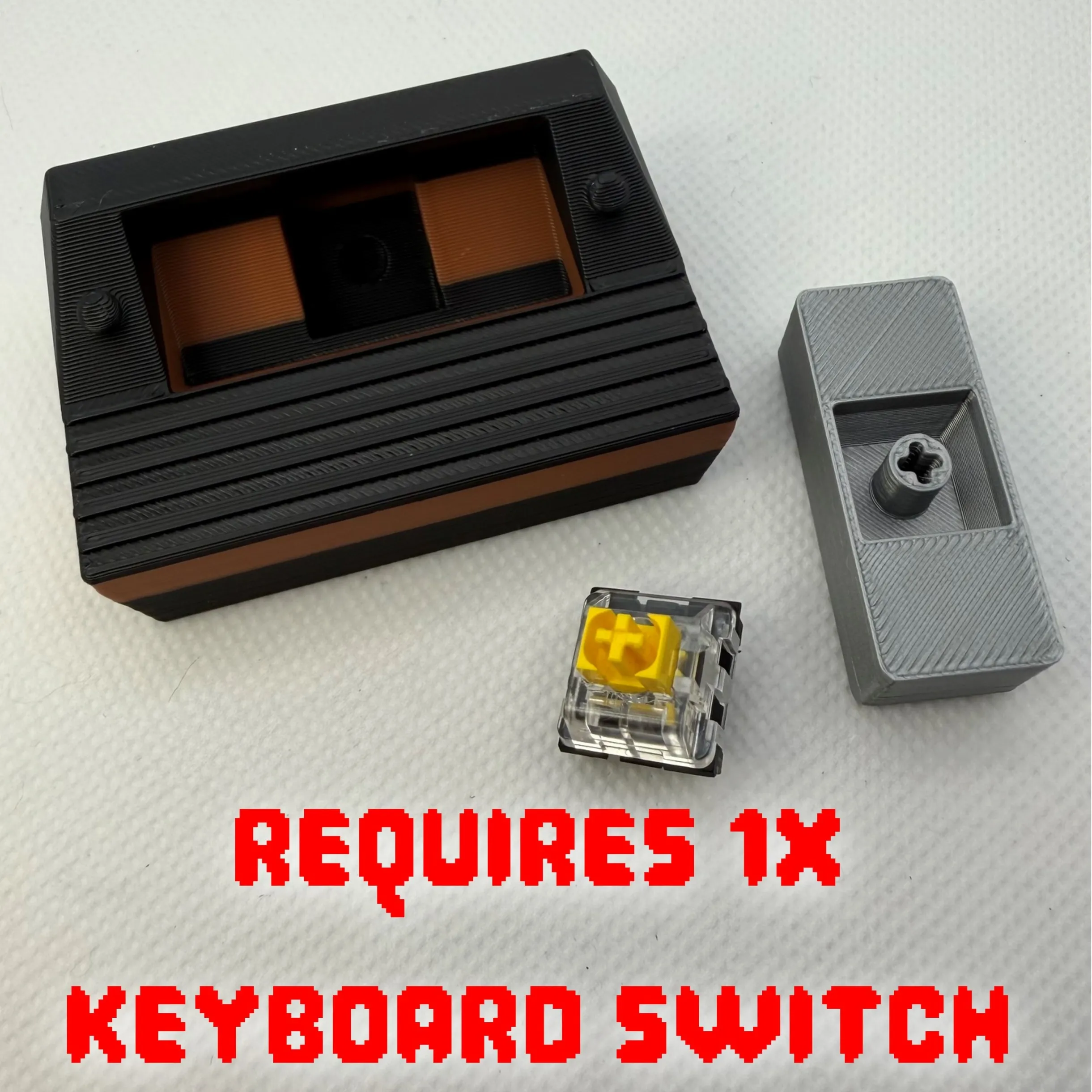
REQUIRES One MX keyboard switch for each clicker (2 total). Remove the pins as shown below.
You can buy from here or Amazon: https://mechanicalkeyboards.com/collections/keyboard-switches
RETRO CLICKER ’82: High Score Frenzy




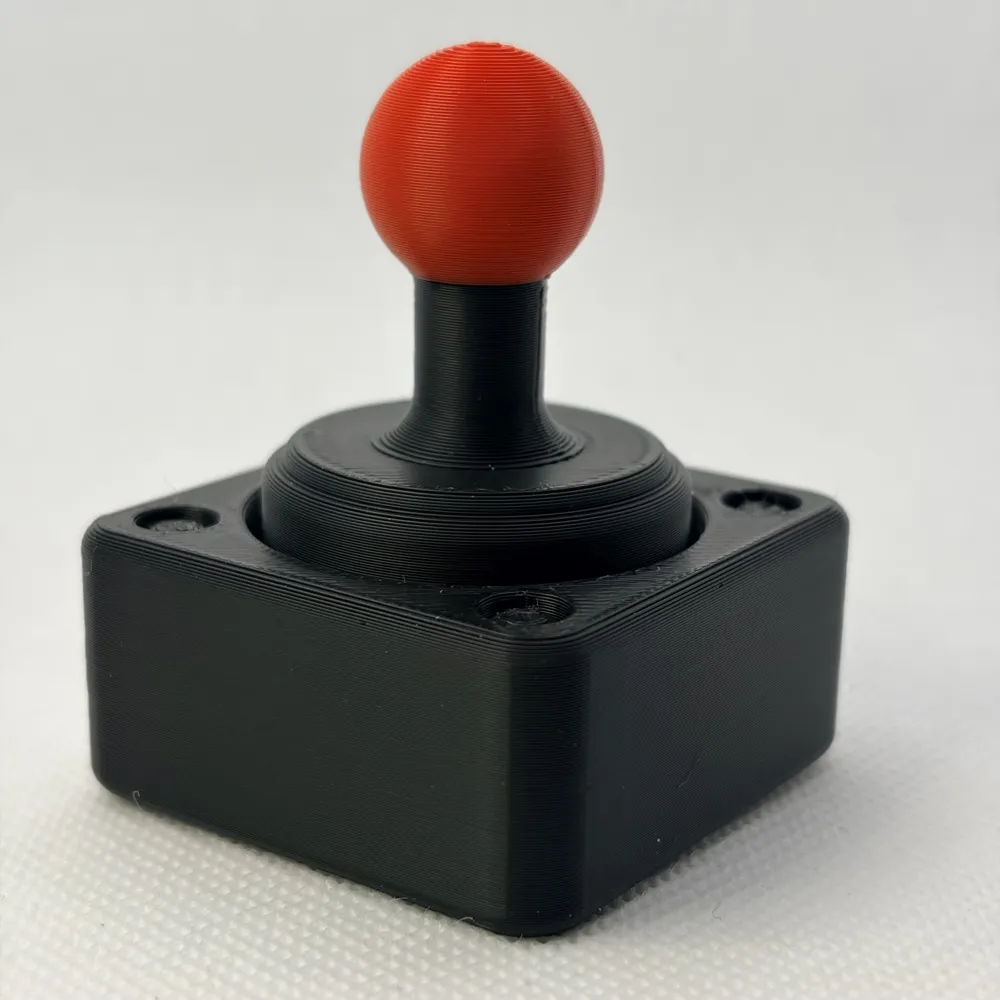
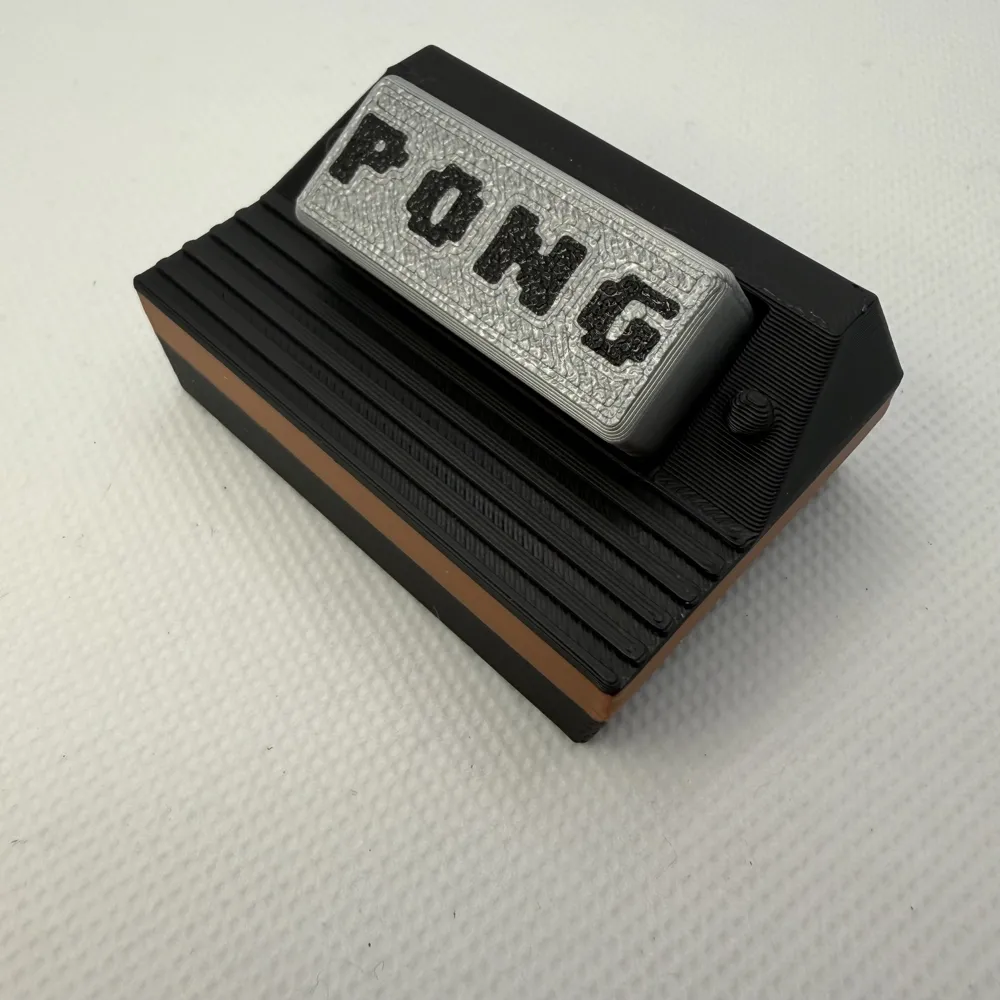
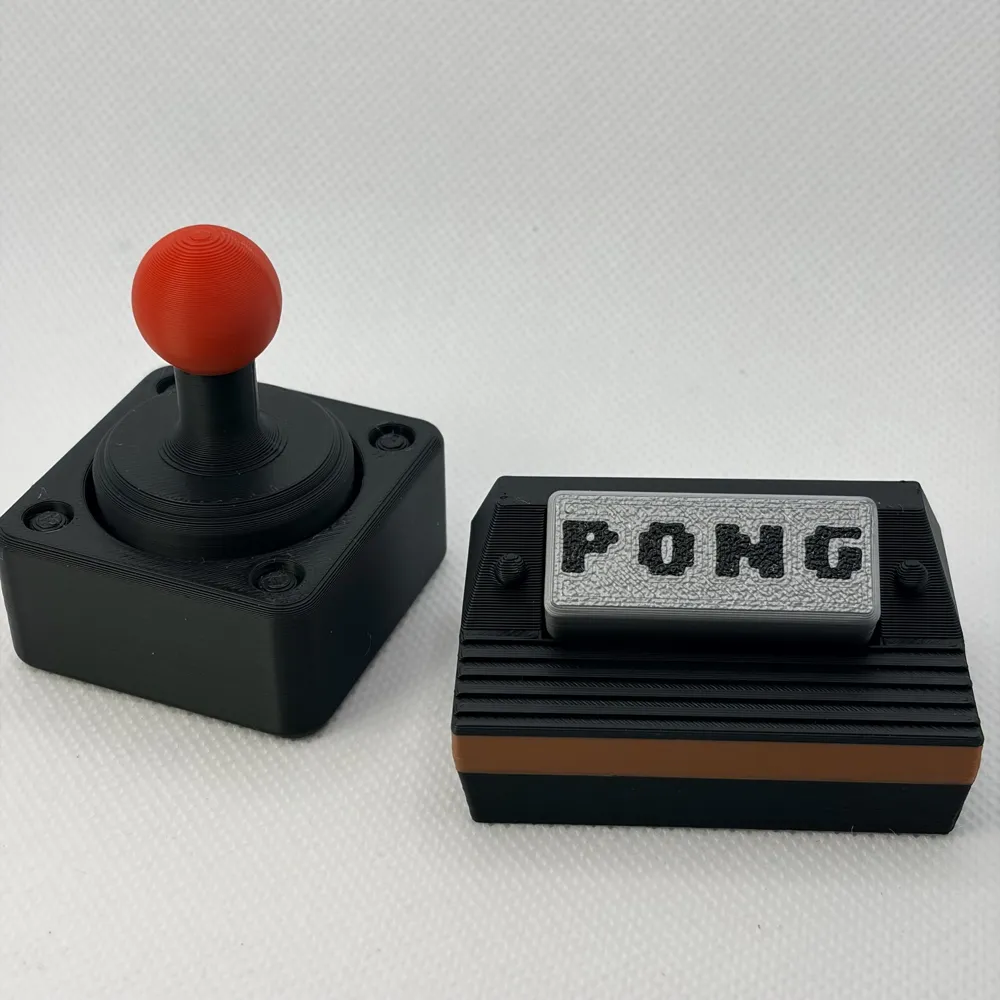
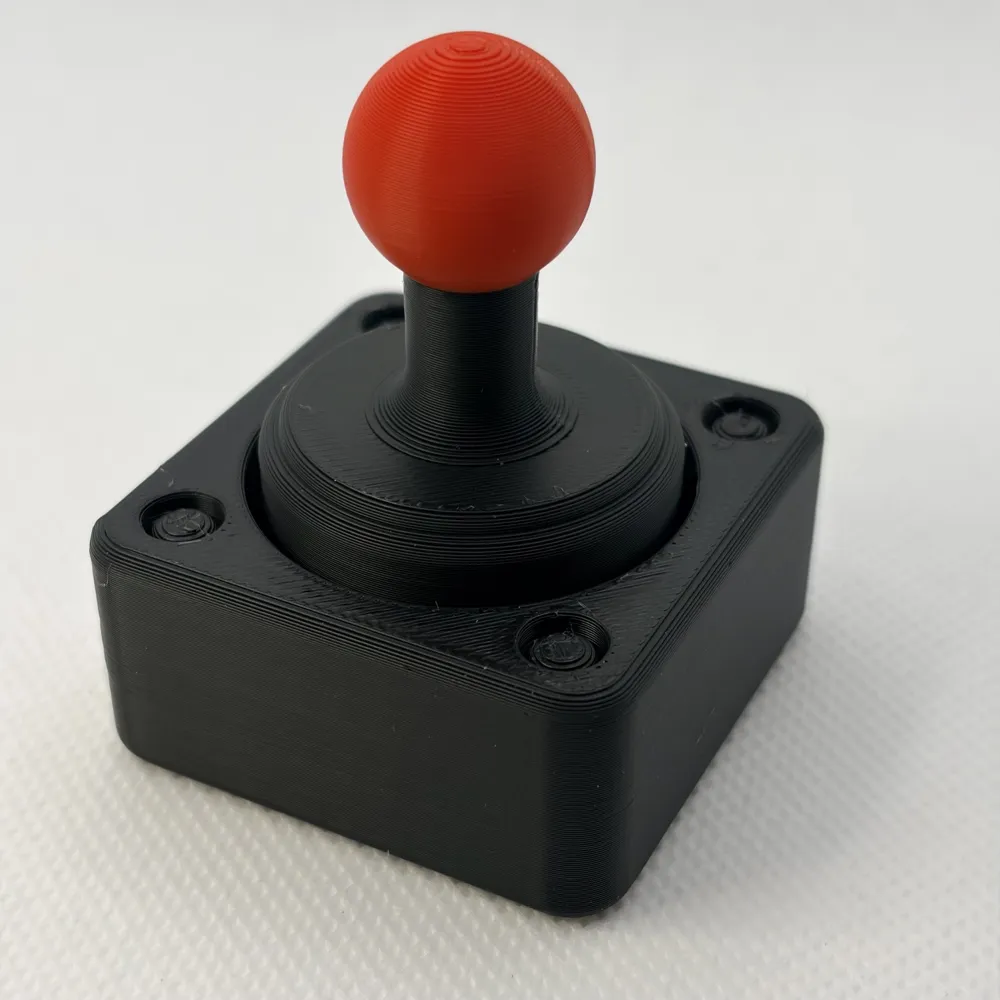
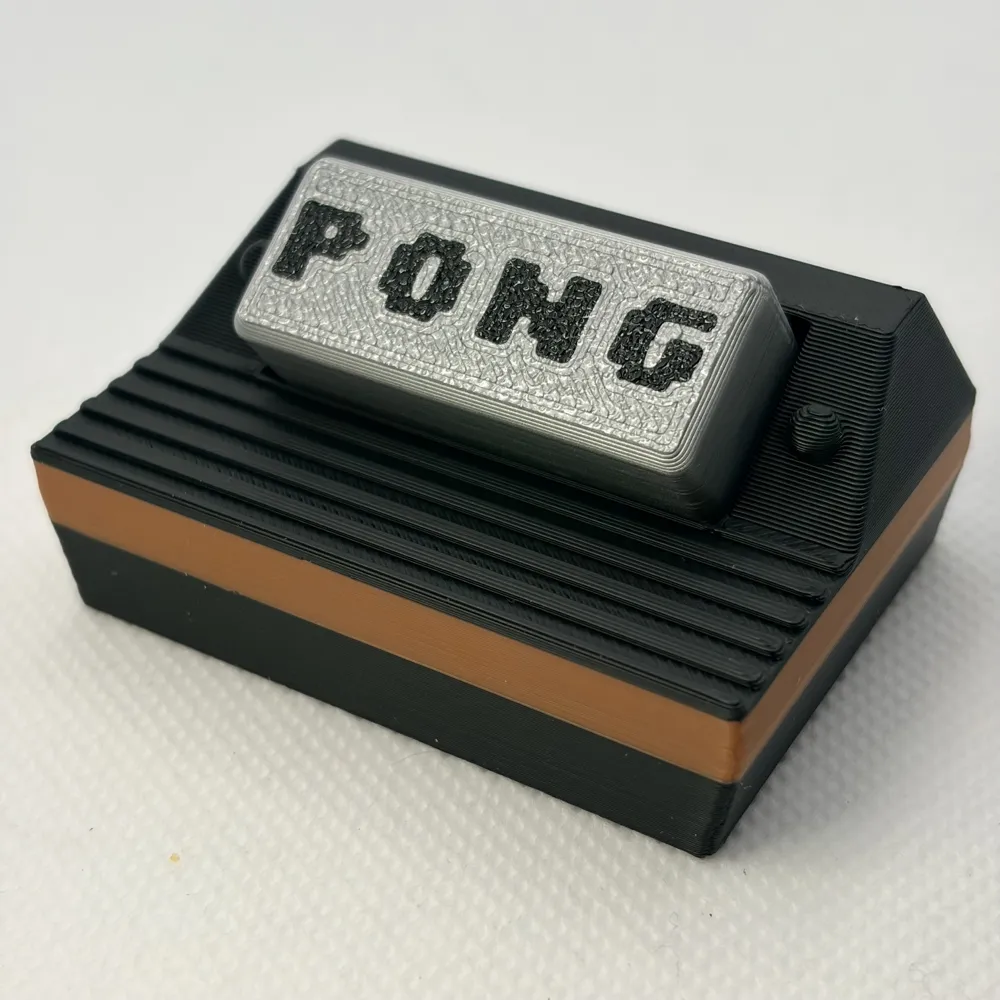
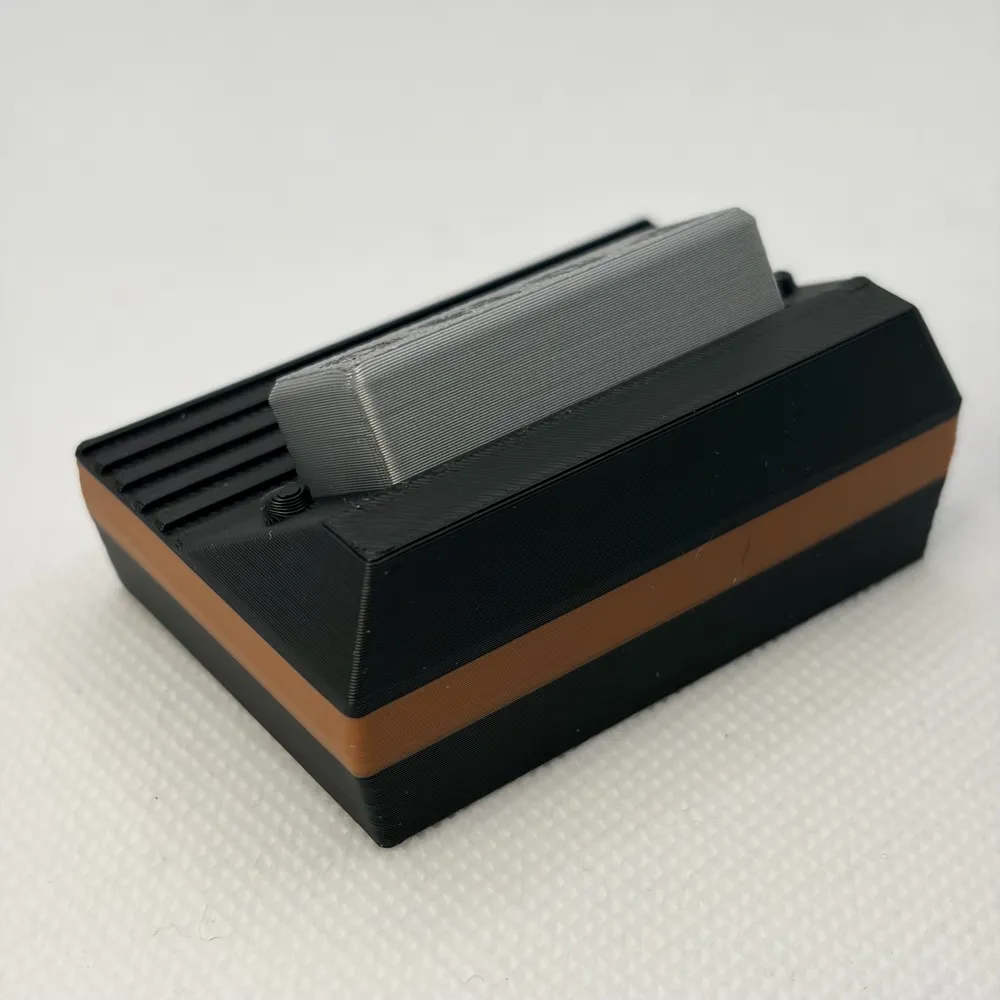
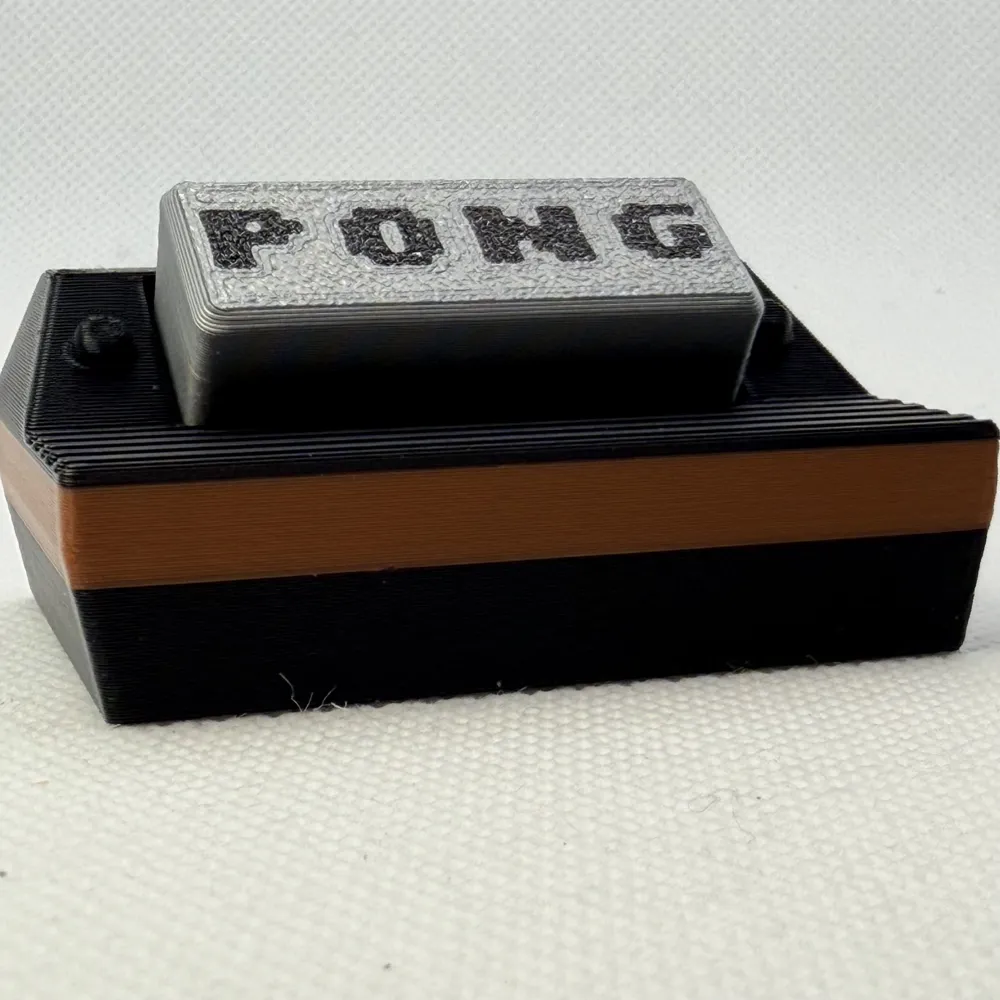
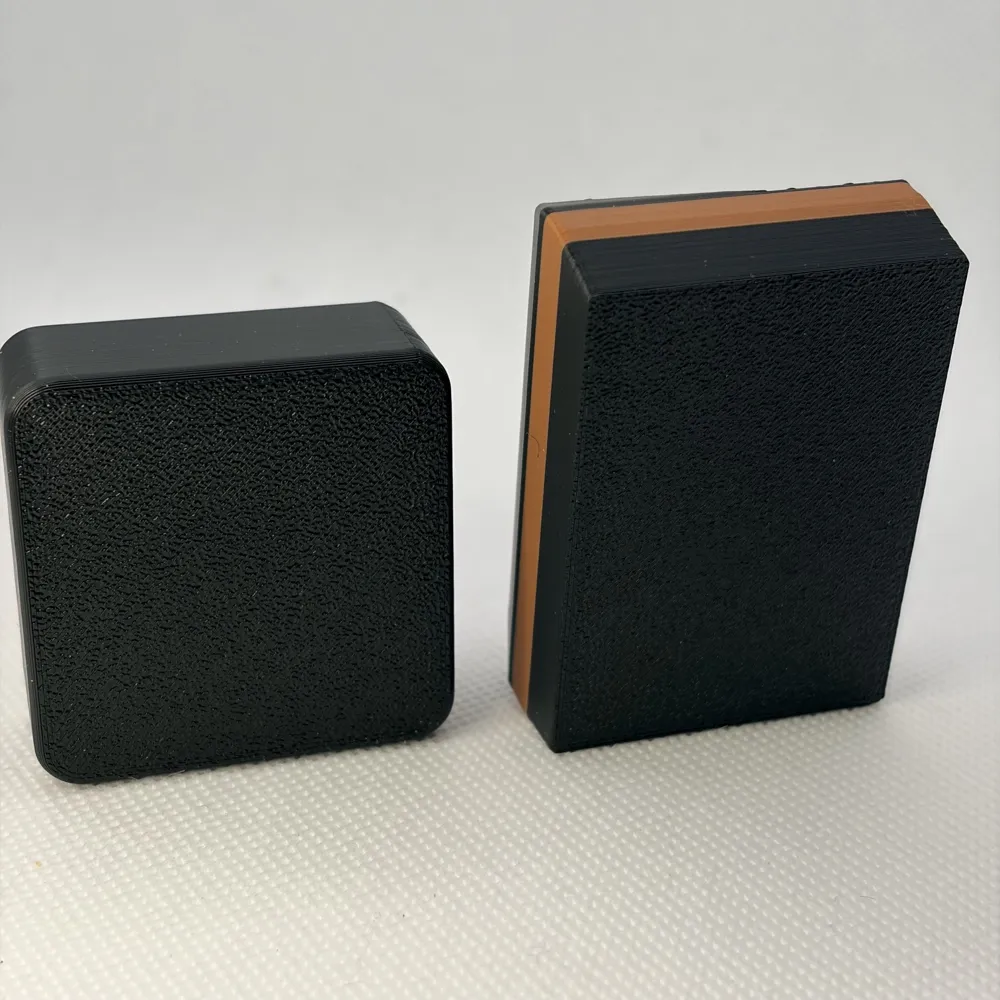
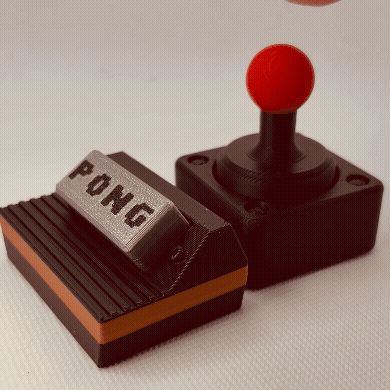
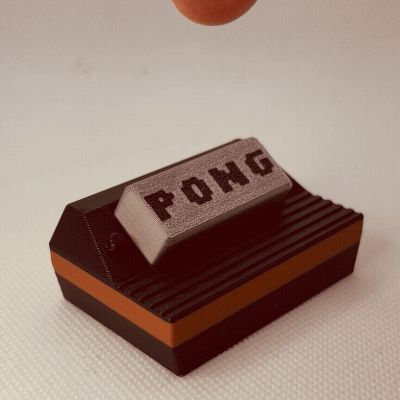
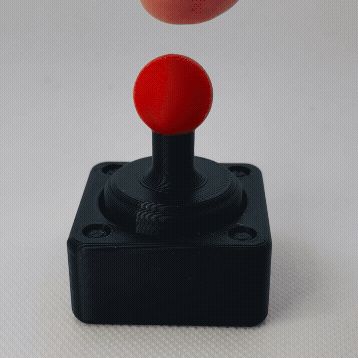
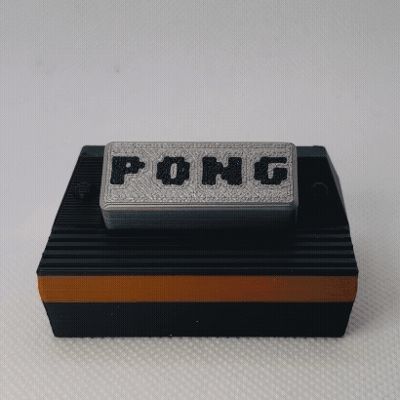
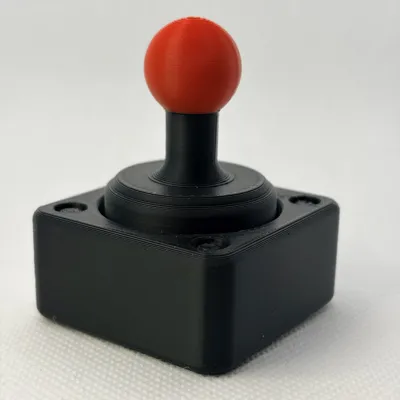
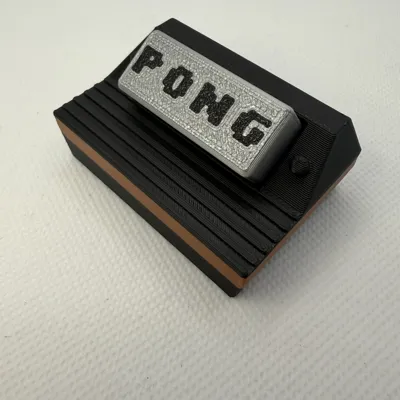
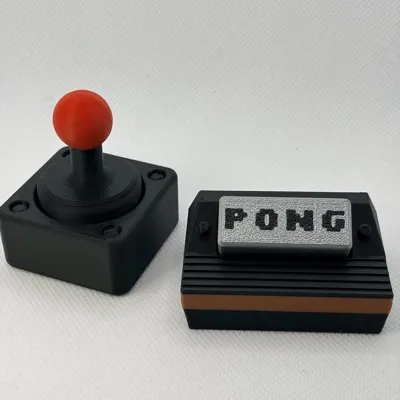
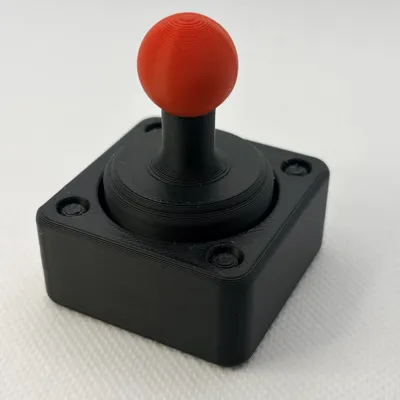
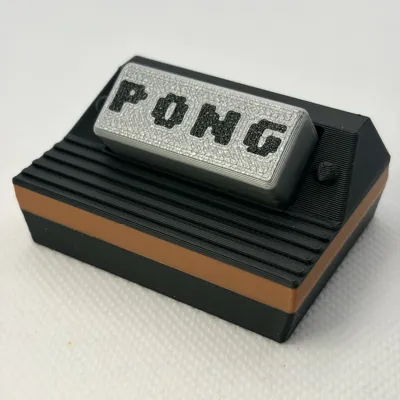
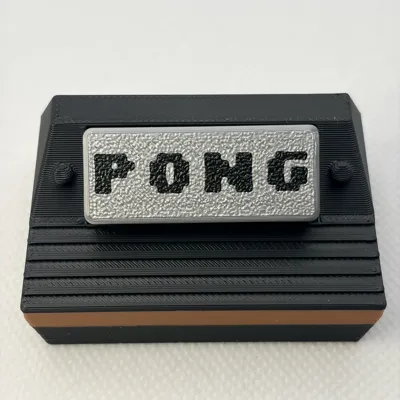
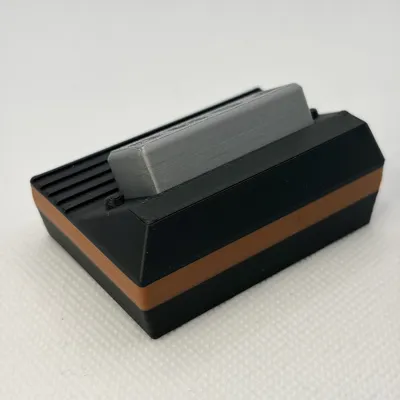
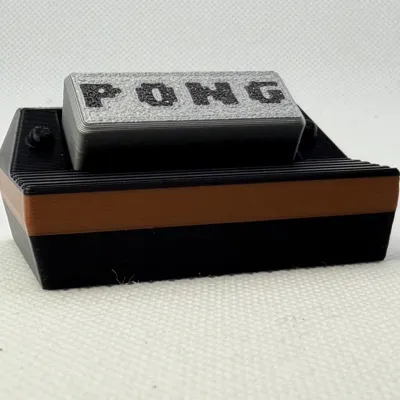
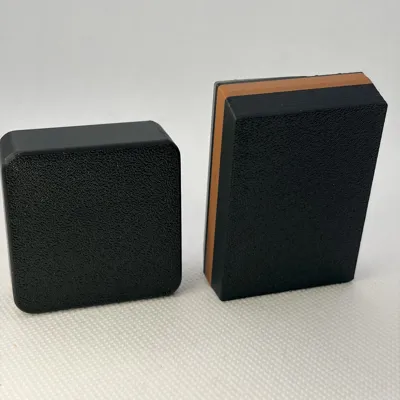
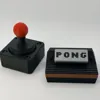
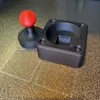
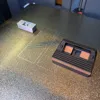
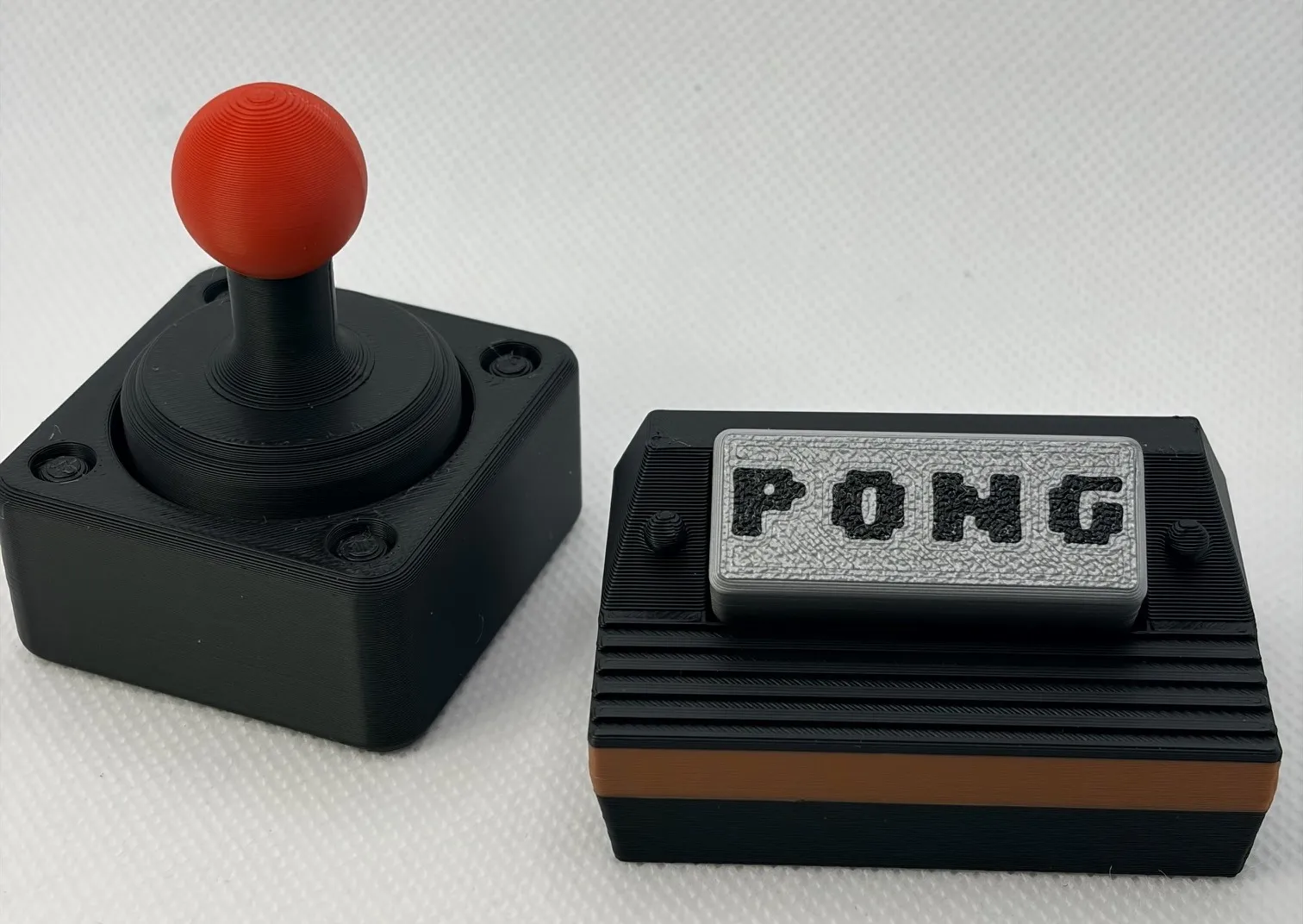

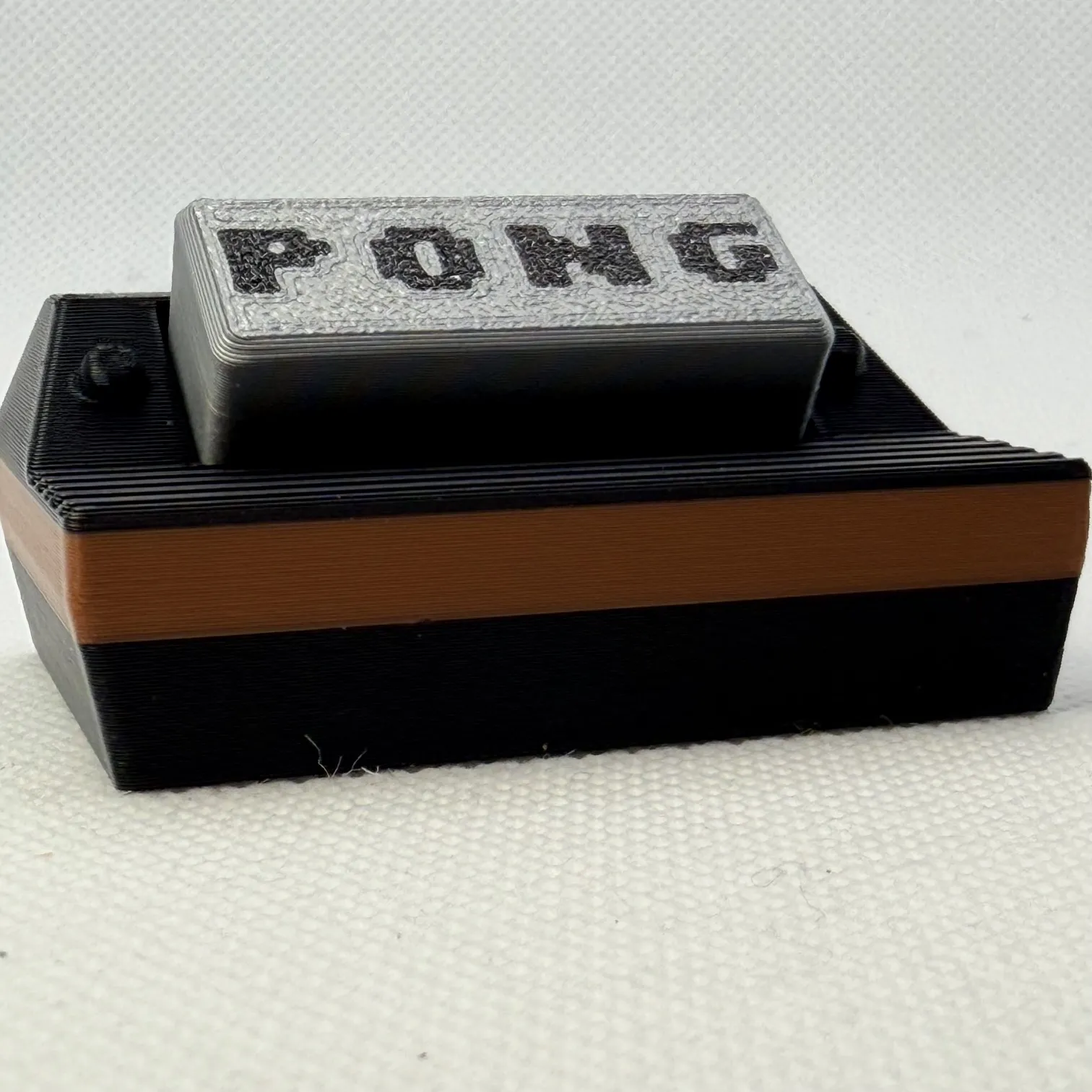
Level up your desk with some serious retro arcade vibes. This Atari inspired console and joystick clicker fidget set is a throwback to the golden age of gaming — when pixels were chunky, joysticks ruled, and PONG was peak competition. You can press the joystick top for a satisfying click, or tap the game cartridge on the console for a second tactile hit — because why have one click when you can have two? 🕹️
Each piece prints in under 53 minutes (or both together in under 1.5 hours printing by object) and uses MX-style keyboard switches (one per fidget, 2 total) for that crisp, arcade-button feel. Whether you’re into Atari, retro gaming, classic consoles, arcade nostalgia, or quirky desk toys, this set is basically a tiny time machine back to the 80s — no quarters required.
INSTRUCTIONS
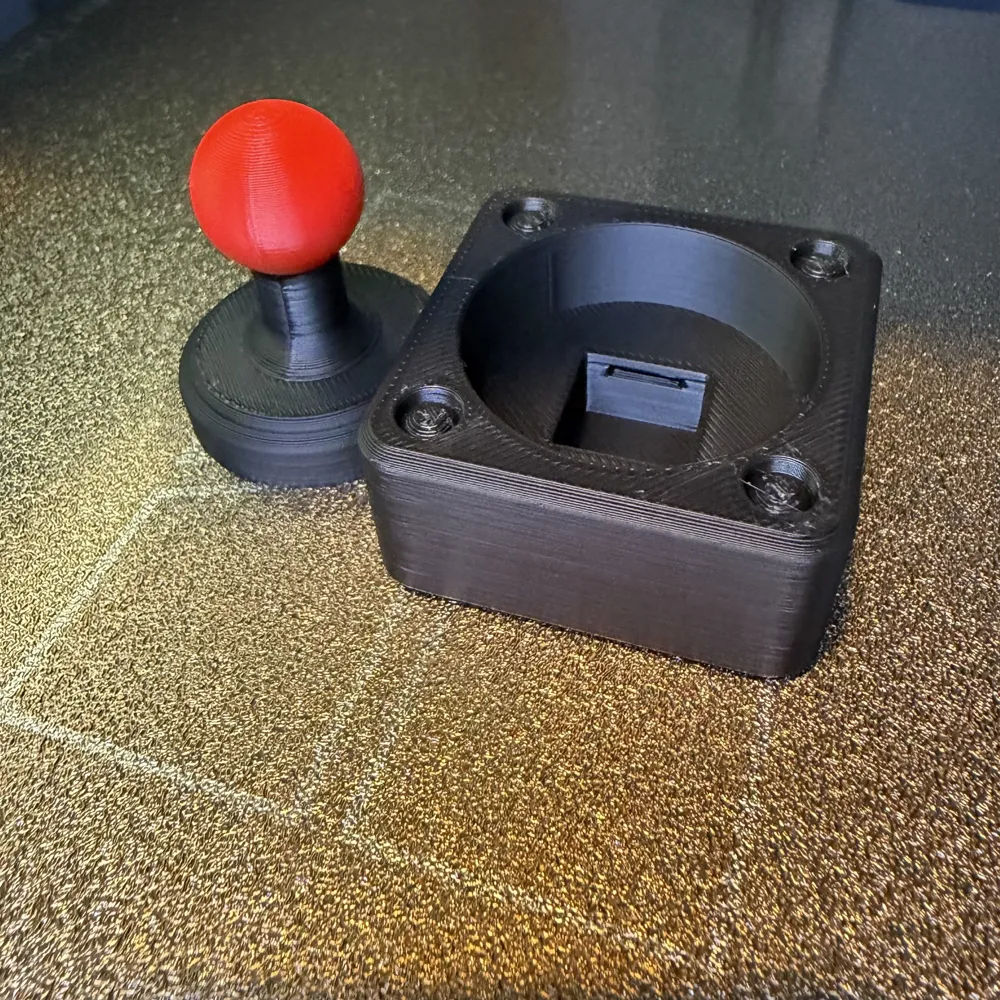
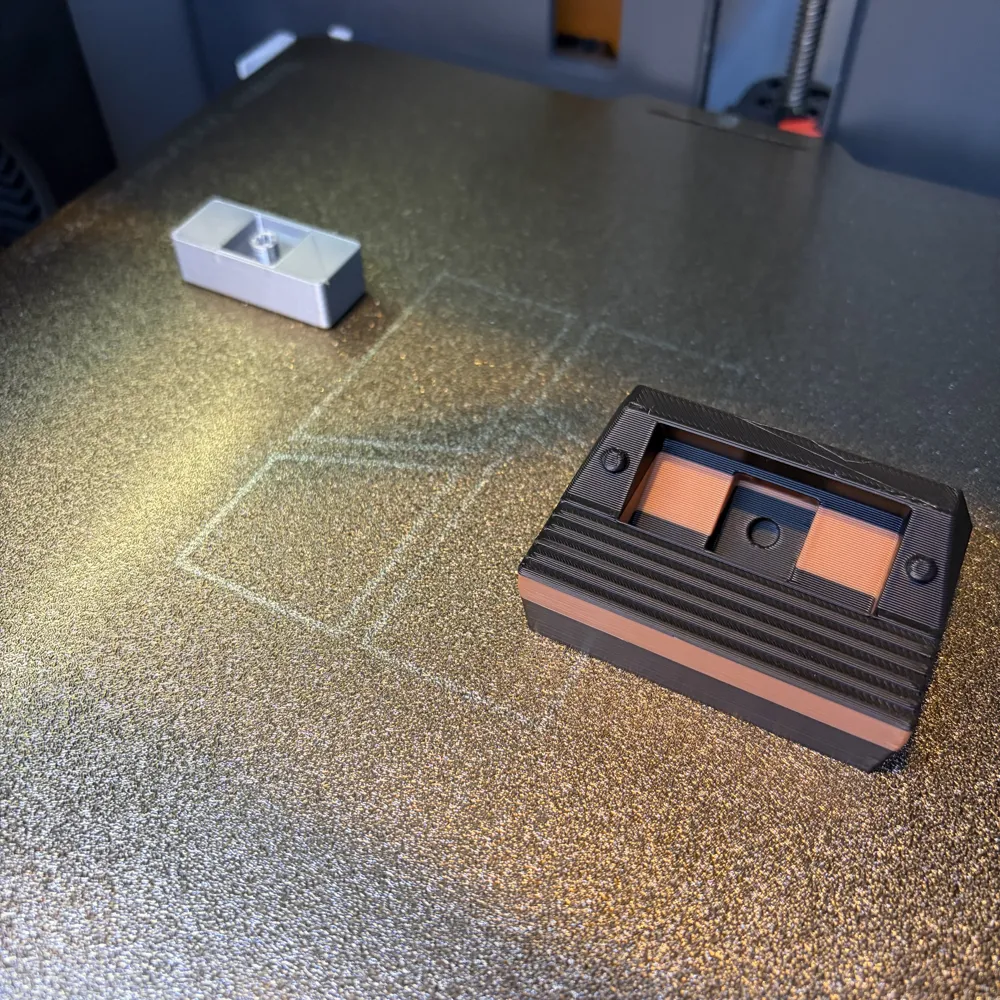
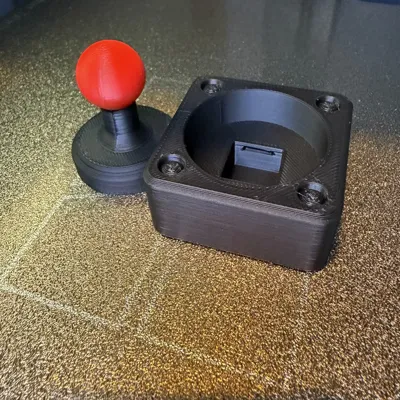
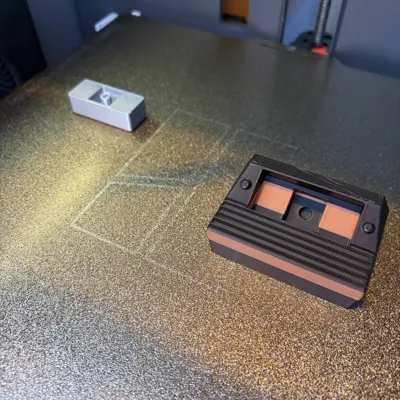
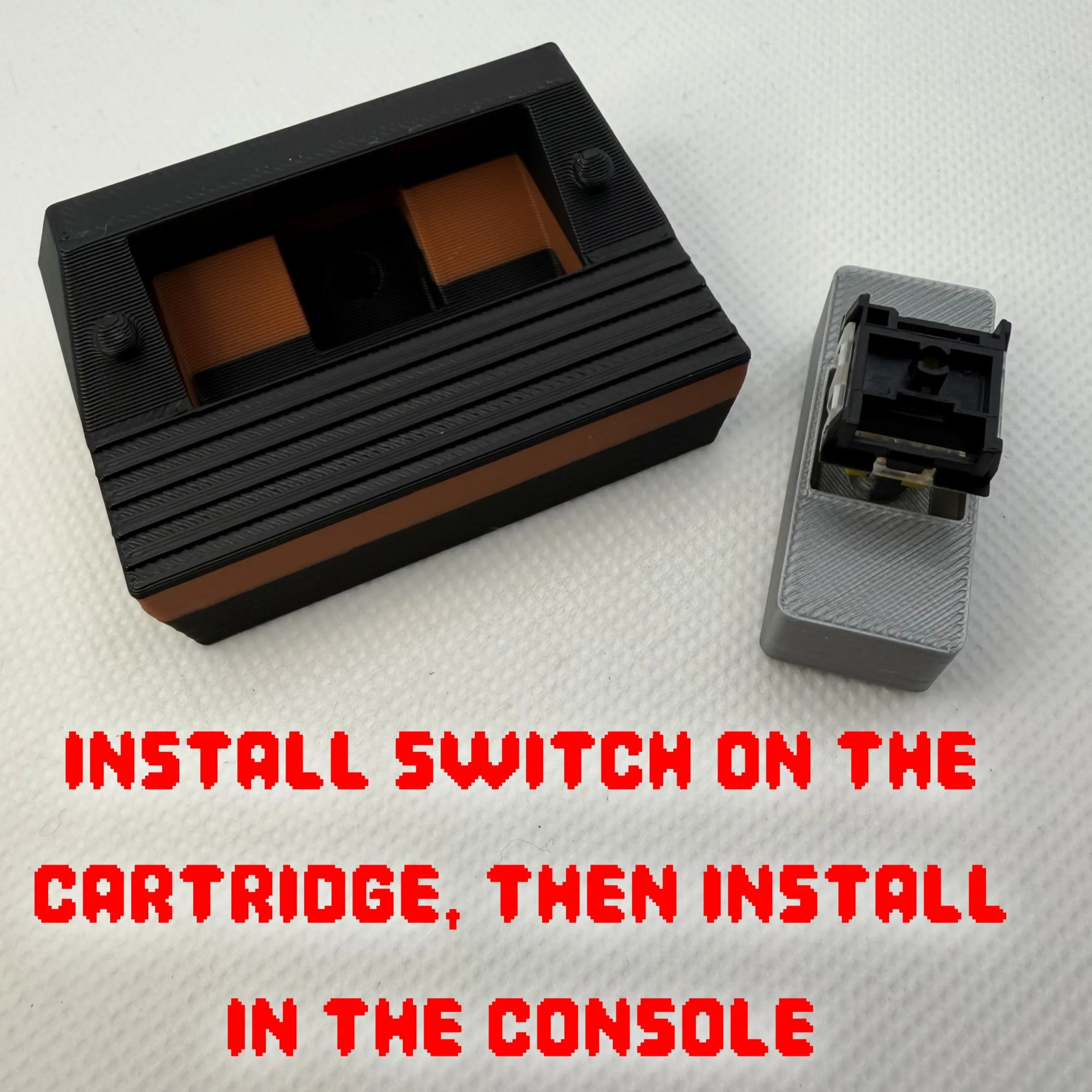
First, remove the prongs from the keyboard clicker switch as shown. Insert the clicker switch/button onto the joystick or the game catridge and then insert into the base.
Boost Me (for free)
Our family designs and prints together and we would be honored if we can earn your boost!
License

You shall not share, sub-license, sell, rent, host, transfer, or distribute in any way the digital or 3D printed versions of this object, nor any other derivative work of this object in its digital or physical format (including - but not limited to - remixes of this object, and hosting on other digital platforms). The objects may not be used without permission in any way whatsoever in which you charge money, or collect fees.


Comment & Rating (0)