
Galaxy Tab A11+ Case and Charging Wall Mount
Print Profile(1)
Description
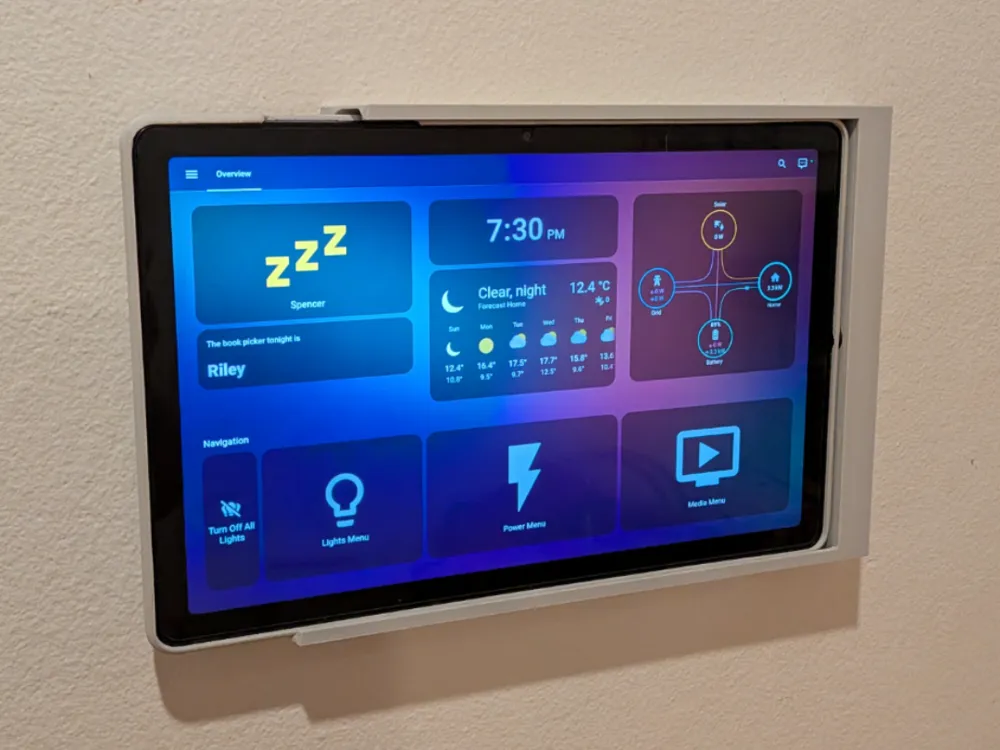
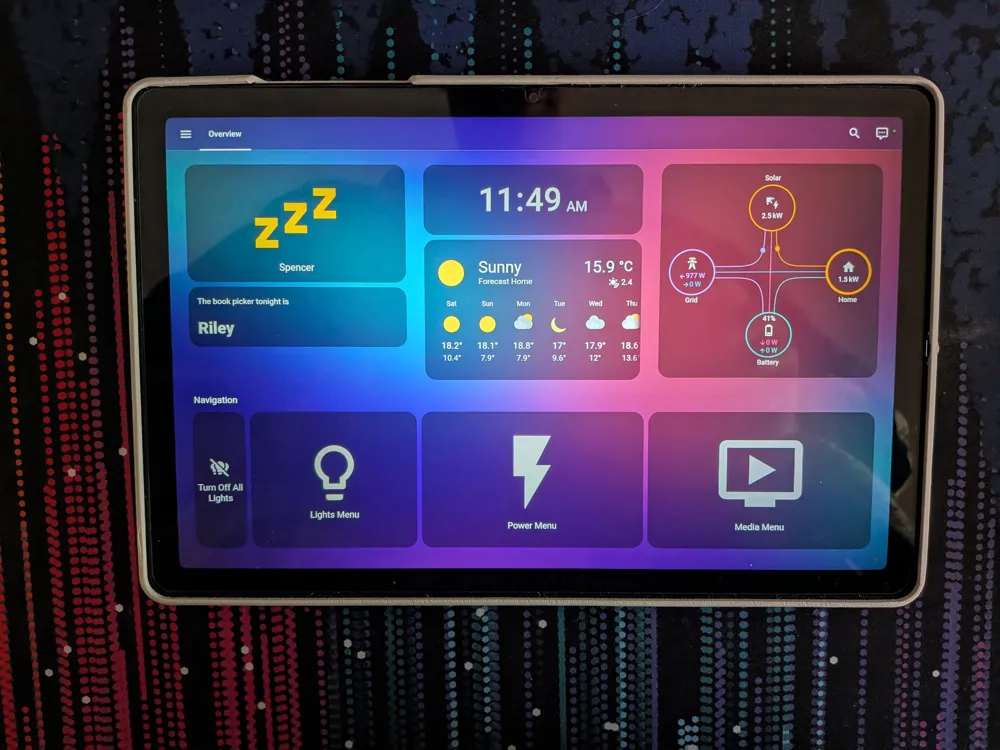
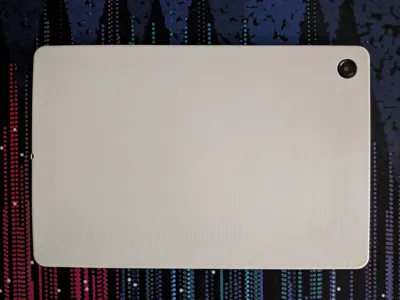
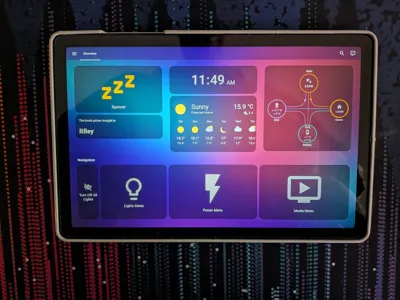
I created this model so that I could use my Galaxy A11+ tablet both as a dashboard and as a tablet. The case and tablet can just slide in to the mount making it easy to access.
The mount has an integrated charging cable with magnetic adaper that snaps into place when you slide it in. It also helps to secure it against sliding out. The included model has two versions of the mount, one for a cable run through the wall and the other run external to the wall.
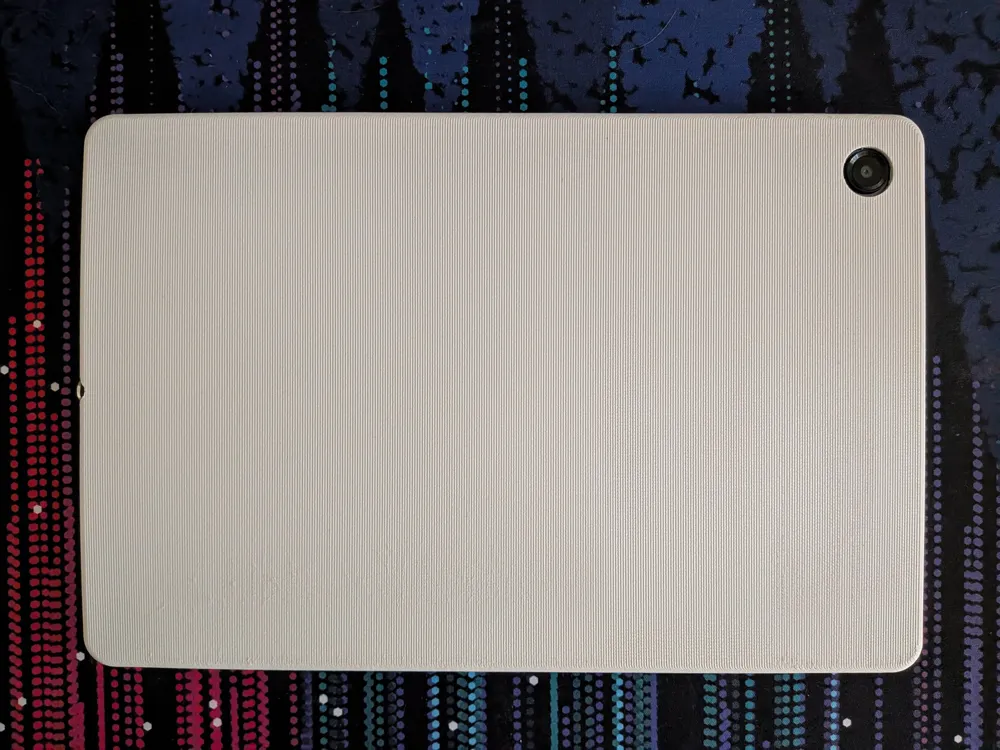
I printed on the A1, so the case needed to be inclined to fit in the build area. If you have a larger build plate you can obviously print it flat. Printing at the shallow angle gave it a nice texture on the back, but I haven't tried the steeper angle - but this should cut down on print time and material.
The case was printed in PLA and it's a nice snug fit. Leave the corner with the volume control cutout to last and it should make it easier to get on. The case is only meant for light protection, it's probably not going to help much if you drop it on a hard surface.
Boost Me (for free)
I'd appreciate the boost if you like the model :)
*** Important notes ***
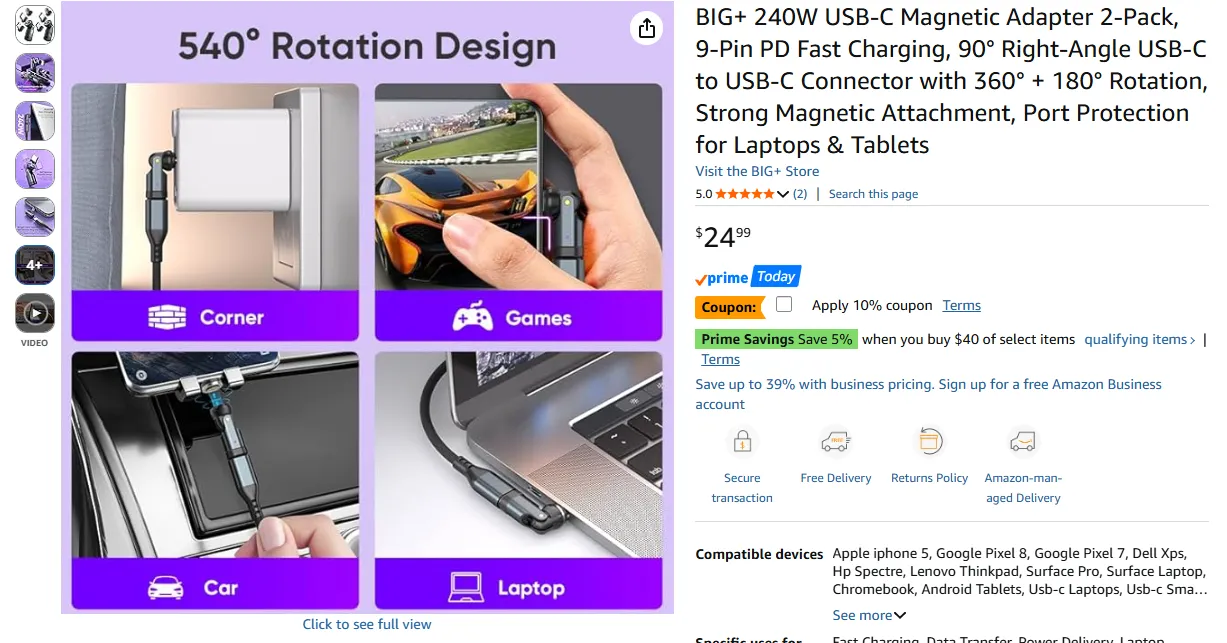
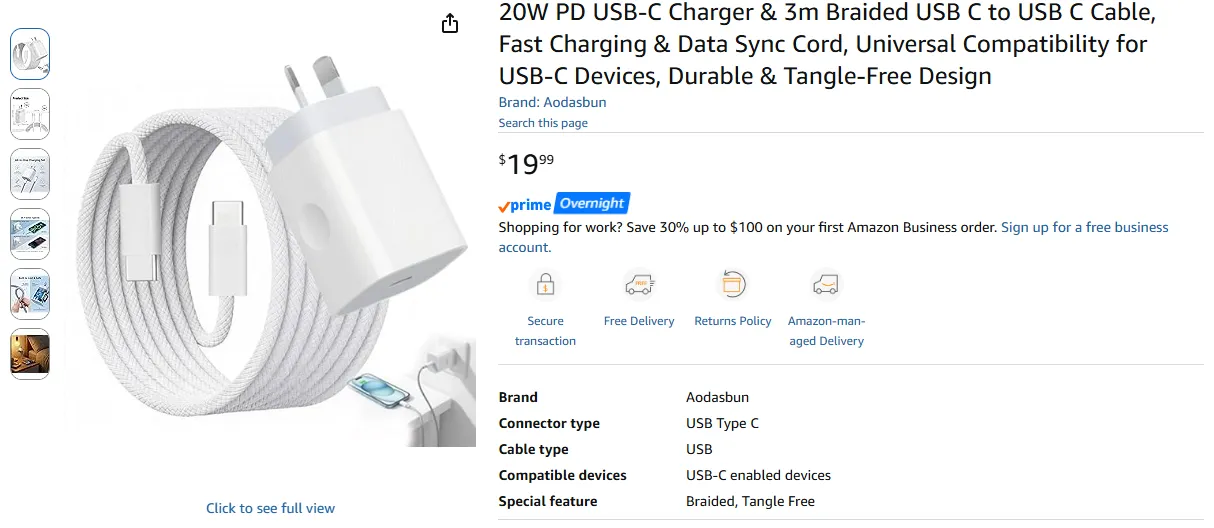
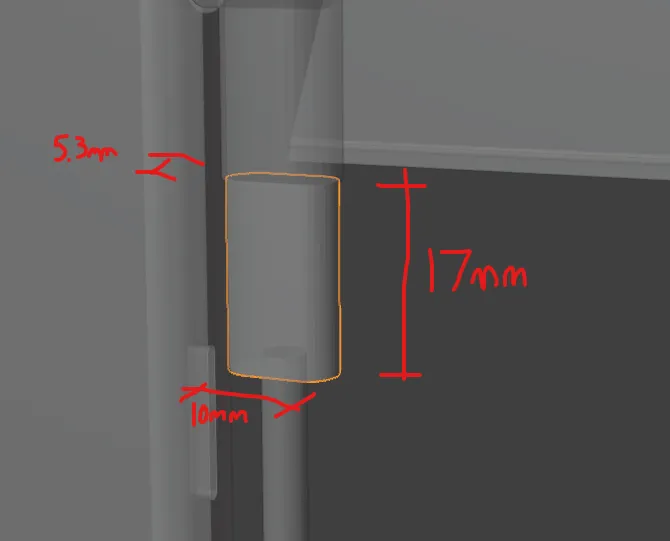
- The mount was made to suit a specific magnetic adapter and USB cable. The links for these are below. Any USB cable should be fine provided the cable termination isn't any larger than the dimensions below.
- The steeper inclination case print hasn't been tested by me. If you give it a go, leave feedback for others.
- The version I printed is slightly different to the one I've uploaded. This version has slightly thicker top and bottom edges to make it a bit more solid and the slope on the mount was adjusted so that the tablet buttons are accessible when it is in the mount.
Magnetic Adapter
https://www.amazon.com.au/dp/B0GFCRMHGB?ref=ppx_yo2ov_dt_b_fed_asin_title
USB Cable
https://www.amazon.com.au/dp/B0GHNMQTBQ?ref=ppx_yo2ov_dt_b_fed_asin_title
Recommended Installation Steps
- Print Models
- Check fastener slot spacing on the back of the mount. It should be 144mm center to center.
- Set out the screw location on the wall. The top of the mount will be around 28mm above the screws.
- Install screw anchors into wall. Ensure they are level. Fasteners should have a 7mm (min 5mm) head and max 4mm shank. If you are using any type of wall plug, make sure it doesn't sit proud of the wall or your mount won't be flush with the wall.
- Tighten the screws so there is only a 1-2mm gap behind the head. Adjust these later to get a snug fit with the wall.
- If you are externally running the cable jump to step 9.
- Slide the mount on to the screws and lightly mark the edges around the bottom right corner with a pencil or anything else you can easily remove.
- Drill your hole for the cable (12mm drill bit) making sure it won't be visible.
- Run your cable through the wall or bottom of the mount.
- Attach the magnetic adapter to the other end of the cable that will slide into the mount. Install the male USB C side of the adapter into your tablet.
Slide the adapter in to the mount with the connector facing forward.
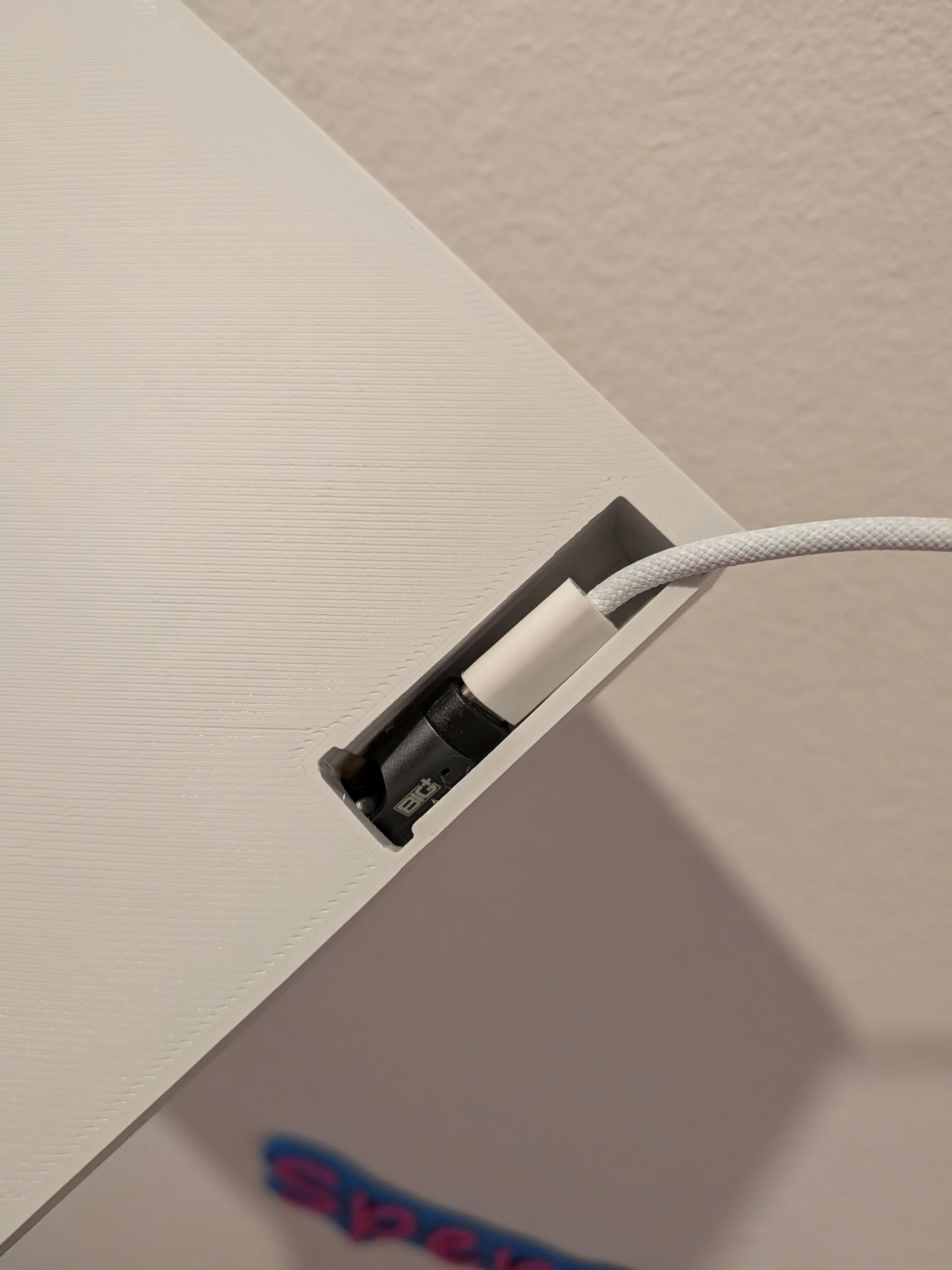
When the adapter is just visible in the hole for the charging port, rotate the connector into the port location. You may need to twist the cable left or right so that it is able to rotate in this direction. You should be able to rotate it with your finger, but if you use a tool, take care not to damage the adapter.
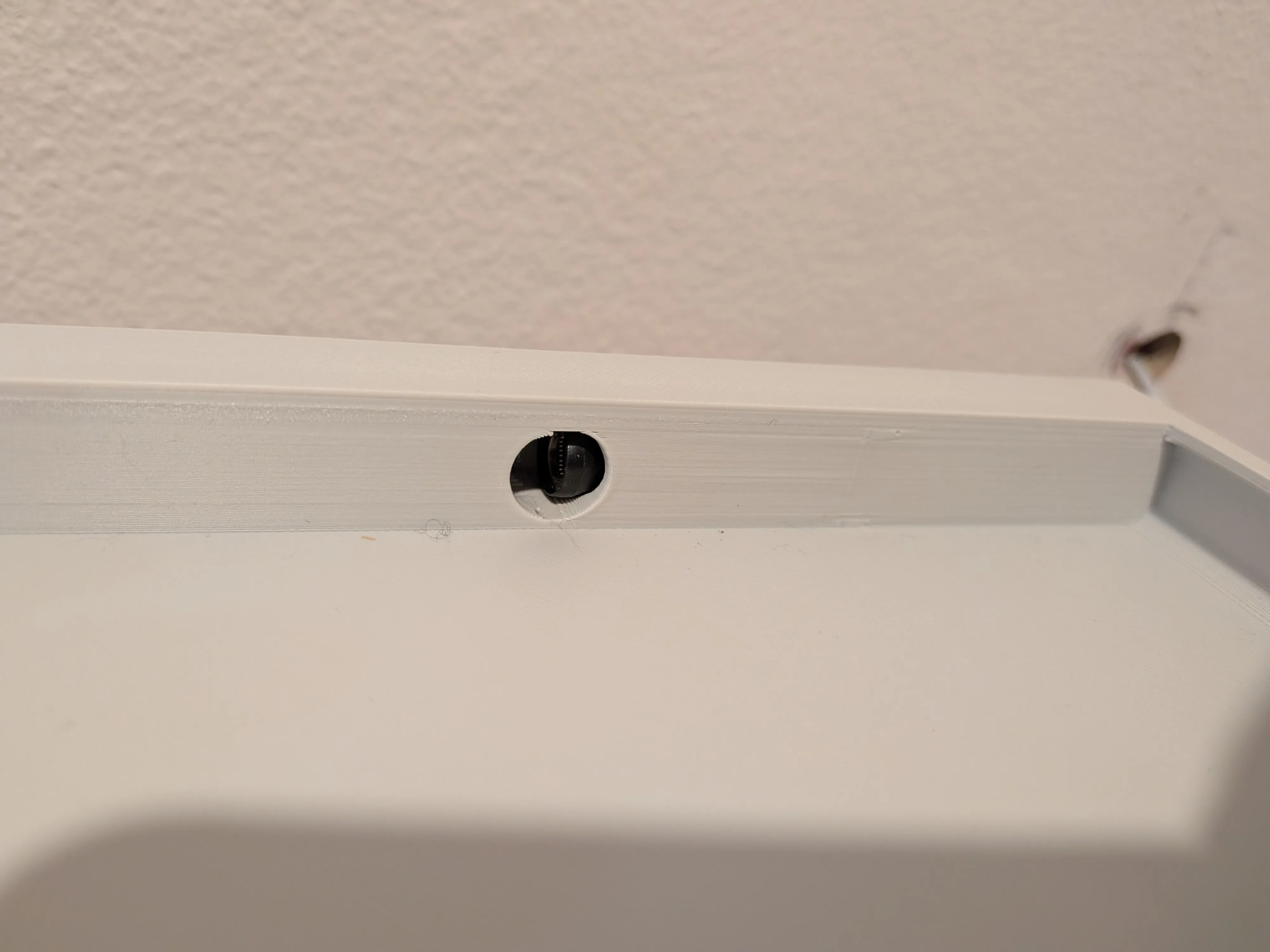
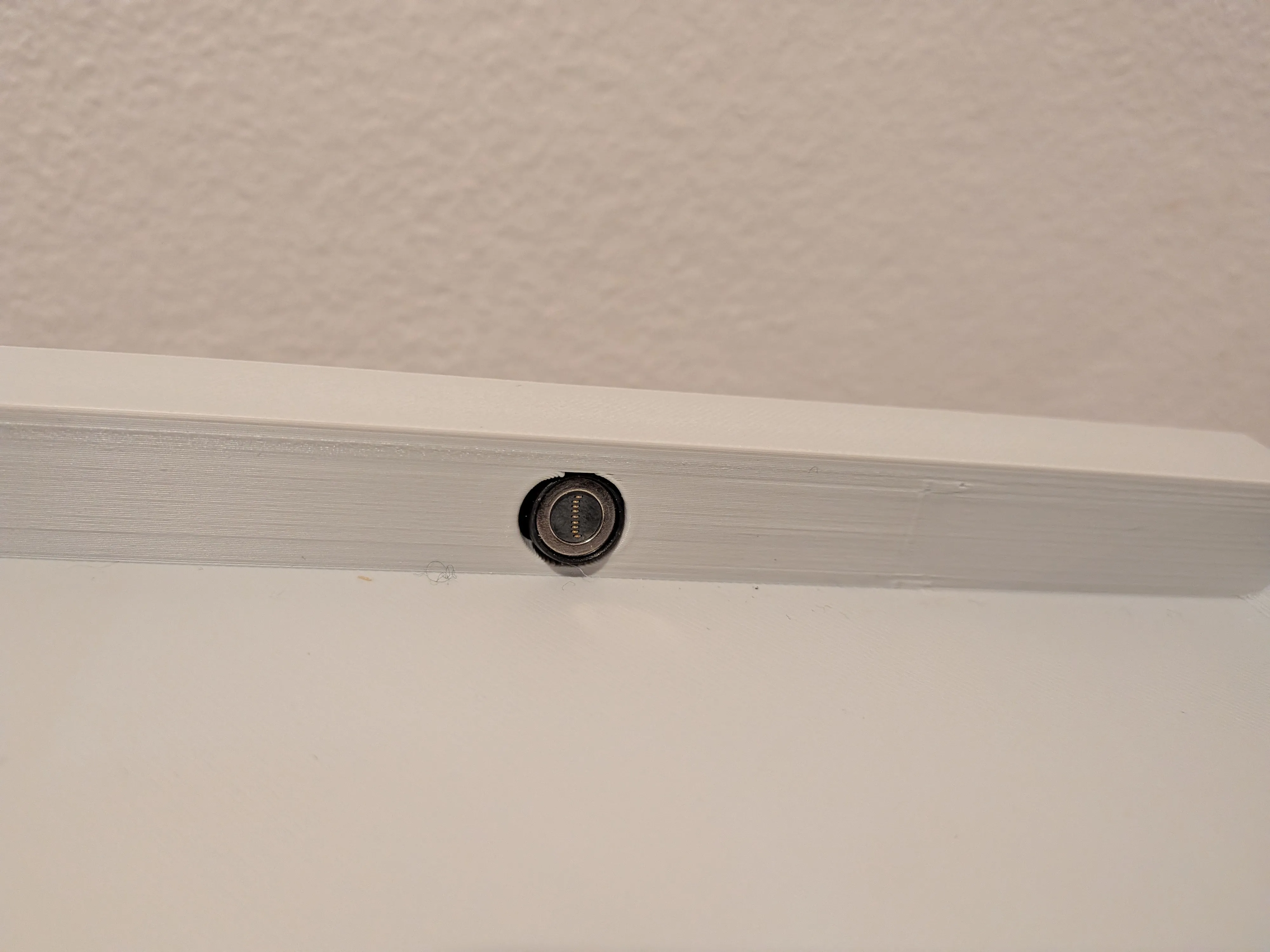
Slot the wedge into the back of the case to pin the cable in place.
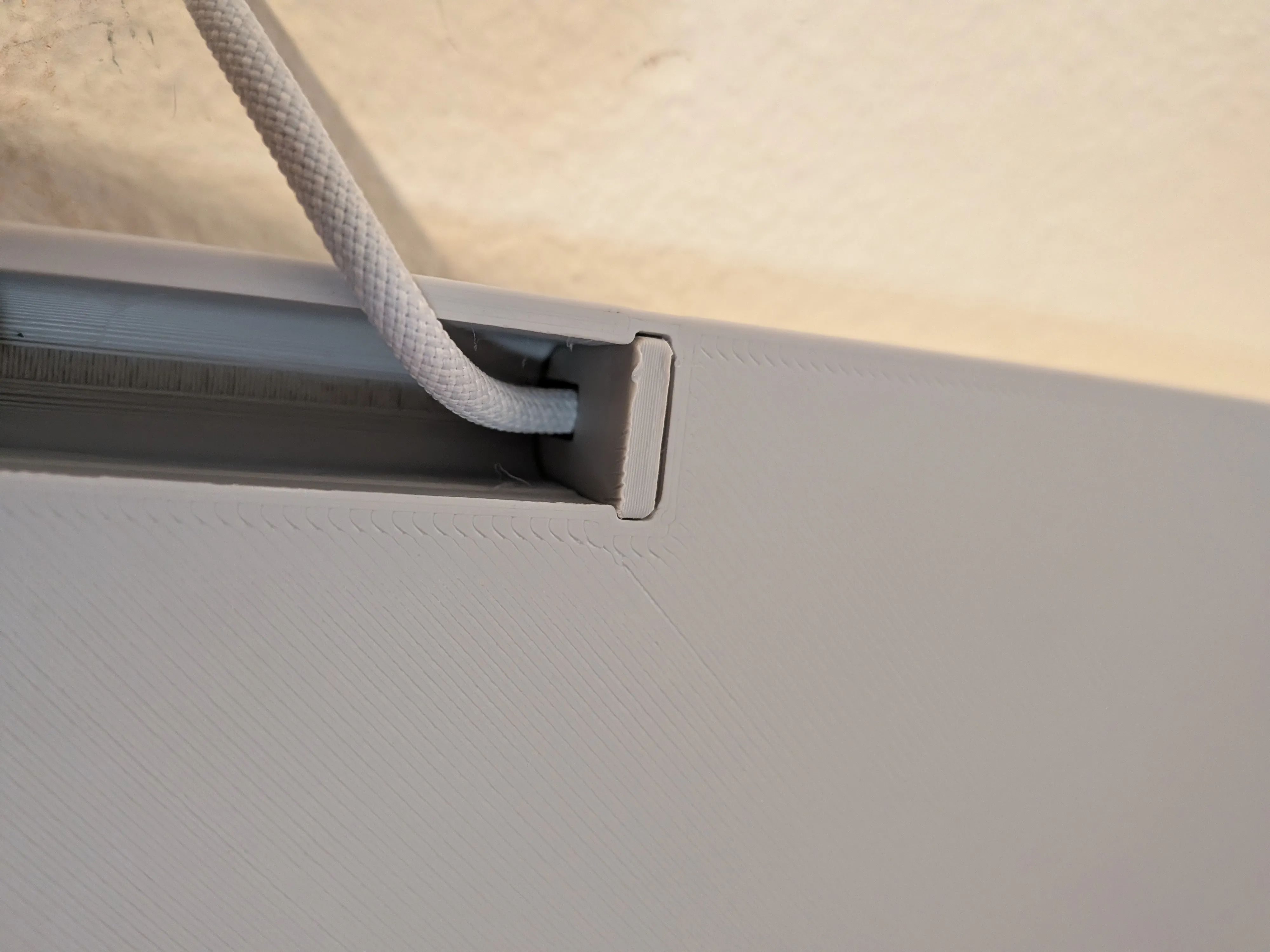
Slide the wall mount back onto the screws and you're all done. Give it a test and tighten up the screws if you need it more snug on the wall.
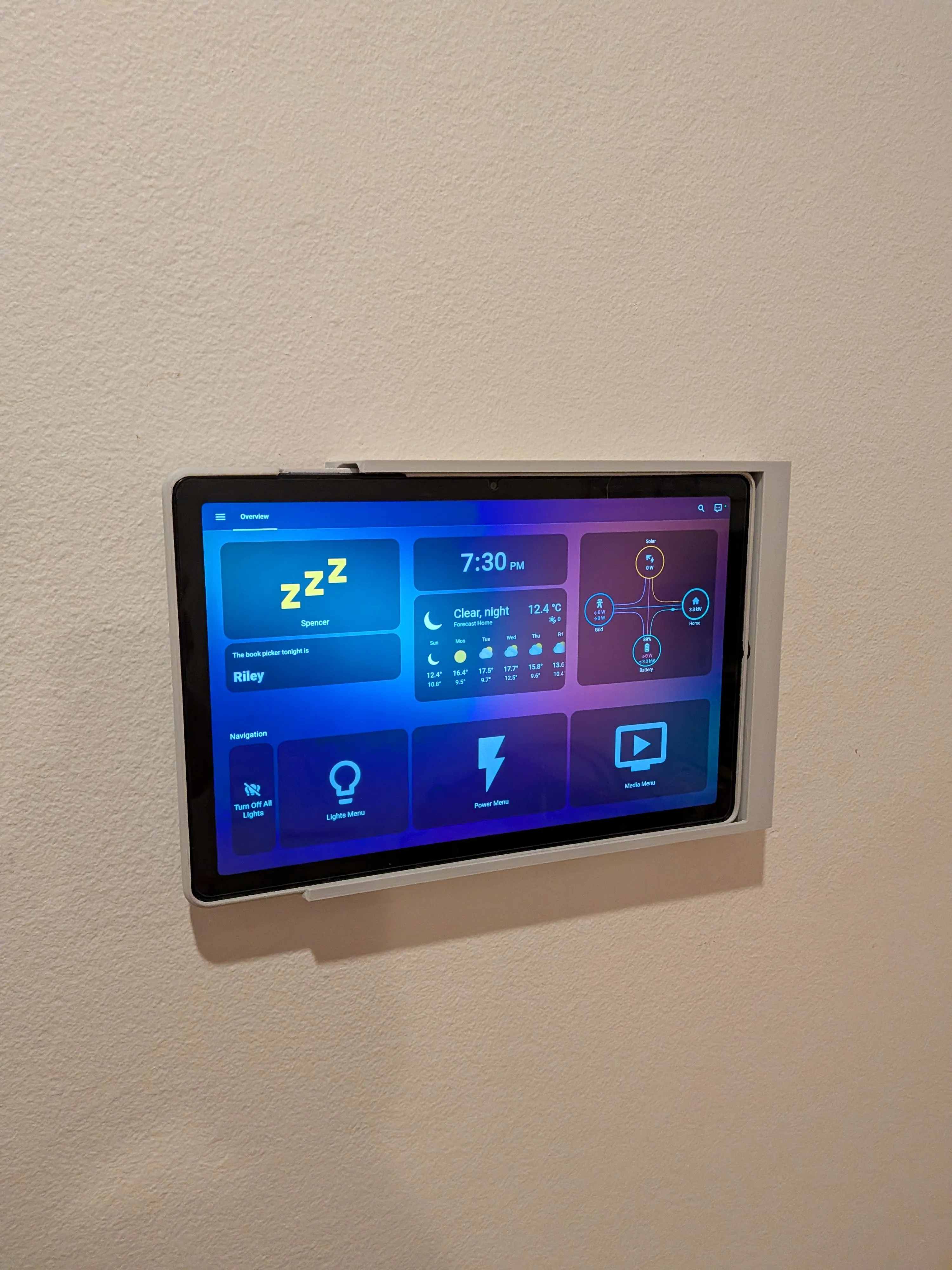
Good luck with your prints and installations!
License

You shall not share, sub-license, sell, rent, host, transfer, or distribute in any way the digital or 3D printed versions of this object, nor any other derivative work of this object in its digital or physical format (including, but not limited to, publishing derivative works outside the Makerworld platform or hosting on other digital platforms). The objects may not be used without permission in any way whatsoever in which you charge money or collect fees. Subject to the above restrictions, derivative works may be published only within the Makerworld platform, and all such derivative works must be licensed under the same SDFL‑C license, without modification or additional terms. You may download the digital versions of this object, 3D print it, and display images, videos, or usage demonstrations of 3D printed versions of the object on personal social media platforms or Makerworld official channels, provided that no digital versions of the object are shared or distributed.


Comment & Rating (0)