
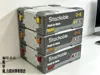
Mecha-style self-locking stackable drawer storage box
Print Profile(4)


Description
Boost Me (for free)
1.If you print this, read the attached assembly guide first and follow the steps. It has fixes for most common issues. Leave a comment/DM for questions, I'll reply soon — thanks!
2.Follow me if you like this series, I'll keep creating more. Original work takes effort, please don't leave random negative ratings!
Other practical models from the Mecha Series (click the image to jump)

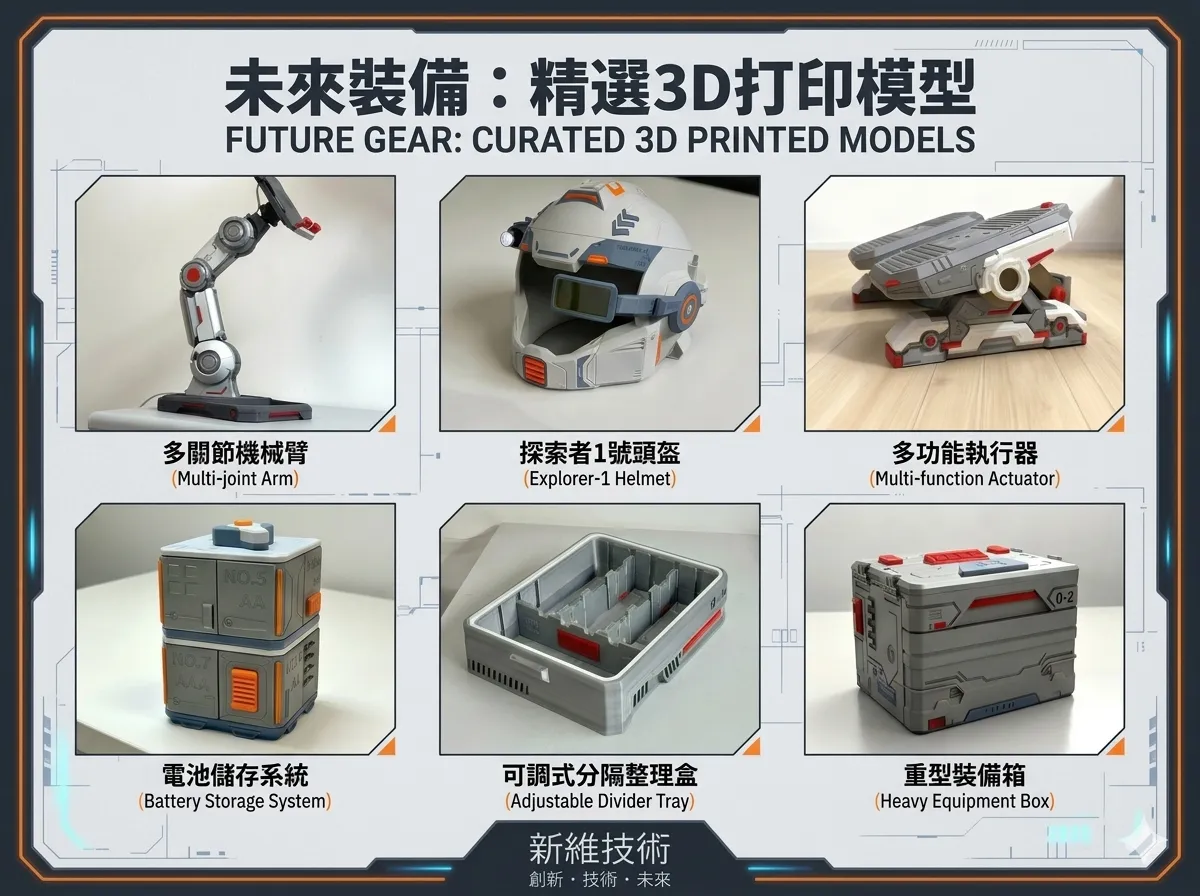
Model Introduction:

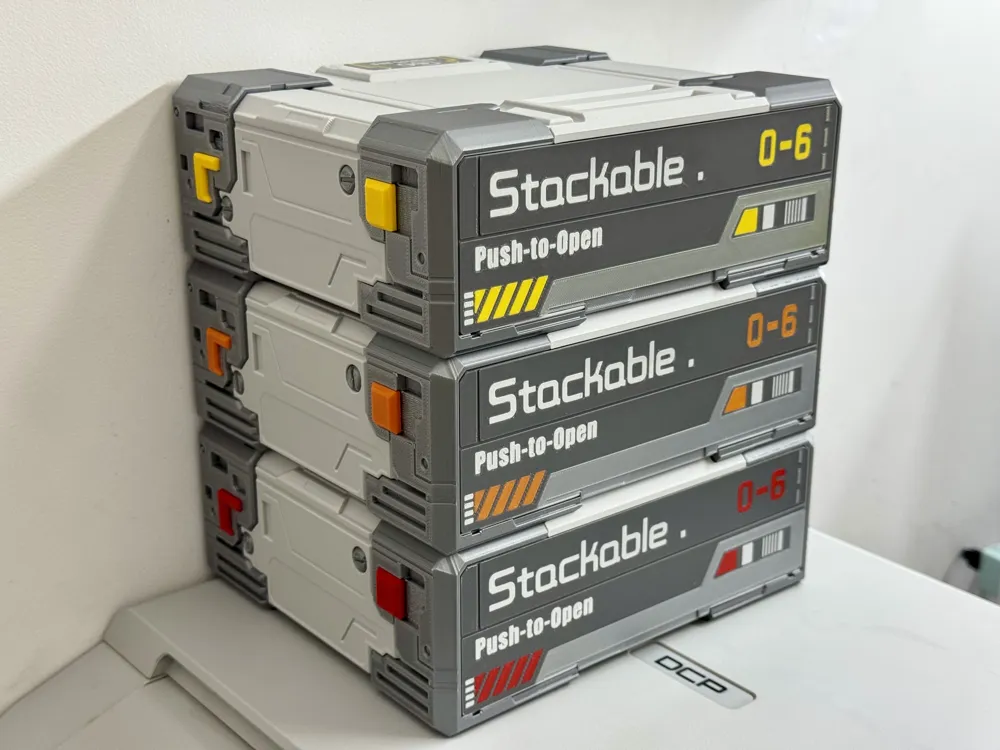
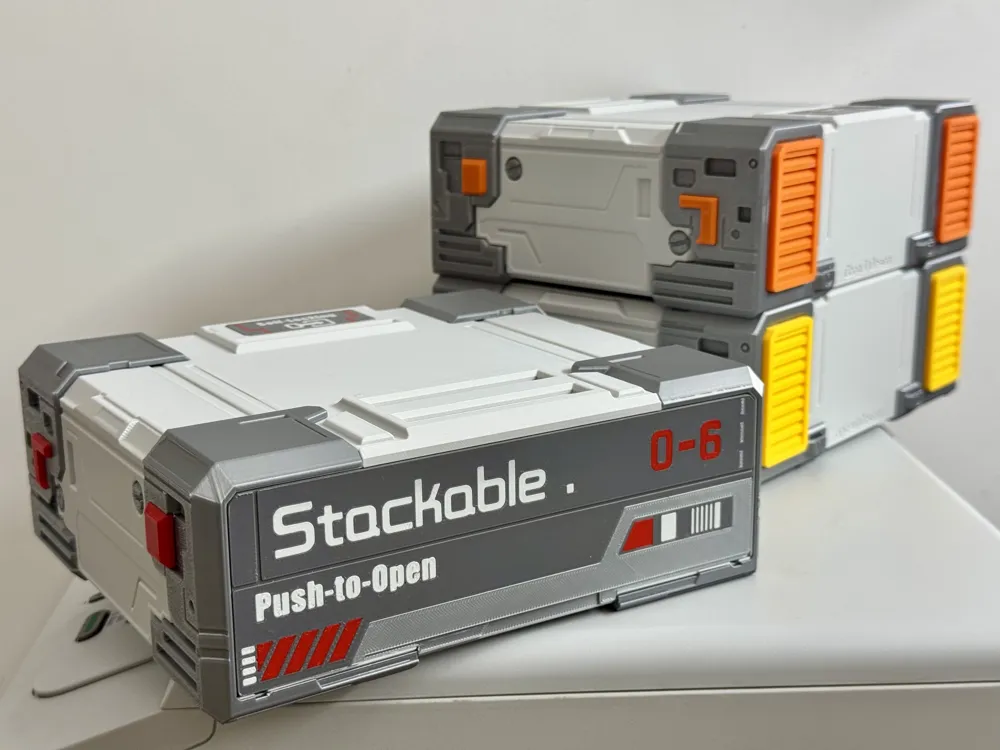
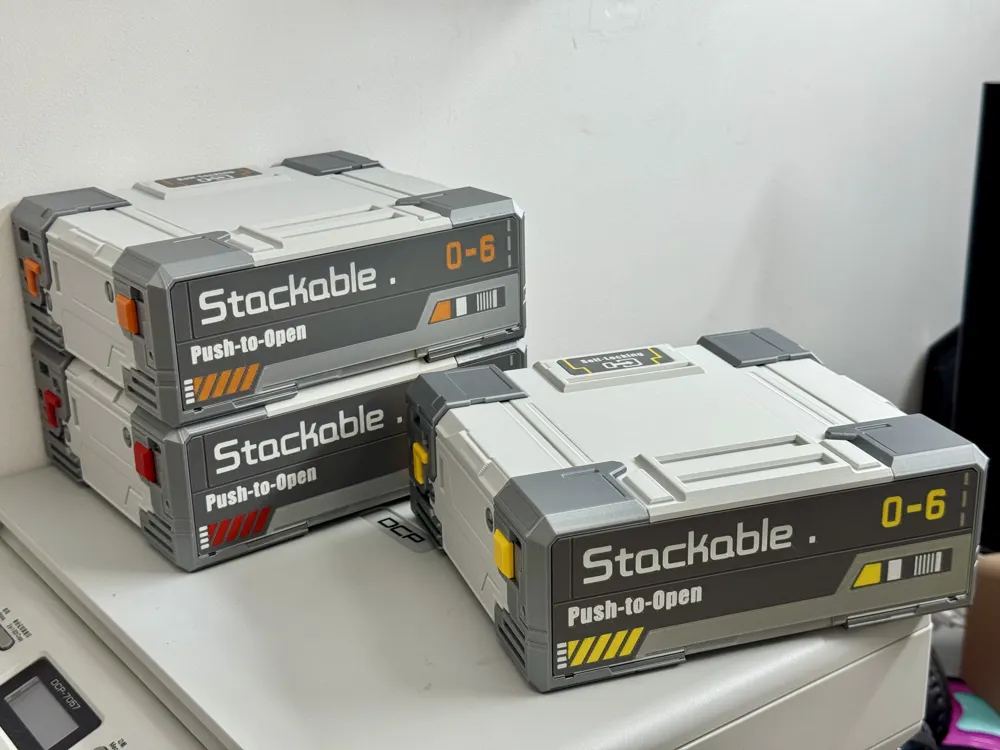
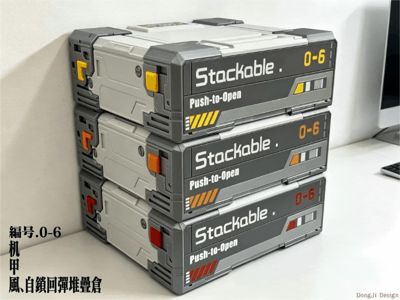
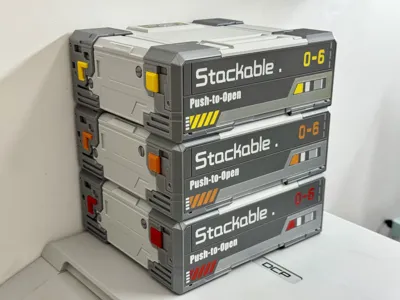
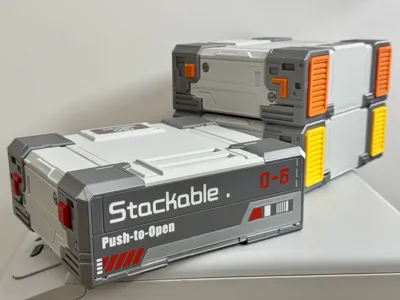
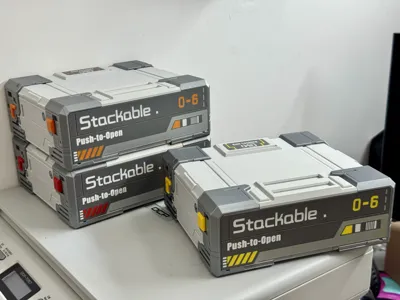
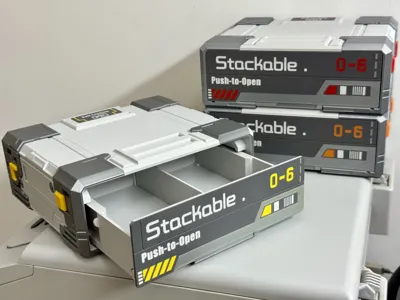
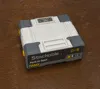
Mecha Style Storage Series 6th Release: Model 0-6 Drawer Storage Box — Infinitely Stackable, Push-to-Open, with Self-Locking Rebound Mechanism
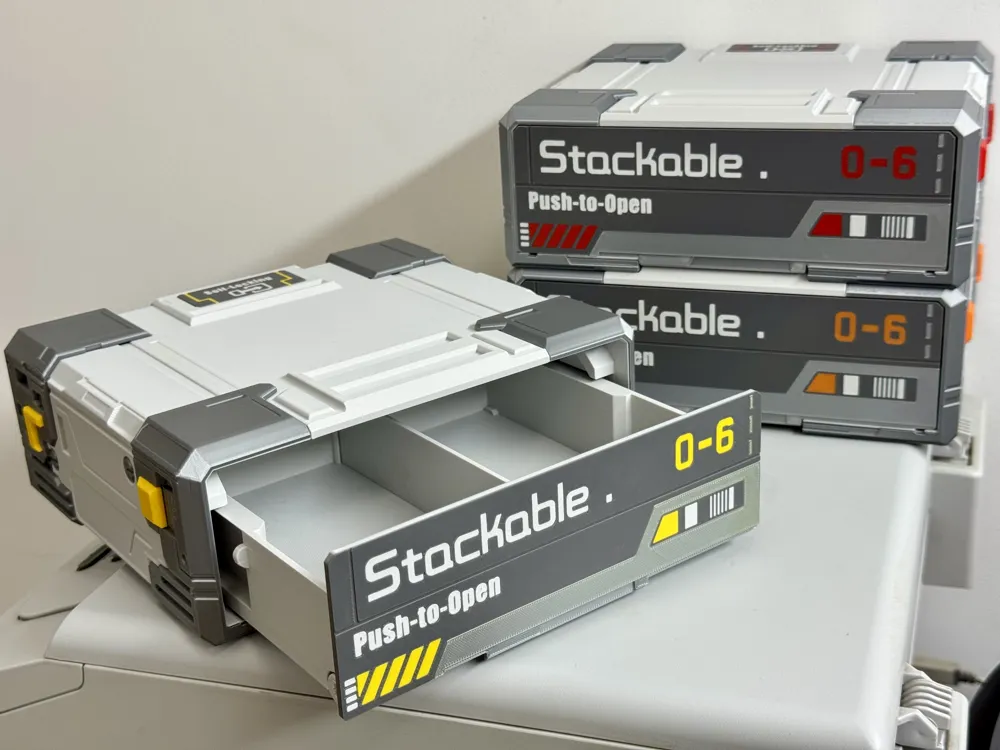
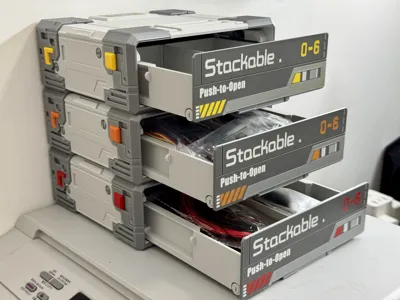
Per community requests, I created a stackable storage box for this series — but basic stackable designs are boring, and regular 3D-printed drawers have stiff, clunky operation.I took inspiration from my home's push-to-open drawers and magnetic rebound cabinet doors (my most-used, most convenient furniture) and merged both mechanisms into Model 0-6. Real furniture hardware has perfect rebound and self-locking, so I tested many methods to replicate that feel, finally landing on this 0-6 design:
1、After over 20 iterations (T﹏T) before release, Model 0-6's stability, reliability, and smooth operation are nearly on par with my home's push-to-open drawers and magnetic cabinet doors.The self-locking switch remains highly stable even when mounted vertically, supports ultra-frequent use, and has a detachable design — you can maintain and replace the consumable rubber band in just 2 minutes (standard rubber bands last 6 to 12 months).(Why rubber bands? 3D-printed springs have terrible durability, and most people don't have properly sized hardware springs on hand. Rubber bands are universally accessible, work with any size, are easy to trim to fit the model, and have decent durability. As an open-source creator, I want everyone who loves this design to be able to print and assemble it hassle-free.)
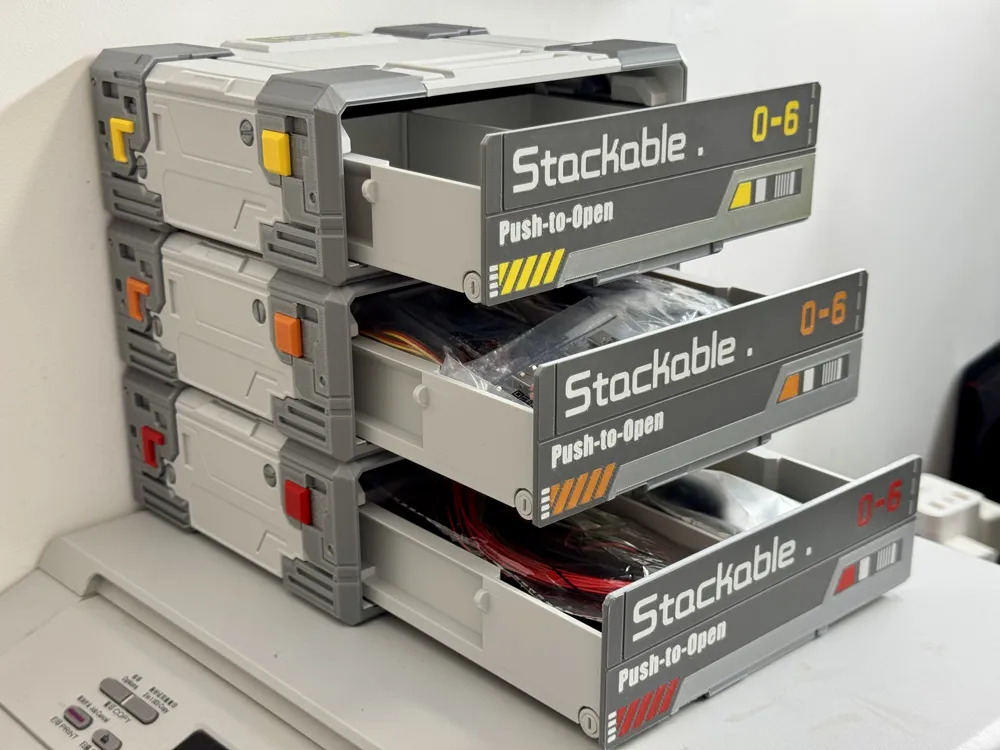
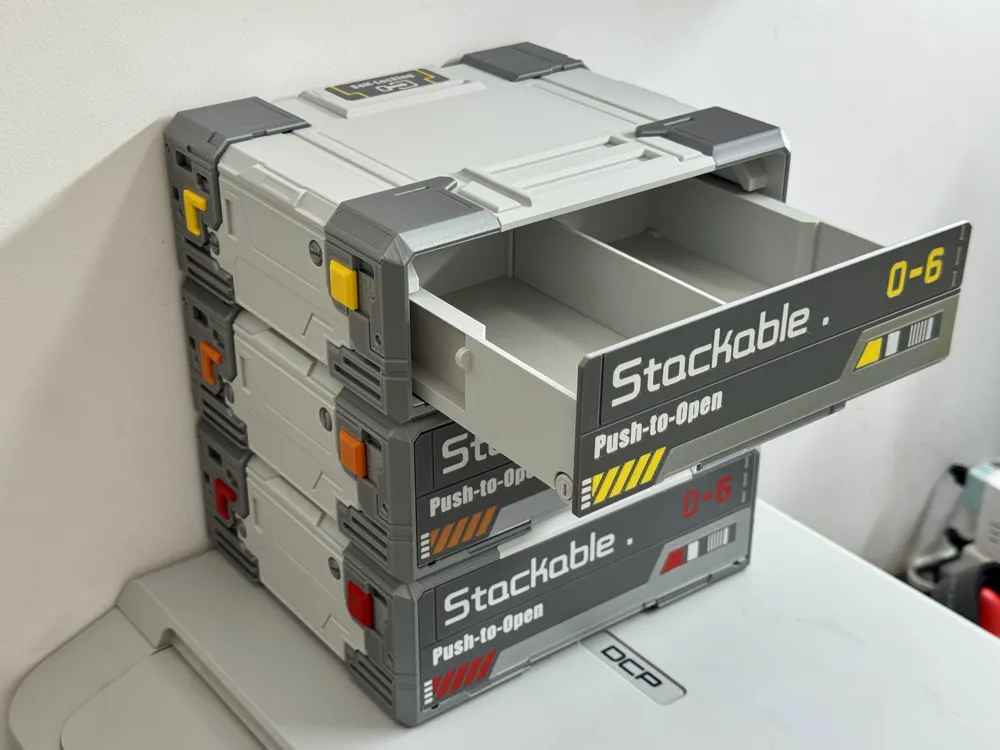
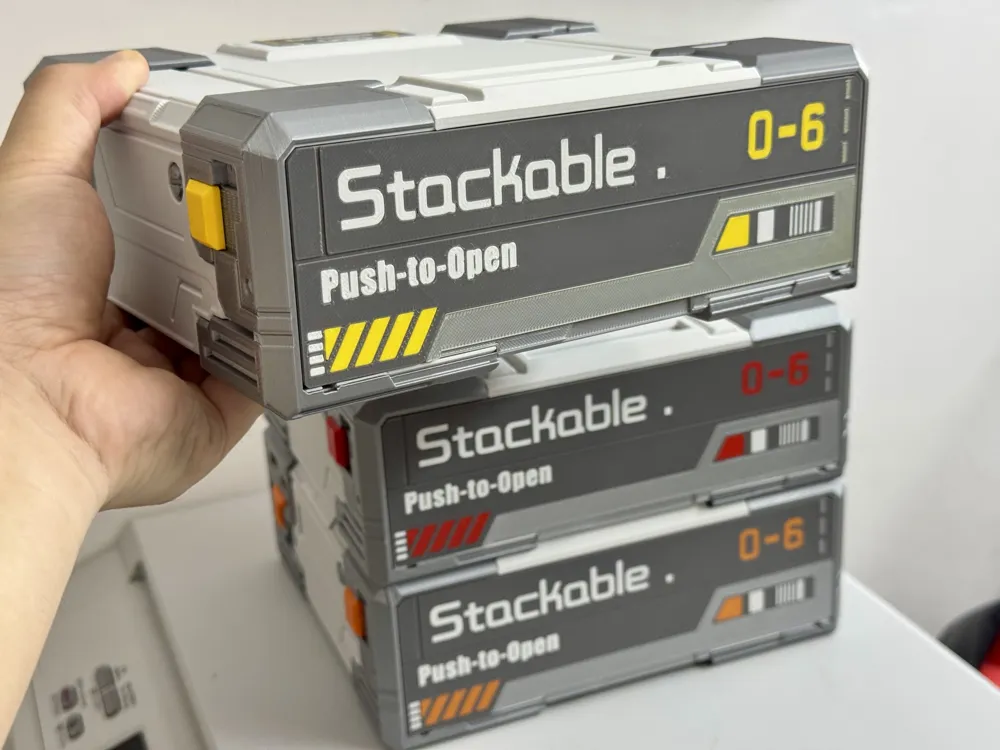
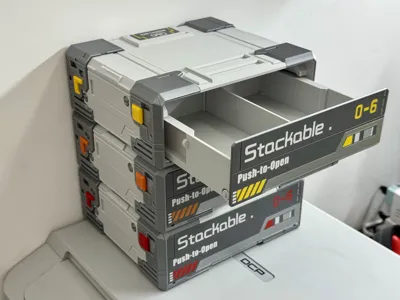
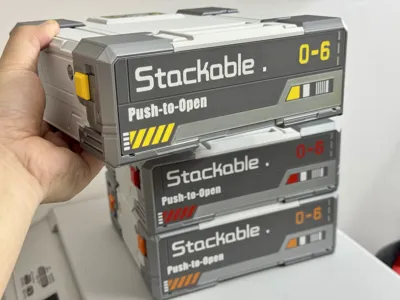
2、Stackable — a feature requested by many community members: Model 0-6 supports infinite stacking, and each layer can be opened and closed smoothly and independently while stacked.
3、Spacious storage: Each layer has an internal dimension of 170×152×54mm, with an overall external size of 205×183×71mm.You can optionally install dividers for each layer as needed, and the inner box is removable — making it much easier to locate small items.
Printing & Assembly Notes: (Please read the assembly instructions in the attachment carefully — it includes solutions for all common issues you may encounter!)
Assembly supplies needed: Glue, lubricant (not mandatory but highly recommended — it will greatly improve the model's opening and closing smoothness)、Parts required (per layer):4pcs 5×2mm strong magnets, 2pcs rubber bands— 3cm diameter rubber bands are recommended, or you can cut and tie any size rubber band you have on hand to fit.The rubber band MUST be tight enough to deliver sufficient tension! Stretch loose rubber bands properly! A slack rubber band will fail to push the drawer out and overcome the magnet's holding force!
Printing tips: Prevent warping and layer smearing by ensuring your build plate has strong adhesion. Clean your build plate before printing (for textured build plates: scrub with a sponge + dish soap for several minutes to restore adhesion) or apply a glue stick.Box-style models have large flat bases — using a low-temperature build plate can effectively prevent base warping!⚠️ A build plate with poor adhesion may cause severe warping, which will interfere with model assembly and even render the part completely unusable!
Do NOT use low-strength filaments for moving parts and bolts: this includes specialty filaments like matte, silk, transparent, and Lite variants (these are only suitable for printing casings and decorative parts).Recommended filaments: PLA Basic and PETG Basic.
- Default filament setup: Bambu Lab PLA Basic in Silver, Dark Gray, Light Gray, and Warm Yellow (4 colors total). Feel free to use your own custom color combinations!
If you enjoy this series, please consider following me! I'll keep creating more designs, and I promise every storage model in this line will be original, practical, and packed with creative details.
Documentation (1)
License

You shall not share, sub-license, sell, rent, host, transfer, or distribute in any way the digital or 3D printed versions of this object, nor any other derivative work of this object in its digital or physical format (including - but not limited to - remixes of this object, and hosting on other digital platforms). The objects may not be used without permission in any way whatsoever in which you charge money, or collect fees.


Comment & Rating (163)