
Dual Nozzle Manual Diverter (Multi-AMS Nozzle Feed Switching)
Print Profile(1)
Description
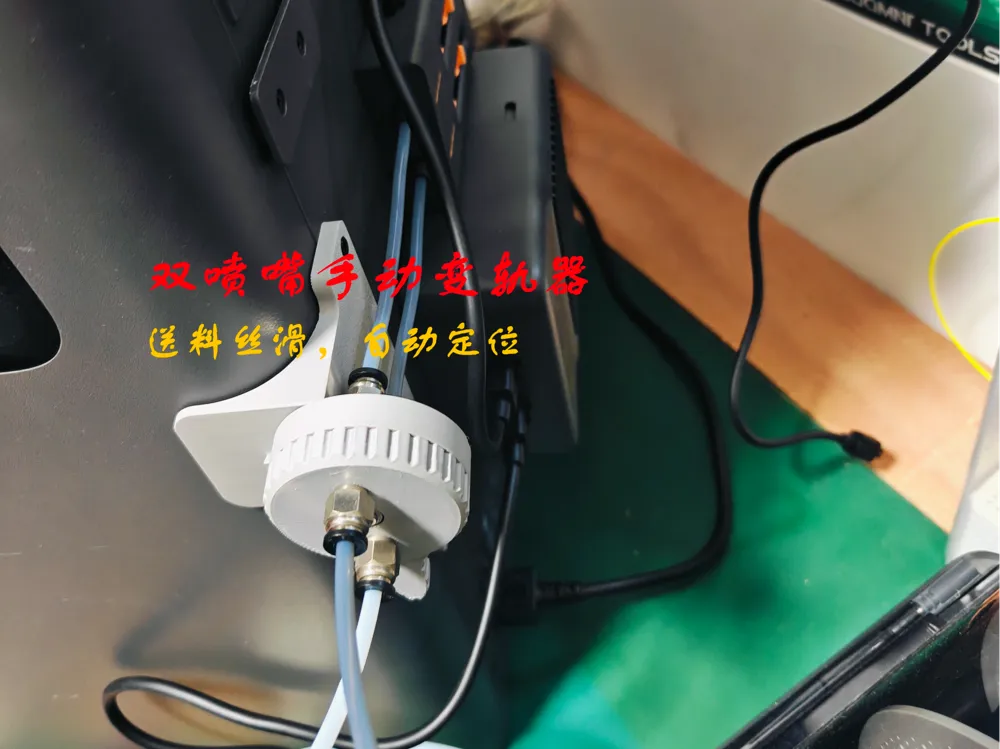
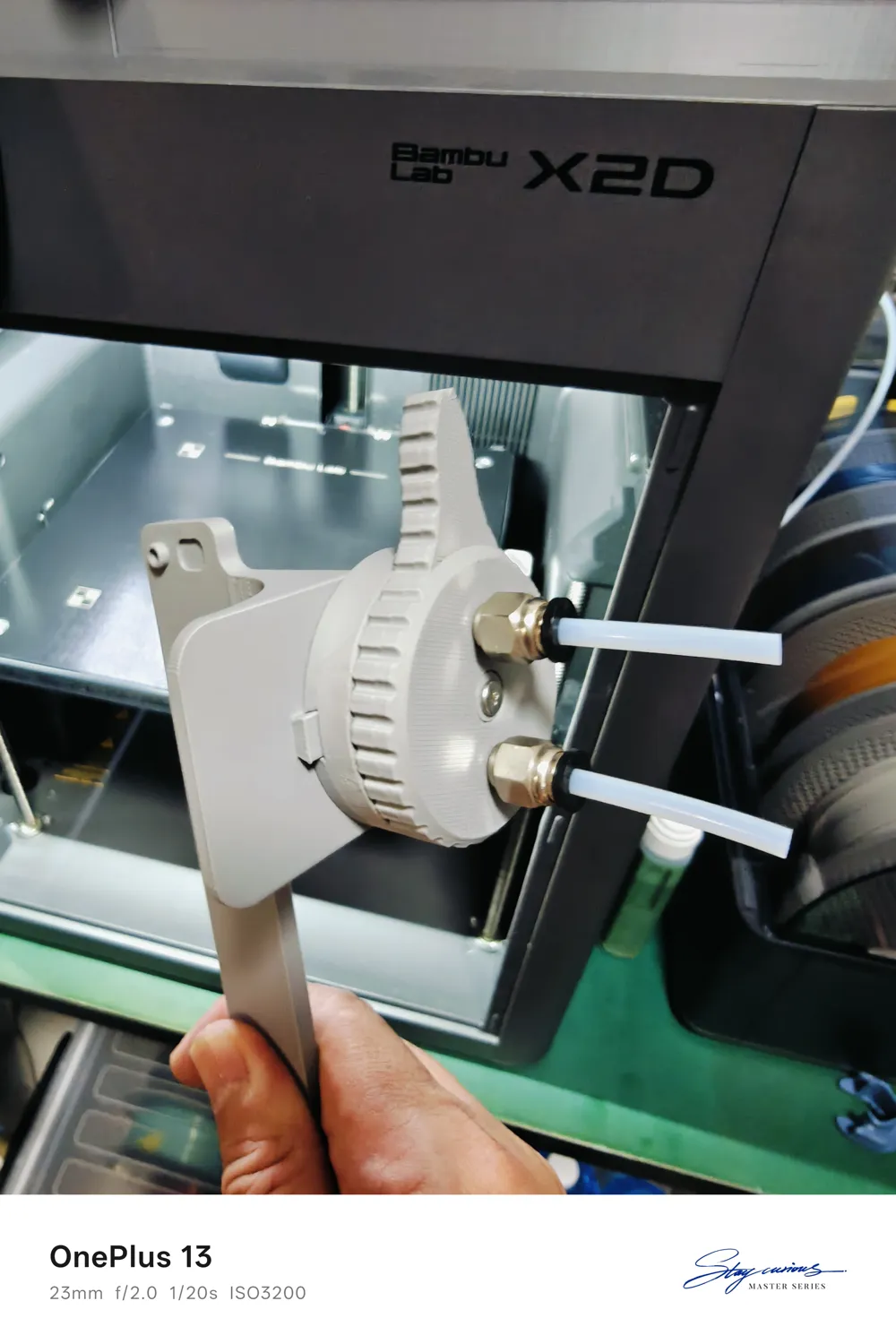
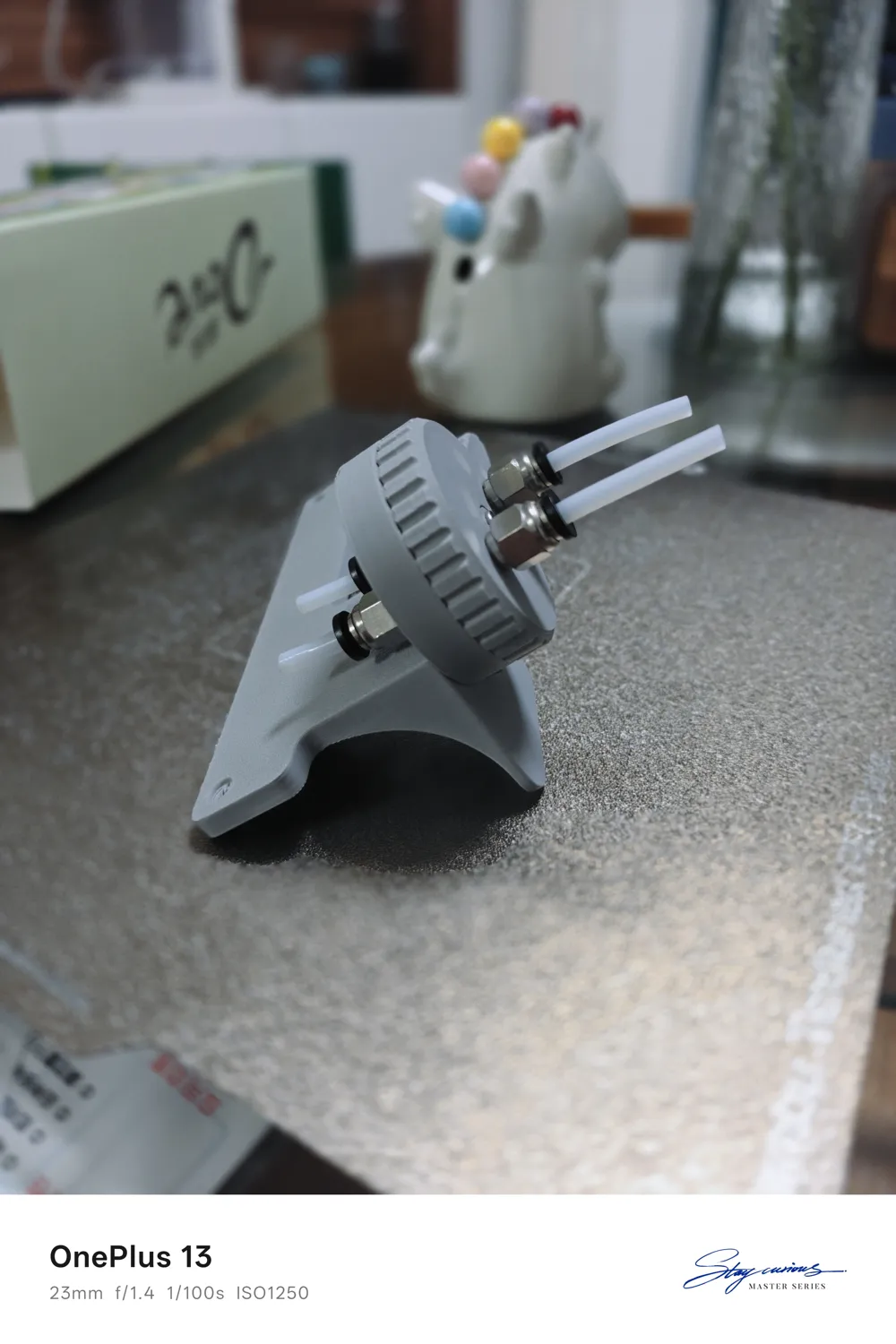
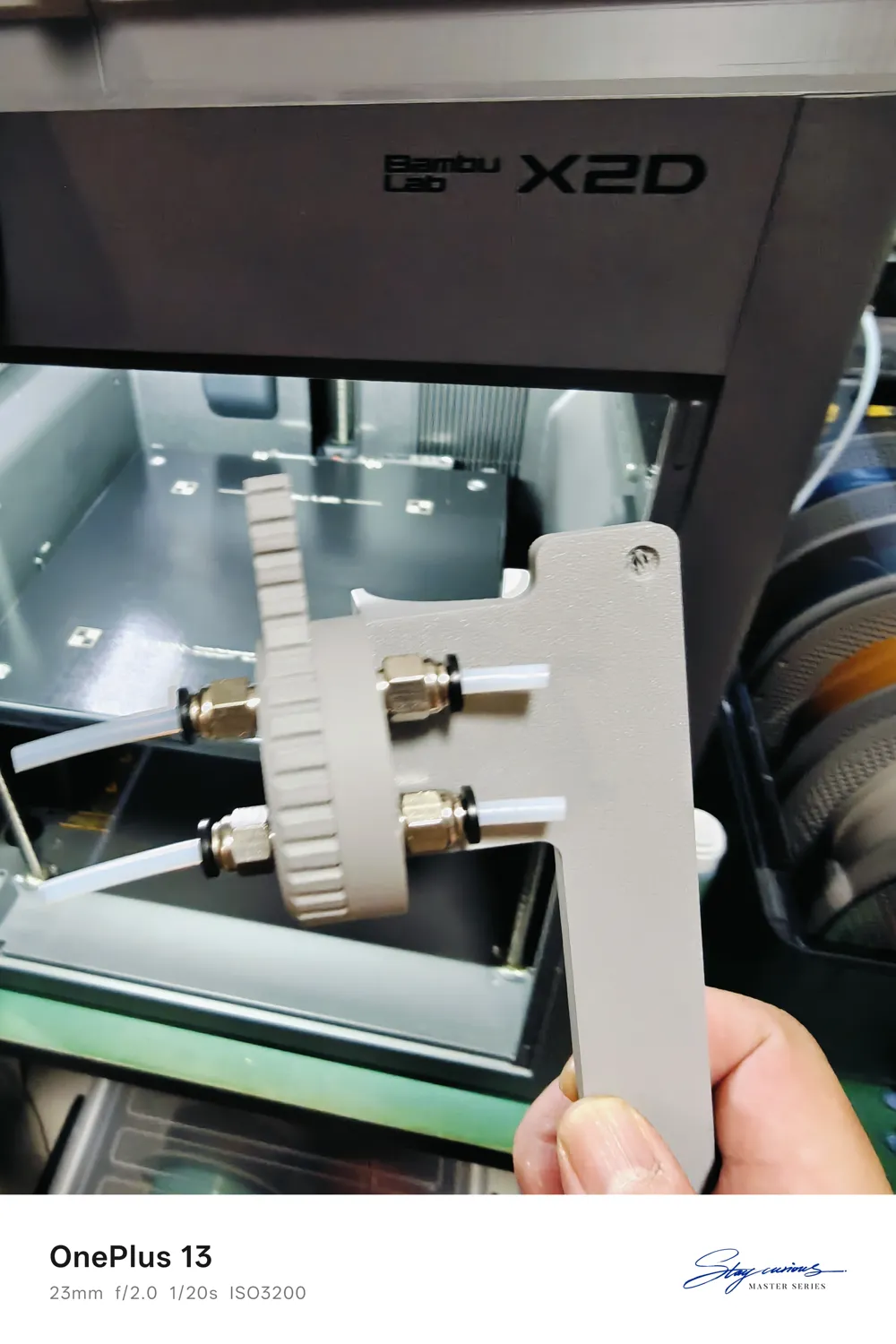
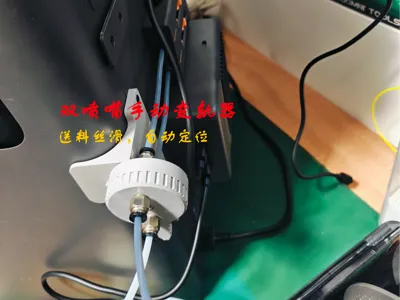
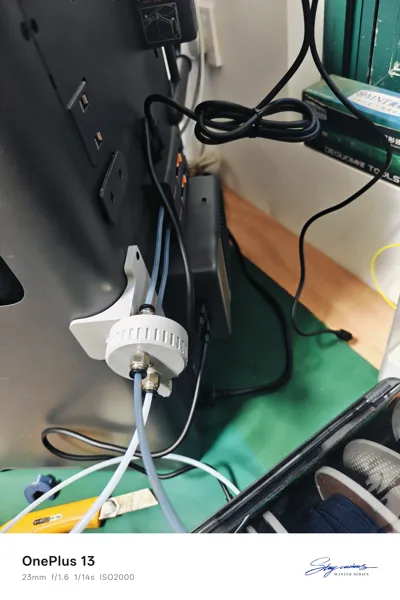
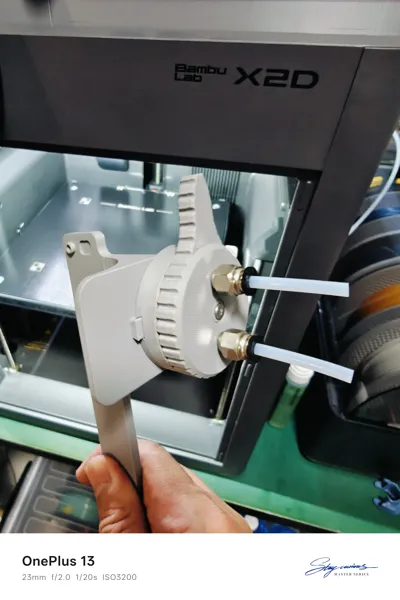
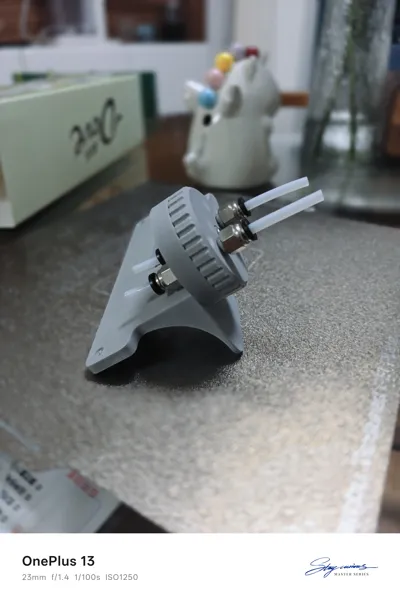
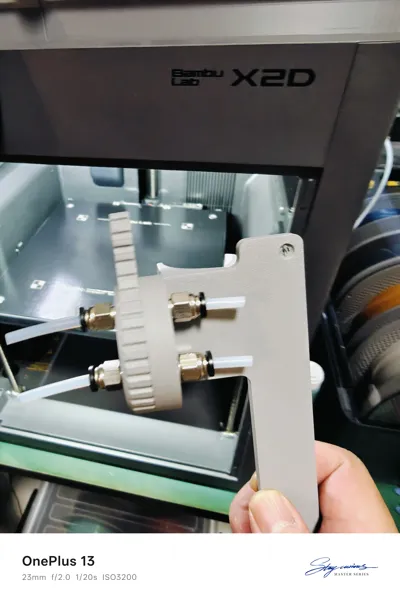
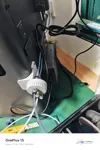
This model is designed to solve the problem of my X2D using multiple AMS for filament switching nozzles. It can also be used with the H series, but since I don't own that machine, I haven't designed a suitable bracket for it
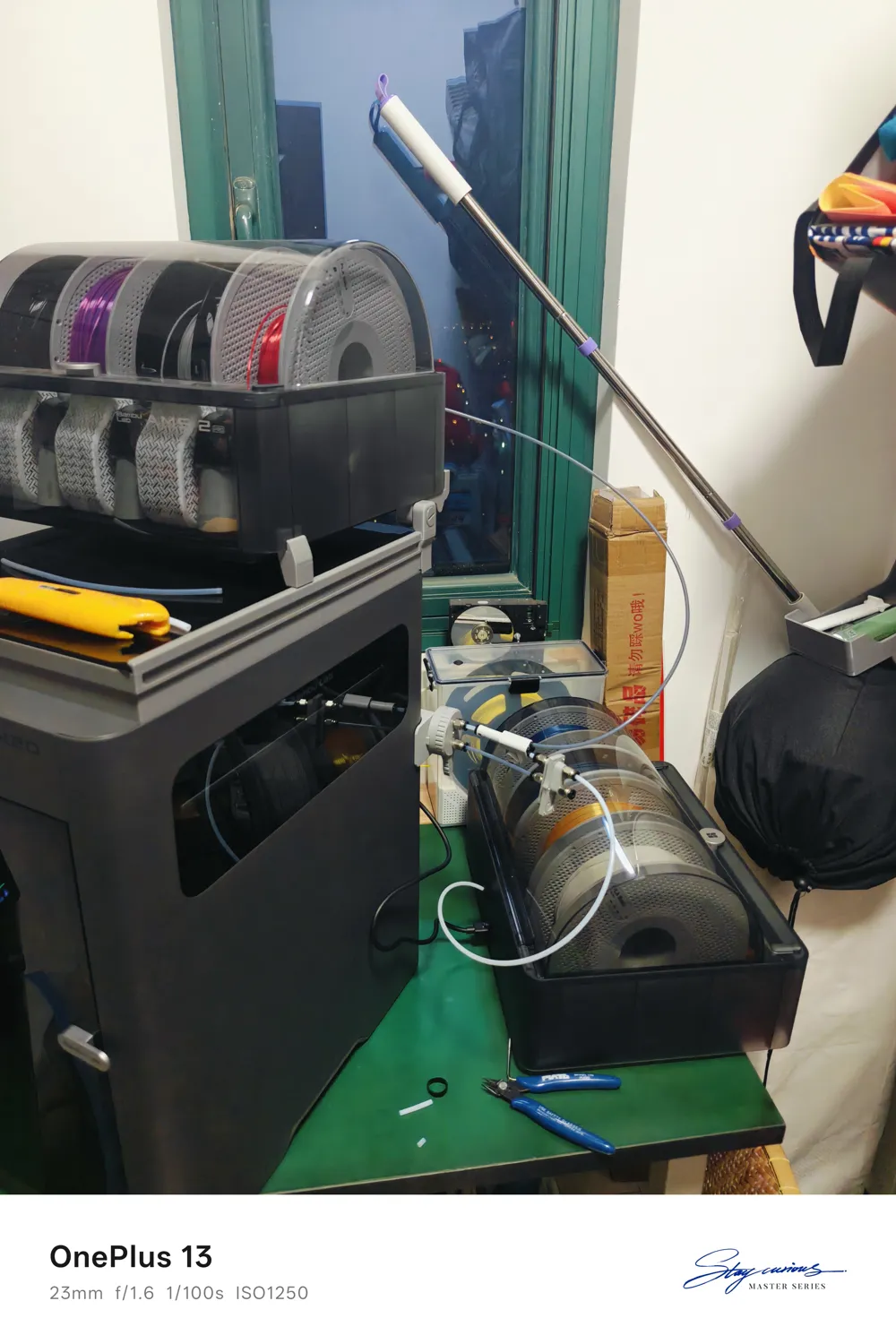
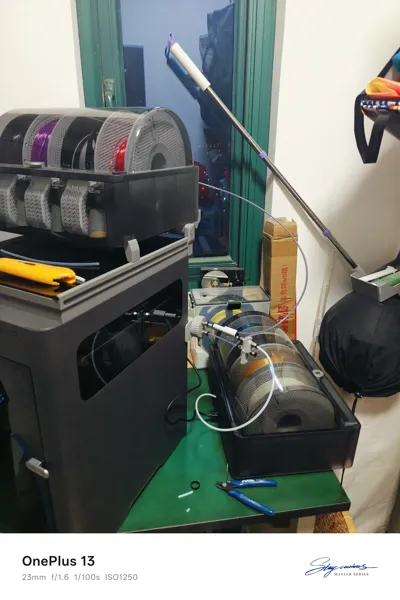
I have two AMS units. Normally, when using dual filament support, the main nozzle uses PLA and the auxiliary nozzle uses PETG. However, occasionally I need dual-color printing or want PETG to use the main nozzle for higher precision. Swapping filament tubes is not convenient, so I designed a manual filament switcher
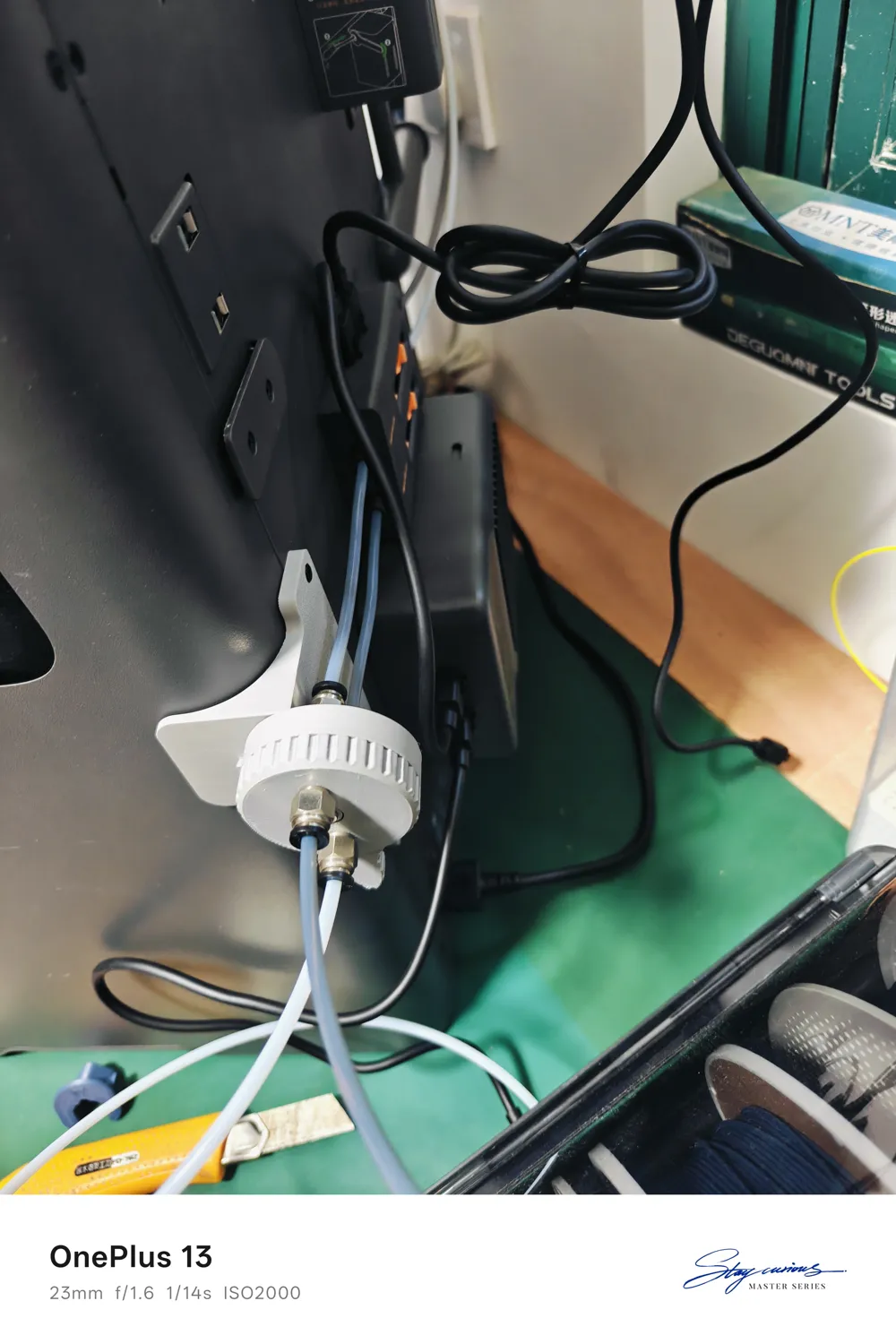


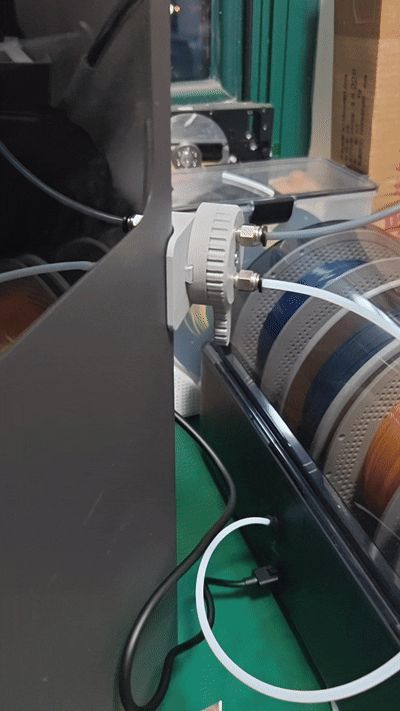
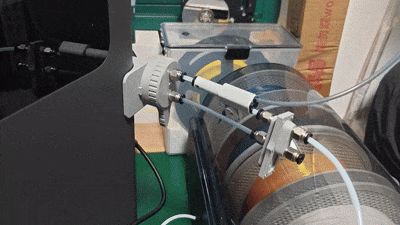
The overall test went very smoothly. To achieve manual filament switching between two AMS units, and to allow both AMS units to supply one nozzle or each supply a separate nozzle, the longest feeding path goes through the filament line selector--five-way connector--manual switcher--main nozzle filament inlet three-way connector (Made.In.Meidling designed the perfect three-way connector). After so many steps, it was unbelievably smooth, completely exceeding my expectations. Turning the switcher felt clear and precise, clicking into place with a distinct sound
Design goals:
- Easy to print, no supports needed
- Smooth passage for tubes, reducing resistance
- Filament path remains parallel to the original machine's buffer, reducing cross-twisting
- Rotational feeding for switching can be precisely positioned with clear and distinct tactile feedback
- Dual AMS units can freely select nozzles without needing to plug or unplug tubes
- No complex setup required, AMS can automatically initialize
To achieve the above goals, I used the following materials:
- M3*10 screw *2, for fixing the bracket
- M3*20 screw *1, for the central shaft, a slightly longer screw is also fine
- M3 nut *1, for the central shaft
- PC4-M6 (must be able to pass through the filament tube) *4, for connecting the filament tubes
- D4*5 spring ball (no shoulder, 5N), for rotational positioning
- Two sections of filament tube approximately 138mm long, they can be slightly shorter, but not longer, as this will cause tube deformation
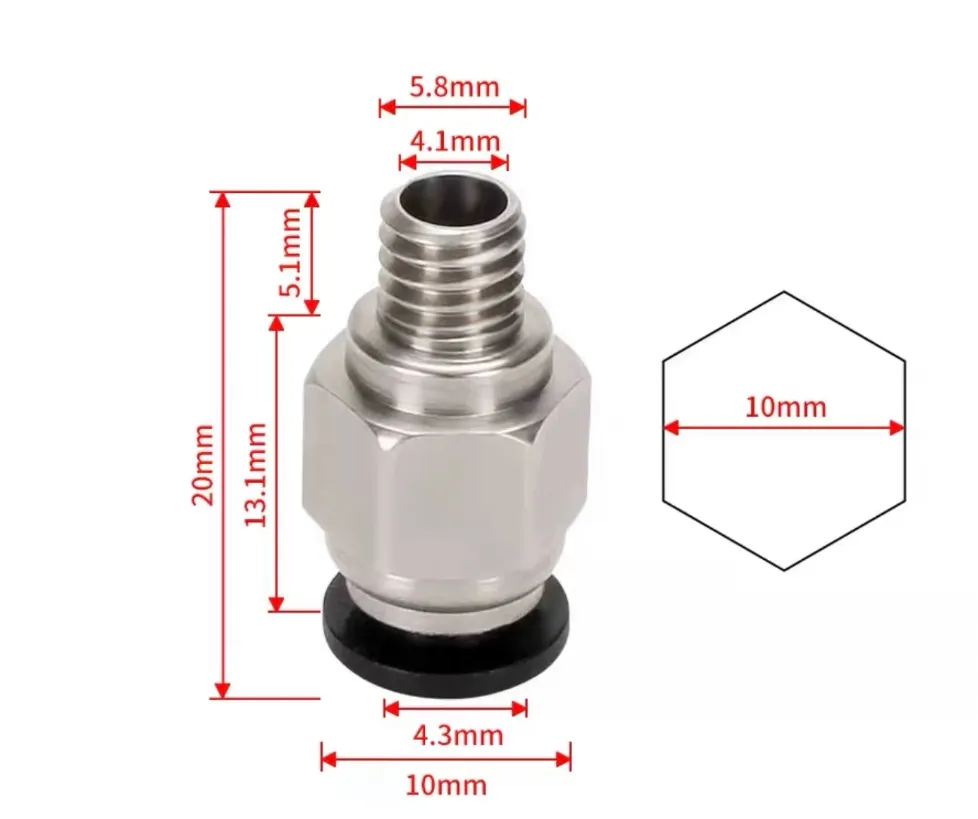
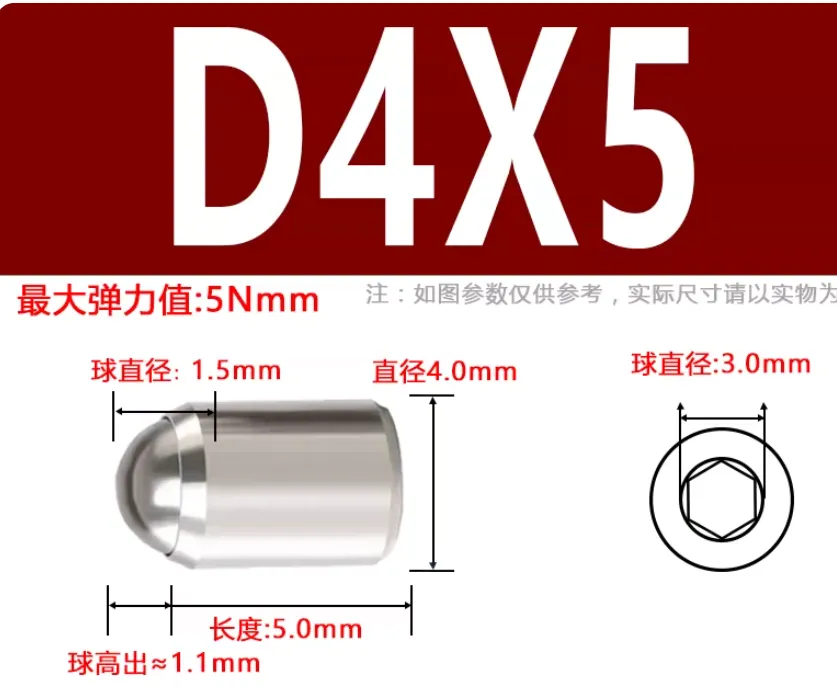
Assembly process:
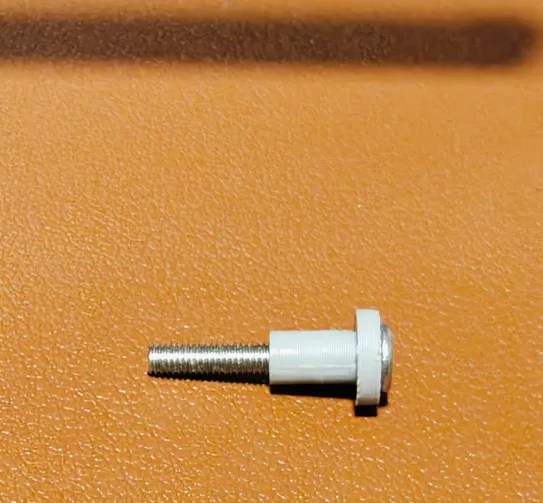
- Pass the M3*20 screw through the plastic shaft. This hole might be a bit tight, so you need to screw it in all the way
- Press the spring ball into the hole of the fixed base. A hard object, such as the side of pliers, is needed to assist in pressing it in. Do not knock it, just press firmly. The spring ball should face outwards
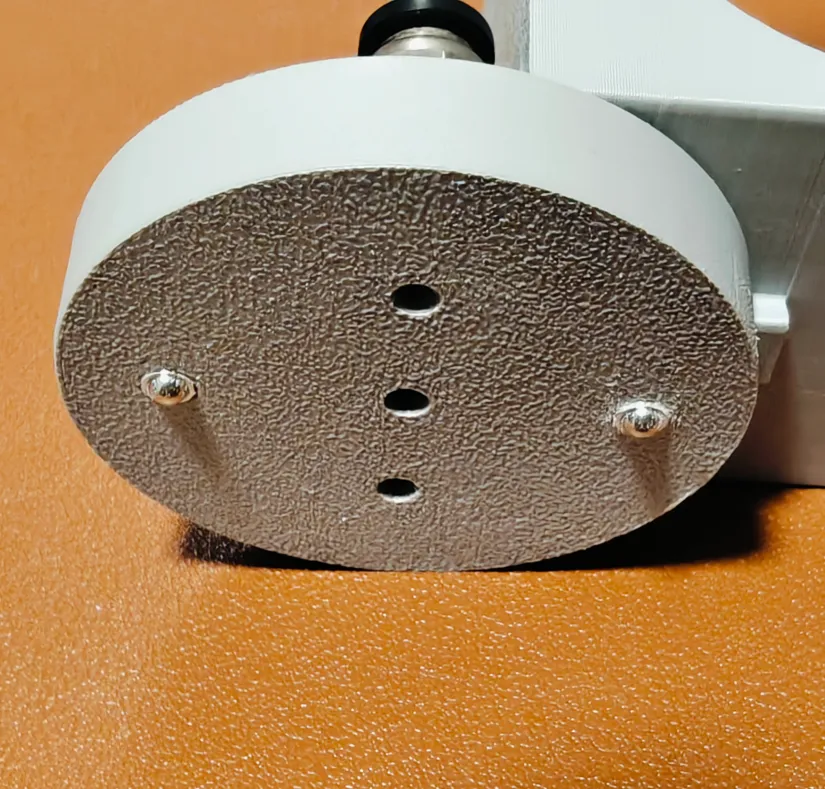
- Screw in all four pneumatic connectors on both sides of the base until they are tight. Place an M3 nut into the smooth side of the base
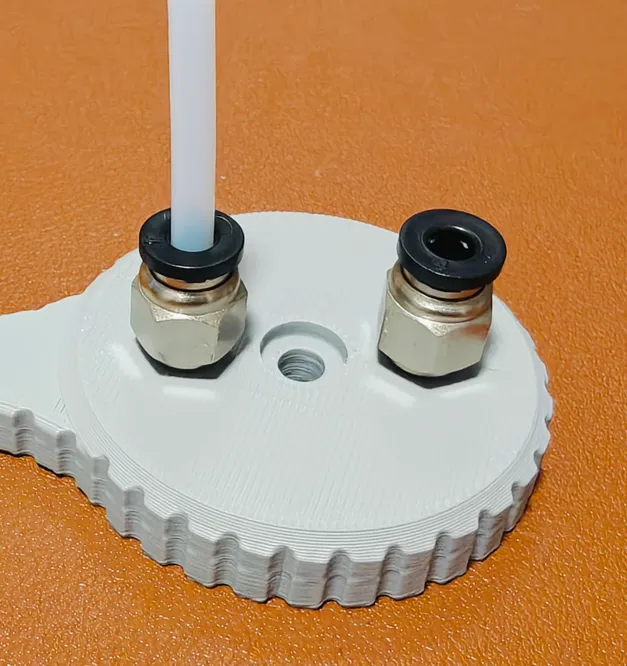
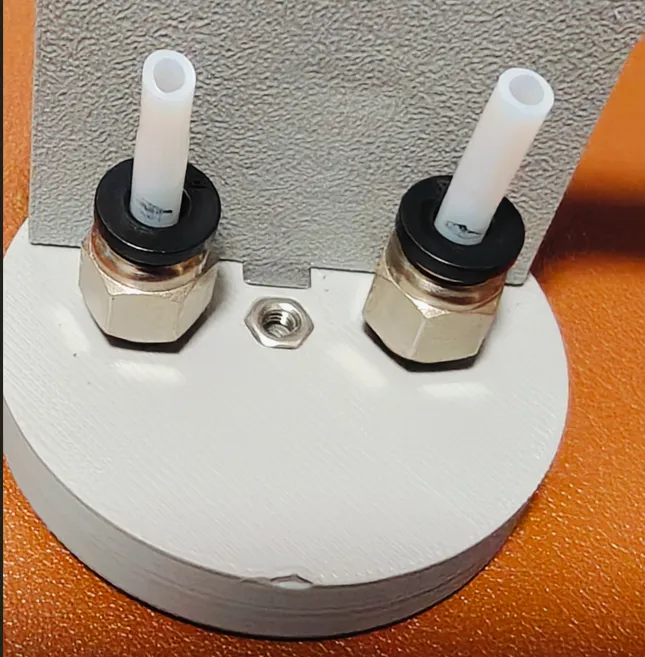
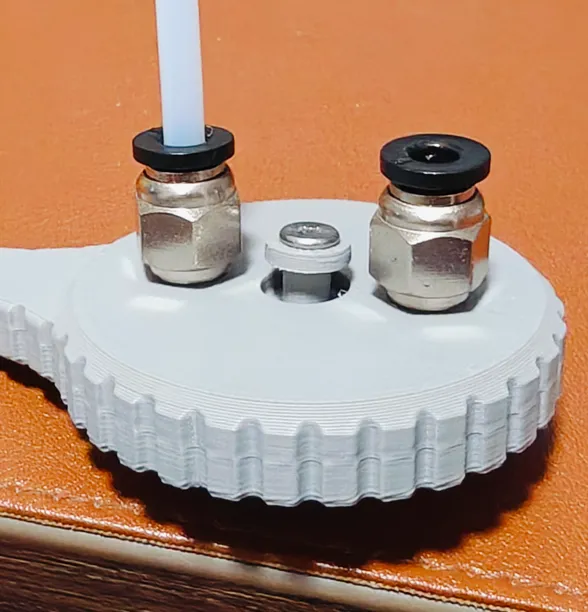
- Pass the long M3 screw with the plastic shaft through the center axis and tighten it
- Use two M3*10 screws to install the bracket, and connect the dovetail joint at the bottom of the switcher to the bracket
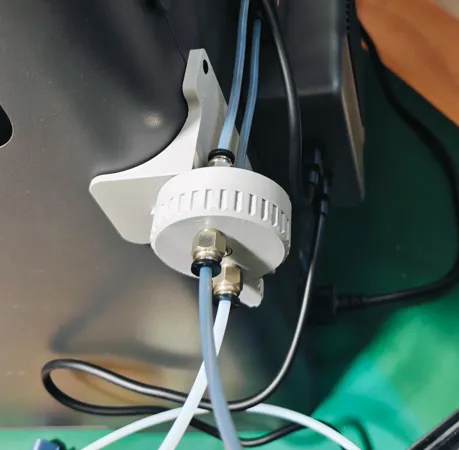
Finally, depending on the placement of your AMS, you might need to adjust the length of the filament tube from the AMS to the switcher
The fool-proof filament line selector from the video is here. When used together, it can achieve track changing, selecting a nozzle with the second AMS, and using an external spool combination
License

You may create derivative works based on this object, provided that all such derivative works are published exclusively on the MakerWorld platform and include proper attribution to the original creator. You may not share, upload, host, distribute, or publish this object—or any derivative work of this object—on any other digital platform, marketplace, or distribution channel. Commercial use of this object and any derivative works is strictly prohibited. This includes, but is not limited to, selling, renting, sublicensing, or using the object in any context in which you receive monetary compensation or other financial benefits.


Comment & Rating (6)