
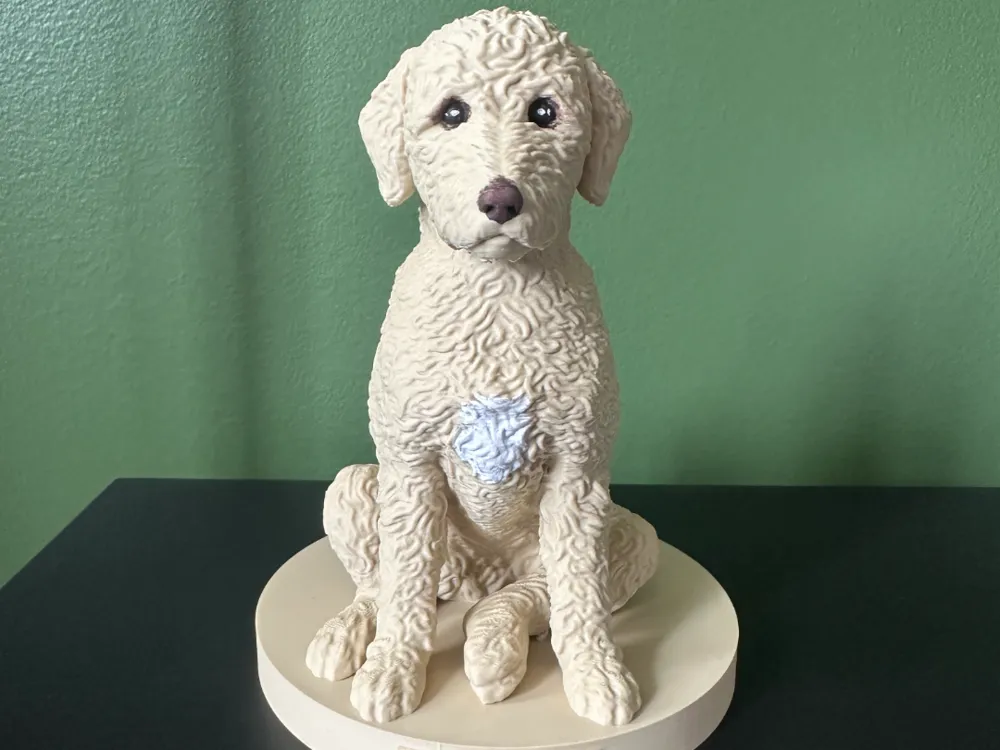
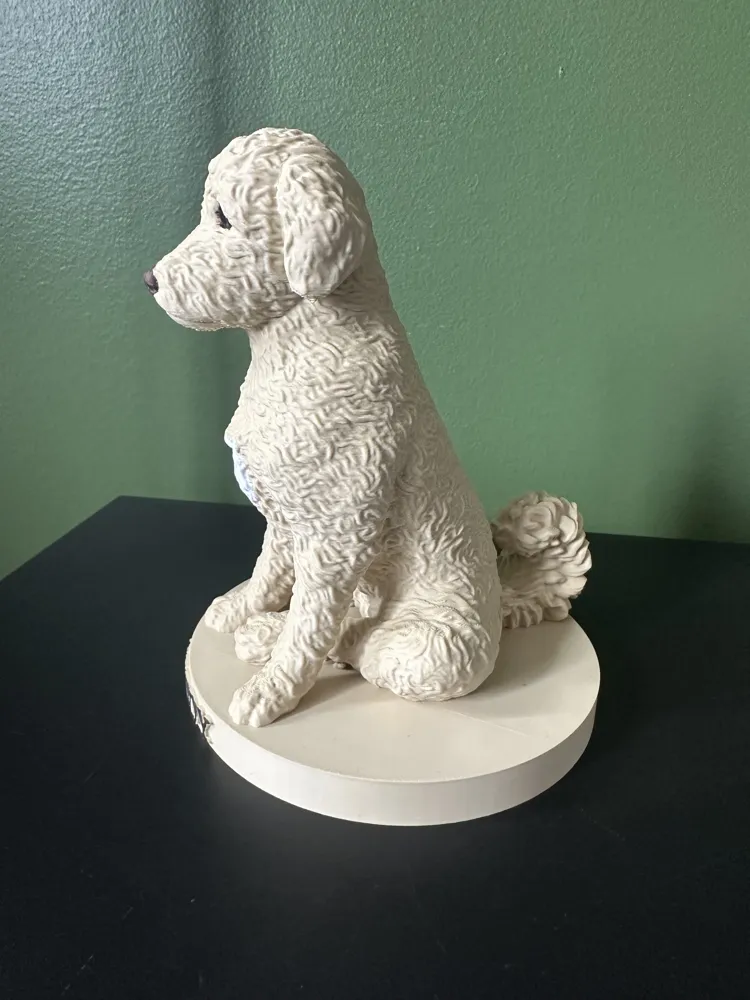
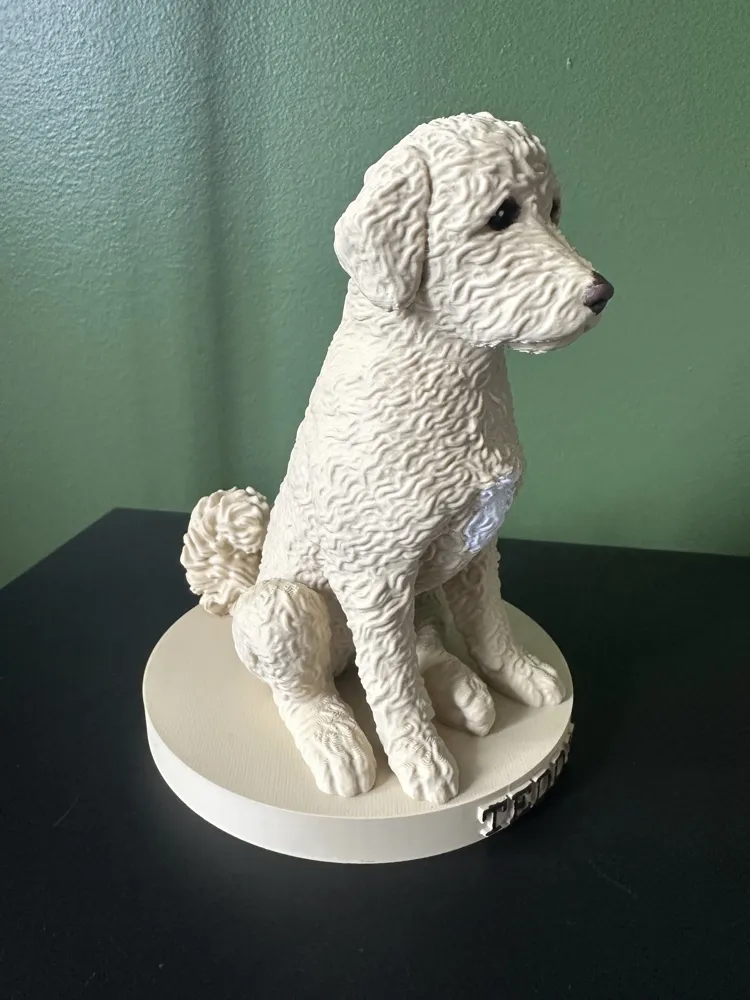
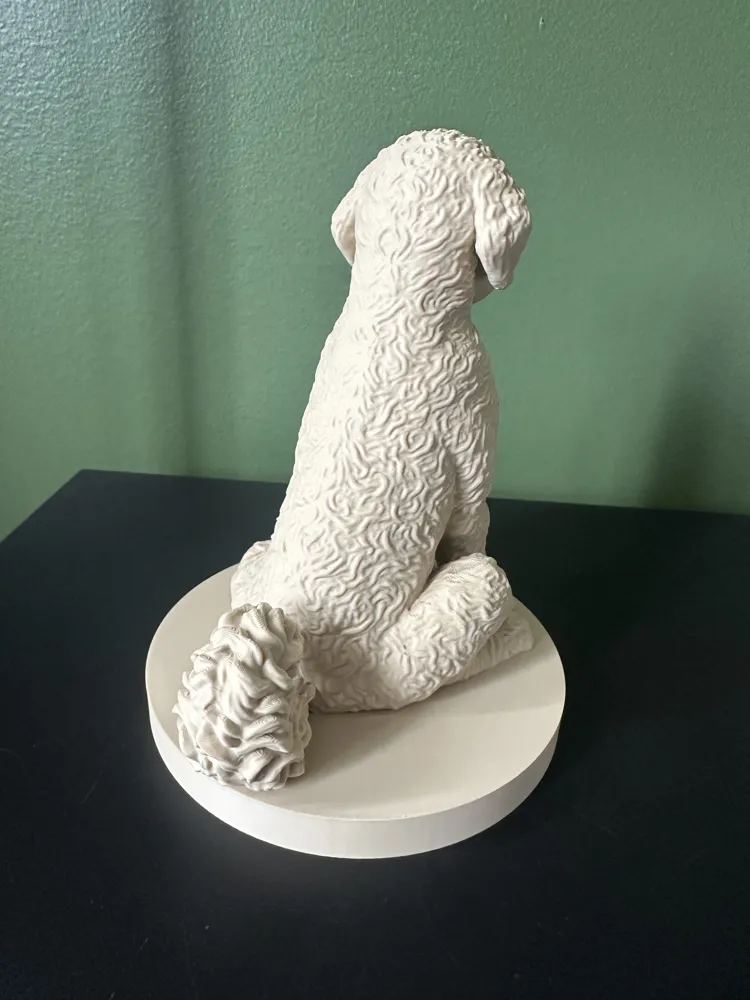
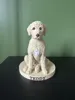
Detailed Royal Poodle Figurine
Print Profile(3)
Bill of Materials

Description
💼 WANT TO SELL THIS MODEL? This file is for personal use only. If you want to sell physical 3D prints of this design (and all my other designs) in your shop or at markets, you must obtain a Commercial License by joining my Patreon: 👉 https://www.patreon.com/NakedPrint
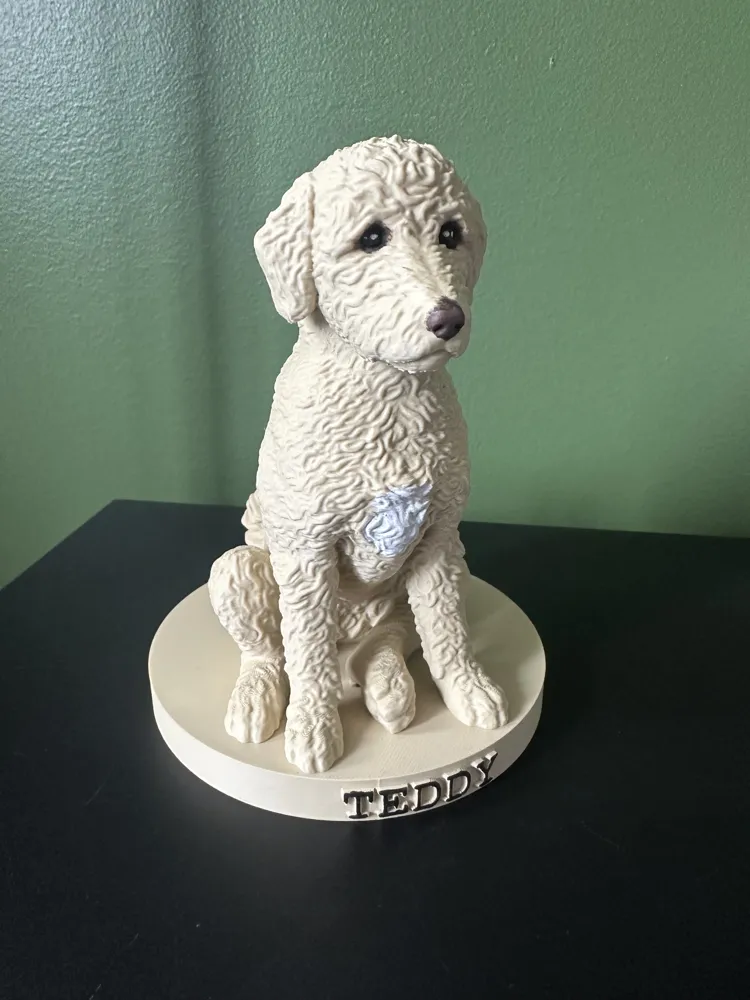
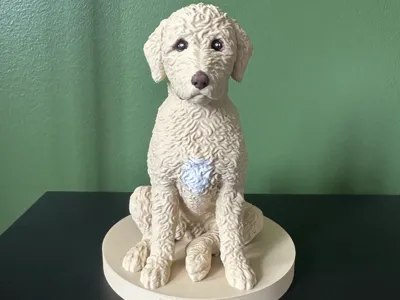
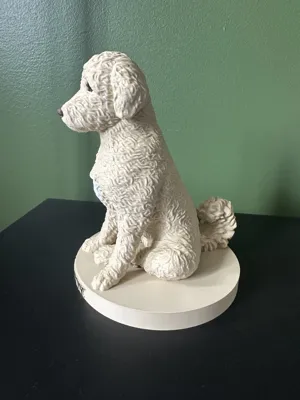
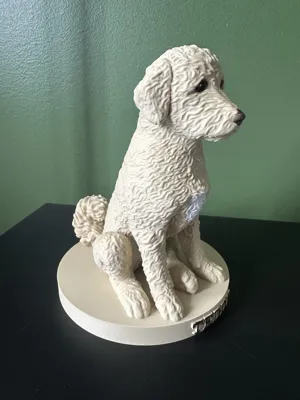
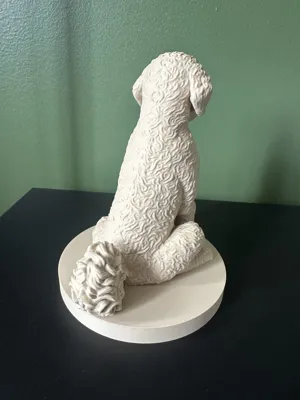
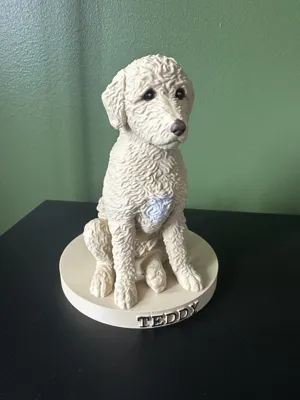
Here is a very detailed 3D model of a Royal Poodle! Perfect for decorating your office, your home, or for gifting to a dog lover.
🎨 Printing and Finishing: This model is very easy to print. You don't need AMS! It is designed to be printed in a single color. You can leave it as is for a simple and clean look, or choose to hand-paint it (as shown in the presentation photo) to bring out all the details of its fur and faithfully reproduce your own four-legged companion.
📂 Three versions are included in the files:
- 🐕 Dog only: Only the dog figurine, without any base.
- 🪵 On base (no text): The dog elegantly placed on a neutral base.
- 🏷️ On base with customizable Name: The dog on its base with integrated text (default "TEDDY").
🛠️ How to customize the name (Version 3): It is very easy to modify the file to engrave your own dog's name!
- Open the project in Bambu Studio.
- In the object list or directly on the build plate, double-click on the text (or select the Text tool).
- Delete "TEDDY" and type the name of your choice.
- Slice and start printing!
Happy printing! Don't hesitate to share photos of your prints and paintings! 🐾
License

You shall not share, sub-license, sell, rent, host, transfer, or distribute in any way the digital or 3D printed versions of this object, nor any other derivative work of this object in its digital or physical format (including - but not limited to - remixes of this object, and hosting on other digital platforms). The objects may not be used without permission in any way whatsoever in which you charge money, or collect fees.


Comment & Rating (0)