
Perfect Surface ironing calibration
Print Profile(4)
Description
Boost Me (for free)
A little support from you would help me a lot.
Thank you all.

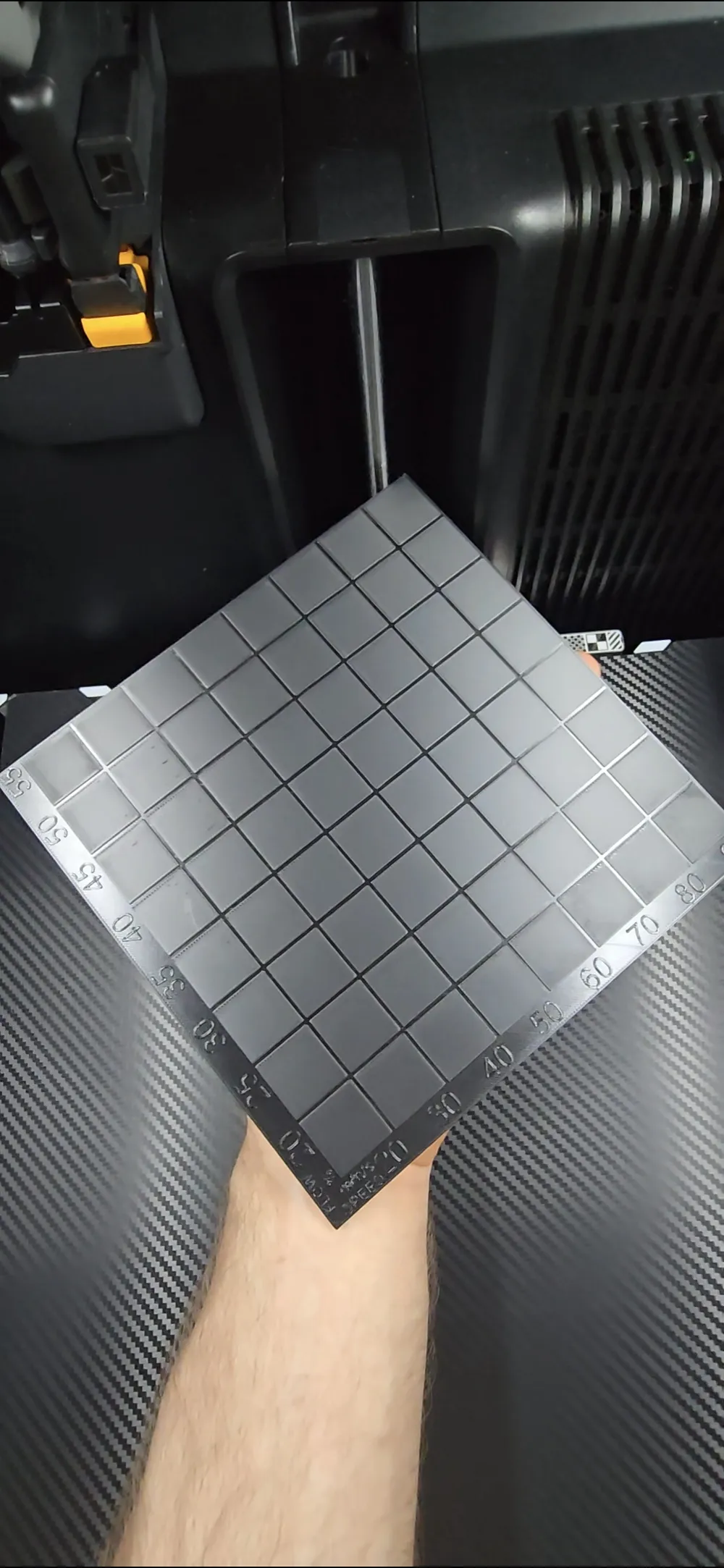
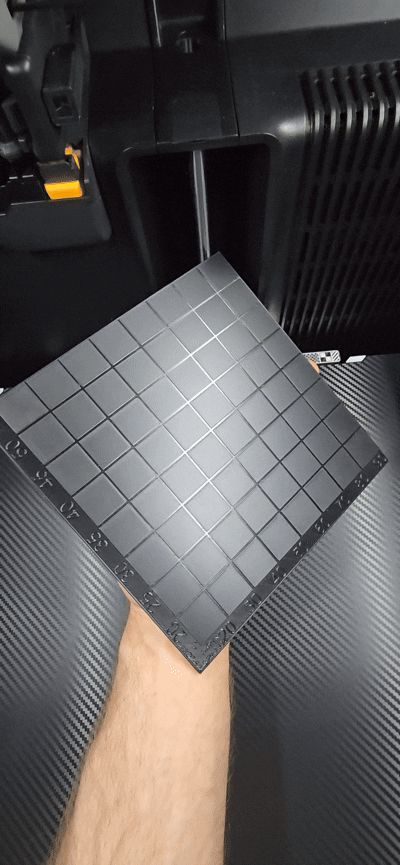
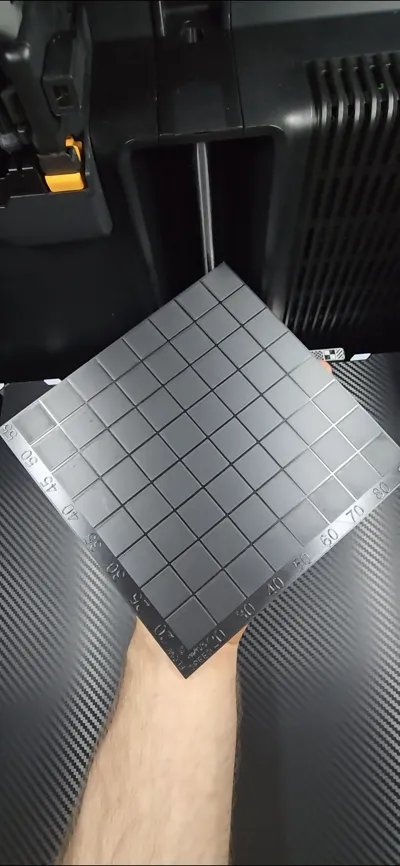
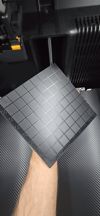
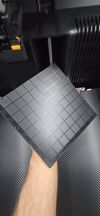
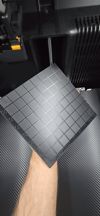
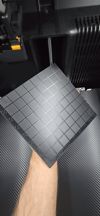
This test was created to make it quick and easy to read ironing settings for a perfect surface.
It was created to be able to print on all printers, including the Bambulab A1 mini.
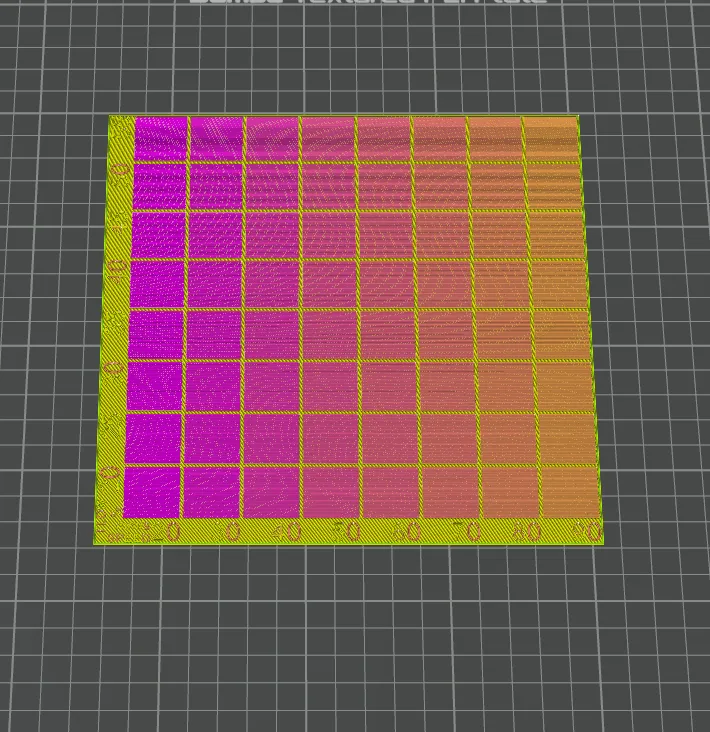
The test has the flow and speed already set for you.
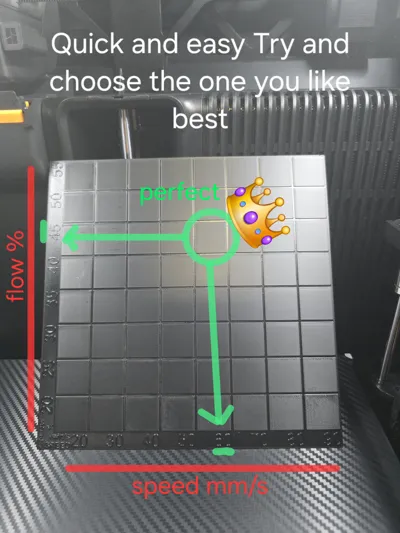
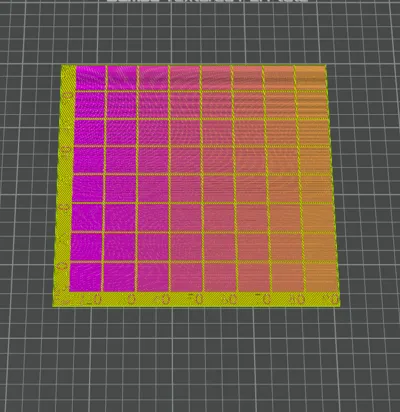
Flow variation (%) from 20% to 55%.
Speed variation (mm/s) from 20mm/s to 90mm/s.
Poorly performing flow and speed settings have been eliminated, and only values that are close to perfect have been set.
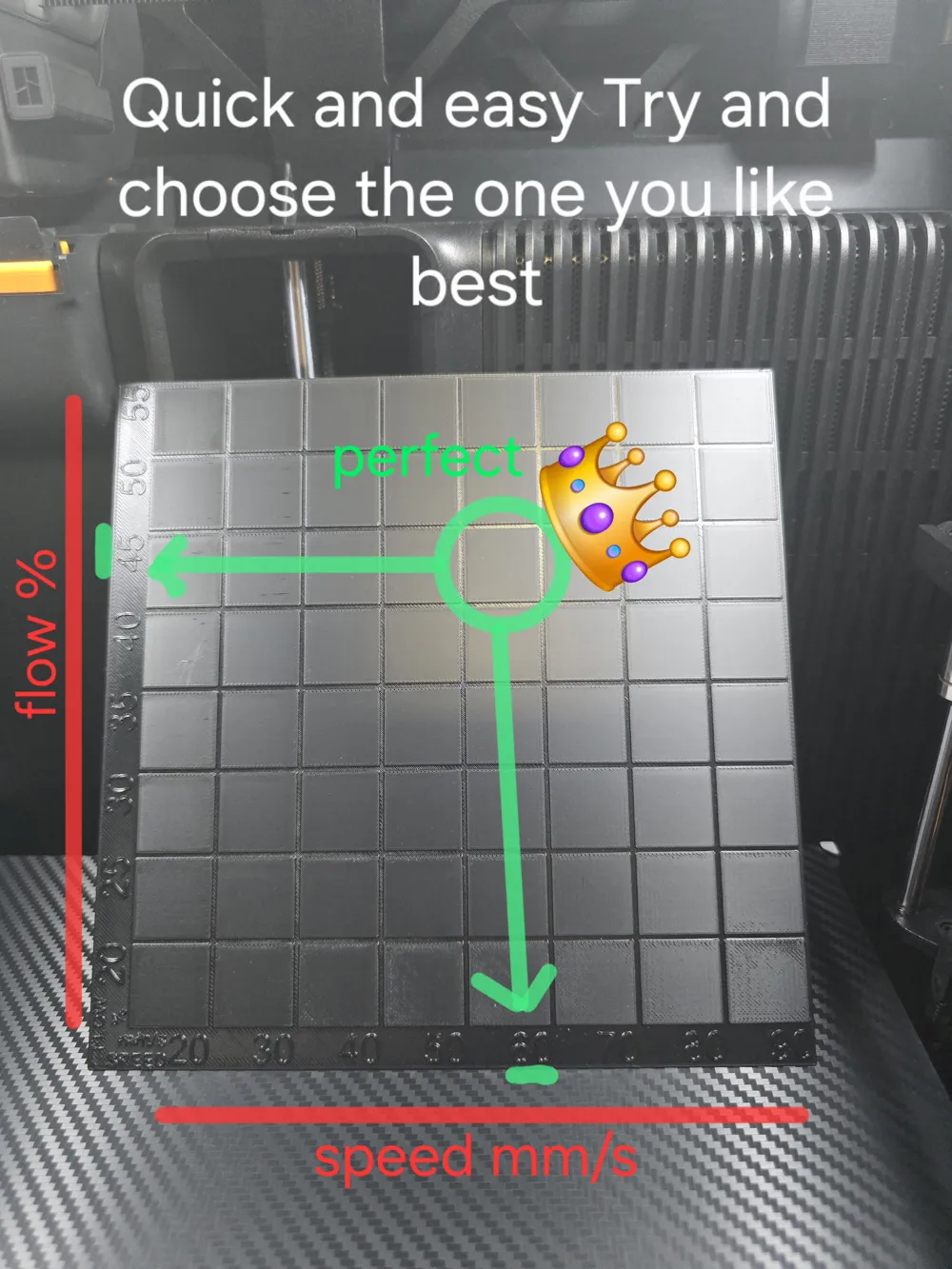
as indicated in the table on the sides, the speed is at the bottom
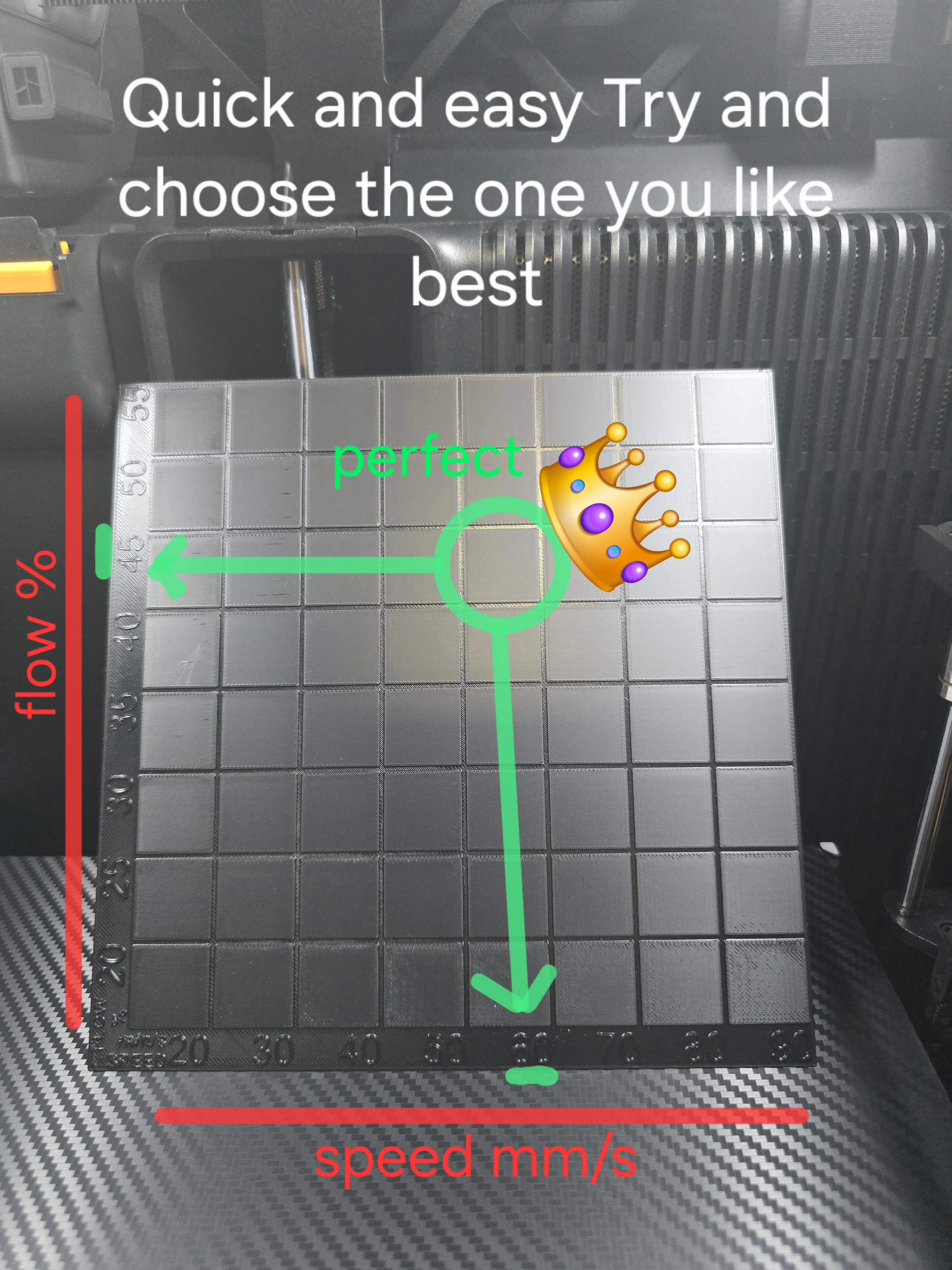
The flow is displayed laterally. As per the example, simply choose
your preferred rectangle and read the flow
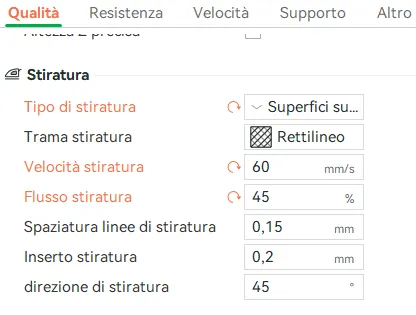
and velocity values. In my case, the flow is 45% and 60 mm/s.
then go to bambu studio and set the chosen values.
License



Comment & Rating (11)