
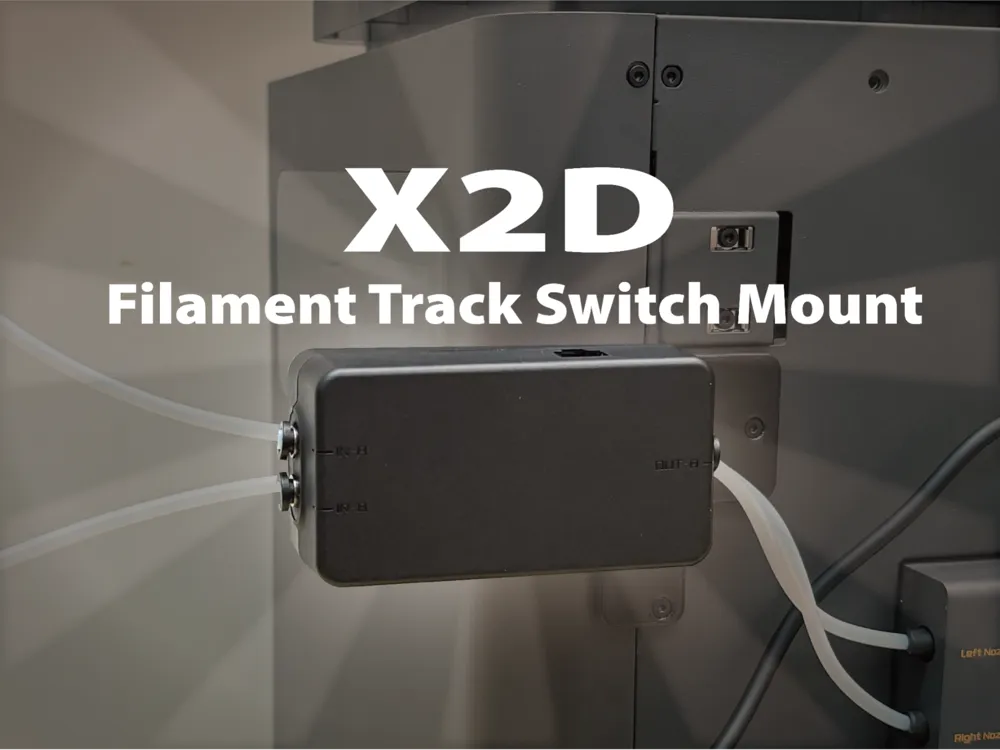
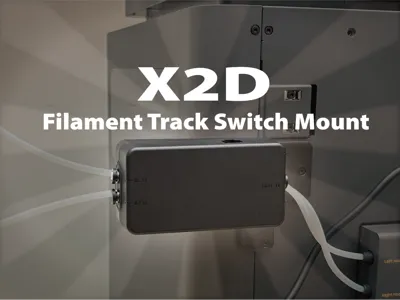
X2D Filament Track Switch Mount
Print Profile(1)
Description
This is a filament guide bracket designed for the X2D 3D printer. Many brackets on the market can only be fixed in one direction, but the biggest feature of my design is the perfect **two-in-one combination of vertical and horizontal installation directions**
You only need to print this file, and you can freely choose horizontal or vertical placement according to your actual space requirements, without needing to download two different versions separately
**Design Features:**
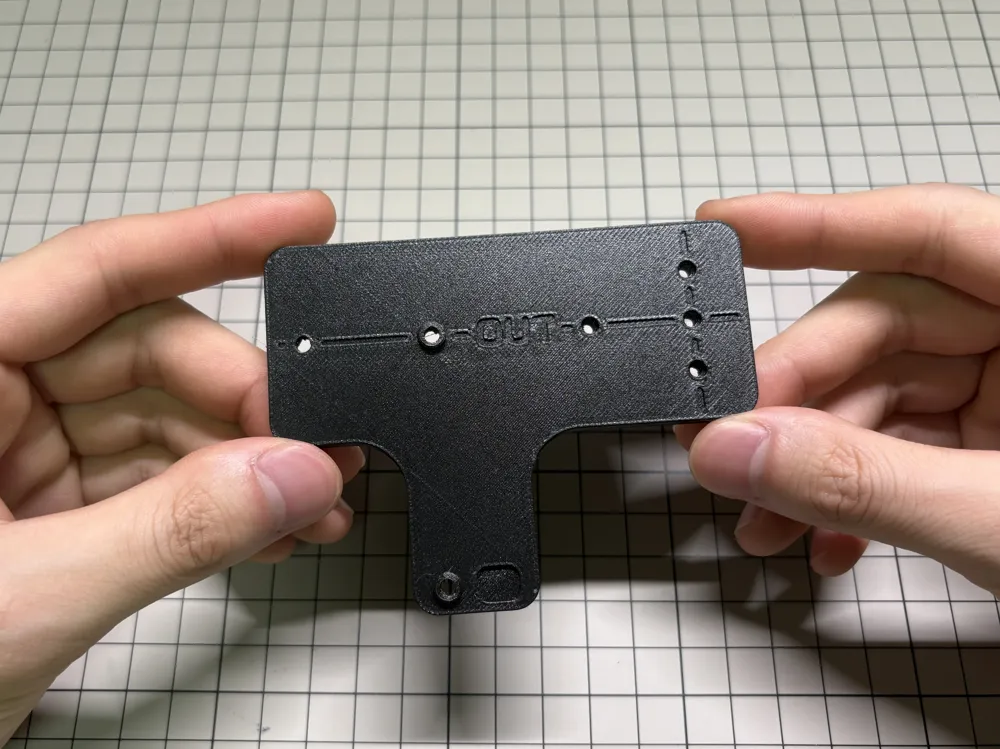
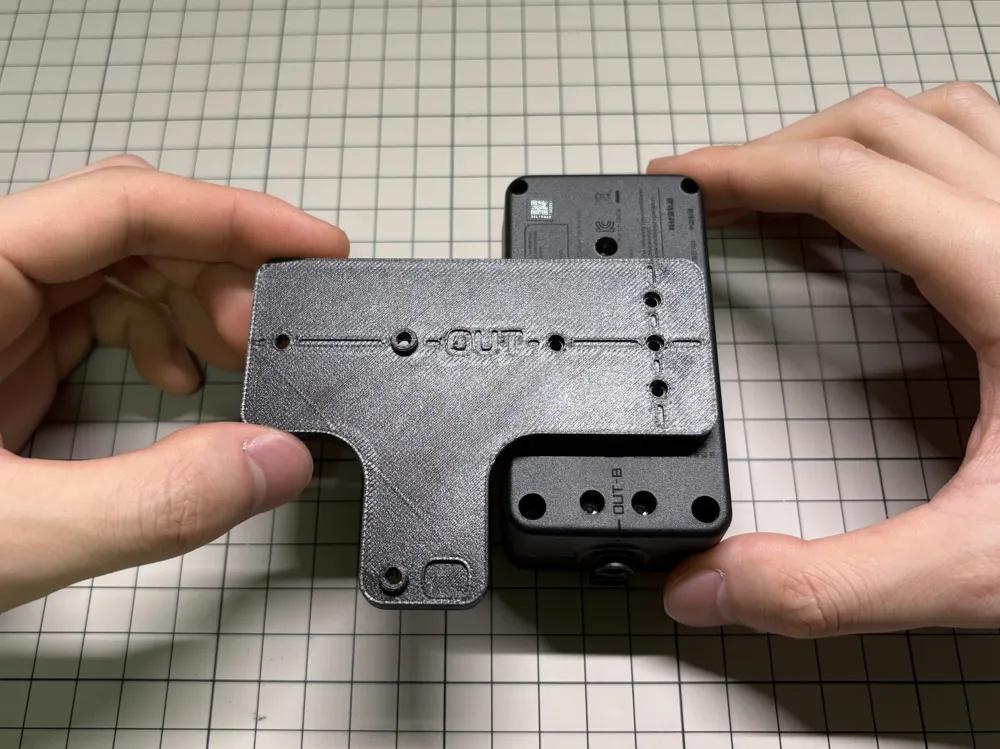
**Dual-Direction Design:** One model simultaneously supports both horizontal and vertical installation angles, perfectly adapting to different placement spaces
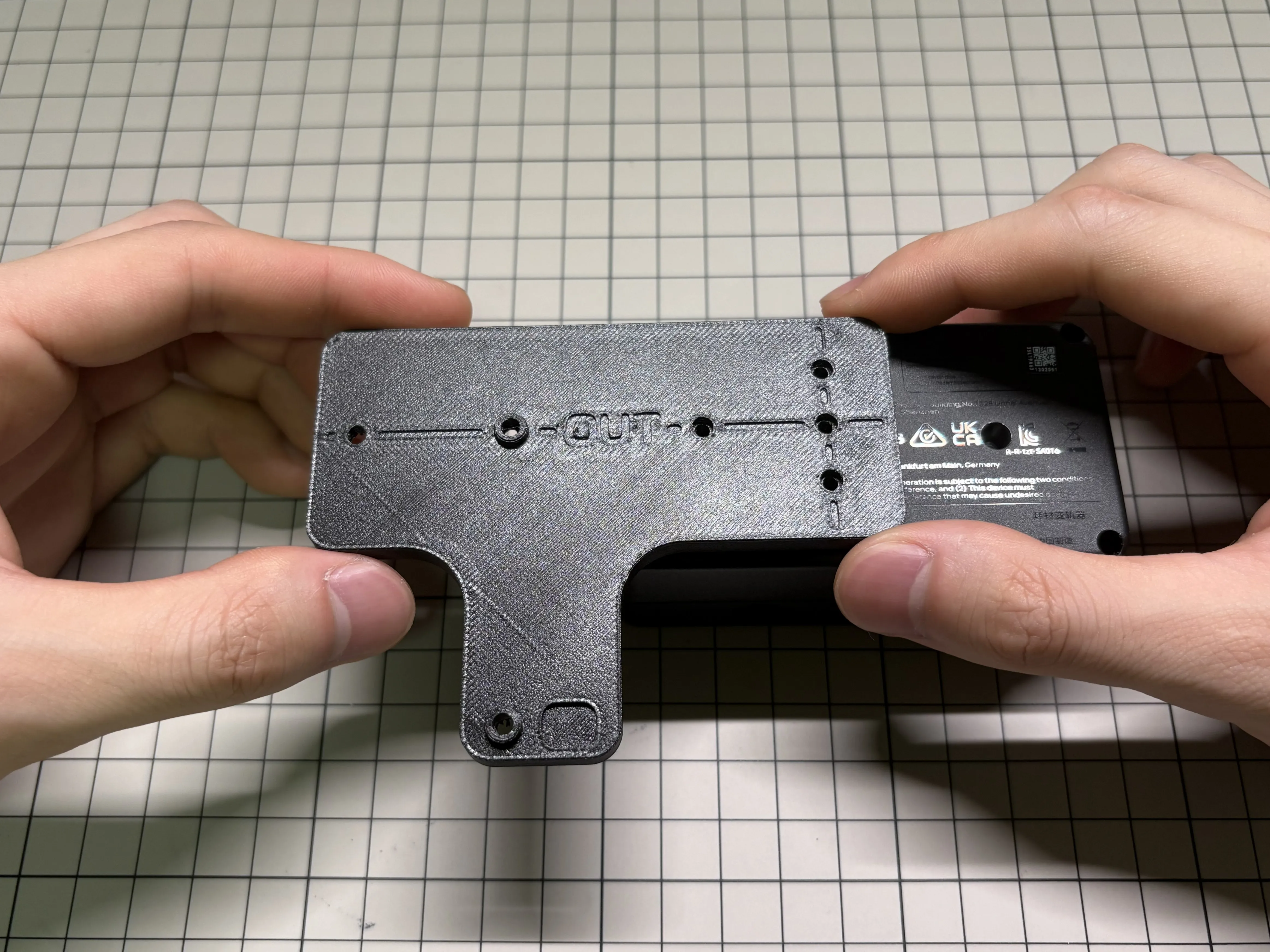
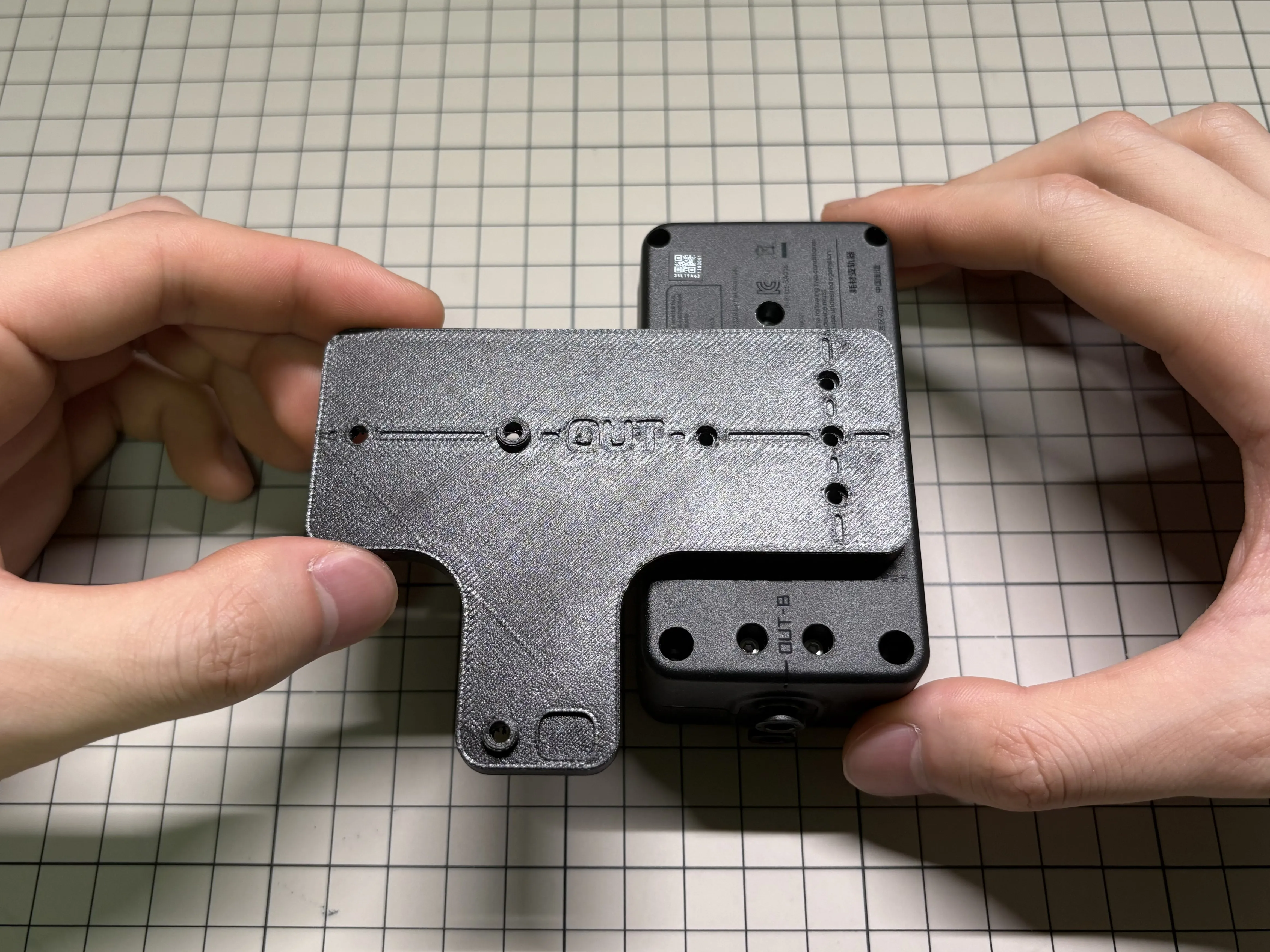
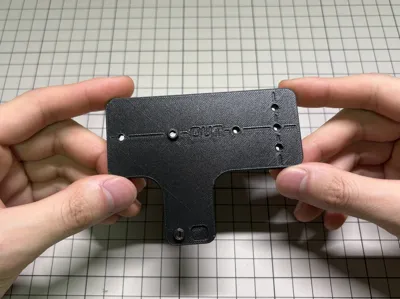
**Foolproof Visual Markers:** Corresponding visual markers (such as the word OUT) have been specially added to the bracket structure, making it easy for you to distinguish the installation direction and filament in/out positions at a glance, ensuring you will never make a mistake
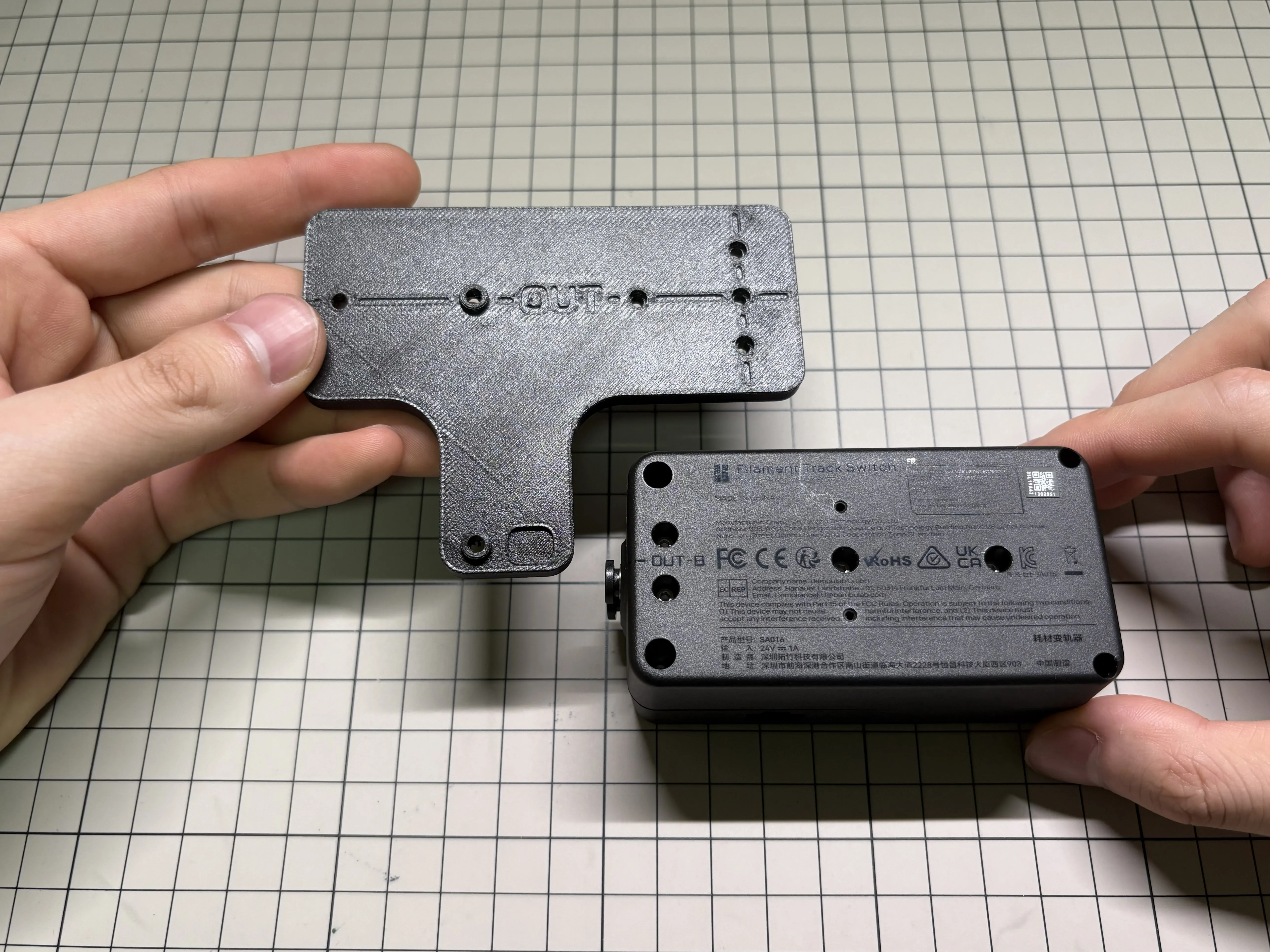
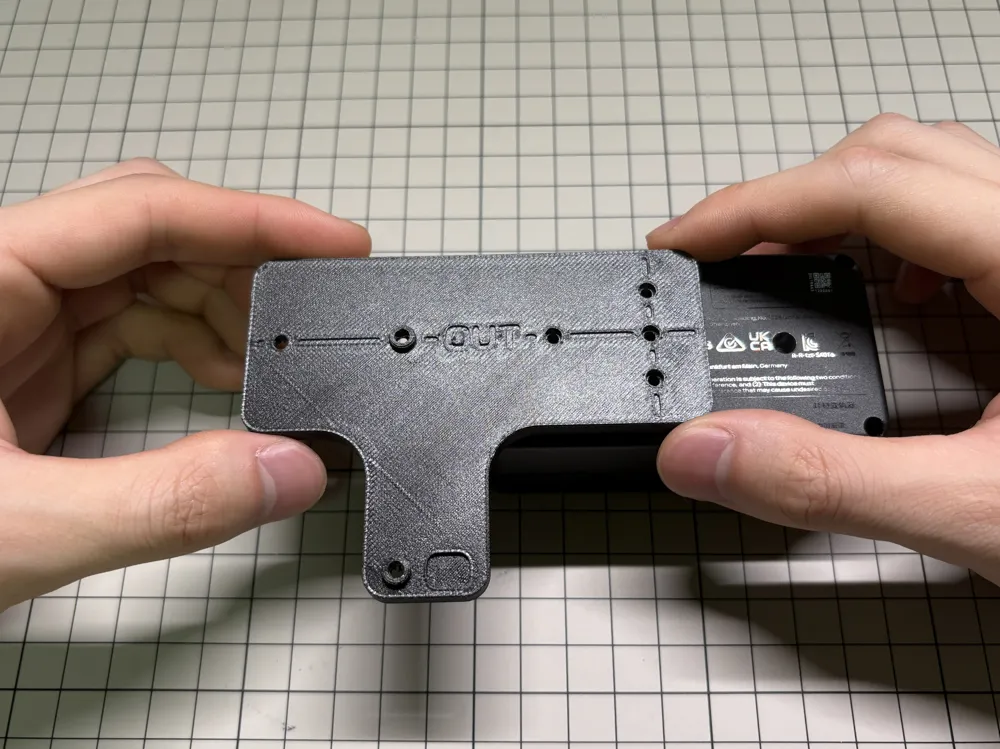
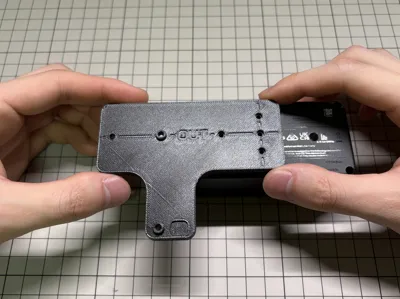
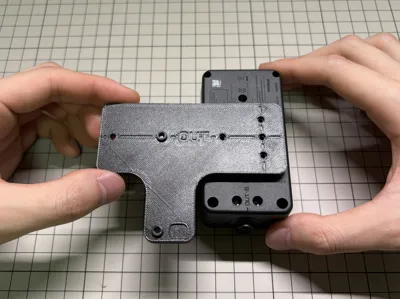
- **Easy Assembly:** Installation is very simple, you only need to align the bracket with the corresponding holes or slots on the printer body, then gently tighten the screws to fix it
Assembly Instructions
- **Identify Direction:** Observe the text markers on the bracket (such as the word OUT) to confirm your desired installation direction (horizontal or vertical)
- **Align Holes:** Align the bracket with the mounting structure or slots on the back of the printer
- **Secure with Screws:** After alignment, screw in and tighten the fixing screws, and the assembly is complete
License

You may create derivative works based on this object, provided that all such derivative works are published exclusively on the MakerWorld platform and include proper attribution to the original creator. You may not share, upload, host, distribute, or publish this object—or any derivative work of this object—on any other digital platform, marketplace, or distribution channel. Commercial use of this object and any derivative works is strictly prohibited. This includes, but is not limited to, selling, renting, sublicensing, or using the object in any context in which you receive monetary compensation or other financial benefits.


Comment & Rating (0)