
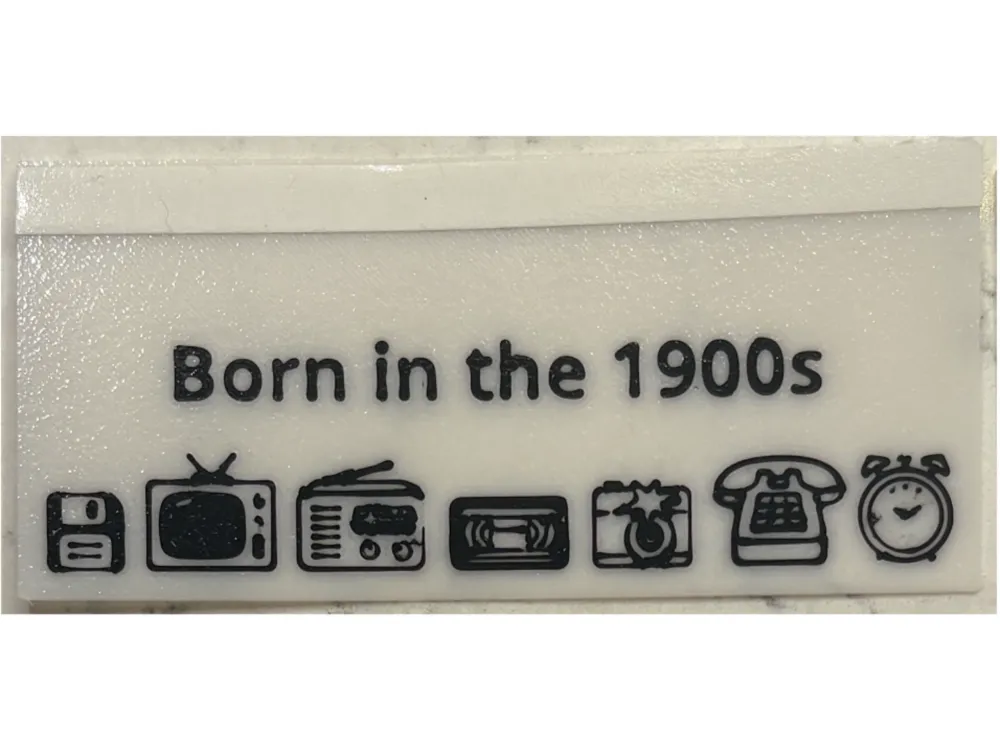
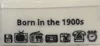
DragonCon badge ribbon - Born in the 1900s
Print Profile(1)
Description
I couldn't find any designs or tutorials to make my own badge ribbons for DragonCon so I got started by using the "Make My Sign" wizard on MakerLab. I print using PLA on a Bambu P1S with an AMS. Keeping them thin and flexible (but not so thin they break apart) has been a learning experience. Once they're done I apply double sided tape at the top. Printing them myself gives me the flexibility to create a small number of ribbons for whatever dumb thing pops in my head. Each ribbon takes about 21 minutes to print and costs between 4 and 7 cents (including tape).
This is literally the most basic, black and white, cheap, icon-filled starter ribbon possible. It is supposed to inspire you to go create your own design using the “Make My Sign” wizard in MakerLab.
Size: 41.31mm high x 89.11 mm wide
Use the tools to add text, Emojis/icons, or shapes. Everything on this ribbon comes from the built in icons and fonts. I used the Thickness tool to set everything to 0.4mm and then downloaded to my computer to open in Bambu Studio. It prints face up and the text and icons are raised but you can easily tinker with the settings to make it print face down.
License



Comment & Rating (0)