
Oldsmobile 442 Light Box
Print Profile(1)

Description
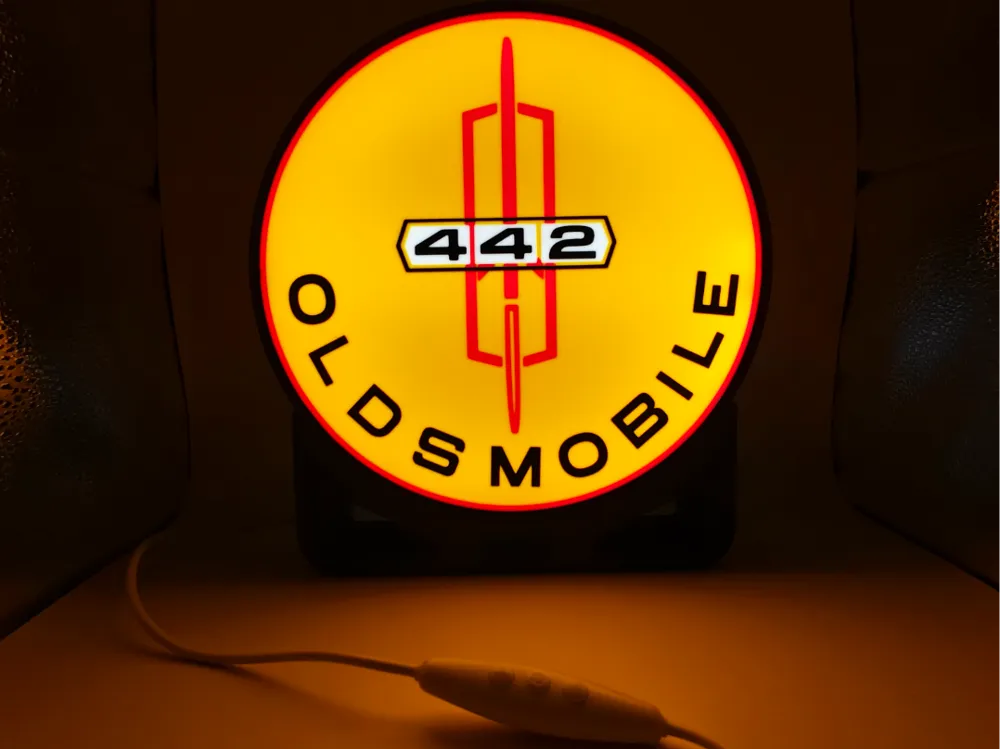
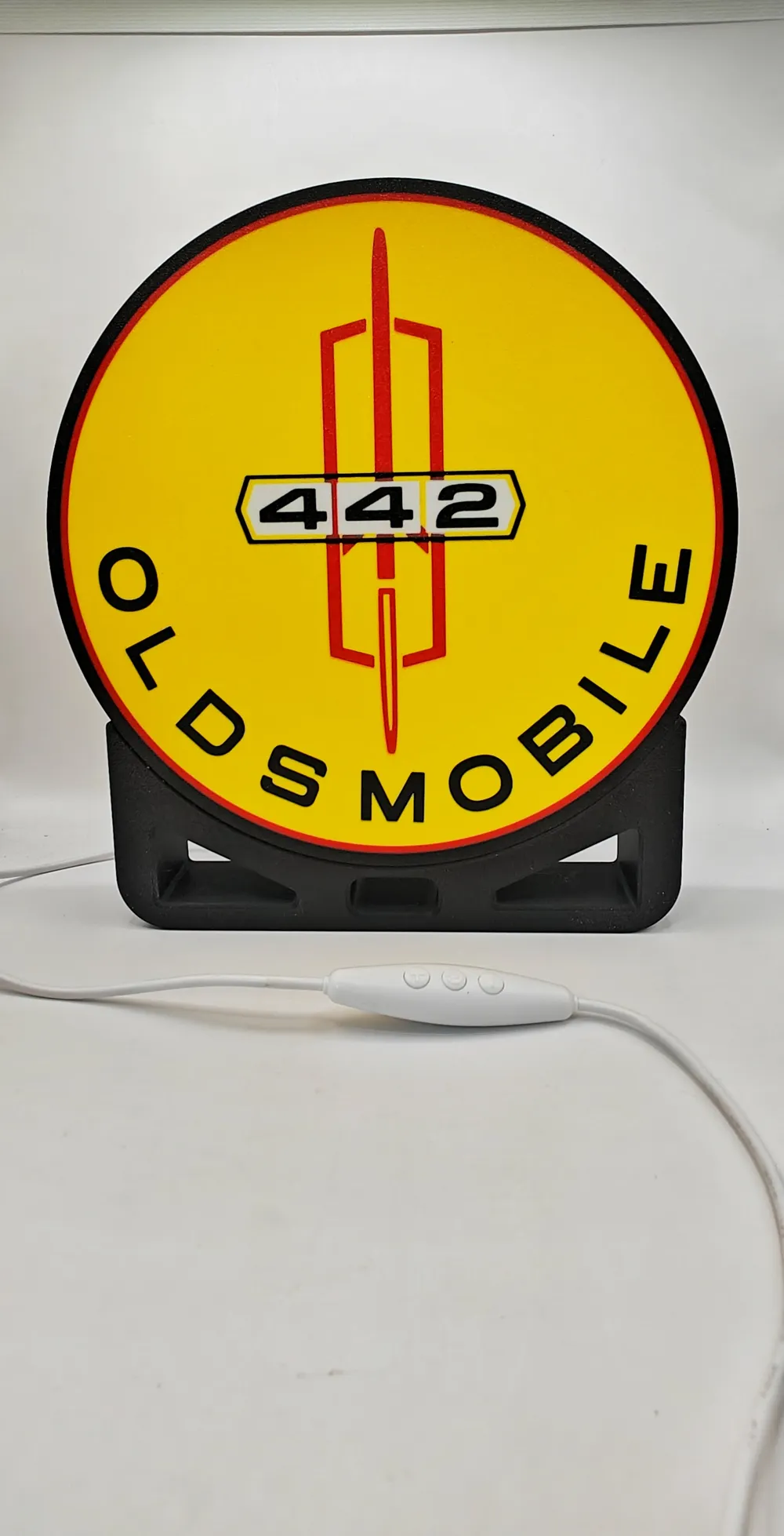
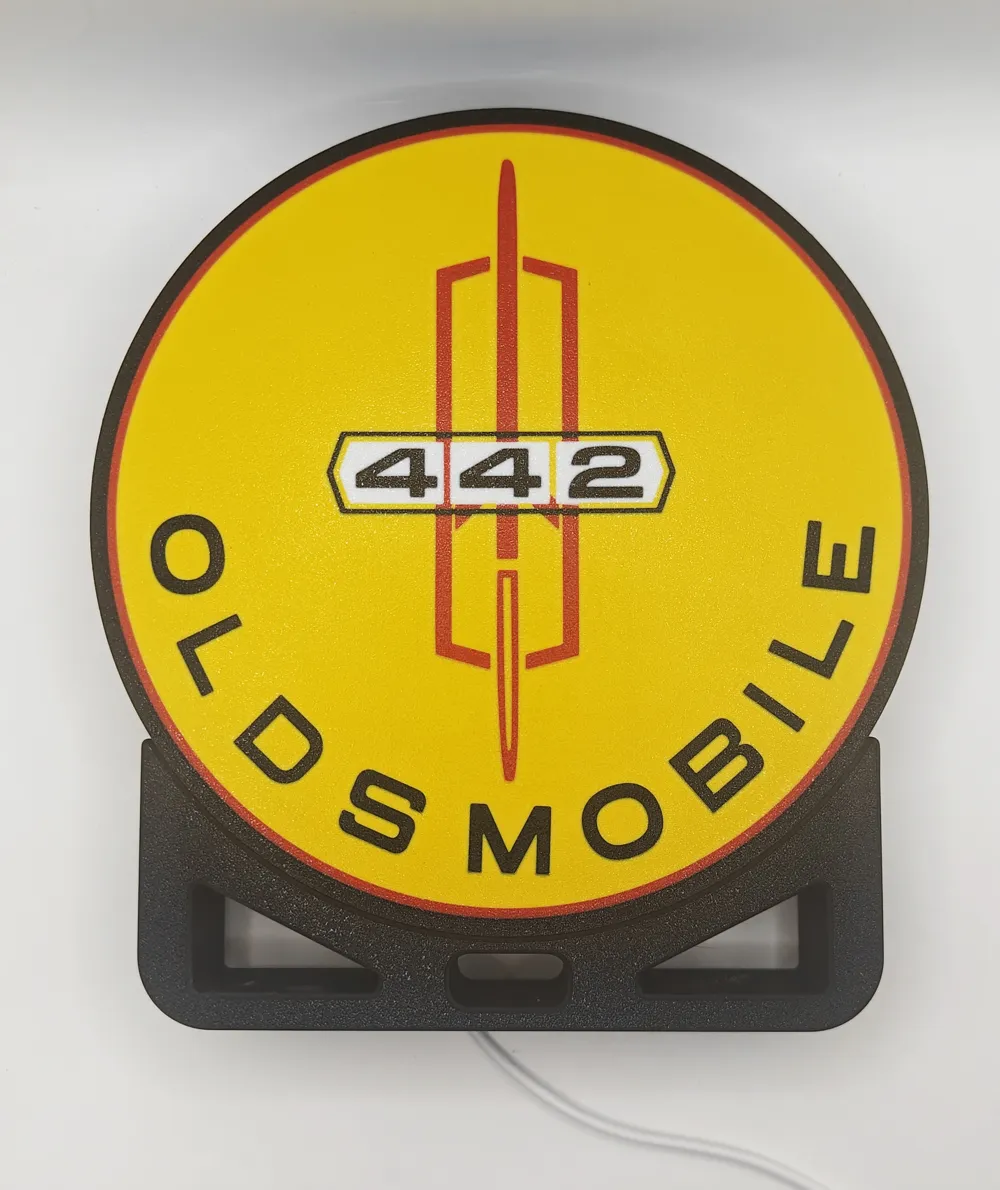
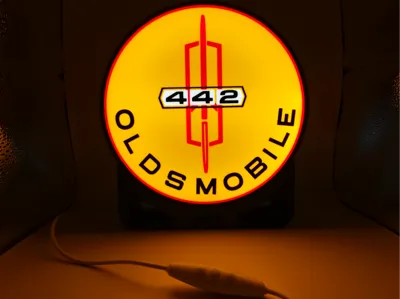
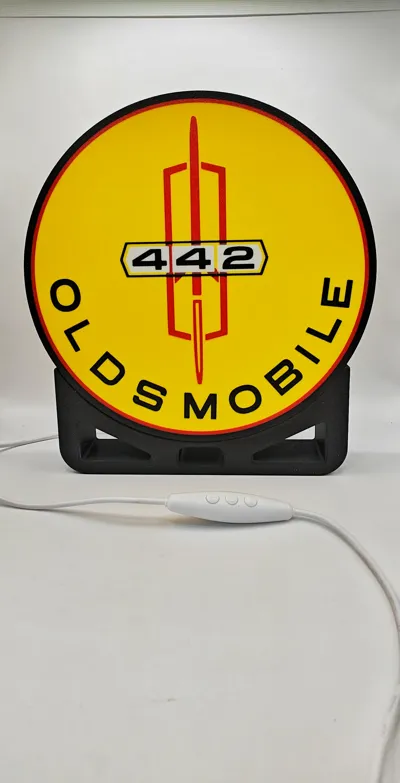
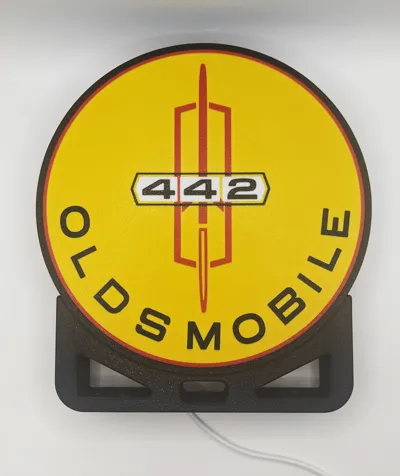
Oldsmobile 442 Lightbox
(*SEE NOTE BELOW ABOUT TURNING ON THE PURGE TOWER BEFORE PRINTING THIS FILE.)
I made this for a customer that had a restored 1971 yellow Olds 442.
You can change the colors to whatever you would like.
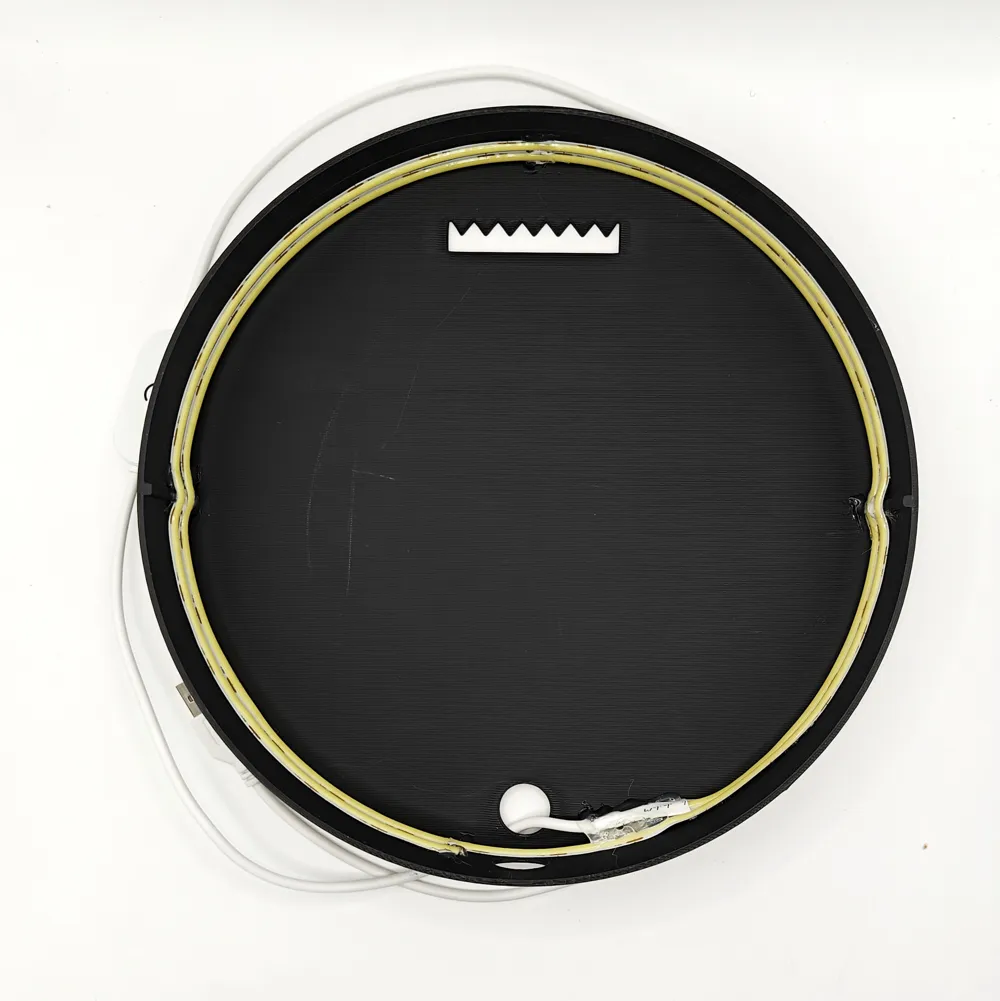
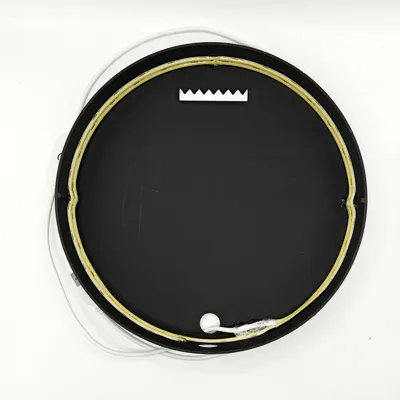
The back body section I made so that you can hang it on the wall or mount it on the optional stand with some glue. As you can see in one of the photos I wrapped the led light strip around the inside twice and then I cut off the few remaining inches. I also used my hot glue gun to add a little bit of glue to the light strip just incase the adhesive on the light strip didn't hold after I put it all together. You can also use Super Glue instead.
I printed this on my H1C without any issues using a 256 x 256 build plate. Bambu has a bug in their software when the file is uploaded that keeps saying there is an error and to move the purge tower. The purge tower is just fine and the file slices ok with no errors. I got no help from Bambu Tech Support ,so to get around this issue I had to shut off the purge tower in order to upload the file. MAKE SURE YOU TURN IT BACK ON BEFORE PRINTING!!!!
[Plate 1]: G-code conflicts detected after slicing. Please make sure the 3mf file can be successfully sliced in the latest Bambu Studio. If the file slices successfully in Bambu Studio, please try moving the wipe tower further from other models, as we use more conservative parameters for its generation during upload testing.
I made the light box with notches on both sides so that the face plate will align correctly. The face plate is very snug so you may have to bow it just a little to get it to pop in place. Because it is a snug fit you can just pop it in place and not glue it incase you want to swap it out with one of the other lightbox front plates that I have made.
Also I edited the filament settings and change the Flow Ratio to 1.0 for Black and 1.03 or 1.04 for colors
I have also noticed some cheap filament just does not want to print well without leaving little holes. I've been using Bambo and Sunlu with pretty good results except for Bambu Black which has been giving me grief so I've been using Sunlu Black.. If you happen to find a pin hole or a couple of them try mounting the front plate on to the body first with the leds turned on before you trash it, I found on a couple of prints that I have done that did have a couple of small holes they did not show up when I lit it up.
Here is the link to the USB light strip I used from Amazon but you can use what ever lights you want. I have found that COB light strips work the best for even lighting.
https://a.co/d/0h57K3uX
Boost Me (for free)
Boost MeBoost Me (for free)
I would appreciate it if you could rate my model and if you really like it give it a BOOST!
It would be greatly appreciated!
Thank you and enjoy printing!
License



Comment & Rating (0)