
Atlas Pocket Companion


Print Profile(1)

Description
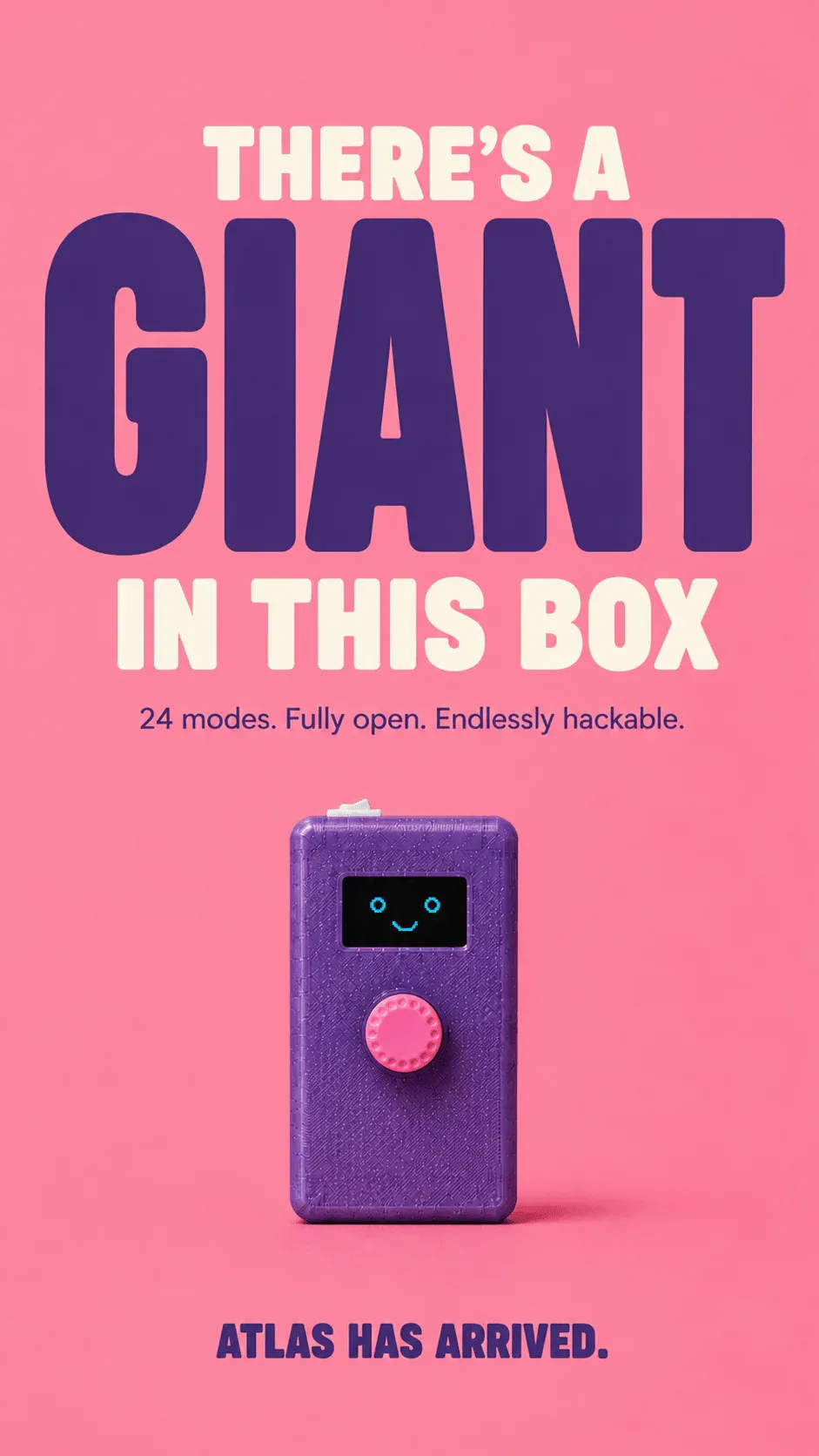
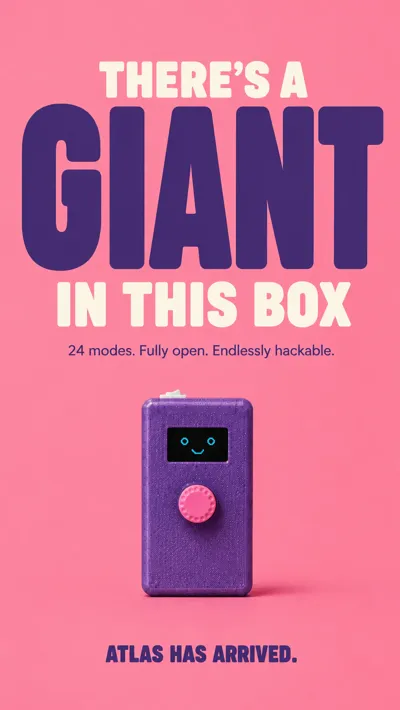
There's a giant in this box.
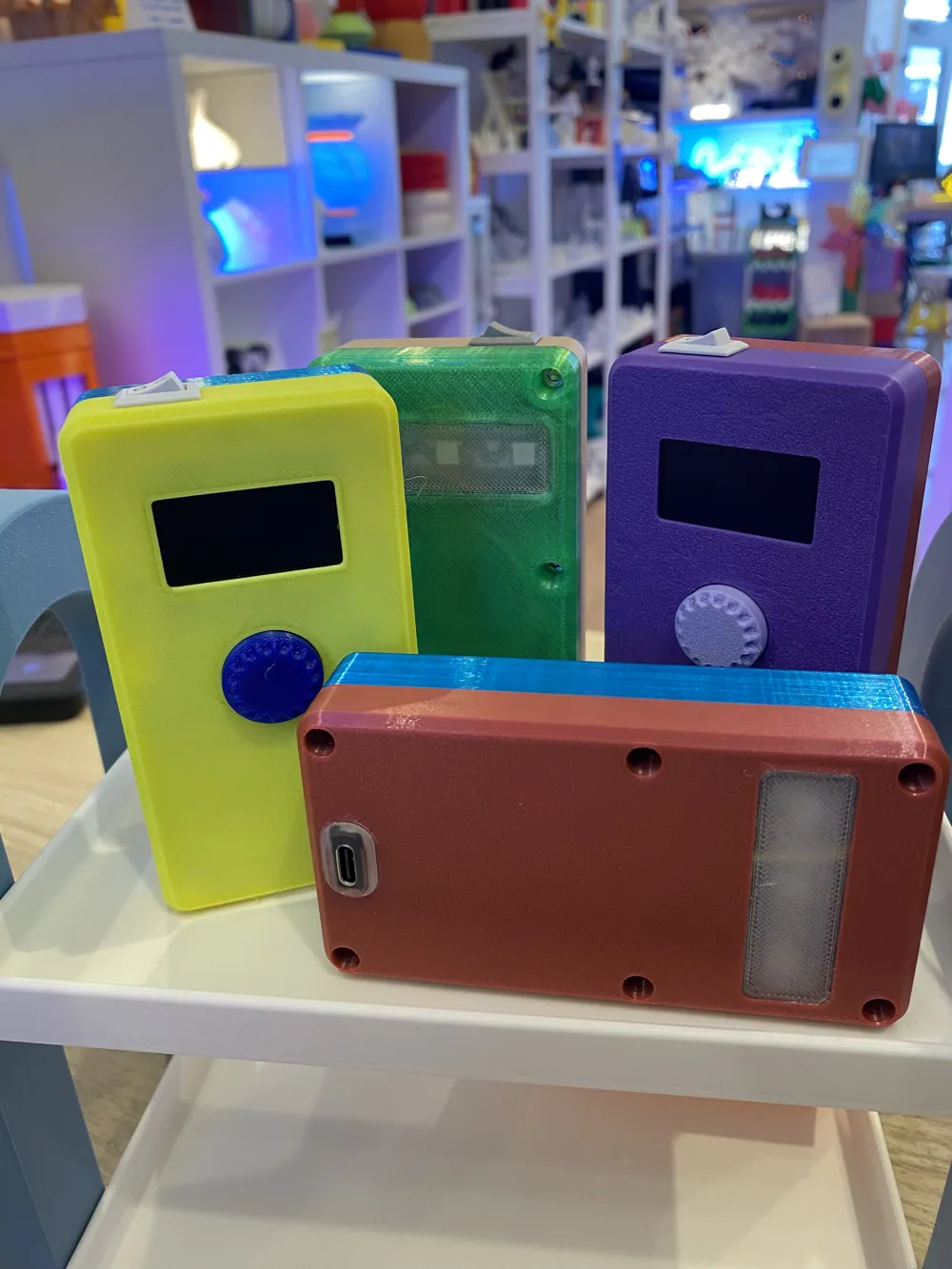
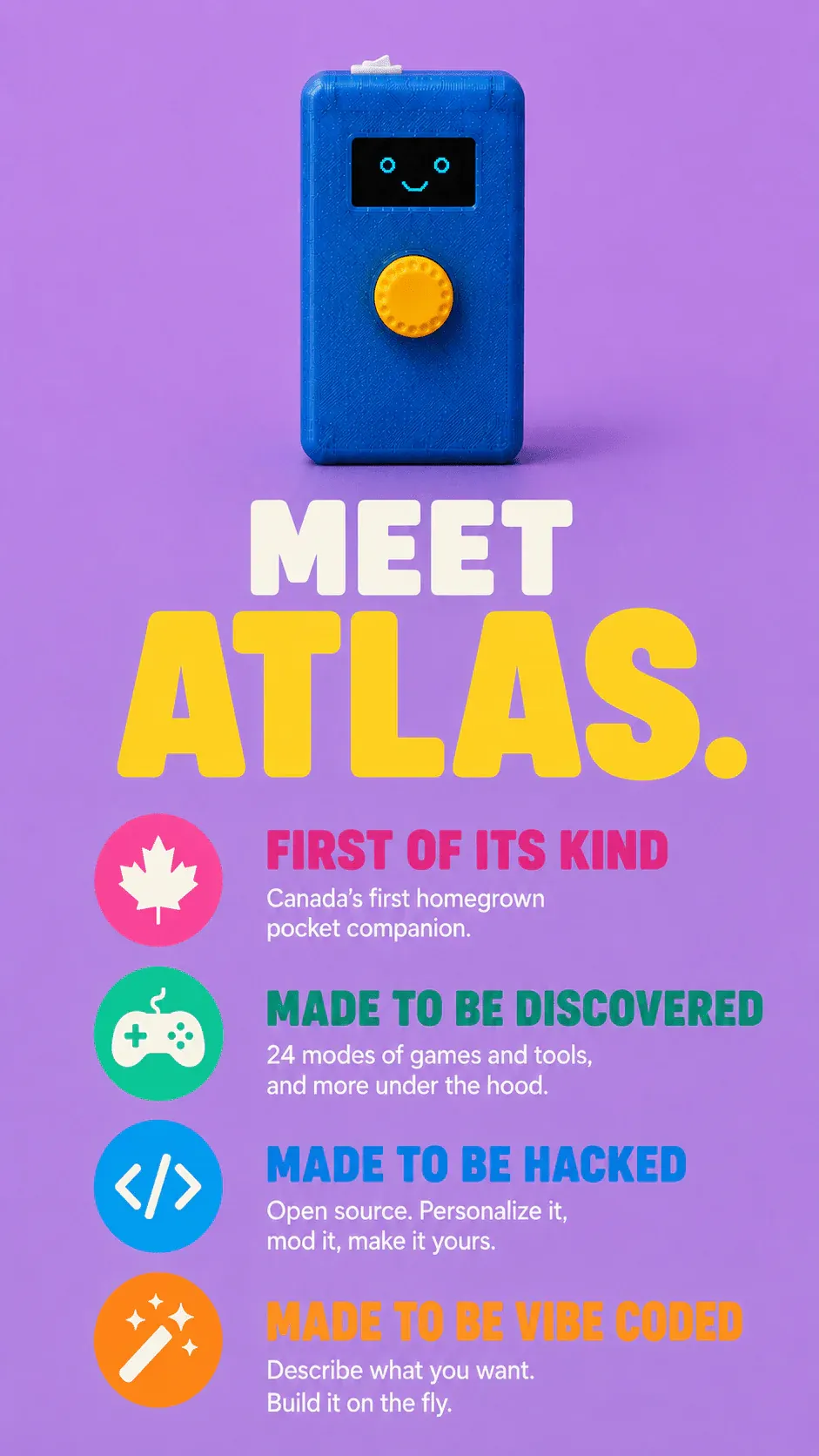
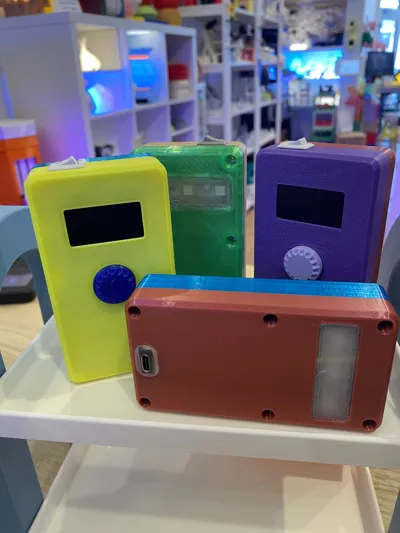
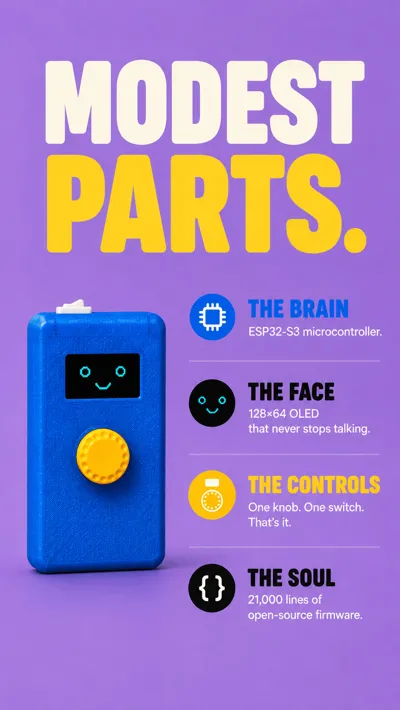
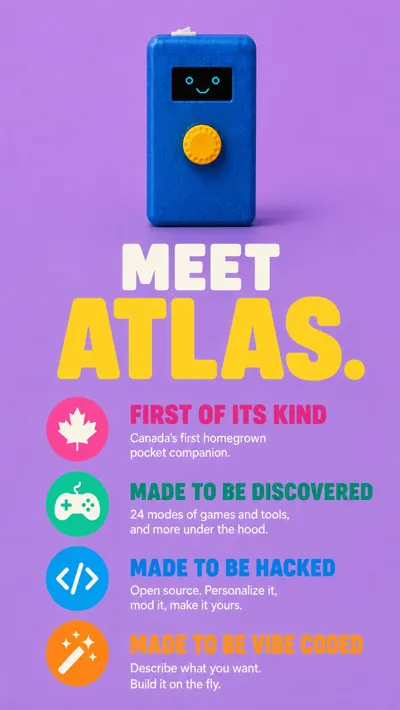
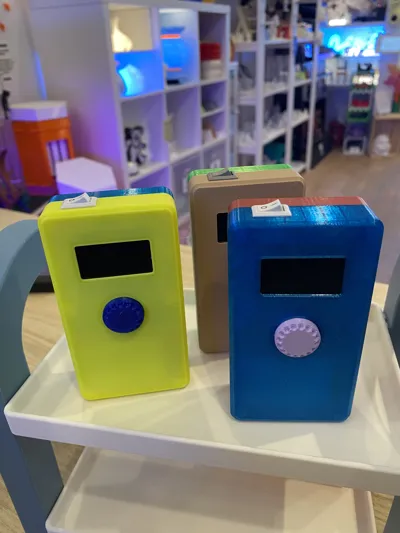
Atlas is an open-source pocket companion built around an ESP32-S3, a tiny OLED display, a rotary knob, and a whole lot of personality. This MakerWorld upload contains the core printable enclosure components needed to build your own Atlas.
Included Files
This download includes:
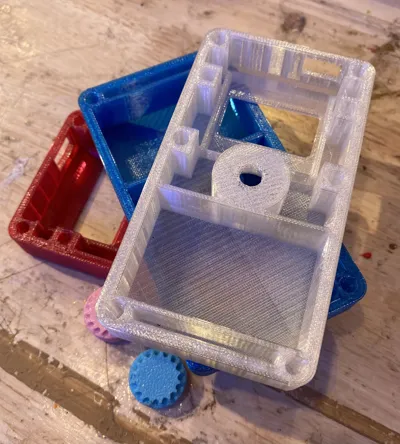
- Body Parts
- Flashlight Cover
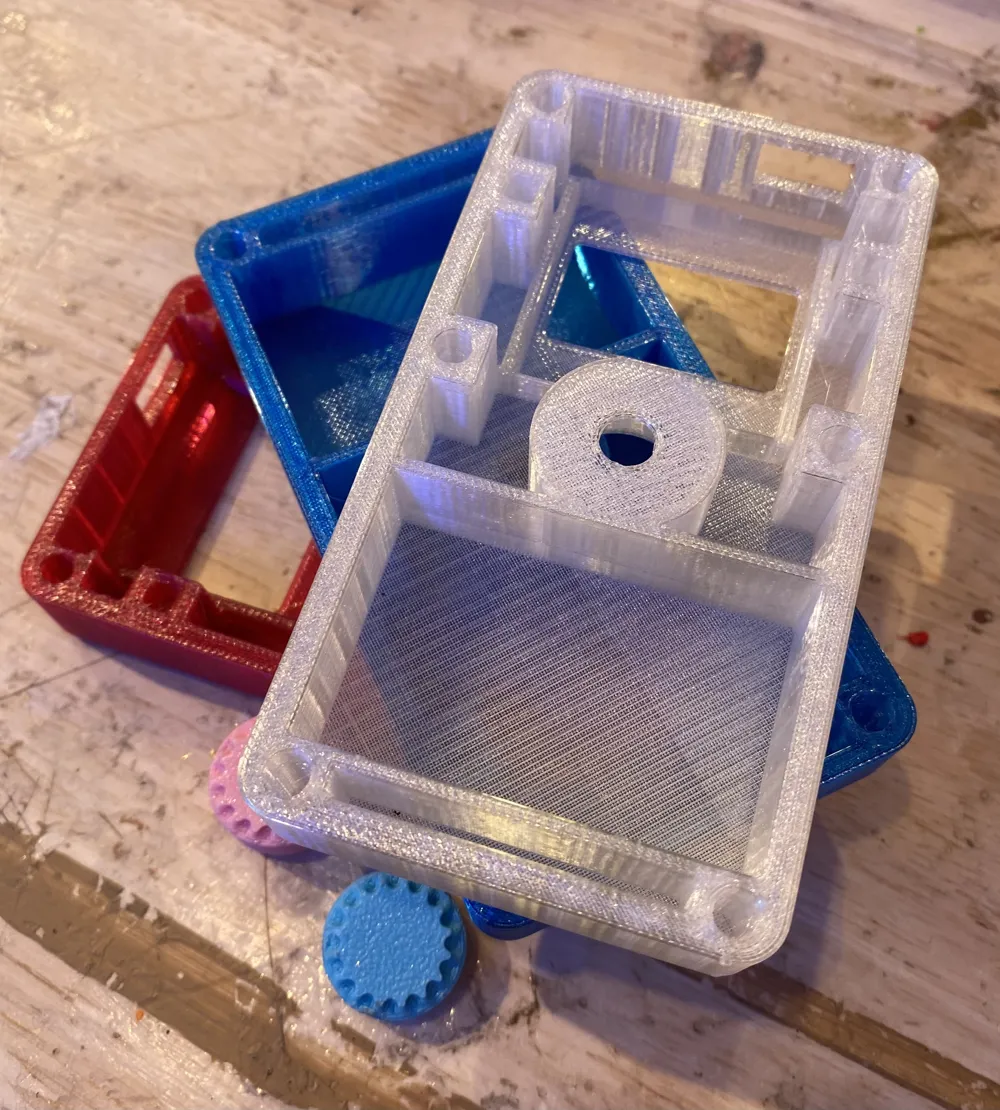
These parts form the primary body of the Atlas enclosure and are designed to be printed on standard FDM 3D printers.
Hardware You Need
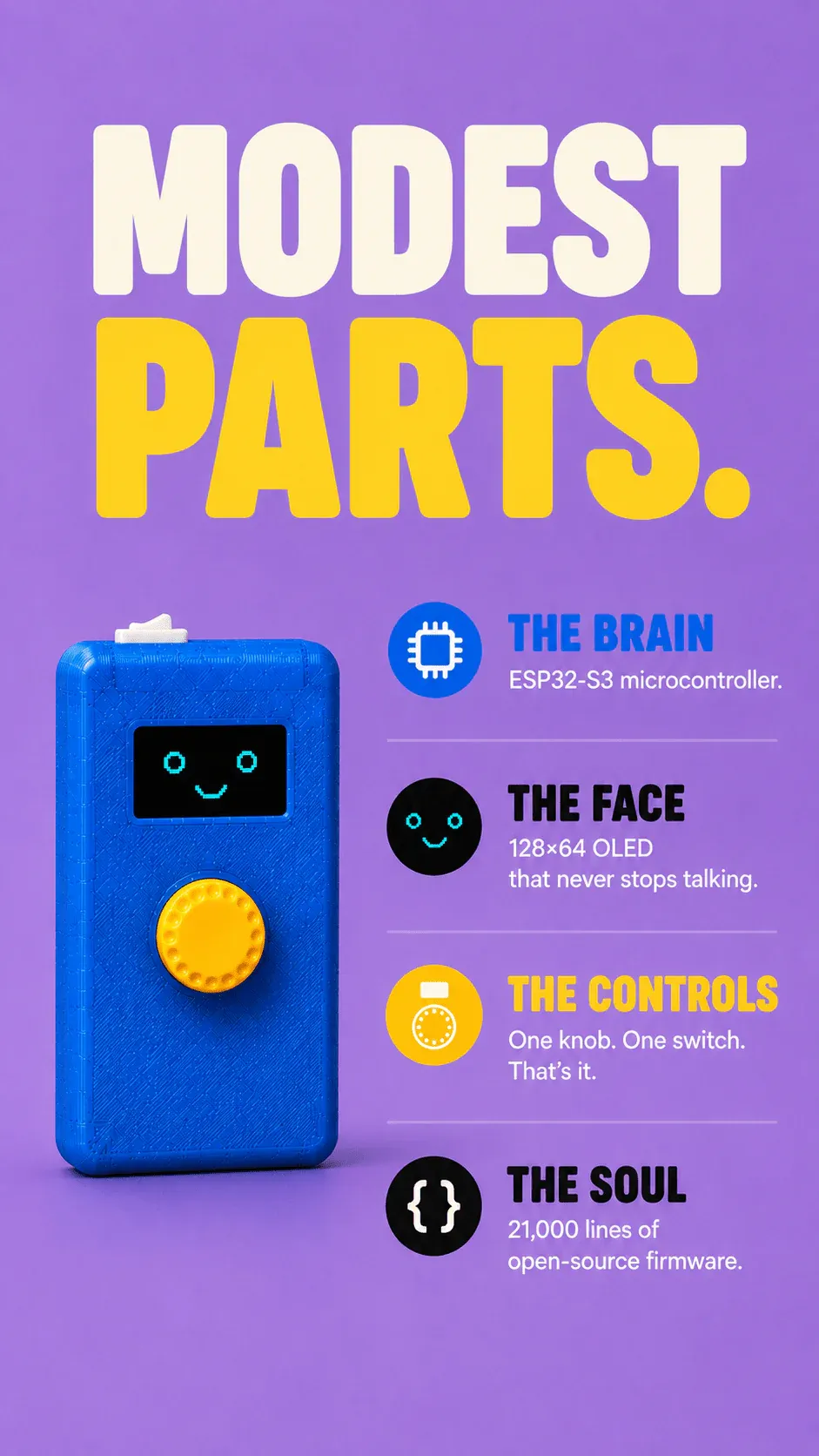
MCU ESP32-S3FH4R2 (Waveshare ESP32-S3 Mini variant), Xtensa LX7 dual-core @ 240 MHz
Flash 4 MB, partition scheme "Huge APP (3 MB)", no OTA, no SPIFFS
RAM 512 KB SRAM, 2 MB PSRAM (OPI). Default heap is plain SRAM unless you explicitly ask for PSRAM.
Display 1.3" SH1106 OLED, 128 × 64 pixels, 1-bit (black or white only), I²C @ 1 MHz, addr 0x3C
Input KY-040 rotary encoder. CLK + DT for rotation, SW for click. Long-press = menu return.
LEDs 3× WS2812B addressable RGB on a single data line, driven by FastLED
Power 1S LiPo (3.7 V nominal, 3.00 V cutoff), TP4056 charging module, voltage divider on ADC pin
Audio None. No speaker, no buzzer. Don't propose audio output.
About Atlas
Atlas combines simple hardware with powerful open-source software to create a handheld device packed with games, tools, trivia, animations, and surprises. Despite its modest hardware, Atlas features 24 unique modes and is designed to be endlessly customizable.
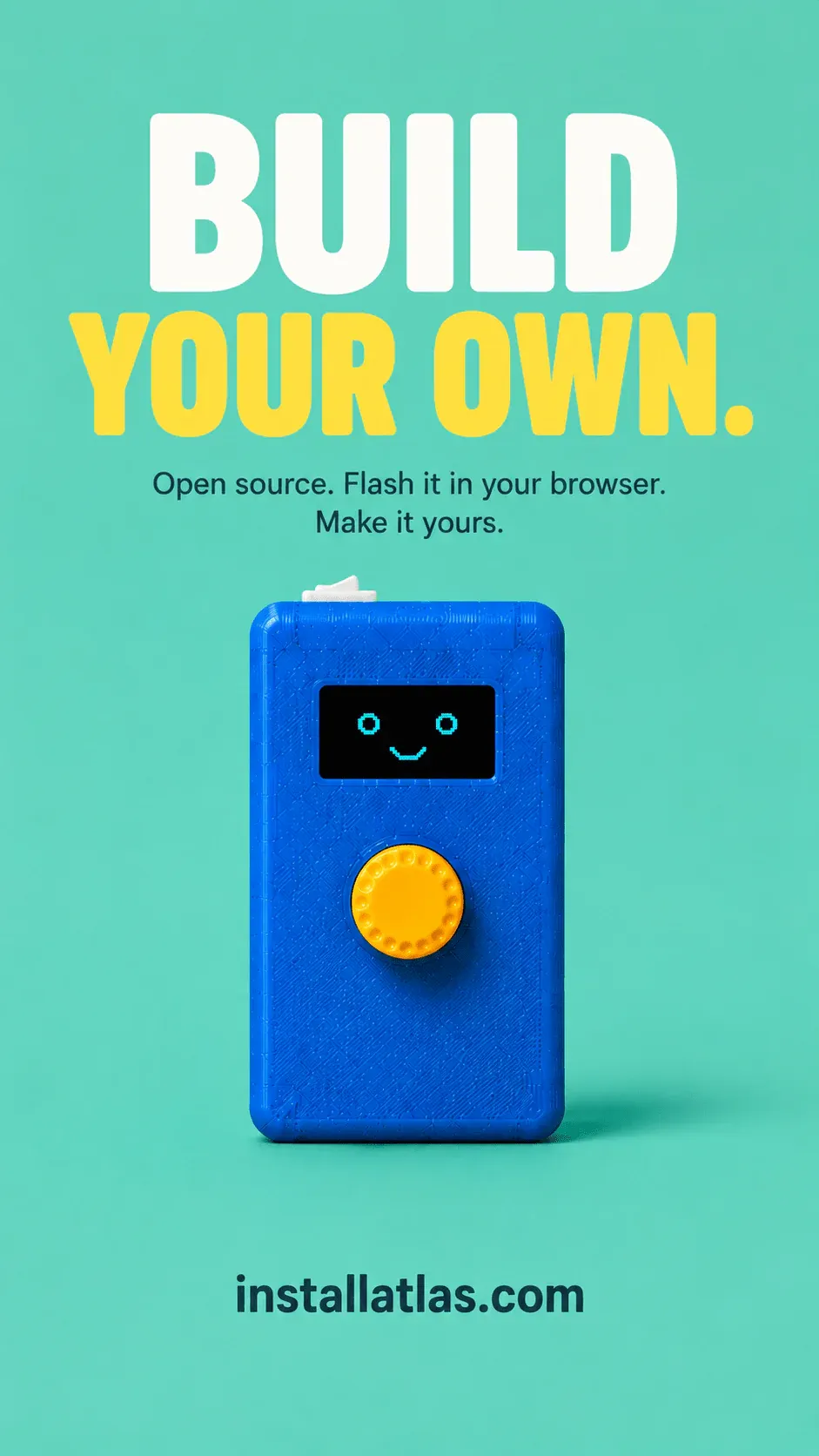
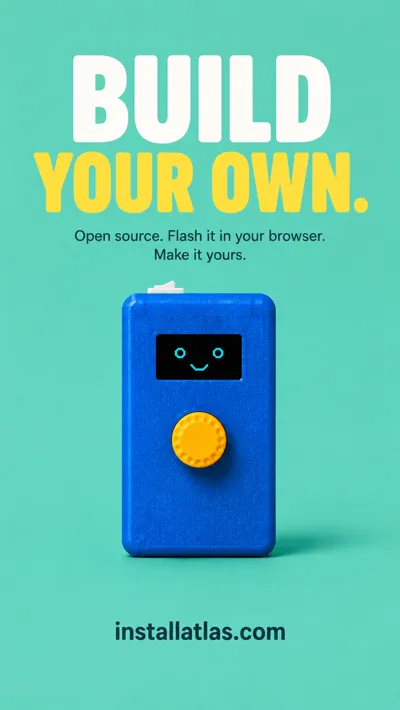
The entire project is open source, making it easy to modify, improve, and personalize your own build. More details at installatlas.com
Printing Recommendations
- PETG
- Supports are required for the top of the body.
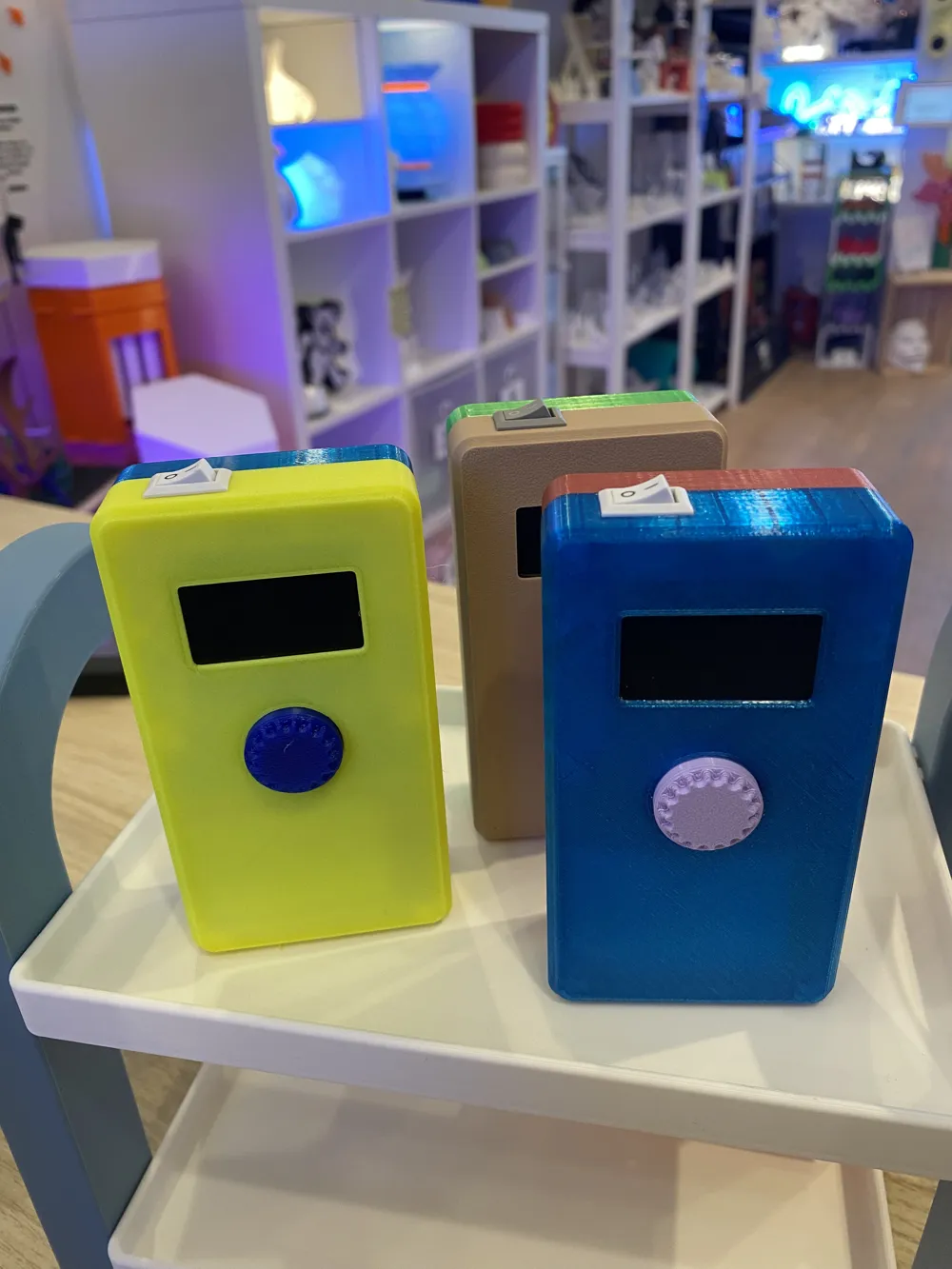
- Mix and match colors to give your Atlas its own personality.
- Print settings may be adjusted to suit your printer and preferred finish quality.
Build Resources
Complete firmware, assembly instructions, bill of materials, and browser-based flashing tools are available at installatlas.com. Buy the built Atlas: https://printandplay.ca/products/atlas?variant=52085218345261.
Print it. Build it. Customize it.
Atlas is designed to be opened, modified, and made your own.
License



Comment & Rating (0)