
CO2-Ampel mit ESP32, Display, SCD41 und Touch
Print Profile(0)
Description
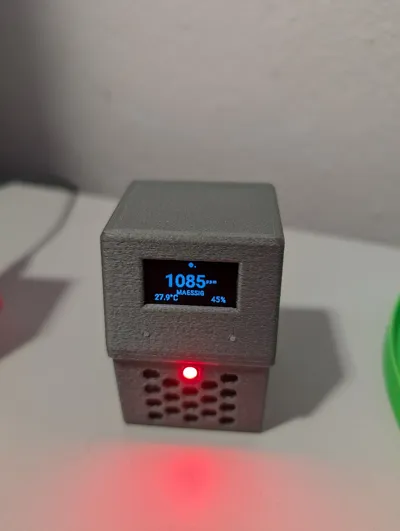
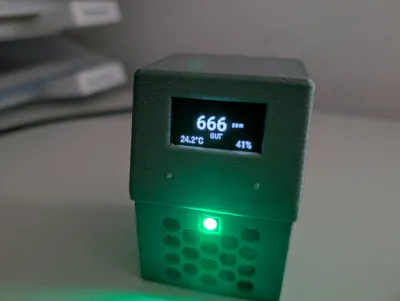
I designed my own enclosure for the GitHub project https://github.com/thealkly/co2-esphome-sensor/tree/main
There are two versions:
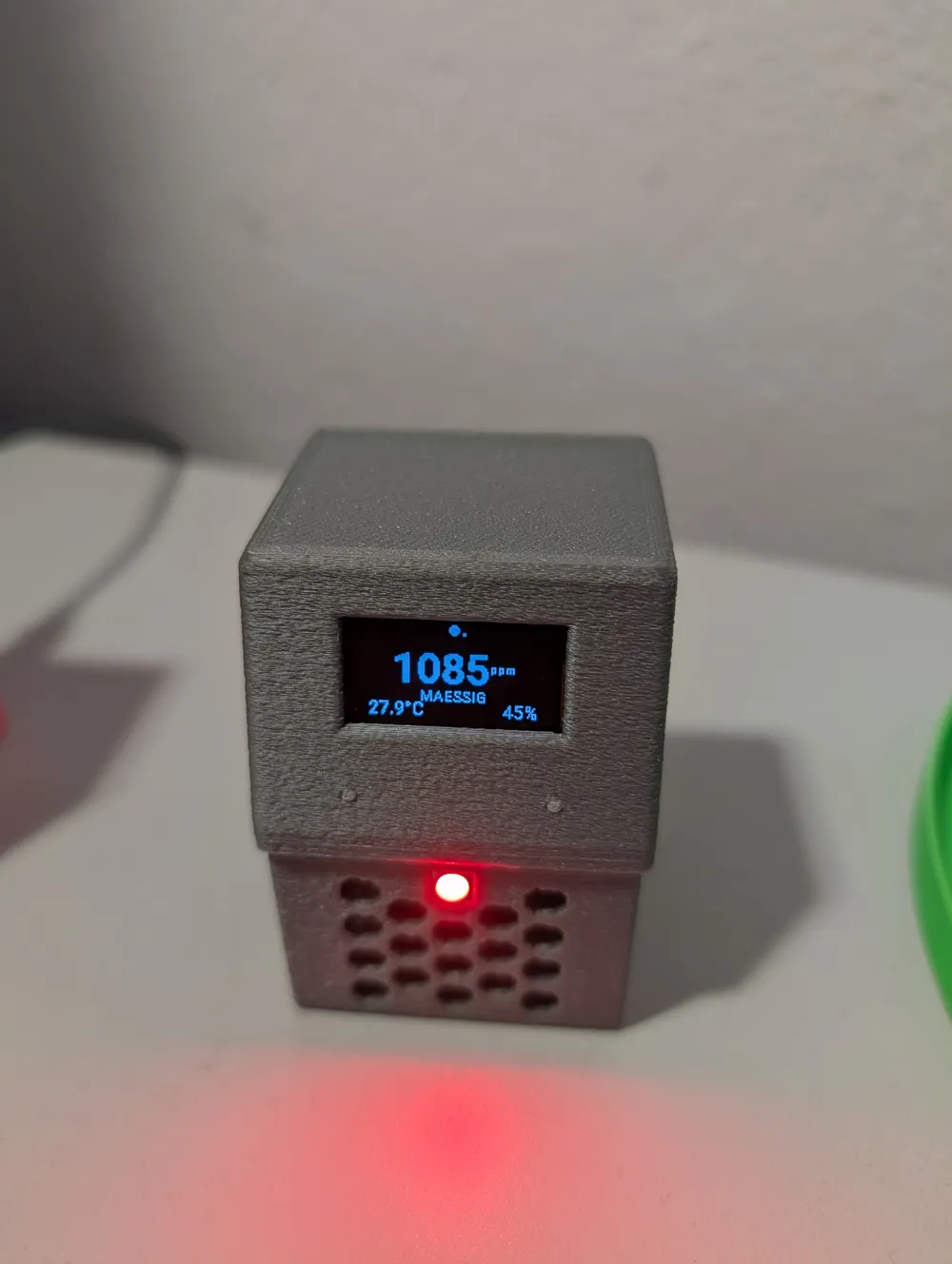
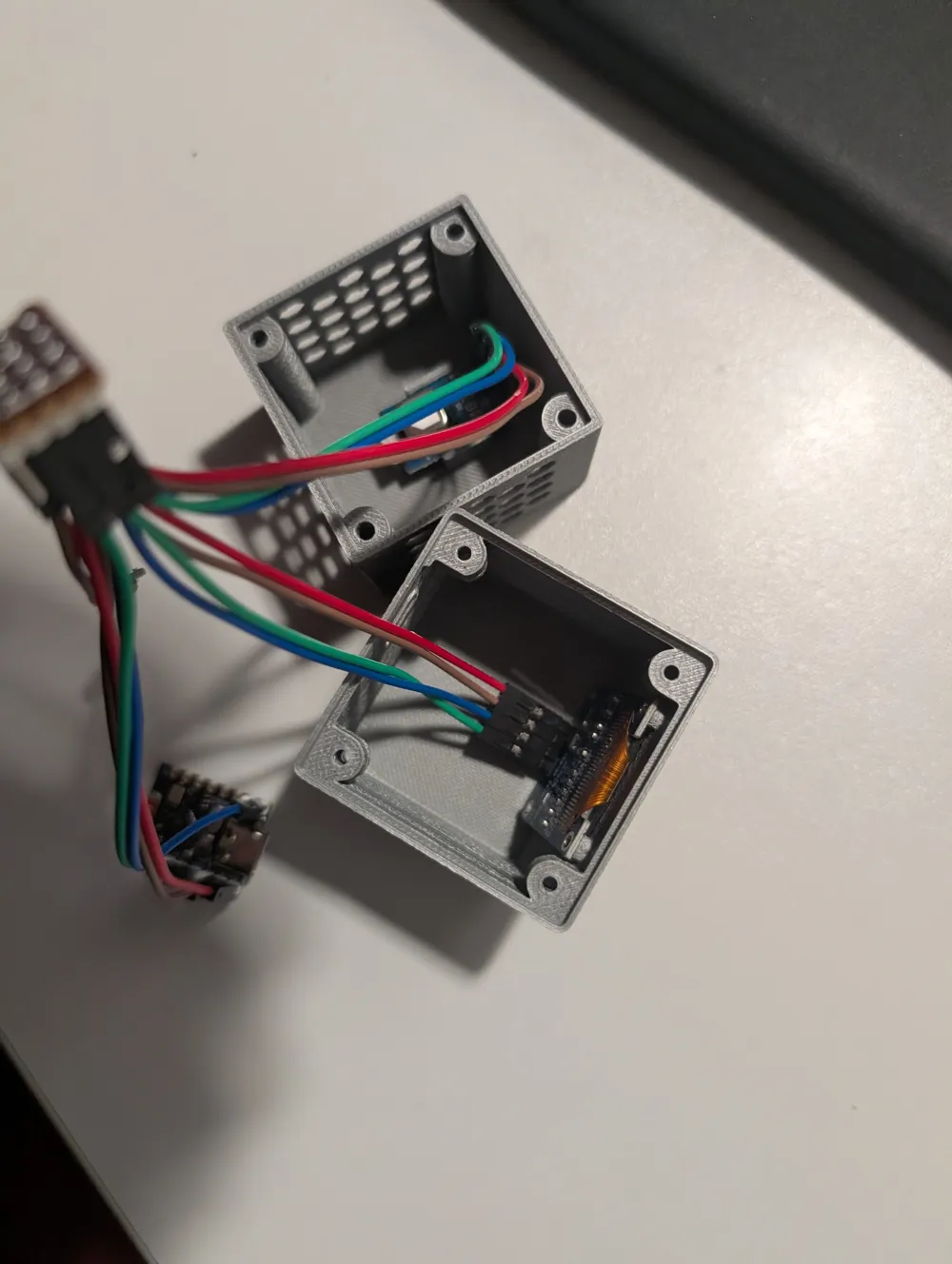
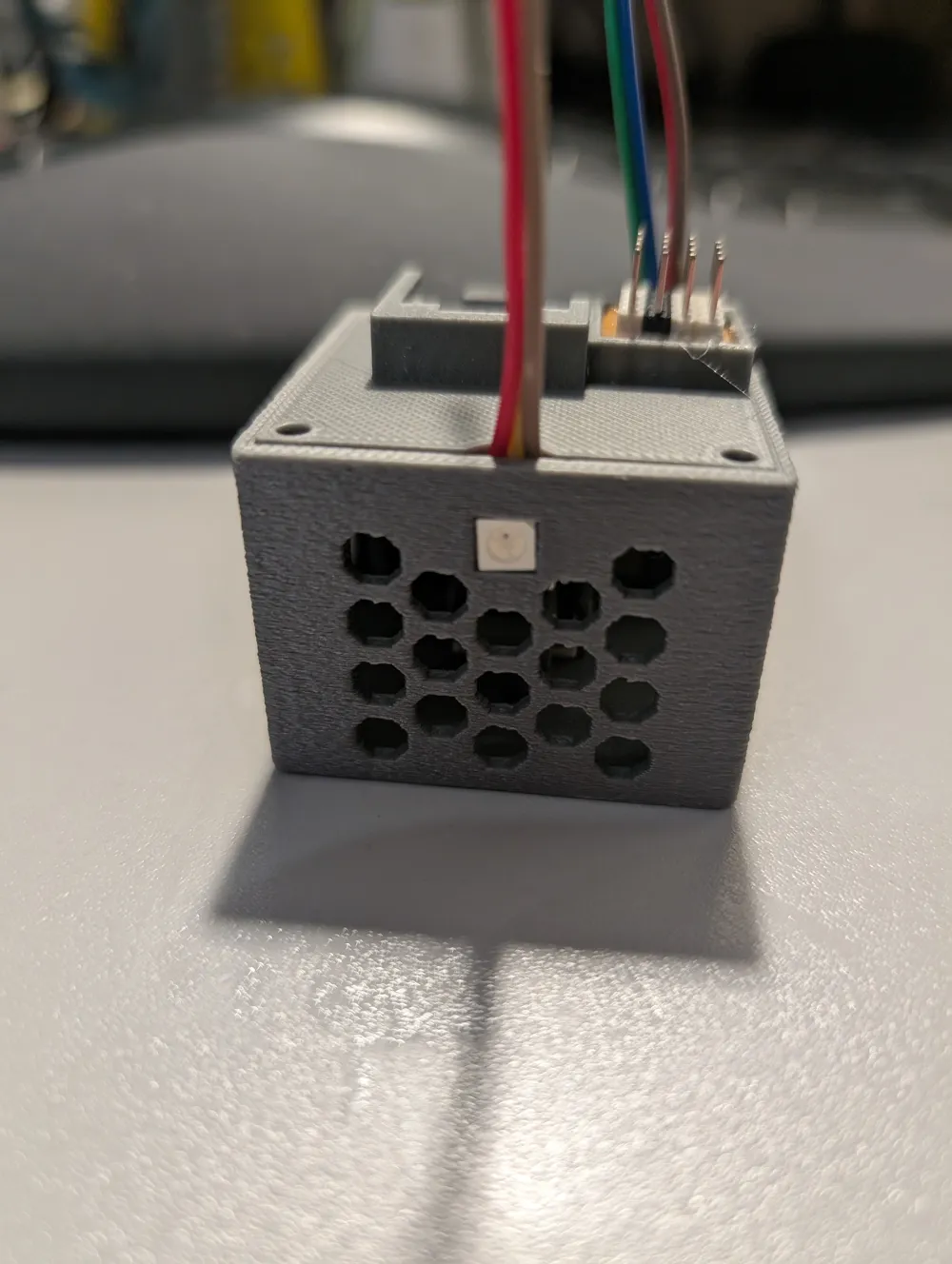
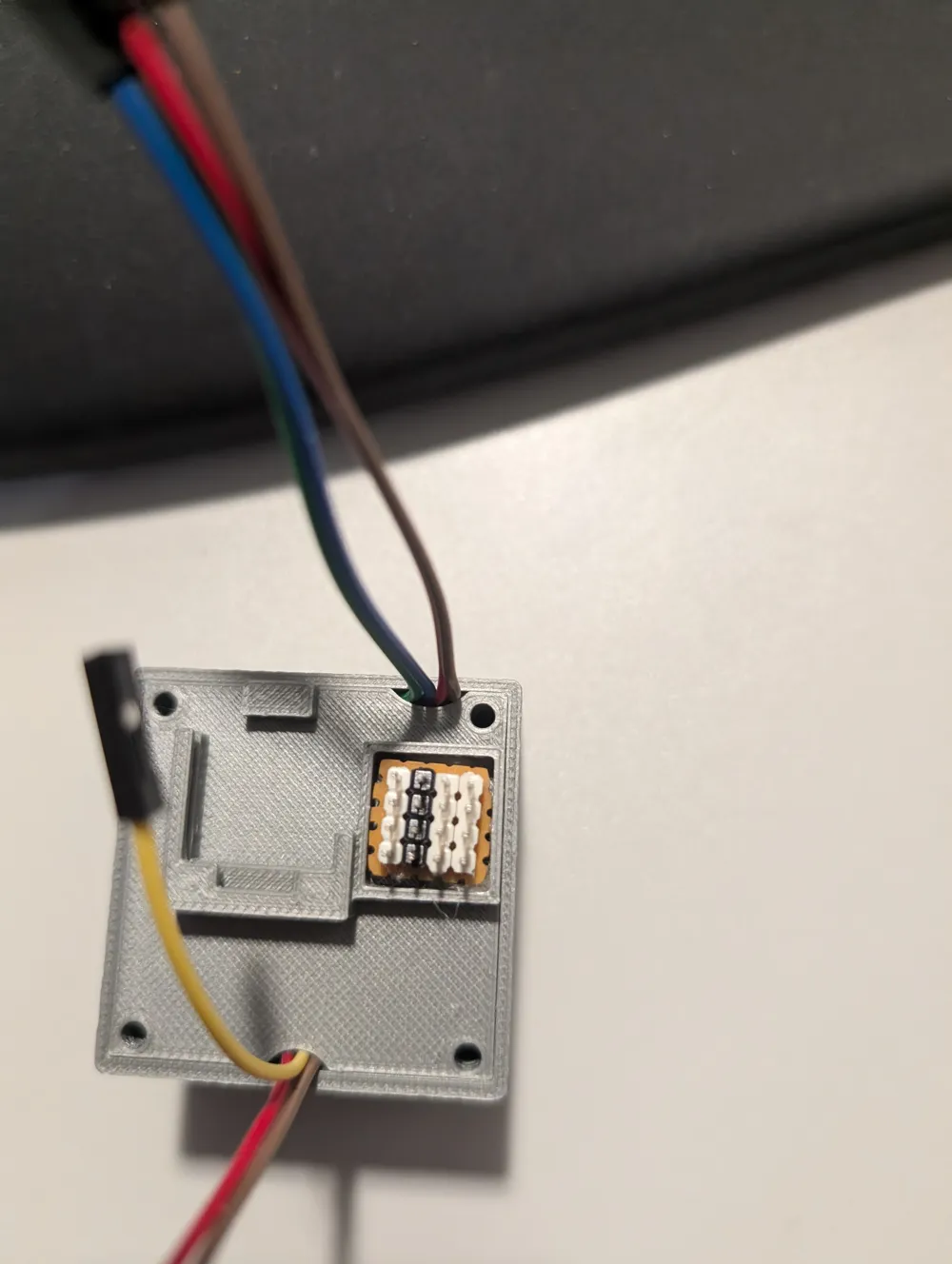
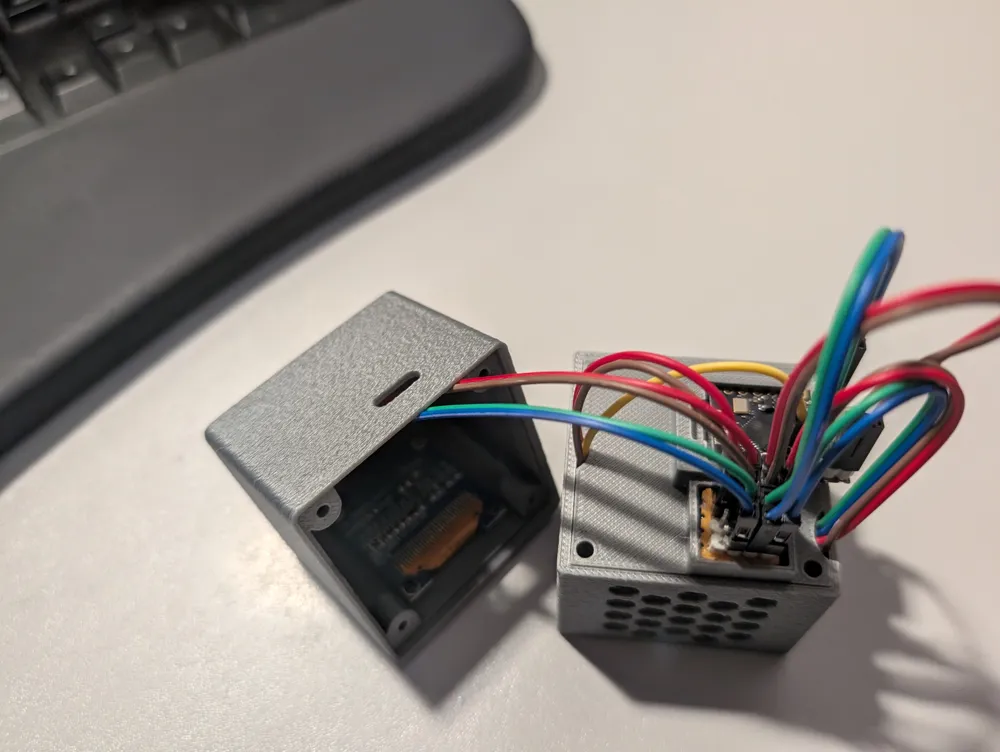
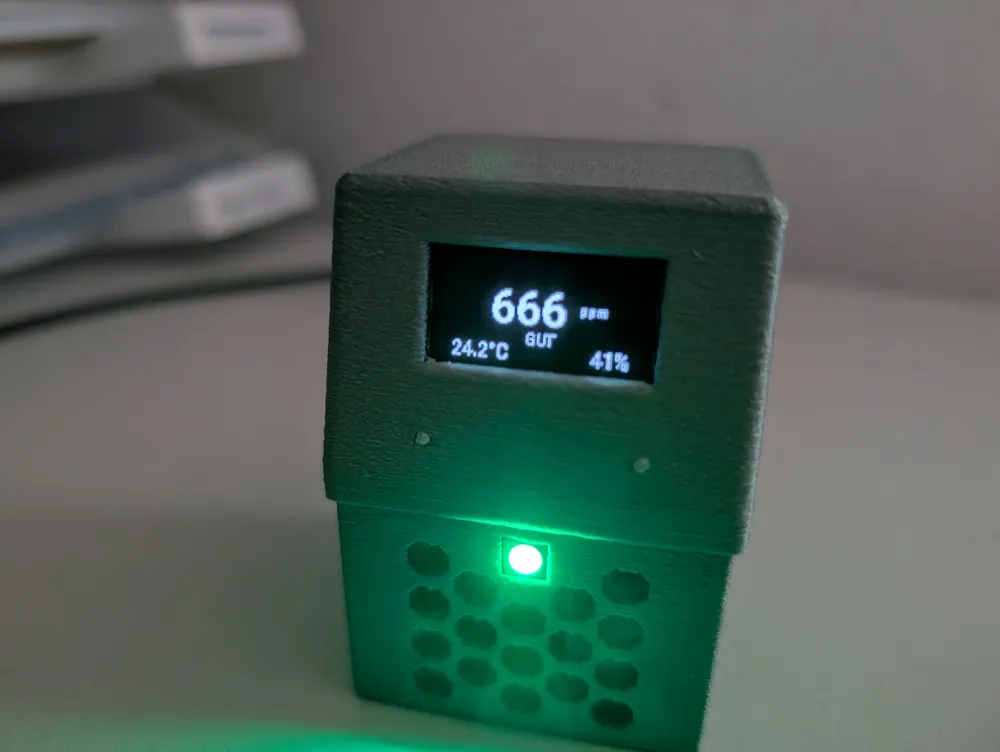
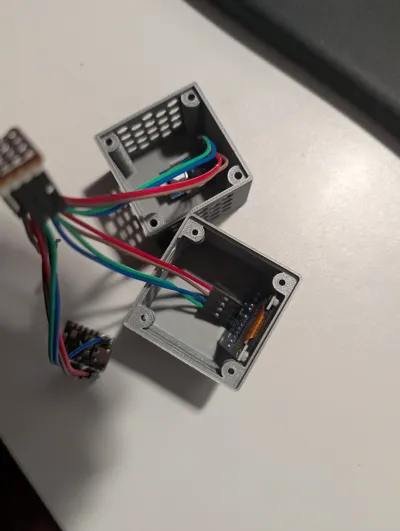
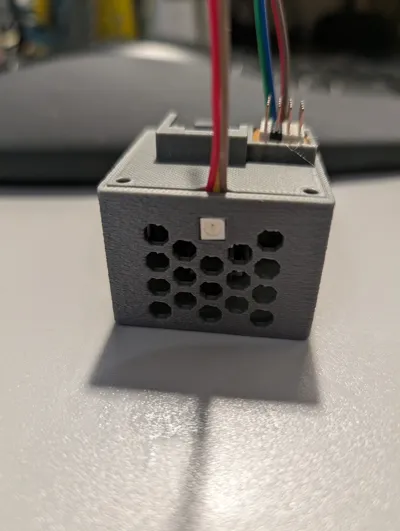
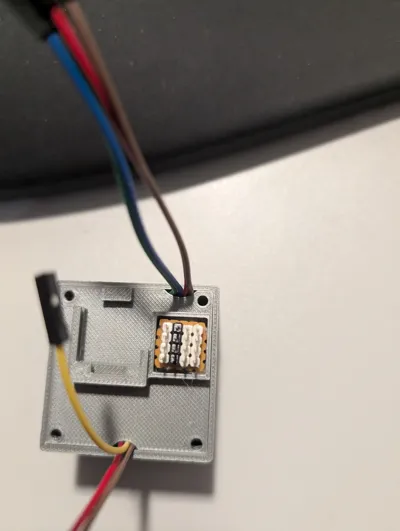
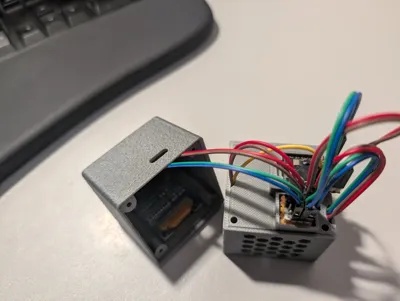
- one with an LED cutout in the bottom part and space for a circuit board (2.54mm hole spacing) 4 x 4, so the USB port is off-center. I connected everything here with jumper wires
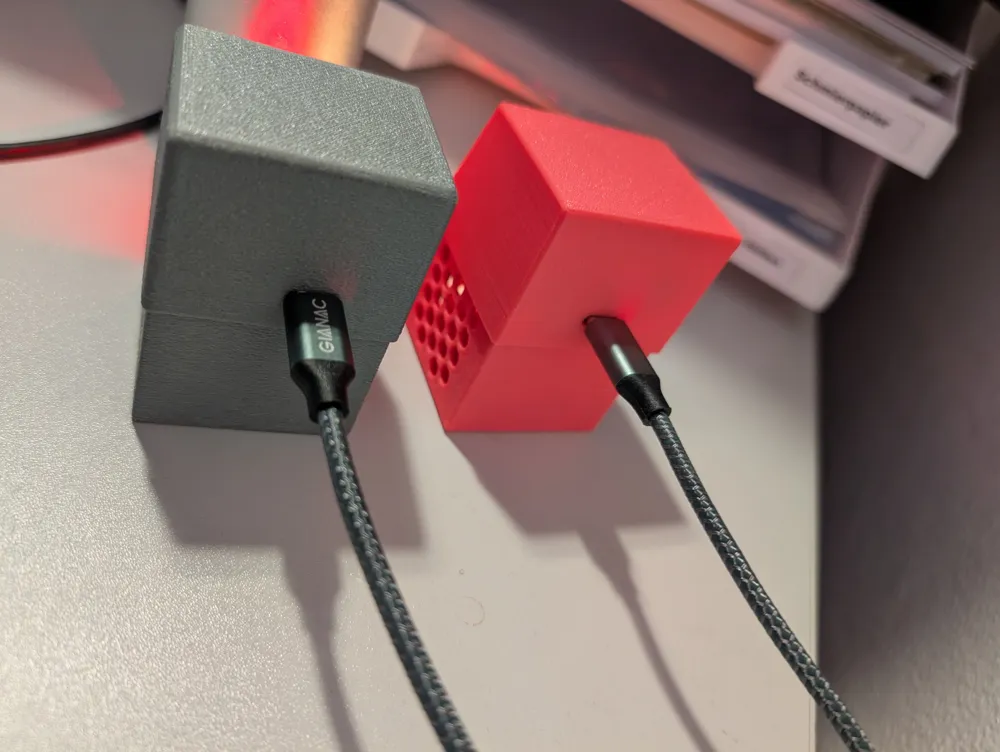
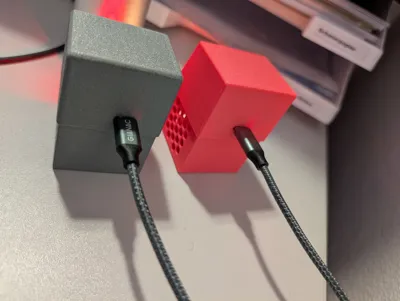
- one without an LED cutout in the bottom part, where the LED must be positioned manually and with a centrally placed USB port. (pink version). Here, everything was soldered directly with wires without a pin header
Both versions can be combined with each other as the basic dimensions are identical
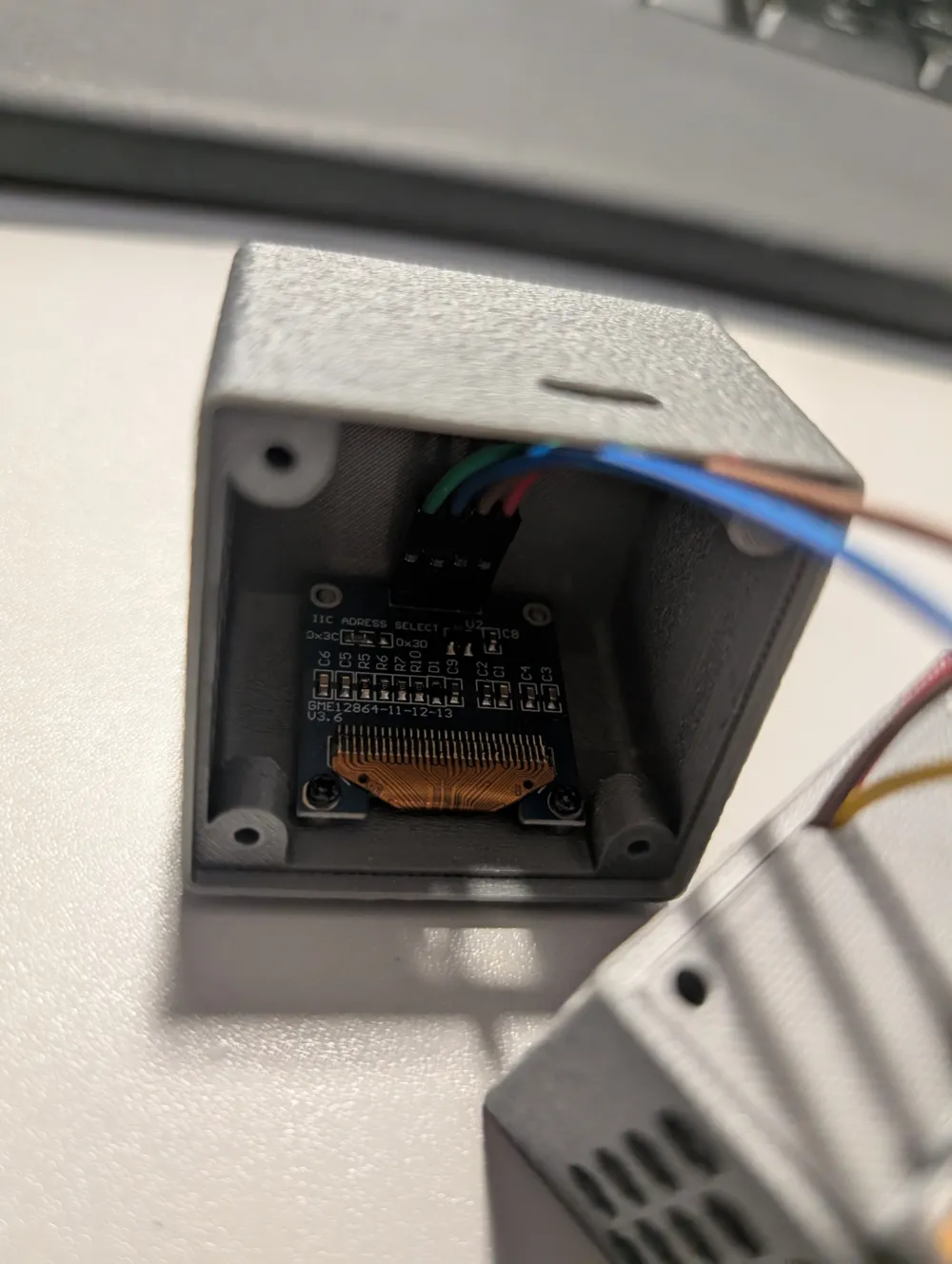
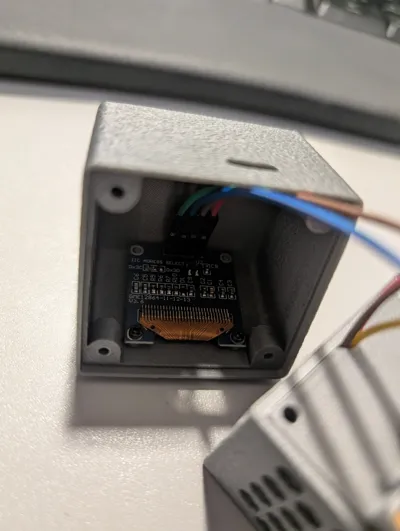
For screwing the top and bottom parts together, I used 4x M3x25mm screws. The display was fixed with 2x M1.7x4mm screws
The following components were also installed:
SCD41 https://de.aliexpress.com/item/1005008493864266.html
ESP-C3 Mini https://de.aliexpress.com/item/1005010679041264.html
Display https://de.aliexpress.com/item/1005007614149117.html
LED https://de.aliexpress.com/item/32732638750.html
TTP223: https://www.amazon.de/dp/B0FPQZN4N9
++++++ UPDATE with Touch Button TTP223 ++++++++
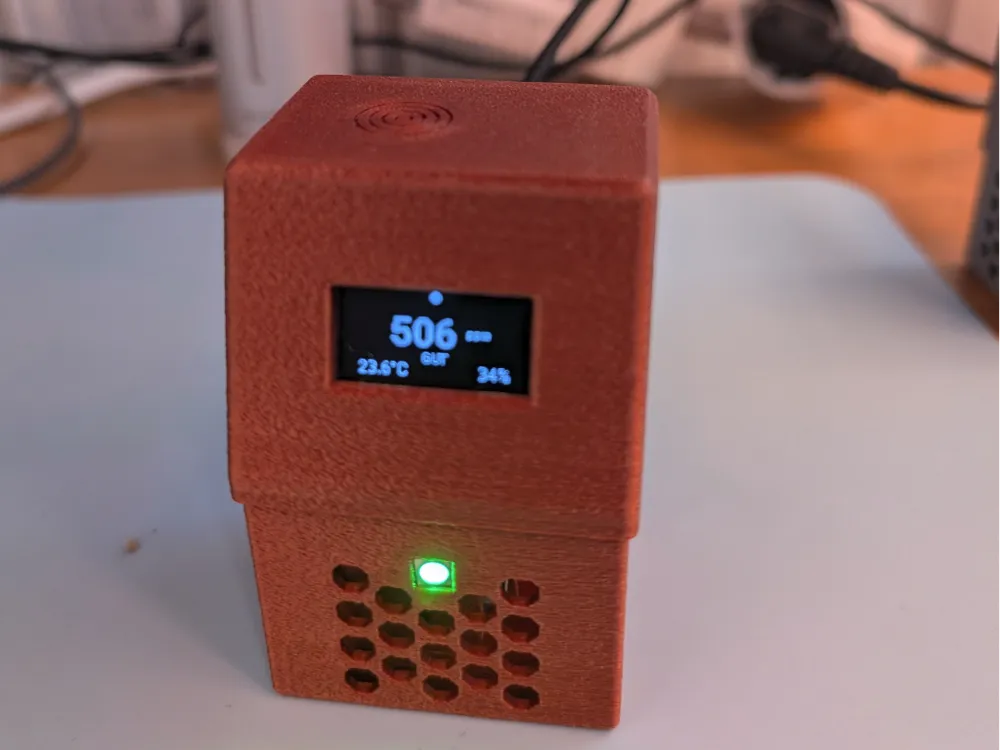
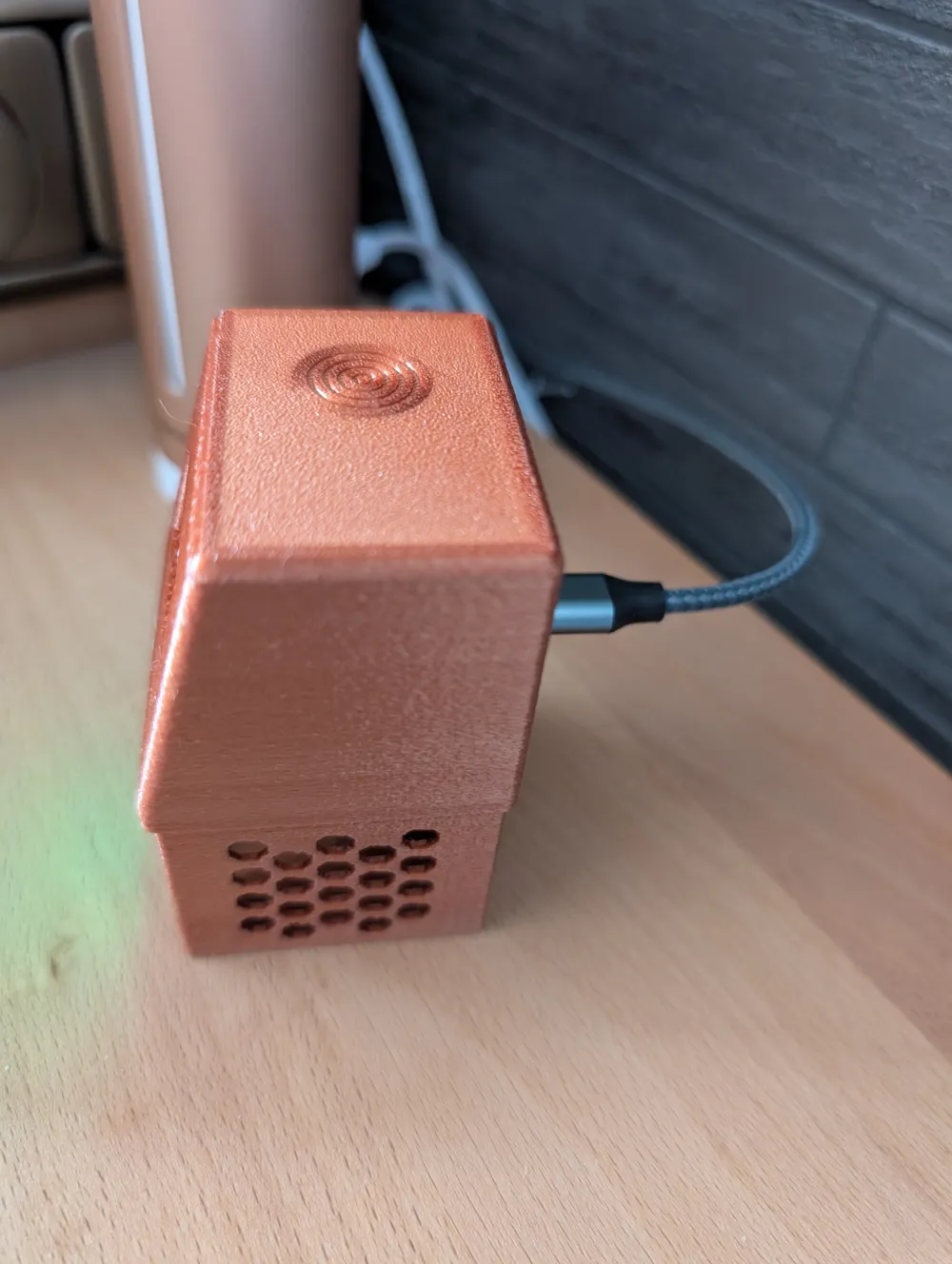
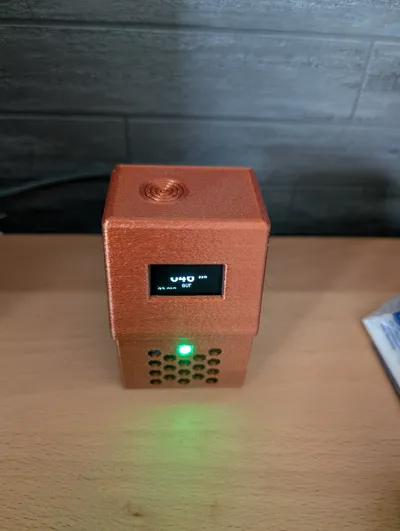
Since even the lowest dimming was still too bright for me in the bedroom :), I designed Version 3 with a TTP223 touch button. Here, the display and LED remain active for 10 seconds and then turn off completely again
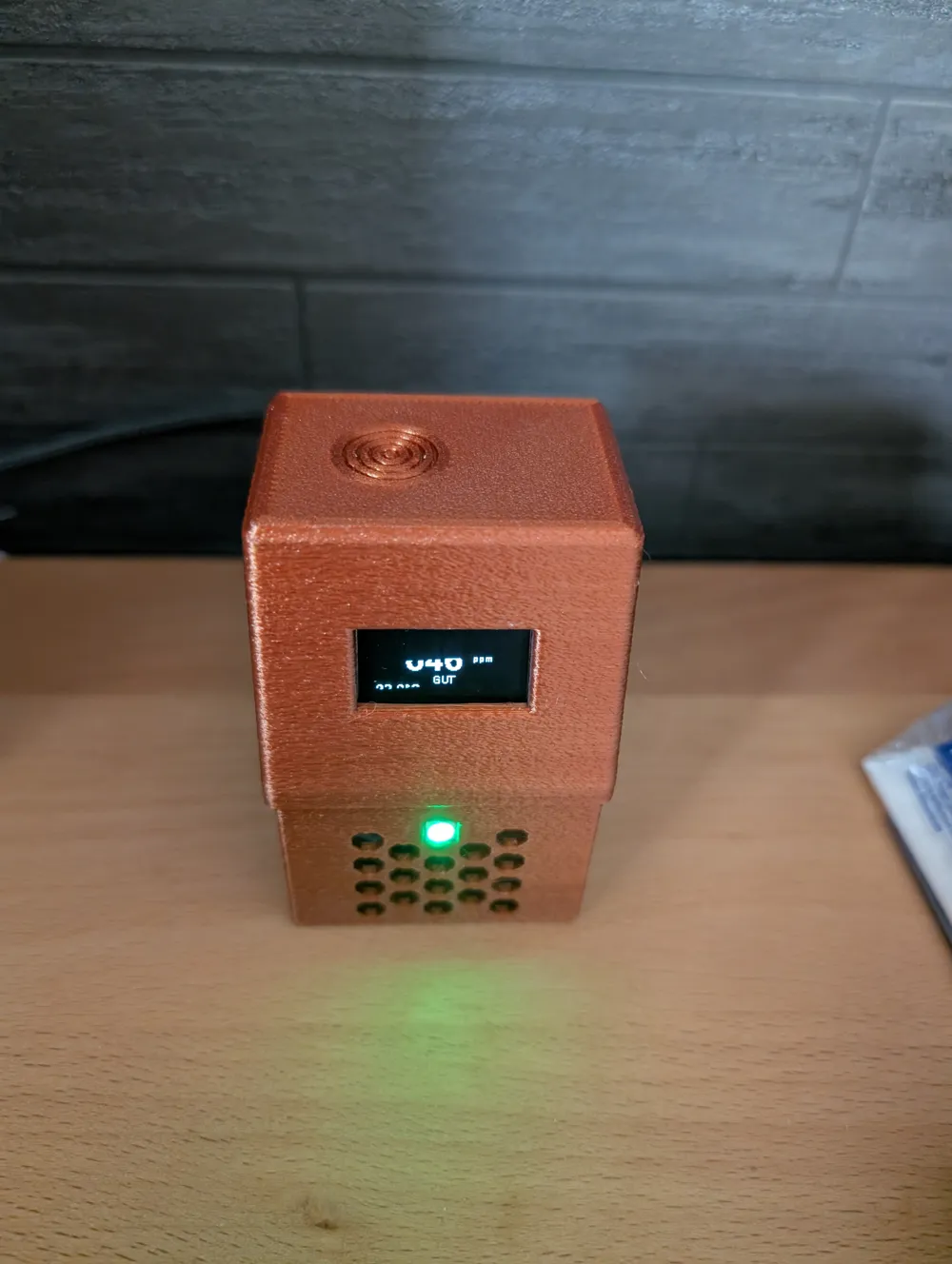
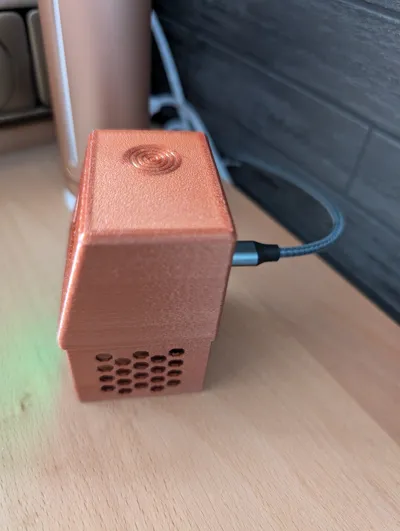
Version 3 has also become slightly wider and taller. Now the display is positioned "more centrally" and has a larger border at the top
For screwing the top and bottom parts together, I used 4x M3x30mm screws here. The walls are in Fuzzy Skin for a special effect
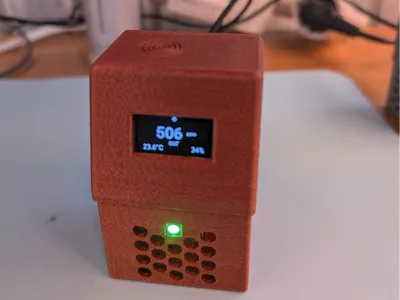
Version 3 is the version that was printed in copper in the pictures.
Attached are my different YAML codes for with and without the touch button. I used them in ESPHome Builder for Home Assistant. Since I had a batch of ESP32-C3s with a faulty Wi-Fi connection, I also wrote a standalone version for these controllers, where the lines with the Wi-Fi status are omitted and the remaining lines are displayed slightly larger.
The YAML code was also adjusted so that the temperature offset adjustment is not just cosmetic, but also ensures the correct relative humidity is provided. This means not using (filters: / - offset: -2.33), but working directly in the sensor with ( - platform: scd4x / temperature_offset: 6.33) (4 is the built-in default offset).
Documentation (3)
License



Comment & Rating (0)