
Spider Noir - The Perched Phantom | no AMS
Print Profile(2)




Description
Boost Me (for free)
Boost = fuel for the next design! If you’ve enjoyed my work, hit Boost and be part of the creative streak. Also, tap Follow to catch the next drop.
Membership
You can sell physical prints of this model as long as you subscribe to my Commercial License Membership.
Spider Noir - The Perched Phantom
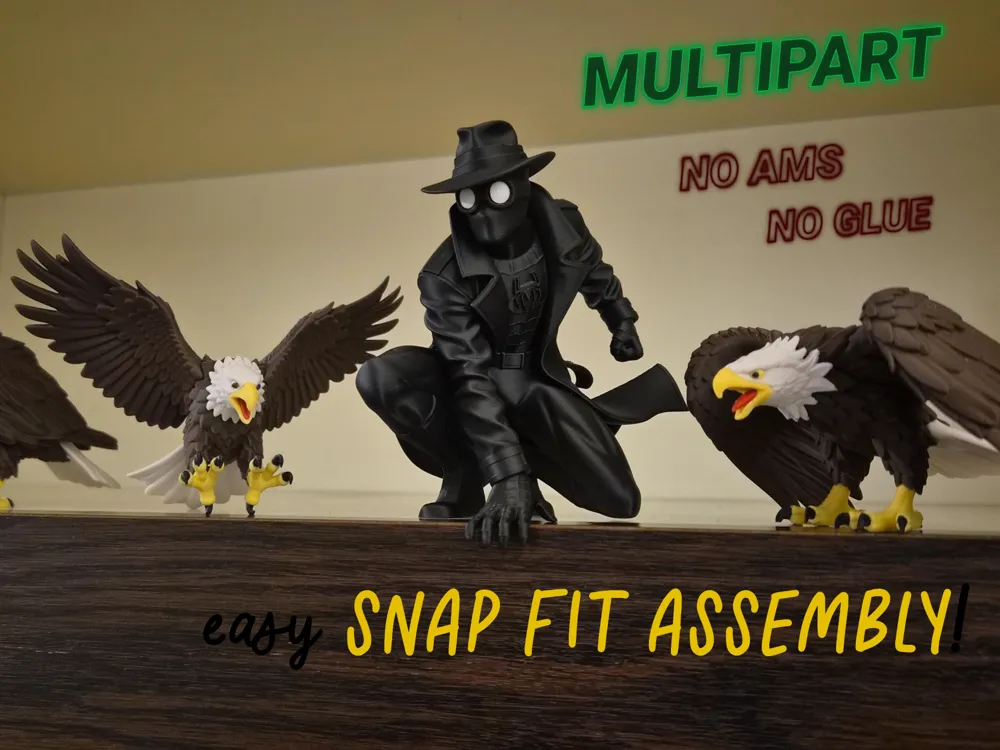
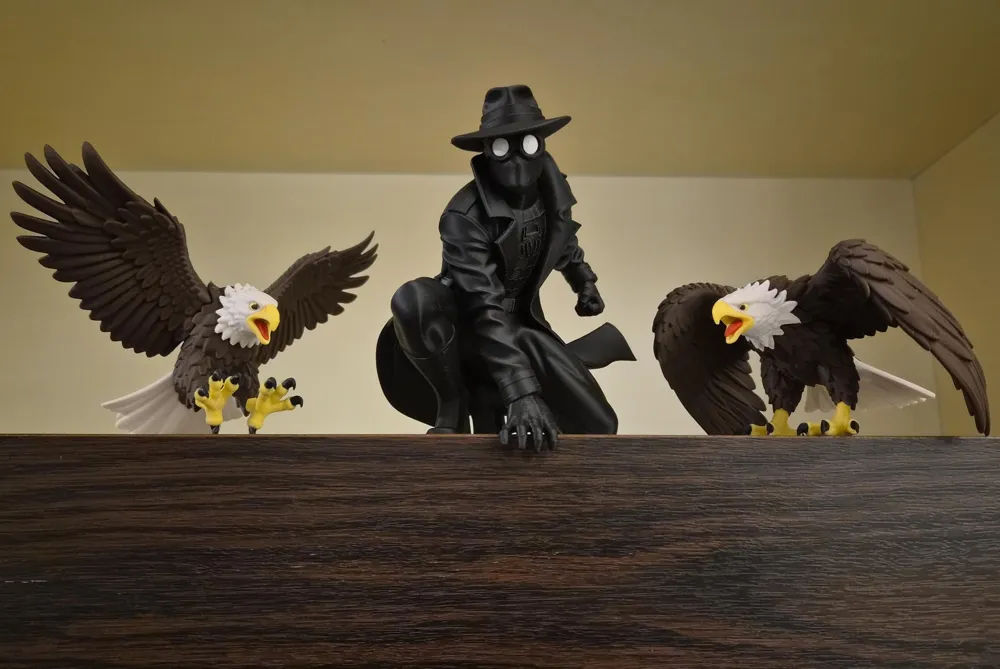
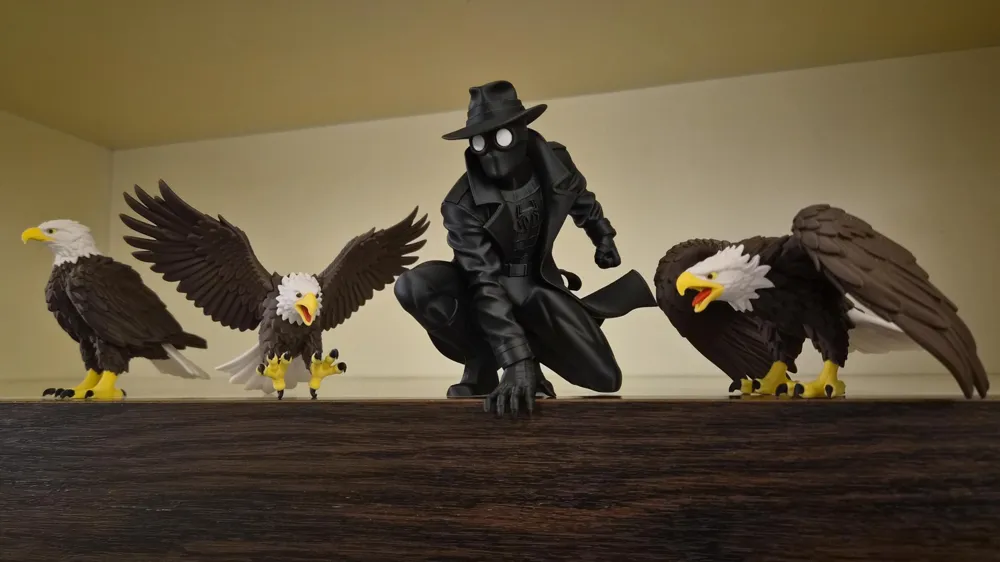
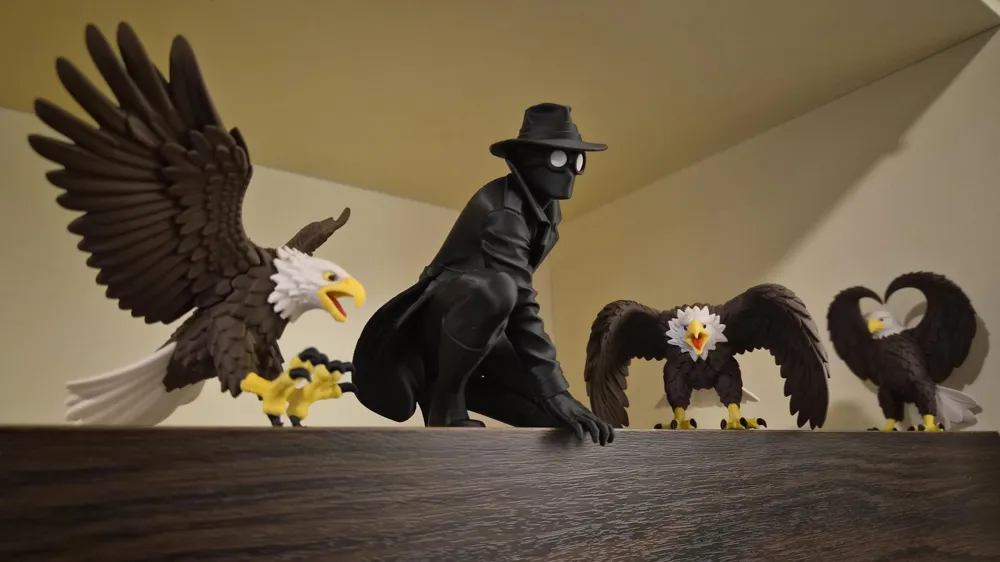
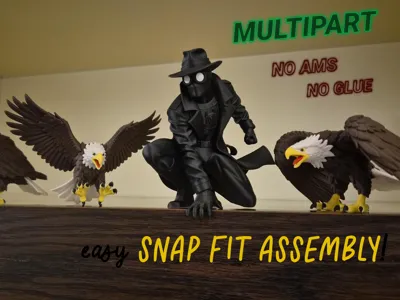
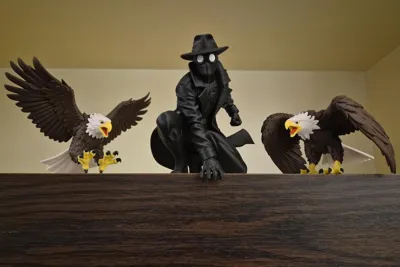
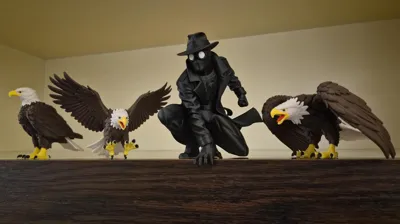
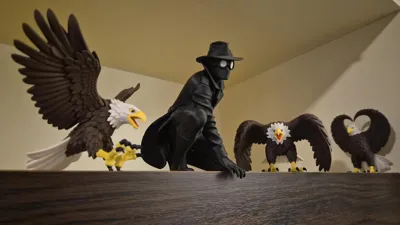
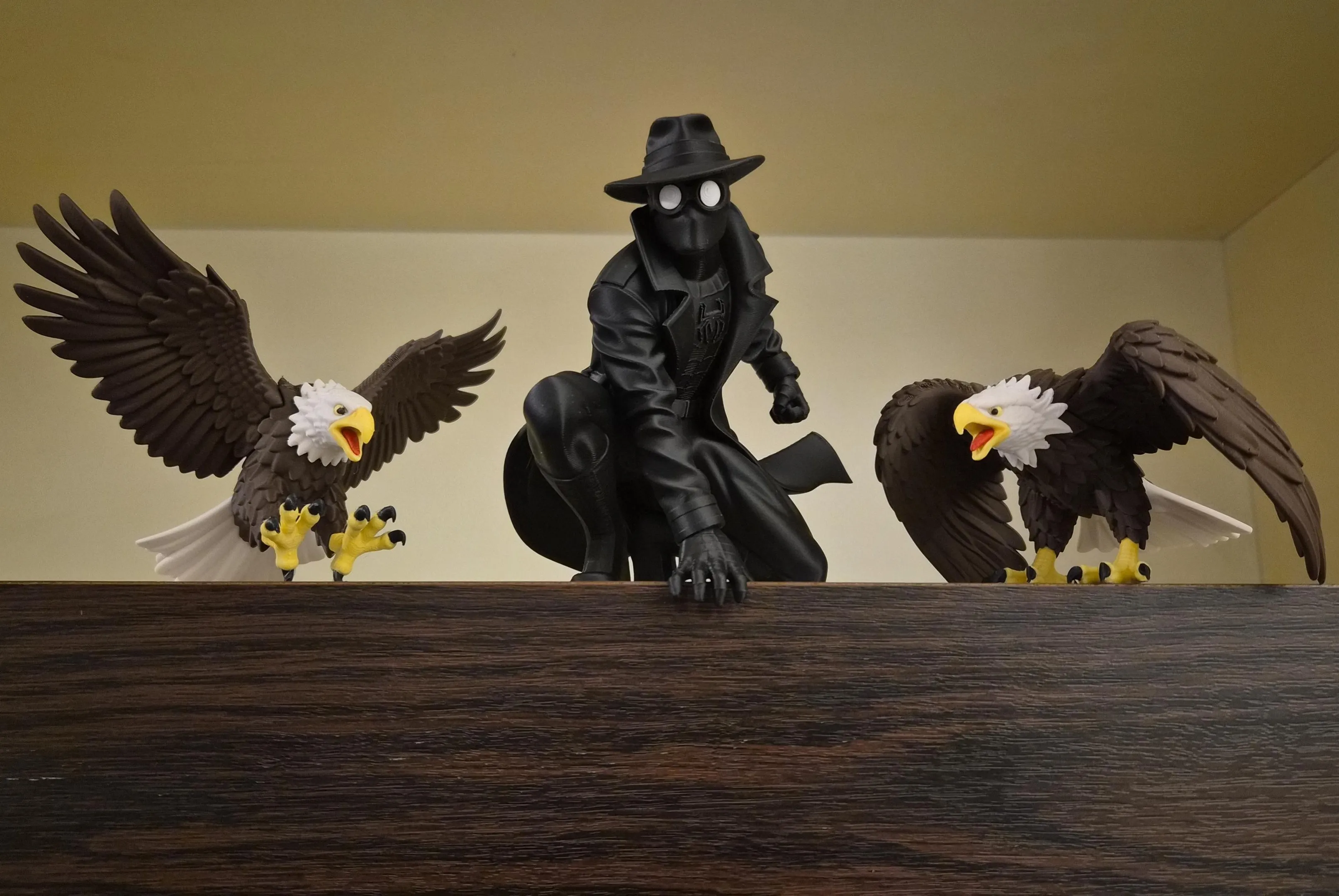
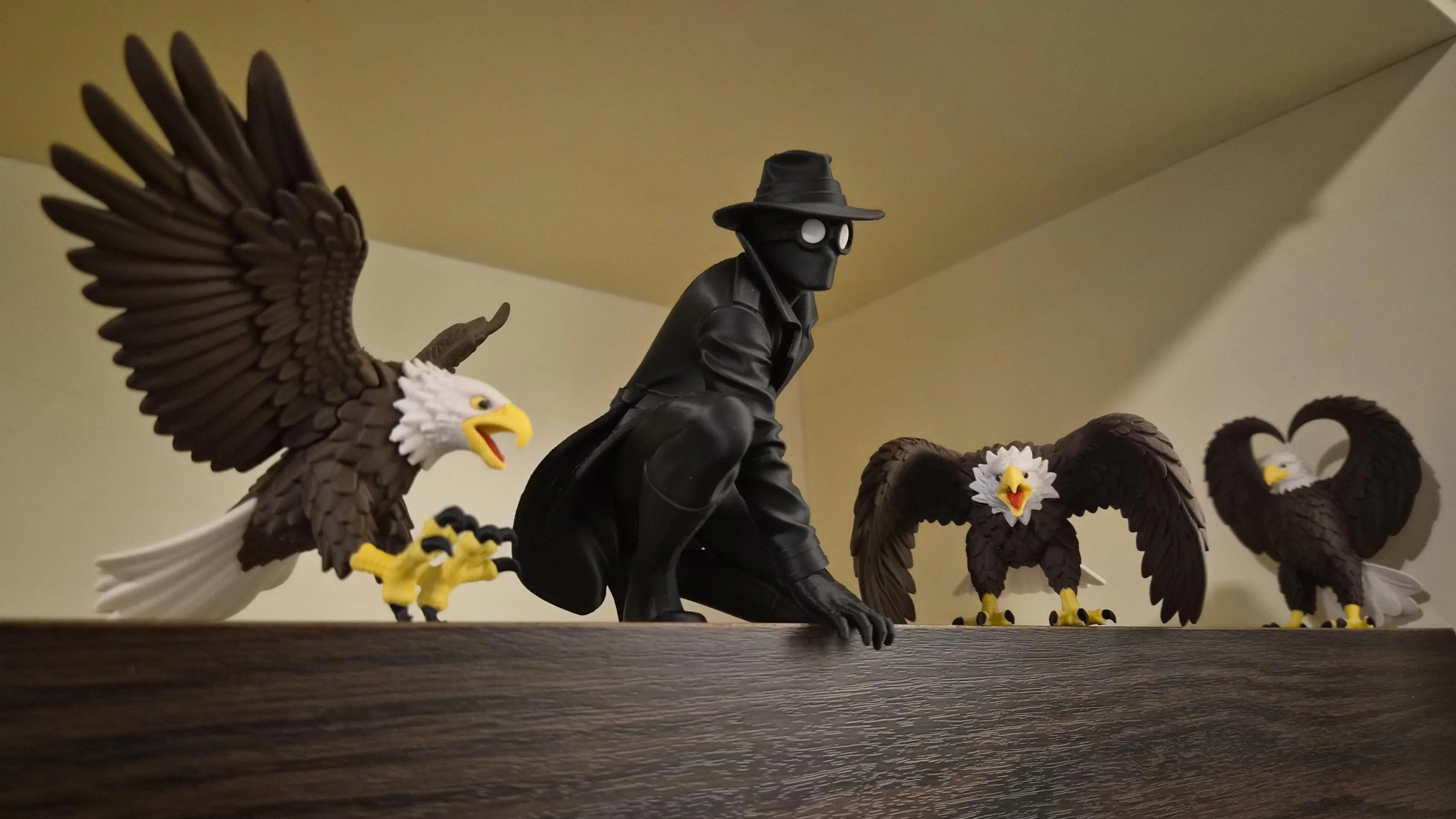
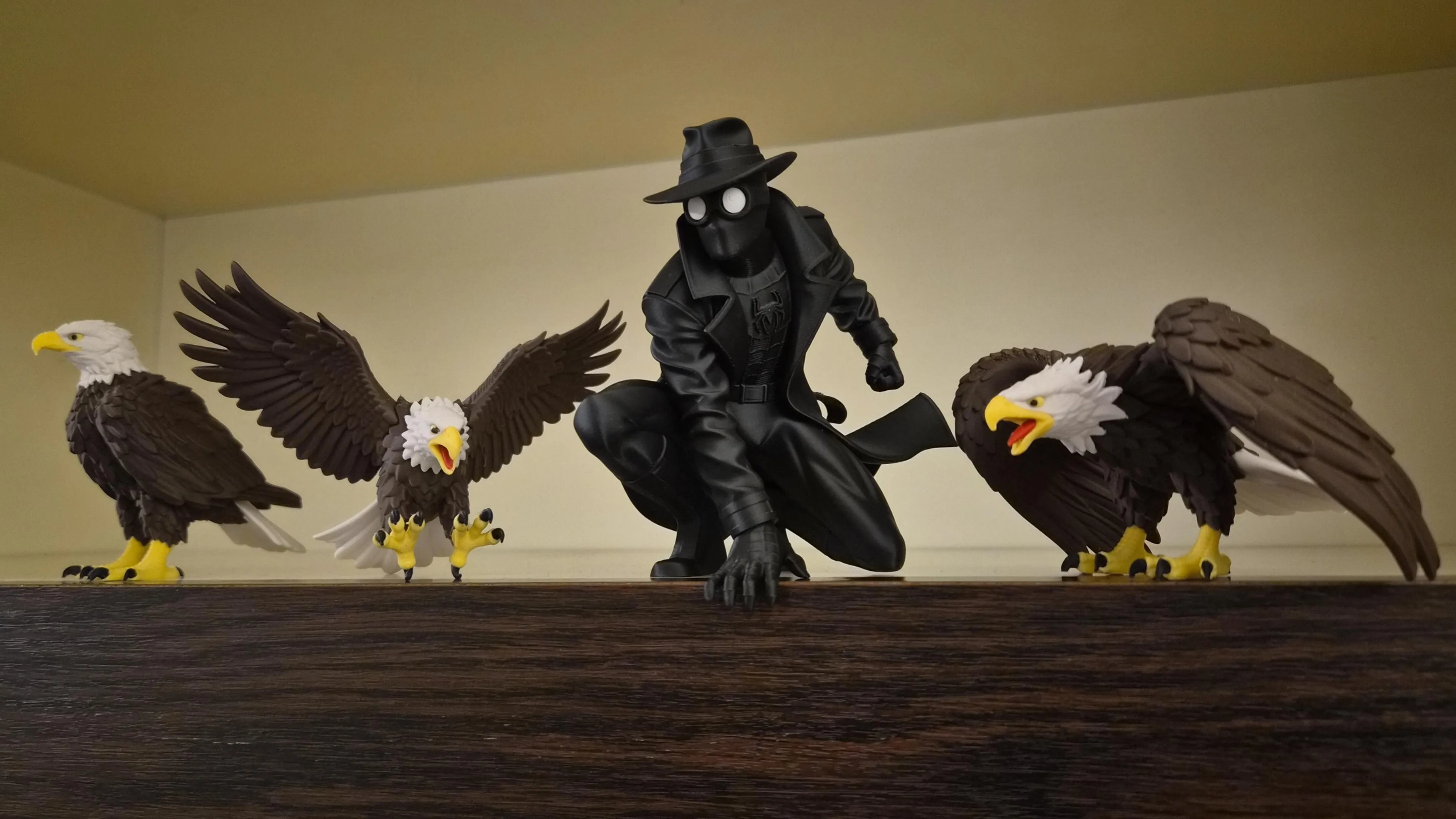
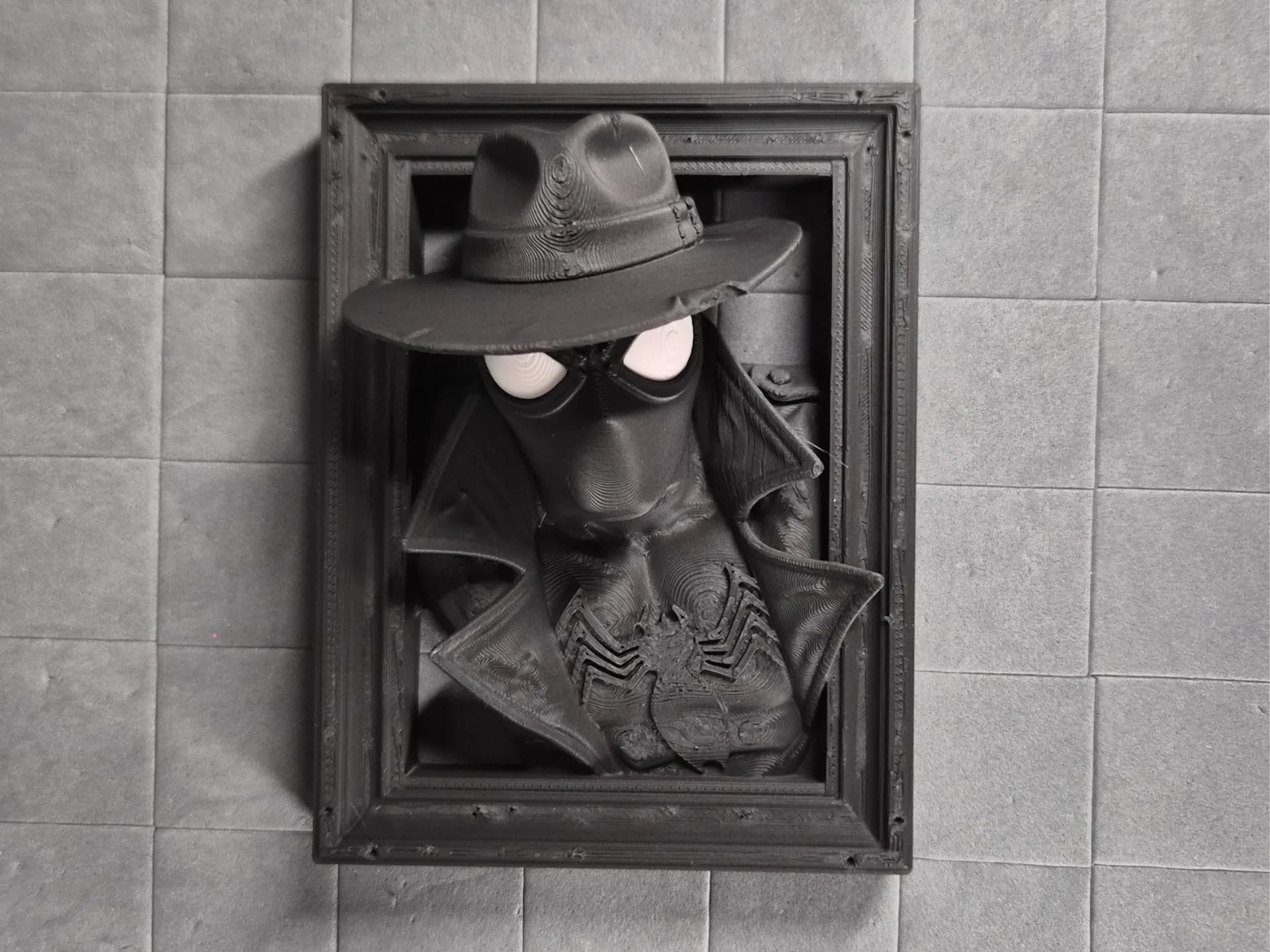
Perched on the edge of darkness, The Perched Phantom keeps eternal watch. With his iconic fedora casting a deep shadow over piercing goggles and his long leather trench coat flowing behind him, this Spider-Man Noir captures the gritty, hard-boiled spirit of classic 1930s detective noir in stunning high-detail 3D.
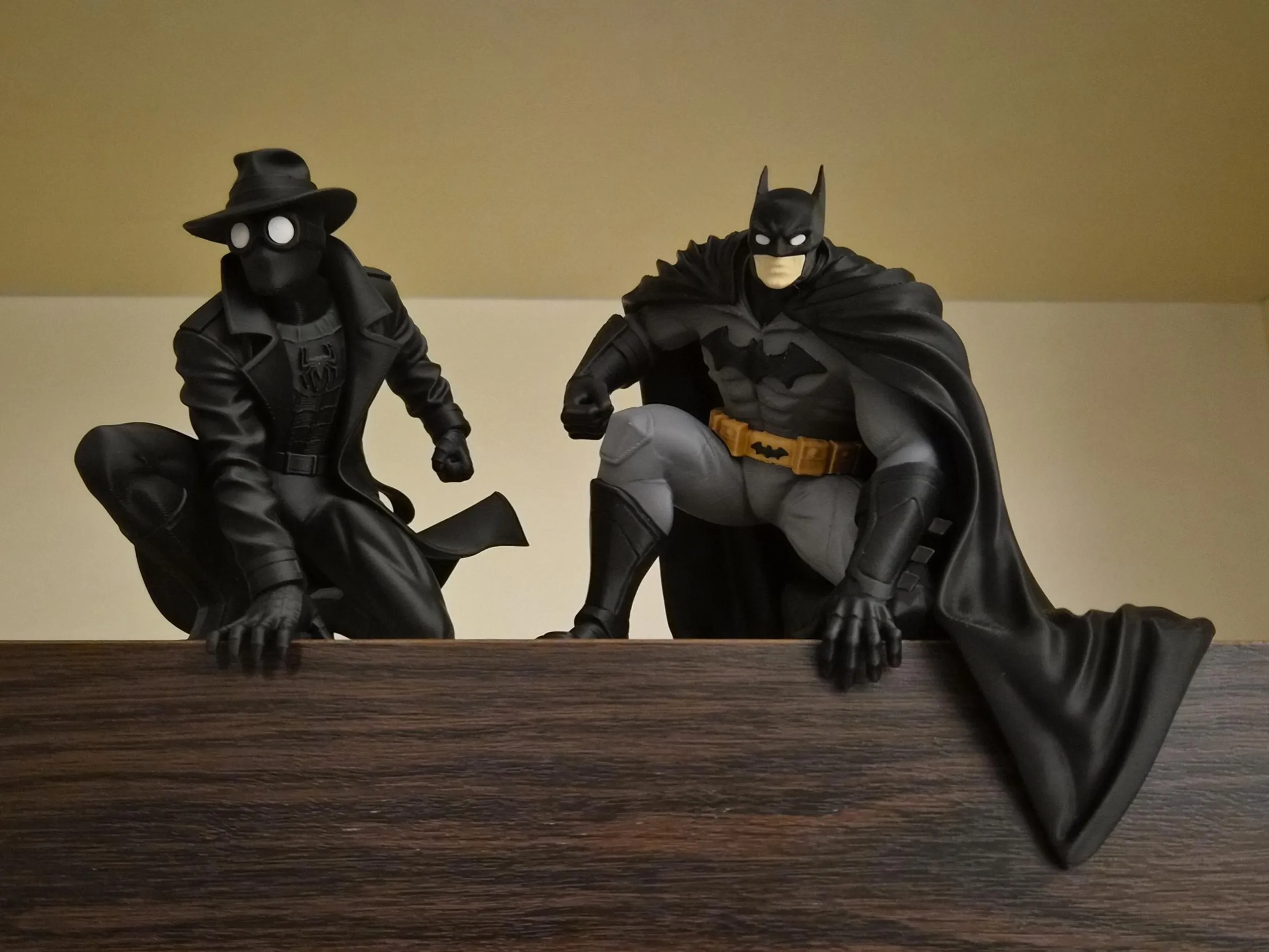
This model is part of my new Noir Ledge Series, designed to pair perfectly with Batman Noir - The Perched Sentinel. For the most striking display, place them side by side on a shelf or ledge so the hands dramatically extend over the edge.
Photographed here alongside members of my signature Eagle collection, creating a powerful and atmospheric pairing of noir hero and majestic predators. A perfect centerpiece for any Spider-Man fan, noir lover, or collector who wants something unique and display-ready.
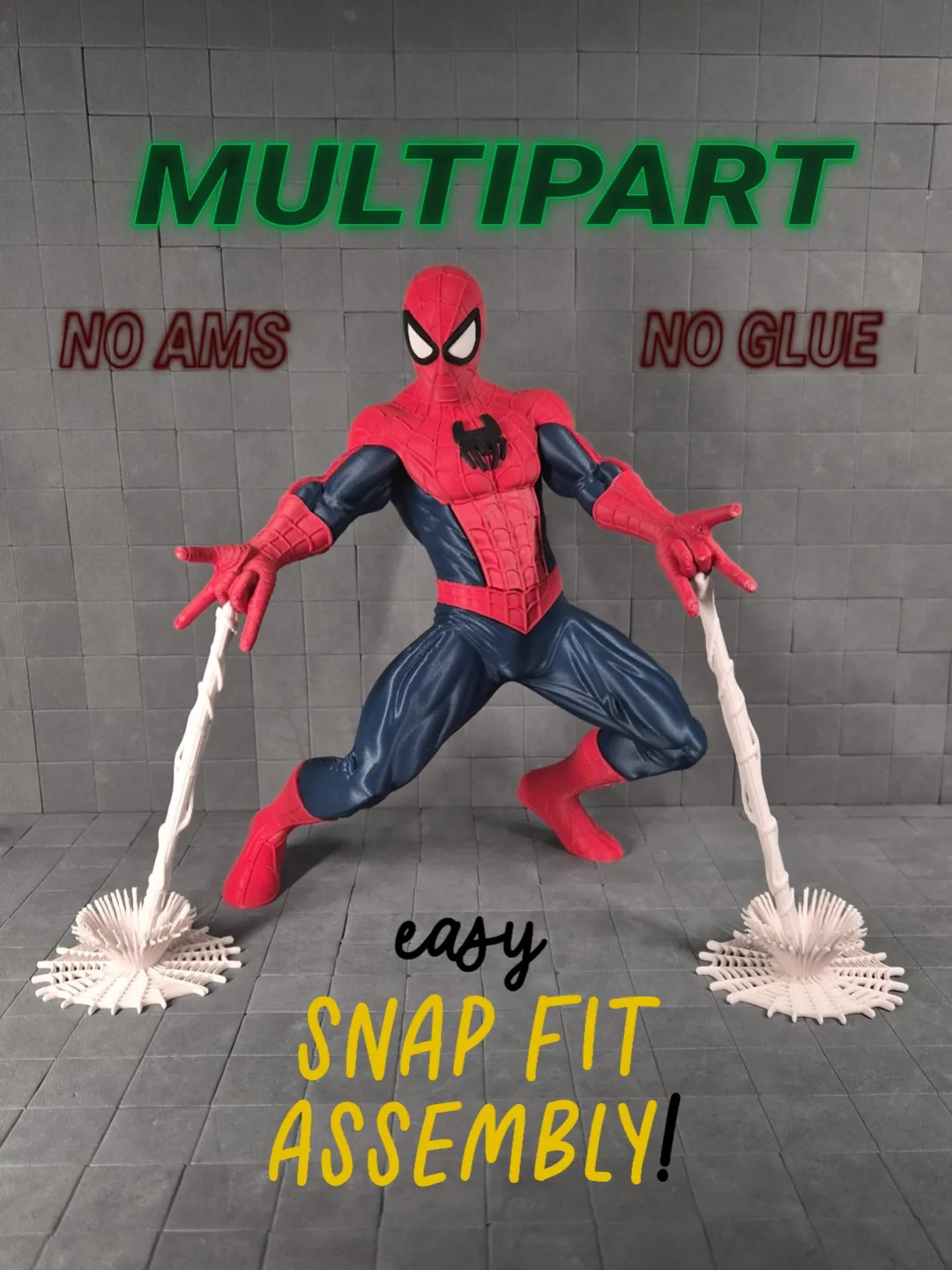
No AMS or glue required → the eyes are separate pieces for easy printing and assembly.
Left / Right Orientation Note
Left (L) and Right (R) are labeled based on the character’s own perspective, not the viewer’s. For example, the character’s right eye is marked as R, even if it appears on the left side when viewed from the front.
Print profile
- Layer height: 0.16 mm
- Walls: 2
- Infill: 5% Gyroid
- Supports: Tree (auto)
- Size: 115 × 105 × 132 mm
Plates
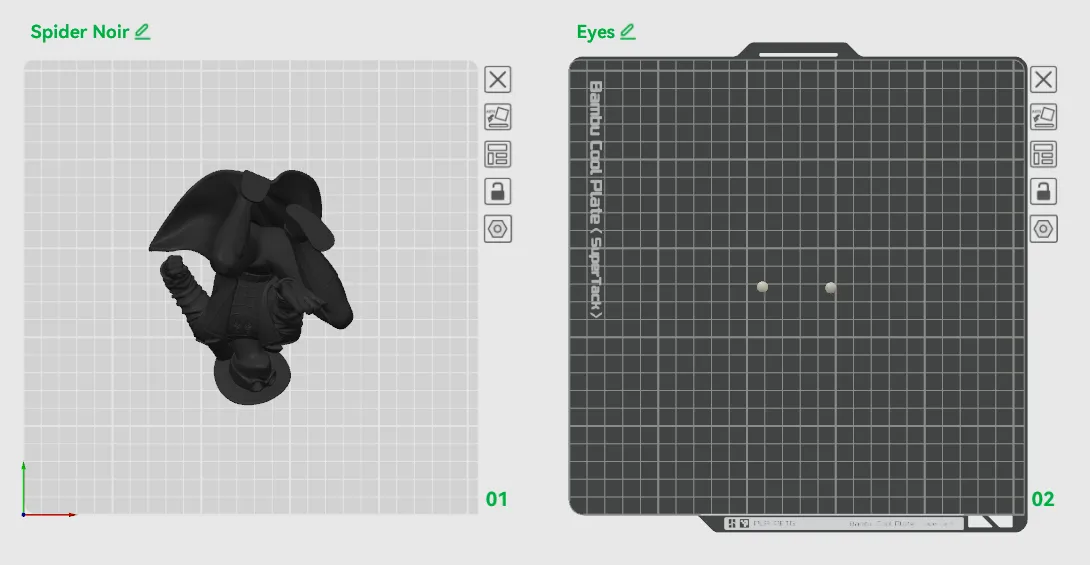
- Spider Noir
- Eyes
- There are small L and R letters embedded; make sure the letter is facing up when inserting the eyes.
Key Printing Tips:
- Disable “Strength → Detect Thin Wall” → gives smoother, cleaner surfaces on detailed parts.
- Always check the slicing preview in Bambu Studio before starting the print.
- Support removal trick: Cut supports into small chunks first, then gently loosen → they usually pop off cleanly without damage.
- Some plates use lots of supports, if so → for reliable prints use these filament settings:
- Filament Overrides
- Z Hop When Retract: 0.6 mm
- Z Hop Type: Spiral
- Travel Distance Threshold: 1 mm
- ✅ Enable Retract When Changing Layer
- Also, disable these settings in Bambu Studio if Variable Layer height is used:
- Supports
- ❌ Disable Independent Support Layer Height
- Others
- ❌ Disable Reduce Infill Retraction
- I’ve found that a 0.15 mm top Z distance works best when printing with variable layer height.
- Supports
- Filament Overrides
Happy printing! Can't wait to see photos of your prints! If you're scaling, experimenting or encounter any issues, let me know → your input helps the next iteration. Please share your feedback for any rating below ⭐⭐⭐⭐⭐ so we can work on improving, thank you!
Boost Me (for free)
Boost / like / collect / follow if it made your day! 🚀
Membership
Now that you’ve printed this model, are you happy with the results? If so, why not sell it? With a subscription to my Commercial License Membership, you’re free to do so.
License

You shall not share, sub-license, sell, rent, host, transfer, or distribute in any way the digital or 3D printed versions of this object, nor any other derivative work of this object in its digital or physical format (including - but not limited to - remixes of this object, and hosting on other digital platforms). The objects may not be used without permission in any way whatsoever in which you charge money, or collect fees.


Comment & Rating (156)