
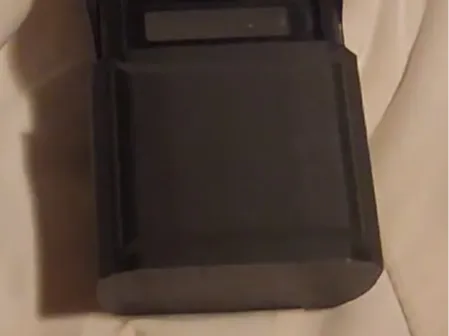
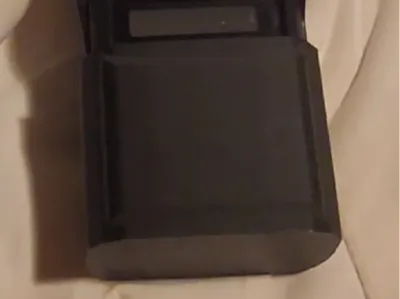
Icom IC-V86 button cover
Print Profile(1)
Description
As a paraglider student, I needed to prevent accidental button presses on my Icom IC-V86 radio that could cut off communication with my instructor.
Hold Up and Down arrows as you turn on the radio. Tap up till display shows "TOP.V" > Rotate volume knob till it says "TOP.d" > Press ENT#. Now the top knob controls frequency instead of volume.
Press Func, then hold ENT# to lock keys. Most buttons, including frequency knob, are now locked, but up/down arrows still control volume and holding power still turns the radio off. Slide the button cover on and now no settings can be changed and radio can't tun off. Button cover is held in place by the tip of the clip on the back of the radio.
It might be overkill, but I printed this with 4 layer walls and 25% toroidal infill to make sure it can't flex.
License



Comment & Rating (0)