
COLLAB- Toga VS Ochaco Hueforge
Print Profile(1)
Description
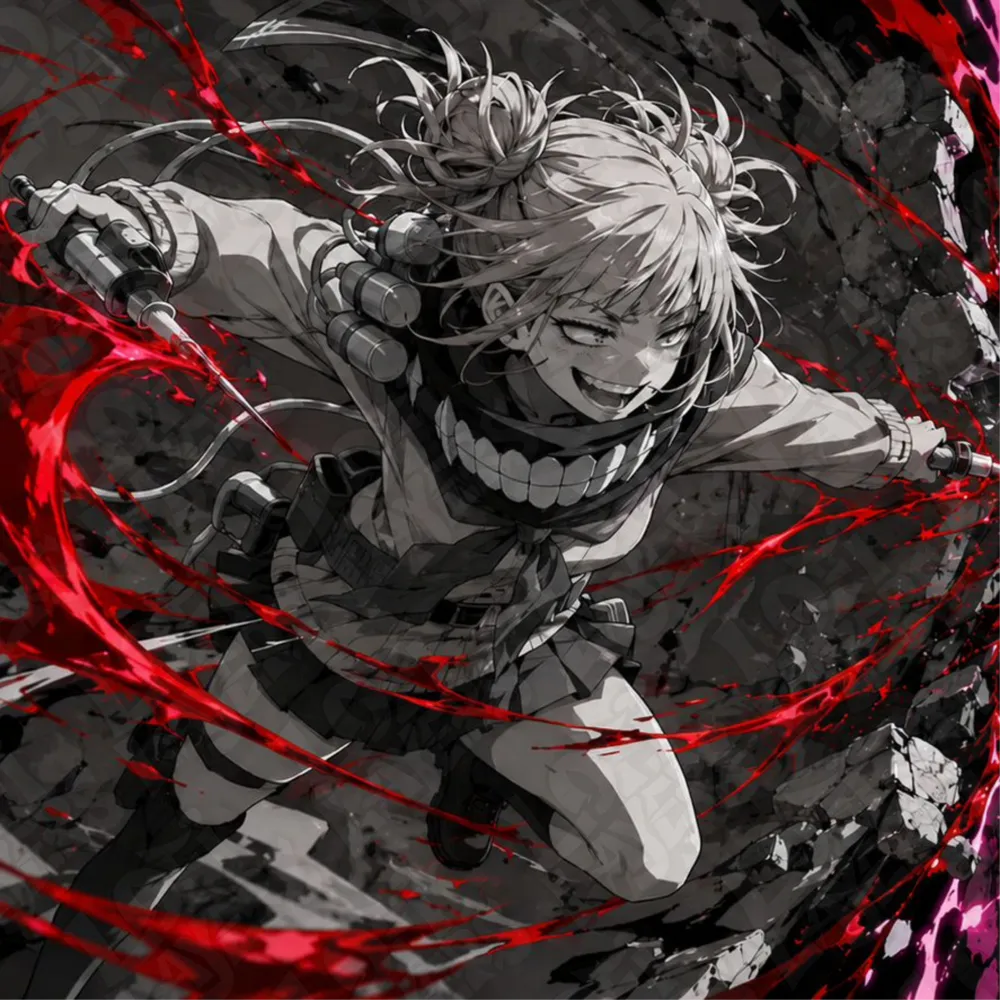
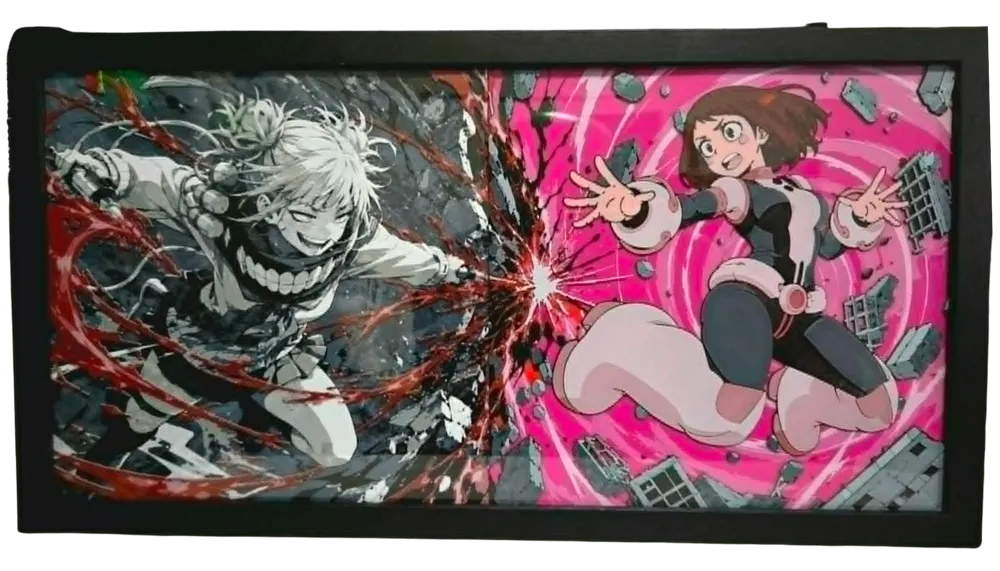
Himiko Toga is one of the most unpredictable and fascinating villains in My Hero Academia. With her cheerful personality hiding a dangerous obsession, Toga quickly became a fan favorite thanks to her unique design, chaotic energy, and complex motivations.
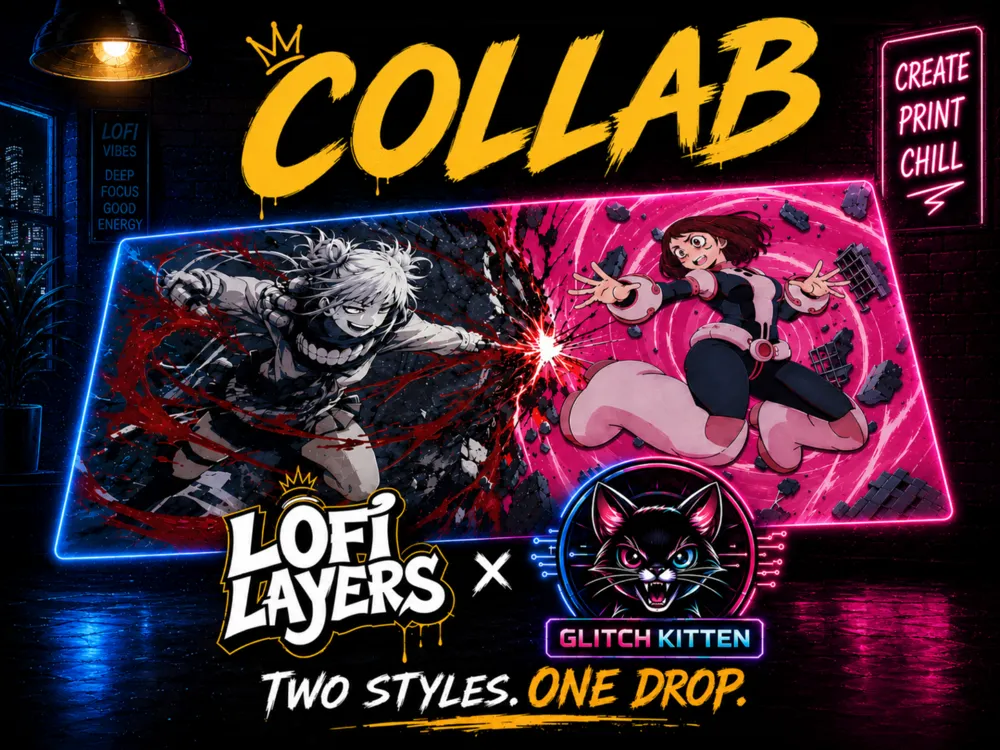
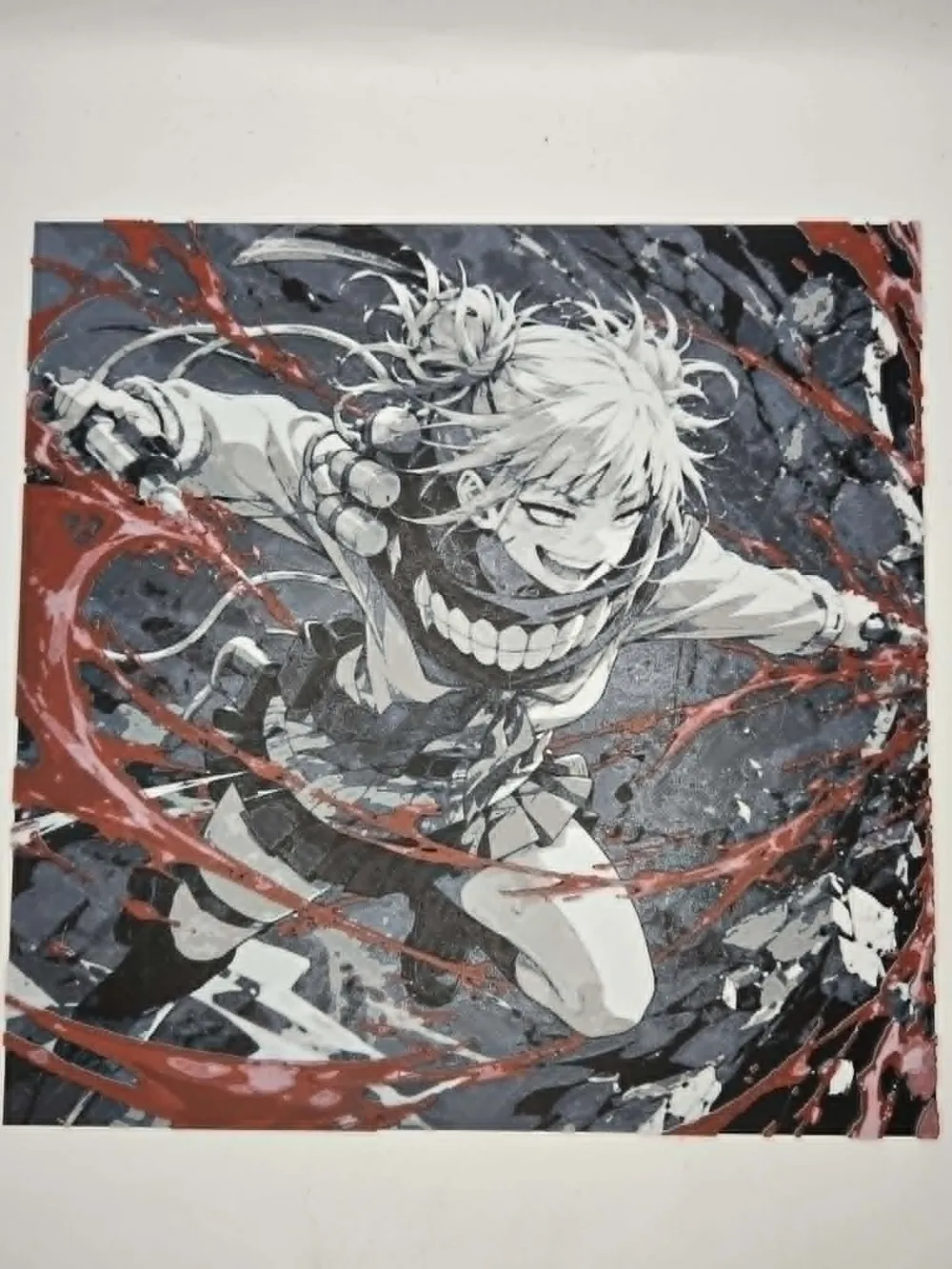
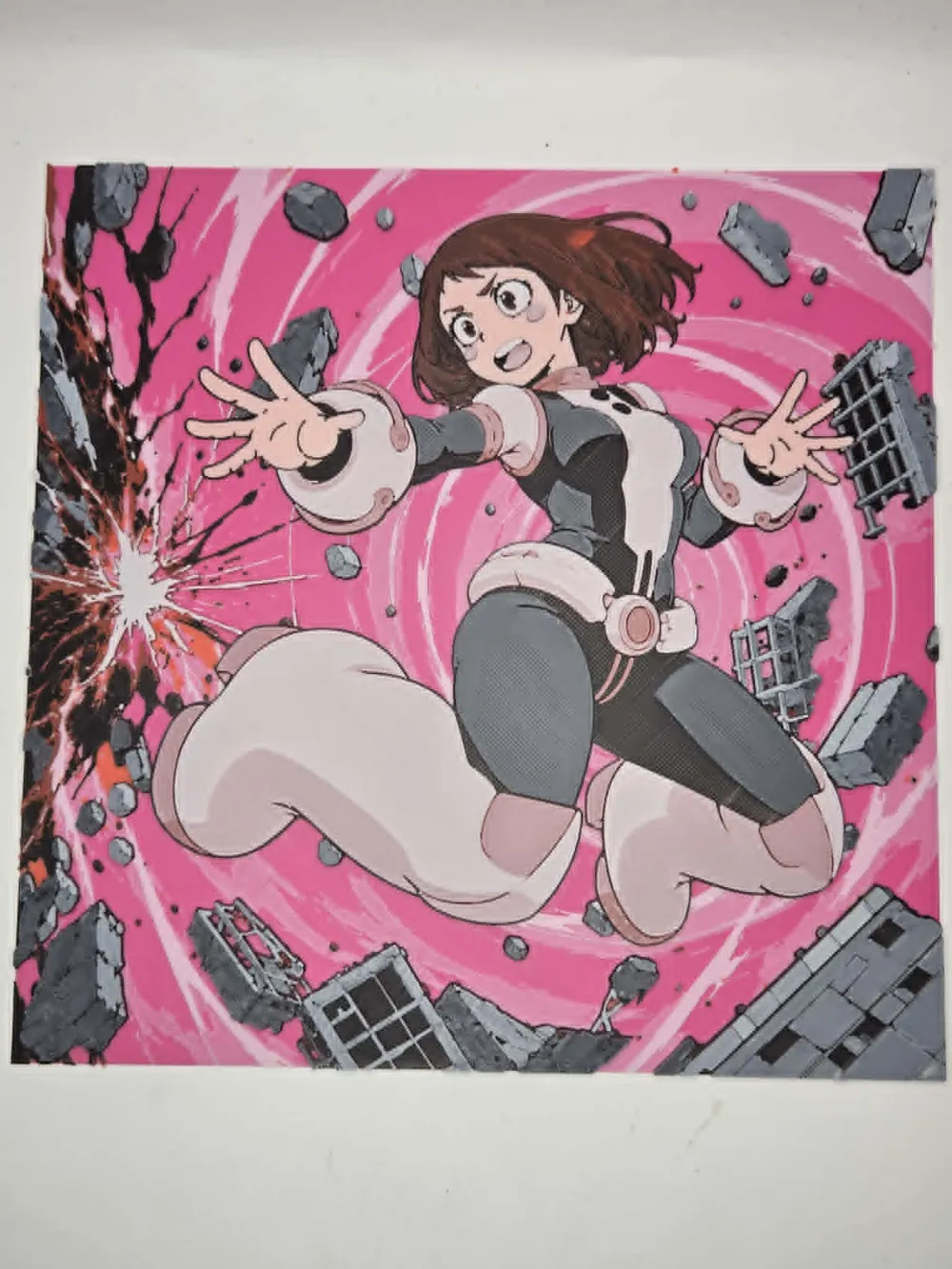
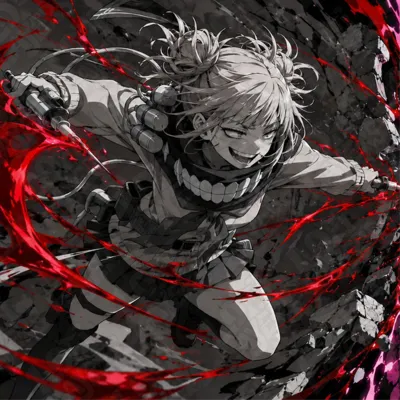
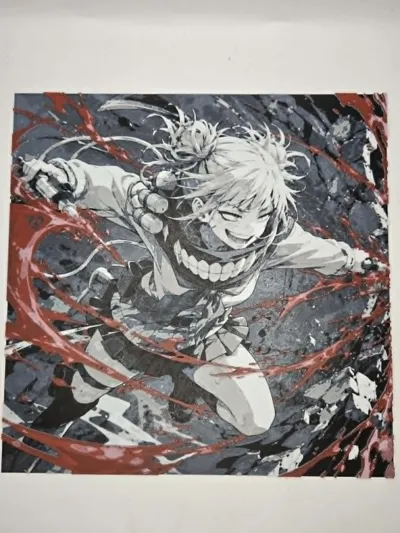
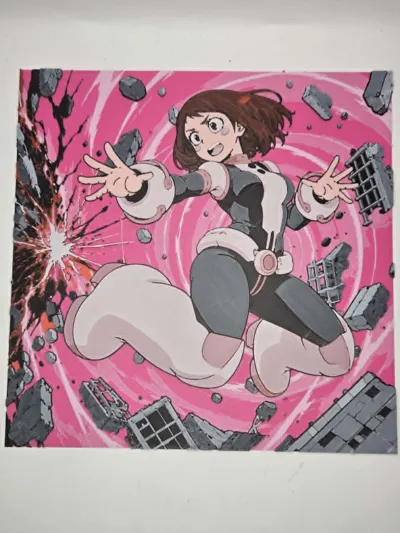
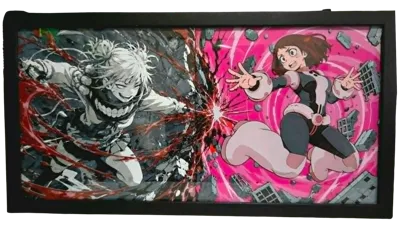
This special release is part of a collaboration with Glitch Kitten, combining two very different artistic styles into one drop. My version features Toga in a dramatic grayscale-and-red MonoPop style, while Glitch Kitten's companion piece showcases Ochaco in her vibrant full-color style.
NOTE. This model is only HALF of the full piece. My contribution to the collaboration is only the Color Pop Toga panel (Left Side) For the Ochaco half (Right Side), you'll need to click the link below to get it from Glitch Kitten:
https://makerworld.com/models/2863200?appSharePlatform=copy
Boost Me (for free)
🩸🔪 Fuel my creativity with a boost! Each boost sparks new ideas and pushes my designs to the next level. Your support drives innovation! ❤️⚡
Print Details:
- Dimensions: 200x200mm
- Print Settings: 100% infill with a layer height of 0.08mm and a base layer of 0.16mm
- Min Depth: 0.88mm
- Max Depth: 2.8mm
- Actual Depth: 2.9mm
Filaments Used:
- PLA BambuLab Basic Black - Transmission Distance: 0.6
- PLA BambuLab Basic Blue Gray - Transmission Distance: 3
- PLA BambuLab Basic Gray - Transmission Distance: 2
- PLA BambuLab Basic Jade White - Transmission Distance: 5
- PLA BambuLab Basic Red - Transmission Distance: 4
This print uses 5 unique filaments.
Swap Instructions:
- Start with Black
- At layer #12 (1.04mm) swap to Blue Gray
- At layer #16 (1.36mm) swap to Gray
- At layer #18 (1.52mm) swap to Jade White
- At layer #28 (2.32mm) swap to Black
- At layer #29 (2.40mm) swap to Red
- At layer #33 (2.72mm) swap to Jade White for the rest
Single AMS Users:
This print has a pause programmed in so it can be printed with a single AMS.
- Assign Red to the same AMS slot as Blue Gray
- Start the print normally using Blue Gray
- When the programmed pause occurs, remove the Blue Gray spool and load Red into that same AMS slot
- Resume the print and it will continue using Red for the remaining color changes
Multiple AMS Users:
If you have more than one AMS available, simply delete the programmed pause before printing. Assign all five colors normally and the print will run automatically from start to finish.
🎨 Follow me on Patreon – patreon.com/LoFi_Layers
☕ Enjoying my work? Consider buying me a coffee – buymeacoffee.com/keithshann1
Membership
Explore the Maker World Subscription! For just $8/month, you can sell physical prints of all my designs. It's a fantastic opportunity for sellers to offer unique, themed crafts.
License

You shall not share, sub-license, sell, rent, host, transfer, or distribute in any way the digital or 3D printed versions of this object, nor any other derivative work of this object in its digital or physical format (including - but not limited to - remixes of this object, and hosting on other digital platforms). The objects may not be used without permission in any way whatsoever in which you charge money, or collect fees.


Comment & Rating (8)