
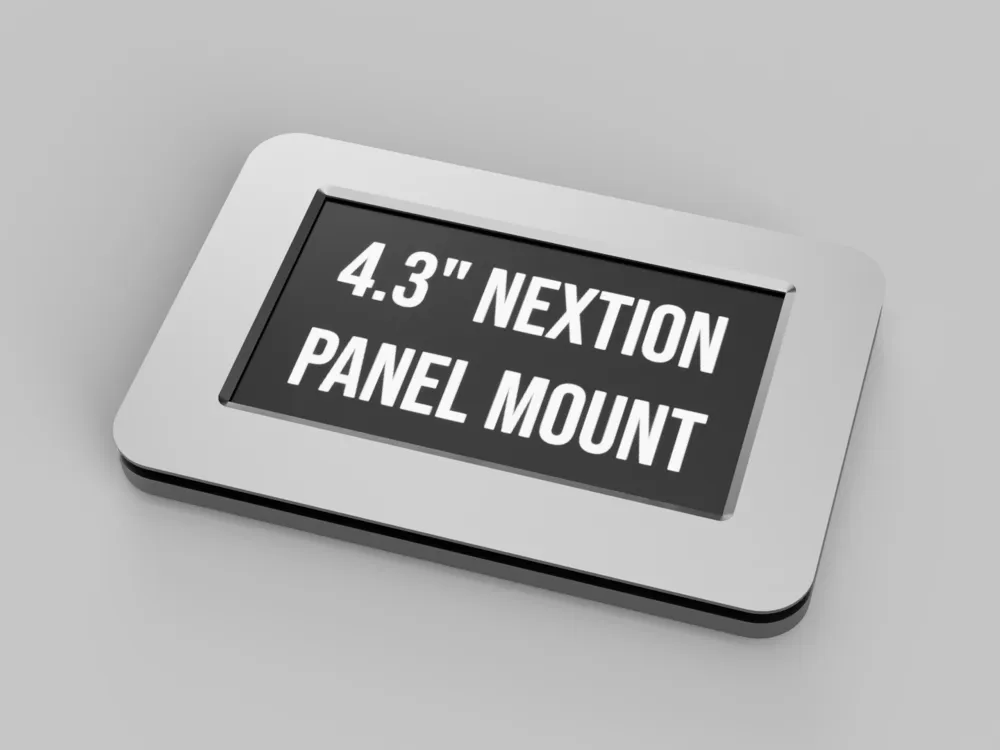
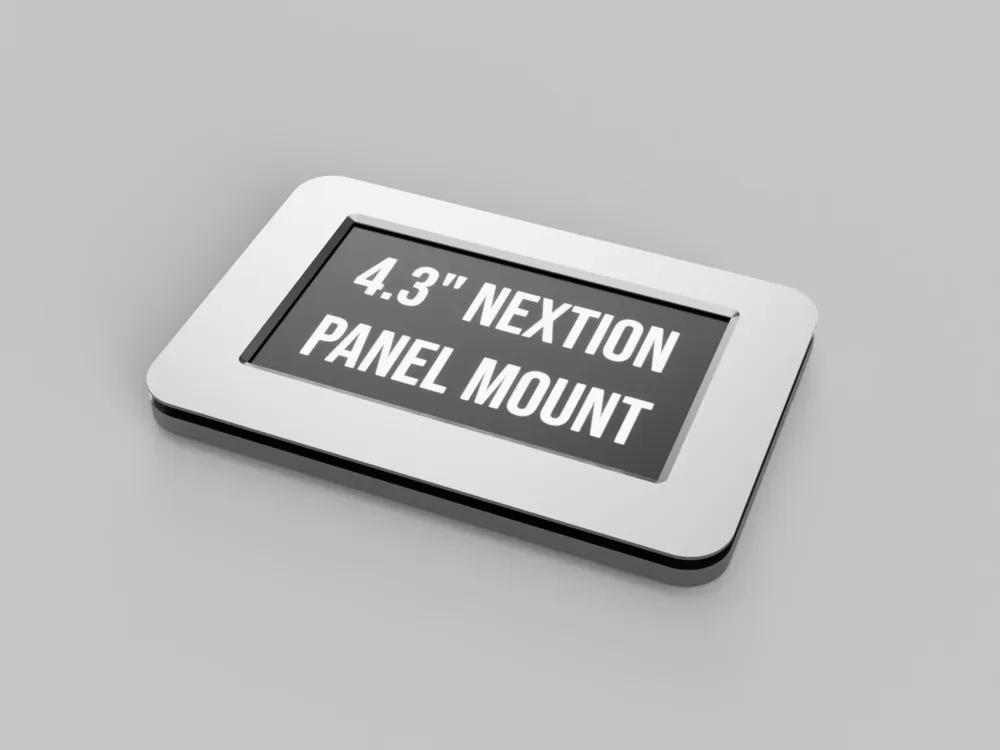
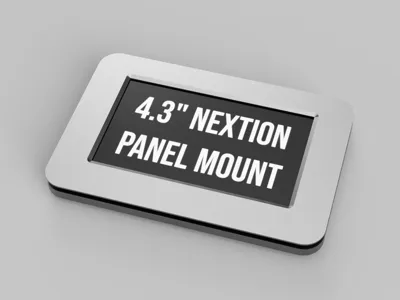
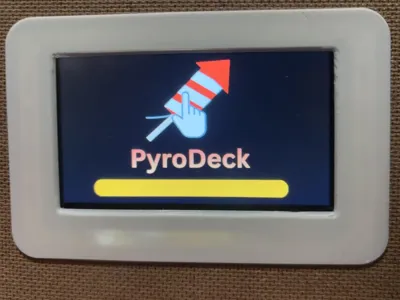
4.3" Nextion Mount
Print Profile(1)
Bill of Materials
- M3x6 Machine Screws x 1:
- M3x4x4.2 Heat set inserts x 4:
Description
How to print:
This is really simple to print. Just download the model or import it into easy print and hit print. You don't need supports, but for it to look the best, just select support on "build plate only".
I would recommend at least 20% infill to try to get rid of light leakage from the backlight of Nextion, or print it with a darker material.
You can get this to print on a Prusa Mini if you separate as objects, put them closer together, turn the bottom part of the mount around, and turn of supports for the SD hole on the bottom part of the mount. Look at the Print Files I included for this.
Assembly:
This uses M3x6 screws and M3x4x4.2 Heat Set Inserts.
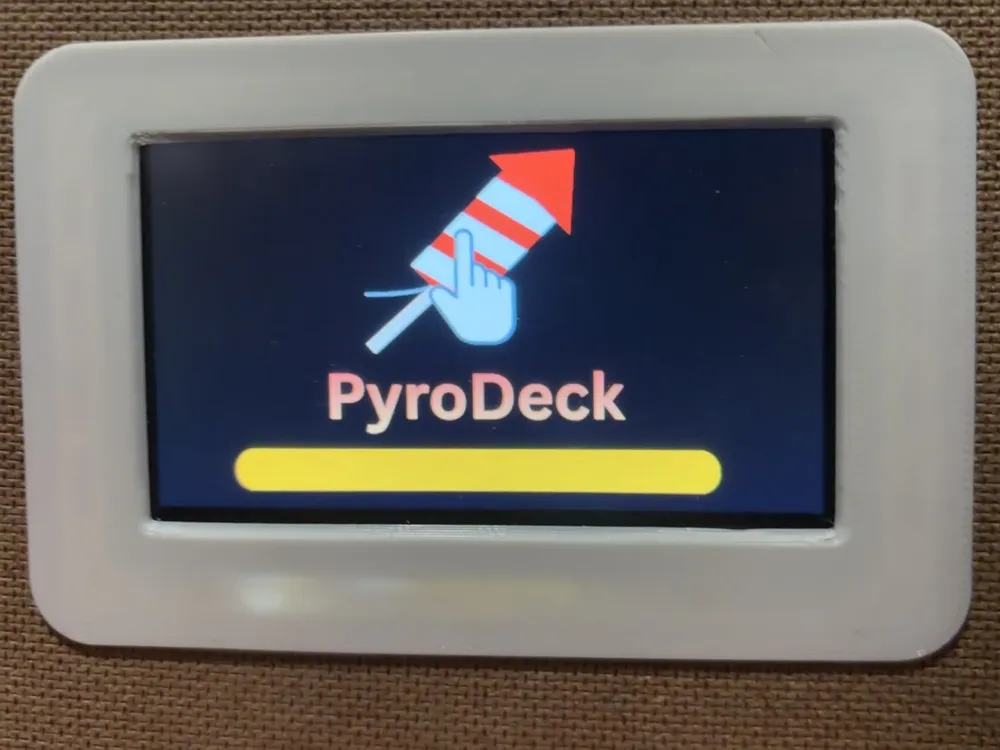
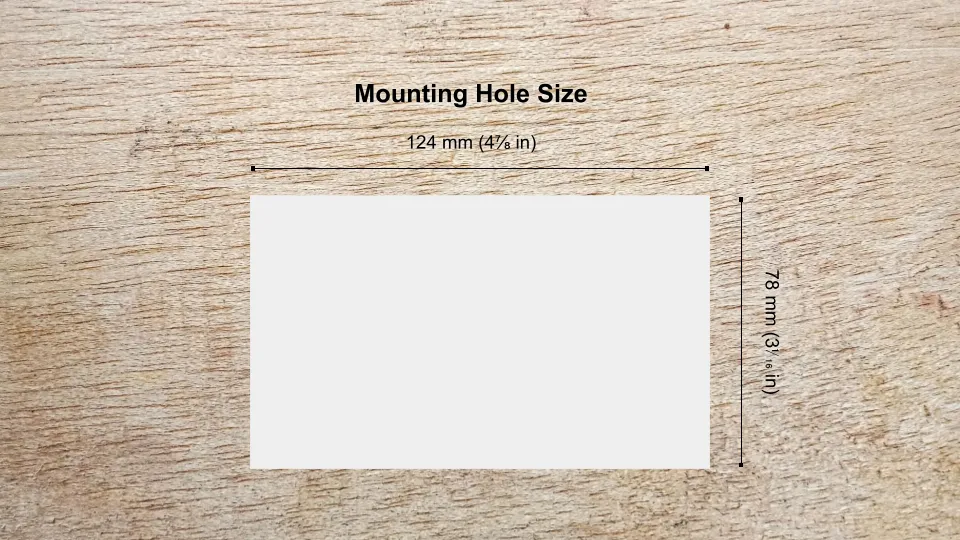
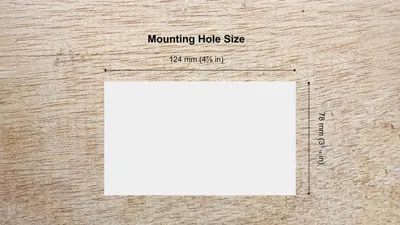
Just put the heat set inserts in, then hold it all together in the hole (Dimensions are in one of the photos), and screw it all in. This is really sturdy and holds very well.
Here is a little animation if you somehow don't get it. (I just wanted to learn how to use the animation feature in Fusion360)
If you use this, please like it and maybe even post a make. Thank you!
Boost Me (for free)
Boost Me for more functional prints!
License



Comment & Rating (0)