
Print Profile(1)
Description
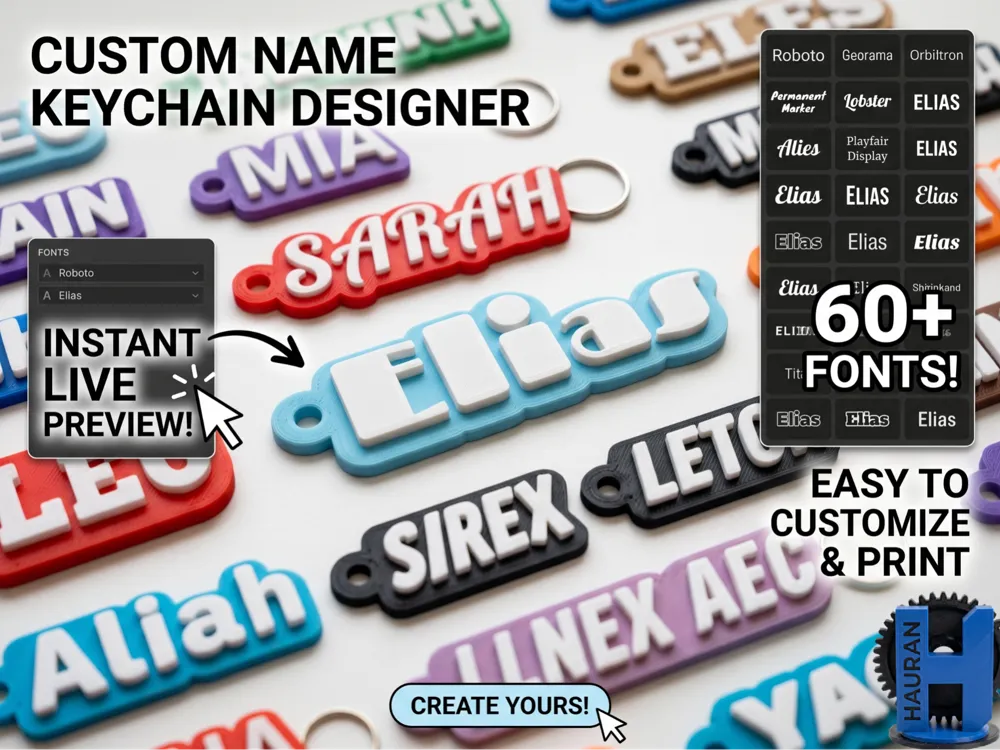
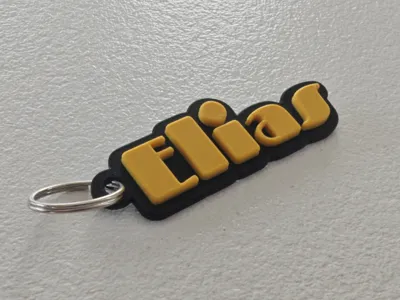
Customizable Name Tag Keychains - Instant Font Preview!
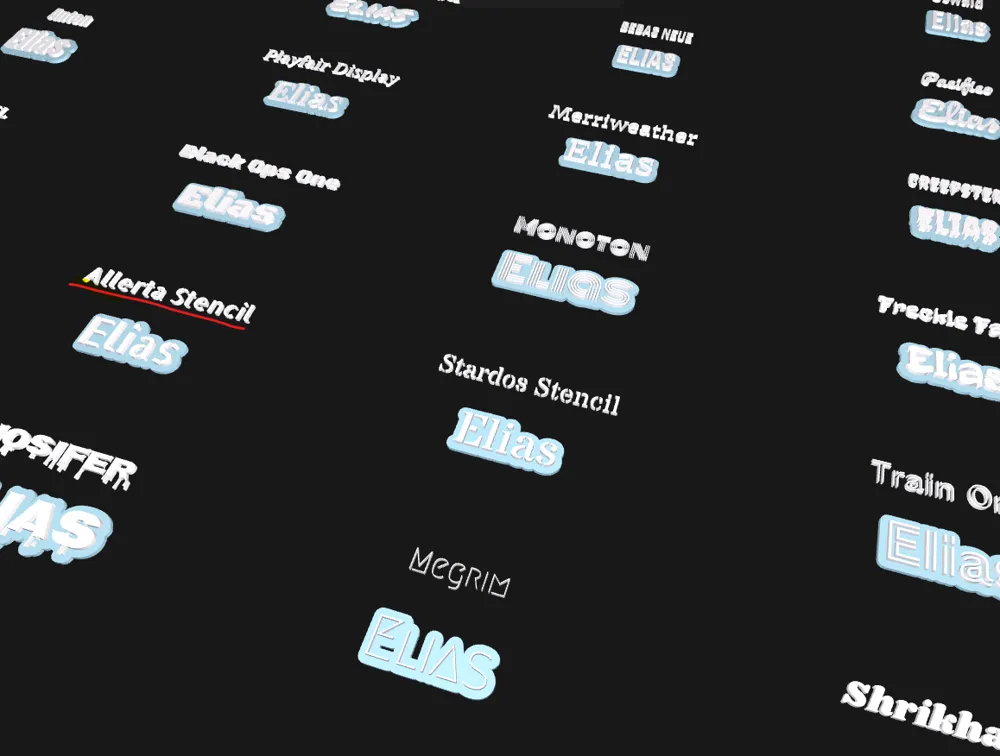
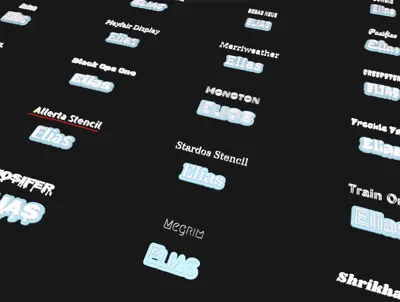
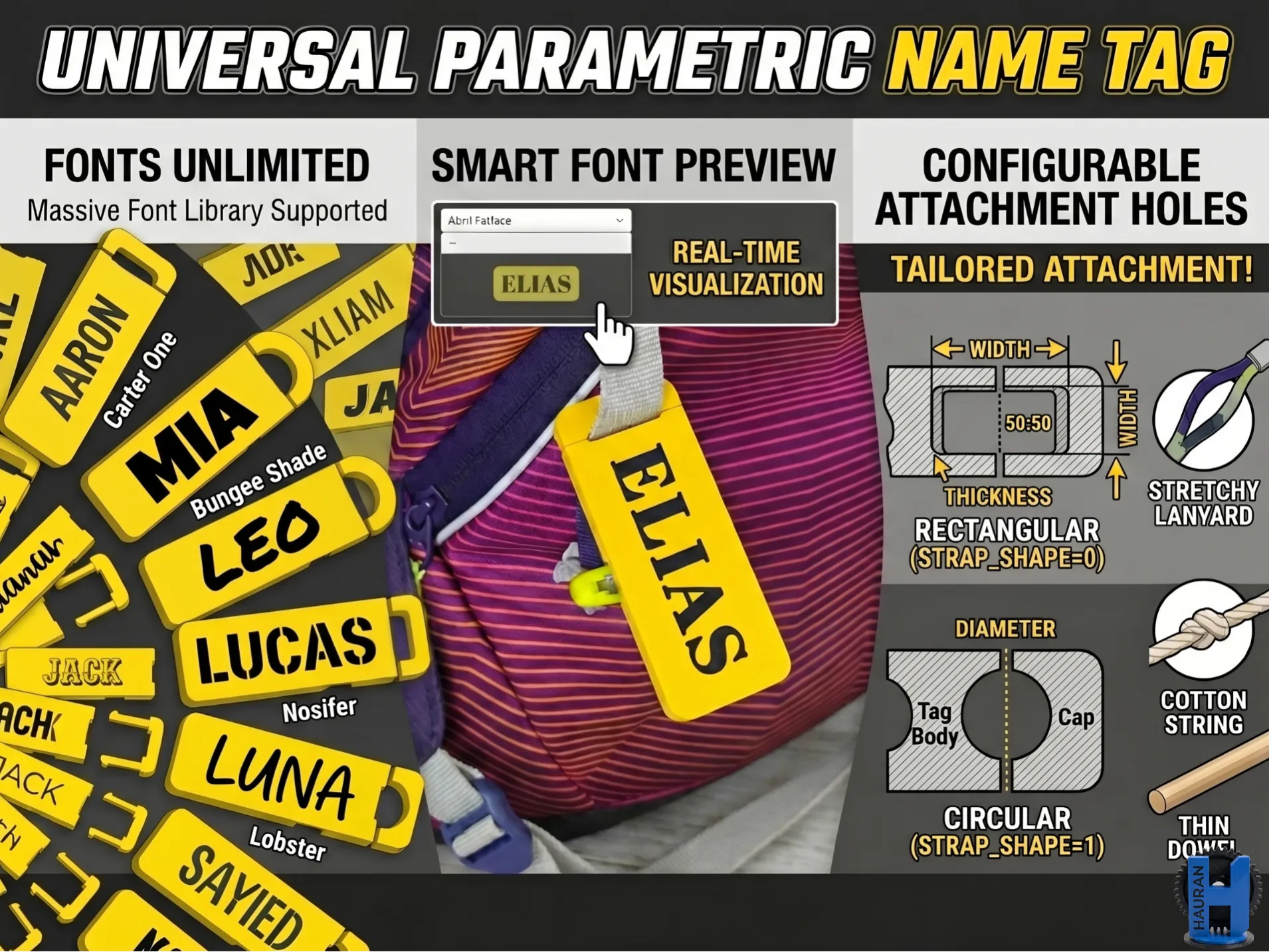
Tired of toggling through dozens of fonts in customizer tools, waiting for each to render just to see how your text looks? This project solves that annoyance. With over 60+ embedded fonts, it includes an innovative "Instant Preview Grid" system. One simple setting displays your custom text across every font option simultaneously. Find your perfect style instantly, then quickly fine-tune the finalized keychain and print.
This design is optimized for simple two-color printing using a simple layer pause (filament change), no specialized multi-material equipment (AMS) is required.
Step-by-Step Customization Guide
This workflow allows you to discover the perfect font and finalize your high-quality model in under 60 seconds. Follow the steps below, referring to the annotated images.
1. See All Options: Enabling the Preview Grid
Start by opening the Customizer panel in MakerWorld. Locate the parameters on the left.
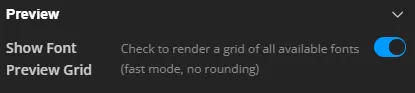
Your first step is to see every option available. Turn the Show_Font_Preview_Grid from false to true. This action displays a grid containing your entered name in every font:
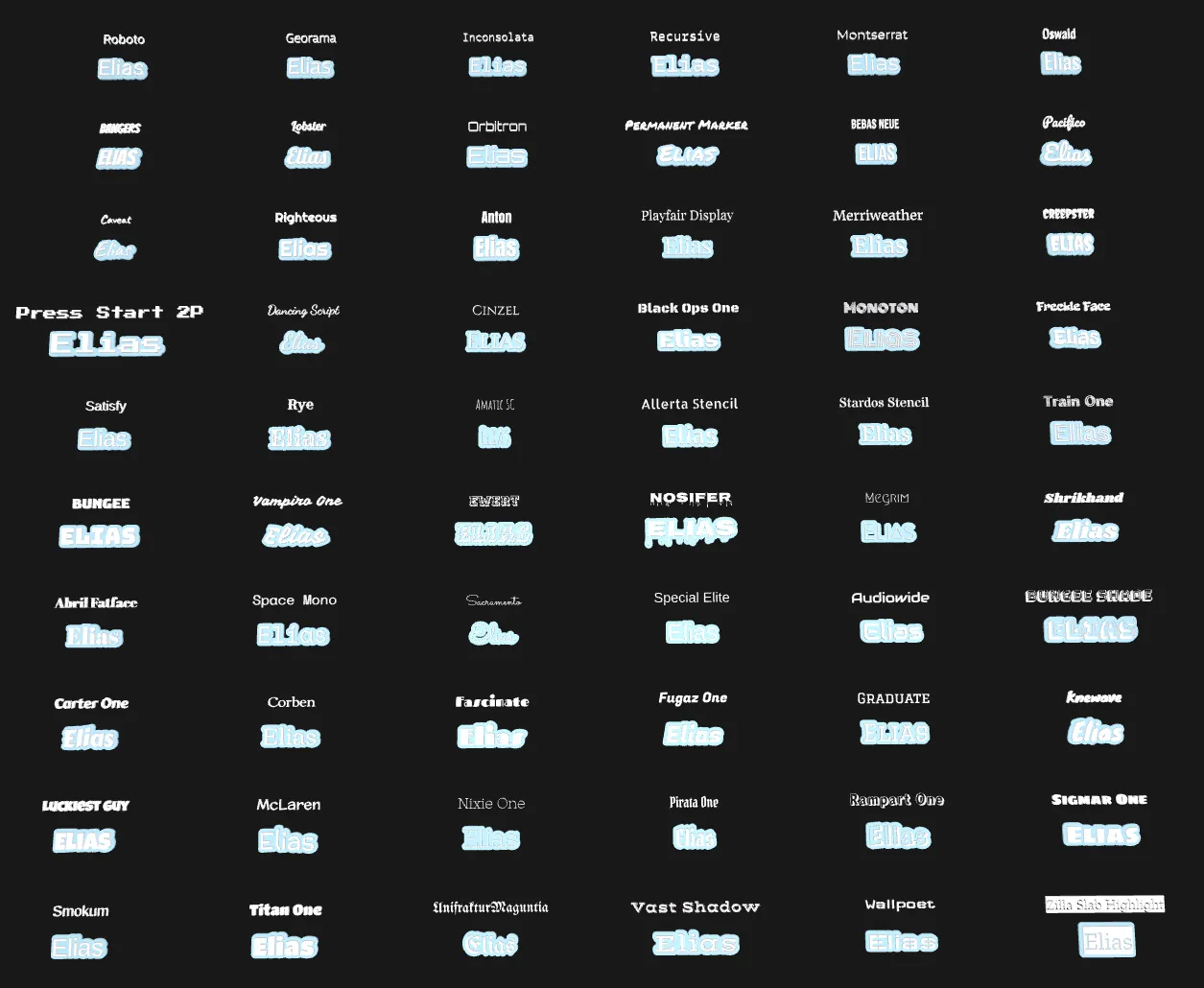
You can navigate moving the view by pressing middle mouse to come across the view zoomed into details.
2. Choose Your Style from the Grid
Examine the results. Every single font rendered in the grid has its correct font name displayed directly above it (e.g., "Permanent Marker" above "ELIAS"). Locate your favorite design and note its name.
3. Select and Fine-Tune Your Keychain
Once you have identified your chosen font:
- Return to the customizer parameters.
- Turn Show_Font_Preview_Grid back to false.
- Navigate to the Font_Name drop-down menu and select the font you chose from the grid (e.g., "Permanent Marker").
The main render window will return to displaying a single, high-quality keychain. Now is the time for fine-tuning:
- Adjust Text_Size and Letter_Spacing.
- Adjust edge rounding to get rid of sharp edges on the top.
- Crucially, adjust the keychain hole position. The customizer automatically centers the hole, but certain fonts or names can clash. Use the Hole_X_Adjust parameter to shift the hole horizontally. You can shift it manually if auto-centering overcalculates.
Once you are satisfied, finalize your customization.
Printing Instructions (Two-Color without AMS)
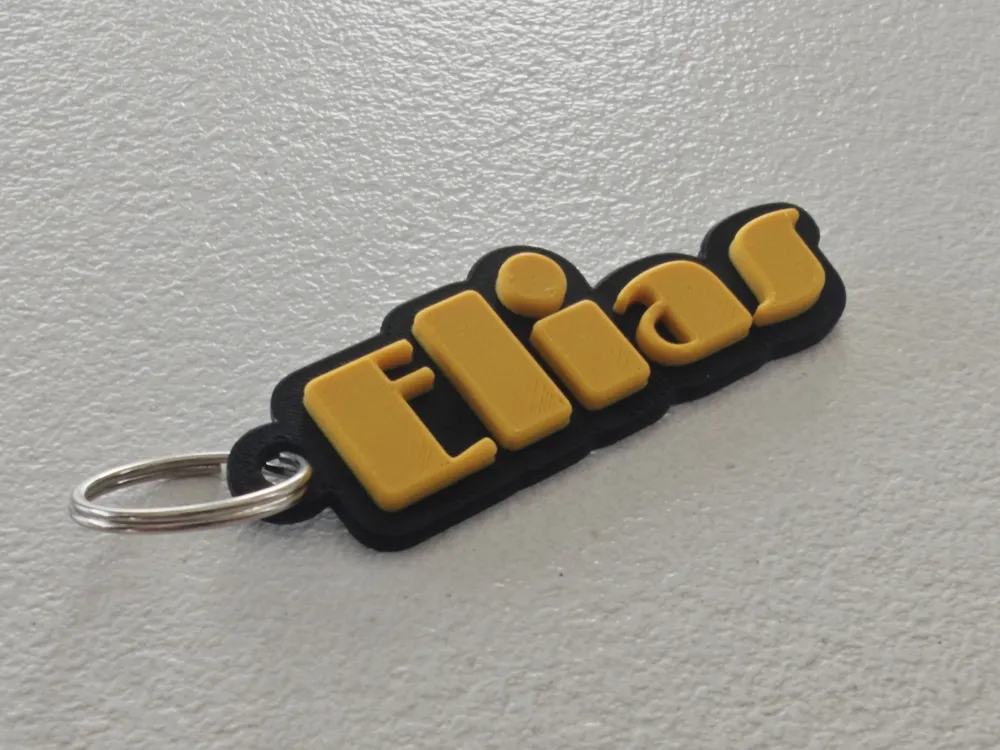
The professional look seen in the project thumbnails is achieved using simple two-color printing by inserting a layer pause at the height where the text object begins. You do not need a multi-material system (like AMS).
- Customize and slice your final high-quality model.
- In your slicer (Bambu Studio, PrusaSlicer, etc.), locate the vertical layer slider. Find the first layer where the white text object starts.
- Insert a "Pause" (right-click on the layer height bar).
- Start the print with your base color. The printer will stop at the pause.
- Perform a filament change to your text color.
- Resume the print, and the machine will finish the contrasting text, resulting in a perfect two-color part.
Boost Me (for free)
Did you enjoyed my script? leave me a boost!
You might like my other Snap-ON design:
License

You shall not share, sub-license, sell, rent, host, transfer, or distribute in any way the digital or 3D printed versions of this object, nor any other derivative work of this object in its digital or physical format (including - but not limited to - remixes of this object, and hosting on other digital platforms). The objects may not be used without permission in any way whatsoever in which you charge money, or collect fees.


Comment & Rating (2)