
P100 GPU Cooling - 40 Fan Direct Blow Version
Print Profile(1)
Description
Boost Me (for free)
I've put a lot of effort into optimizing this, your support is greatly appreciated! Thank you!
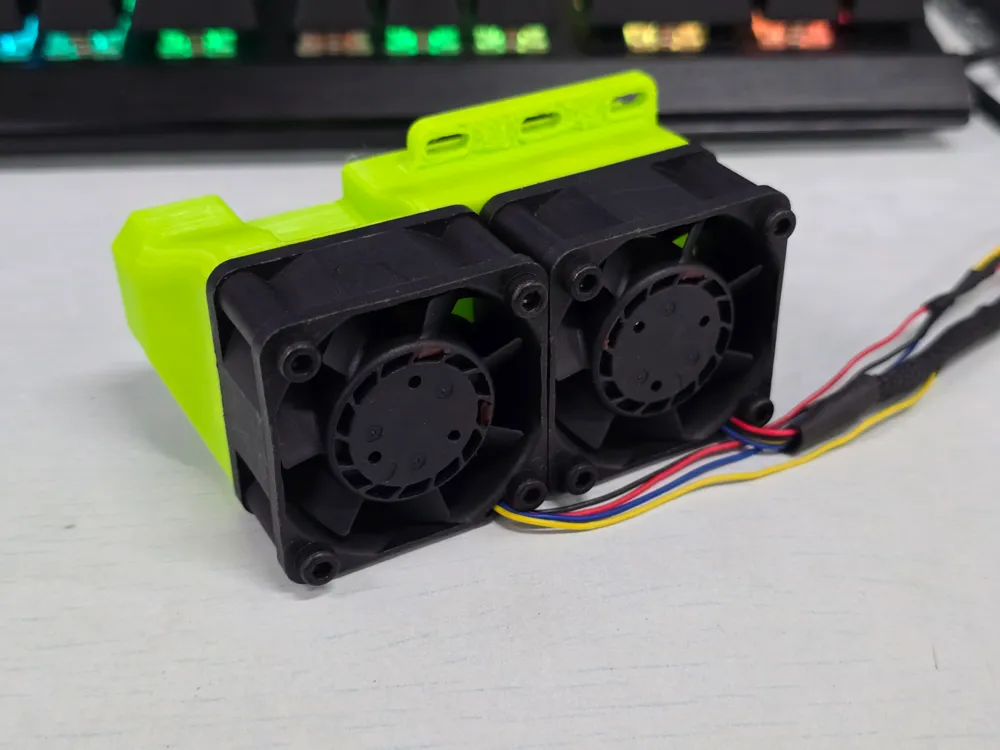
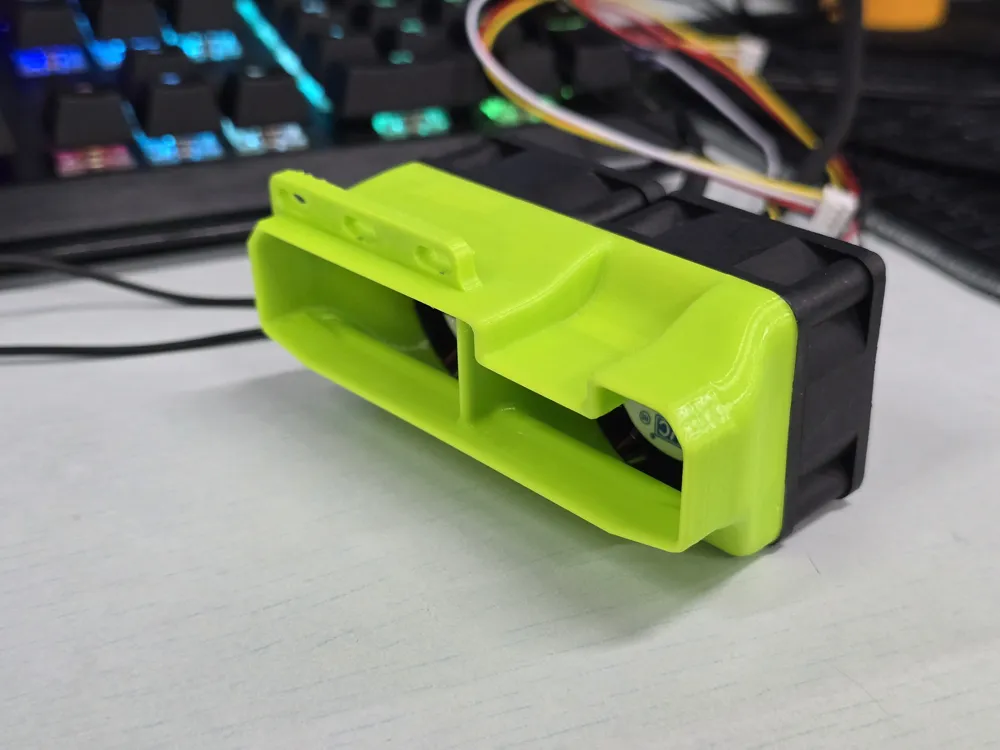
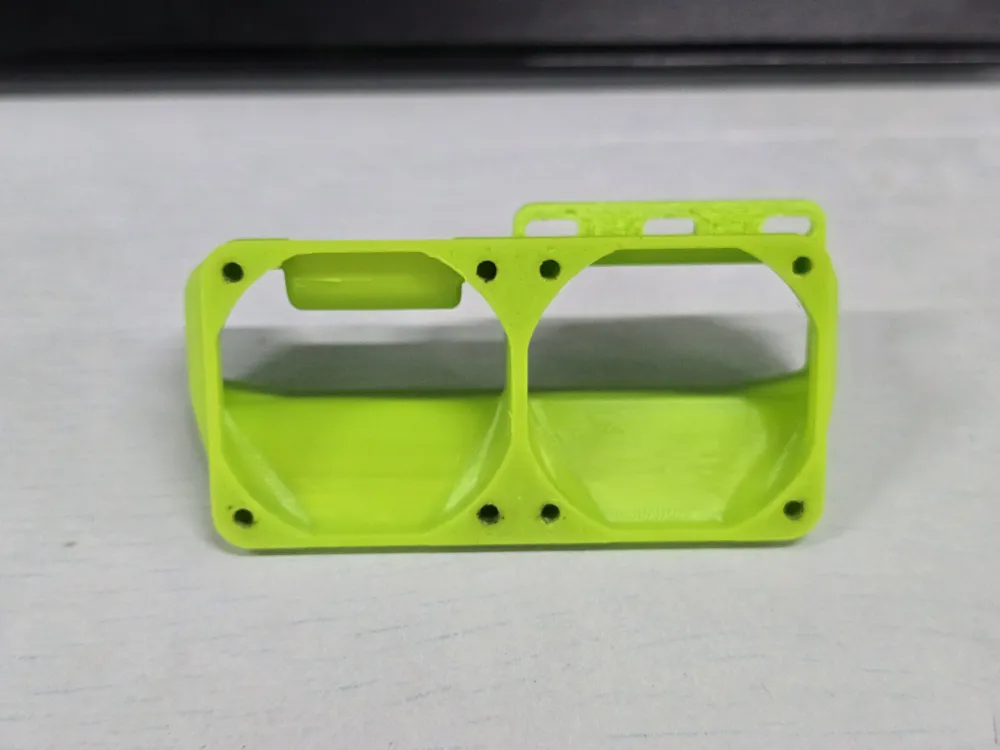
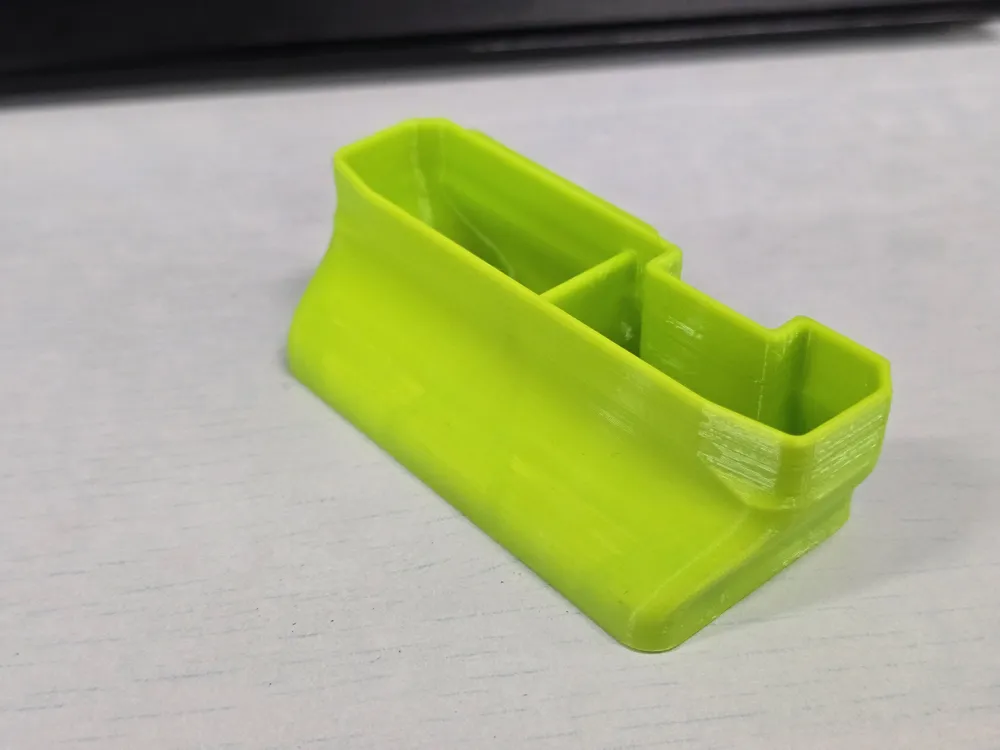
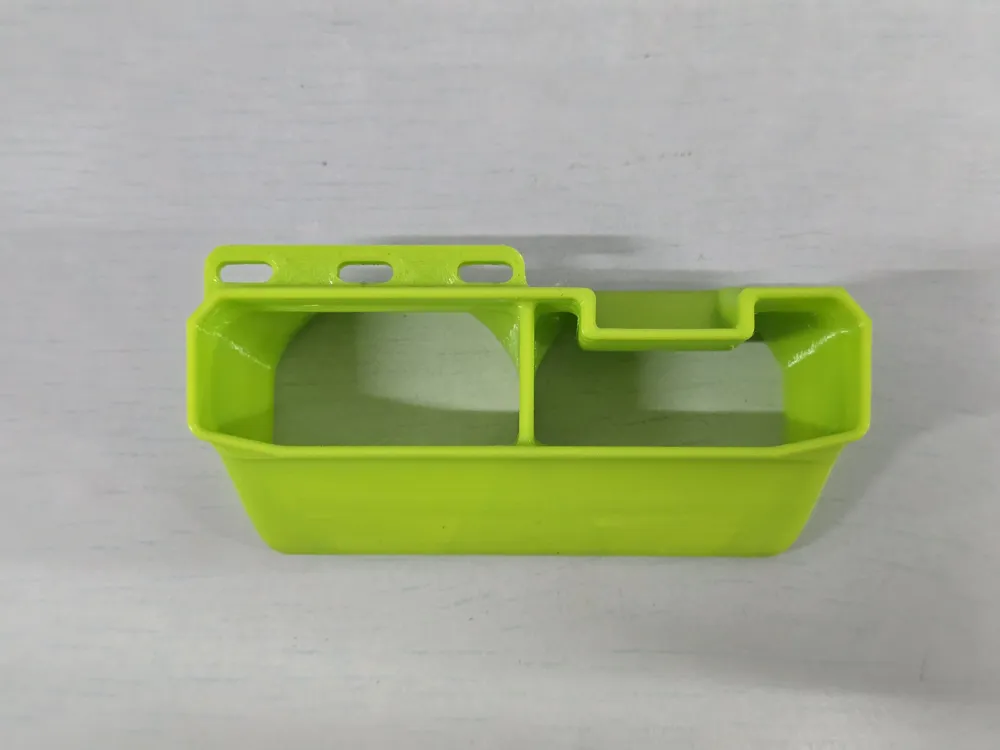
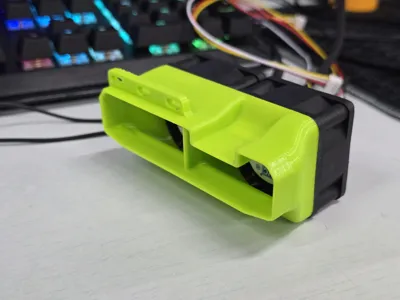
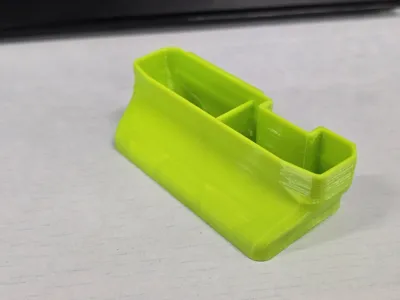
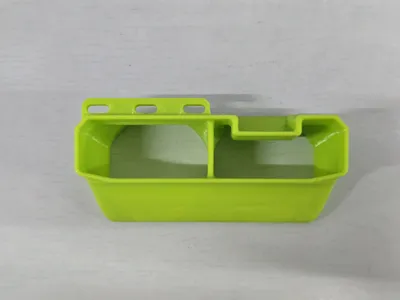
TESLA P100 Graphics Card Cooling - 4020 Fan Version
Advantages: Compact size low noise high efficiency
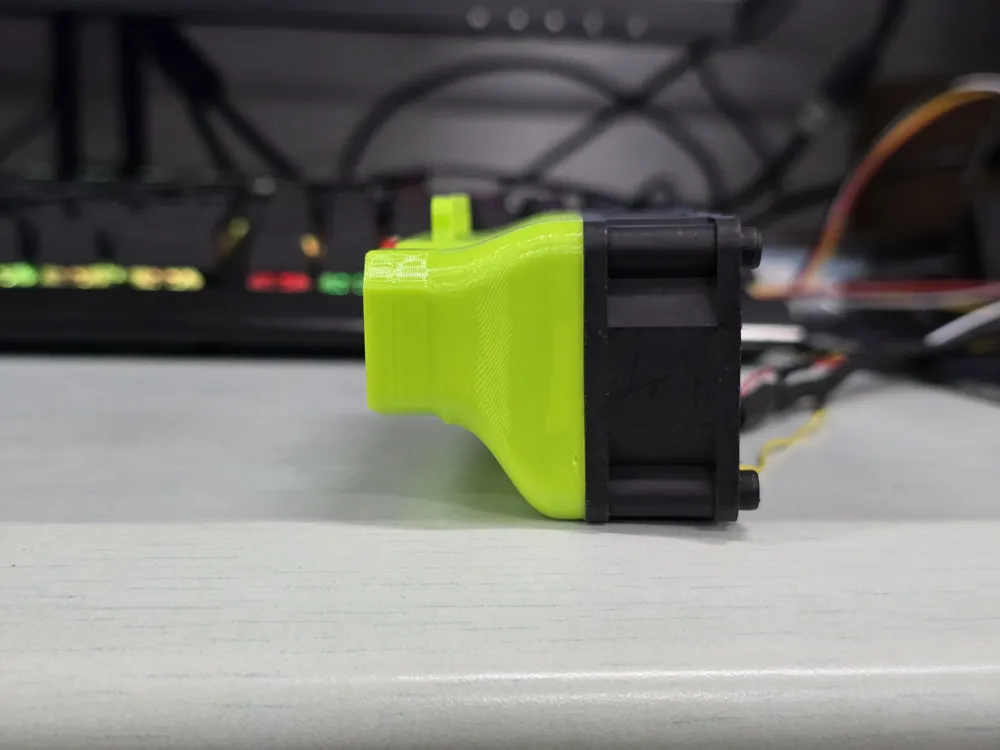
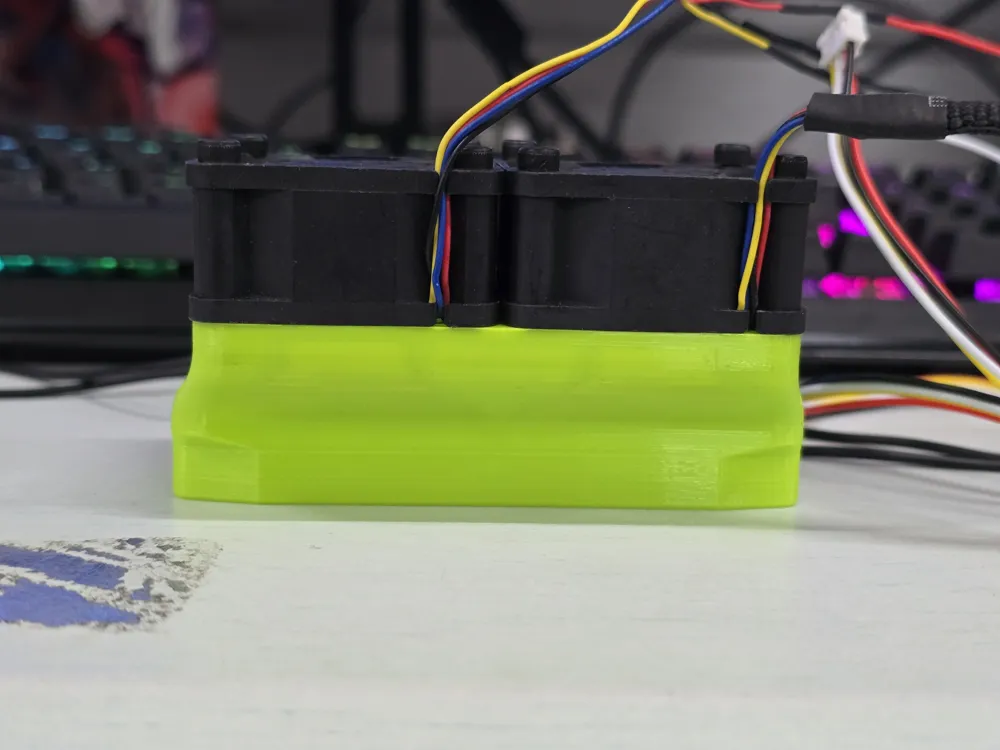
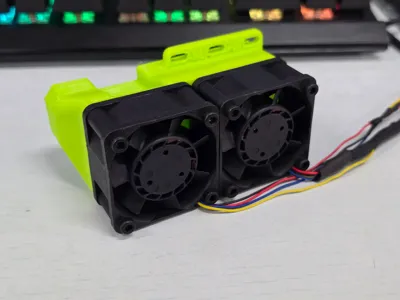
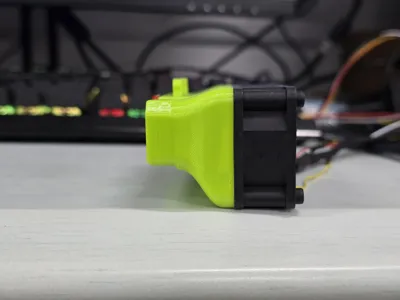
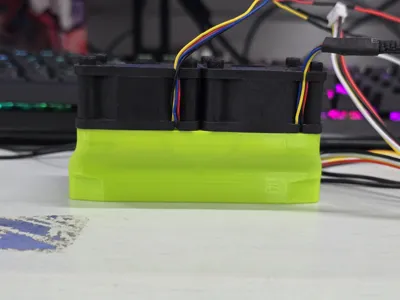
This is my newly designed external graphics card cooler based on 40mm fans When using 4020 fans, it only adds 4.5cm to the graphics card when installed The space occupied is significantly reduced compared to the turbofan cooling models, and its orientation better aligns with the chassis airflow
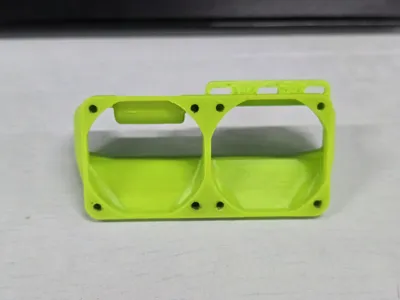
All required parts: 4020 fan*2 (or any other 40*40mm fan of any thickness, note that you may need to increase/decrease the length of the mounting bolts, thinner fans will reduce cooling efficiency) M3*25 bolts*8 M3*8 bolts*3
The fan used here is the **AVC DBTA0420B2H**, with the following specifications
Dimensions: 40x40x20mm Voltage: DC12V Current: 0.38A Speed: 14450RPM Airflow: 20.56CFM Static Pressure: 35.16mmH2O Noise: 34.5dBA
This fan was initially chosen for its exceptionally high airflow, static pressure, and relatively low noise for its 4020 size However, in actual use, the following issues exist and require attention
Although this fan has 4-pin PWM speed control and tachometer functions, due to its excessively high rated speed, typical computer motherboards may not be able to read its speed Also, when performing PWM speed control, if the motherboard provides too low a control speed, the fan will stop completely The author uses an ASUS X99A/USB3.1 motherboard and is unsure about compatibility with other motherboards You can connect only the two DC wires for the fan to run at full speed by default, or replace it with another fan, or use an external supported PWM speed controller
The fan's stated noise level is laboratory single-fan test data, not actual in-use noise data Therefore, in actual use, the noise will be significantly greater than the stated noise Through actual testing, this fan's full-load sound is noticeably quieter than a turbofan, but it is still relatively noisy For those who prioritize quiet operation, you can directly switch to a Thermalright 4020 fan, sacrificing some cooling performance for silence
When selecting a fan yourself, please try to choose fans with high static pressure and airflow Too low airflow and static pressure may lead to graphics card overheating
TLDR Conclusion: It is recommended to choose a 4020 specification fan according to your own needs
License

You shall not share, sub-license, sell, rent, host, transfer, or distribute in any way the digital or 3D printed versions of this object, nor any other derivative work of this object in its digital or physical format (including, but not limited to, publishing derivative works outside the Makerworld platform or hosting on other digital platforms). The objects may not be used without permission in any way whatsoever in which you charge money or collect fees. Subject to the above restrictions, derivative works may be published only within the Makerworld platform, and all such derivative works must be licensed under the same SDFL‑C license, without modification or additional terms. You may download the digital versions of this object, 3D print it, and display images, videos, or usage demonstrations of 3D printed versions of the object on personal social media platforms or Makerworld official channels, provided that no digital versions of the object are shared or distributed.


Comment & Rating (2)