
Omnivise Comfort Washer
Print Profile(2)

Description
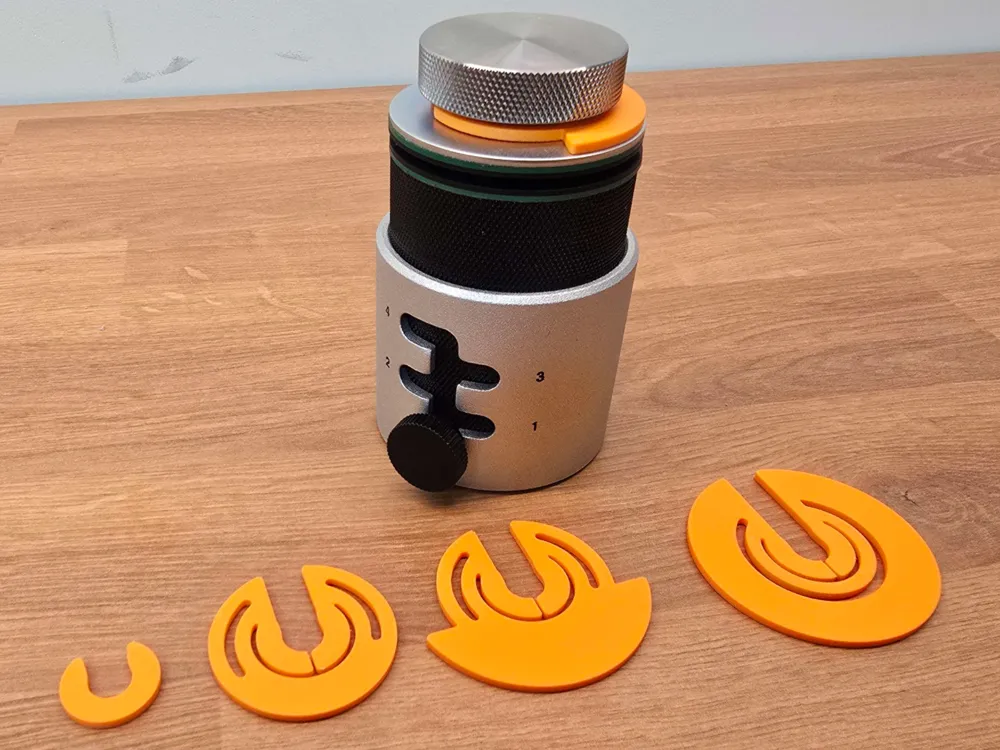
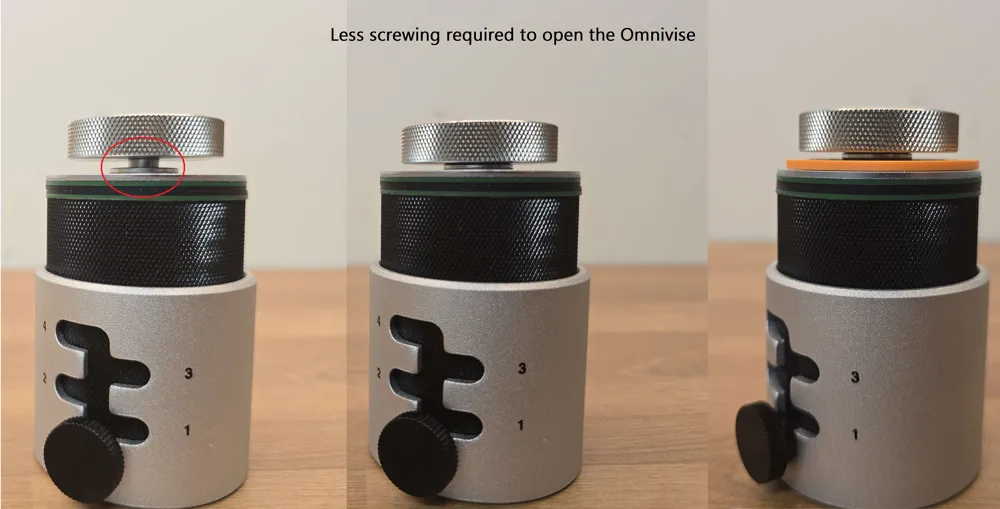
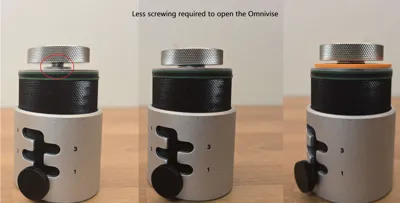
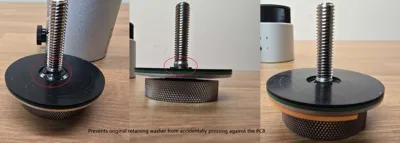
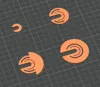
This washer was created to reduce the amount of screwing necessary to open the Omnivise, but it solves other issues along the way.
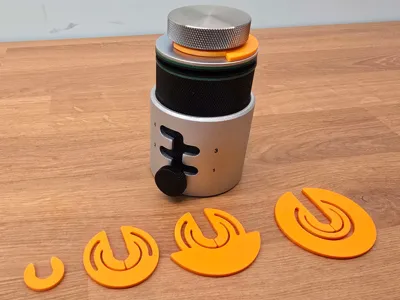
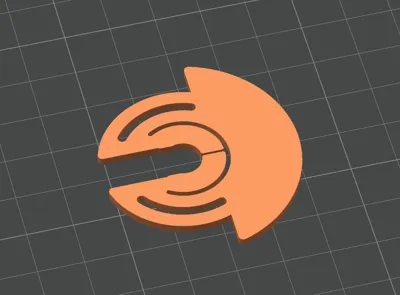
No modifications on the print or Omnivise necessary. Just clip it on, under the screw cap of your Omnivise.
CORE FEATURES
- Less screwing required to lift the top washer
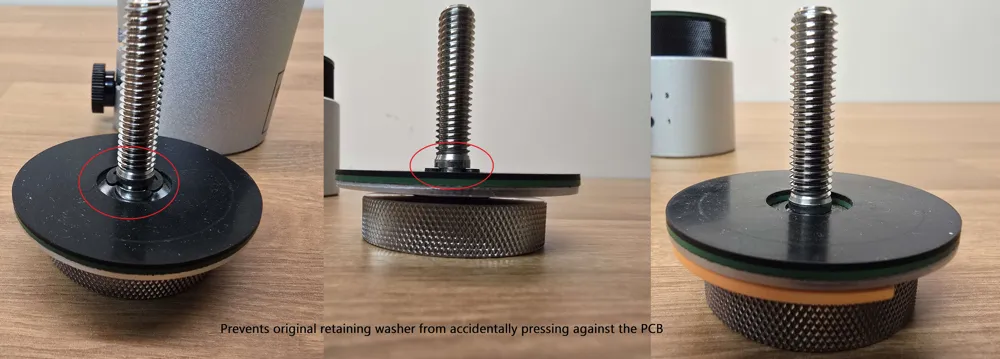
- Protects PCB from the retaining washer that is part of the center thread of the Omnivise
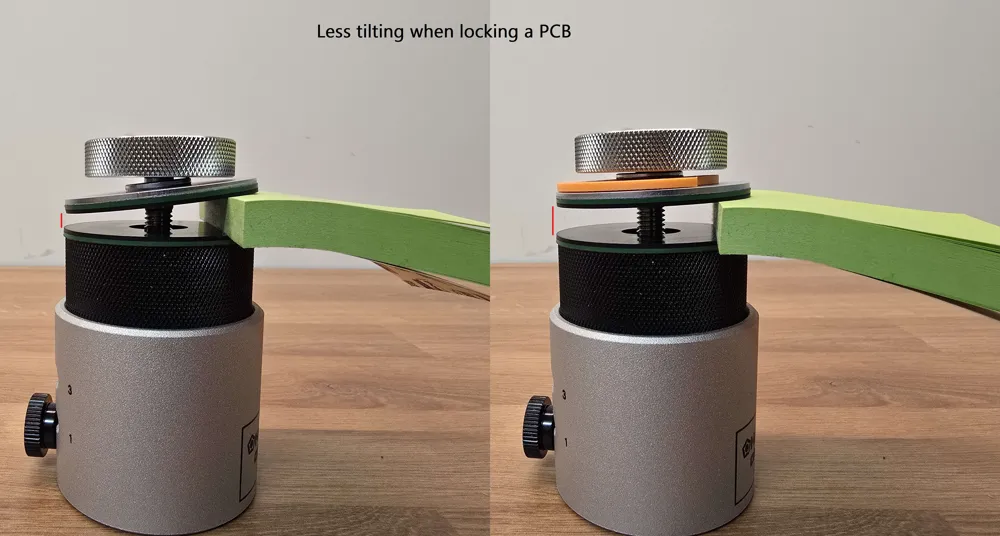
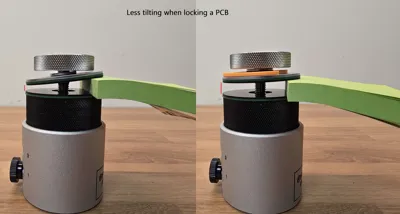
- Less tilt when locking a PCB
VERSIONS
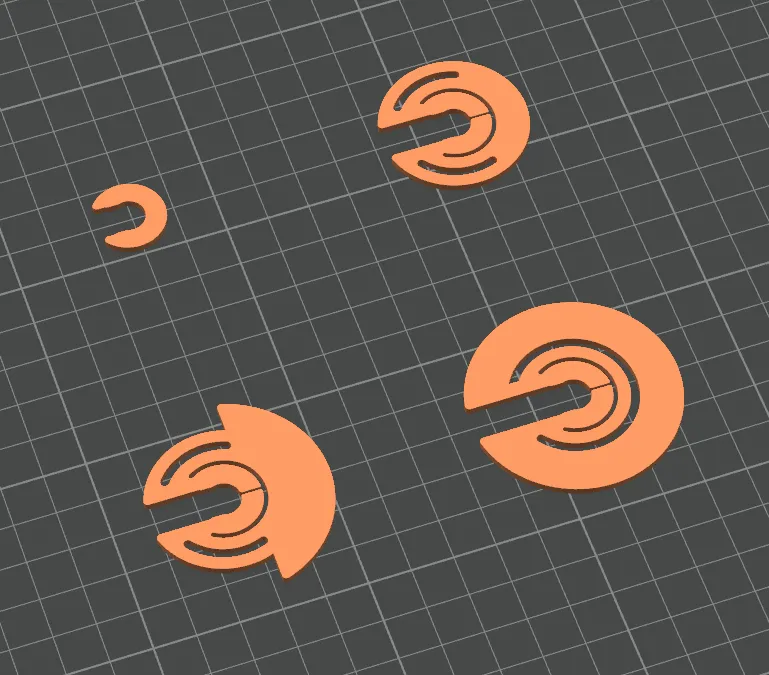
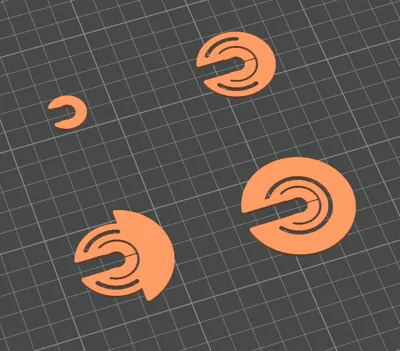
There is no functional difference between the four versions. The only difference is the amount of effort it takes to add/remove the washer.
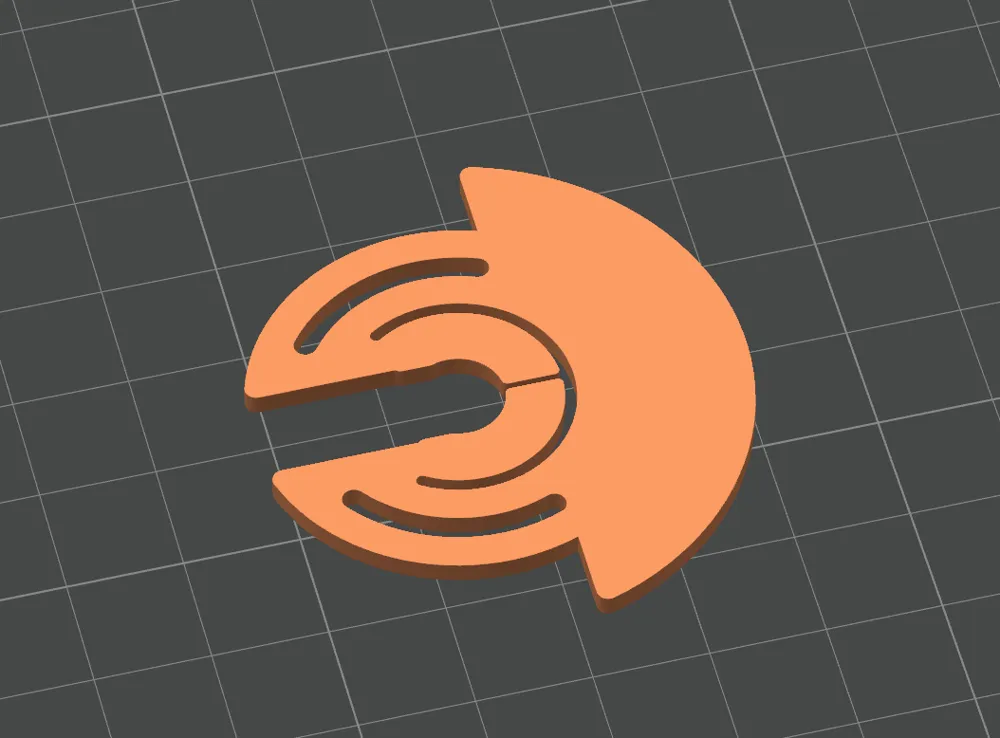
The Toolless half-moon design is the recommended version.
Mini
Smallest version, just as big as the original washer. I offer this version because I can, but I personally only consider the other three versions useful.
Hidden
Slightly smaller diameter than the screw cap. Great for when you don't intend to take it off often, but also want to be able to easily remove it, for example with a screwdriver.
Toolless
(Recommended/Default) Similar to Hidden, but it has flaps to add/remove the washer without the need of any tools.
Full
Same as Toolless, just bigger appearance.
TIPS
- If you have the washer installed for most of the time, but do not want to use the Mini or Hidden version, I recommend putting this washer underneath the small metal washer of your Omnivise. This way it sits flush with the big top washer and is even less in your way.
- If the washer sits too tight or too loose, you can change the scale of the washer in your slicer
- y-axis adjusts the clamping strength
- z-axis adjusts the thickness
Boost Me (for free)
License



Comment & Rating (1)