
The Everything Sign Generator (Parametric)
Print Profile(4)


Bill of Materials
Description
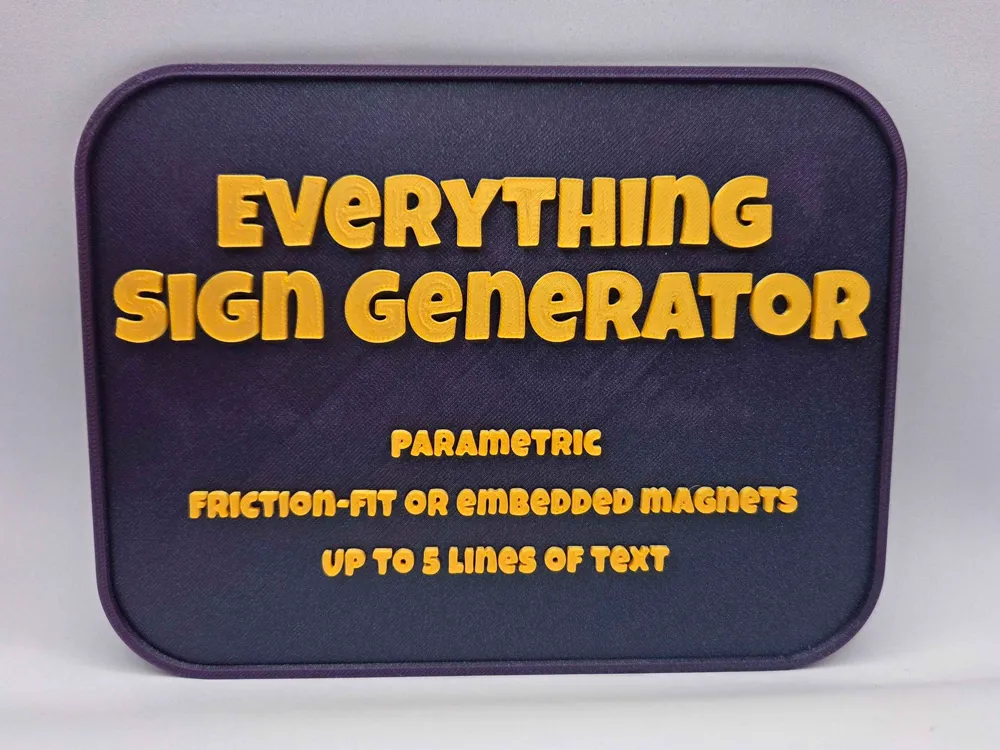
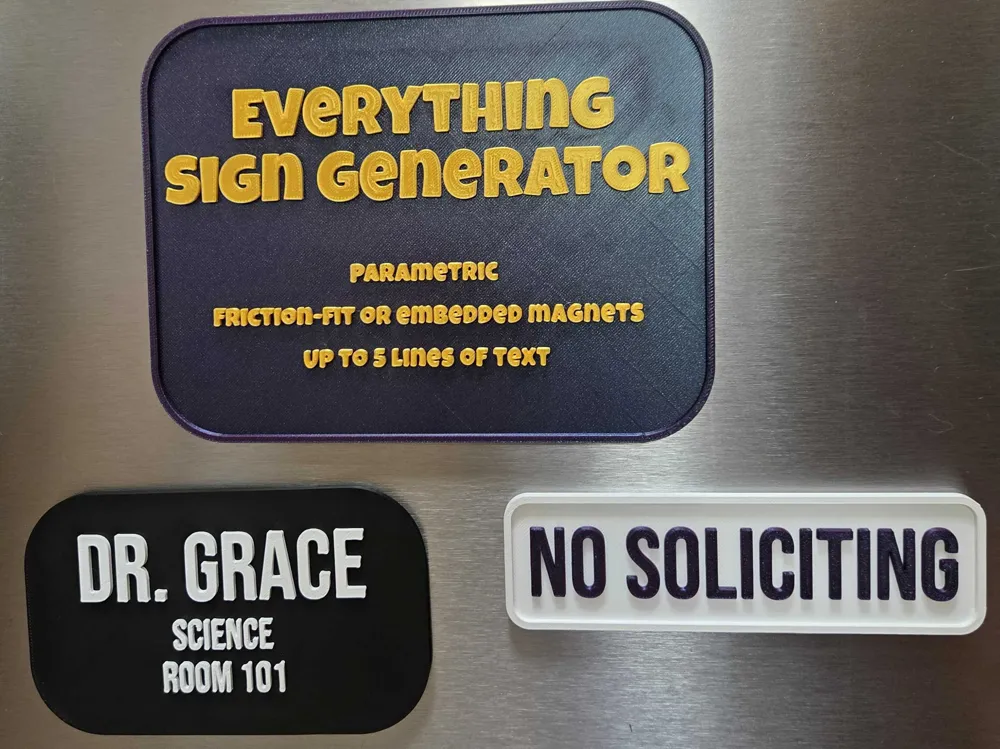
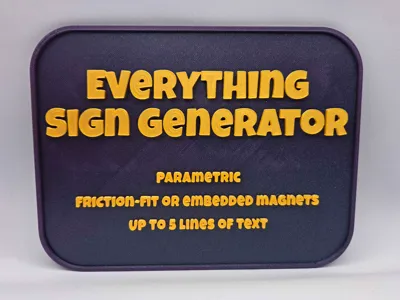
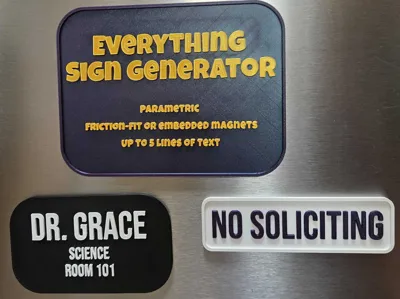
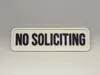
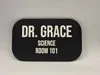
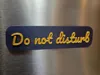
The Everything Sign Generator is a fully customizable parametric model that lets you build labels, signs, nameplates, etc. with built-in magnetic mounting points. I use it to create visual aids and other tools for my classroom. Works great on whiteboards or on desks using custom stands.
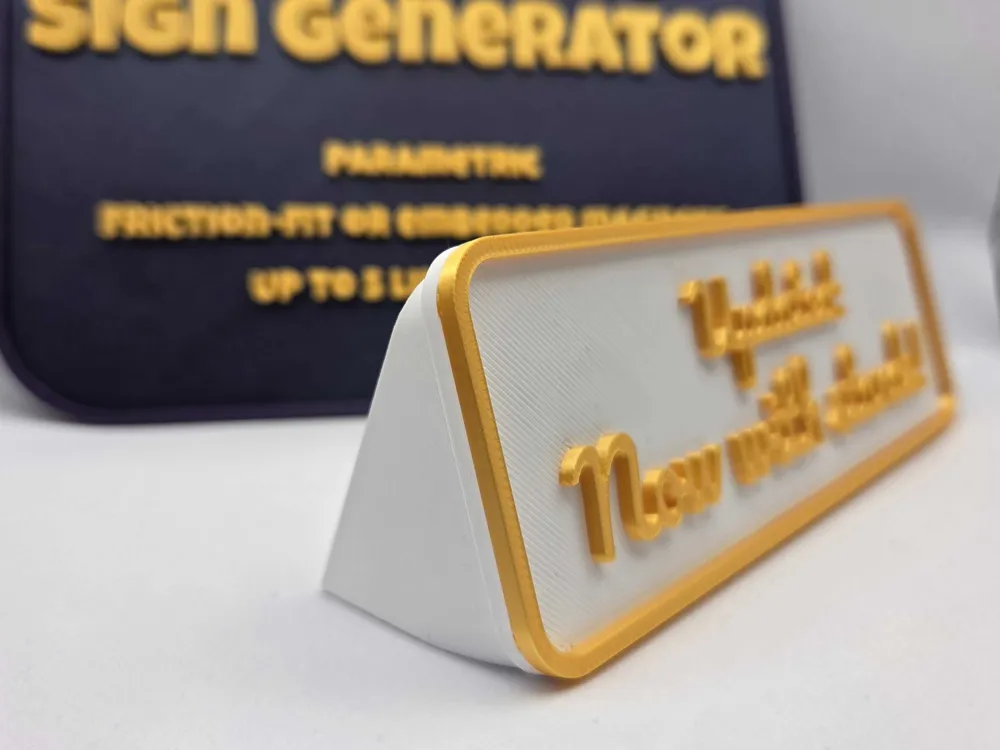
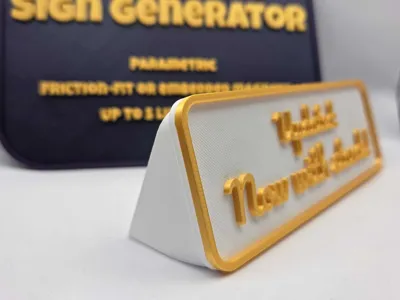
Newest version adds the ability to match the border to the text color and create matching stands for your signs.
Features:
- Up to 5 lines of text.
- Multiple Fonts: "Pacifico", "Orbitron", "Chewy," and others.
- Adjustable Dimensions: Adjust the plate width, height, corner radius, base thickness, and border thickness.
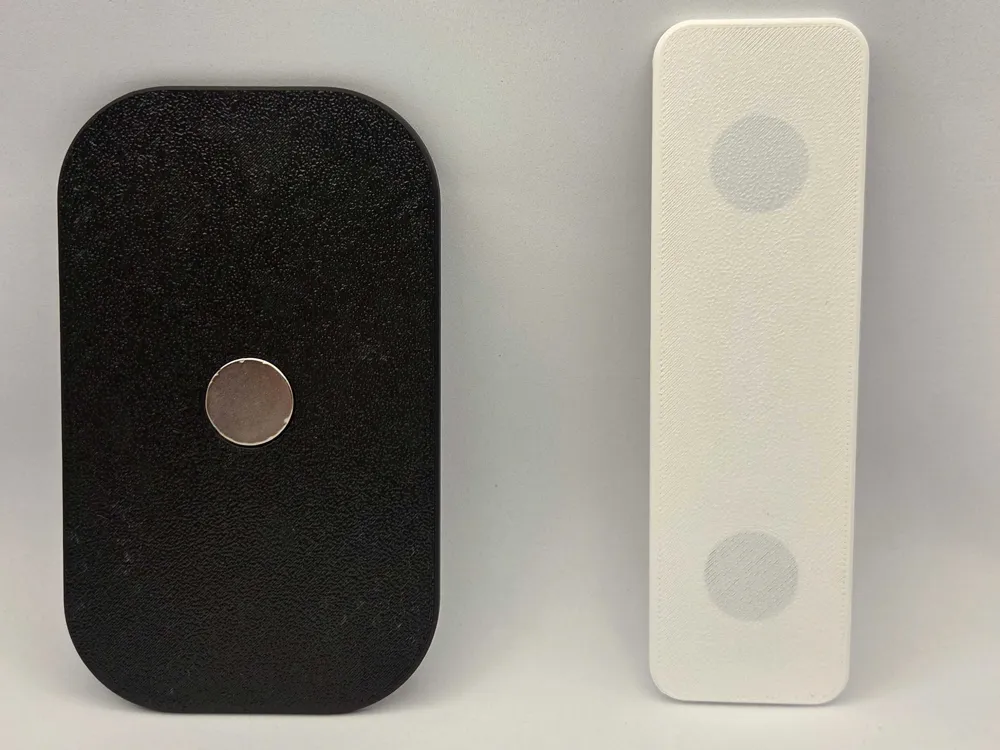
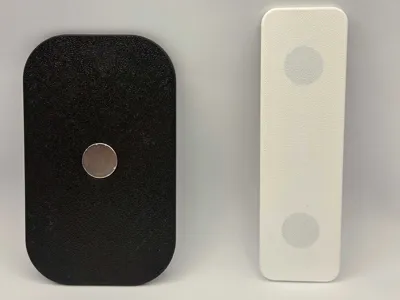
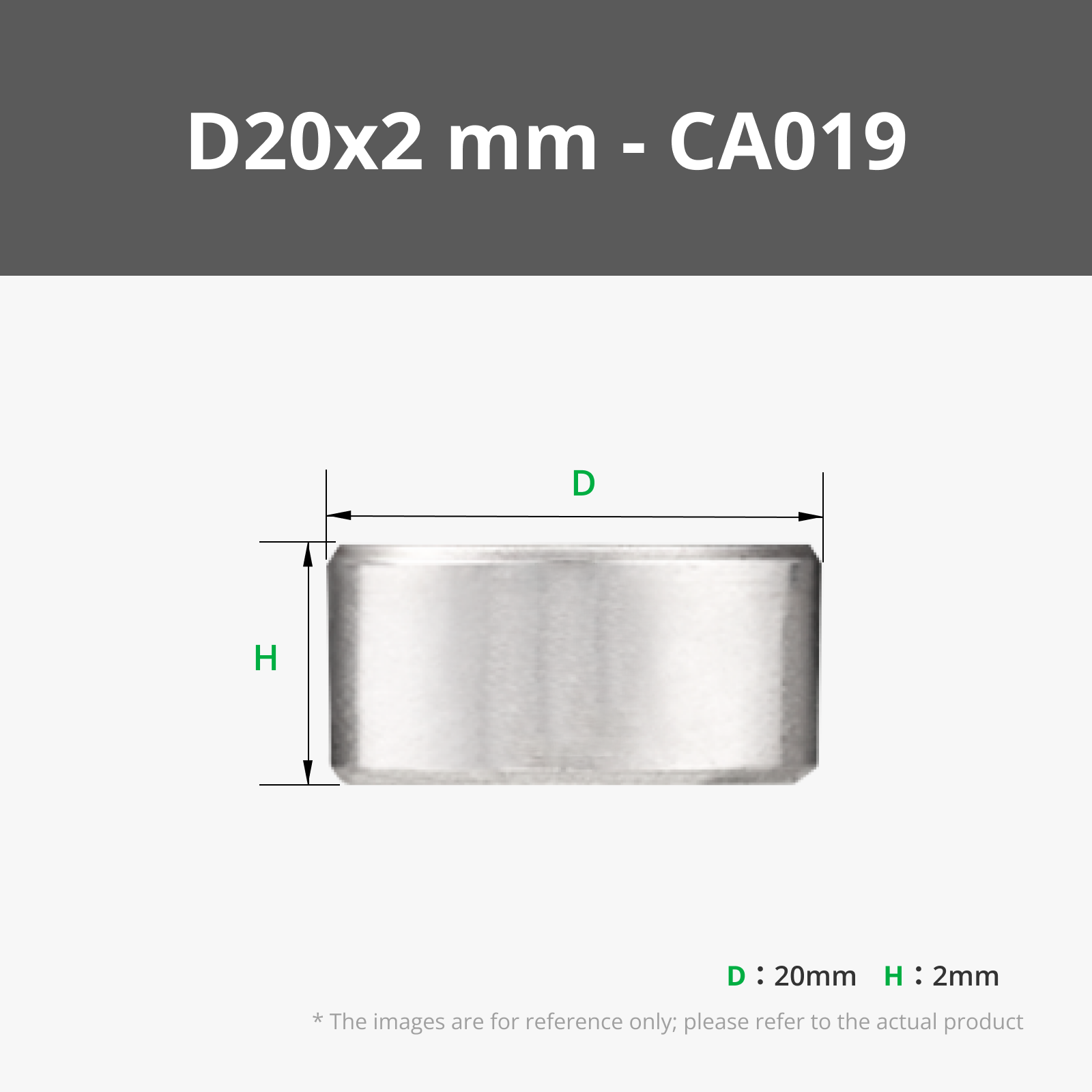
- Two Magnet Styles: Choose between standard "Friction Fit" holes (push your magnets in or glue after printing) or the "Embedded" option to hide them completely inside the plastic. You can also adjust the number and location of magnets.
- Matched Stands: Create a matching stand with adjustable angle and magnet mounts. Stand dimensions automatically change to match your sign.
Notes:
- Measure magnets before printing. They aren't always as-advertised.
- If using the “Embedded” option, you need to manually set a pause point in the slicer so that you can insert the magnet. Double check the magnet depth to make sure that your nozzle doesn't impact the magnet.
- I used my X2D to print two colors with the dual nozzle, which saves a ton of time. If you are using a single nozzle with or without AMS, you can set “border thickness” to 0 so that there is only one filament change.
- It is easiest to embed magnets in the stand if you “Orient Stand Face Down.”
License

You may create derivative works based on this object, provided that all such derivative works are published exclusively on the MakerWorld platform and include proper attribution to the original creator. You may not share, upload, host, distribute, or publish this object—or any derivative work of this object—on any other digital platform, marketplace, or distribution channel. Commercial use of this object and any derivative works is strictly prohibited. This includes, but is not limited to, selling, renting, sublicensing, or using the object in any context in which you receive monetary compensation or other financial benefits.


Comment & Rating (3)