
Atomstack P1 location plate and jigs
Print Profile(0)
Description
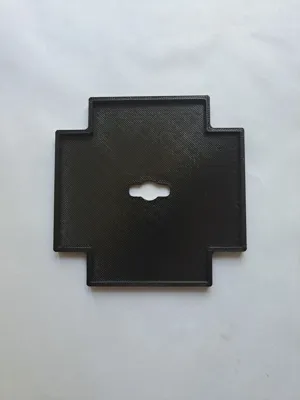
Here i have my version of a location plate for the Atomstack P1
I have removed the metal plate that comes with it and re did the base plate to include the true centre when using atomstack studio
The base plate is chamfered on one face so should just drop into the hole in the bottom of the unit. So it should sit on the surface of where your machine is sitting.
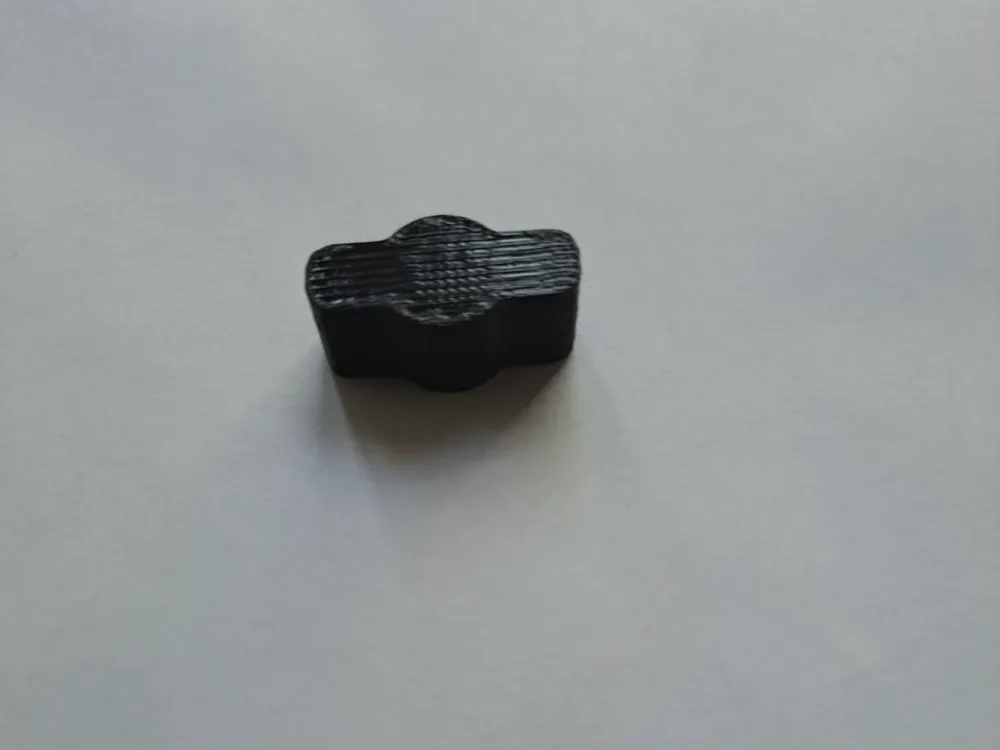
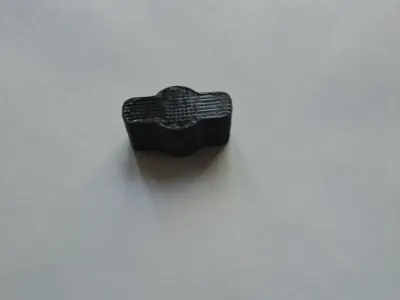
Also included are a number of jig sets which again locate onto the centre via the locating peg which is push fitted flush ( There is approx 2mm of peg which sits in the jig and around 7mm in the base plate.
Jigs included:
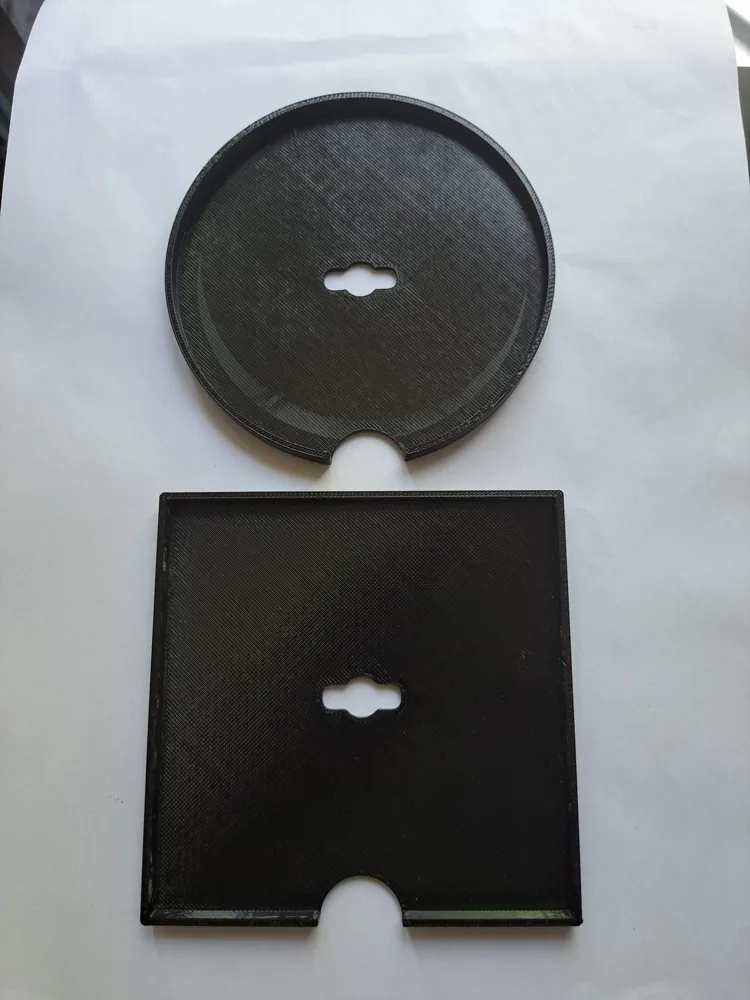
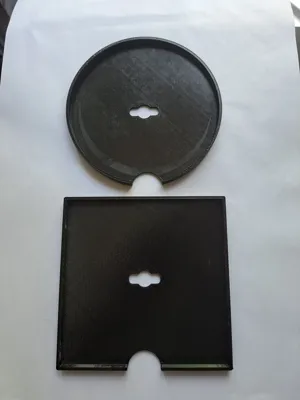
1- 100 x 100 slate coaster jig square
2- 100mm diameter slate coaster jig circle
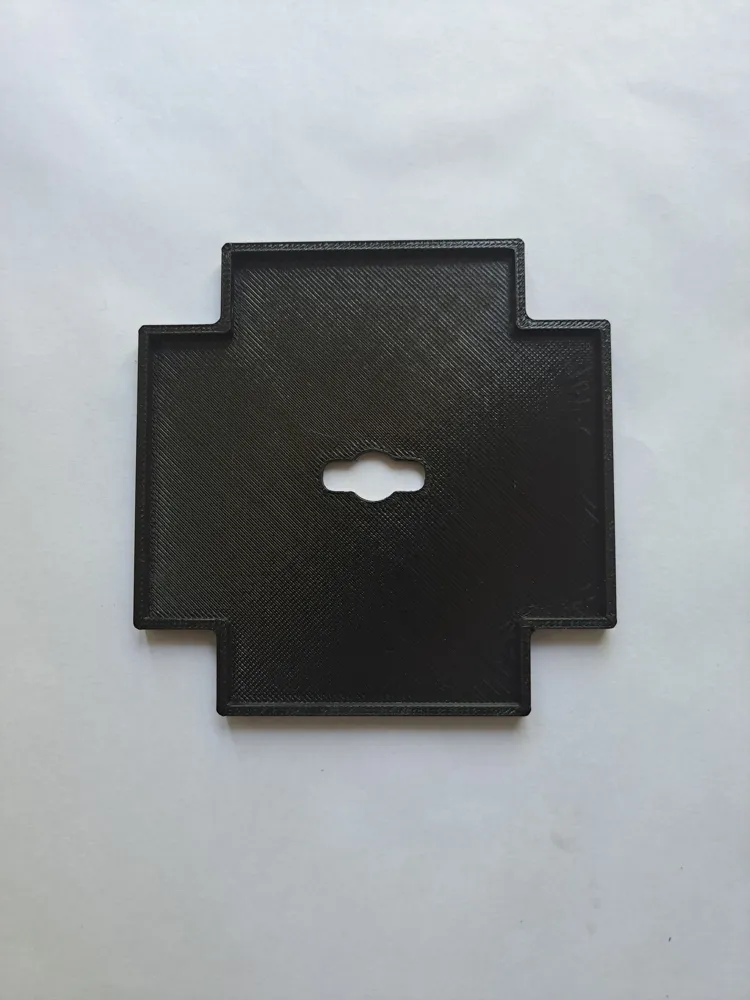
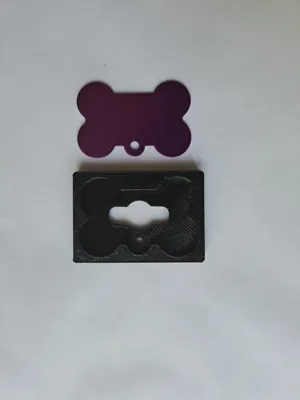
3- Business card jig can be used vertical and horizontal
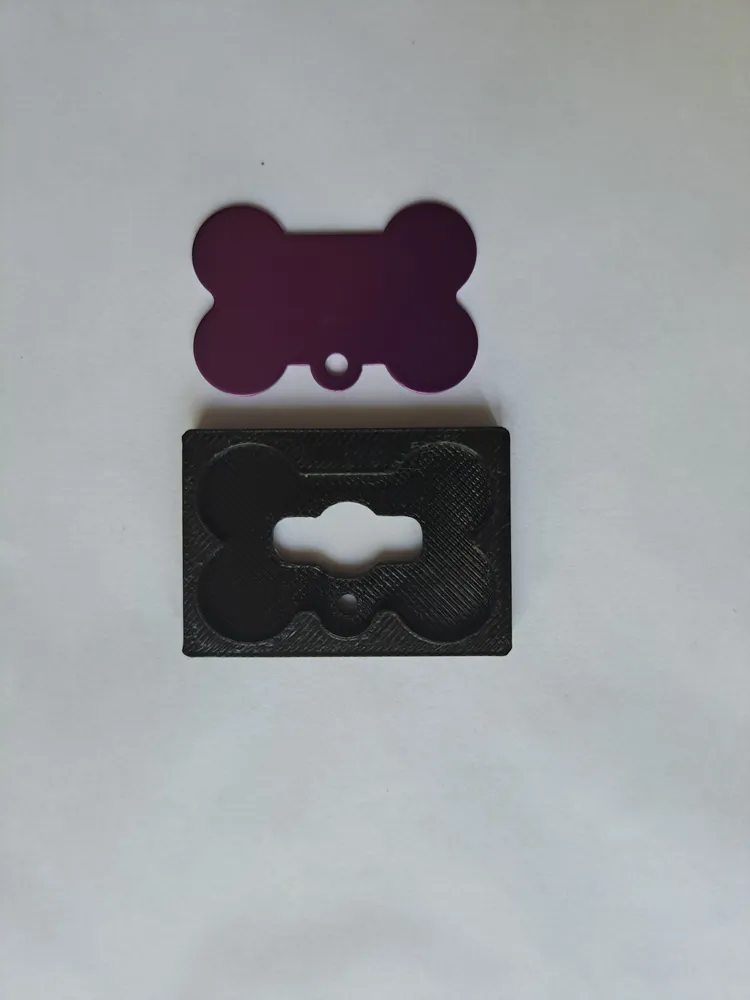
4- Dog bone tag. This was made specific to the tags i had from temu.
Please let me know your thoughts and if this helps, any suggestions or improvements let me know
Important note for set up
I have only teasted this with the 5w diode laser so i dont know if this works with the 1.2w fibre laser
Once atomstack studio loads up then do the following
1- Reset the home to the default position ( bottom left )
2- set your piece so the centre of your work is in the centre of the work plane ( indicated by the vertical and horizontal blue lines
3- Hit start
License



Comment & Rating (0)