
Print Profile(1)



Description
Membership
Get licensed to sell physical prints of Kasperzi designs and unlock valuable member benefits, including exclusive content and early access to selected releases. Every subscription directly supports the development of new models and future collections. ❤️
Personalized Initial & Name Decor Sign
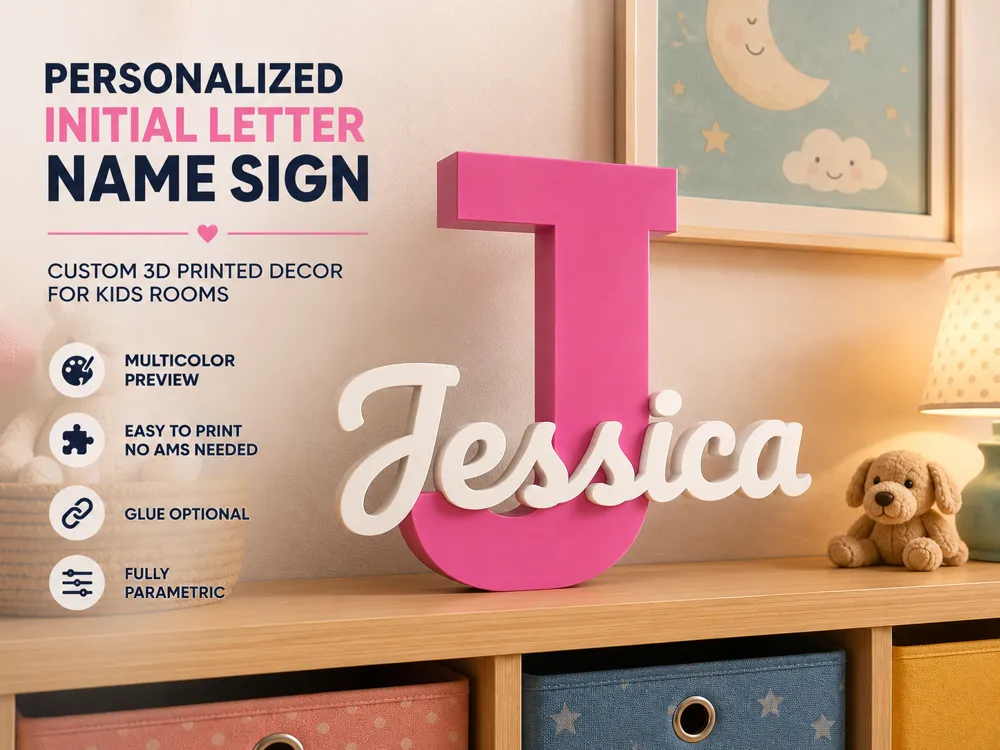
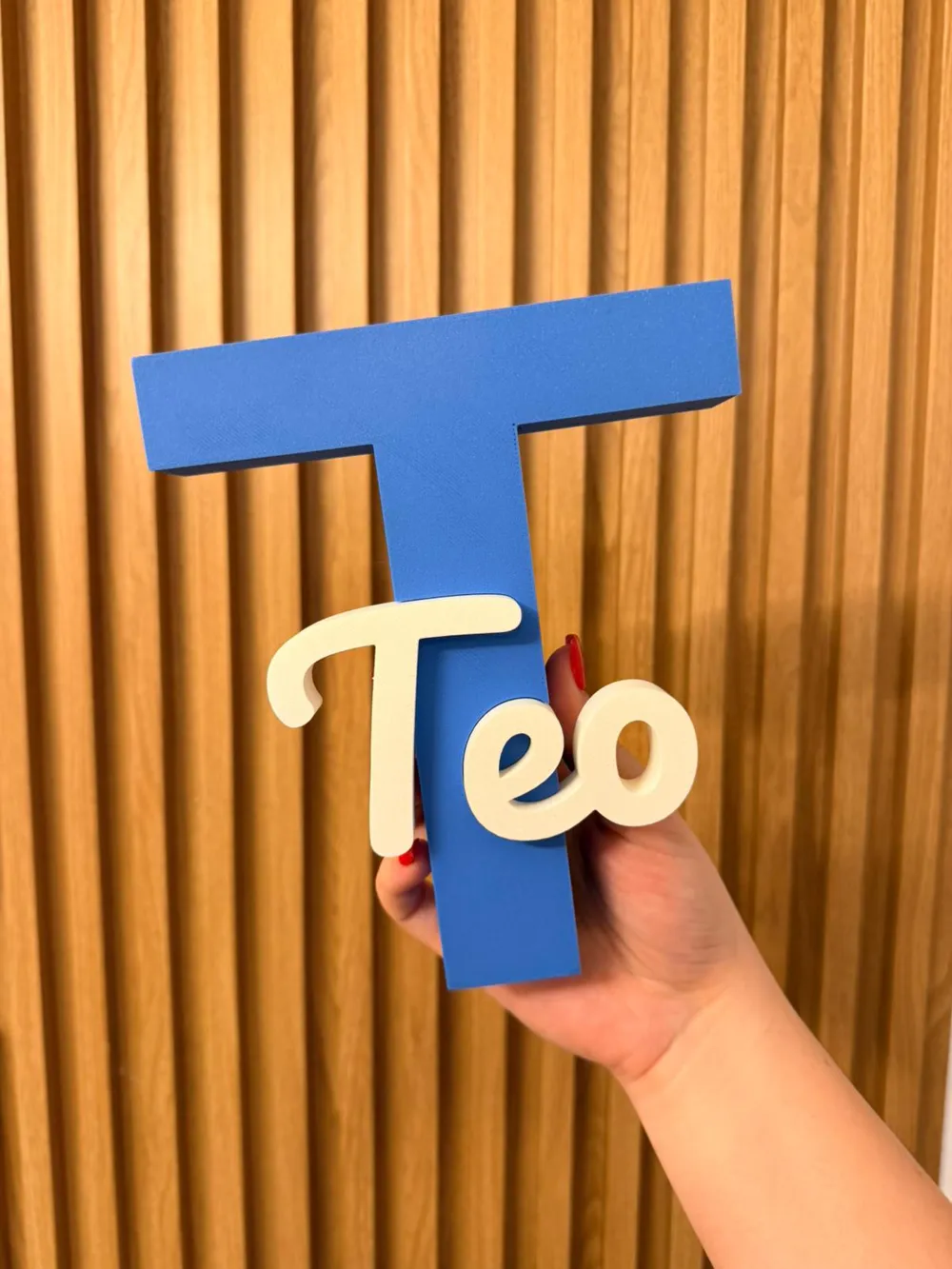
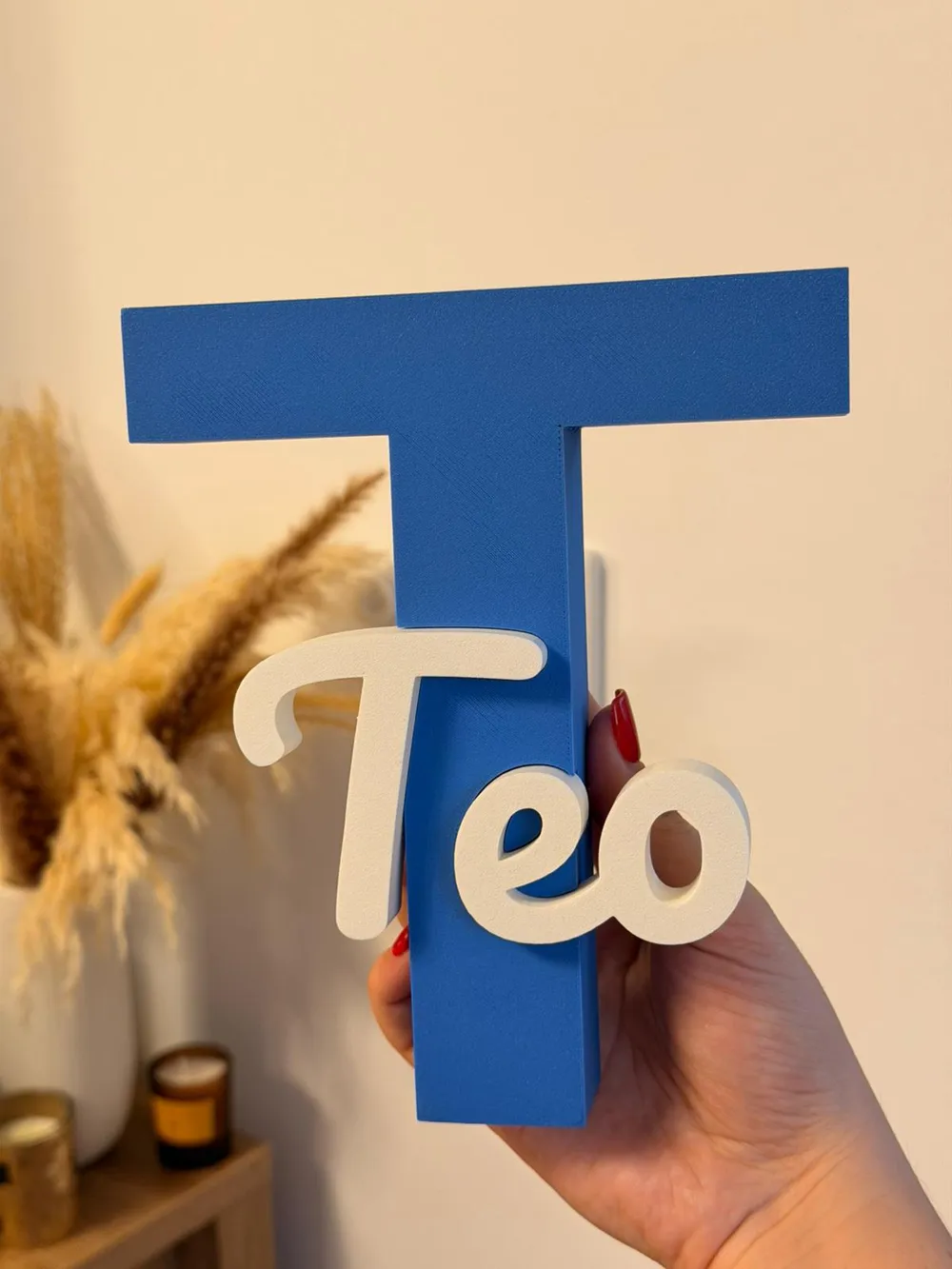
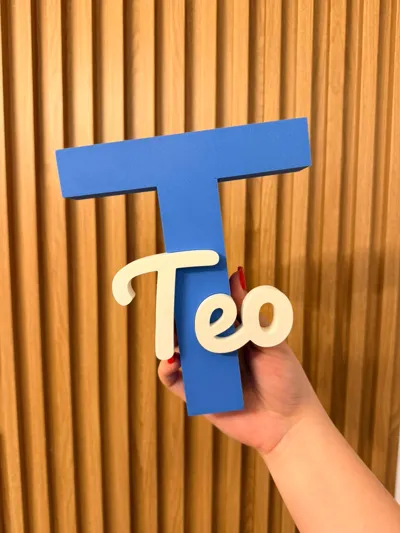
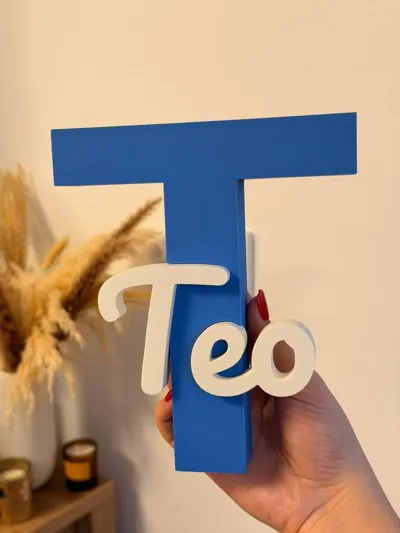
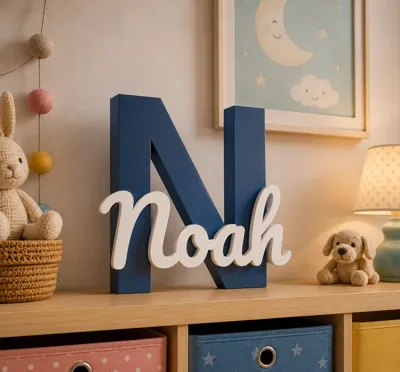
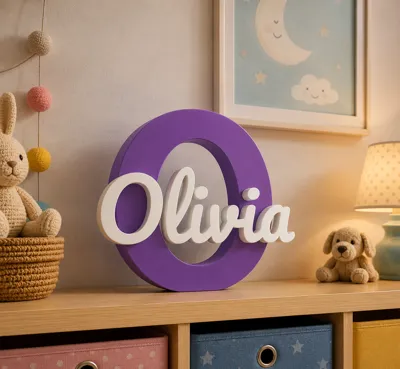
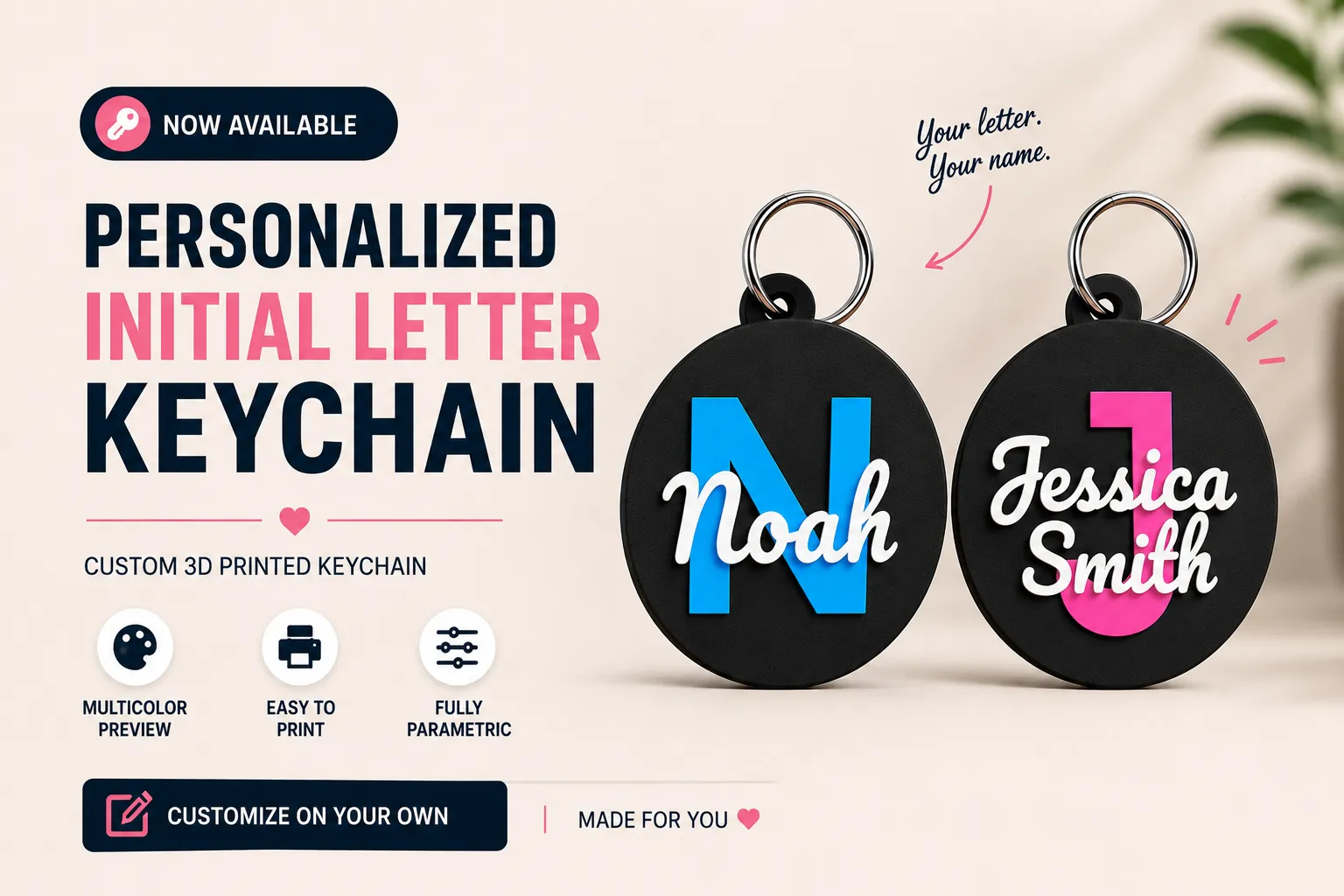
Turn any name into a beautiful display piece. A bold oversized initial paired with a custom scripted name - clean, modern, and made to be shown off.
Designed for kids' rooms, baby rooms, birthdays, gifts, and anyone who wants something personal on their shelf or wall.
What you can do
- Instantly generate your own version using the Parametric Creator
Features
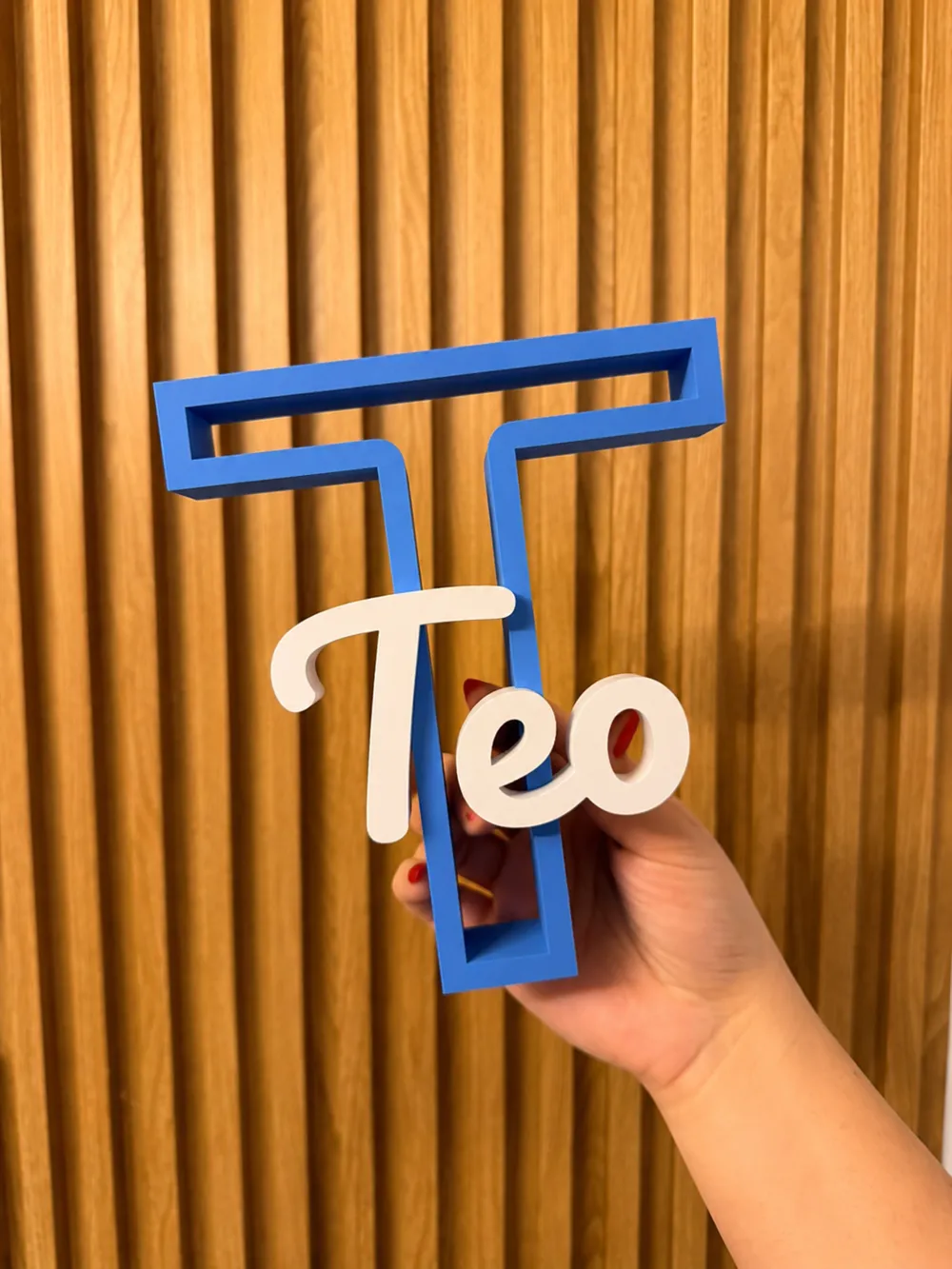
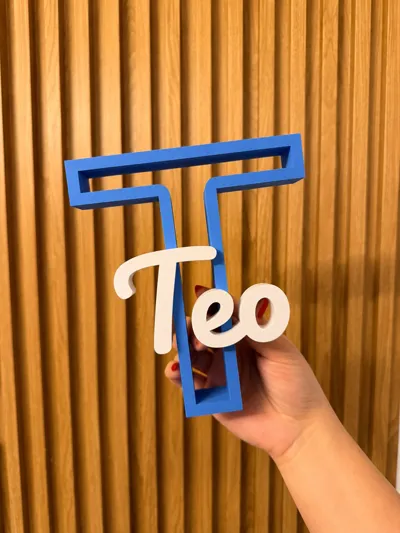
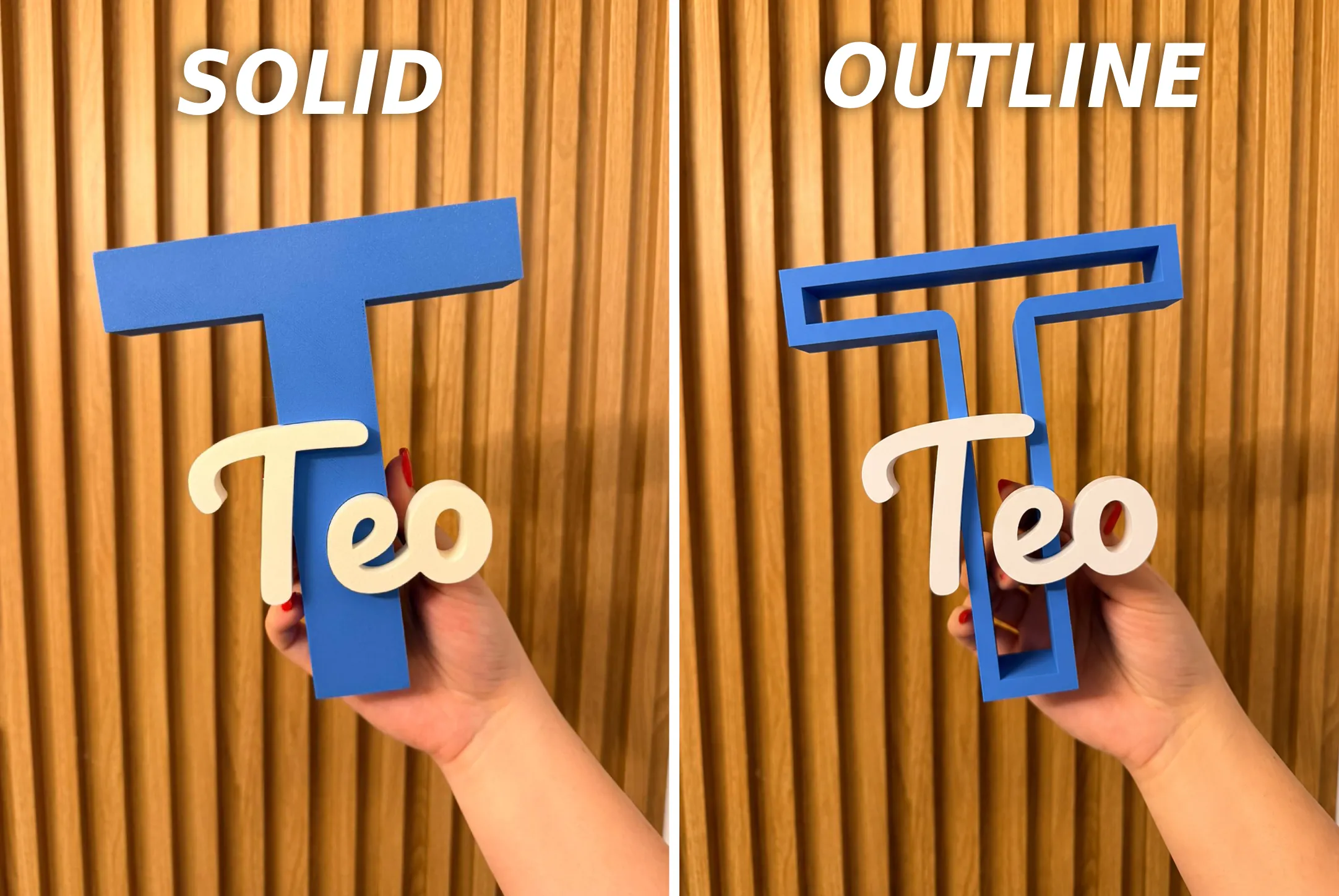
- Two letter styles: Solid and Outline
- Multi-color preview included
- No AMS required
- Easy assembly
- Glue optional (only for extra stability)
- Fully parametric design
🎨 Color Preview Included
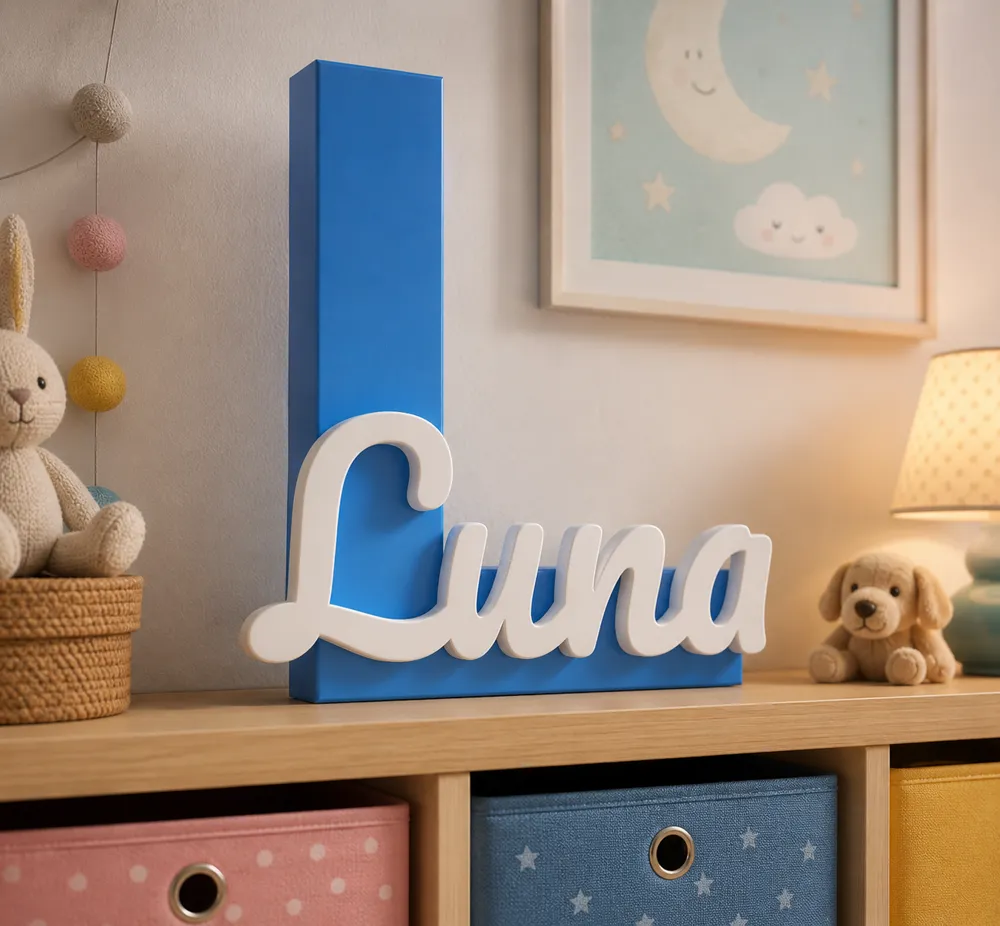
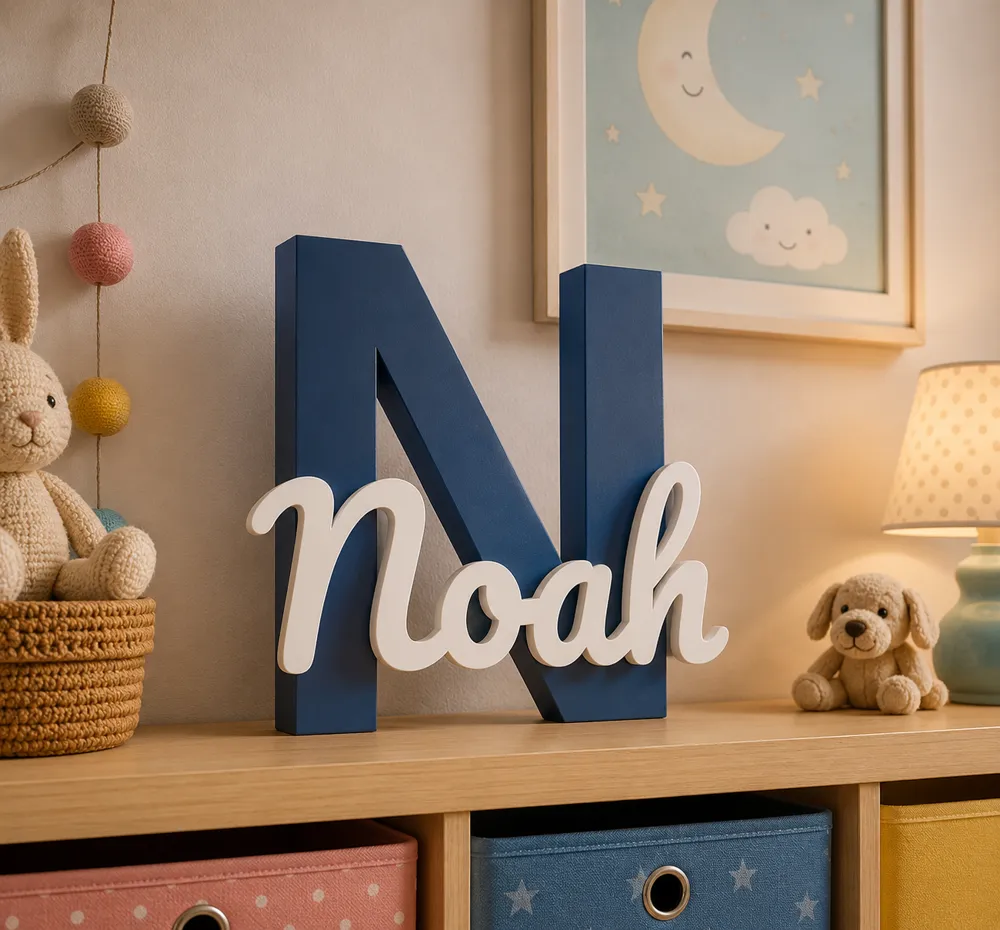
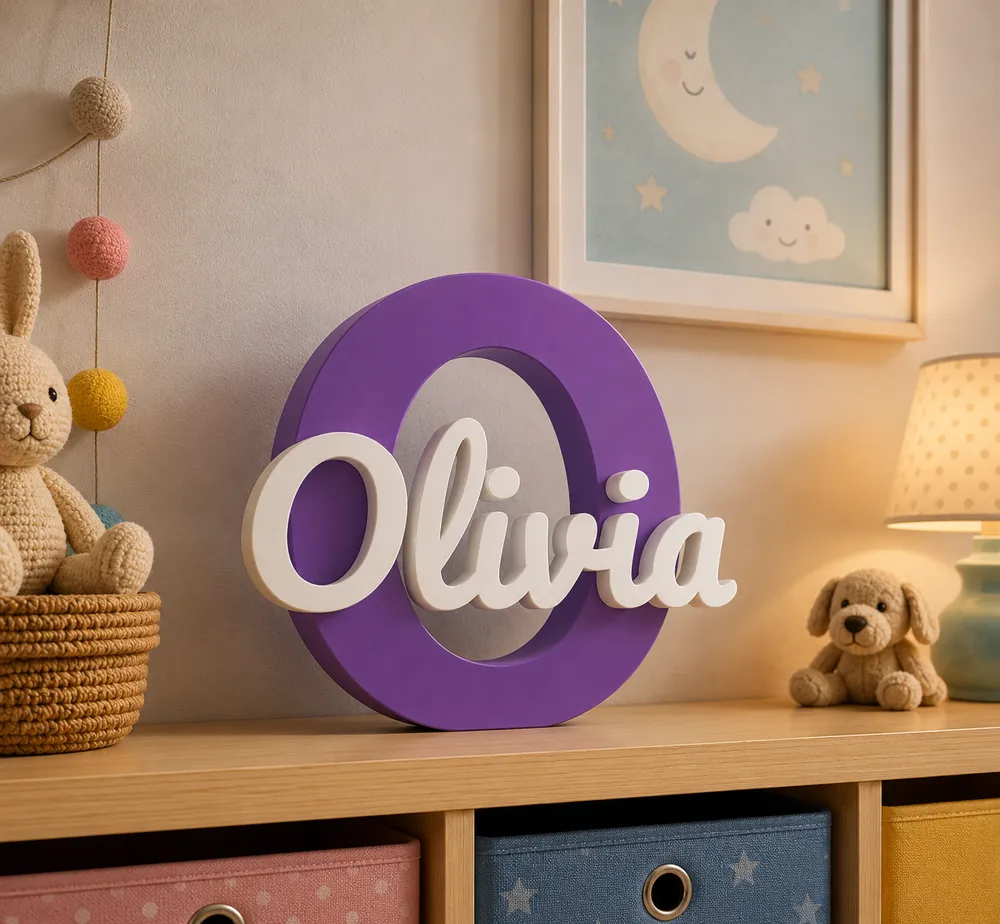
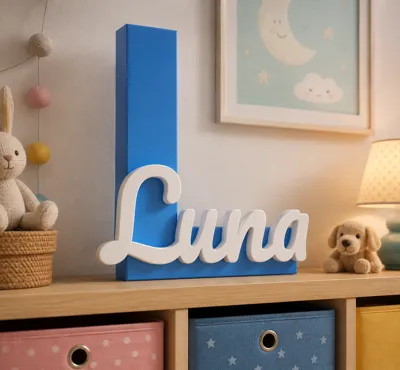
Each model comes with realistic color preview renders, so you can instantly see how the final piece can look in a real environment before printing.
Perfect for choosing color combinations for boys’ rooms, girls’ rooms, birthdays, or personalized gifts.
🆕 Update — 02.06.2026
🔤 Two Letter Styles
Choose how the main initial looks:
- Solid - a full, filled letter for a bold, classic look
- Outline - a hollow, see-through letter for a lighter, modern frame effect
🦶 Flat Base (for letters like J, U, V)
Some initials have a rounded or pointed bottom and won't stand flat on their own.
- Turn on Flat Base to add a flat foot across the bottom of the initial so it stands upright.
- Use Flat Base Height to set how tall the foot is, raise it for letters with a deep curve (like J), lower it for a subtle flat edge.
Leave it off for letters that already sit flat (N, H, M...).
🔗 Connect Dots (for names with i or j)
The dots on i and j are separate floating parts and can detach.
- Turn on Connect Dots to add a thin support line on the back of the name that links each dot to its letter, hidden from the front.
- It works automatically in most cases. To fine-tune:
- Bridge X Offset - nudge the line sideways onto the dot
- Line Width - make the line thinner or thicker
- Web Reach - how far down the line reaches toward the stem
- Dot Capture - widen if the dot is missed
- Bridge Thickness - how deep the line sits on the back
✏️ Connect First Letter (manual bridge)
In script fonts, the first letter (like a cursive J) can have a loop or tail that looks separated. This adds a small bar that you place by hand to join it to the next letter.
- Turn on Connect First, and a small bar appears on the back.
- Move and size it until it bridges the gap:
- First Bar X / Y - position (X = 0 is the name center, negative = left toward the first letter)
- First Bar Width - length of the bar
- First Bar Height - thickness of the bar
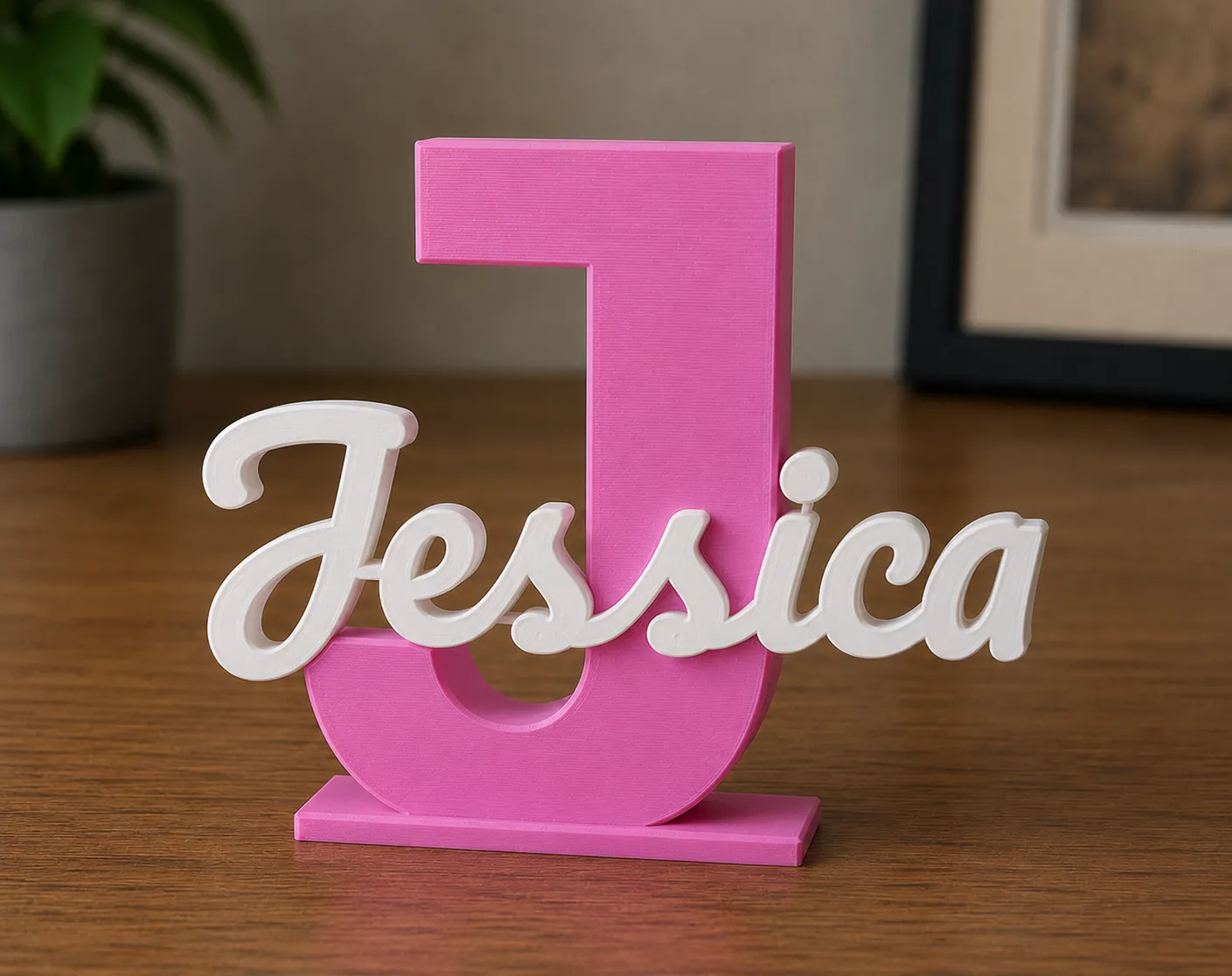 (preview of connected dots and first letter and flat base)
🆕 Update — 16.06.2026
🔄 Rotate Name
You can now turn the scripted name to any angle, not just straight across. Great for diagonal layouts or fitting the name along a slanted part of the letter.
- Use Name Rotation to spin the name around its center.
- Then use Name Position / Name Offset X to slide it where you want on the initial.
The pocket and the name piece always rotate together, so they still fit perfectly.
🧷 Wall Mount (hang it on a screw)
Added a hidden keyhole on the back so the sign can hang flat on a wall.
- Turn on the Wall Mount to add the keyhole.
- Wall Hole Dia sets the screw-head hole (up to 10 mm).
- Wall Slot Len is the slot it slides onto (set to 0 for a plain round hole).
- Wall Hole Depth is how deep it goes into the back.
- Wall Hole X / Wall Hole Y sliders move the hole. It starts in the center of the initial, so just nudge it onto a solid part of the letter.
- A bright magenta guide shows up in the Assemble View at the hole position, so you can see exactly where it lands (even on open letters like J,I,C,U, etc..) and move it onto the letter body. The guide is preview-only and is never printed.
⚠️ Note on Outline style: Wall Mount is not recommended with the Outline letter style, since the letter is hollow and there's less solid material to anchor into. If you still want to use it, you can try placing the keyhole onto one of the frame walls (use the magenta guide to position it), just keep the Wall Hole Dia smaller than the Letter Wall thickness so it fits inside the frame. Best results are with the Solid style.
💡 Tip: After enabling any of these, always check the Assemble View and preview the model before exporting the STL, to confirm everything is connected.
Just pick your preferred style in the Parametric Creator before generating your STL.
⚙️ Instant Customization with the Parametric Creator
Want to make your own name instantly?
Use the Personalize option to open the model in the Parametric Creator and generate your custom version in seconds.
Why use the parametric version?
- No additional software needed
- Easy customization for any name length
- Adjust spacing and positioning effortlessly
- Great for testing different styles and layouts
⚠️ Important Notes
Some lowercase letters such as “i” and “j” contain floating elements (the upper dots).
When customizing names, make sure these parts remain connected to another section of the model so they print correctly and stay attached.
For best results, always preview the model before exporting the STL.
Boost Me (for free)
If you enjoy my designs and want to support my work, please consider giving me a Boost! I would really appreciate it 🙏.
License

You shall not share, sub-license, sell, rent, host, transfer, or distribute in any way the digital or 3D printed versions of this object, nor any other derivative work of this object in its digital or physical format (including - but not limited to - remixes of this object, and hosting on other digital platforms). The objects may not be used without permission in any way whatsoever in which you charge money, or collect fees.


Comment & Rating (103)