
Print Profile(1)

Description
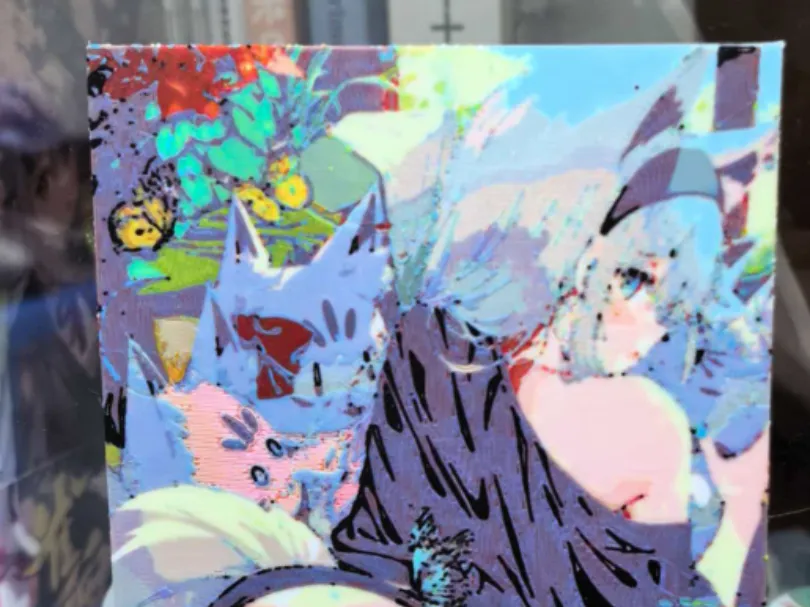
Exquisite artwork from author SY4
I'm exasperated. It failed to upload 4 times. This image isn't revealing anything (
Lumina multi-color software brought it to life!
:) Just print according to the original parameters
The 5 filaments are
Bambu Lab PLA Basic Jade White
Bambu Lab PLA Basic Yellow
Bambu Lab PLA Basic Cyan
Bambu Lab PLA Basic Red
Bambu Lab PLA Basic Black
It is recommended to print with AMS (using a combination similar to AMS+AMSHT)
You can also print with a single AMS
The operation method is as follows:
1, Refer to this up's video (
2, Watch me type BB frst map black to white for printing (may not be needed)
Add a pause layer at layer 21, but no action is needed, it's just a reminder to pay attention. When printing, print red first then black. Be quick when changing colors to quickly feed in the black filament when the printer isn't paying attention, then switch it back when the filament change is done{
License



Comment & Rating (0)