
Ender-5 Max Enclosed-Nebula Camera Mount
Print Profile(1)
Description
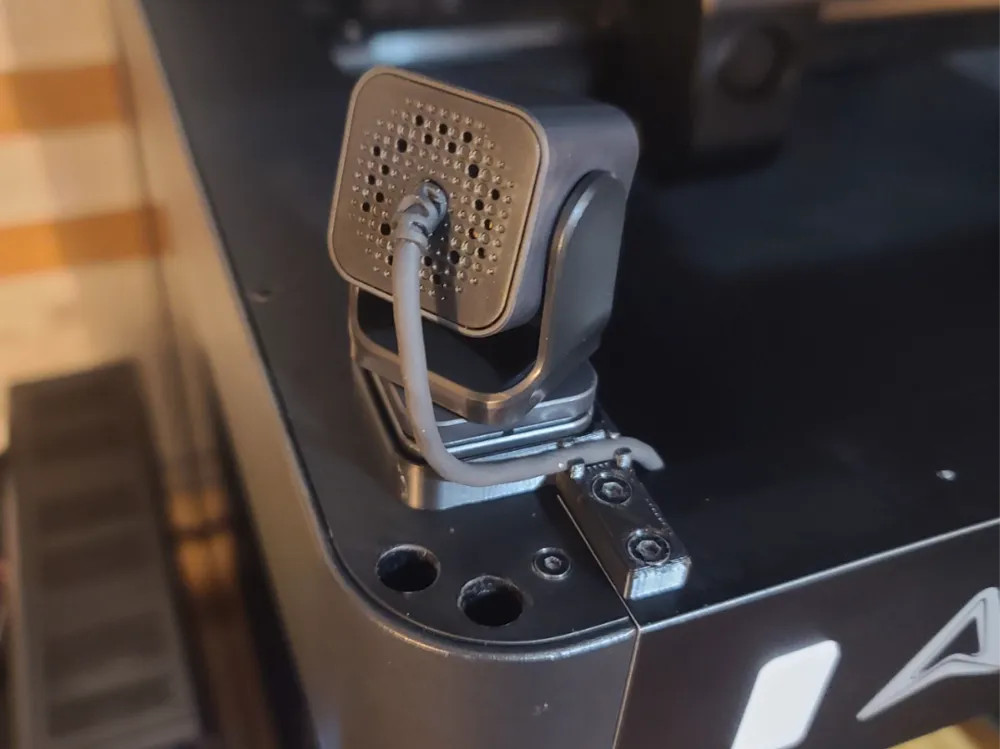
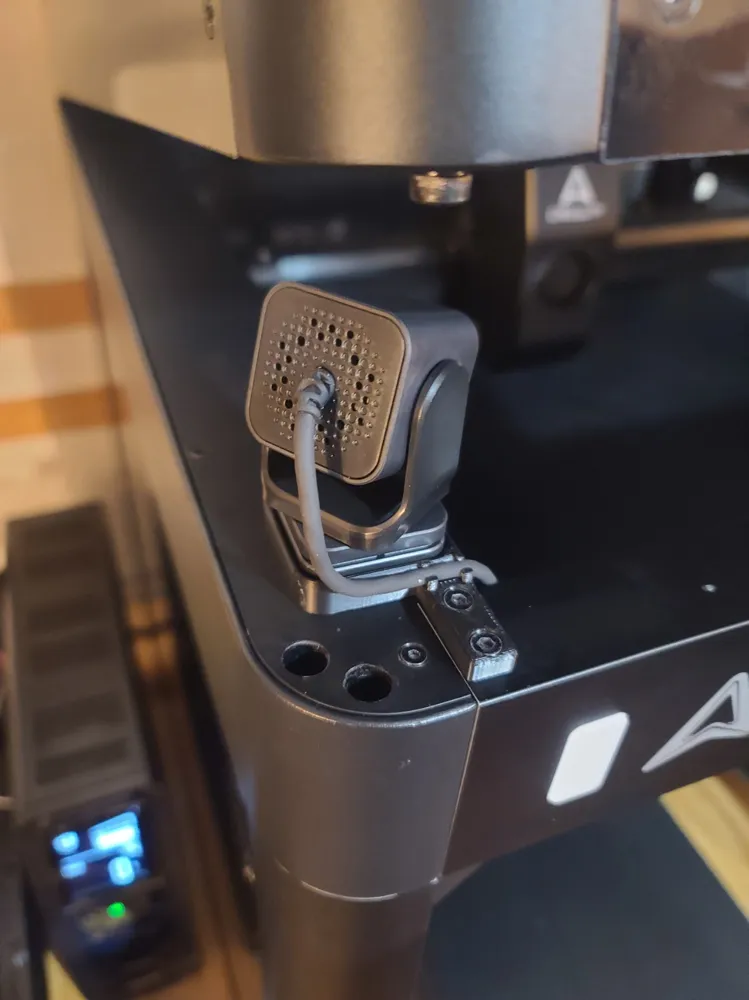
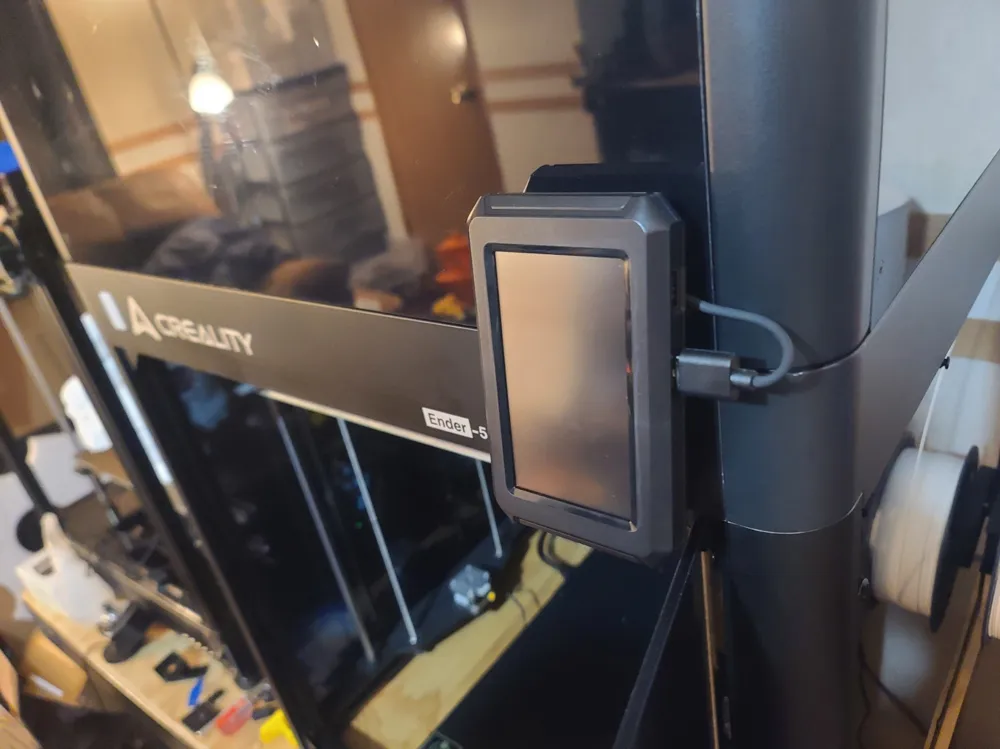
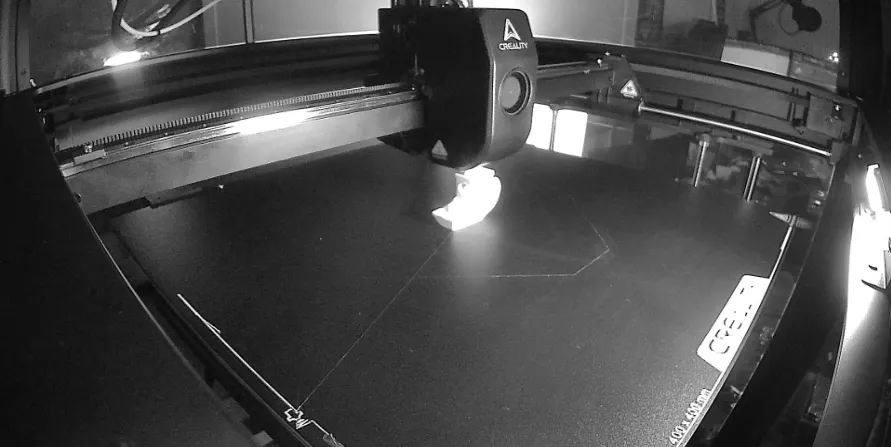
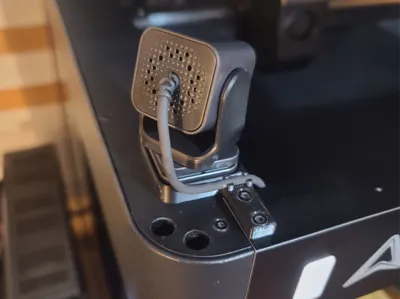
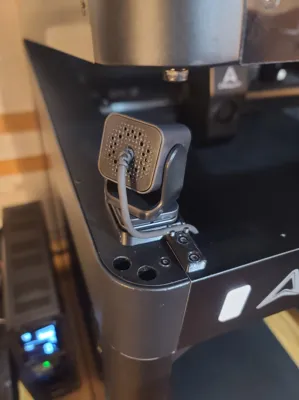
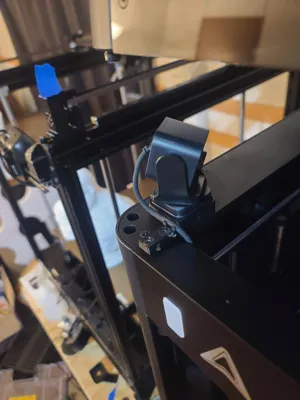
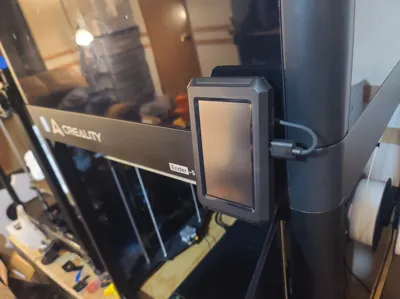
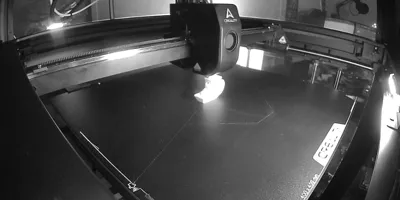
This is a mount for the Ender-5 Max printer using the Creality Nebula Camera.
-Uses only stock hardware
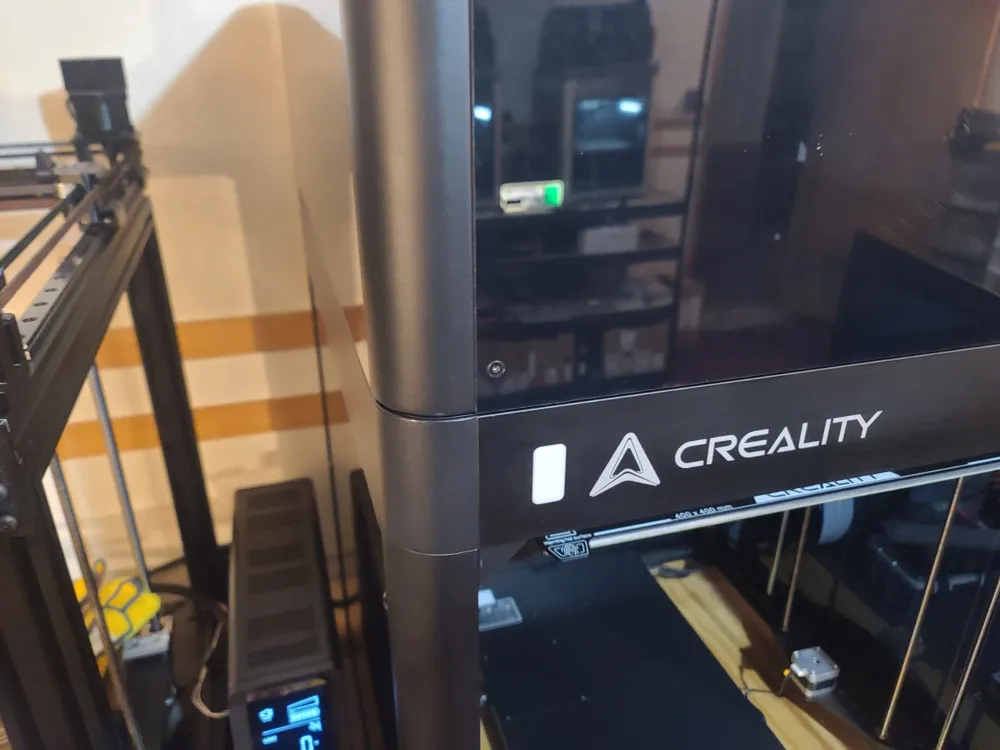
-Compatible with the Creality Enclosure.
-Takes very little time to print.
-Super easy to install.
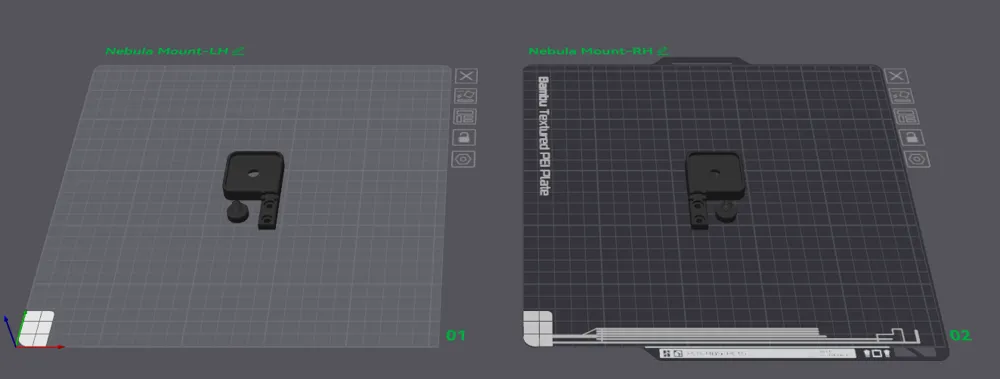
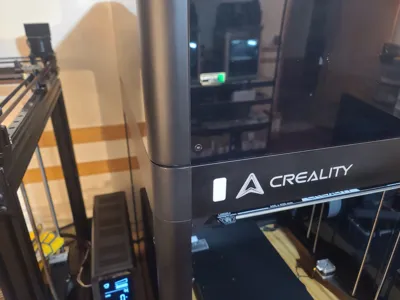
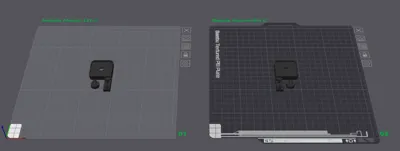
Choose LH front corner (Plate 1)
Or RH front corner (Plate 2)
If using inside of an enclosure, use a suitable material such as PETG/ABS/ASA to print the mount.
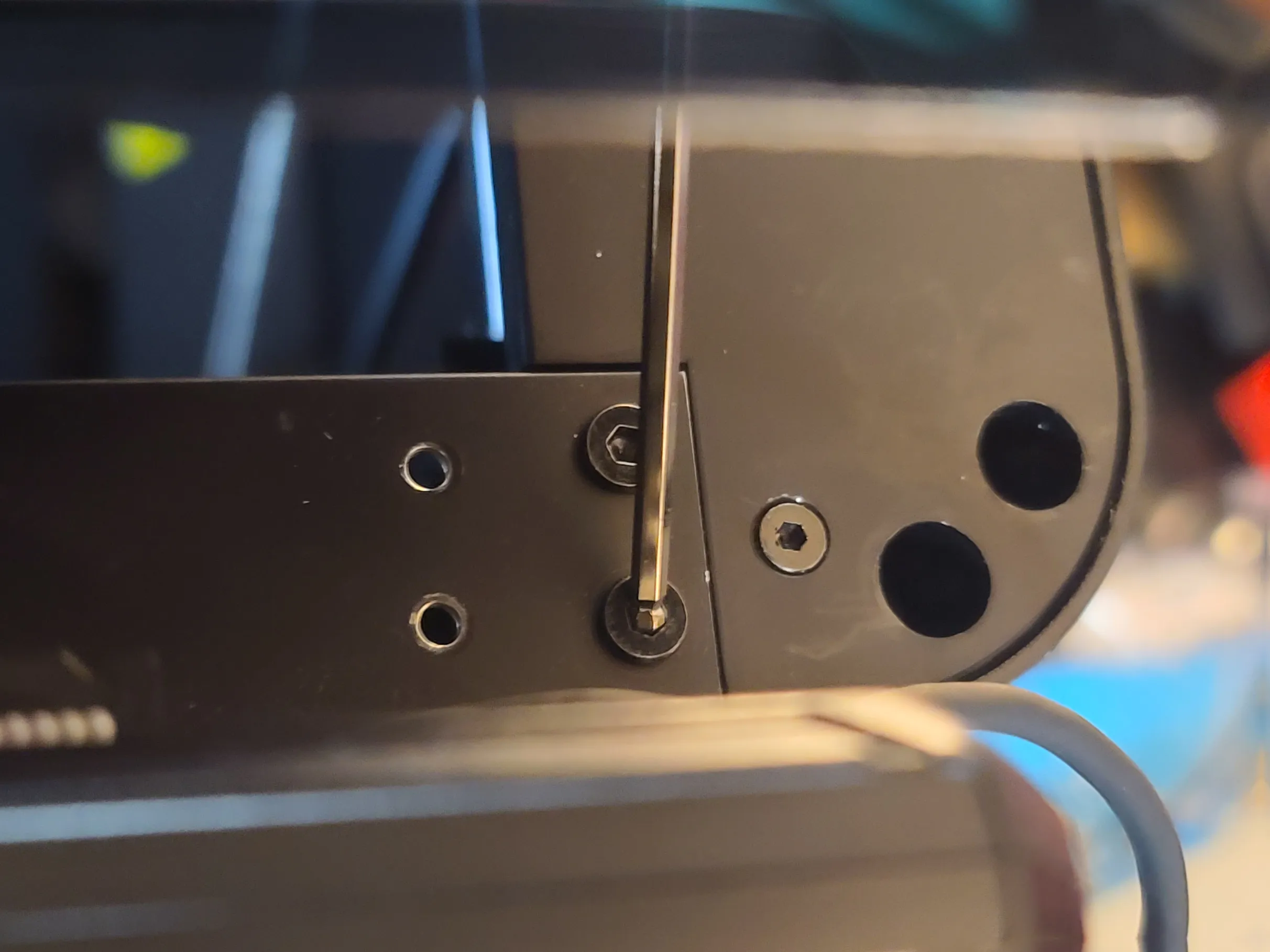
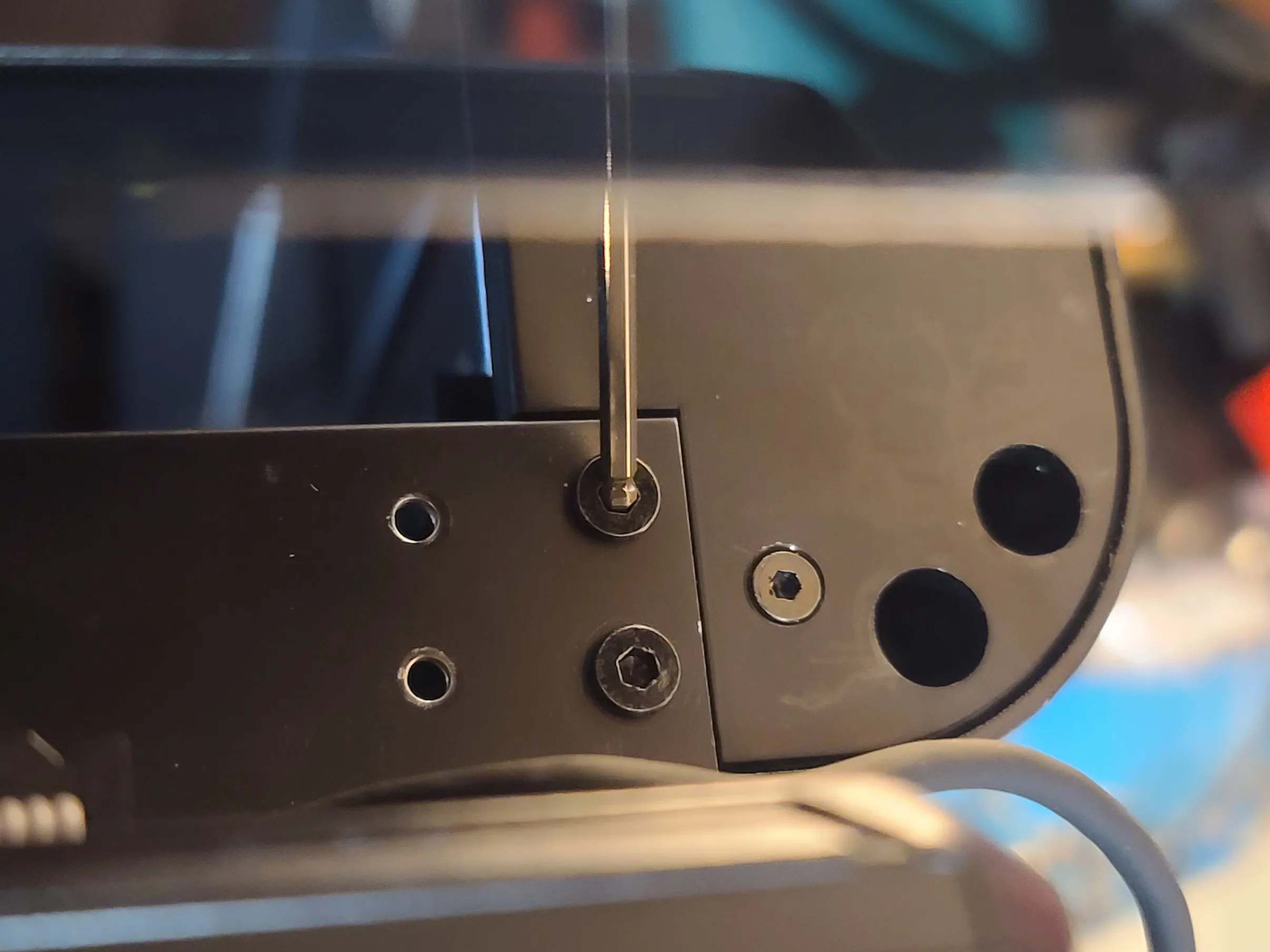
Remove the 2 Screws on the end of the front panel for whichever side you chose (RH depicted below, same screws for LH side)
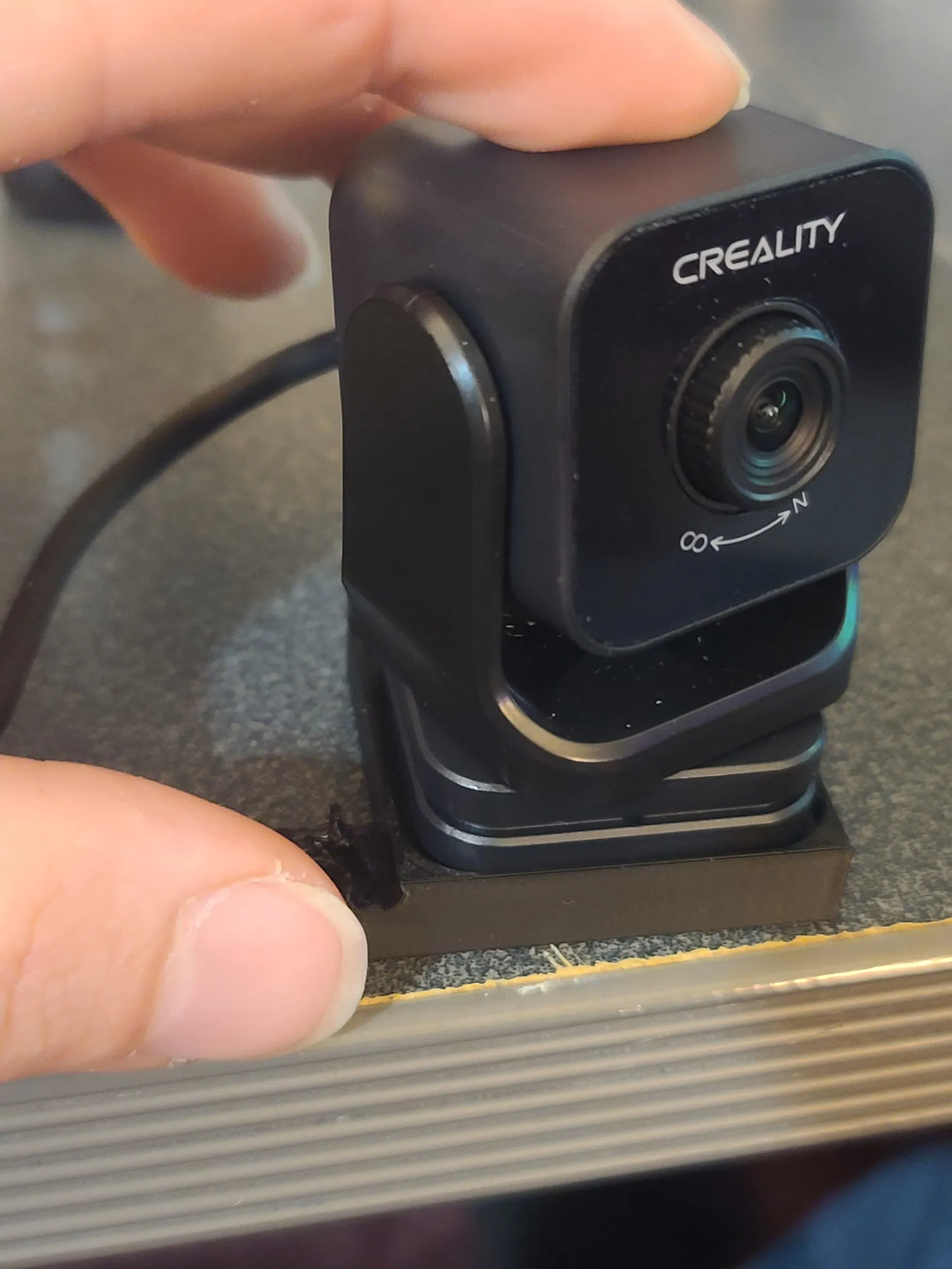
Install camera onto mount using printed ¼-20 screw. (this should not be turned very tight or you may break the printed screw!! JUST SNUG)
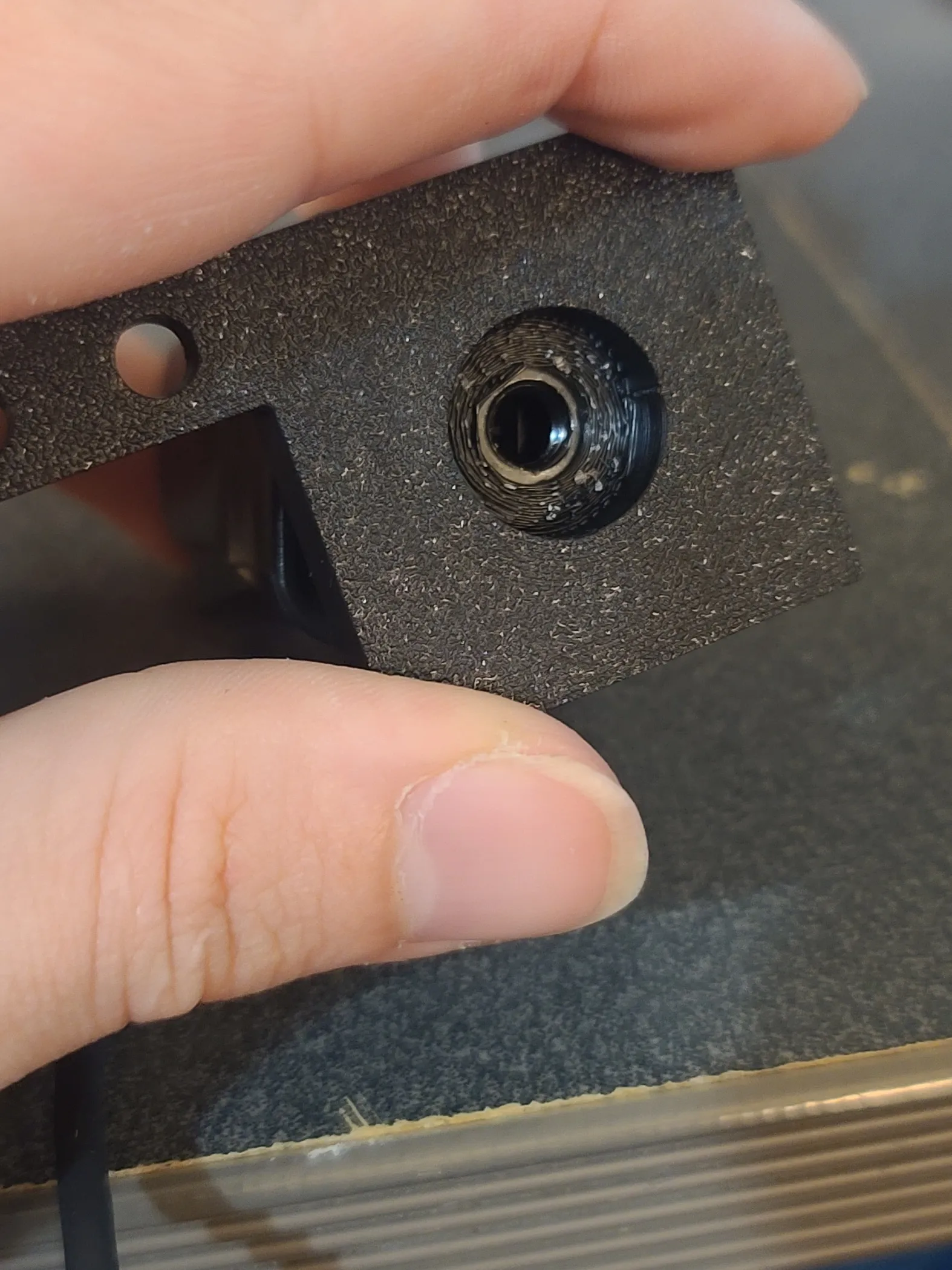
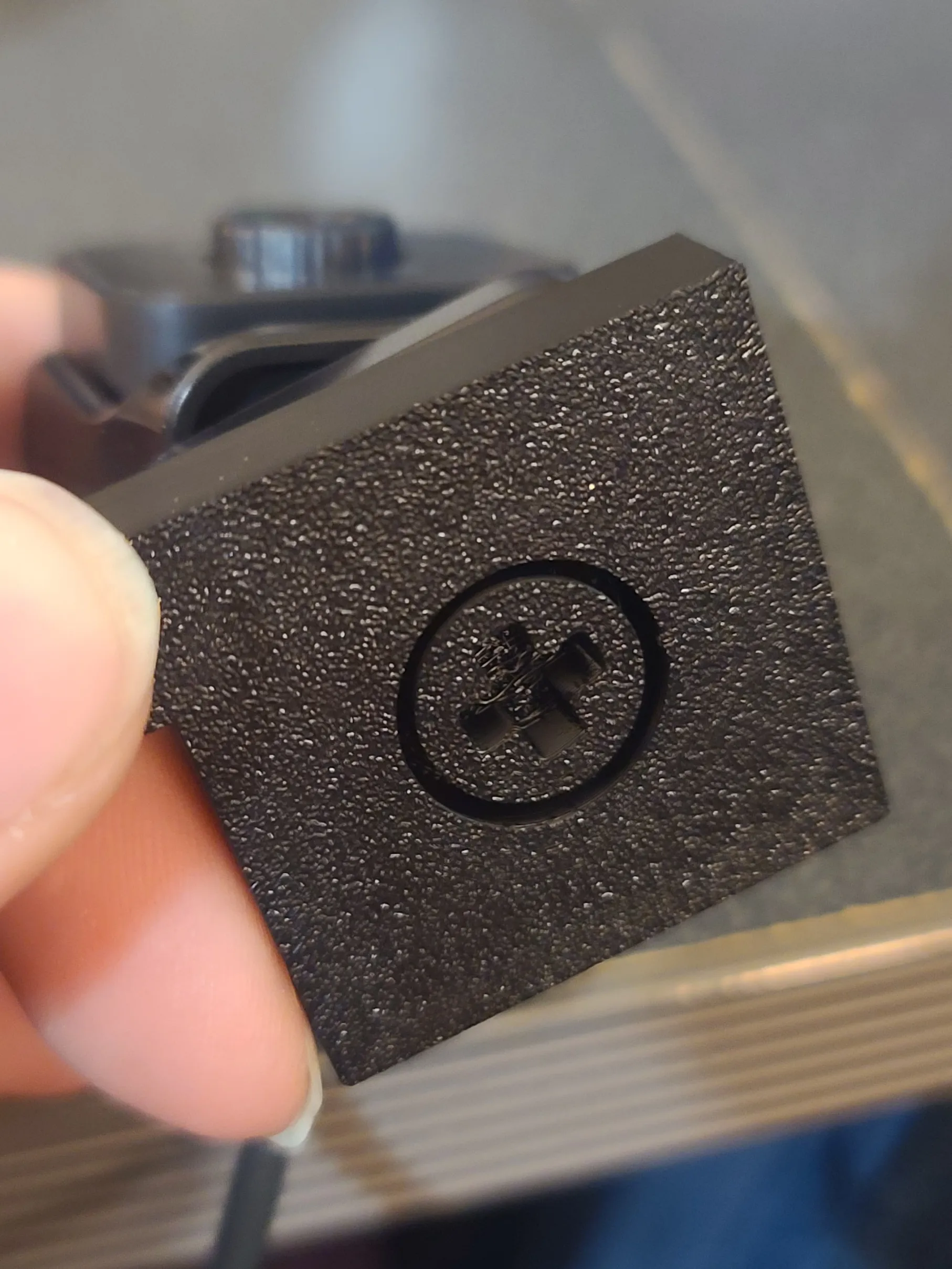
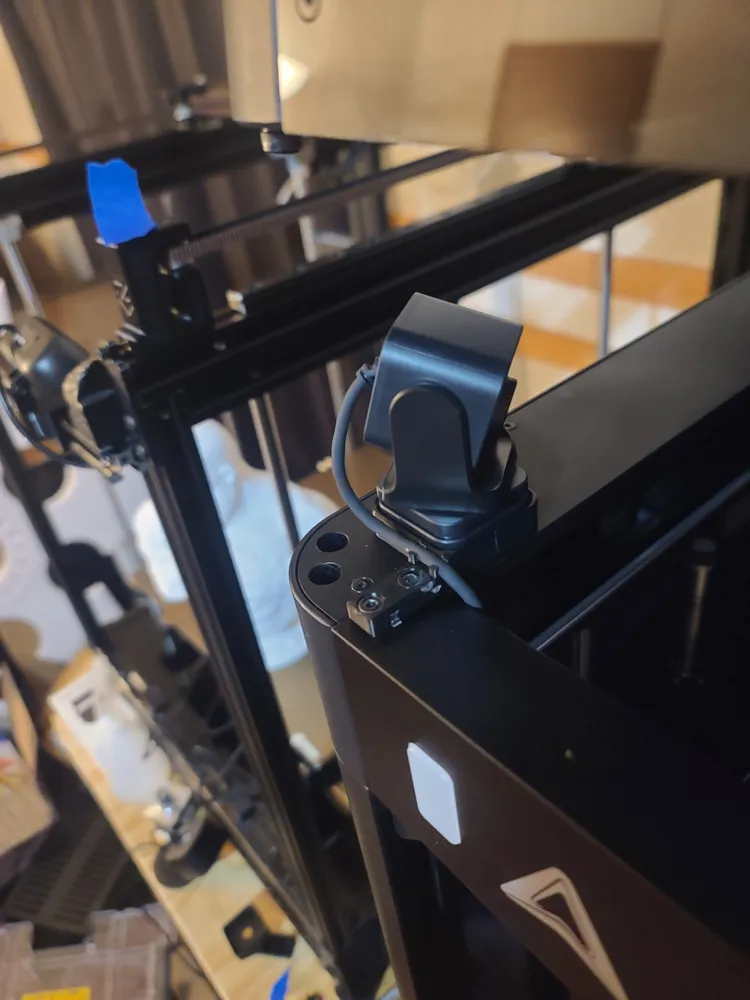
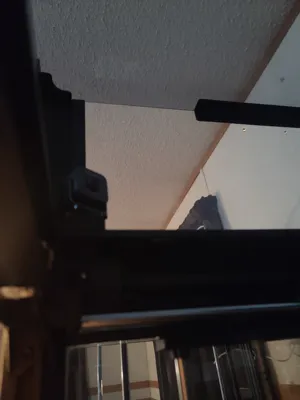
Then install the mount into the location you removed the screws from, it should sit flush over the rail without protruding into the toolhead area.
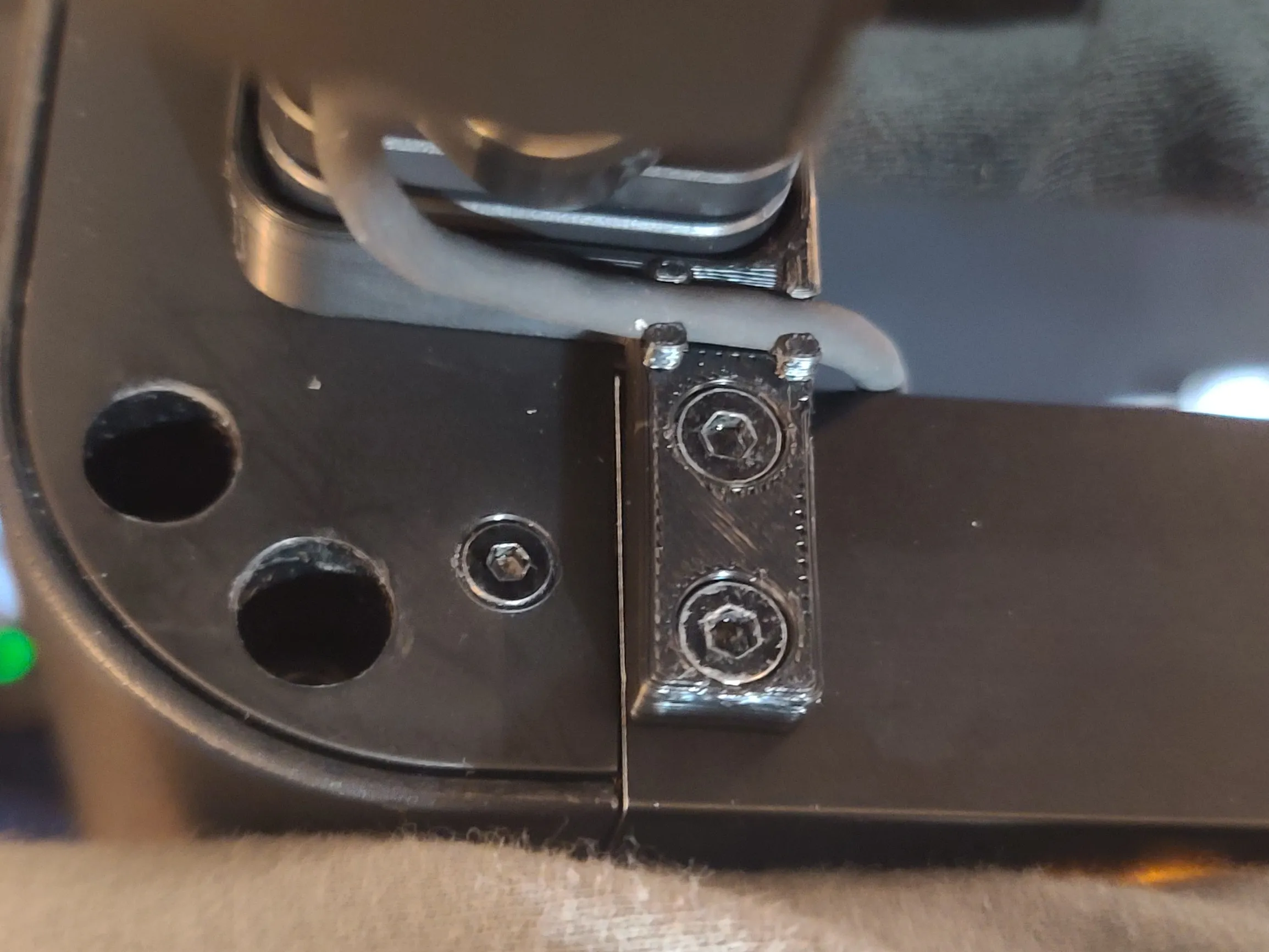
Gently push the cable into the clips to keep it away from edges of enclosure, it can then be routed behind the front panel of the machine, and out from the same hole the display cable comes from. Zip-tie any excess inplace behind the front panel.
Since i used the LH mount, i routed the cable behind the connection for the LED status indicator wire, behind the lightbar, and then out to the display by remofving the mount for the display, and pulling the cable through the stock opening for the display cable. then reassembled the display.
License

You shall not share, sub-license, sell, rent, host, transfer, or distribute in any way the digital or 3D printed versions of this object, nor any other derivative work of this object in its digital or physical format (including - but not limited to - remixes of this object, and hosting on other digital platforms). The objects may not be used without permission in any way whatsoever in which you charge money, or collect fees.


Comment & Rating (2)