
Atomstack P1 Centering Tool
Print Profile(3)
Description
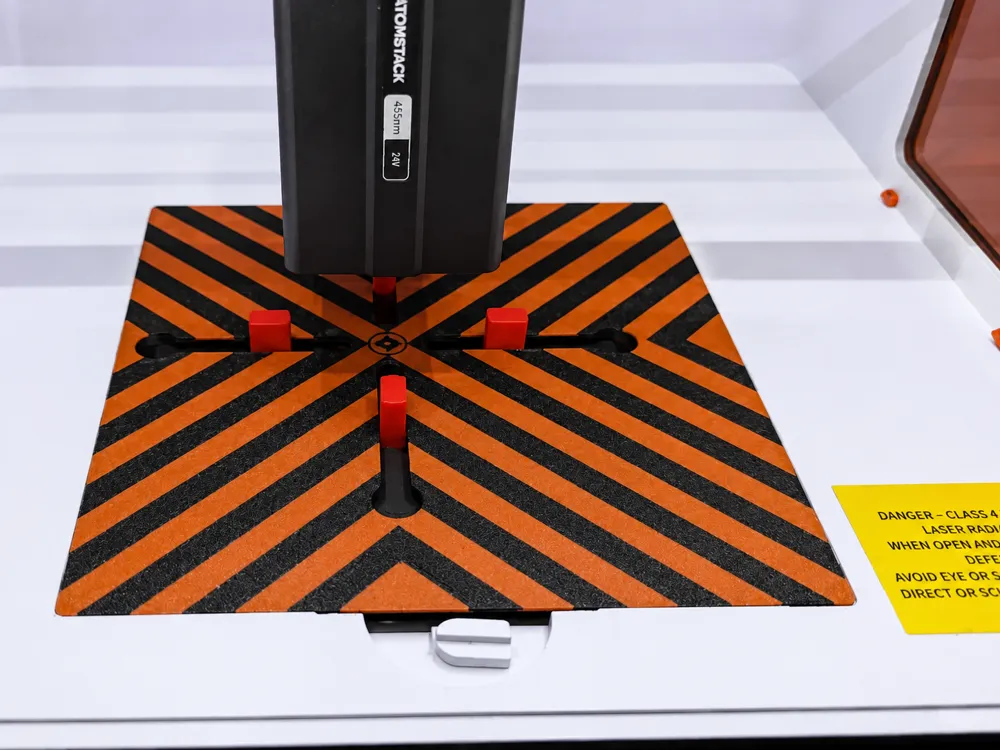

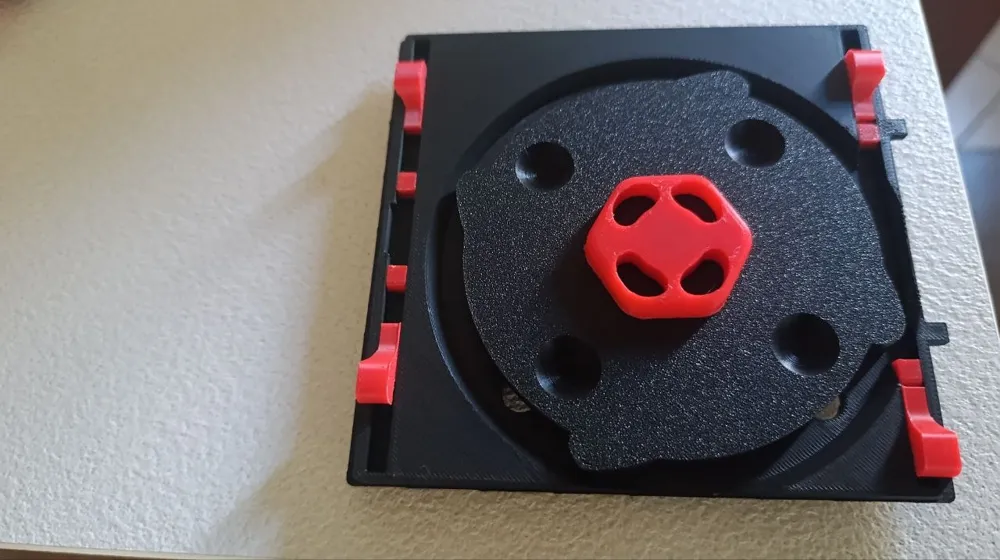
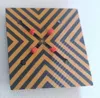
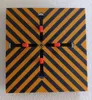
🎯 Atomstack P1 Centering Tool - Precision Alignment Made Easy!
Bring quick and repeatable positioning to your Atomstack P1 engraving bed with this compact centering tool.
Designed specifically for small objects, it helps you accurately align pieces in the middle of the engraving area using a smooth rotating mechanism.
✨ Features
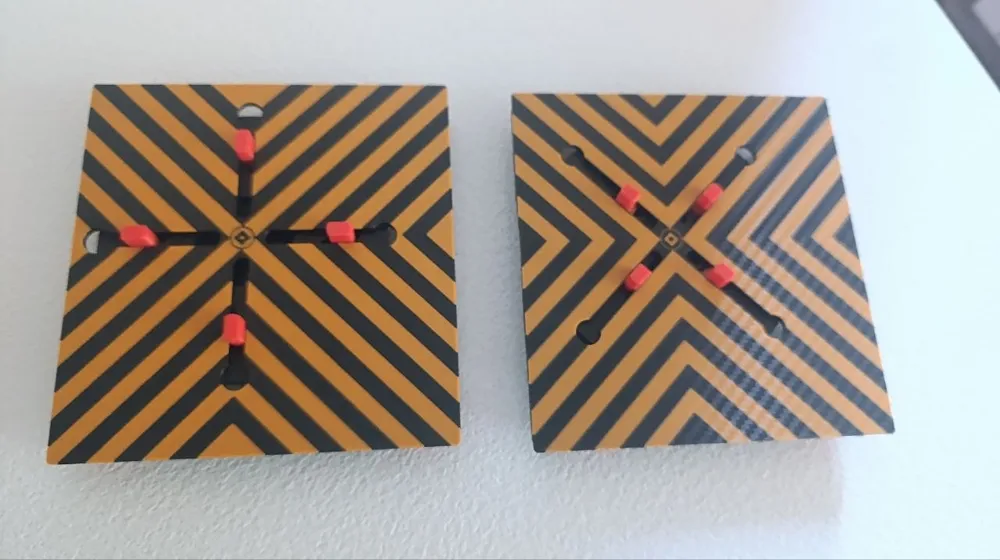
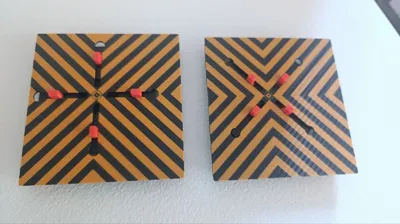
🔄 Two mechanism versions included
- X-style
- Cross (+) style
🎨 Bi-color optimized
- Only 3 filament changes required
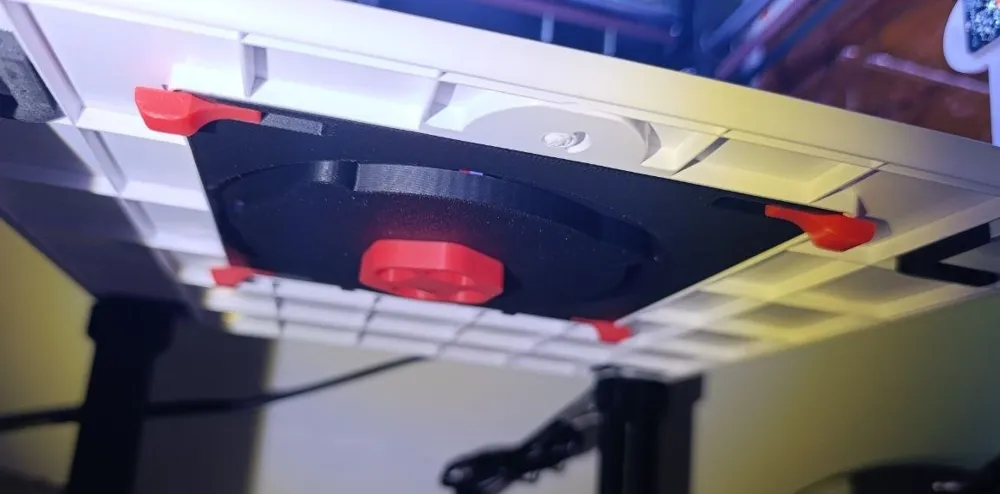
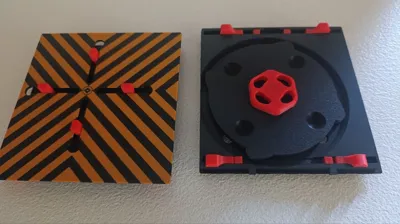
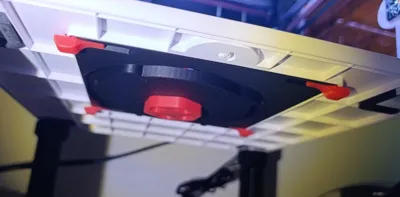
🧩 Compact & removable design
- Easy to install and remove when needed
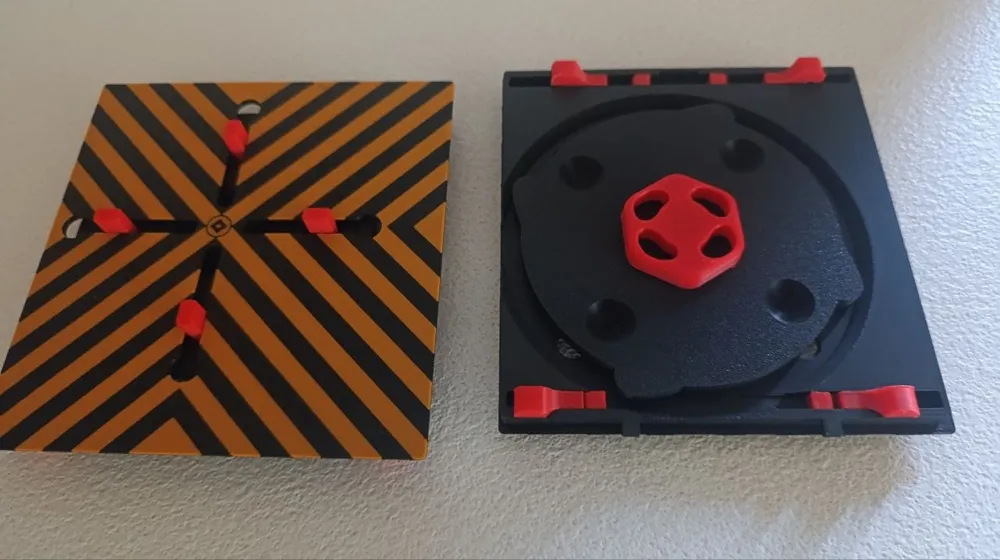
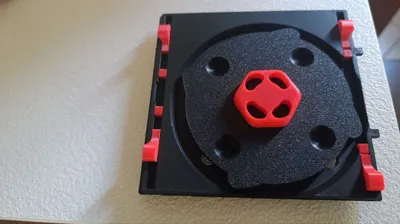
🔒 Locking rotary knob
- Slightly loosen the knob to rotate
- Tighten gently to lock the position
🛠️ Reinforced critical parts
- Designed to survive repeated tightening better than V1
⚠️ Important Notes
🔥 Recommended use
This tool is mainly intended for positioning and light-duty work.
❌ Not recommended for heavy engraving sessions
✅ Best printed using heat-resistant materials
- PETG
- ASA
- ABS
- PC blends
PLA may deform over time due to heat exposure inside the machine.
🔧 How to Use
🔄 Rotating the mechanism
- Keep the knob slightly loosened while rotating.
- Tighten it only enough to lock the arms in place.
⚠️ Do not overtighten the knob.
Even though the stress points were reinforced during the redesign, excessive force may still damage the mechanism over time.
🧱 Base Locking Blocks
Special locking blocks are included to secure the tool to the base plate.
The previous version could be frustrating because the retaining tabs often fell out when removing the fixture from the bed.
The new version includes a rail-locking system:
- 🔺 Conical locking blocks
- 📐 One beveled/narrow side
👉 Insert them with the narrow chamfered side first.
Small retaining caps are also included to help prevent accidental movement.
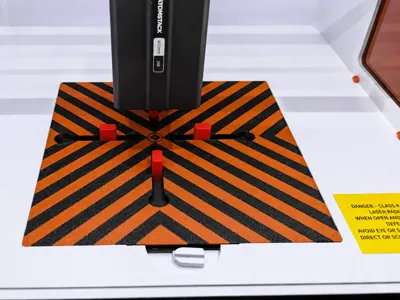
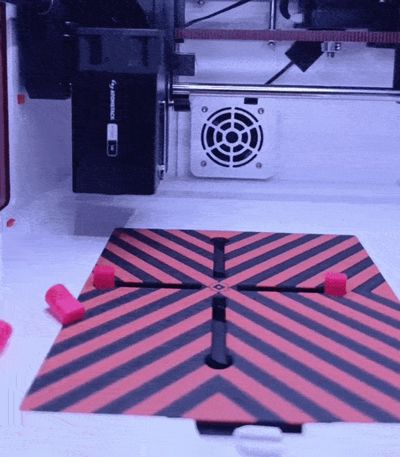
📍 LightBurn Centering Tips
If you are struggling to find the exact center in LightBurn, this quick guide may help.
You can use:
- ⭕ The central circle
- 🔷 The diamond vertices
as visual references for the exact center of the bed.
🧈 Sliding Performance
The first version provided smoother movement, but the alignment pins could still wobble even when tightened.
This new version significantly improves rigidity.
💬 Please leave feedback about:
- Smoothness
- Rigidity
- Usability
- Tolerances
You can also apply a small amount of grease inside the concentric sliding guides to improve motion.
🔧 Update - May 30, 2026
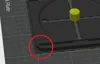
As reported by a user, some P1 printers have a rounded bottom-right corner.
To accommodate this variation, I have added a new print profile with both build plates modified accordingly.
⚠️ Please check your printer version before printing.
I decided to keep the original profiles available, as they will likely provide a tighter fit.
In the rounded-corner version, the block guide rails have been moved slightly backward to account for the different geometry.
This version has not yet been tested, but no issues are expected.
💬 Feedback is always welcome and appreciated.
🚀 Future Ideas
If enough people are interested and I receive positive feedback, I may create a version with a centered measuring scale to help align:
- Irregular objects
- Non-circular pieces
- Non-square items
👀 Check Out My Other Atomstack P1 Mods
📷 Cam Mod + LEDs + AirAssist: Camera mount, LED lighting, and Air Assist support for improved precision and workflow.
💨 AirAssist Nozzle: Optimized Air Assist nozzle to improve cutting performance and reduce burn marks.
License

You shall not share, sub-license, sell, rent, host, transfer, or distribute in any way the digital or 3D printed versions of this object, nor any other derivative work of this object in its digital or physical format (including - but not limited to - remixes of this object, and hosting on other digital platforms). The objects may not be used without permission in any way whatsoever in which you charge money, or collect fees.


Comment & Rating (6)