
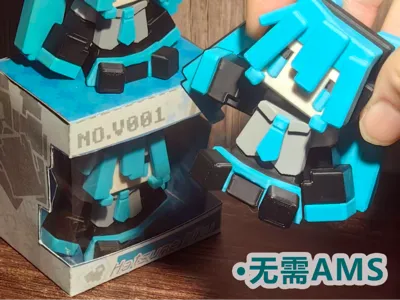
Articulated pixel style Hatsune Miku mini figure (no AMS, fully segmented parts)
Print Profile(4)
![[No AMS] Hatsune Miku Sitting Figurine Four Plates](https://makerworld.bblmw.com/makerworld/model/US2af275bcdf089d/784961812/instance/655daf5c0d13e979.png?x-oss-process=image%2Fresize%2Cw_100%2Fformat%2Cwebp)
Description
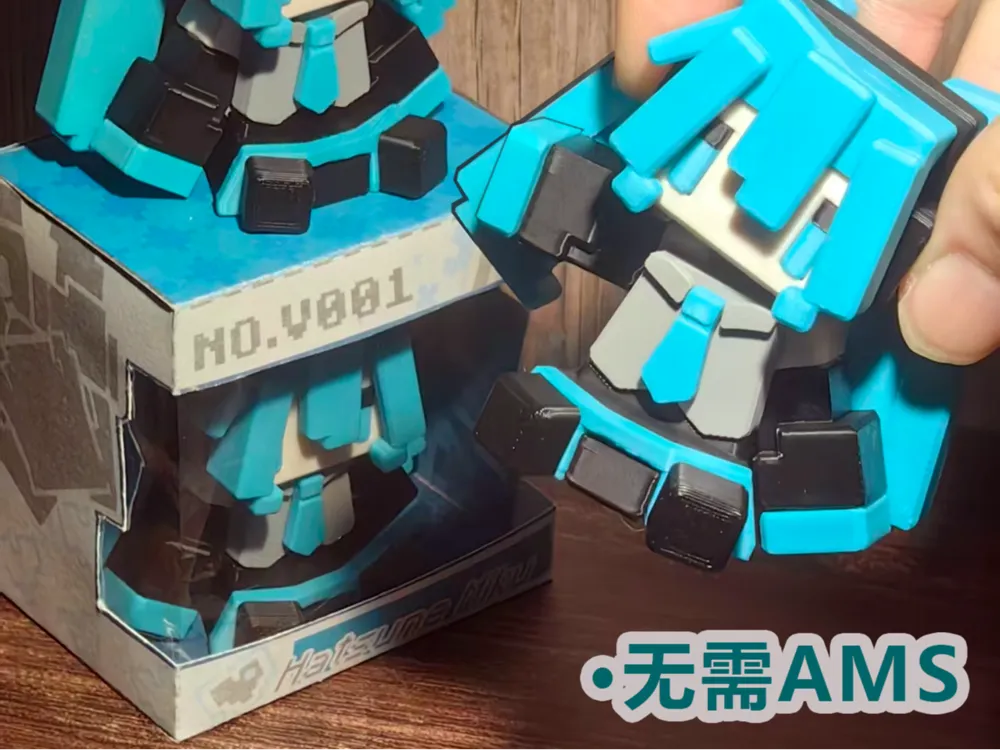
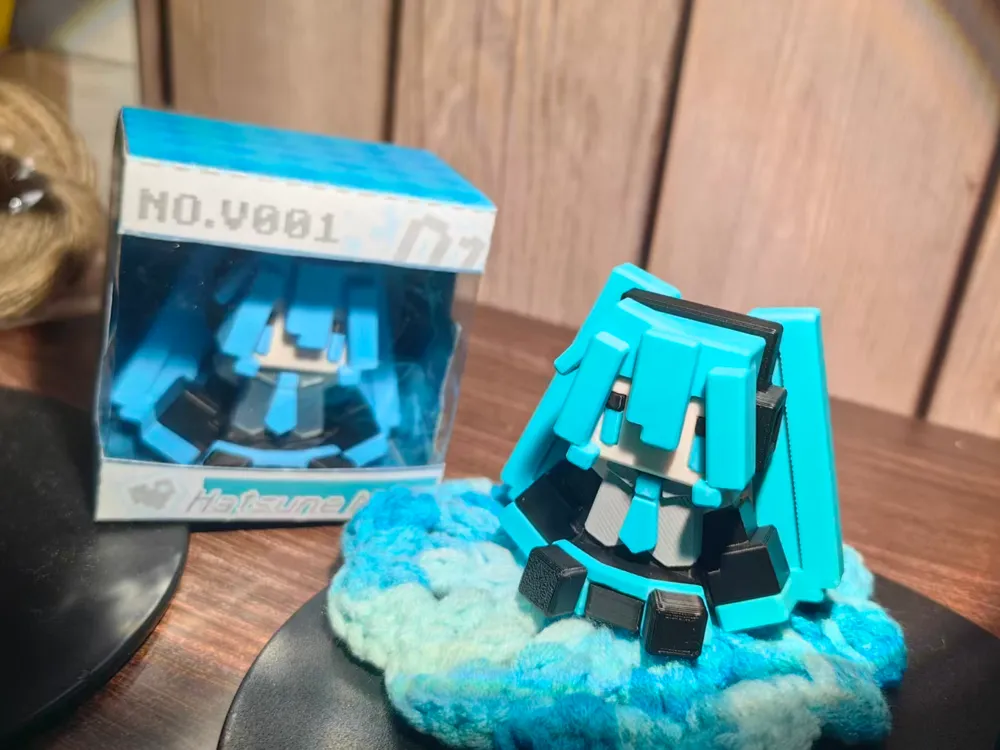
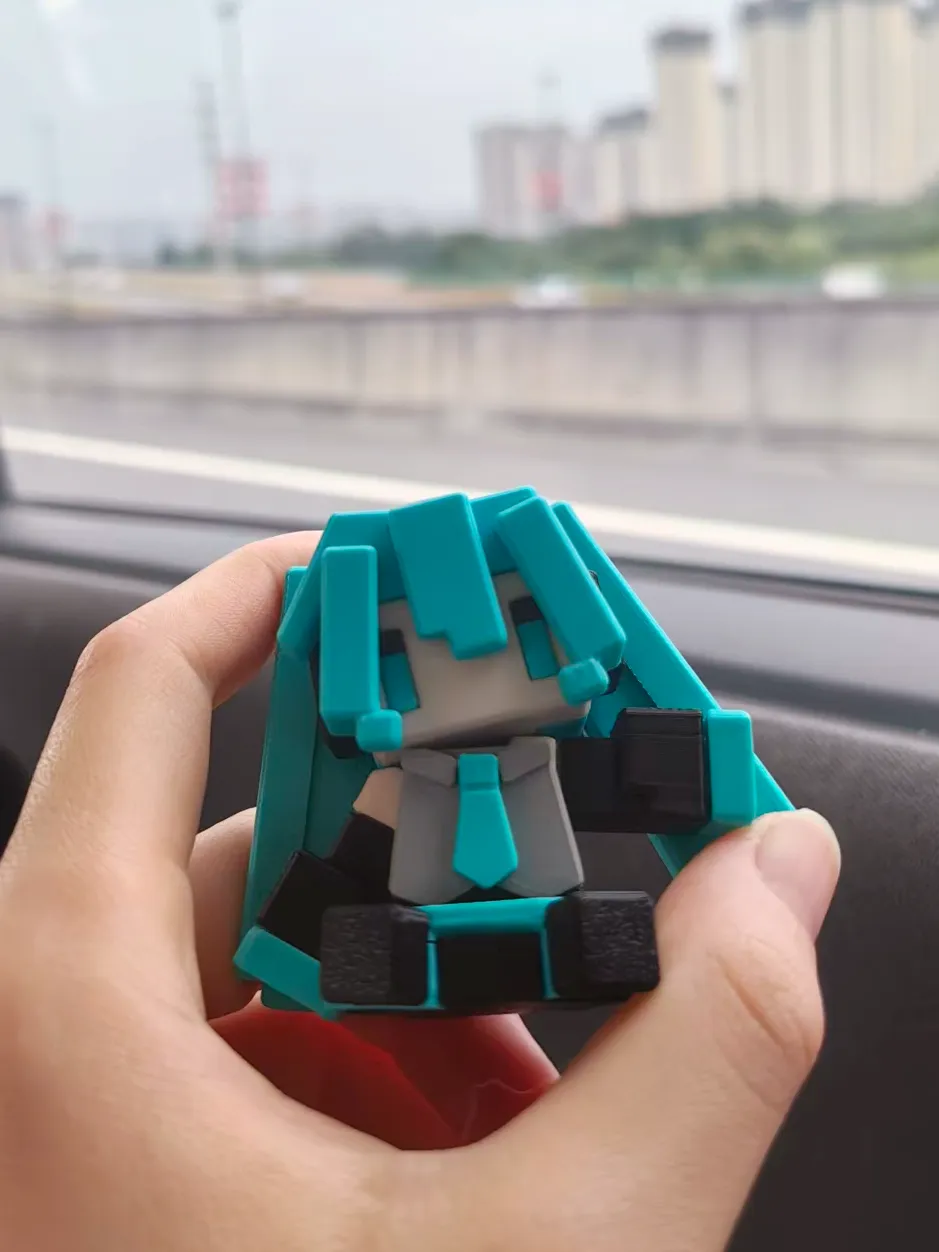
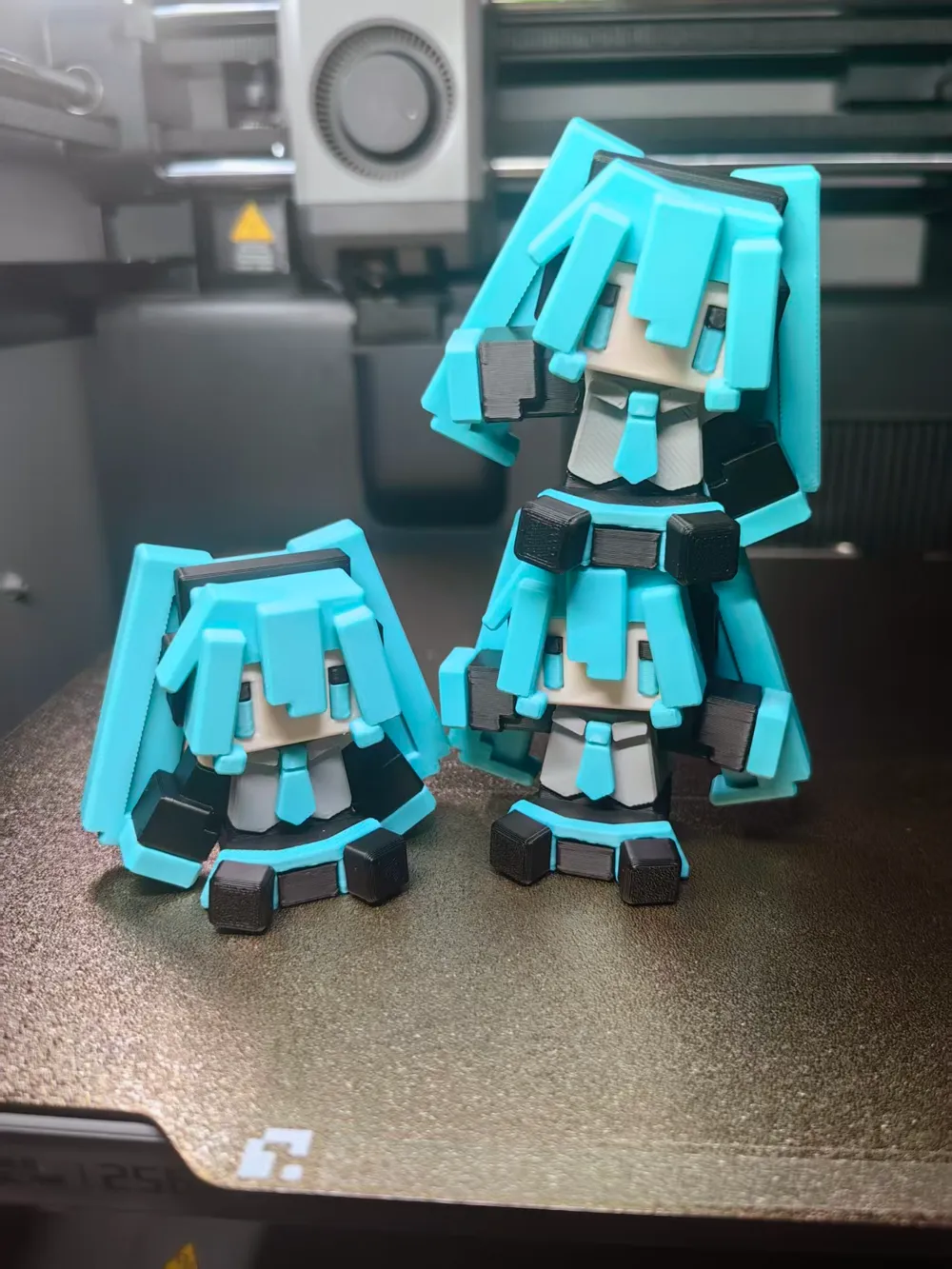
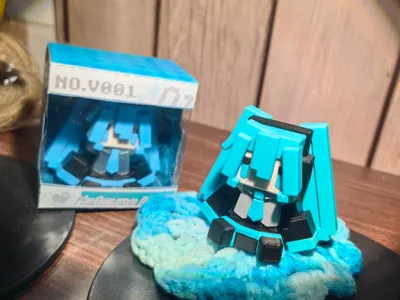
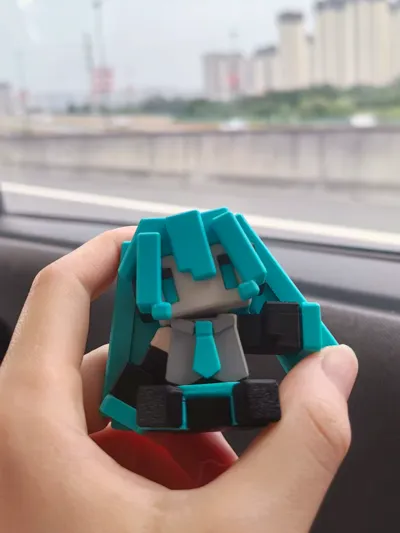
Designed a sitting Miku figurine in a pixel art style, which helps prevent layer lines from being too noticeable
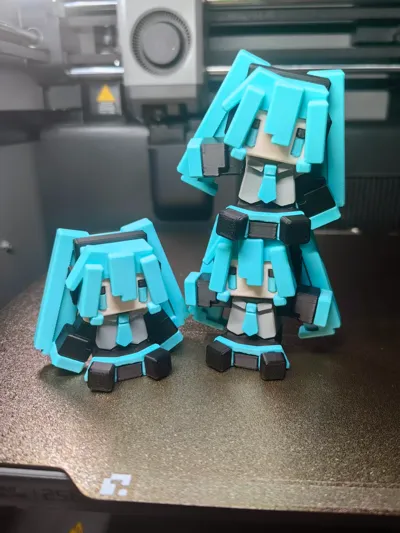
Can be printed within 2 hours, all parts are separate so no AMS is needed, easy to assemble with 19 parts
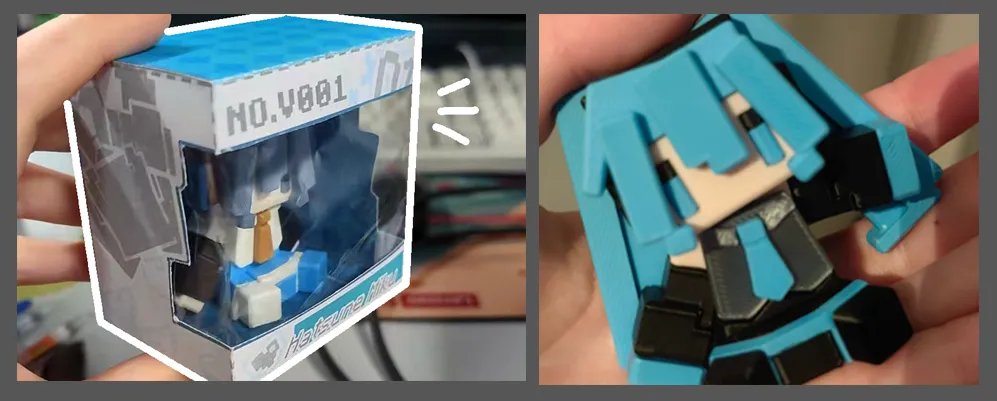
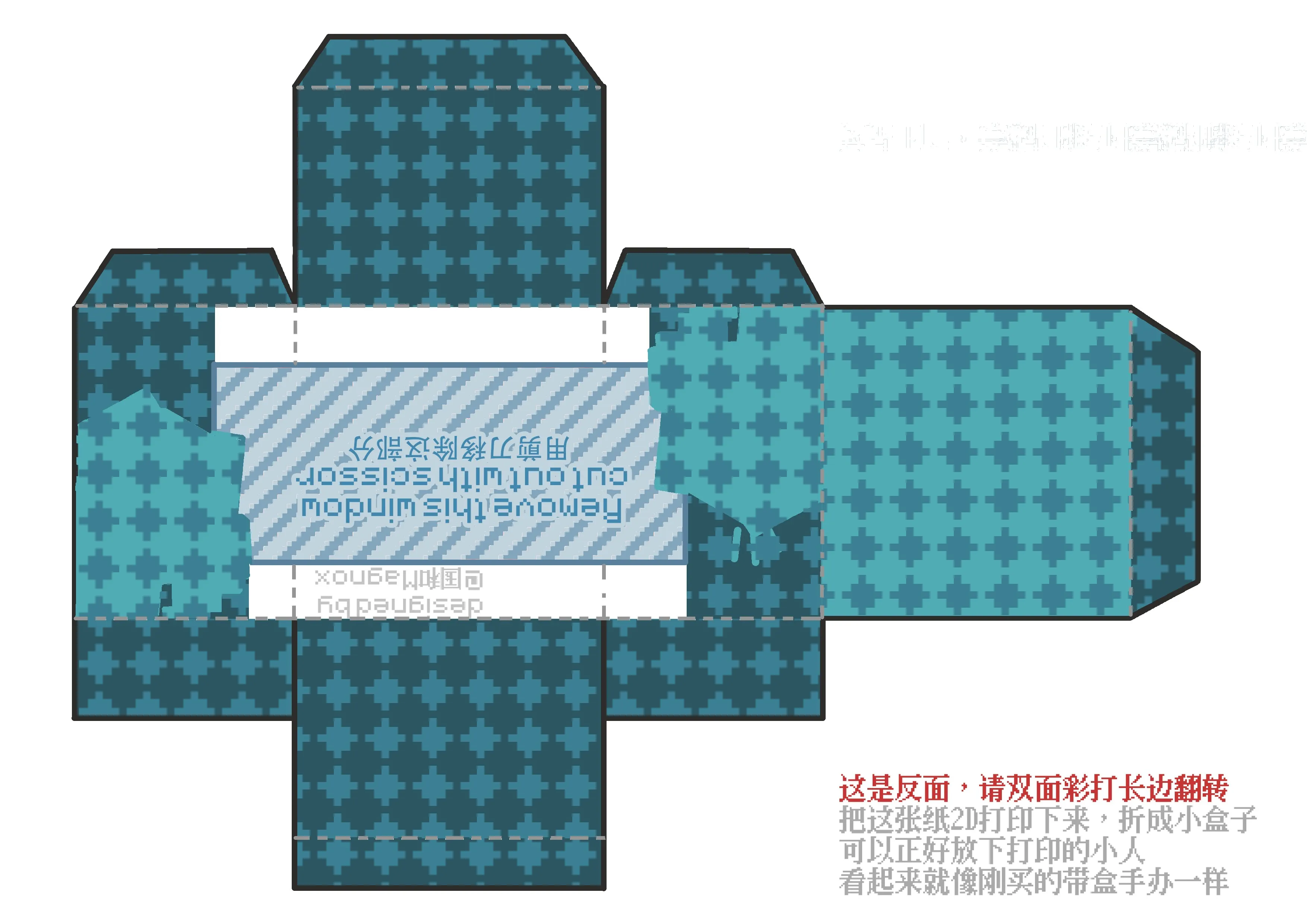
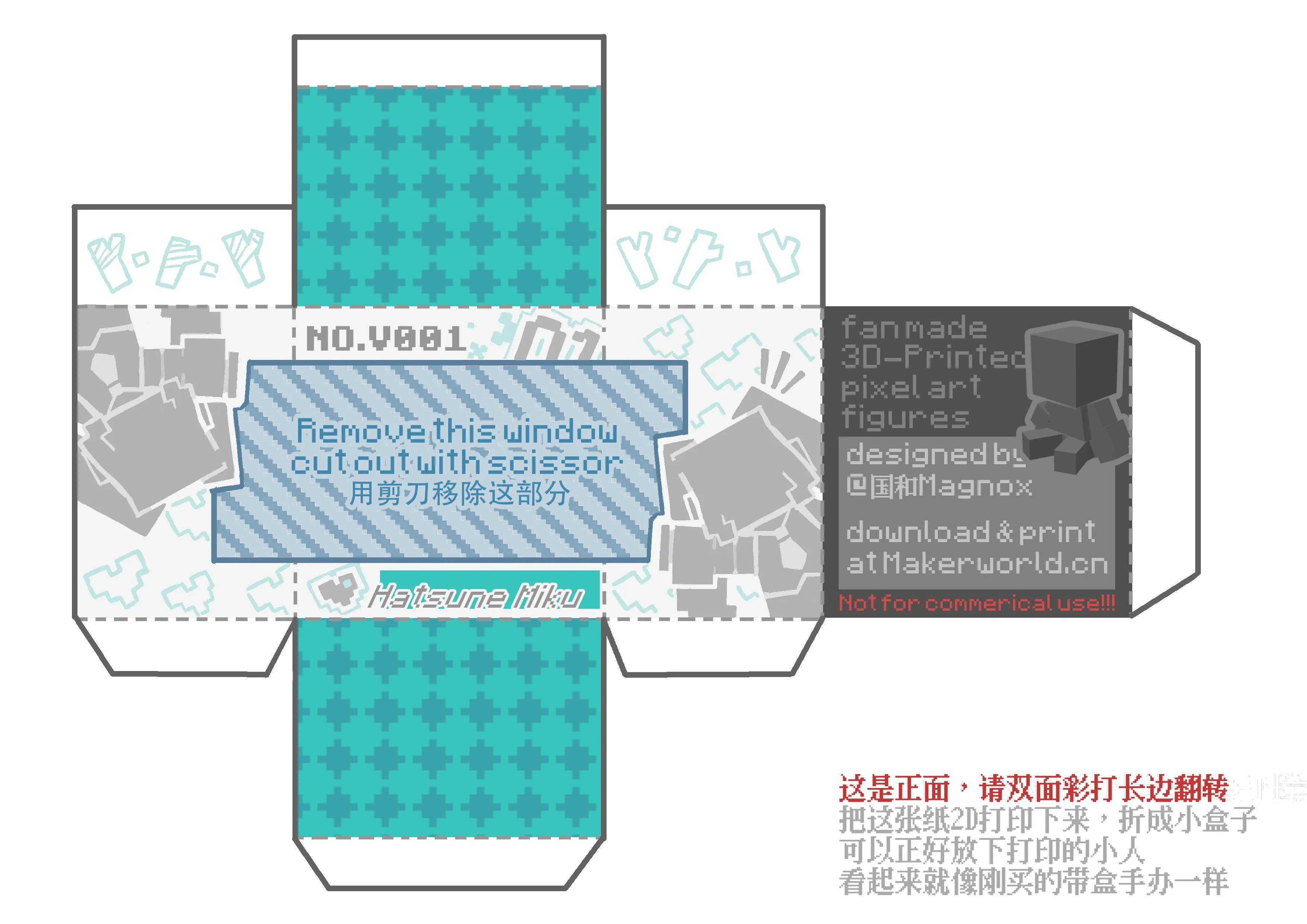
It's very cute to hold, and packaging box templates are also provided
You can 2D print it and fold it, making it look like a purchased figurine
Suitable for free giveaways at comic conventions, or print a few more to give to friends
See below for the installation guide
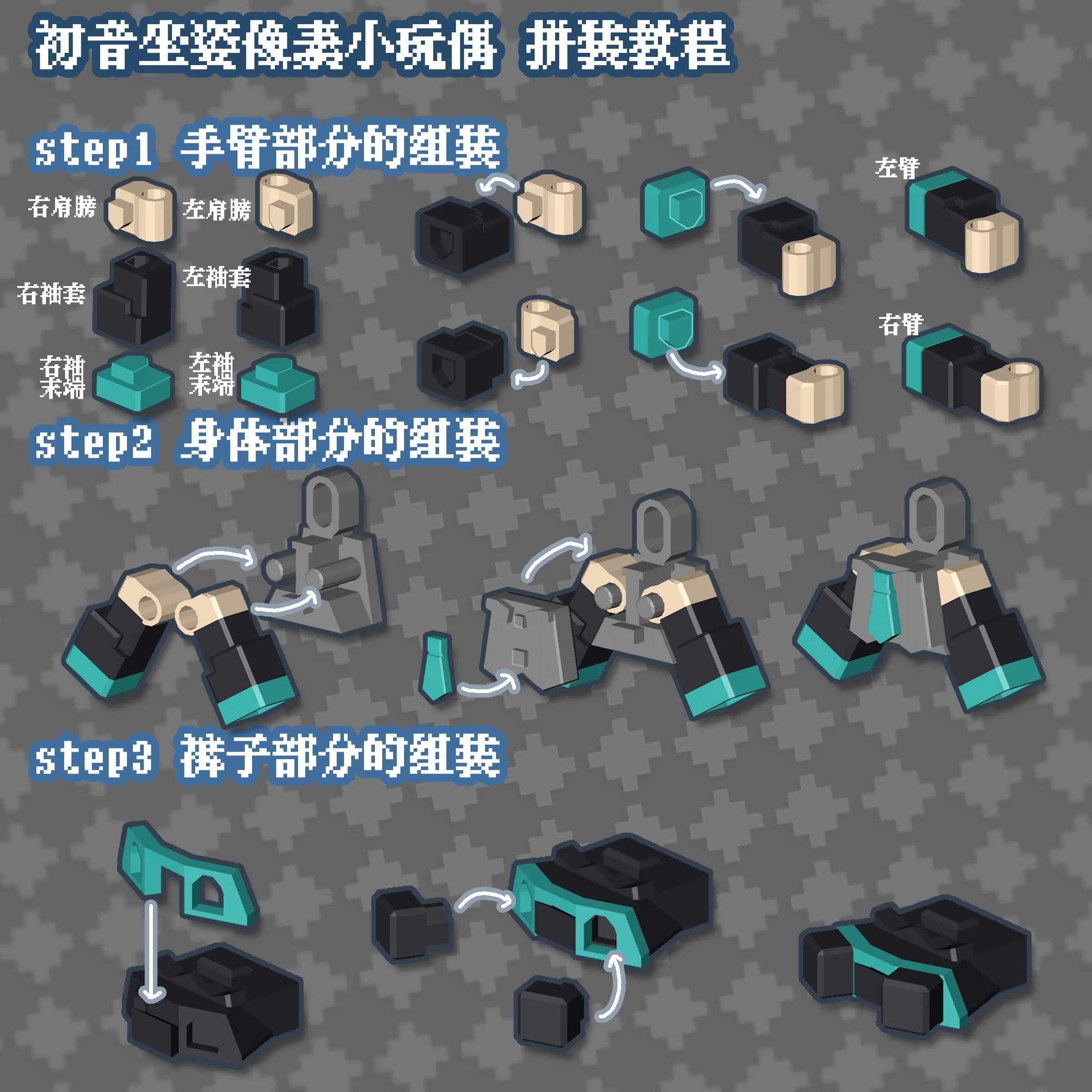
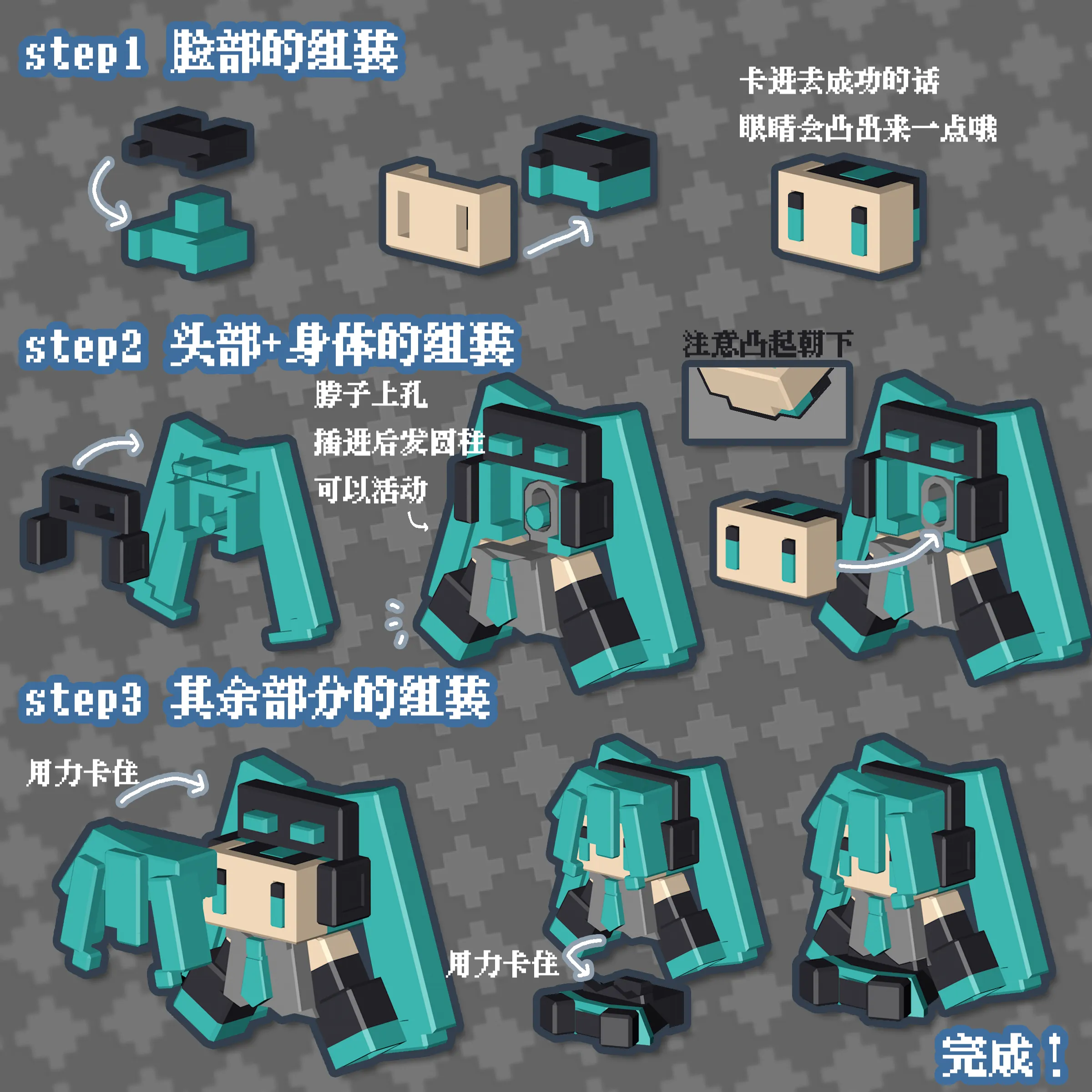
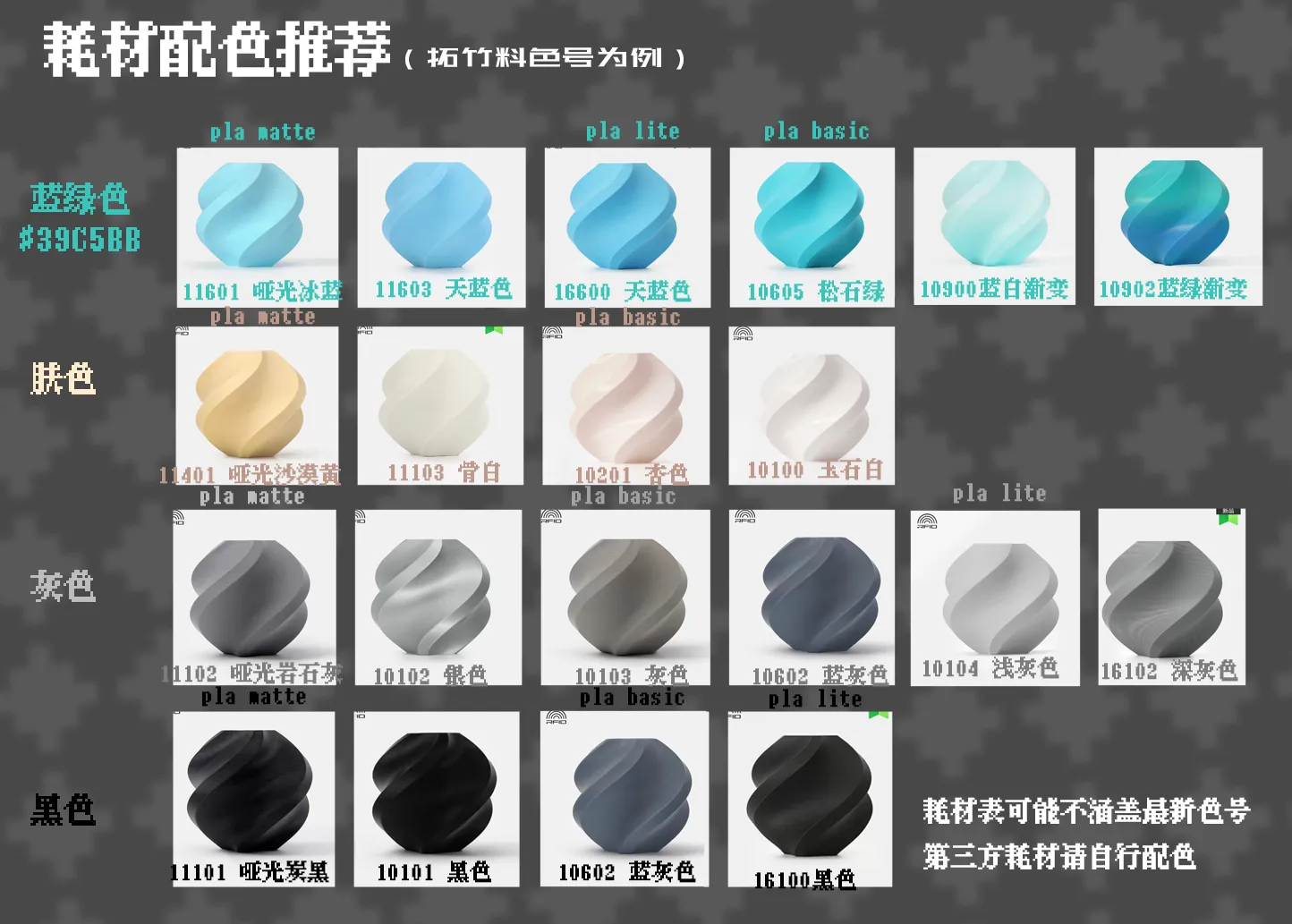
See below for recommended filament color schemes (Bambu Lab filament as an example)
PLA is recommended, and tolerances have been adjusted after ten print tests; PETG has not been tested yet
Packaging box template (if interested, 2D print, cut, and fold) (Set for double-sided color printing, flip on long edge)
Print failure/defect self-check table:
| Failure condition | spaghetti | Connection too tight to fit | Connection too loose, prone to falling off | Poor surface quality, pitted | Part breaks after installation |
| Possible cause | Not sticking to the printing plate | Error caused by different filaments | Error caused by different filaments | Ironing is enabled by default, but ironing failed | Filament toughness is too poor |
| Solution | Clean the printing plate with dish soap, wipe dry, then apply glue Confirm filament parameter settings are correct | File down the interface a bit with a tool if it doesn't fit or force it, sometimes force works wonders | Use super glue at the interface for adhesion | Turn off ironing in the slicing software
or perform ironing test prints yourself or switch to PLA Basic filament | Switch to a tougher filament, avoid silk, translucent PLA, etc. |

If you encounter any other issues, please provide feedback to me
Documentation (2)
License

You may create derivative works based on this object, provided that all such derivative works are published exclusively on the MakerWorld platform and include proper attribution to the original creator. You may not share, upload, host, distribute, or publish this object—or any derivative work of this object—on any other digital platform, marketplace, or distribution channel. Commercial use of this object and any derivative works is strictly prohibited. This includes, but is not limited to, selling, renting, sublicensing, or using the object in any context in which you receive monetary compensation or other financial benefits.


Comment & Rating (20)