Search models, users, collections, and posts

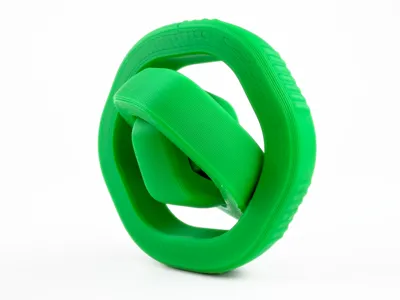
Ultimate Hexagon Gyro Spin Fidget (Print in Place)
Print Profile(3)

All
P2S
X2D
A1 mini
P1P
P1S
X1 Carbon
H2D
X1
A1
H2S
X1E
H2D Pro
H2C
A2L

0.2mm layer, 2 walls, 15% infill
Designer
24 min
1 plate
4.9(9)

Parameter optimization, improve printing efficiency
24 min
1 plate
5.0(2)

MULTICOLORED, IRONING, Arachne 3 Walls, Stronger
39 min
1 plate
4.5(2)

Open in Bambu Studio
Boost
97
275
44
4
387
330
Released 

Bill of Materials

Bambu Filaments
Select all
Bambu Green (10501) / Filament with spool / 1kg

Description

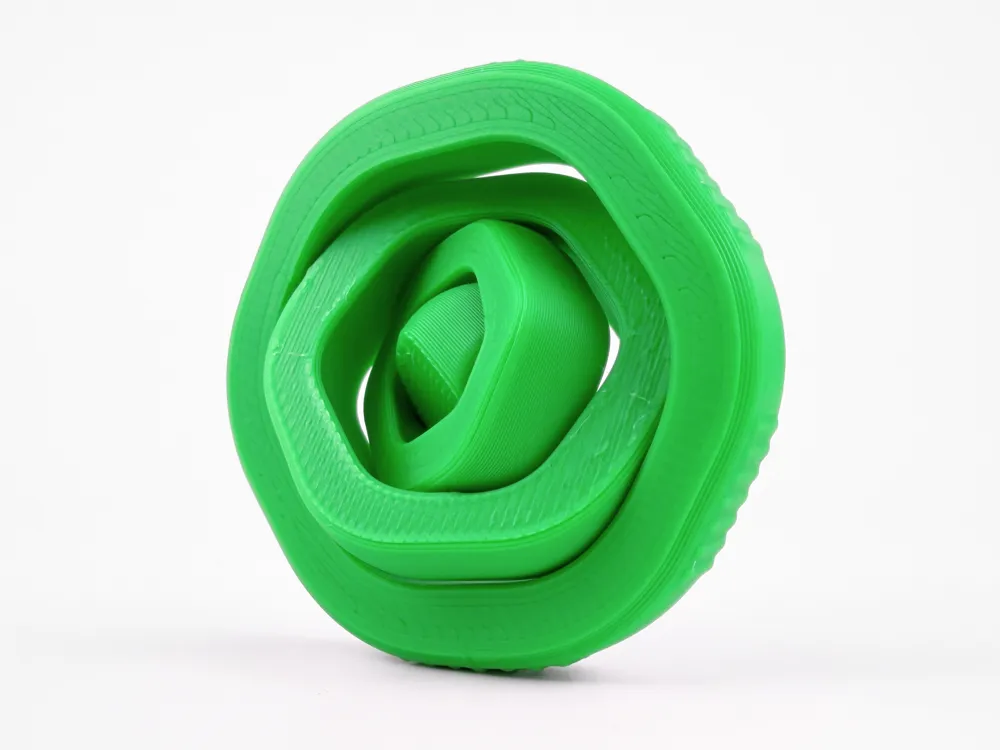
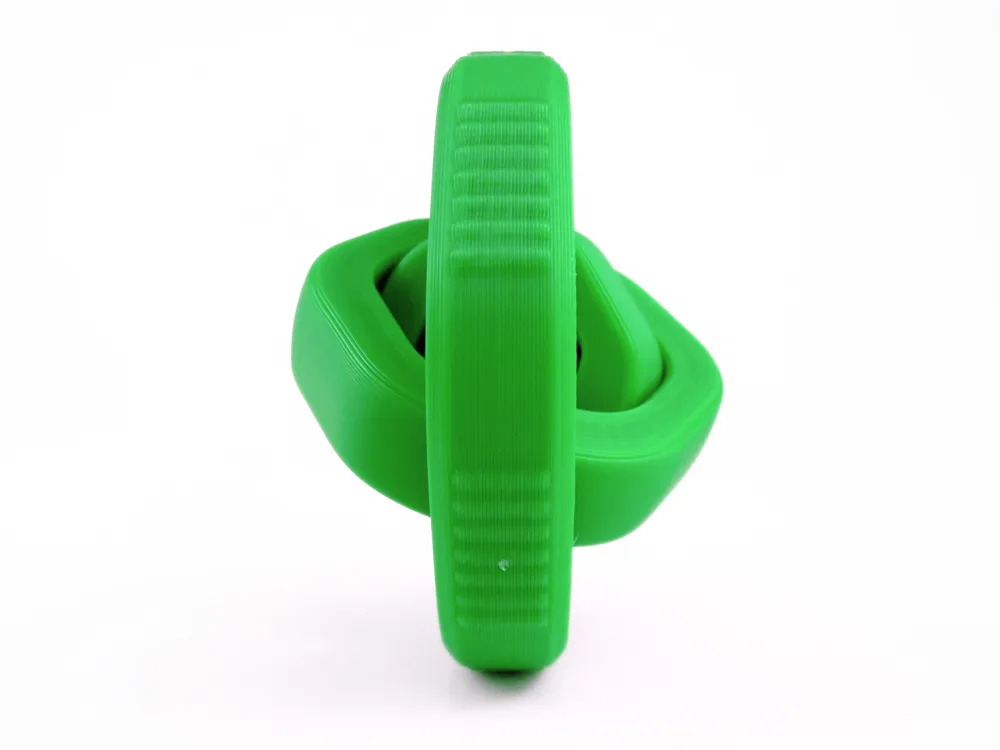
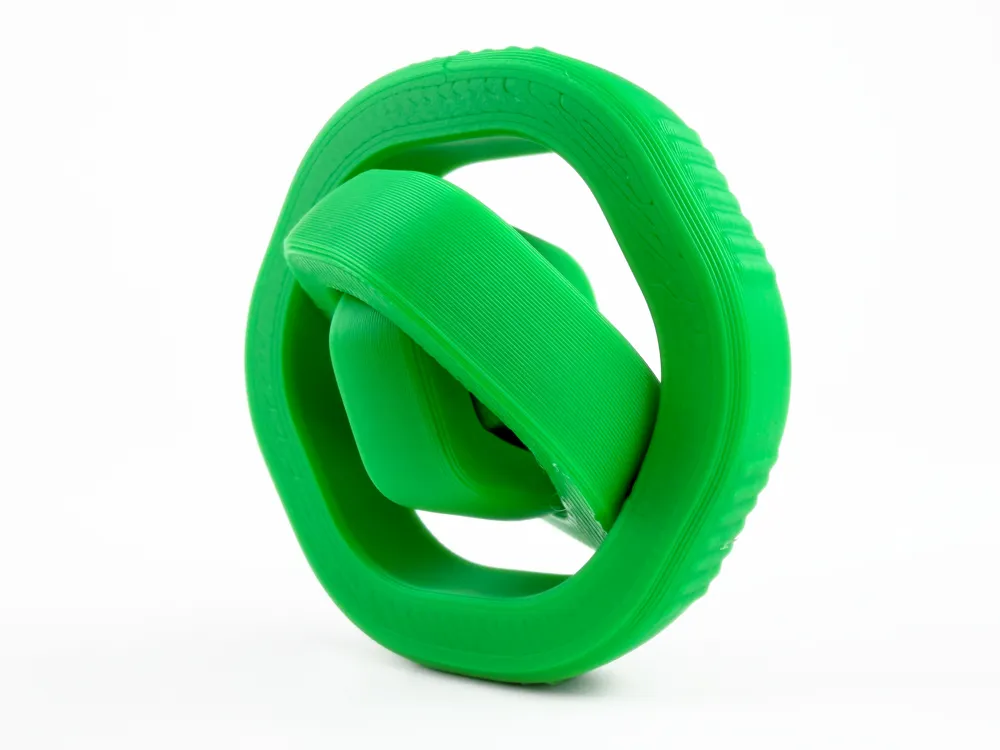
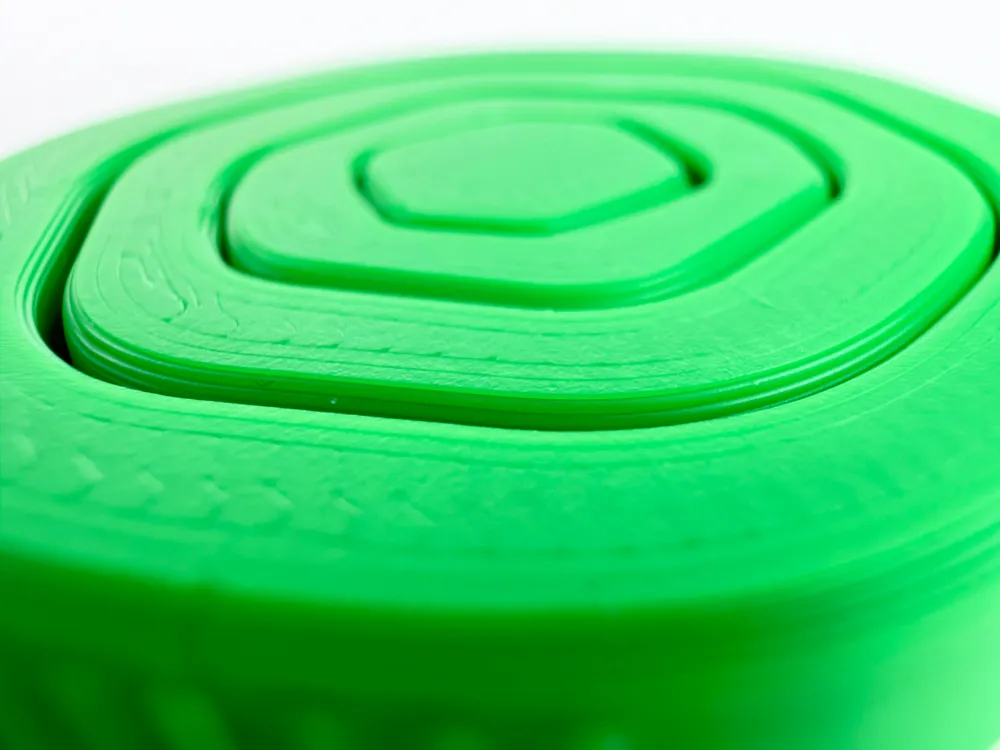
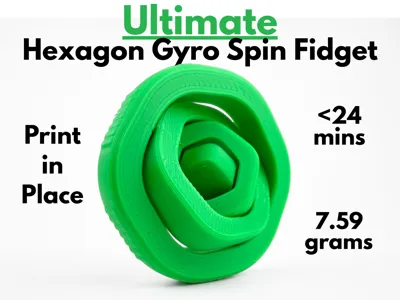
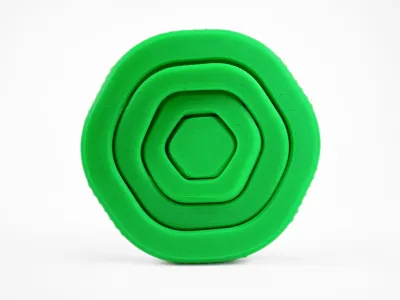
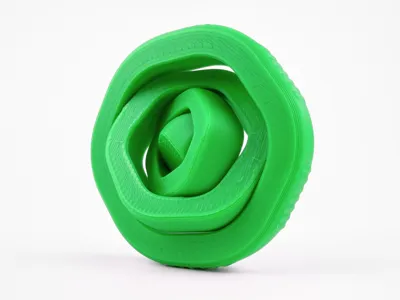
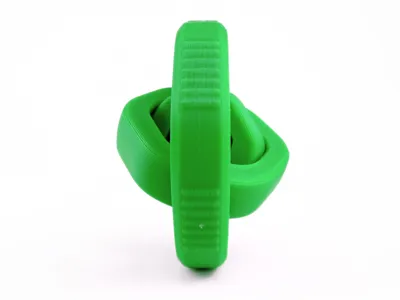
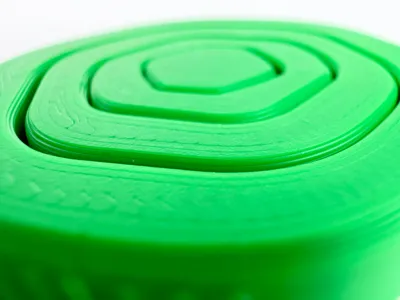
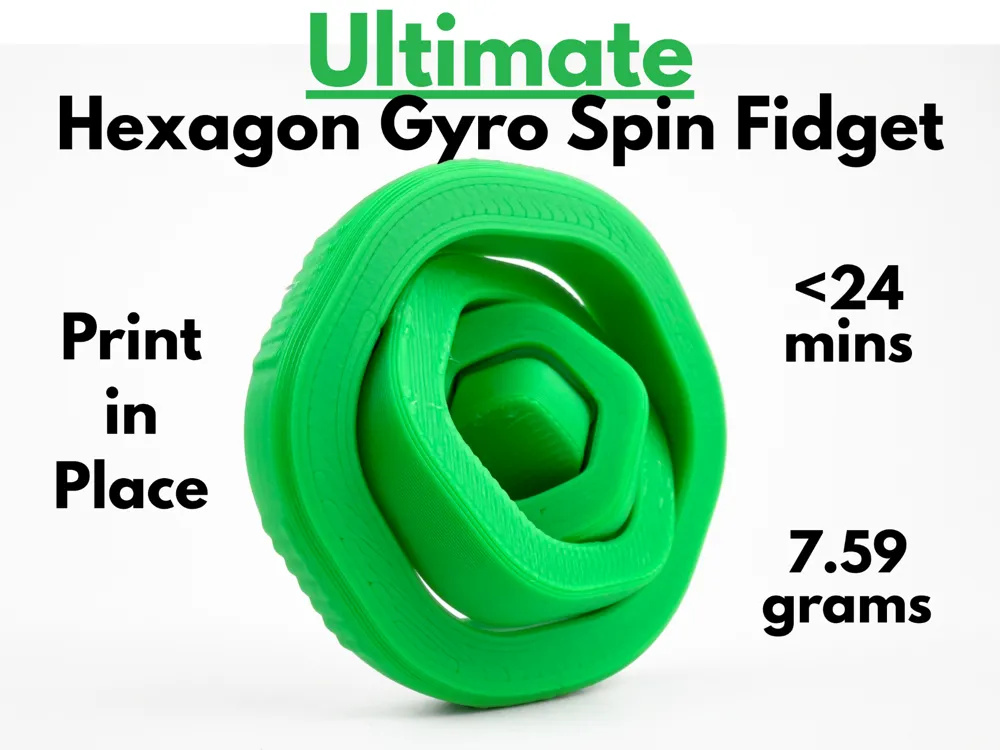
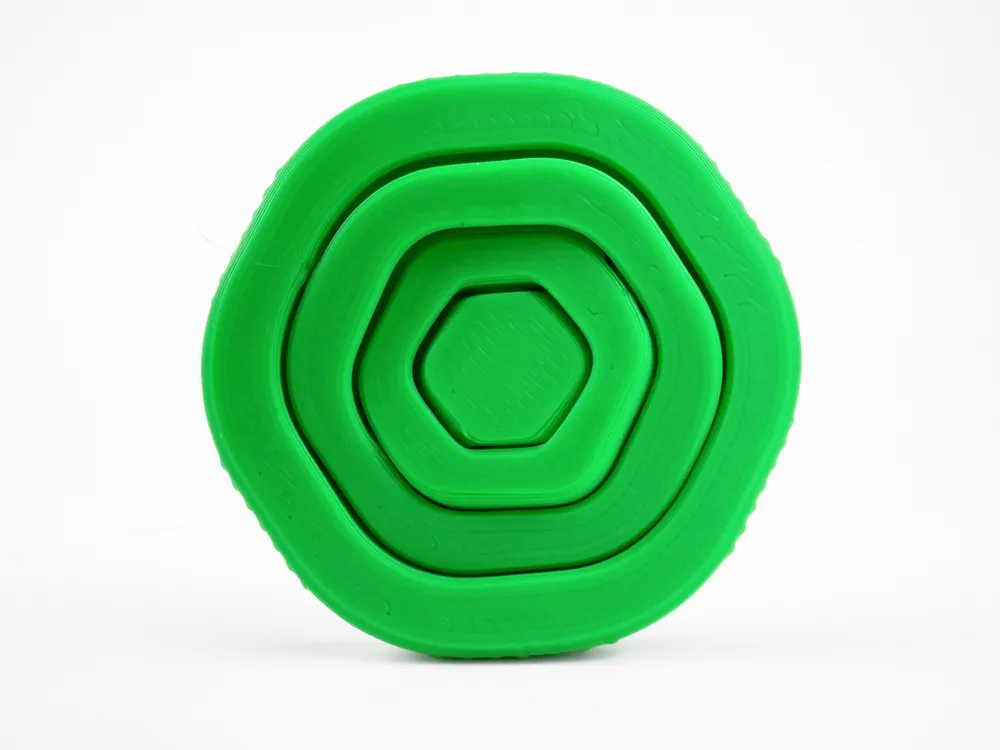
This amazing hexagon spinning fidget toy made for anyone who enjoys smooth, satisfying motion. Using independently rotating layers, each section spins on a different axis, creating a more dynamic and mesmerizing feel when it spins. A bumpy pattern lines the sides of this fidget, giving it extra grip that makes the whole experience more polished. Everything is entirely print in place, meaning that the peices print interlocked, which removes the need for any assembly or external hardware. With a sleek geometric design, it looks modern and premium both in use and on display. Using only 7.59 grams of filament and less than 24 minutes to print, the Ultimate Hexagon Gyro Spin Fidget is a perfect everyday fidget that delivers a smooth and satisfying experience.

Boost Me (for free)

If you like this model, please consider boosting it! It helps out a ton :)

Membership

Want to sell my 3D printed fidget toys? Become part of my Commercial License Membership program!

Join

Printing Instructions:

  1. Prepare the Print Bed
    • Clean the print bed thoroughly with isopropyl alcohol to ensure proper adhesion.
    • Additional adhesive for the print bed is highly recommended! I suggest using 3D-Lac spray or a glue stick.
       
  2. Download the Print Profile
    •  
    • Send the pre-configured print profile to your Bambu Lab printer through the Bambu Handy app or Download and open the pre-configured print profile in Bambu Studio.
       
  3. Select Your Printing Options
    • Choose your filament type and color.
    • Select your print bed type (e.g., textured or smooth).
    • Confirm your printer settings, ideally for a Bambu Lab printer.
       
  4. Start Printing
    • Begin the print job. No supports are necessary.

Comment & Rating (44)

(0/1000)

Boosted
so cool fun to play with.
The designer has replied
designer
2
Reply
awesome!🤩
0
Reply
Boosted
Replying to @AbyssalCactus :
and day 6 of asking for a 9 in 1
0
Reply
Replying to @AbyssalCactus :
Hey! You’re honestly my favorite creator. I’m subscribed to your YouTube channel and your work has inspired me a ton. I’ve recently started creating my own models on MakerWorld and I’m trying to improve and grow as a creator. If you ever have the time, would you be willing to give me some feedback on a few of my models? Even a little advice or criticism would mean a lot to me and would really help me improve. Thanks for all the awesome content and inspiration! Thanks
0
Reply
Print Profile
0.2mm layer, 2 walls, 15% infill
Awesome design! The individual elements rotate incredibly smoothly! 🤯 Simply brilliantly made! 👏
The profile uploader has replied
profile
2
Reply
Thanks! glad you like it 😁
0
Reply
Print Profile
0.2mm layer, 2 walls, 15% infill
Good visual, I find it a pity that the axes of rotation are not all in the same direction, it complicates the movement:)
Show original
0
Reply
150 prints in 3 days is CRAZY
The designer has replied
designer
1
Reply
not really 😅 they usually do better
0
Reply
Replying to @AbyssalCactus :
O my god.
designer
1
Reply
Replying to @AbyssalCactus :
I am just starting out creating models, and am just realizing how hard it is to get models noticed. You have such a huge following, and your models are amazing. great work.
designer
1
Reply
I printed your Design Pop Switch fidget V2. I took that as a inspiration for my new uploaded Model. Is that alright ?
The designer has replied
1
Reply
yeah, as long as you only use my design for reference and didn’t directly import it into your software, and modify it.
1
Reply
Replying to @AbyssalCactus :
Ofc I did Not
0
Reply
Replying to @Philipp_15 :
that’s fine then
1
Reply
So cool! 🤩 Printing it right away! ✌️😊
The designer has replied
designer
1
Reply
awesome, hope u like it 😉
0
Reply
nice one!
The designer has replied
1
Reply
thx 🙏
0
Reply
Looks great as always! 😃 👍
The designer has replied
designer
1
Reply
thank you floW!
1
Reply
I just started printing your gear fidget spinner! And 15 minutes later this comes out!
The designer has replied
designer
1
Reply
Ha! 😉
0
Reply
thank you AbyssalCactus , and congratulations on this design
Show original
1
Reply

License

If you want to use this model commercially, please join my membership.
Join Now
This user content is licensed under a Standard Digital File License.

You shall not share, sub-license, sell, rent, host, transfer, or distribute in any way the digital or 3D printed versions of this object, nor any other derivative work of this object in its digital or physical format (including - but not limited to - remixes of this object, and hosting on other digital platforms). The objects may not be used without permission in any way whatsoever in which you charge money, or collect fees.