
Print Profile(1)
Bill of Materials




- Wood Screws x 20: 5x20mm
Description
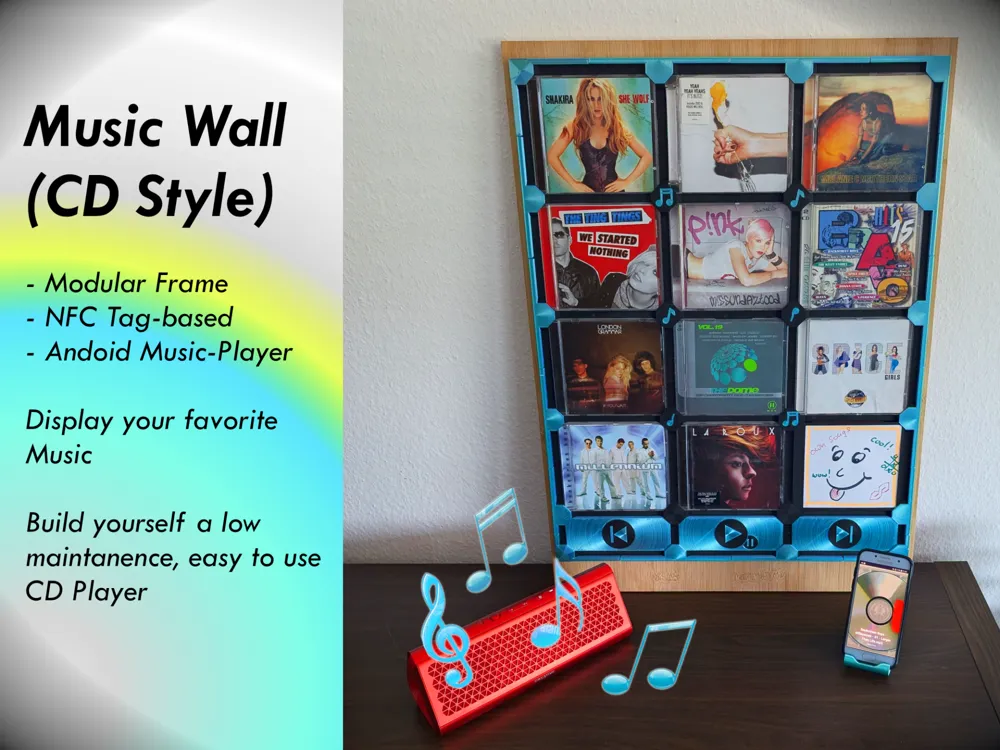
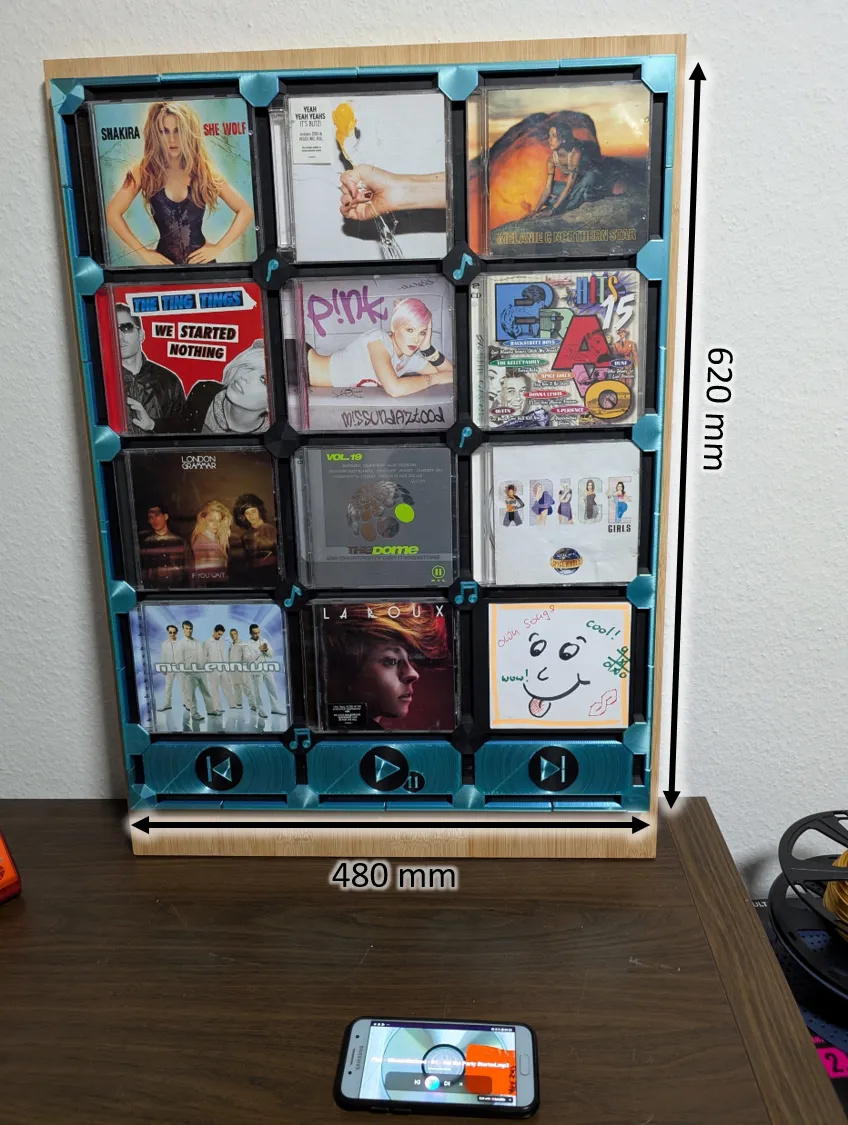
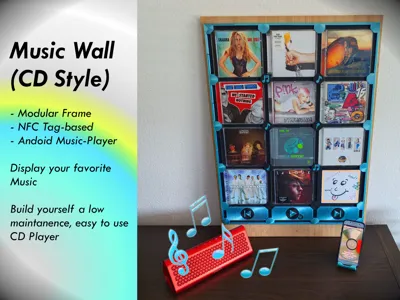
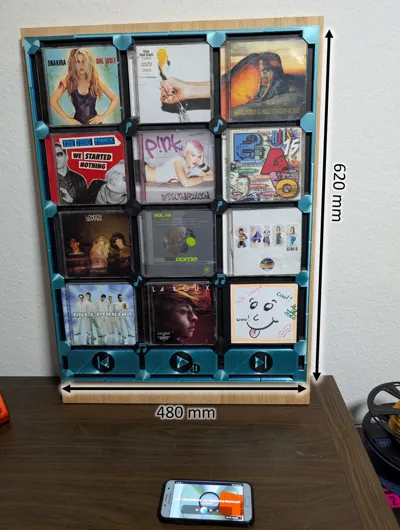
The NFC Music Wall (CD-Style)
Do you have a glorious CD collection from the 90s, an old Smartphone and a 3D Printer? Here is your It-Peace!
You need to set up some little things, but this home decoration accessor lets you build an interactive wall to play and display your favorite music.
Every CD contains an NFC Tag, It’s endless expandable, Screw it to panels or walls. Works with Offline Android WebApp
Motivation
There are often elderly people at our repair café with old CD Players, in which the Laser or the mechanism are worn out and beyond repair. I thought, isn’t the there possibility to let them hear their favorite CDs with newer, more robust tech and fewer steps of handling (since CDs are quite delicate and are often scratched)
Inspired by Tonies Box or Yoto Player, I realized:
- Many of us have 5–10-year-old smartphones lying around (most have NFC sensors).
- I could create an easy-to-use offline app paired with a decorative furniture piece.
For this contest, I designed a gallery-style wall mount. – but the possibilities are endless!
Building the NFC Music Wall
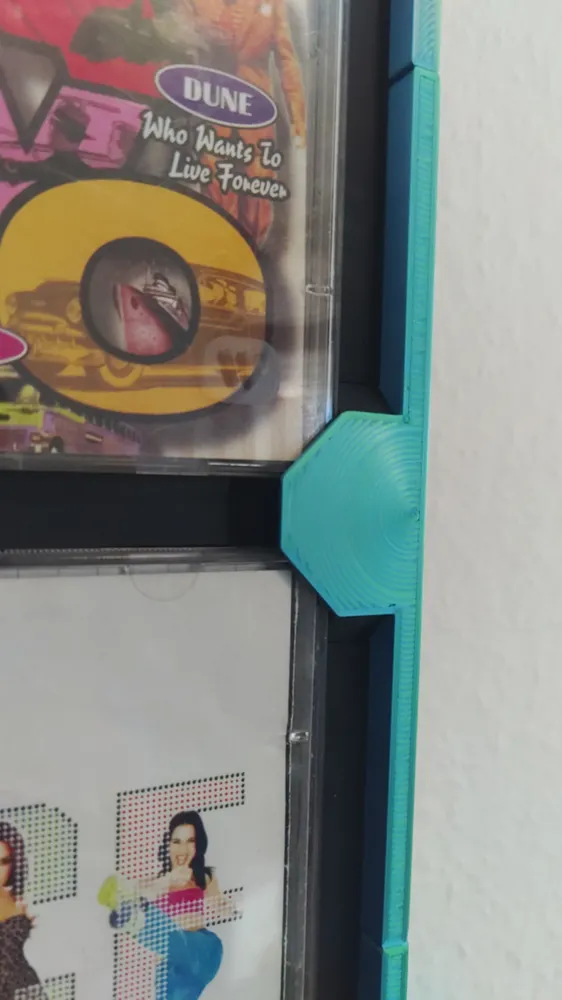
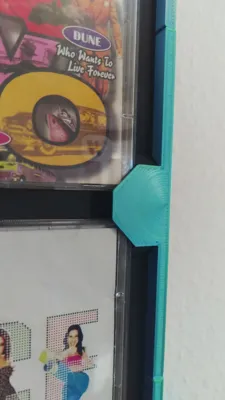
All parts are easy to click together
Open and close the connections often may wear out the fit, so be careful, since the claps are positioned in z-direction, but once installed everything stays in place.
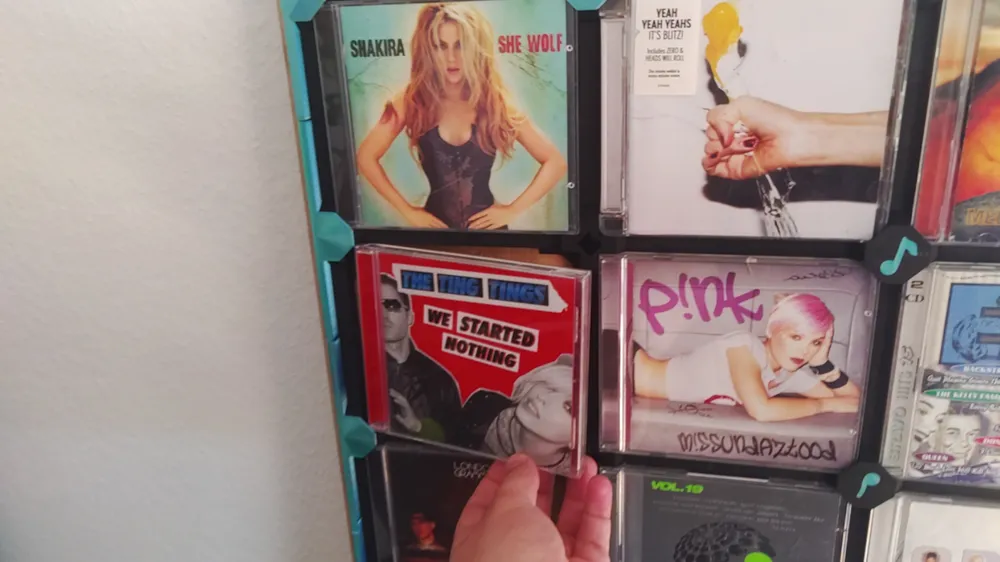
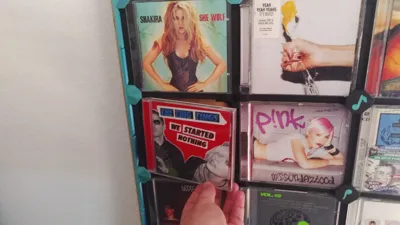
Rearranging CD is possible.
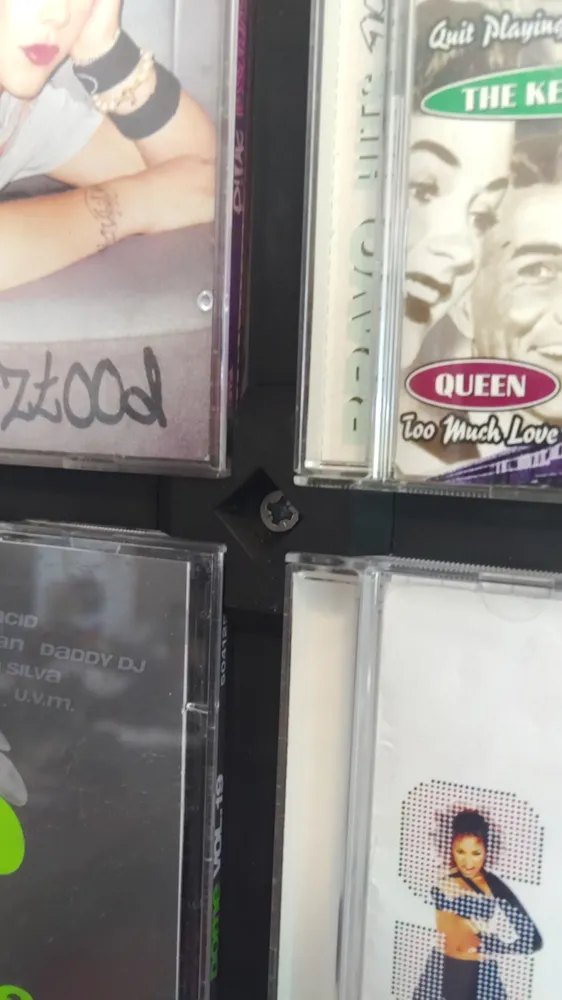
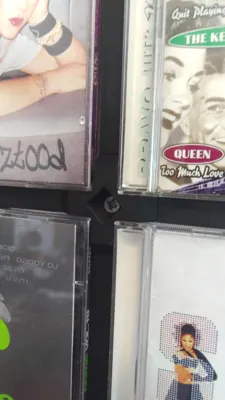
Corners have holes to screw the whole thing on an even surface, like seen here not all screws need to be used

Beams and corners could be glued together for more stability, e.g. using it without back plate

Testprint single part to test the connections. I used BambuLab Filament black matte and silk dual color, but with these small tolerances the fit may vary.
Preparations
Connect a phone to some audio output device of your choice via Bluetooth or cable
Put an NFC Tags in every CD, I used an extra sheet of paper to position it in the middle
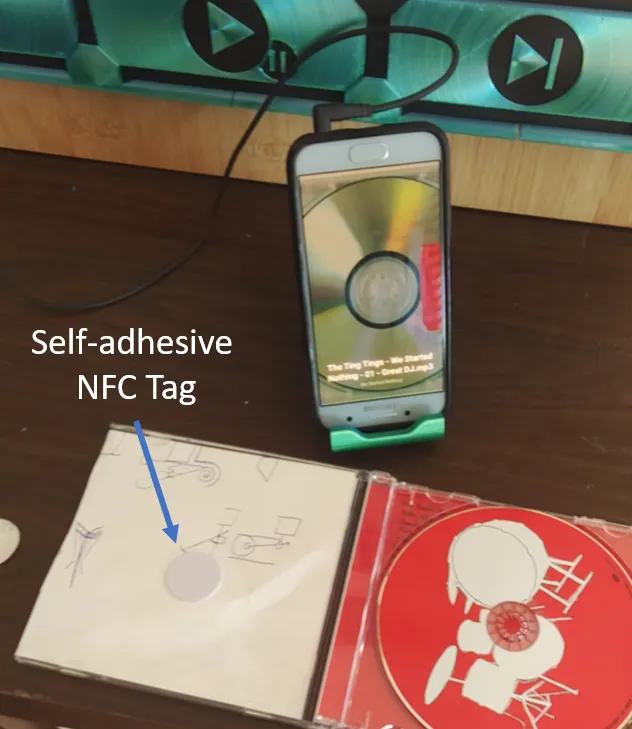
self adhesive NFC Tags cost 8-10 € for 20 on BambulabStore
I used this Phone stand: https://makerworld.com/en/models/2320874-phone-stand?from=search#profileId-2534789
If the phone can be wireless charged a suitable stand would be even cooler
if you use and old Phone dedicated to the music wall, you should anable instant wake up without password or pattern
Furthermore think about power and connection to audio devices, a lot of cables or bad cable management can ruin the aesthetics.
There are 2 ways to use the Music Wall:
1.Jukebox Webapp
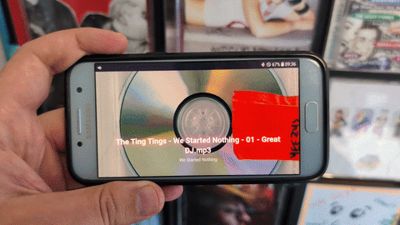
The Progressive WebApp works completely offline, (after installation via internet ;-) ) its a dedicated NFC Musik-Player App I programmed for this project (https://nfc-jukebox-buddy.lovable.app), android phone needed! Own music files (mp3 format) needed (see the steps below)
Disclaimer: It is just vibe coded, I am no professional programmer, there are no updates planned, it works for me, if there is a problem just ask me directly, I will see if there is a solution. Since it is Ai generated I would really use it with an offline device. Lovable (the AI App generator) is probably trustworthy, but always be careful with Ai.
2. Spotify
Write the Share-link to the album from spotify onto the nfc tag. (e.g. with nfc tools on android) Spotify will start the playlist when scanned.
Controlbuttons (Play, Pause, etc.) will not work, maybe using automate or similar app.
(not tested yet)
Using the Jukebox WebApp
- Use Android Phone (tested down to Android 8)
- Next Step needs Internet, but afterward the smartphone can remain disconected
- Open webapp (https://nfc-jukebox-buddy.lovable.app), with Chrome Browser-> 3 dots-> Add to start screen->install, now it’s like an app called PWA – Progressive WebApp (it works in the browser, too, bot not as flawless and the search bar is visible)
- All the information about NFC Tag und paths to mp3 data is stored locally, so even after restarting the phone everything should be ready to go again
- Save all your music files in internal storage\android\data\com.android.chrome (easiest way I found for handling permissions)
- One file for each CD containing the songs (use mp3Tags for Windows or similar to name your music data)
- Import these CDs with in the app (OK-whole Folder, Cancel generate empty CD & add songs separately)
- Assign the NFC tag within the cd cover and the play buttons
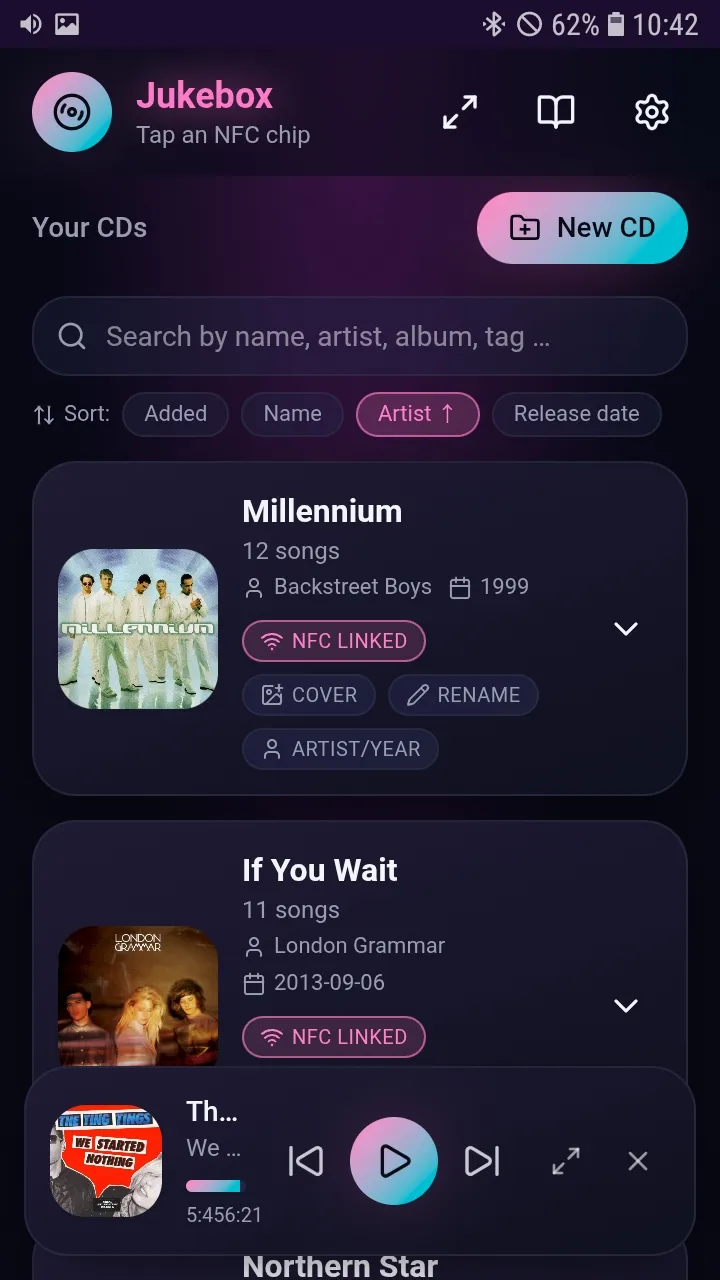 | Main Menu schows imported CDs in a kind of library, lets you import more CDs and edit existing ones, settings are top right corner, a short tutorial,too, search and sorting your library is possible, |

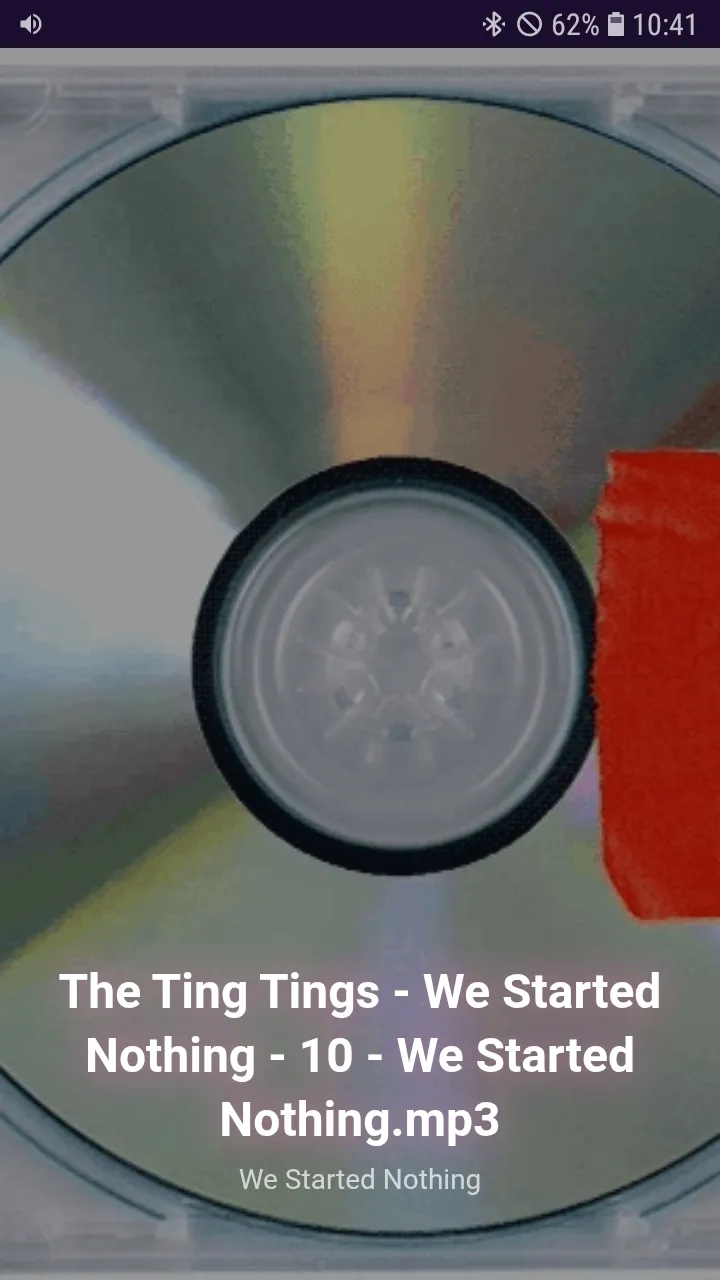
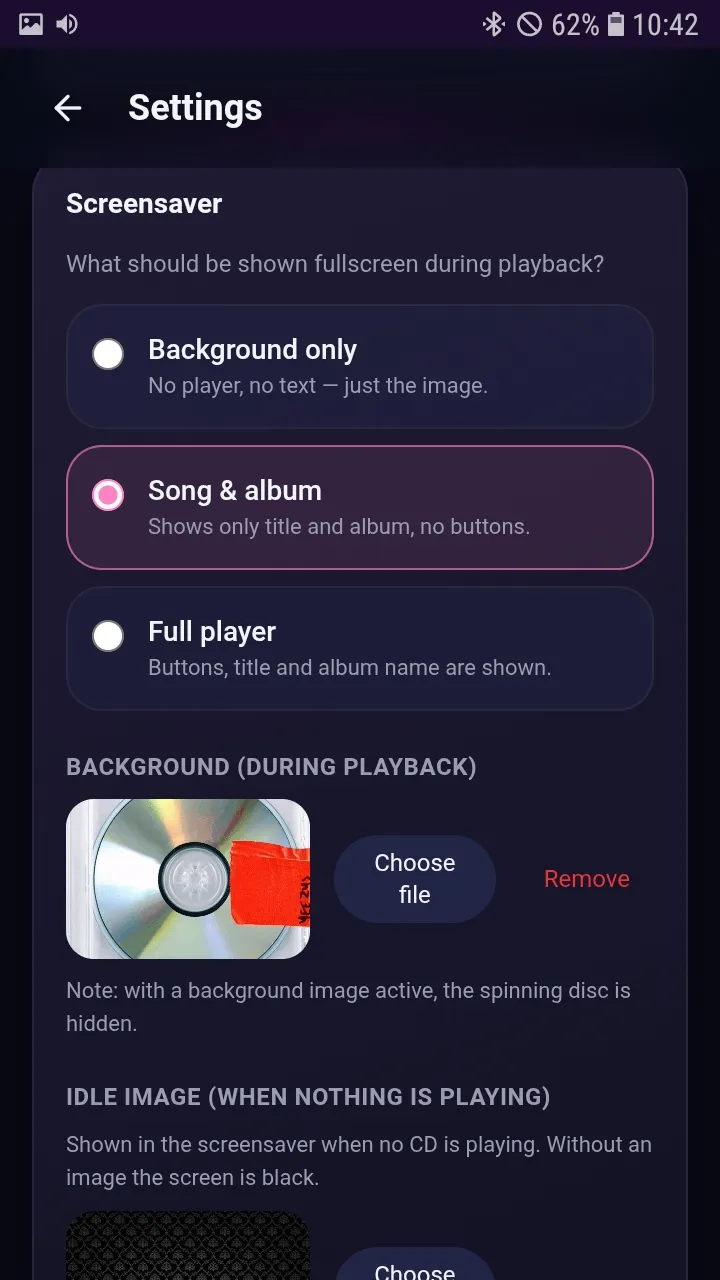
| “Screensaver” can be activated to give it a Disc-Player like asthetic, just look for CD gif or somthing and import it via settings back to main menu is swiping up with 3 fingers |
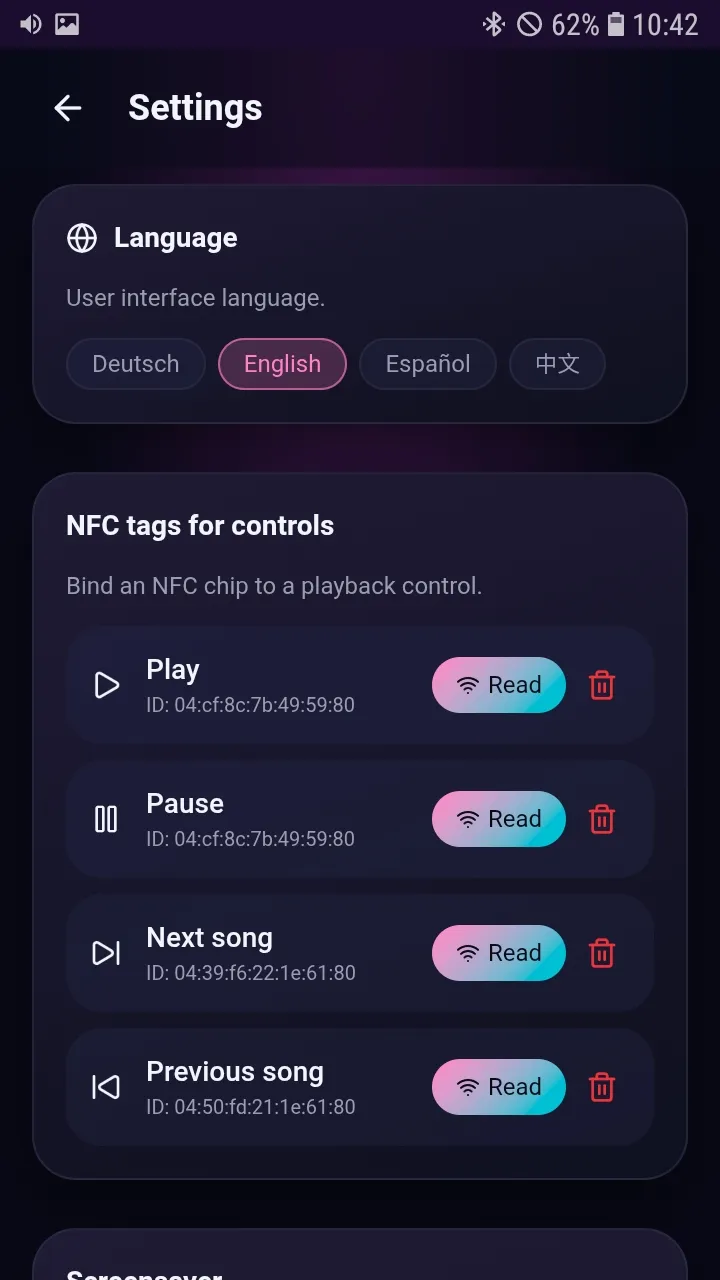
| in the Settings you can choose between different languages, you define the NFC tags for Play, Pause, back and forwrd |
| some options for the screensaver and further options can be found here |
Get Songs from your CDs: use your favorite software, like vlc or media player to save data from cd
Convert songs to mp3 withVLC
- save and convert-> Audio-CD (Profil) -> Settings -> encapsulation (mp3) + Audicodes mp3
If it is not able to get tags like interpret, album, year etc. use mp3Tag for Windows
- Open Folder->mark titles of one cd->Tag-Sources->Search Album via Interpret, align Your Songs with Album Songs
License

You may create derivative works based on this object, provided that all such derivative works are published exclusively on the MakerWorld platform and include proper attribution to the original creator. You may not share, upload, host, distribute, or publish this object—or any derivative work of this object—on any other digital platform, marketplace, or distribution channel. Commercial use of this object and any derivative works is strictly prohibited. This includes, but is not limited to, selling, renting, sublicensing, or using the object in any context in which you receive monetary compensation or other financial benefits.


Comment & Rating (0)