
Mushroom Clicker
Print Profile(1)
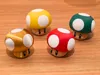
Description
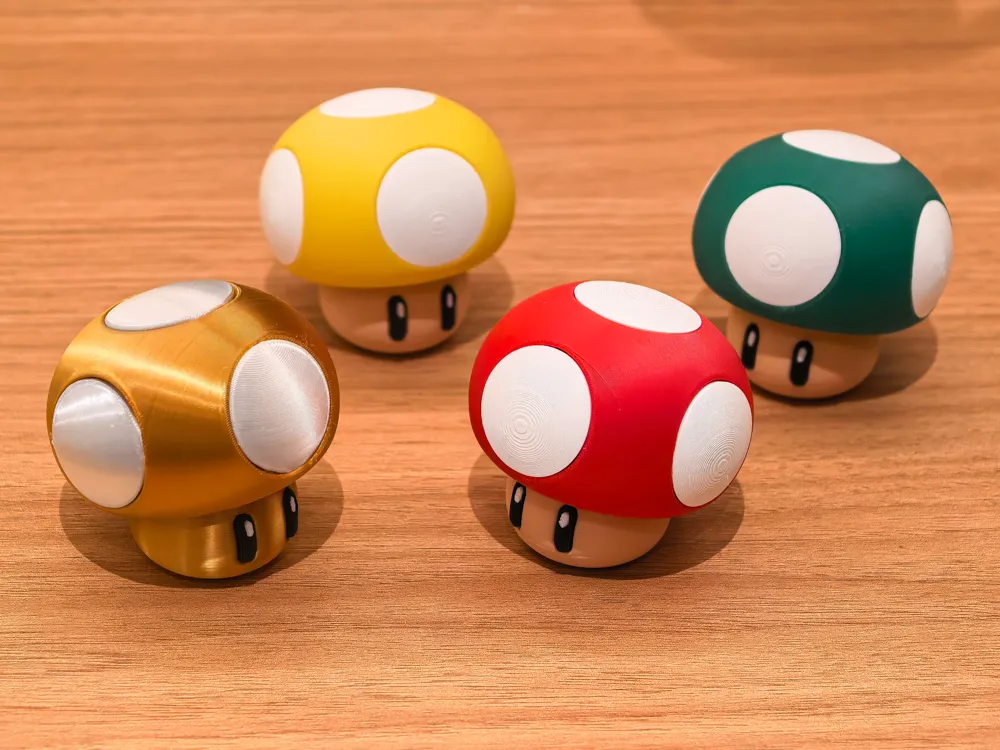


A relatively simple mushroom clicker, it requires separate purchase of keyboard switches, and some parts need to be connected with glue
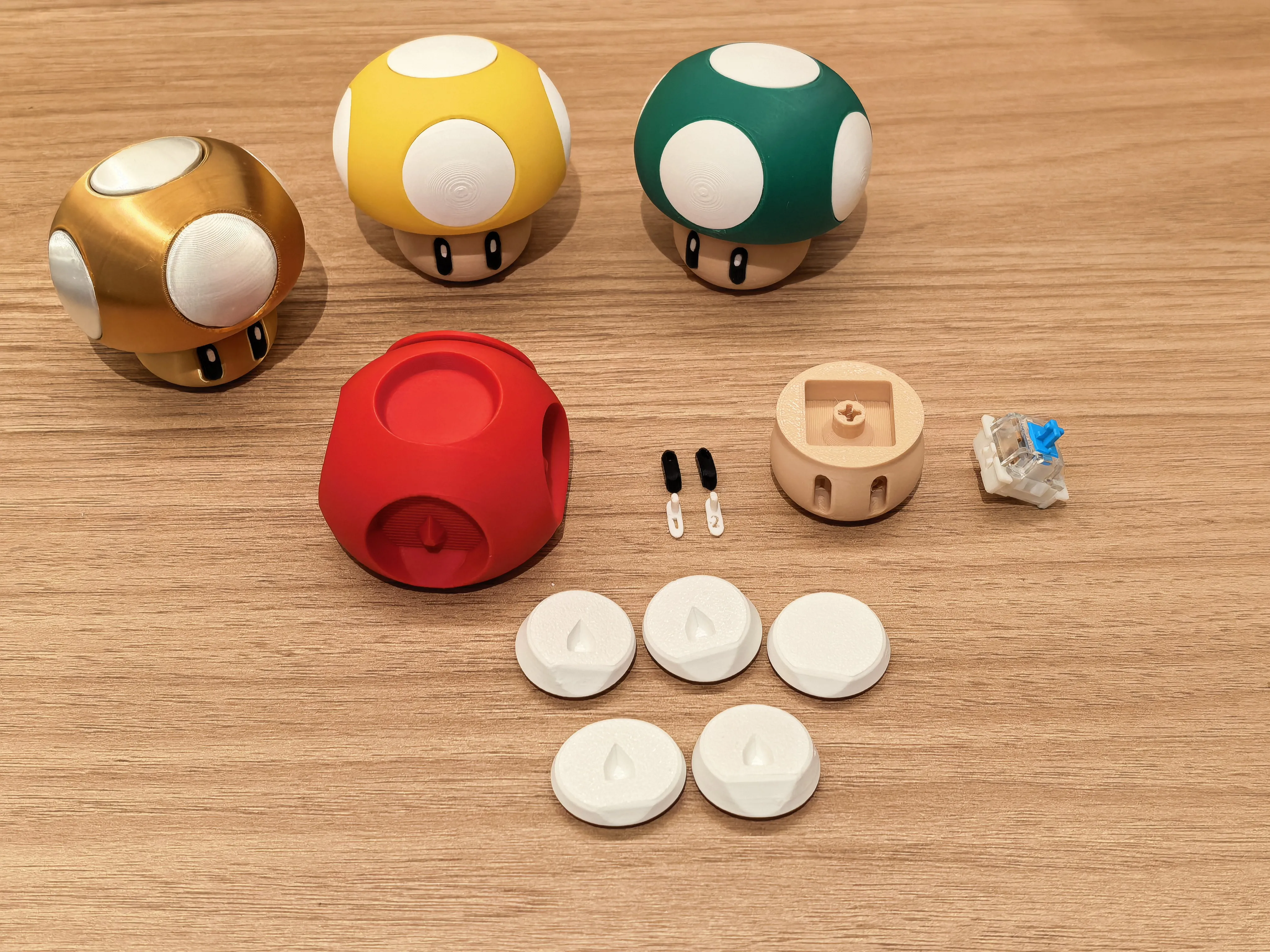
1 Before assembly, remove the bottom support
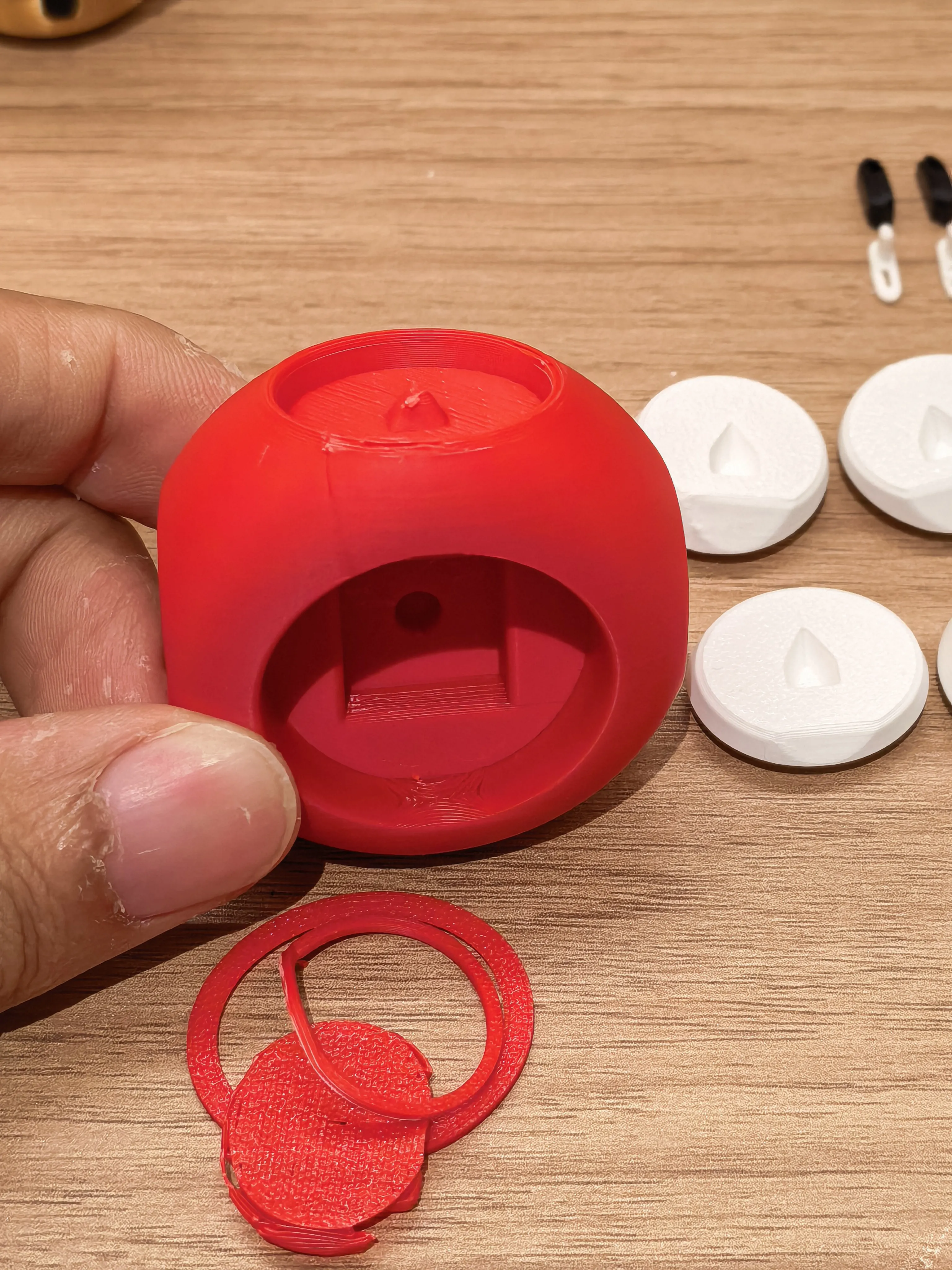
2 Both the mushroom cap and white spots have positioning, first locate each position, then use glue to attach them
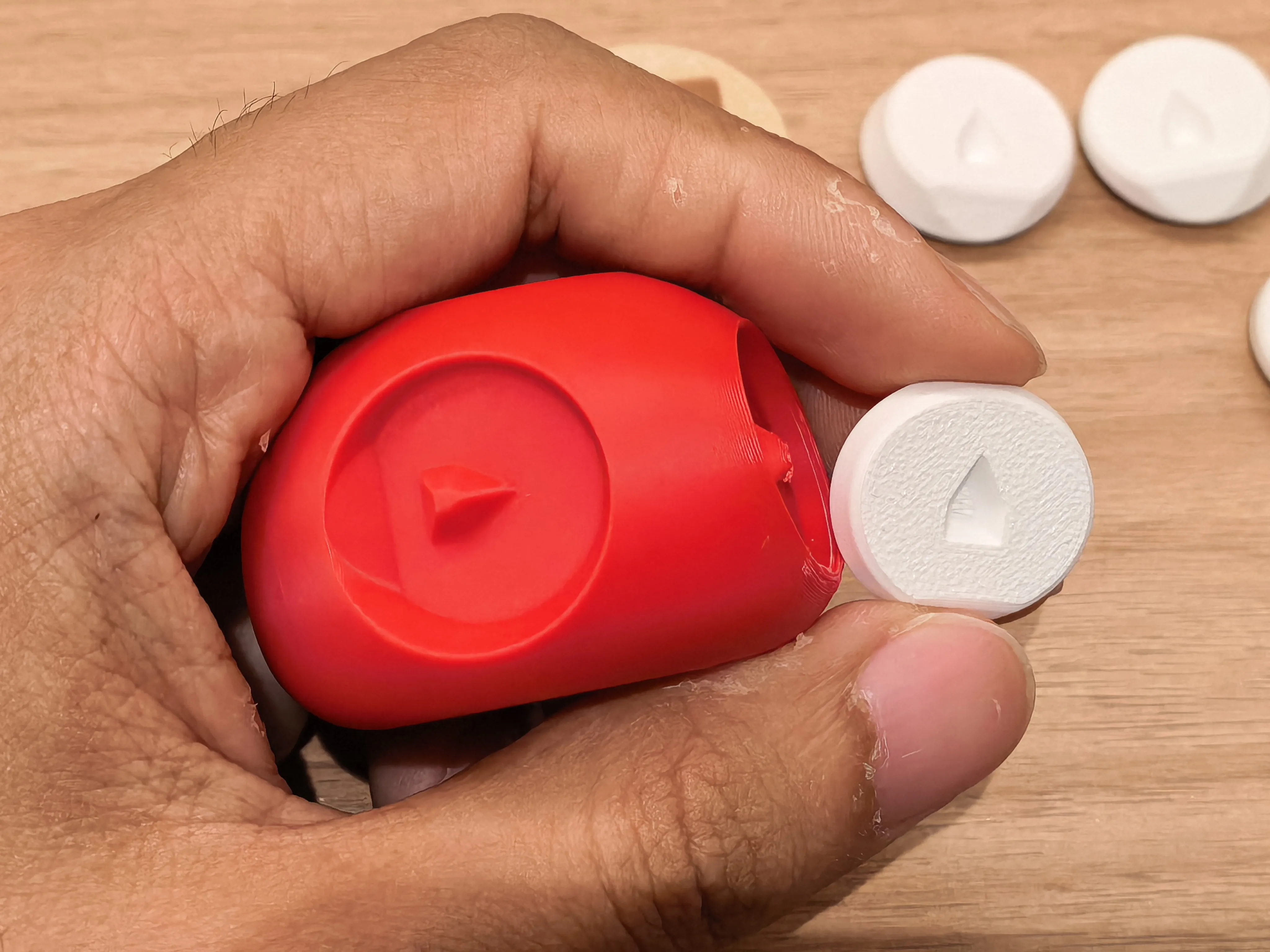
3 The eyes have numerical markings, install them corresponding to the numbers inside the mushroom stem's eye sockets
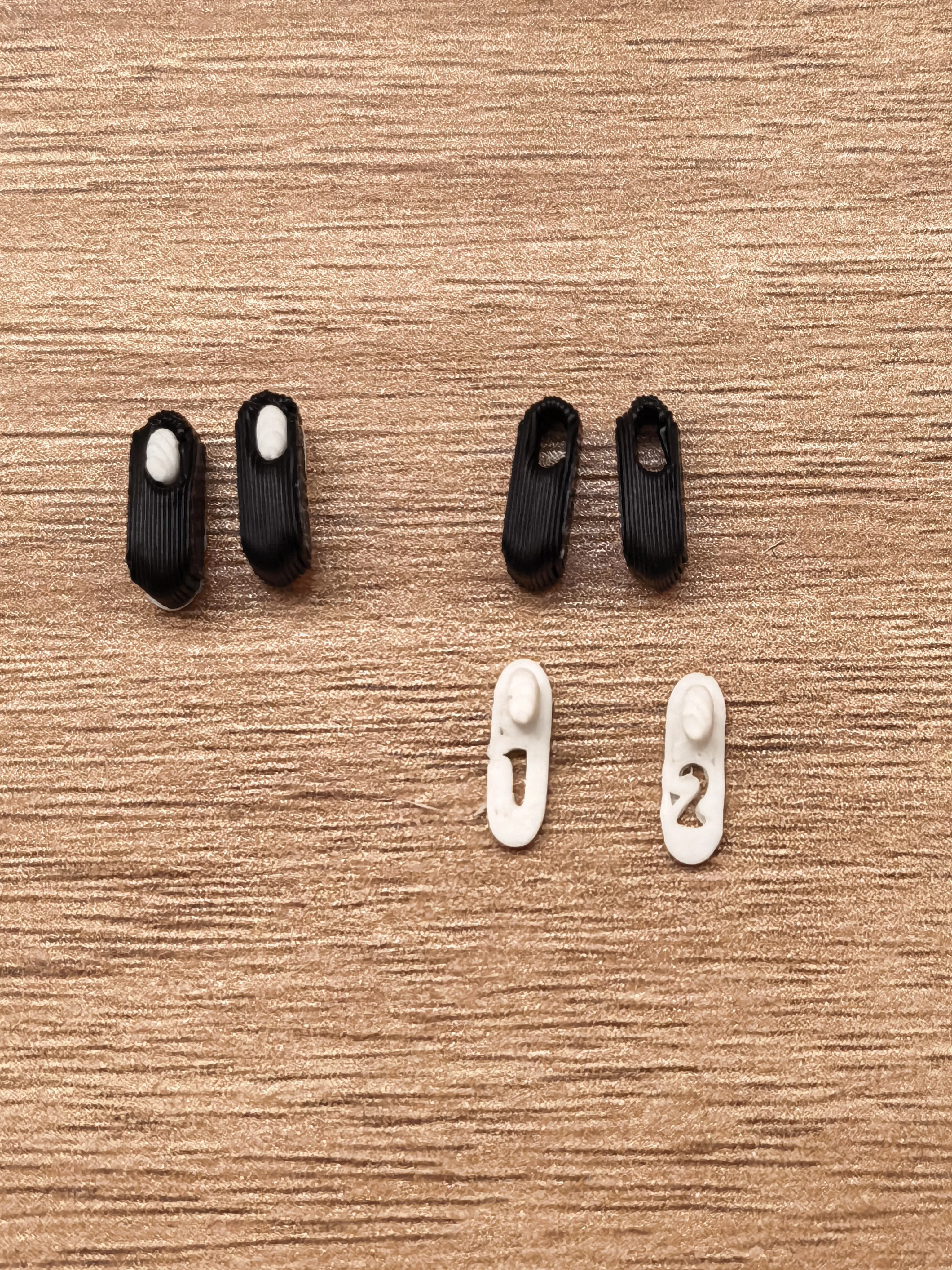
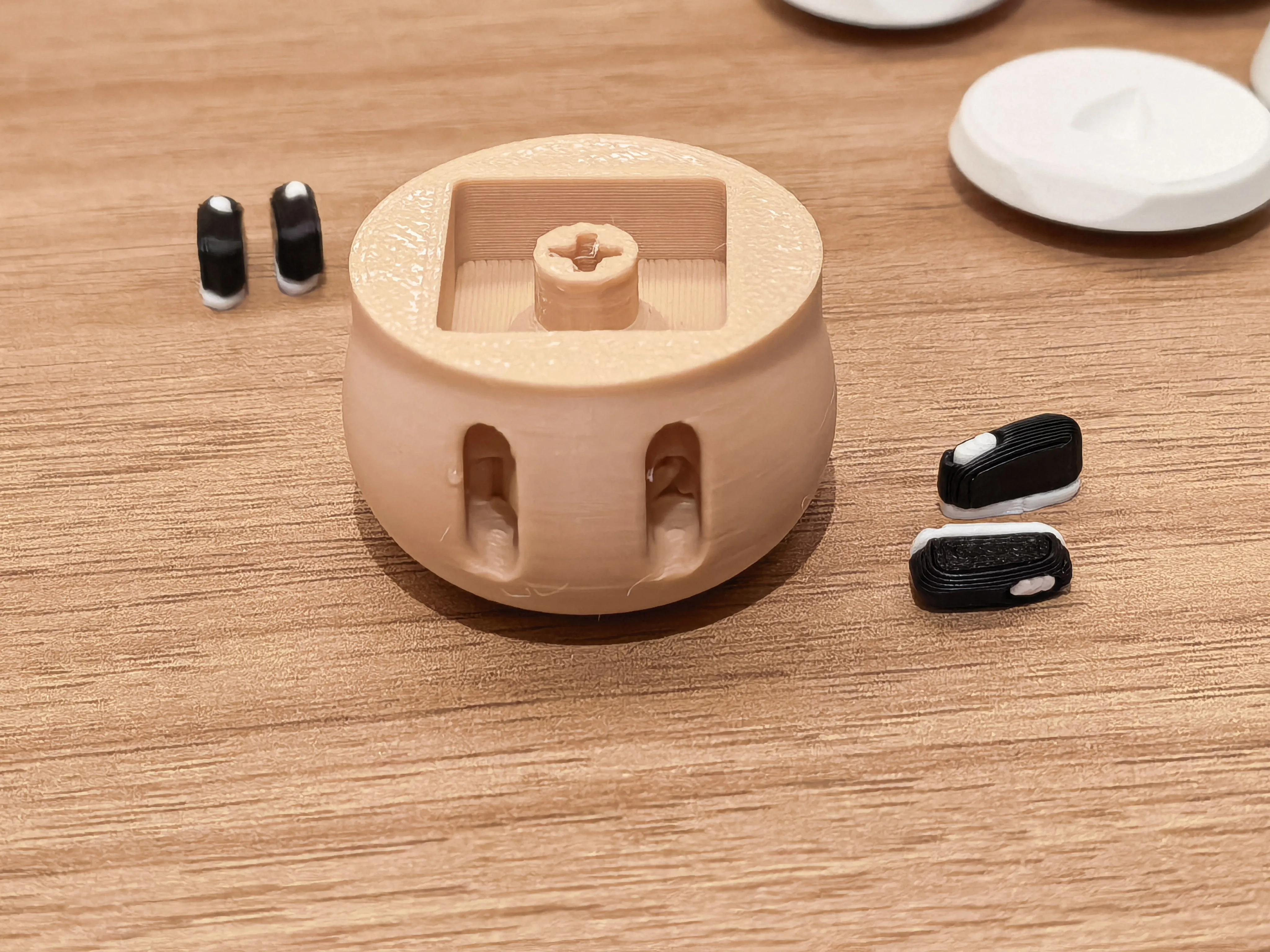
4 Insert the keyboard switches into the grooves on the mushroom cap, the pins need to be cut off or flattened, finally, find the correct orientation to install the mushroom stem
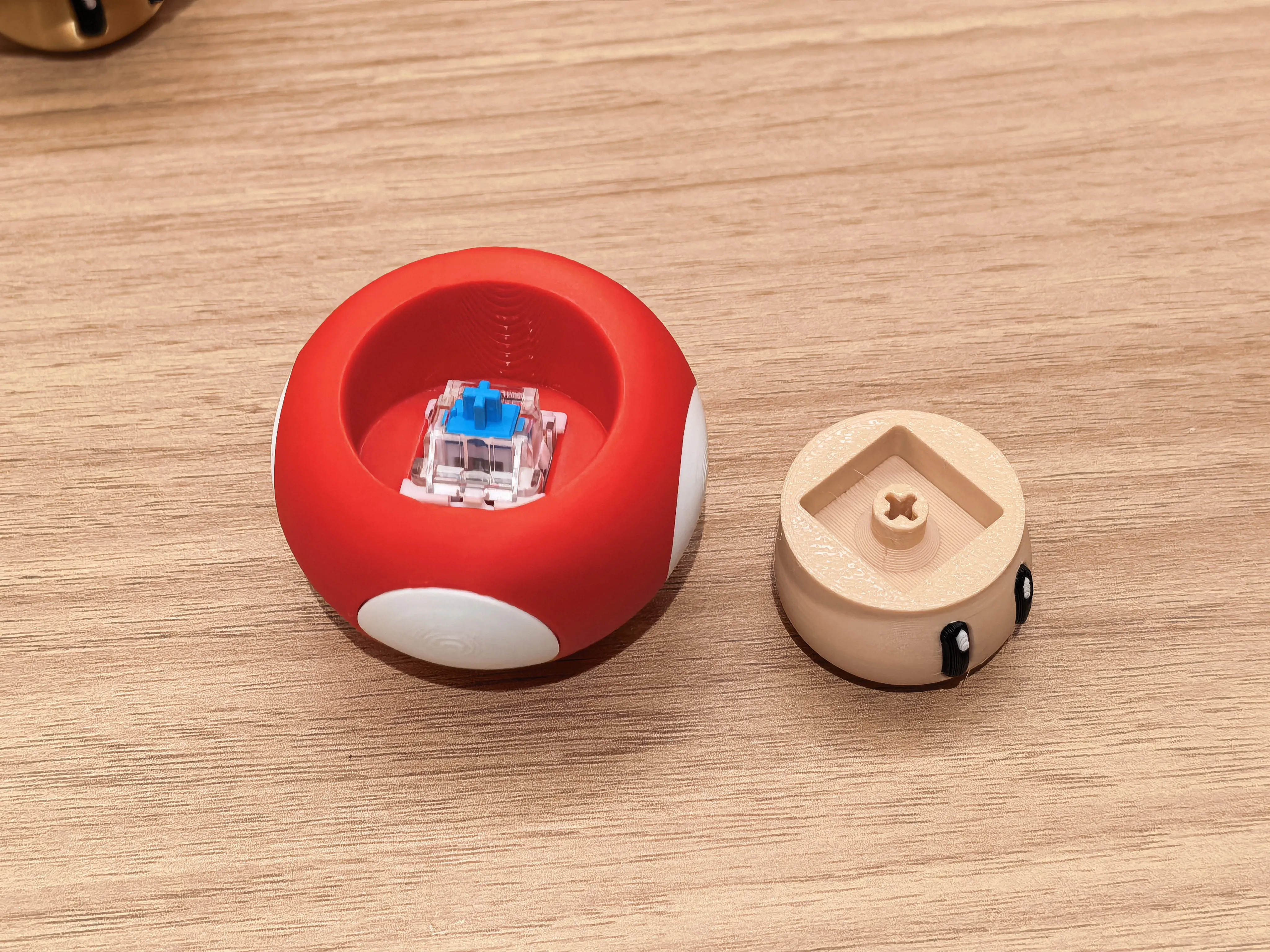
5 If using silk filament, it is recommended to print the white spots vertically, it is also available in the print profile, choose according to your preference
License

You shall not share, sub-license, sell, rent, host, transfer, or distribute in any way the digital or 3D printed versions of this object, nor any other derivative work of this object in its digital or physical format (including - but not limited to - remixes of this object, and hosting on other digital platforms). The objects may not be used without permission in any way whatsoever in which you charge money, or collect fees.


Comment & Rating (3)