
Telescopic Finger Pointer V2 - Screw Cap Design
Print Profile(1)
Description
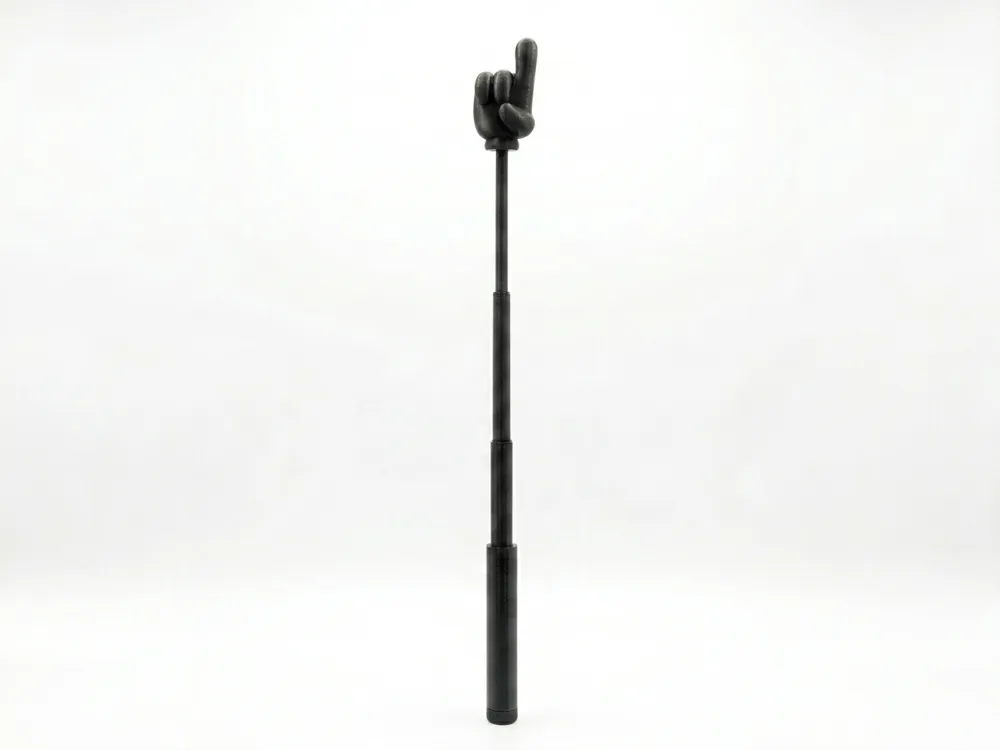
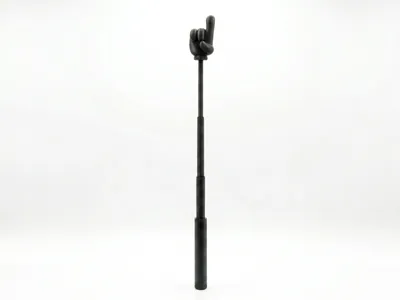
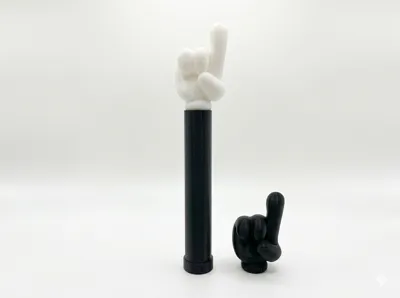
Need a hand? Bring some fun to your next presentation, classroom, or office meeting with Version 2 (V2) of this custom-designed Telescopic Pointer! Featuring a classic "pointer finger" head, this stick is fully retractable, making it super portable and easy to extend when you need to make a point.
What’s new in V2?
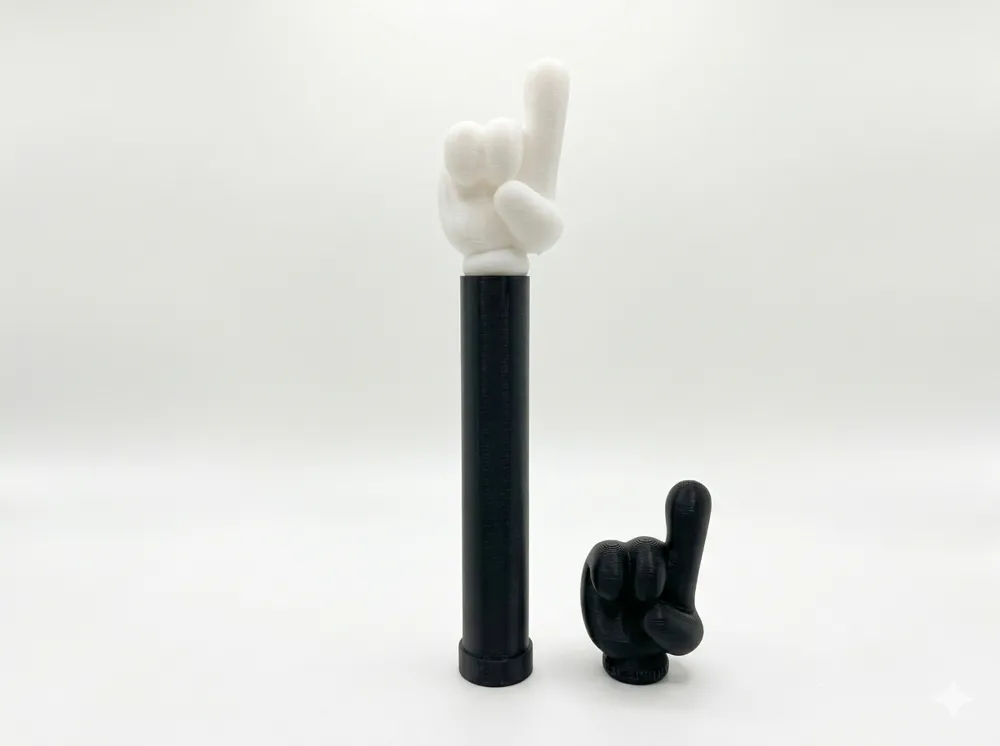
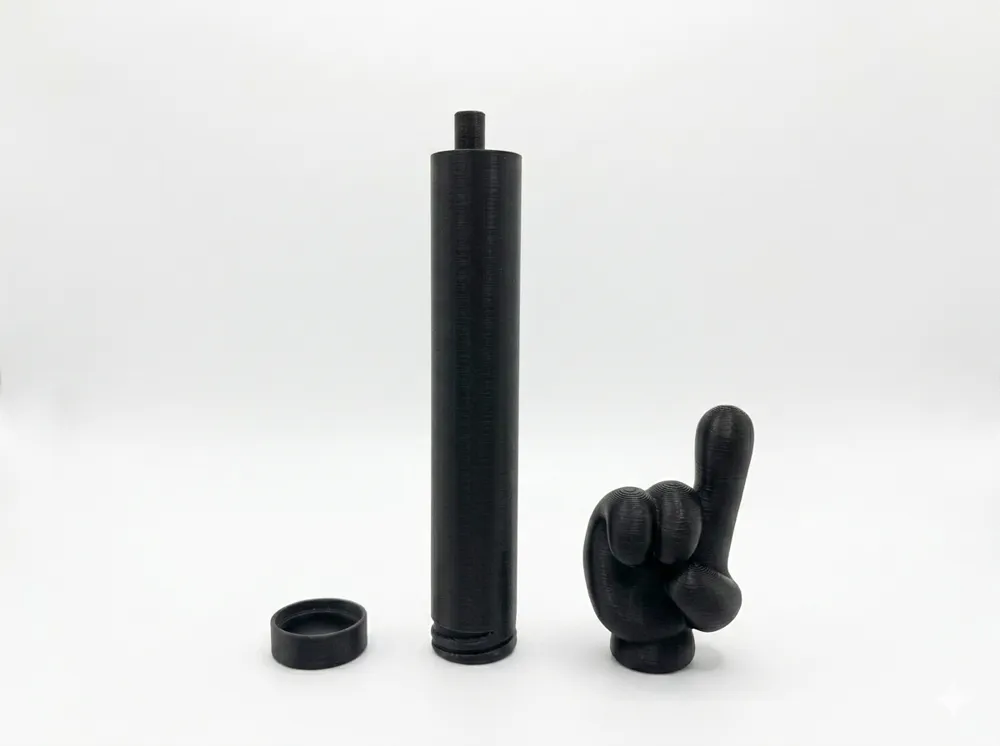
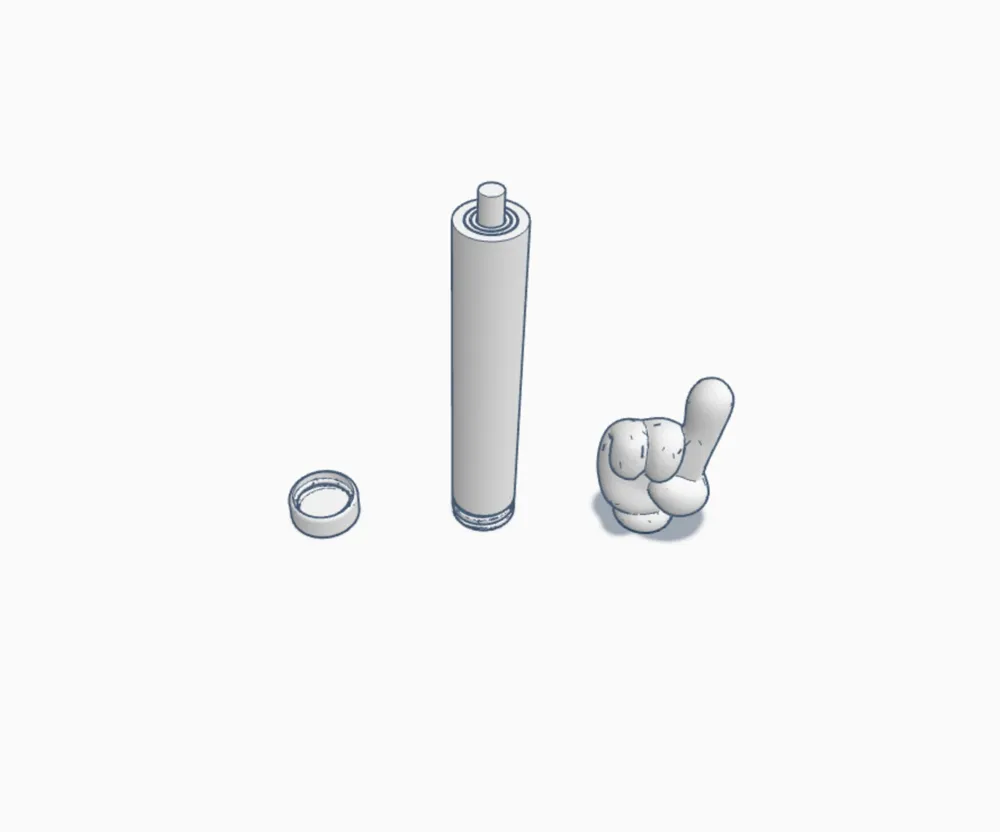
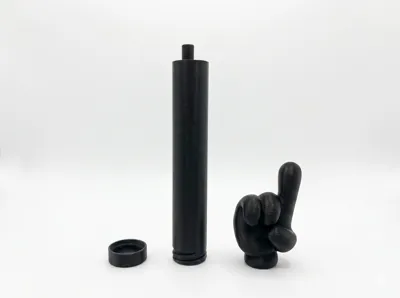
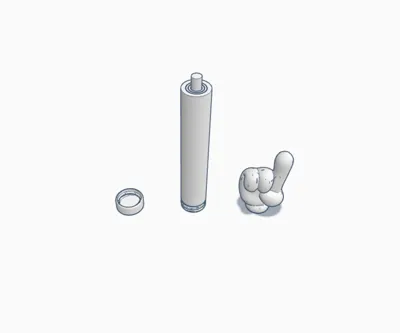
- 3-Piece Modular Design: The model now consists of the Finger Head, the Telescopic Handle Body, and a brand-new Screw-on Bottom Cap.
- Flawless Print Quality: The removable bottom cap eliminates difficult overhangs/bridges at the base, ensuring the printer achieves perfect clearances and tolerances for the internal telescopic segments.
Important: Assembly Instructions This model is printed in three separate pieces: The pointer finger head, the telescopic handle, and the bottom cap.
- The Handle: Screw the bottom cap onto the threads at the base of the handle. Do not overtighten it! Screw it in gently so you can easily unscrew it later if you ever need to clean or replace internal segments.
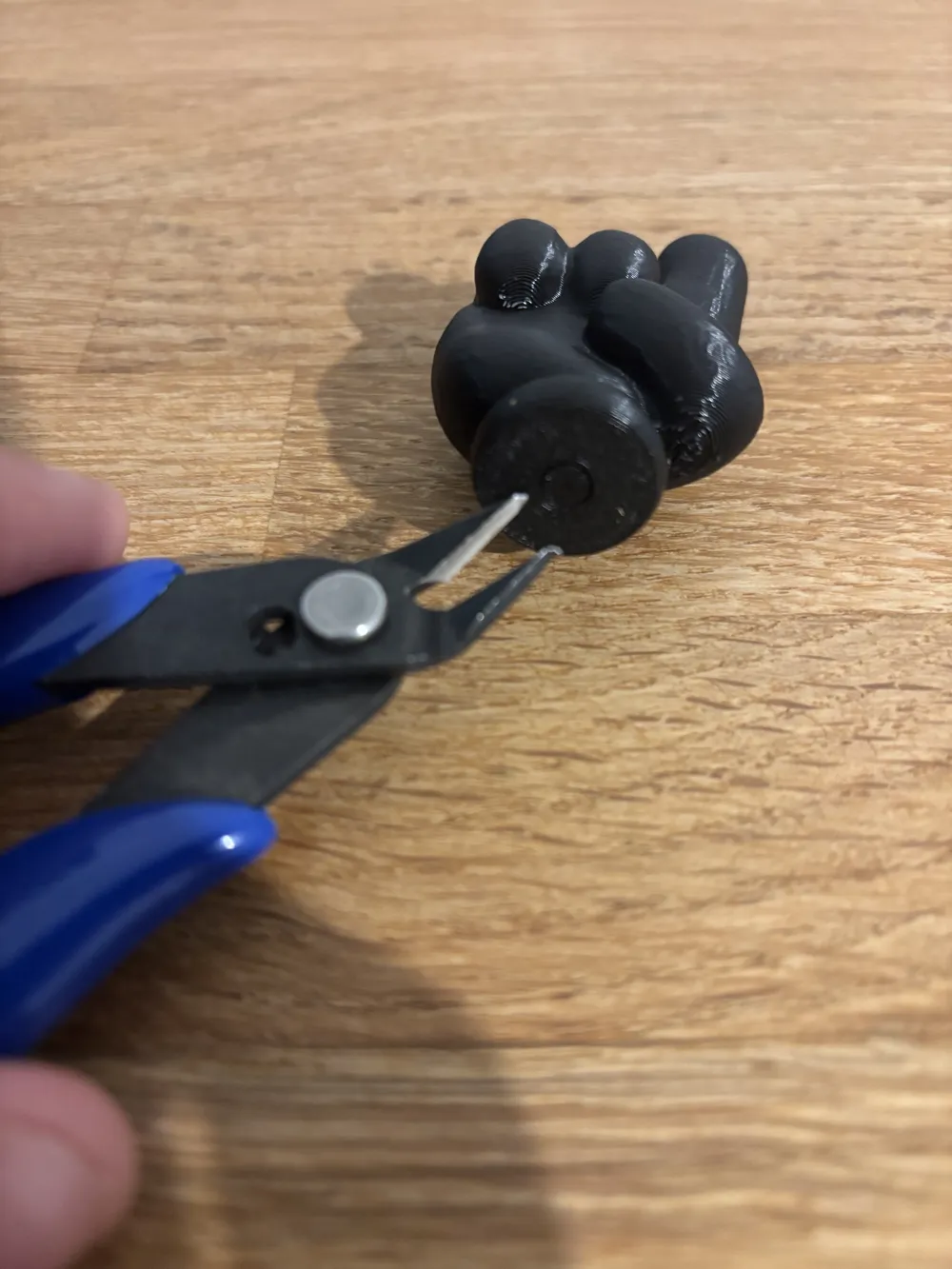
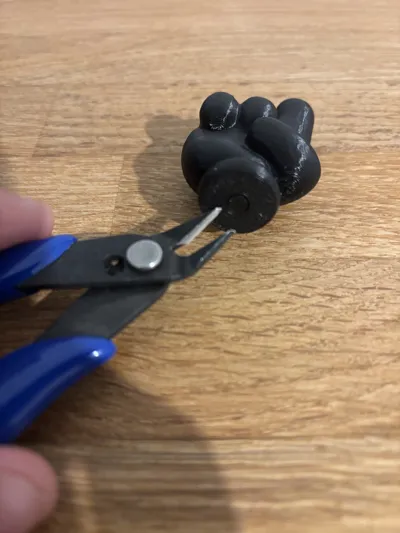
- Clearance: Ensure that auto-supports are cleared from the bottom hole of the finger head.
- Snap-Fit: Carefully align the stick's top joint with the finger's hole. Use firm but gentle pressure to snap the finger head onto the stick. Once connected, it's ready to use!
Key Features:
- Telescopic Design: Extends for pointing and retracts completely for easy storage.
- Threaded Bottom Cap: Makes printing the telescopic mechanism much safer and easier to print.
- Portable & Fun: Fits right in your bag, backpack, or desk drawer while adding a touch of humor to any room.
Recommended Print Settings:
- Material: PLA or PETG.
- Supports: Simply ensure that Auto-Supports (Tree or Normal) are enabled. The slicer will automatically take care of the finger hole and cap threads.
- Brim: Highly recommended for the telescopic stick! Adding a brim ensures the tall, narrow handle stays perfectly stable on the build plate and doesn't wobble or detach during printing.
CAUTION: Ensure the hole in the finger is free of support debris before snapping the parts together. Forcing it with leftover plastic inside may damage the attachment points.
License

You shall not share, sub-license, sell, rent, host, transfer, or distribute in any way the digital or 3D printed versions of this object, nor any other derivative work of this object in its digital or physical format (including - but not limited to - remixes of this object, and hosting on other digital platforms). The objects may not be used without permission in any way whatsoever in which you charge money, or collect fees.


Comment & Rating (31)