
Parametric Bolt and Nut Super Customizble
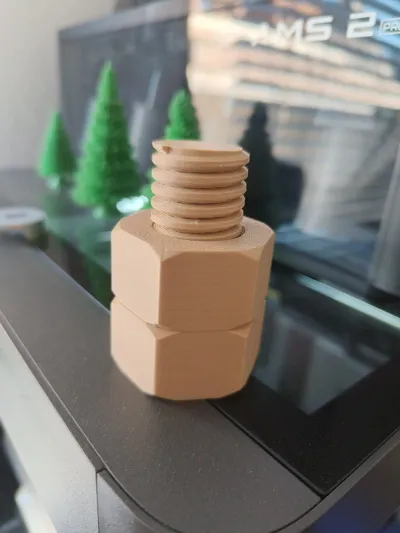
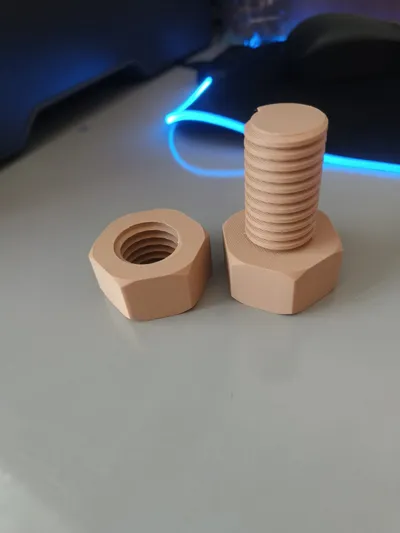
Print Profile(1)
Bill of Materials

Description
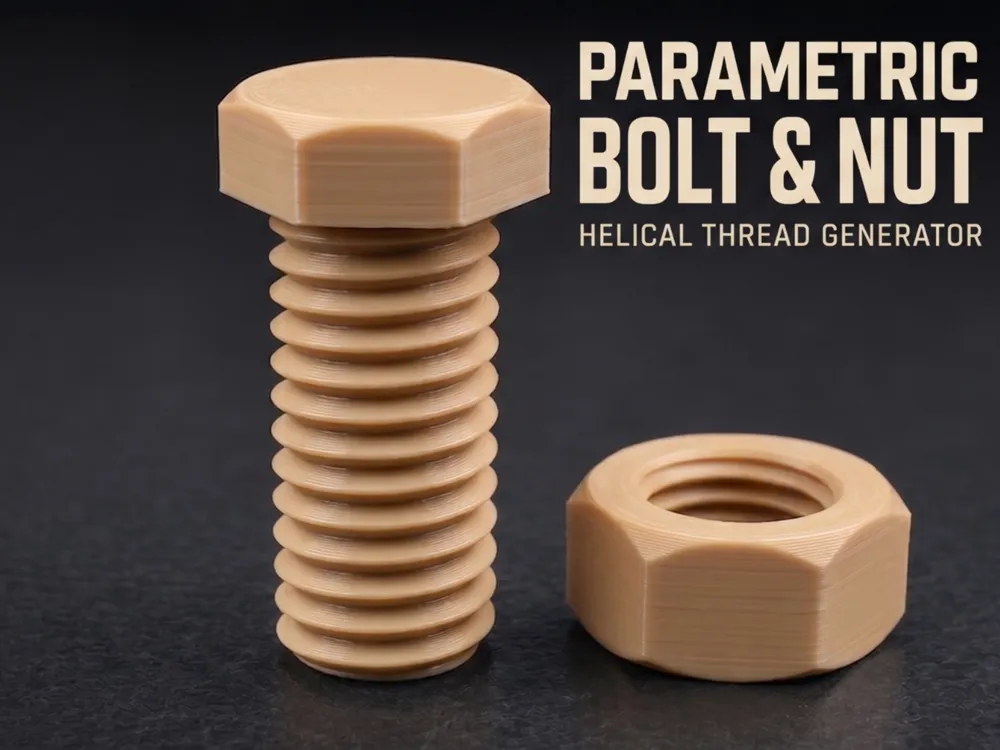
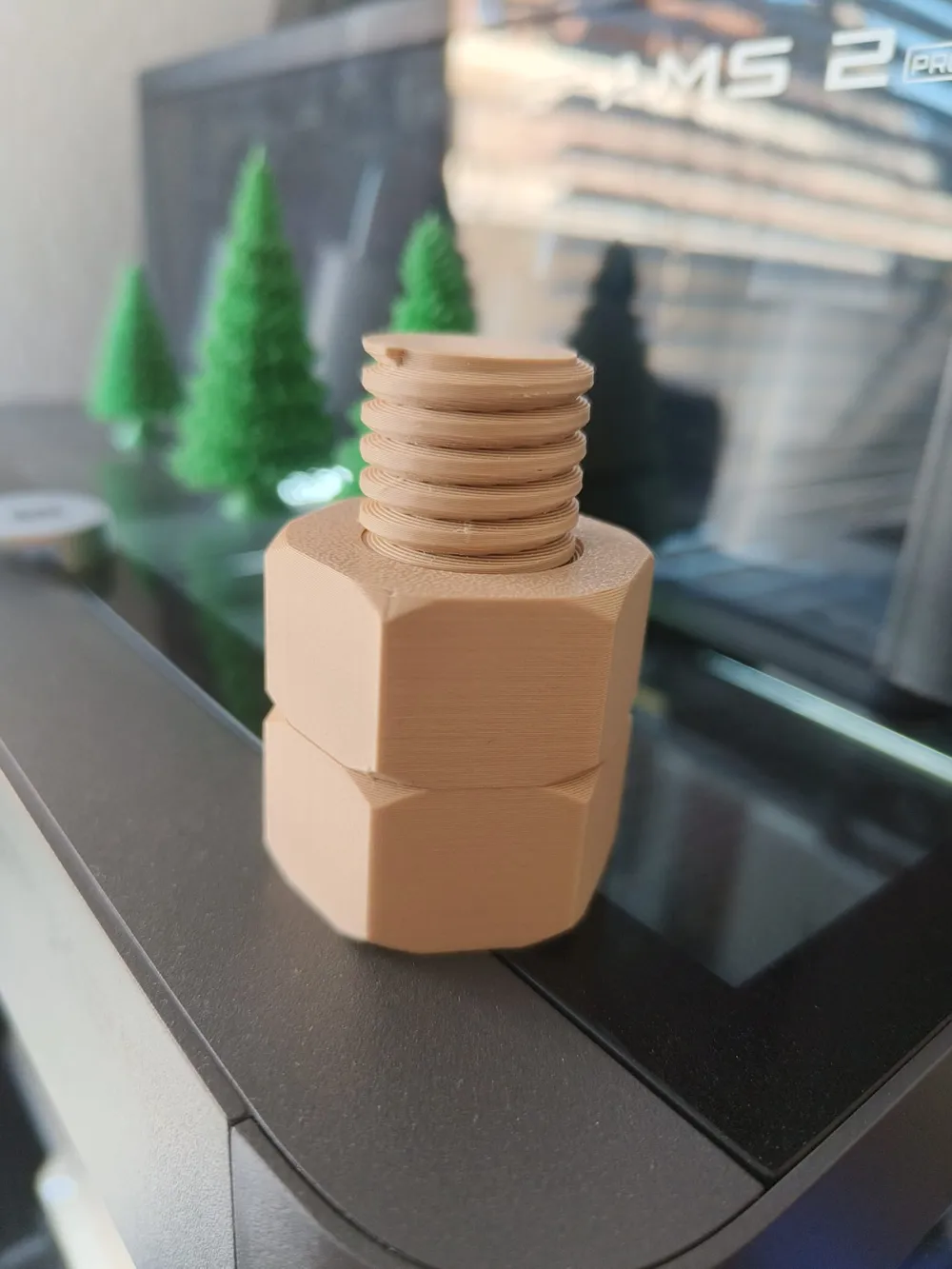
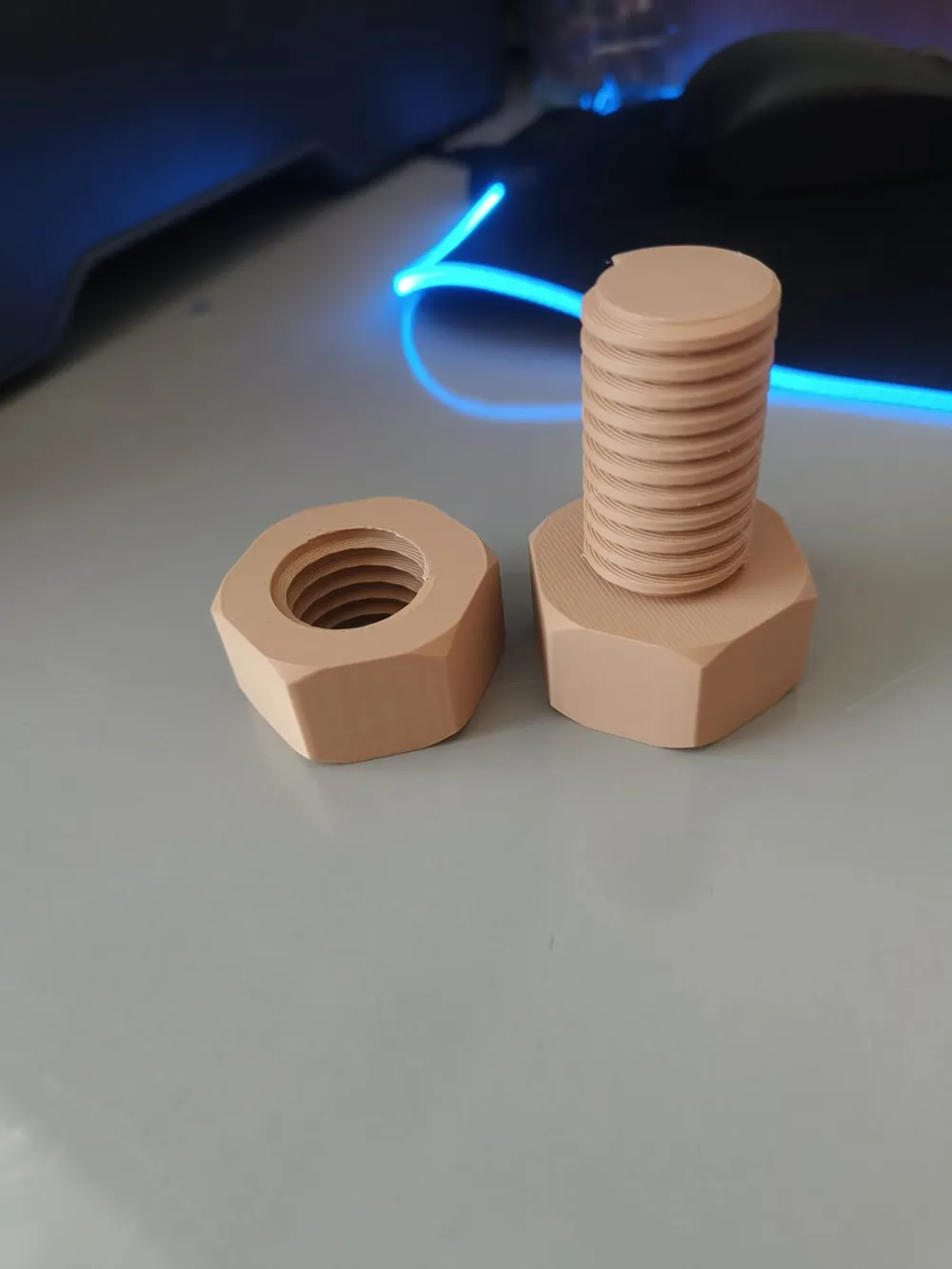
Parametric Bolt & Nut – Helical Thread Generator
A fully parametric OpenSCAD bolt and nut generator designed for clean, reliable, and highly customizable threaded models.
Built with a robust sequential hull-based helical algorithm for smooth continuous threads without gaps, fins, or mesh artifacts.
Perfect for functional 3D prints, prototyping, mechanical projects, educational models, and custom hardware generation.
Features
- Fully parametric design
- Clean continuous helical threads
- Multiple thread sharpness profiles
- True 45° chamfered hex edges
- Adjustable clearances for real-world printing
- Support-free printing
- High-resolution export ready
- Fast preview rendering
- Bolt and nut generation in one script
- Build plate aligned at Z=0
Customizable Parameters
General
- Bolt diameter
- Thread pitch
- Thread length
- Chamfer size
Thread Profiles
Choose between:
- Flat (Square/Acme style)
- Little (Standard metric style)
- Sharp (V-thread style)
Bolt Head
- Head diameter across flats
- Head height
Nut
- Nut diameter across flats
- Nut height
Print Tolerances
- Bolt clearance
- Nut clearance
Render Settings
- Toggle bolt generation
- Toggle nut generation
- Adaptive resolution for preview/export
License

You shall not share, sub-license, sell, rent, host, transfer, or distribute in any way the digital or 3D printed versions of this object, nor any other derivative work of this object in its digital or physical format (including - but not limited to - remixes of this object, and hosting on other digital platforms). The objects may not be used without permission in any way whatsoever in which you charge money, or collect fees.


Comment & Rating (14)