
Nostalgic TV Clicker Fidget Toy (Customizable)
Print Profile(14)
Bill of Materials





Description
Thank you for your support! If you like our family's designs - you can sell the physical prints through a paid Patreon membership:
https://www.patreon.com/c/SpacedOutStudio
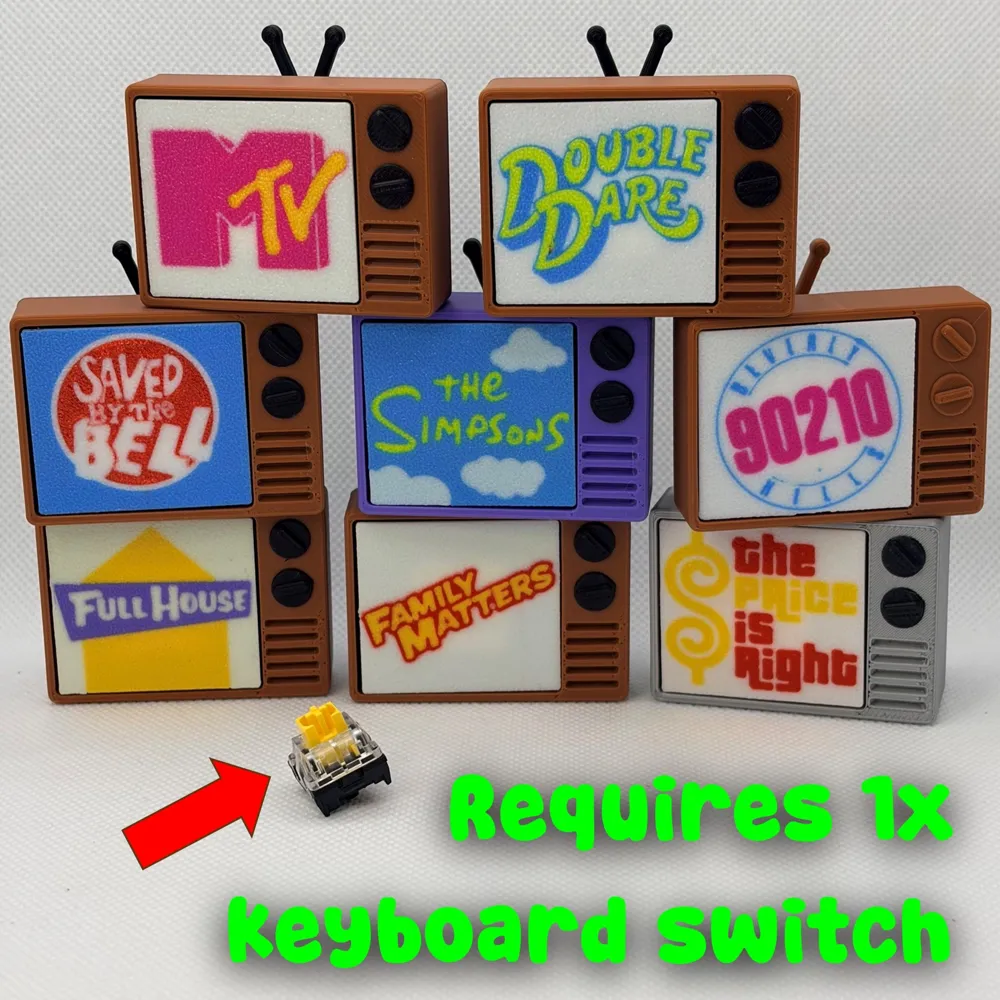
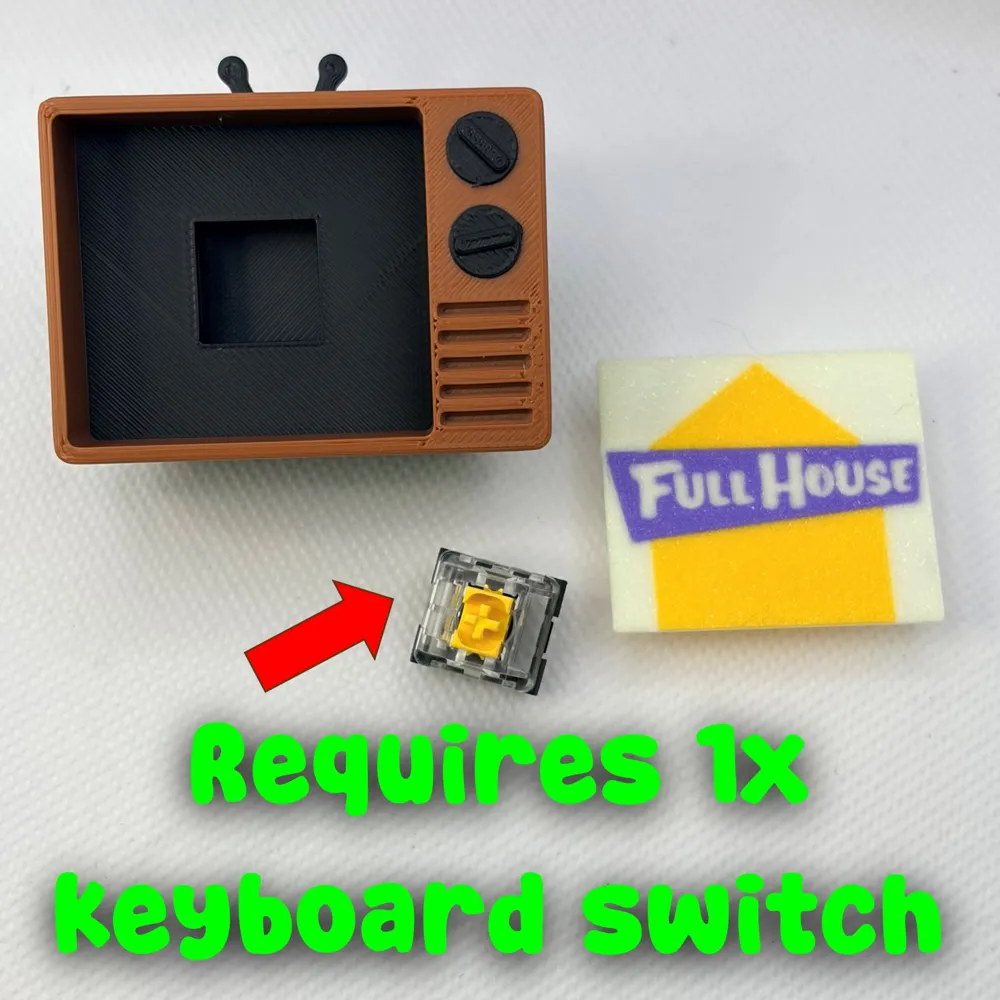
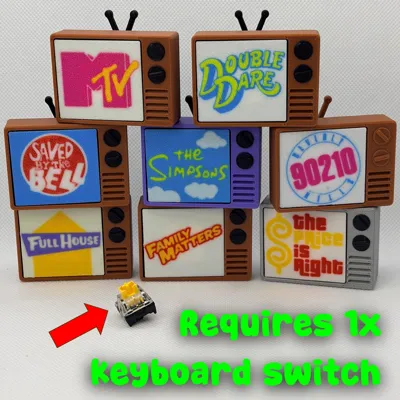
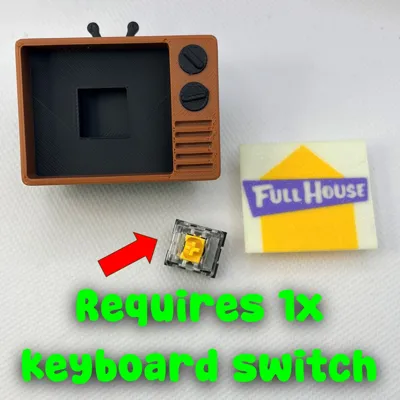
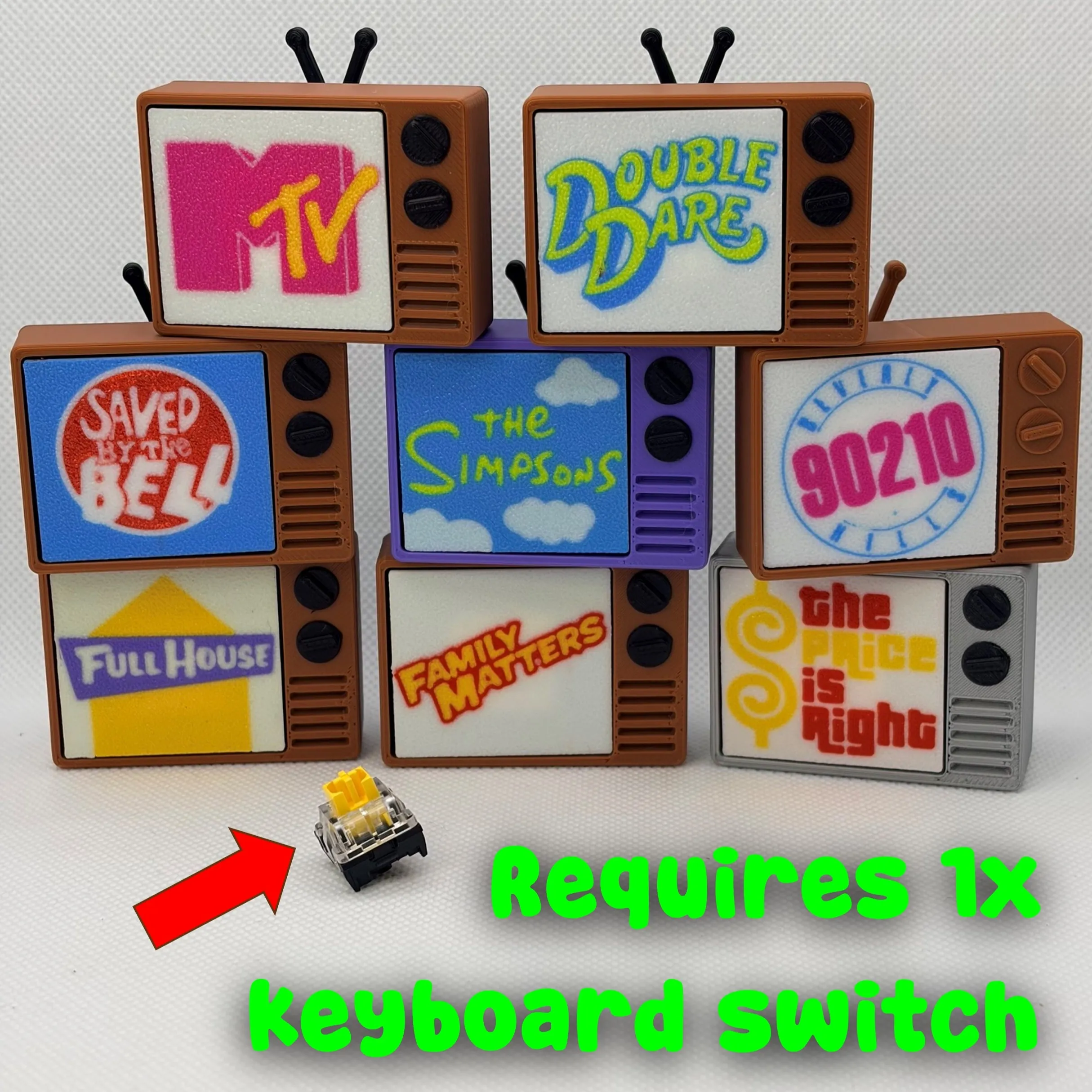
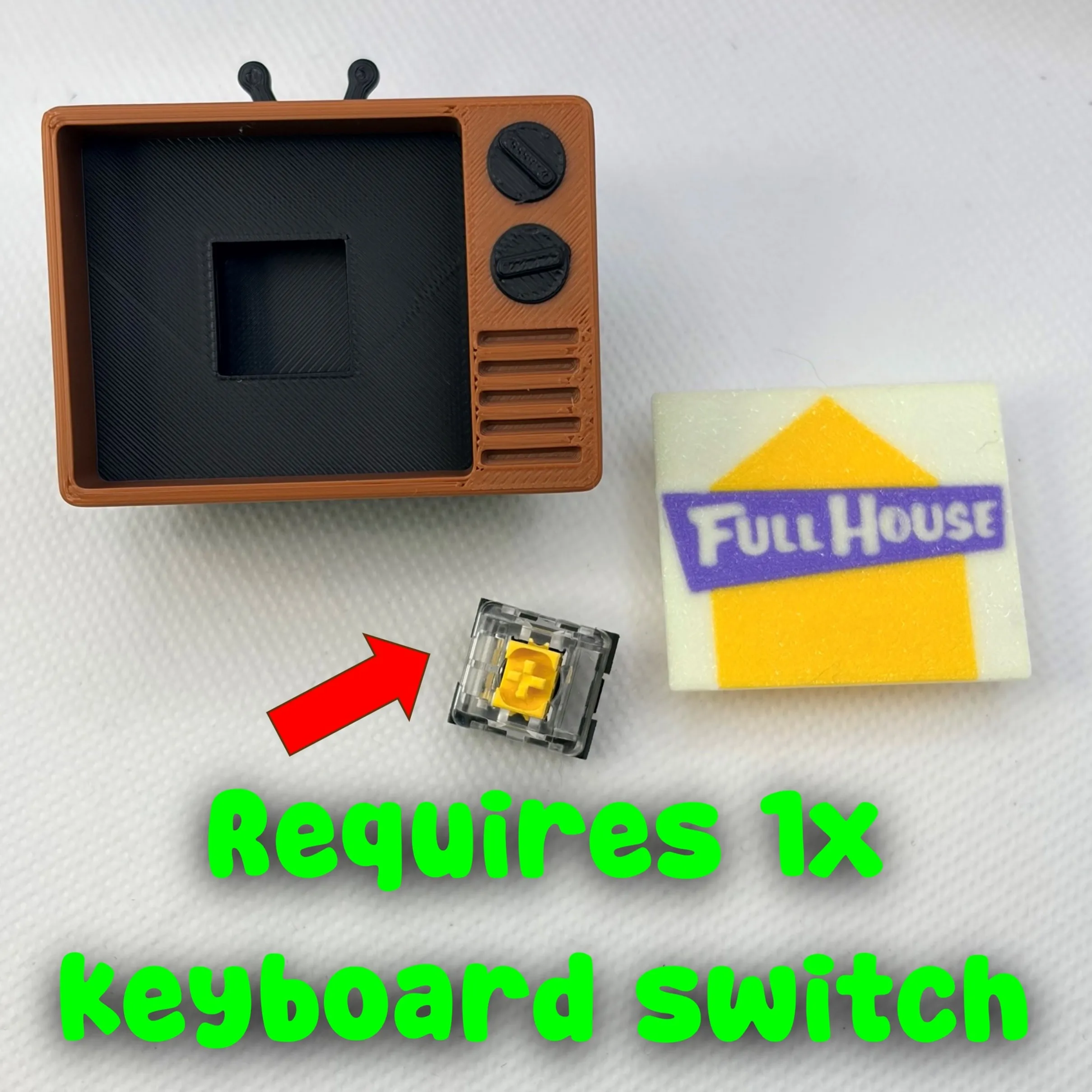
REQUIRES One (1x) MX keyboard switch. Remove the pins as shown below.
You can buy from here or Amazon: https://mechanicalkeyboards.com/collections/keyboard-switches
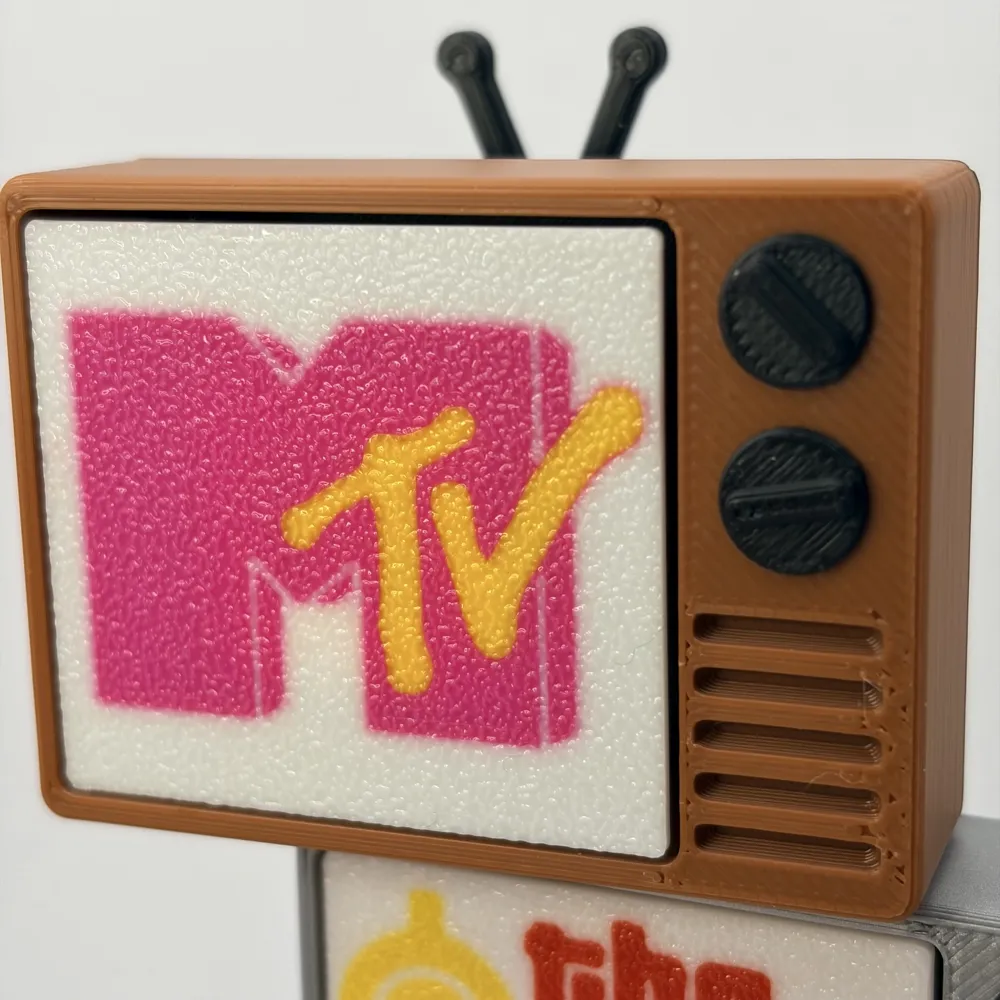
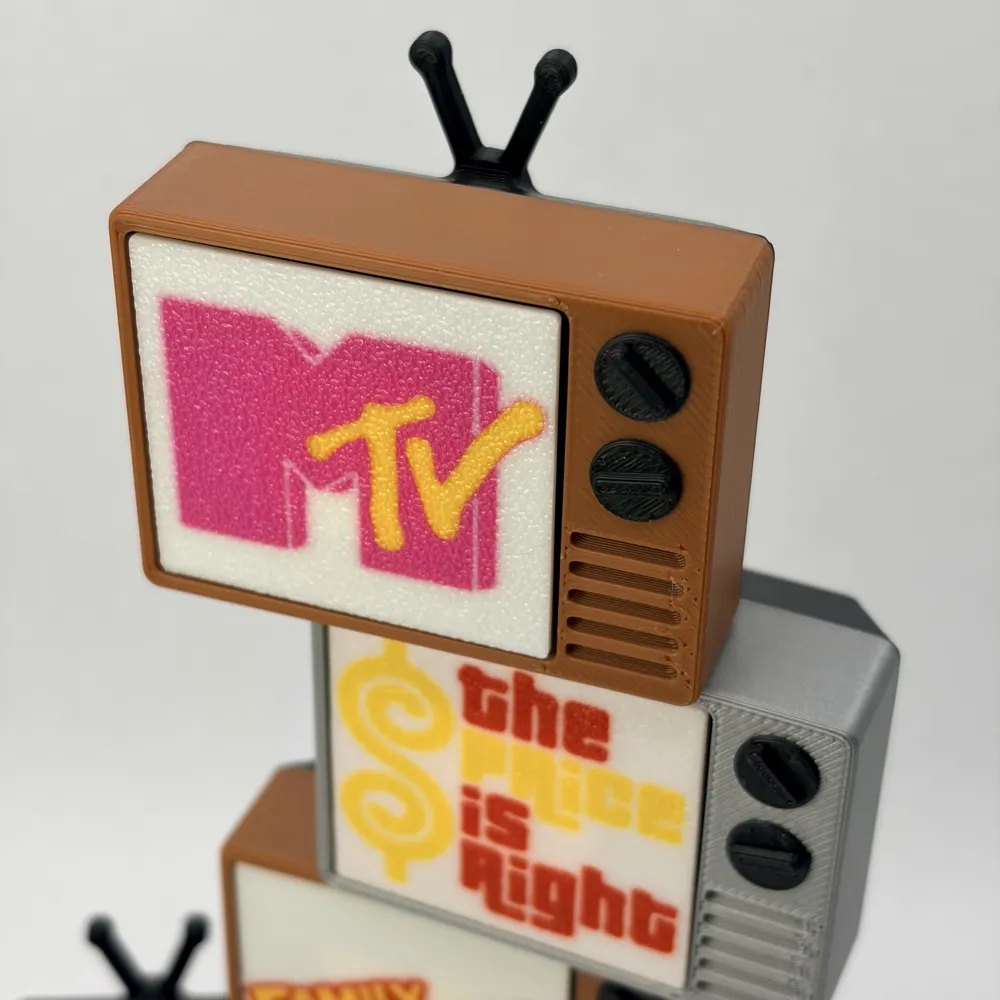
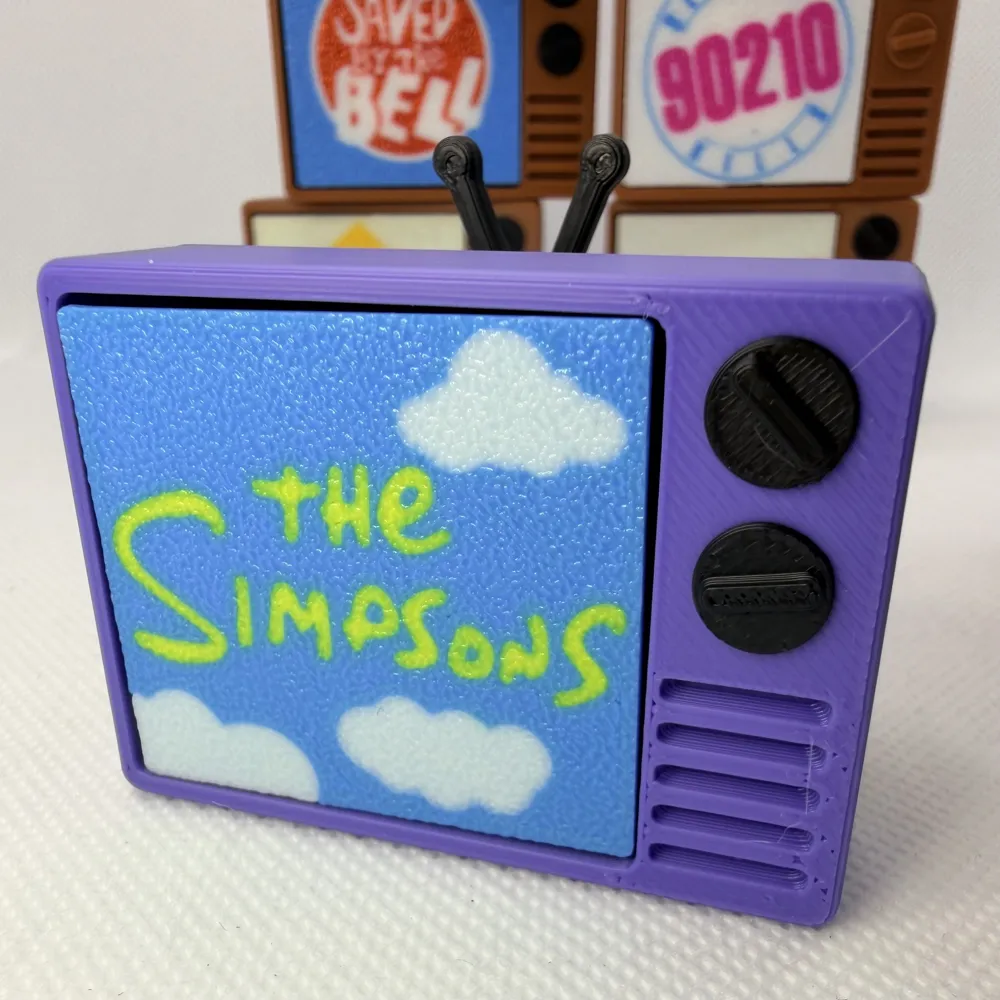
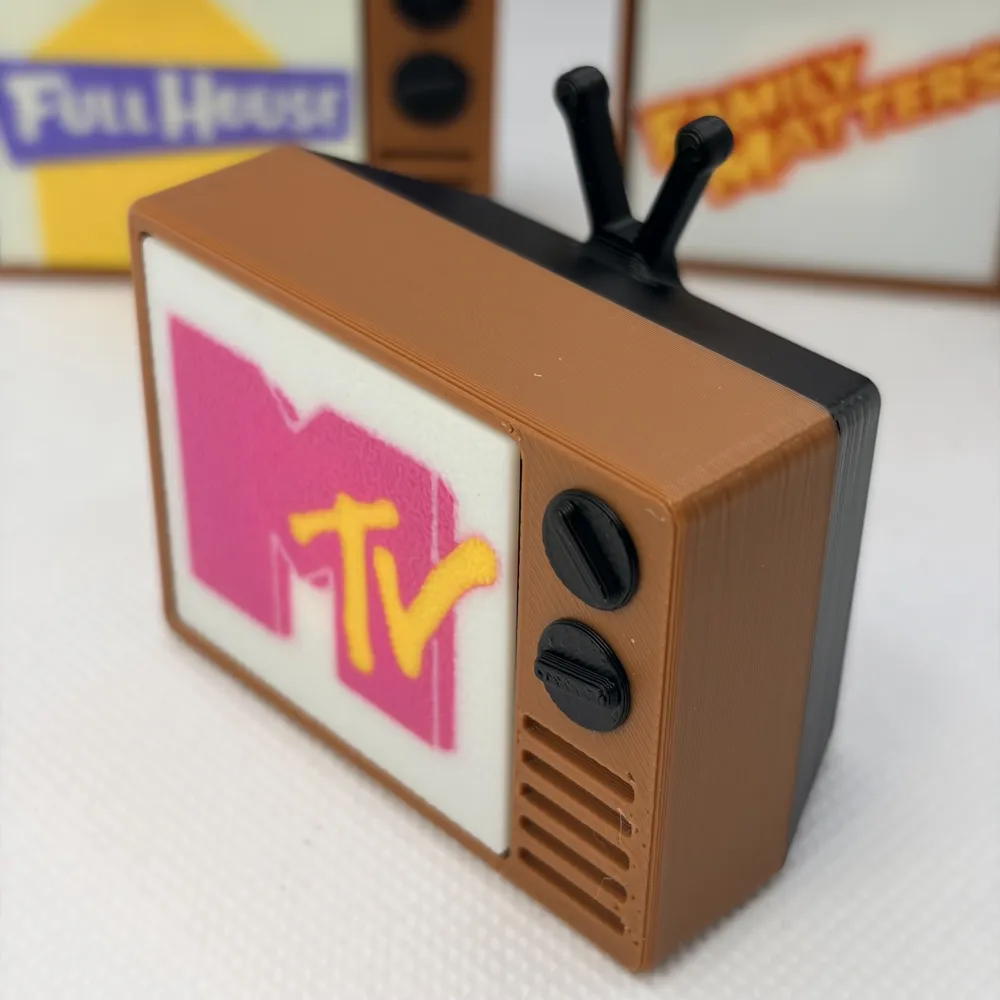
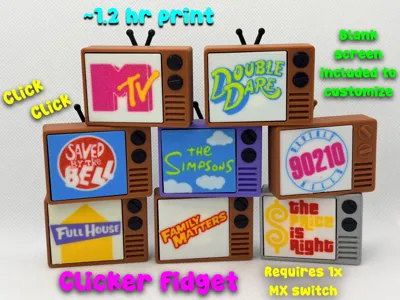
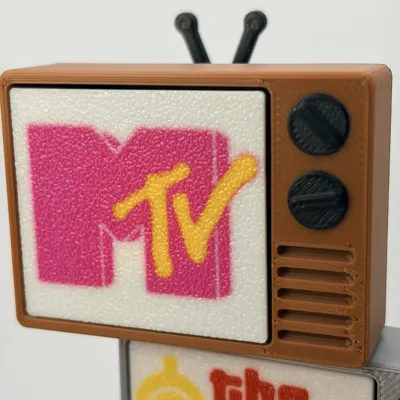
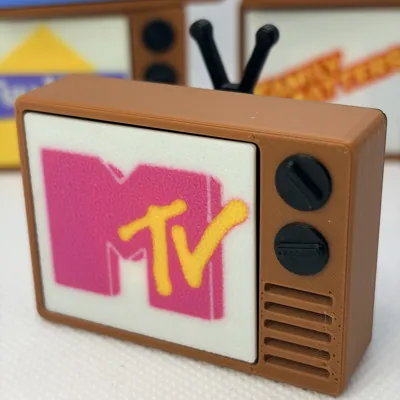
The Retro Rewind Saturday Morning Clicker
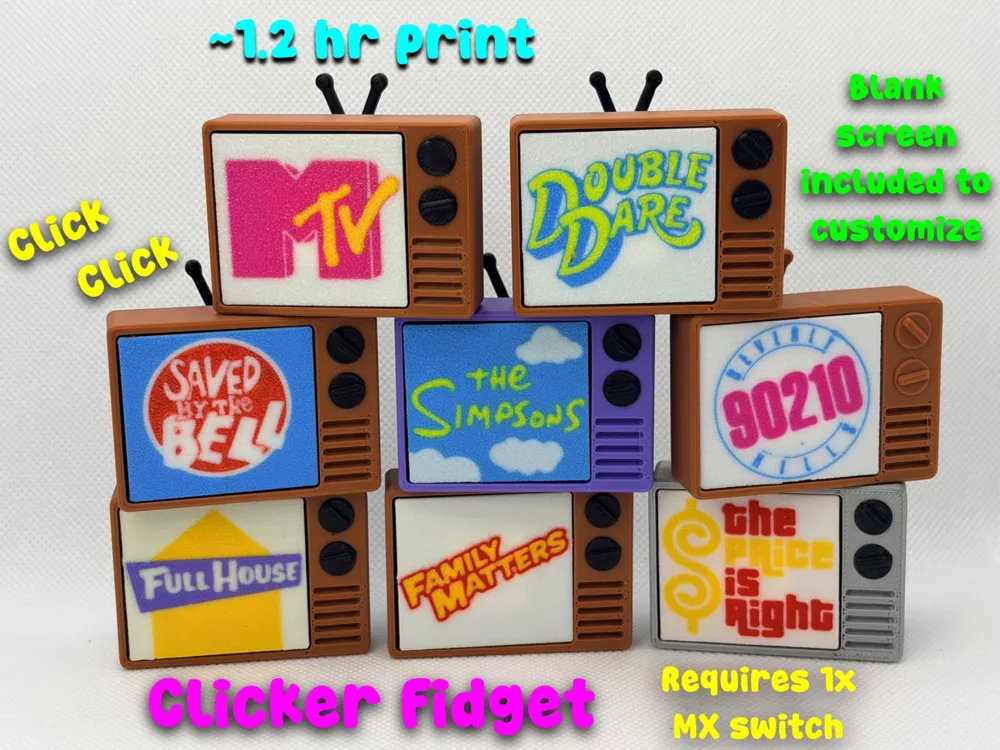


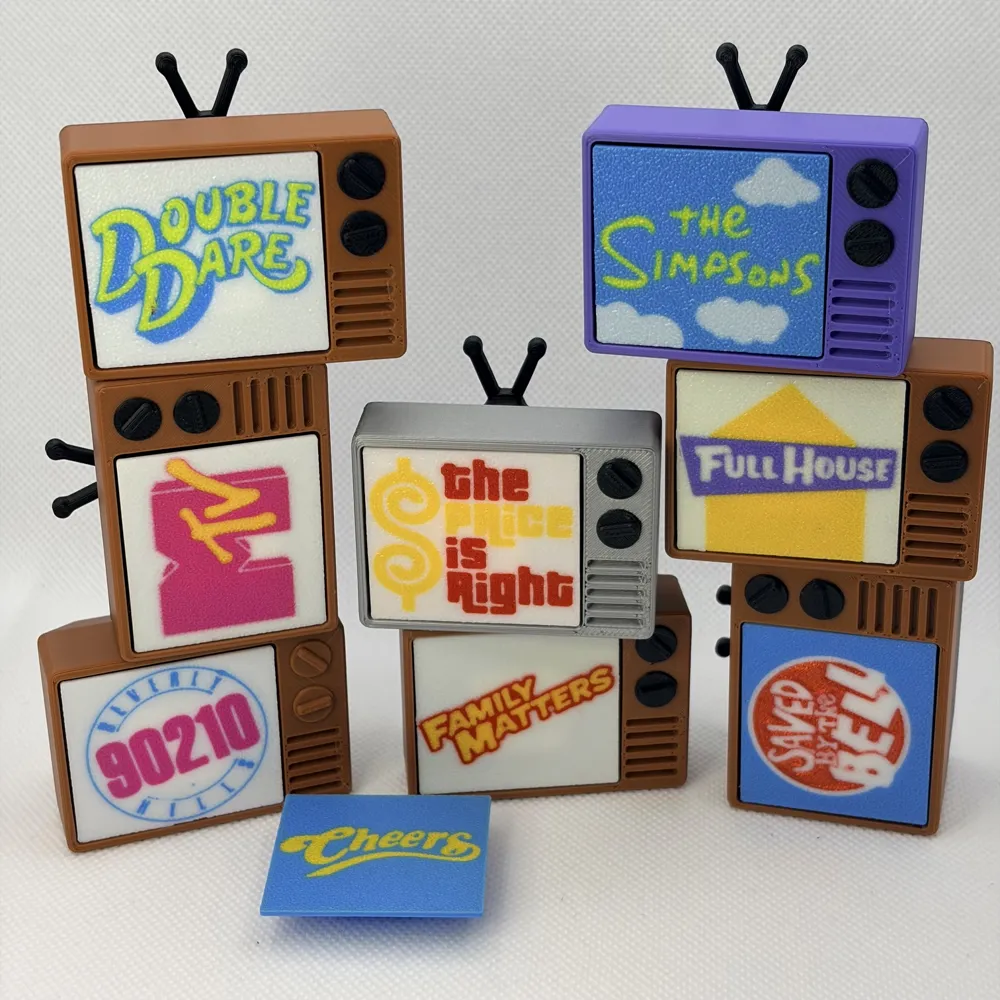
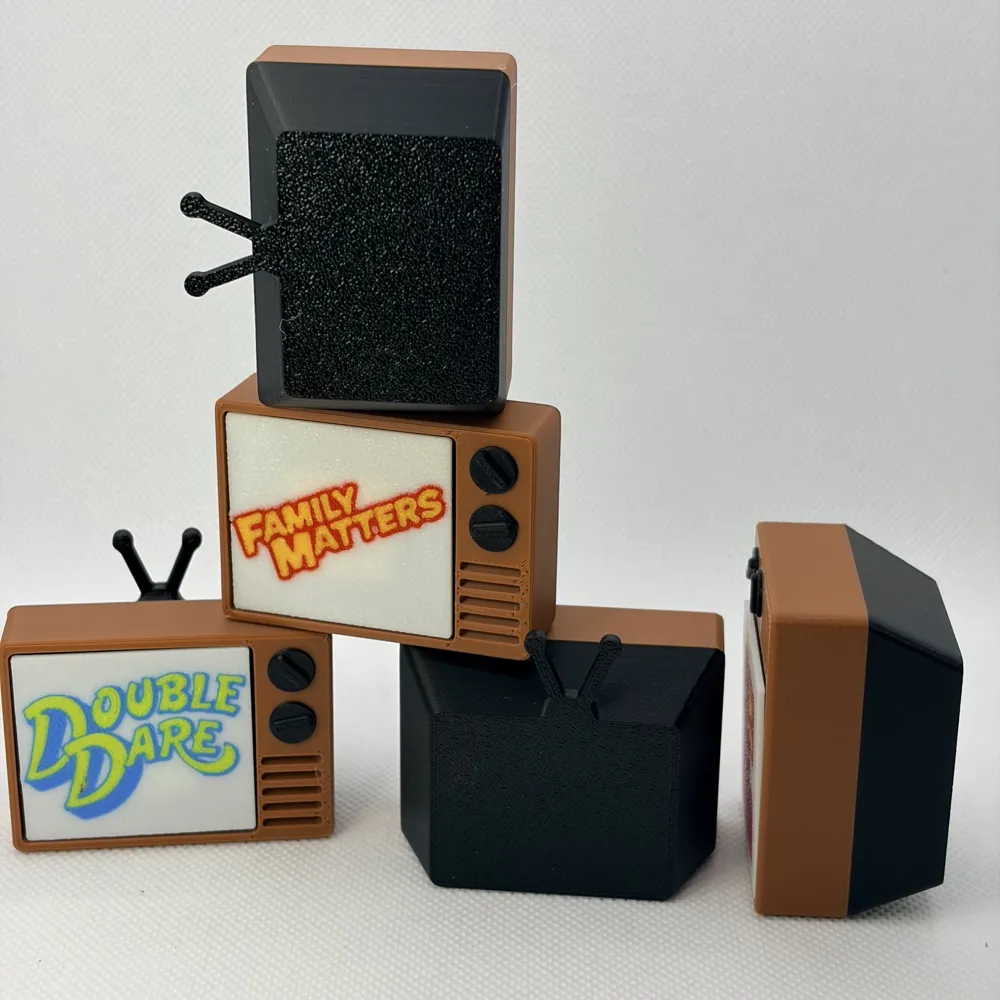
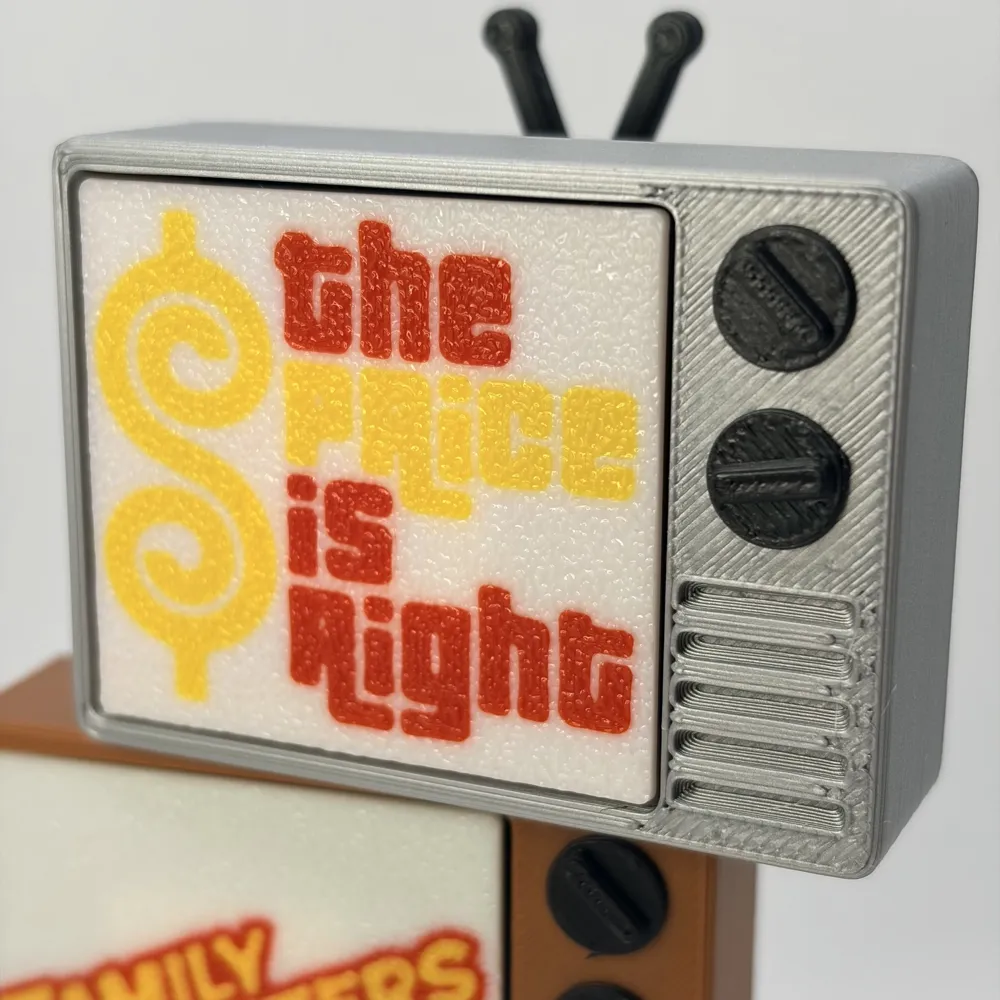
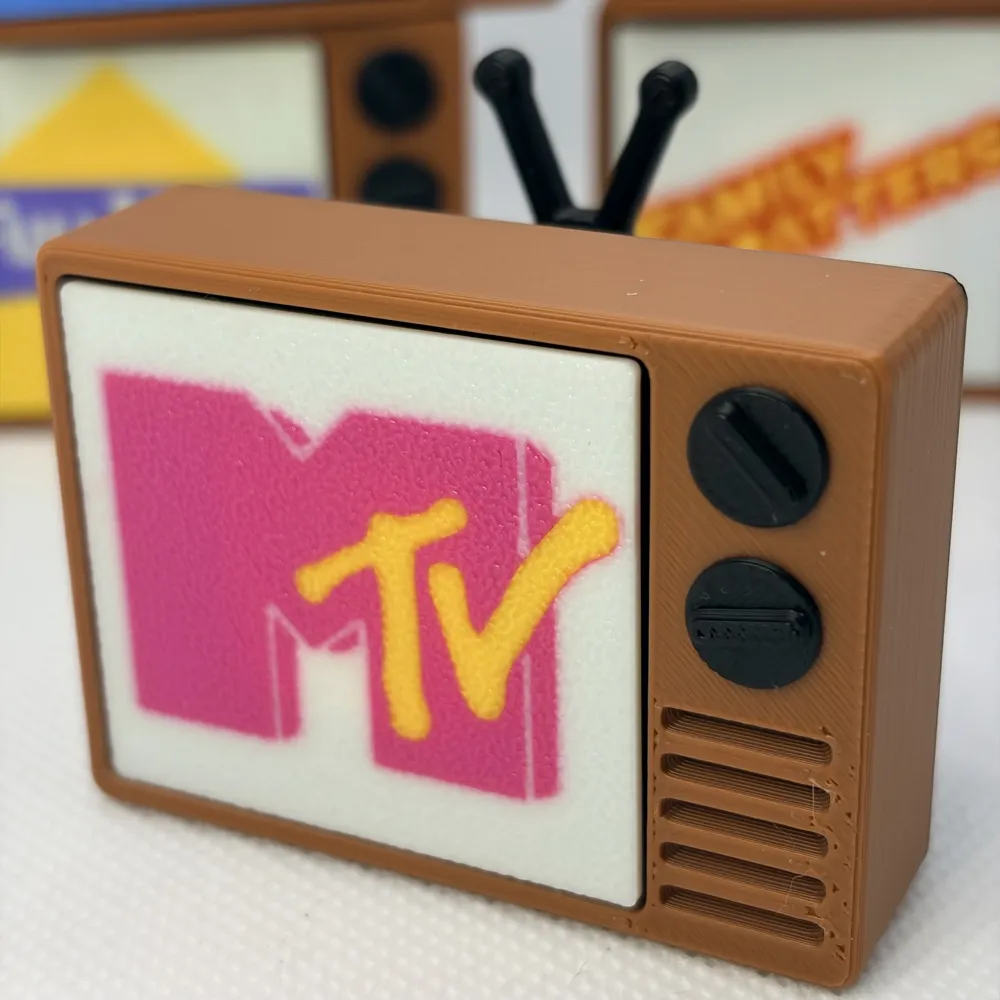
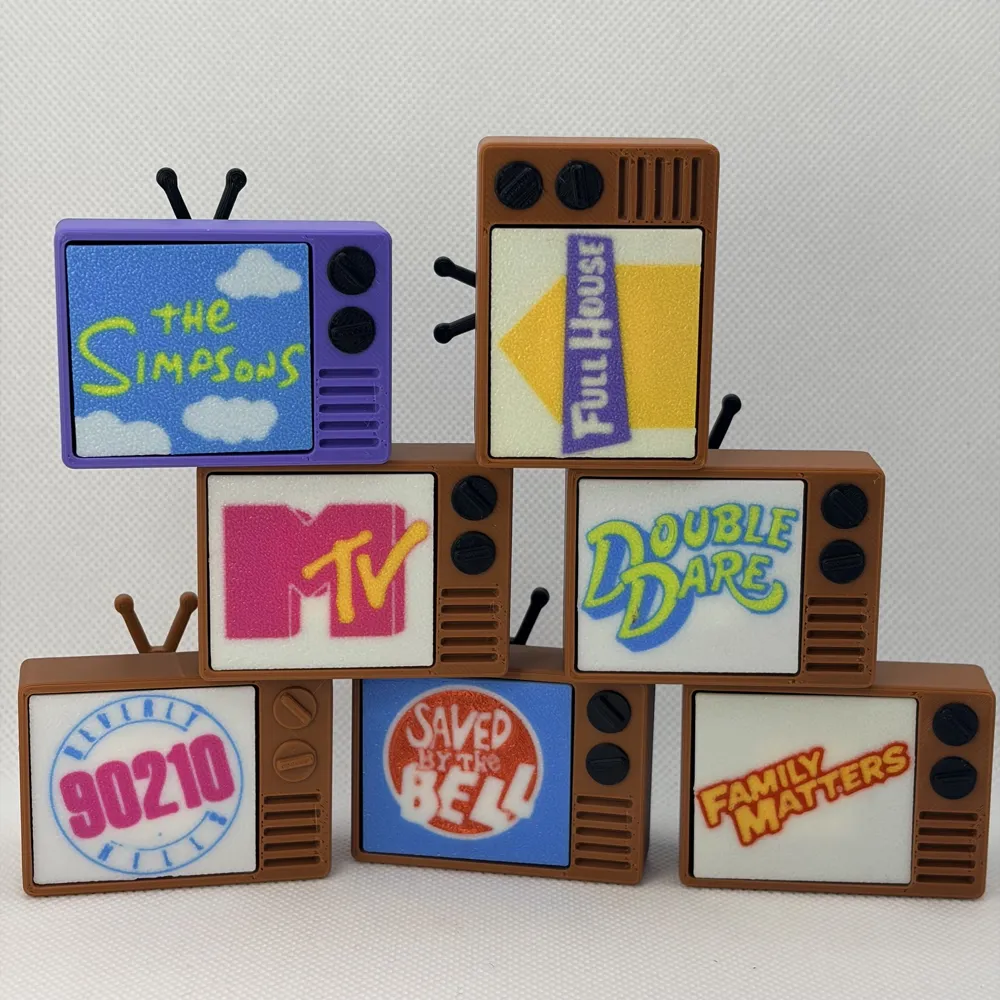
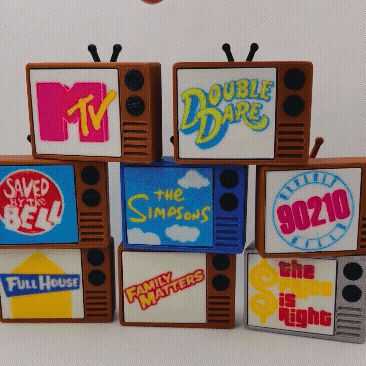
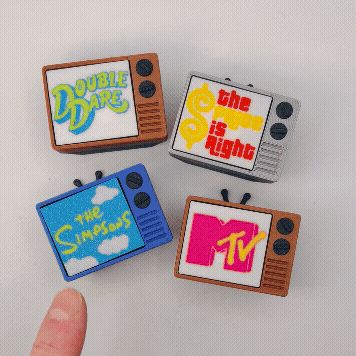
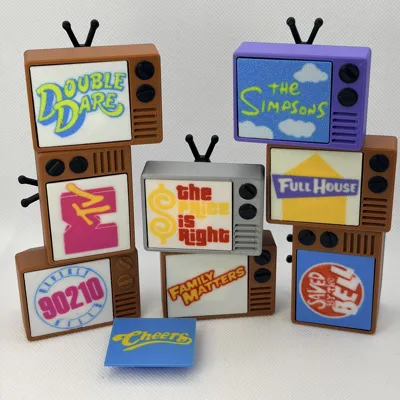
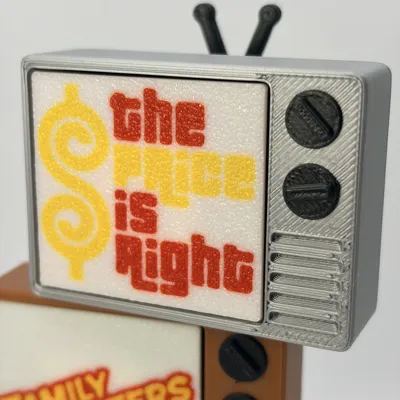
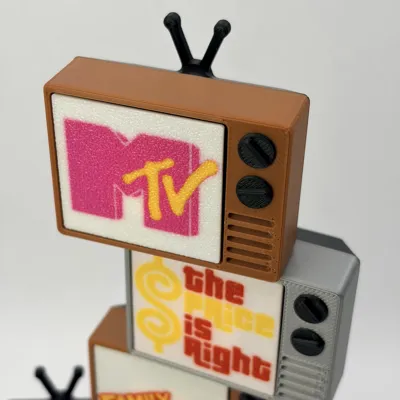
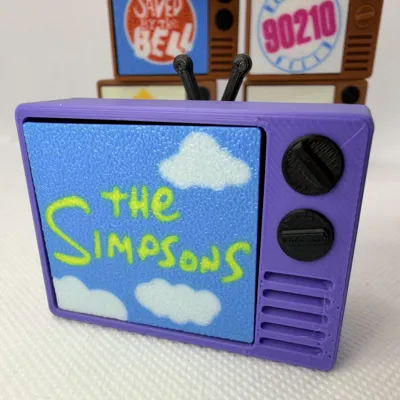
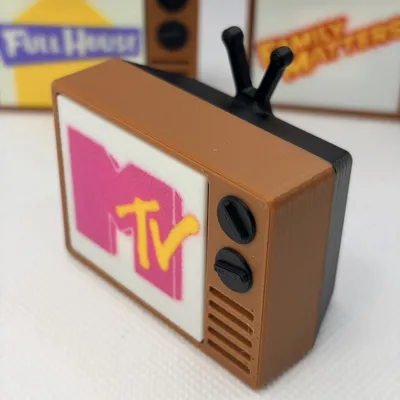
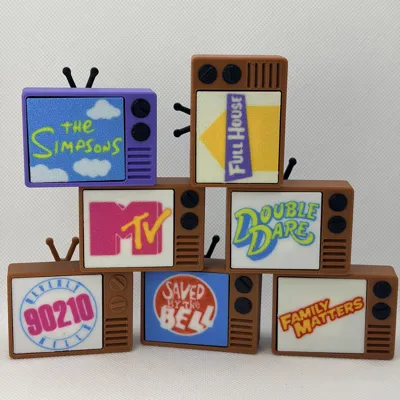
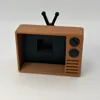
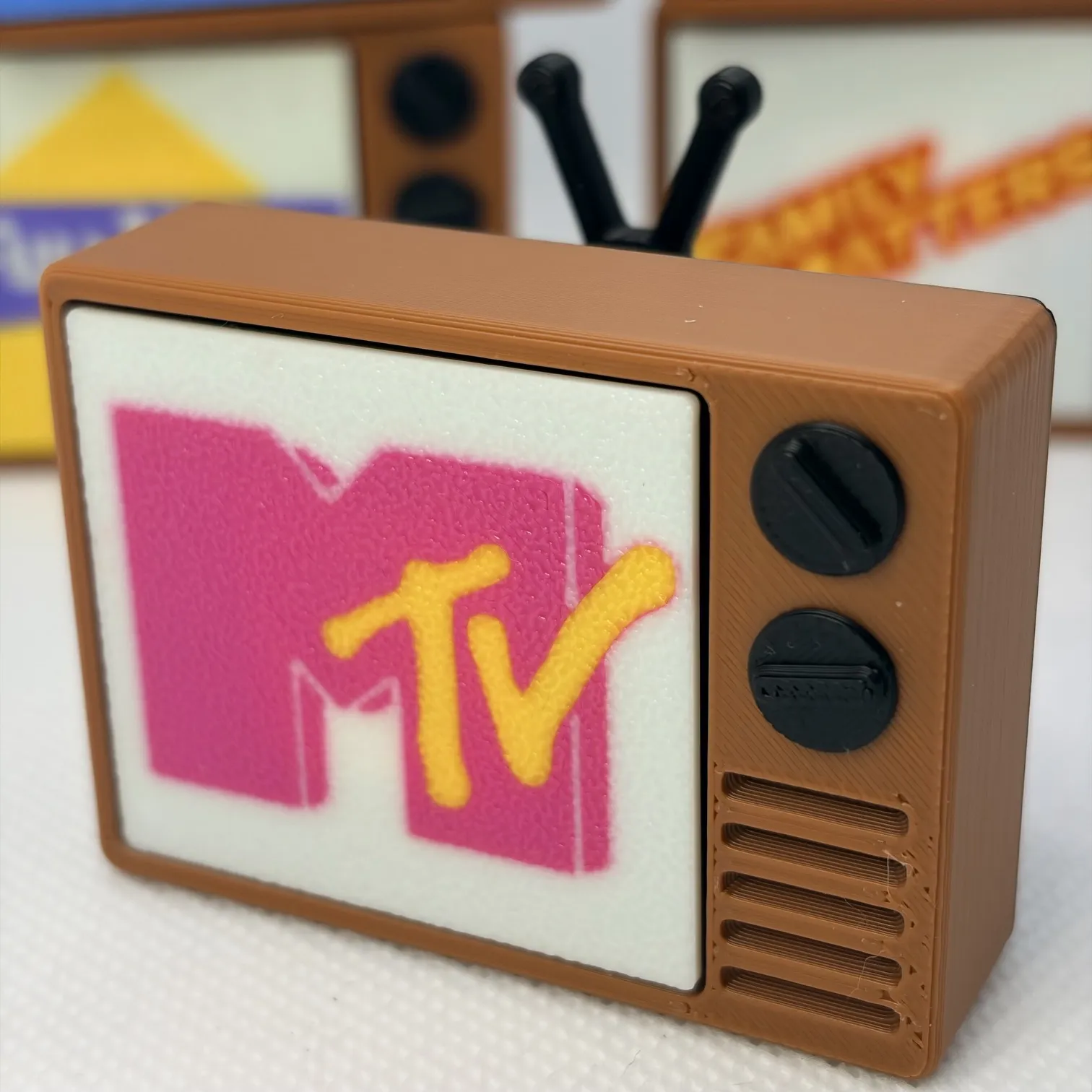
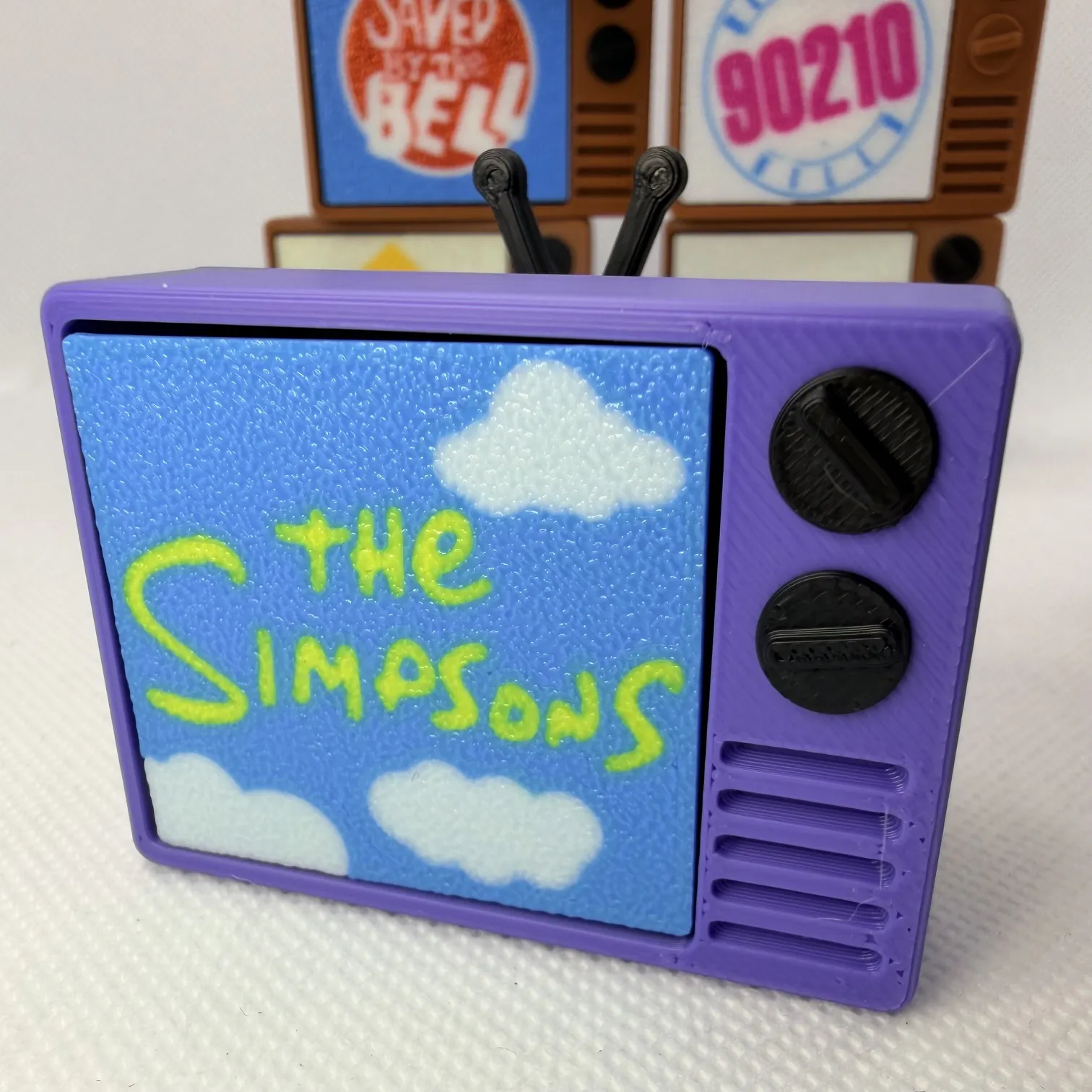


Take a trip back to the 1980s and 1990s — when TVs were chunky, antennas were a lifestyle, and the hardest decision was what to watch next. This retro TV clicker fidget brings all the nostalgia vibes with classic throwback screens inspired by iconic shows and channels like MTV, 90210, Full House, Double Dare, Cheers, Family Matters, The Simpsons, and Saved by the Bell. There’s even a blank screen option so you can customize your own channel — because you’re the programmer now 📺 - see instructions below

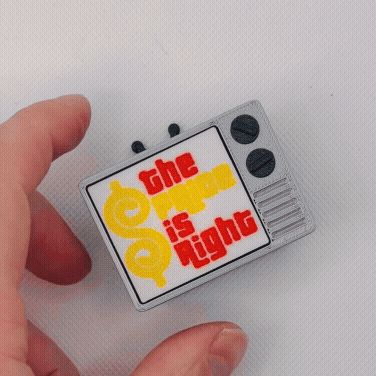

Press the screen and click-pop! — it’s powered by a single MX-style keyboard switch for that super satisfying tactile feel. This quick print (about 1.2 hours) is perfect for desk fidgeting, gifting, or reliving your childhood one click at a time. With multiple color options and serious retro energy, it’s basically like holding a tiny time machine… minus the commercials (you’re welcome)
INSTRUCTIONS
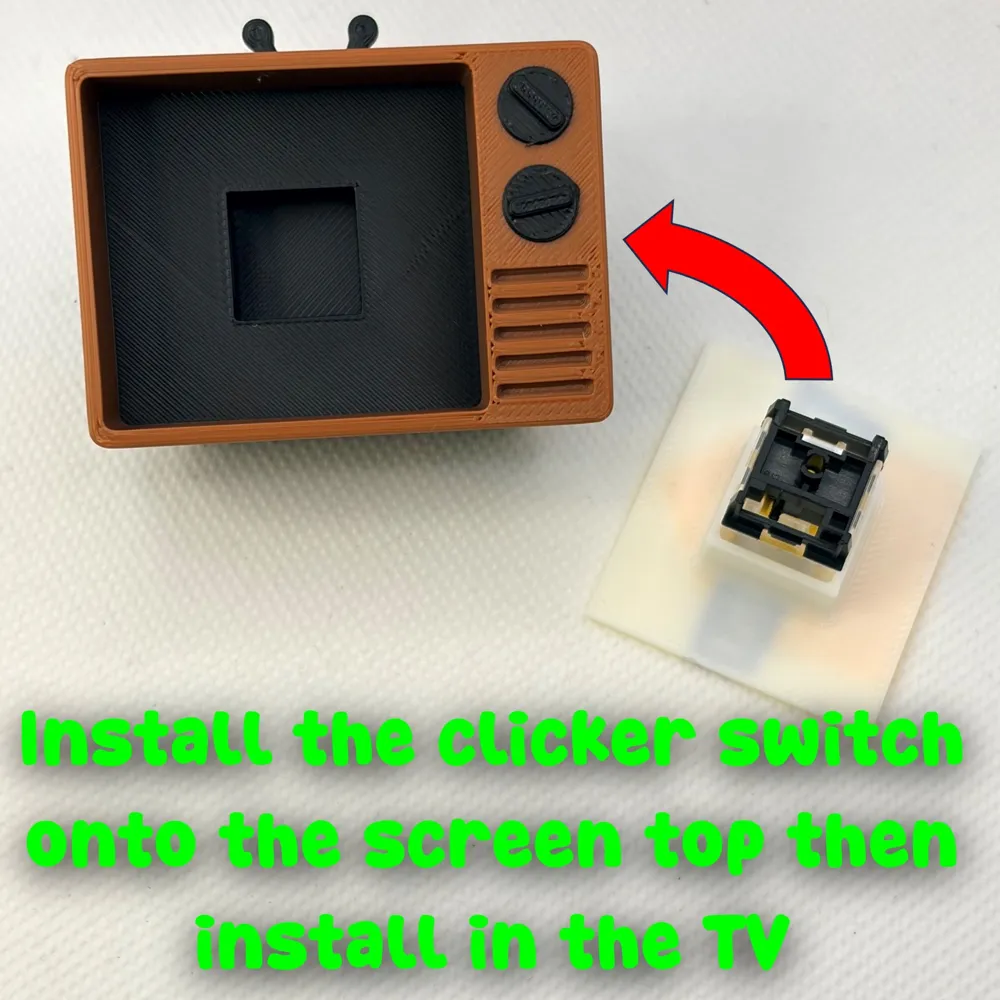
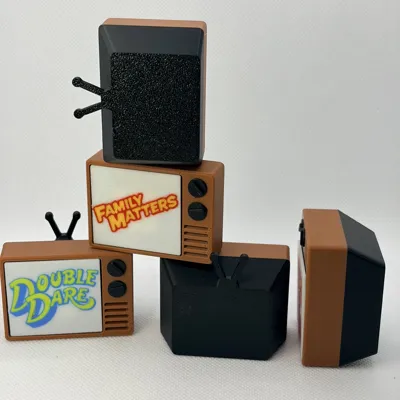
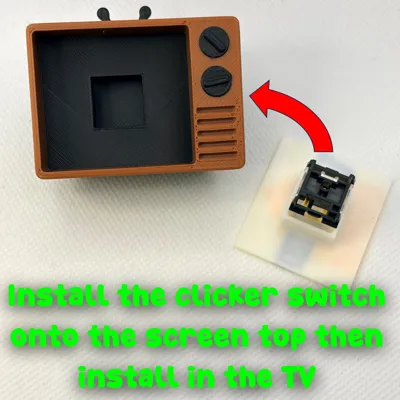
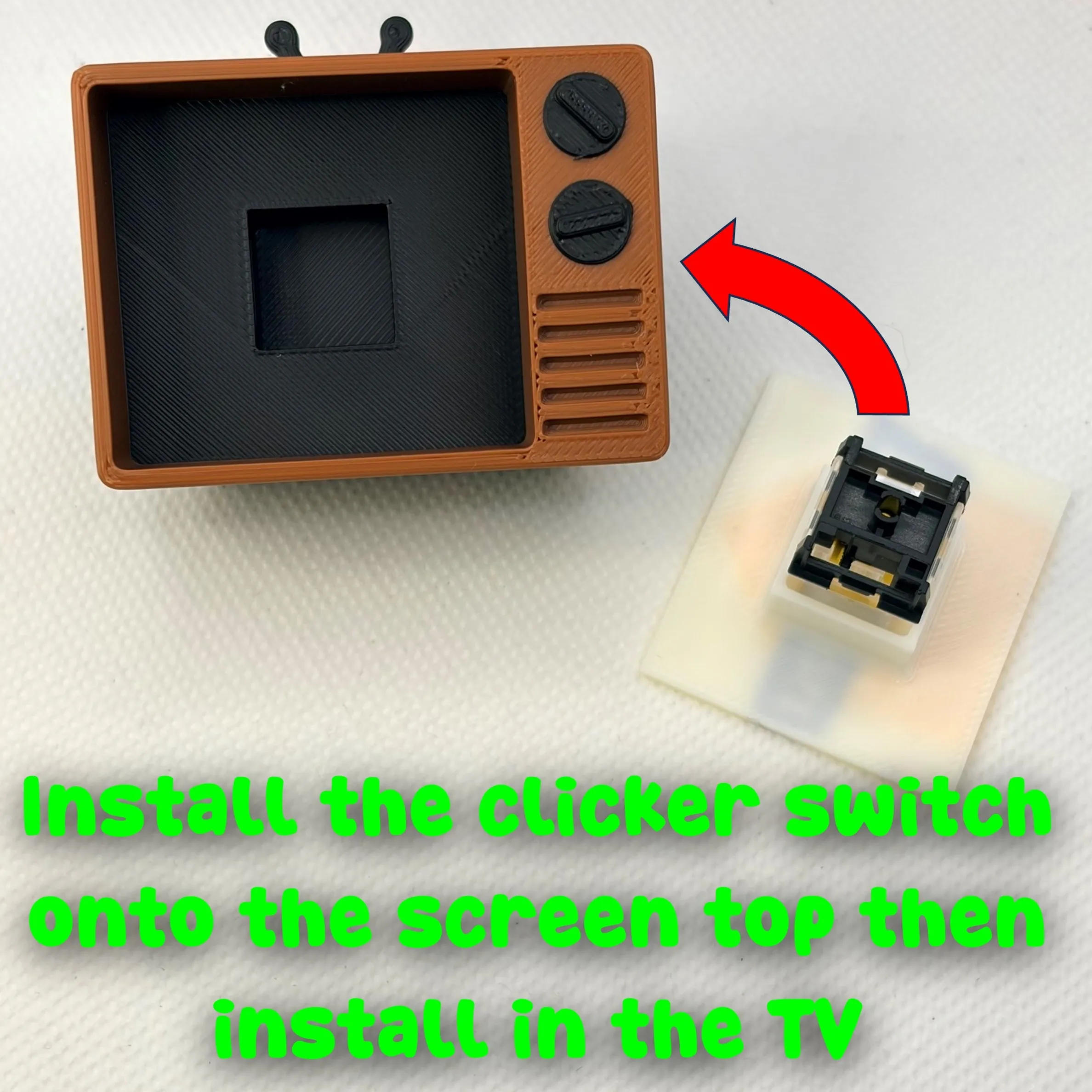
Insert the clicker switch/button onto the TV screen and then into the TV base.
You can use Makerlab Mesh Graffiti to Customize this: https://makerworld.com/en/makerlab/meshGraffiti?from=makerlab
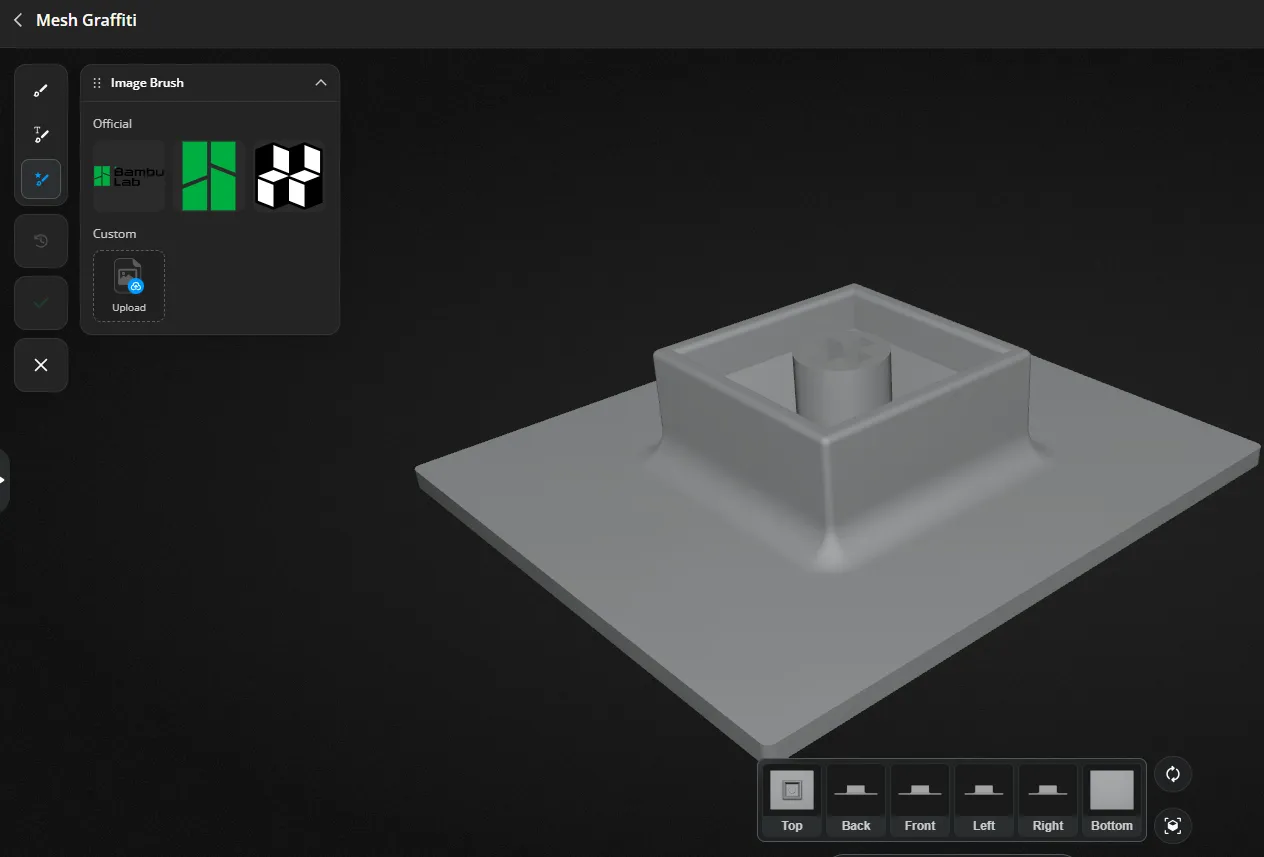
- Upload the ‘Blank TV Screen_PROFILE’ into Mesh Graffiti and add a picture.
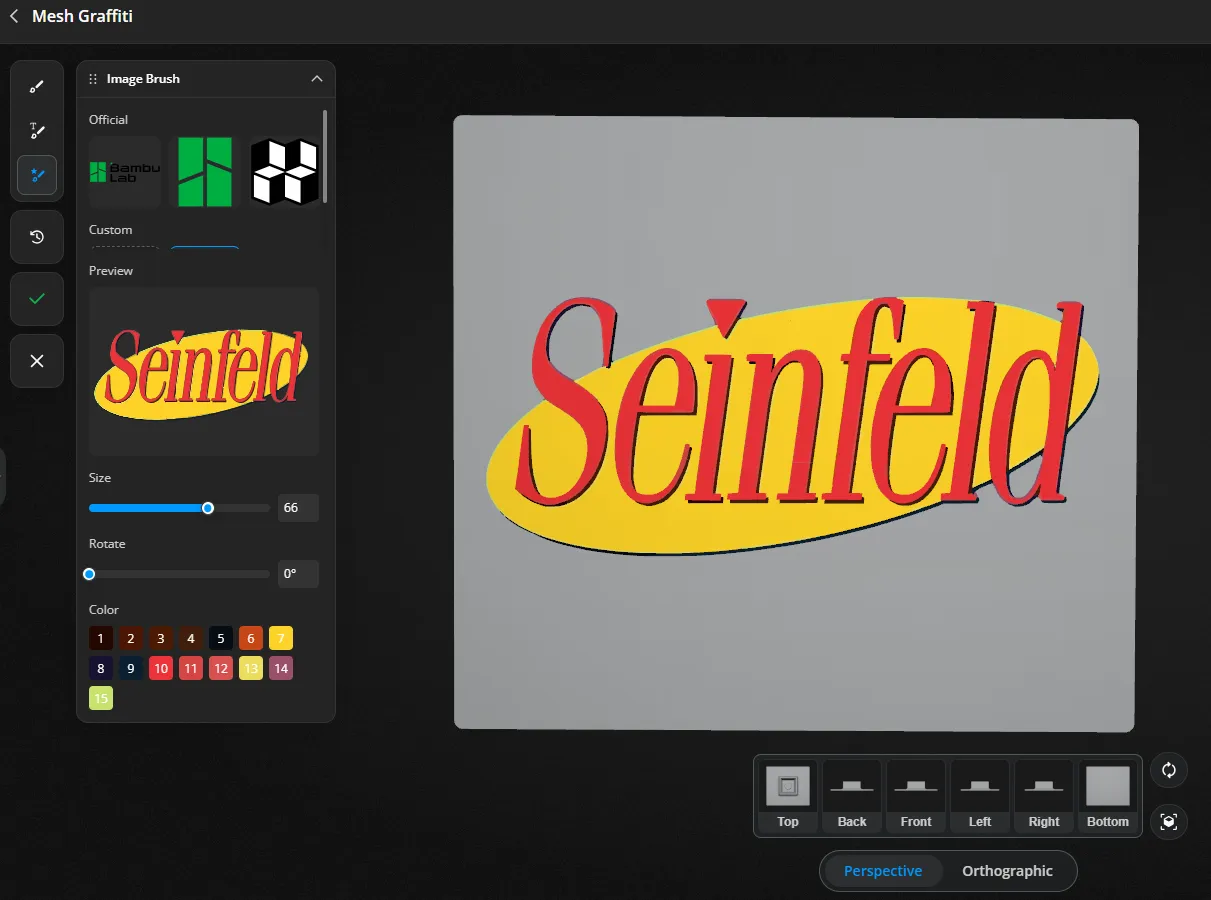
- Click on the Image Brush. You can upload a custom image.
- Upload the image and then adjust the size and number of colors.
- Click the image on the flat bottom face.
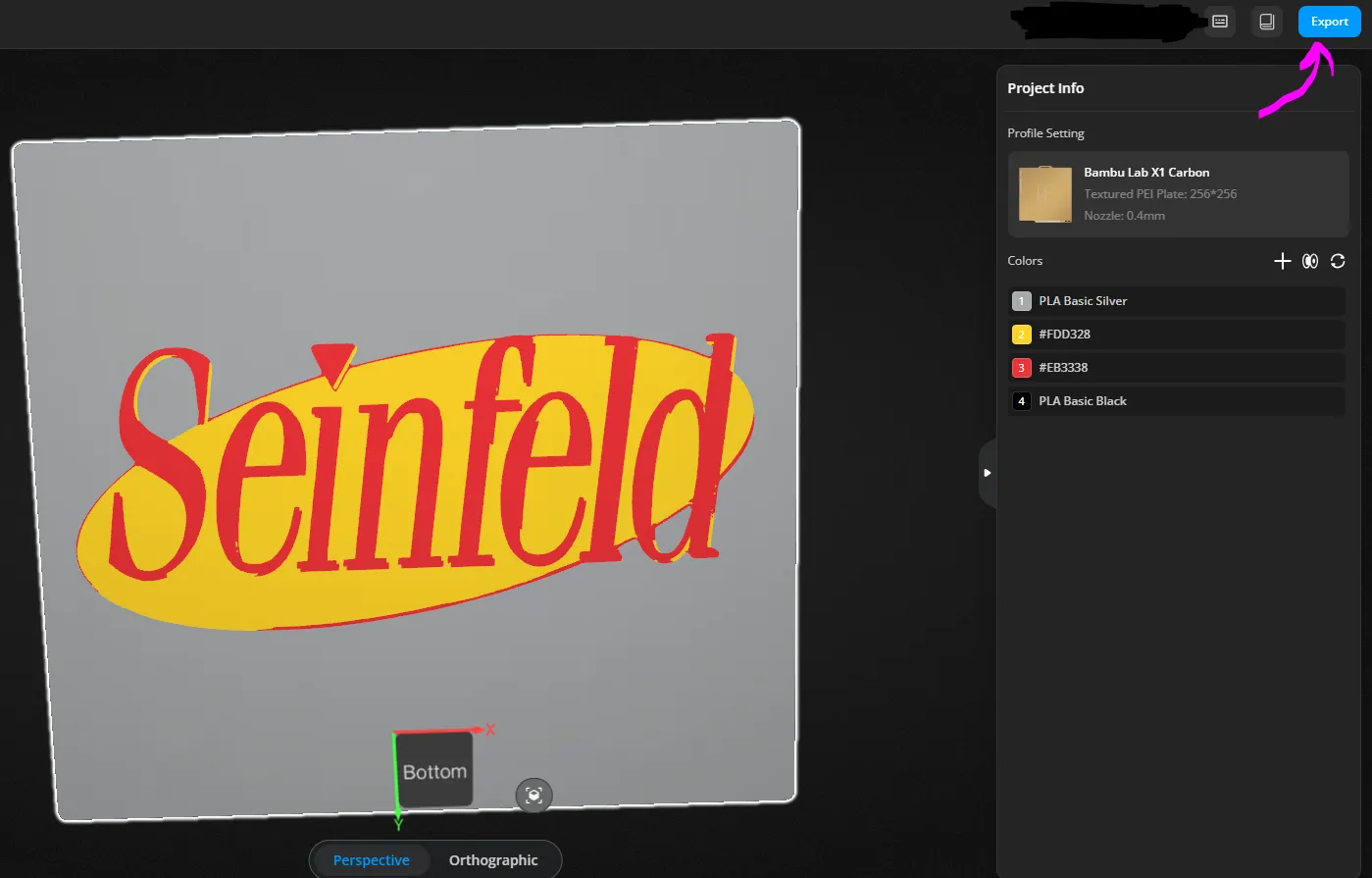
- Click the “check” to the left and then you can adjust colors.
- You can adjust the colors by deleting and merging into another color until you have a few or the ones you want.
- Finally export.
Boost Me (for free)
Our family designs and prints together and we would be honored if we can earn your boost!
Documentation (1)
License

You shall not share, sub-license, sell, rent, host, transfer, or distribute in any way the digital or 3D printed versions of this object, nor any other derivative work of this object in its digital or physical format (including - but not limited to - remixes of this object, and hosting on other digital platforms). The objects may not be used without permission in any way whatsoever in which you charge money, or collect fees.


Comment & Rating (116)