
Parametric Dog Bowl Stand
Print Profile(2)

Description
Boost Me (for free)
🚀 Liked this model? Leave a Boost to support my work and help create new projects! Every Boost makes a big difference and encourages me to keep providing models for the community. Thank you very much for your support! ❤️
👋 Welcome to another AGM Maker 3D model!
Thank you for checking out this model!
Each project is carefully developed and tested, focusing on easy printing, simple assembly, and a great final result.
Boost Me (for free)
If you like my model, help me by giving a boost
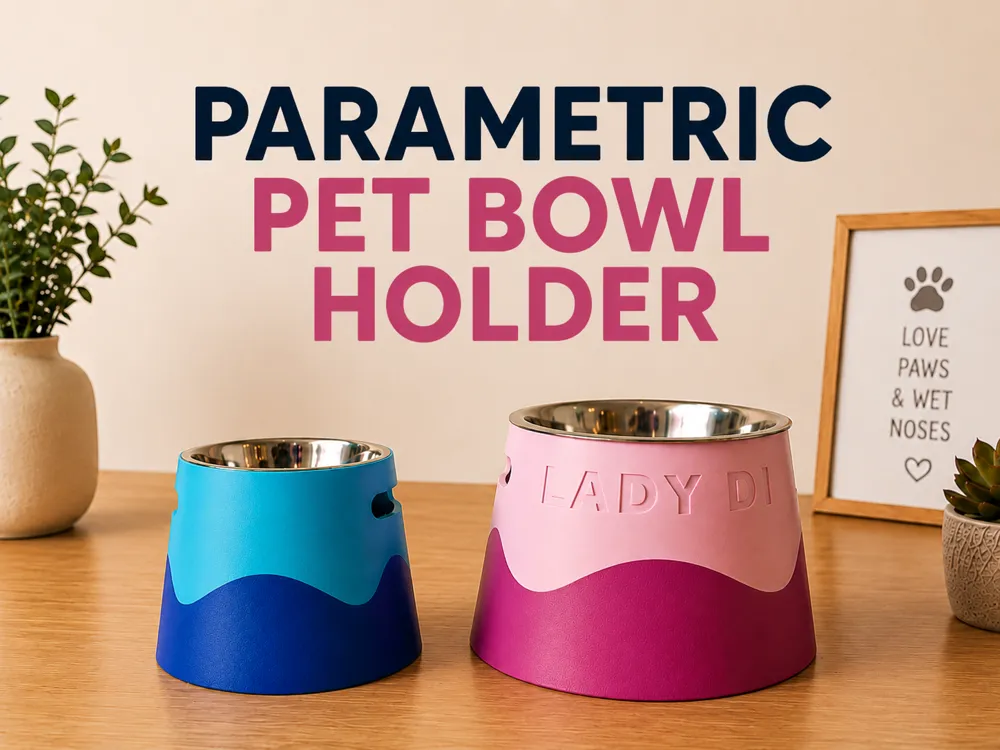
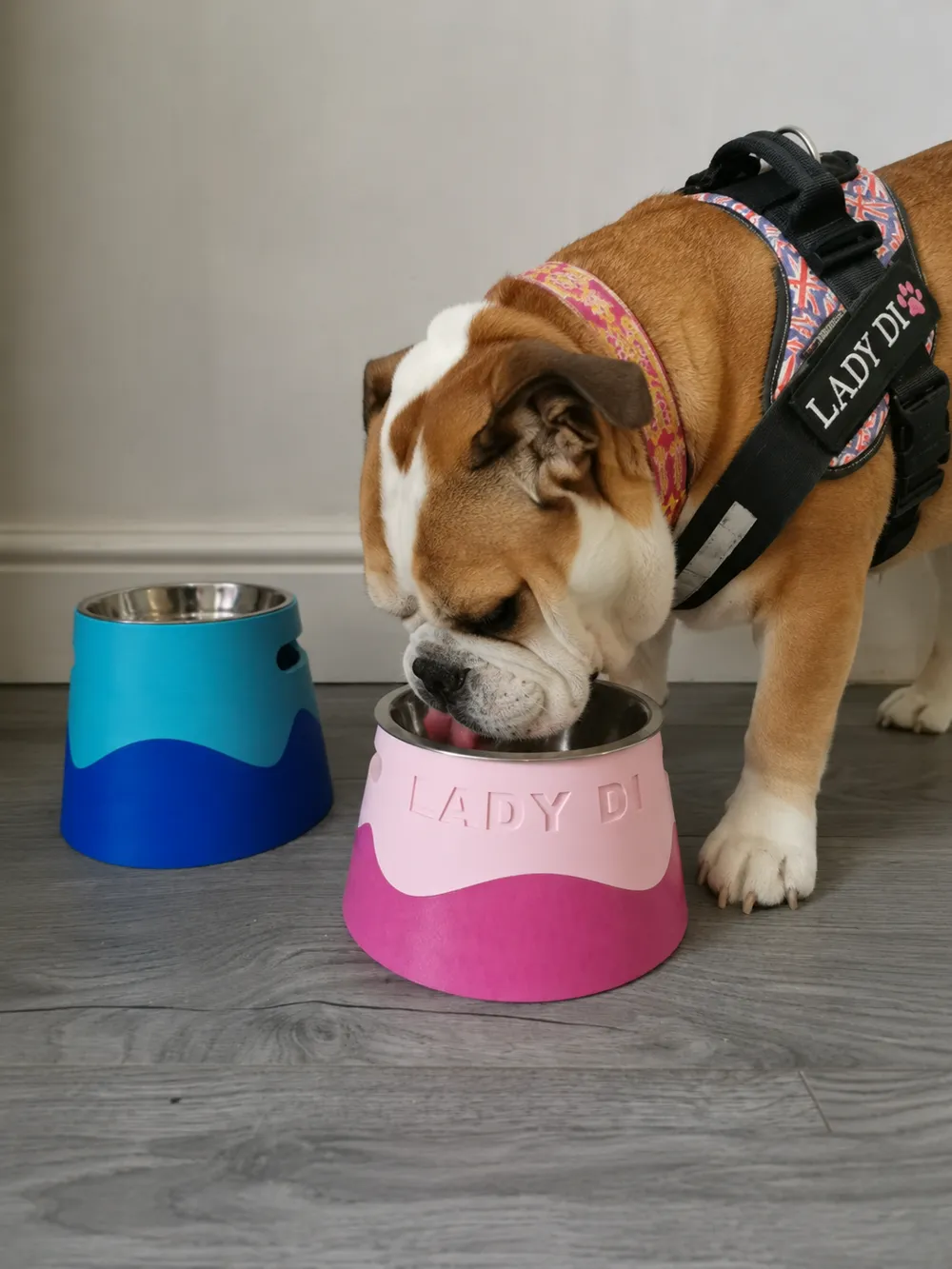
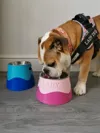
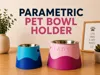
🐶 Parametric Dog Bowl Stand 🦴
A fully parametric and 3D printable dog bowl stand, created for maximum personalization and ease of customization
The project was inspired by a physical model found online, but it was completely remodeled and optimized for 3D printing, with more precise and firm fittings to prevent the parts from coming apart with the dog's movement during use Therapy Shop created a tutorial teaching how to create a model like this from scratch in Fusion, I highly recommend it and thank you for your great videos teaching about Fusion
The model has adjustable top diameter parametrization, allowing use with different bowl sizes directly on MakerWorld Simply change the value in the customizer, generate a new .3mf, split to objects and place each part on a separate plate to print
⚠️ Important about custom names
I tried to make the name editable directly through MakerWorld parameters, but currently MakerWorld does not correctly accept text parameters for this model in the customizer
Therefore, if you want to add your pet's name, you will need to add the text manually directly in the slicer
🖨️ How to slice correctly - Multiple plates
The model parts are large and should be distributed on separate plates for optimized printing
When importing the file into your slicer:
- Right-click on the model
- Select "Split to Objects"
- Distribute each part on a separate plate manually
This ensures the best use of the print bed and avoids fitting problems
✨ Key features
Adjustable top diameter
Set the exact size of the bowl you want to use
Optimized for 3D printing
Clean geometry, easy to print and no supports needed depending on settings
Perfect fittings
The fittings are perfect so the bowl does not come loose on its own
🐾 Perfect for:
- Personalized pet accessories
- Gifts for dog lovers
- Bowls of different sizes
✨ Optional Tip: Fuzzy Skin
If you want to add a more distinctive and pleasant texture to the touch, you can use the Fuzzy Skin feature in your slicer
To apply correctly, click the “Fuzzy Skin Painting (H)” button, select the paint bucket to paint the face and select only the outer part of the model
⚠️ Be careful not to apply Fuzzy Skin to the fitting areas, as the texture may alter tolerances and cause the parts not to fit correctly
If you print one, don't forget to Boost, like, add to collections and share your print
❤️ Support me
If you like my projects and want to support my work, consider supporting through the platforms below:
Get exclusive models on my Patreon:
Buy me a beer:

⭐ Giving a Boost to models on MakerWorld also helps a lot and makes a huge difference to continue creating new free projects for you
Your support directly helps in the creation of new projects, tests, filaments and free content for the maker community 🚀
Happy printing! 🐾
💛 Liked this model?
Your support helps me continue developing, testing, and sharing new projects with the community.
⭐ Leave your Like
🚀 Send a Boost
📸 Share a photo of your print
💬 Leave your opinion in the comments
➕ Follow @agm.maker3d on Makerworld to follow upcoming releases.
📸 Instagram: @agm.maker3d
⭐ Patreon: https://www.patreon.com/agmmaker3d
Every interaction makes a big difference. Thank you very much for your support and happy printing! 🖨️
AGM Maker 3D
Boost Me (for free)
💛 Your support makes a difference! Liked the model? Leave a Boost to support my work and help me continue creating new projects for the community. Thank you very much and happy printing! 🚀
License

You shall not share, sub-license, sell, rent, host, transfer, or distribute in any way the digital or 3D printed versions of this object, nor any other derivative work of this object in its digital or physical format (including - but not limited to - remixes of this object, and hosting on other digital platforms). The objects may not be used without permission in any way whatsoever in which you charge money, or collect fees.


Comment & Rating (69)