
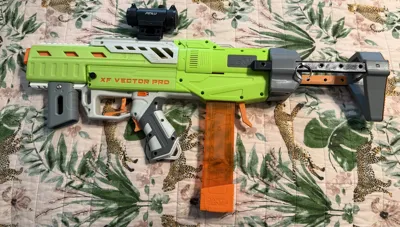
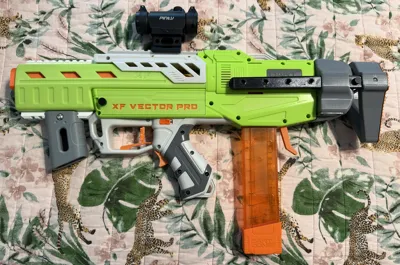
Vector Pro NStrike PDW Stock with Spring Latch
Print Profile(2)
Description
Description:
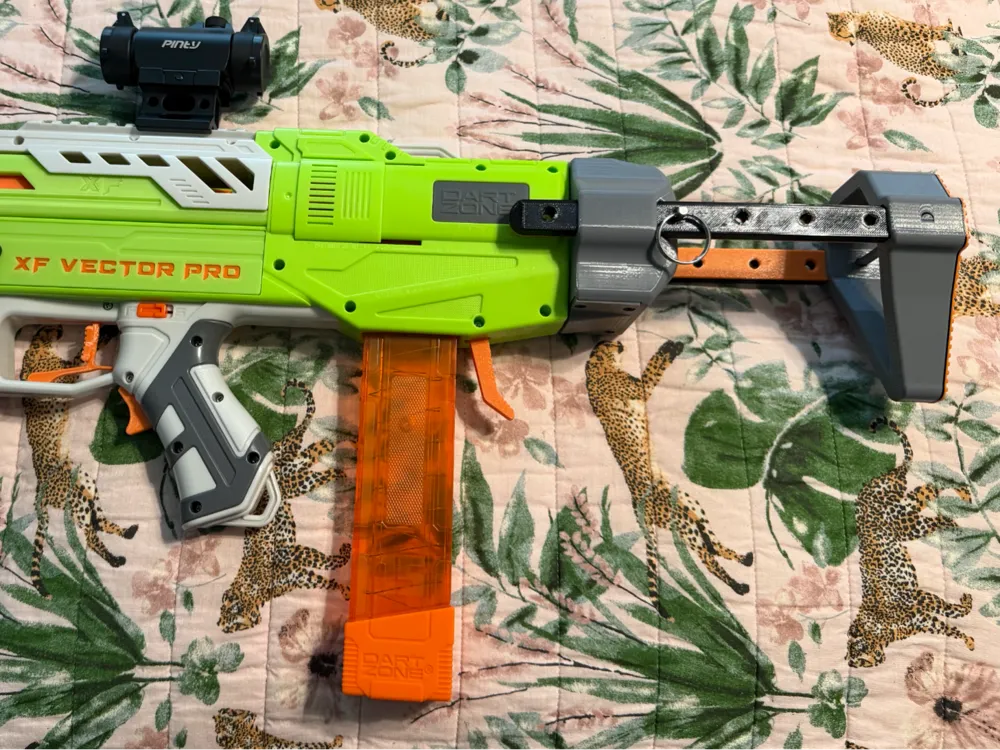
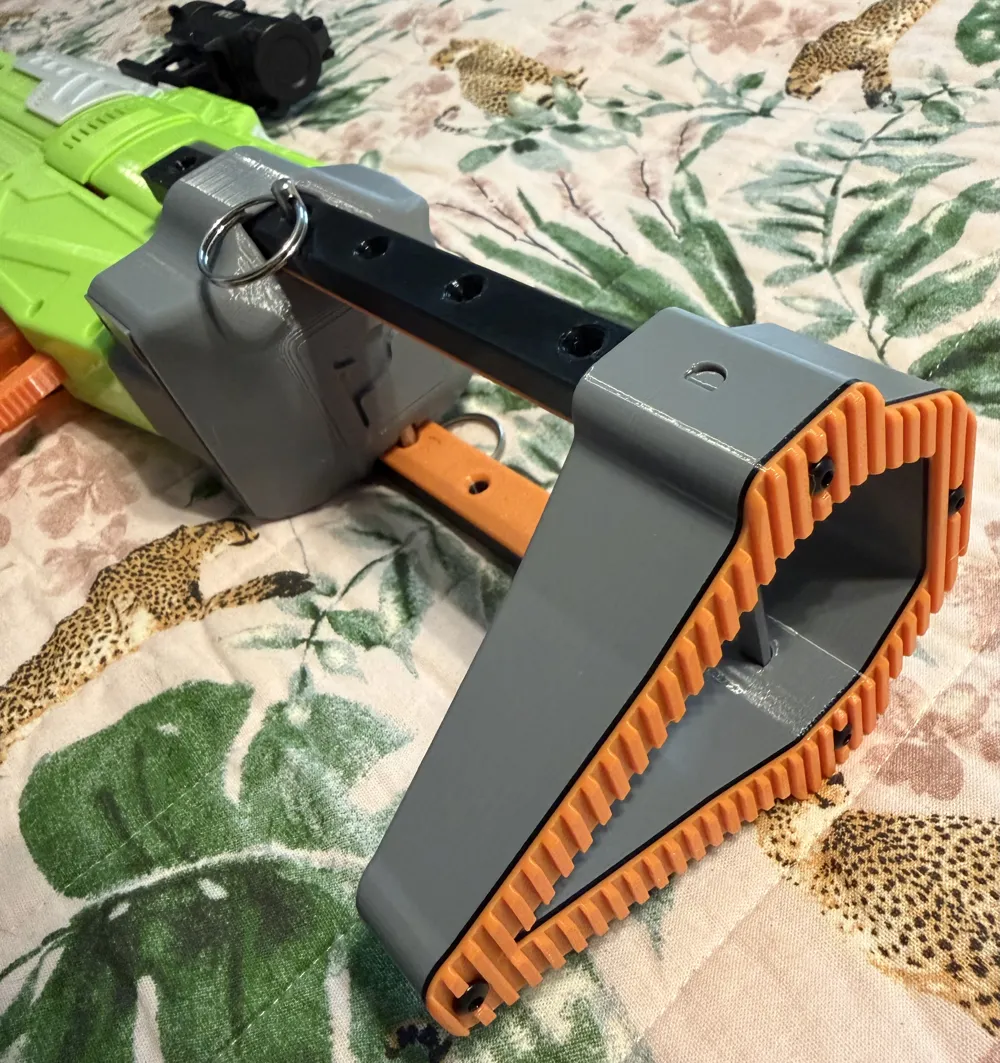
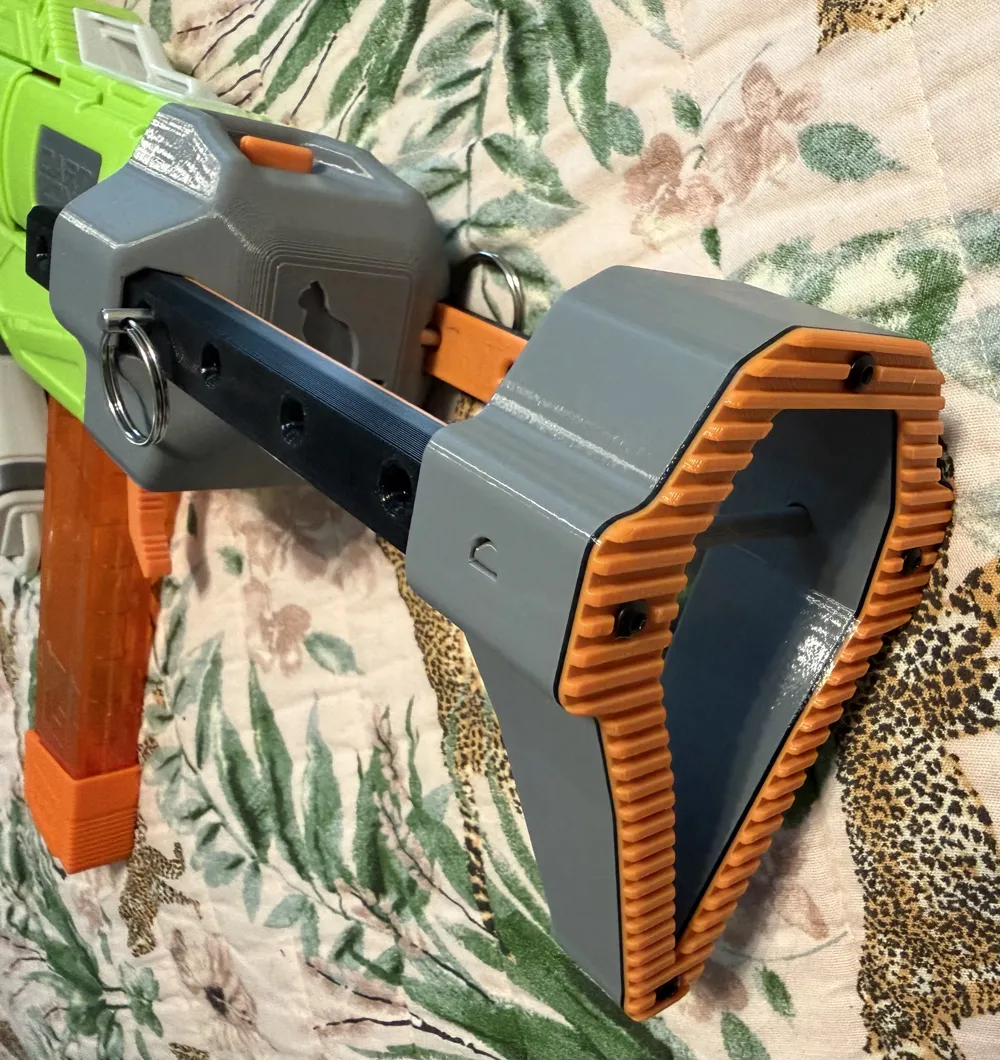
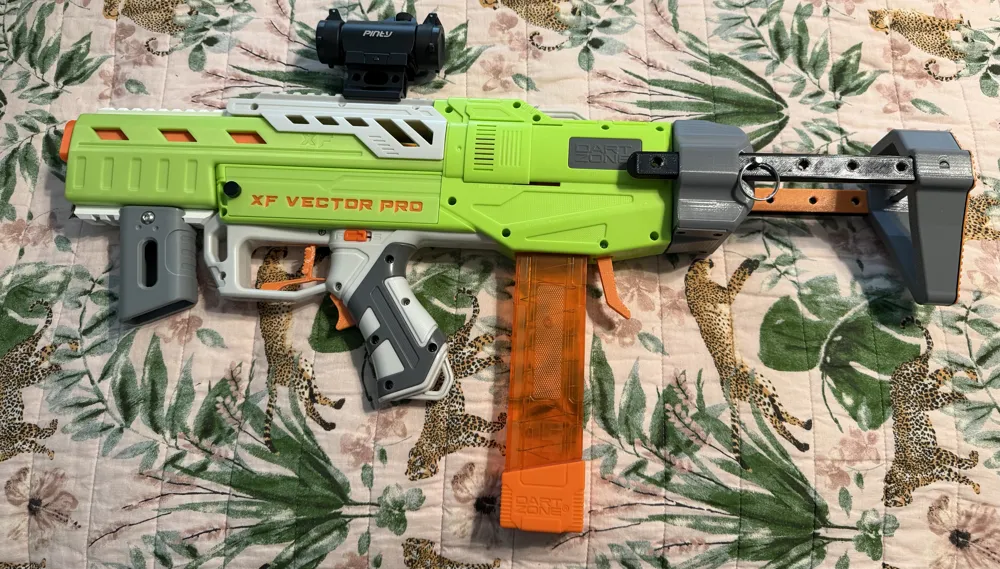
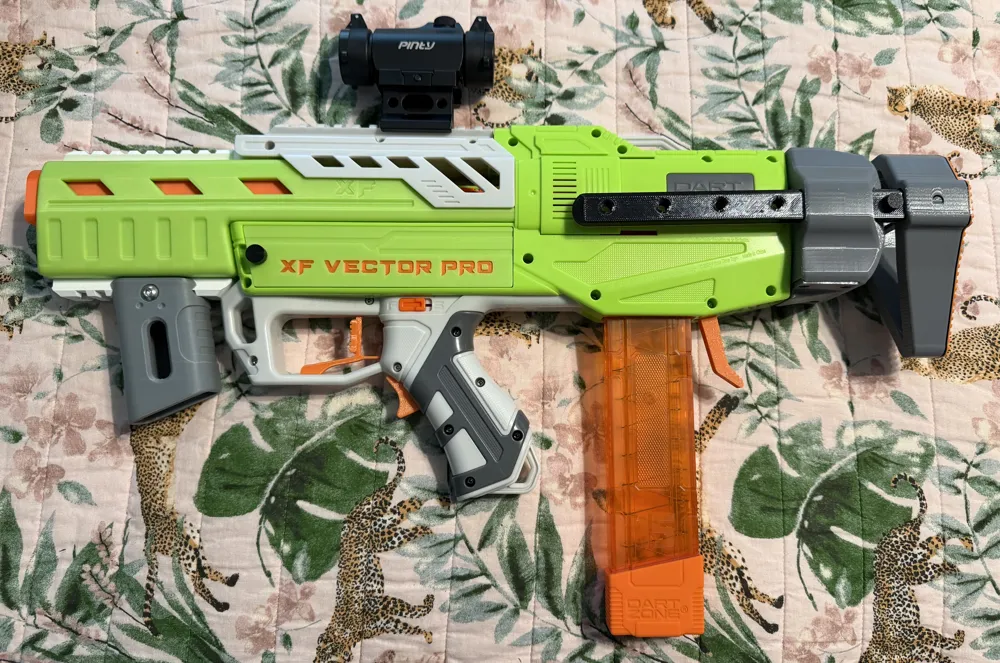
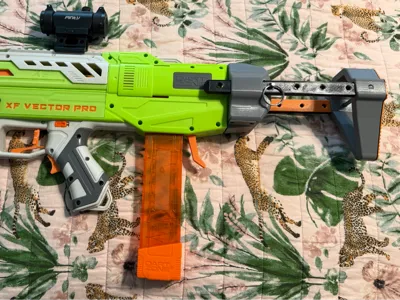
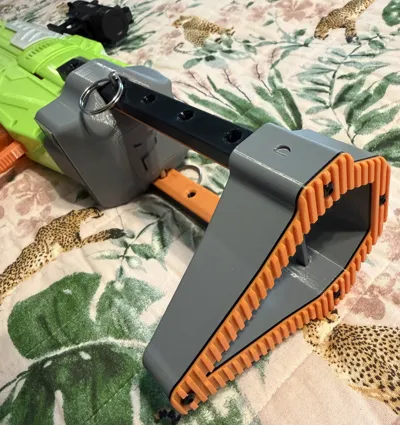
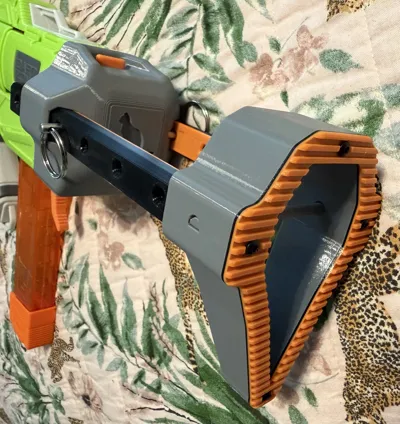
PDW stock with an NStrike adapter designed specifically to fit the silhouette of the Dart Zone Vector Pro. It takes a couple of springs and some screws to help with the polish and to make it easy to install and uninstall.
Materials:
8 M3x6mm Screws
2 Springs - I used 0.16x0.2x0.79*0.4*0.5*20mm 13 lap, but anything that fits and pushes out on that catch is fine. I bet a pen spring would work.
2 4.8mm (3/16in) Quick Release Pin with usable length of 22mm (1.37in) (Optional - a printed version is available)
Instructions:
1. Ensure the inside of the NStrike adapter and slot for the button are clear and smooth. Do the same for the arm slots. Use a file or utility knife if needed.
2. Use 4 M3x6mm screws to attach the stock pad to the stock end.
3. Slide the arms into the slots in the stock end. They can only fit one way. Secure the arms with the end pin.
4. Slide the catch into the NStrike adapter with the chamfered side toward the blaster. Make sure that the catch slides easily within the adapter.
5. Put a spring at each end of the catch over the peg.
6. Add the latch to the bottom of the NStrike adapter with the other end of the springs around the pegs on the cover.
7. Use 4 more M3x6mm springs to secure the cover to the NStrike adapter.
8. Slide the arms, with the stock end attached, into the NStrike adapter to the distance of your liking.
9. Secure the arms to the adapter with either 2 quick release pins or the provideed stand-ins. It will be very snug at first.
10. Press the button down and slide on the blaster's NStrike post to install. Press the button down and slide the stock off to remove.
License



Comment & Rating (2)