
AeroGlide S1 AirPlane
Print Profile(1)
Description
Boost Me (for free)
You might be wondering why you should boost this model? I spent hours of print time refining this model, unlike the others, who build something that looks cool. I made over 15 different versions, each time changing the model to find what works best for you! Please give me a boost so I can contunue dedcating my self to my models and the people that print them! thanks
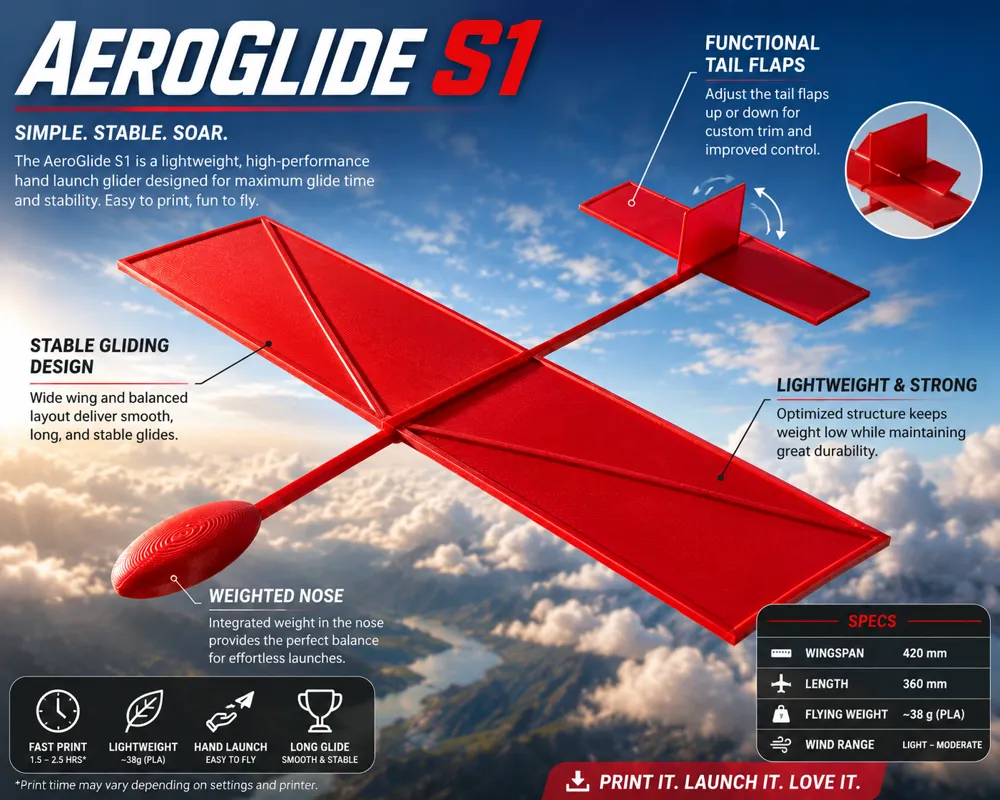
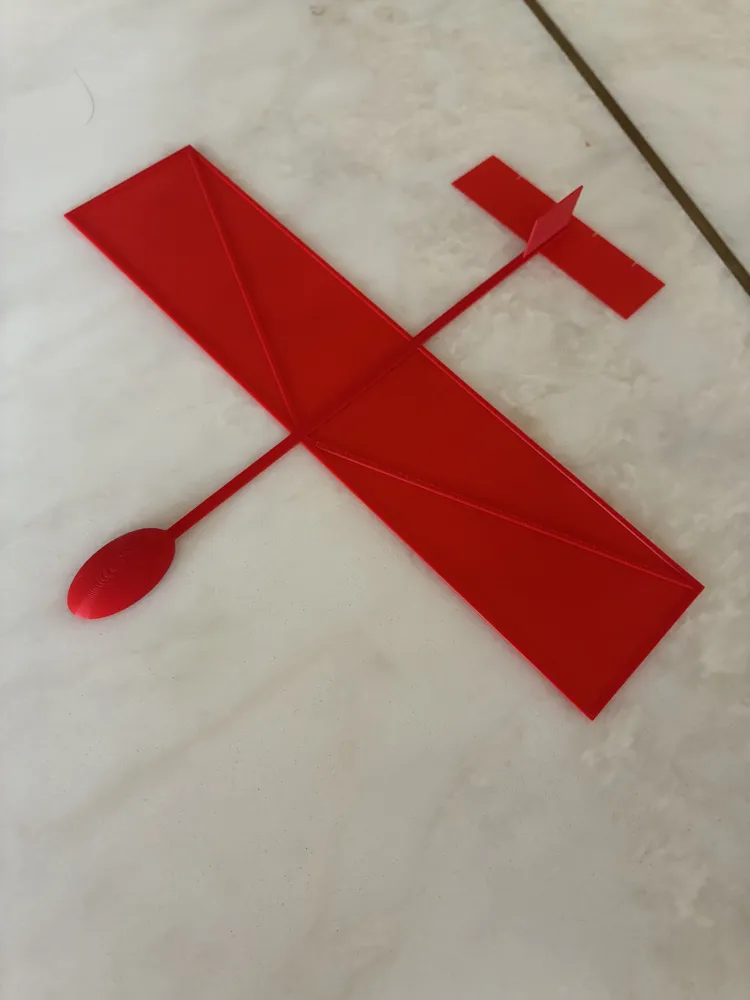
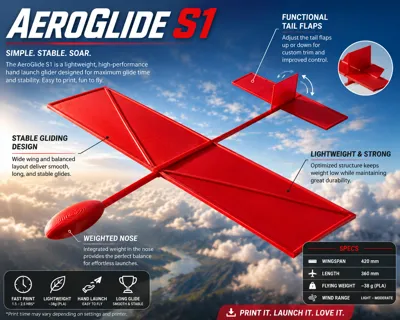
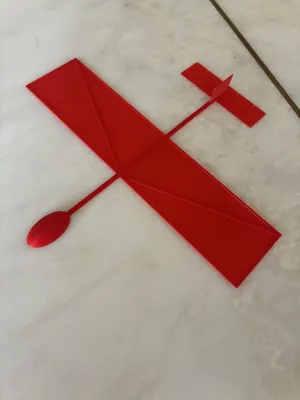
The Easy-Flyer: 1-Piece Print-in-Place Glider
Looking for a print that’s ready to fly the moment it leaves the build plate? This glider is designed for simplicity, performance, and easy tuning. Whether you are a beginner or a pro looking for a quick, satisfying project, this model is built to perform with zero assembly and no supports required.
🚀 Why You’ll Love This Print
- Print-in-Place: No glue, no screws, and no assembly. Just slice, print, and peel it off the bed. It prints as a single, solid piece.
- Durable & Lightweight: Designed specifically for PLA, this glider is robust enough to handle rough landings while remaining light enough to catch the air.
- Instant Fun: Since it prints in one piece, you can go from the "Print Finished" notification to your first flight in seconds.
🛠️ How to Tune Your Flight
The secret to a perfect flight lies in the tail flaps and your slicer settings. You can easily personalize how your plane behaves with these quick adjustments:
1. Mastering the Flaps (Elevators)
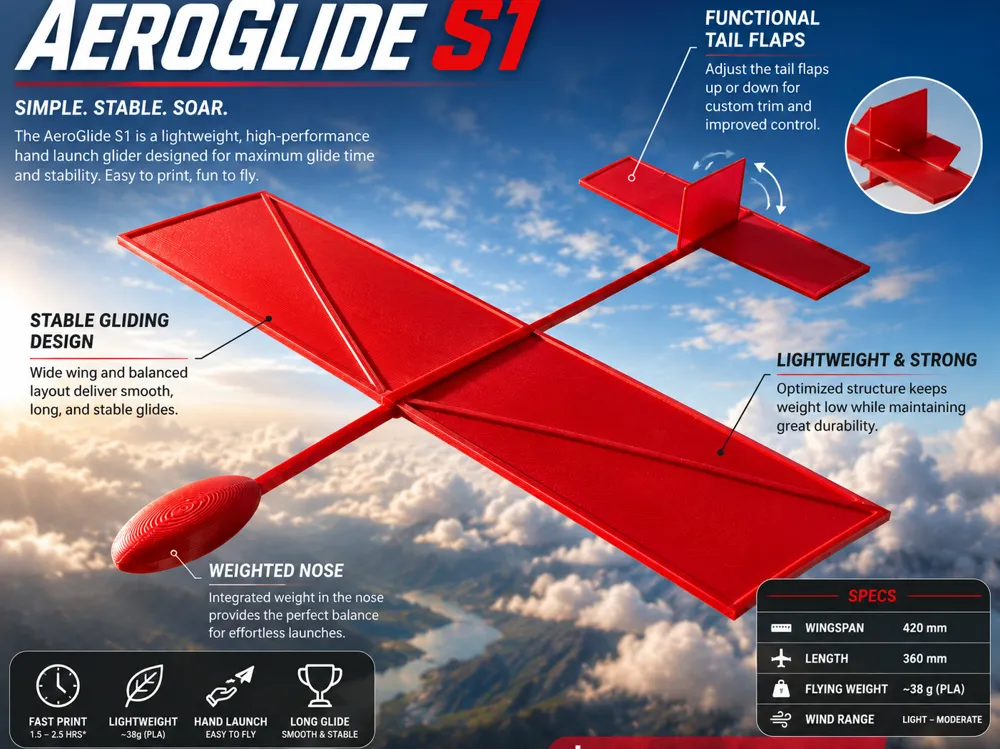
The small flaps on the tail are your primary controls. Because they are thin, you can gently bend them to change the aerodynamics:
- Bend Flaps UP: This forces the tail down and the nose up. Use this if your plane is diving straight into the ground.
- Bend Flaps DOWN: This forces the tail up and the nose down. If your plane is "stalling" (climbing too steeply and then falling), bend the flaps down slightly to level it out.
2. Infill Density & Balance
You can change the center of gravity (CoG) just by playing with your infill settings!
- Higher Infill: Makes the nose heavier, leading to a faster, more stable "dart-like" flight.
- Lower Infill: Makes the plane lighter overall for a slower, loftier glide, but it may become more sensitive to wind.
📋 Recommended Print Settings
- Material: PLA (Recommended for stiffness)
- Supports: None
- Infill: 10%–20% (Adjust to change weight/balance)
- Wall Loops: 2
- Top/Bottom Shells: 3
Happy Flying! If you enjoy the model, please consider leaving a rating or sharing a photo of your print!
If you like my Moodle, please consider following!!
License

You shall not share, sub-license, sell, rent, host, transfer, or distribute in any way the digital or 3D printed versions of this object, nor any other derivative work of this object in its digital or physical format (including - but not limited to - remixes of this object, and hosting on other digital platforms). The objects may not be used without permission in any way whatsoever in which you charge money, or collect fees.


Comment & Rating (1)