
Moza ES Wheel Forza Horizon 6 Cover logo plate
Print Profile(2)
Description
Boost Me (for free)
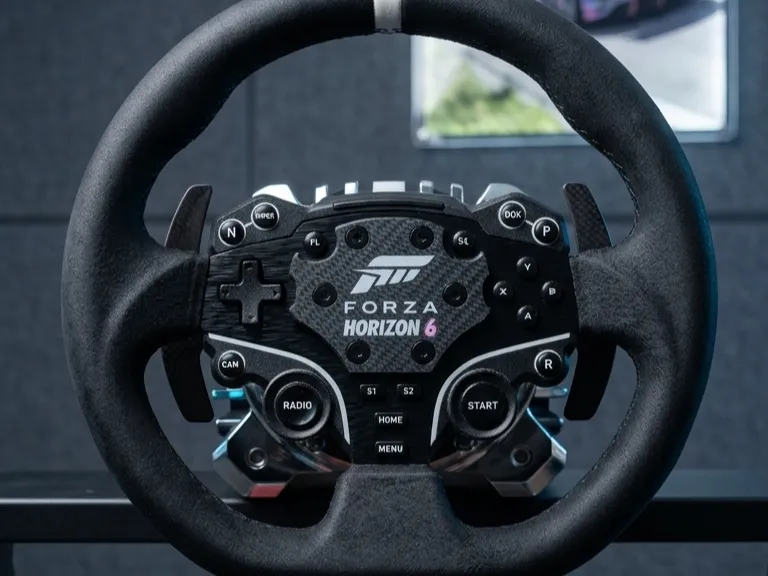
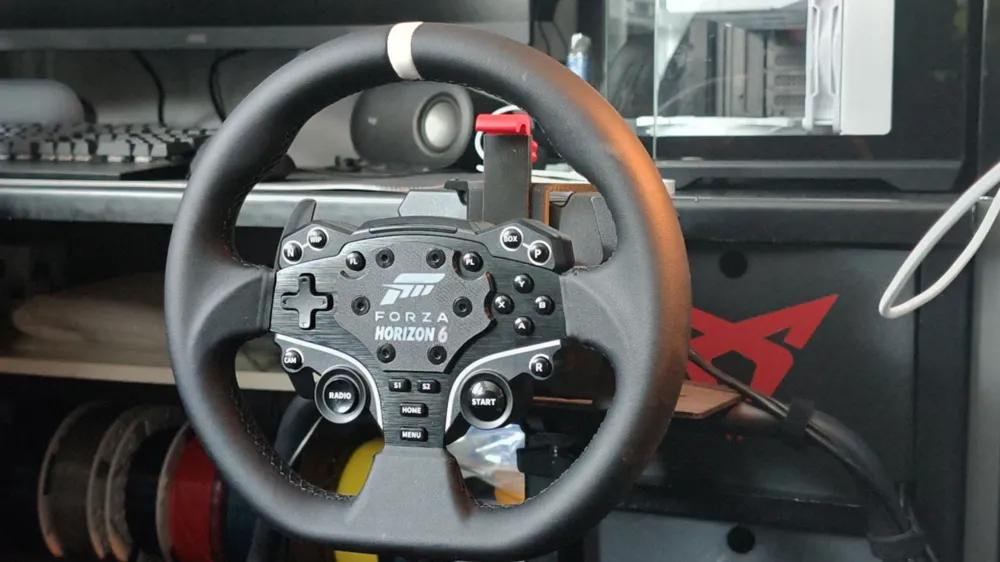
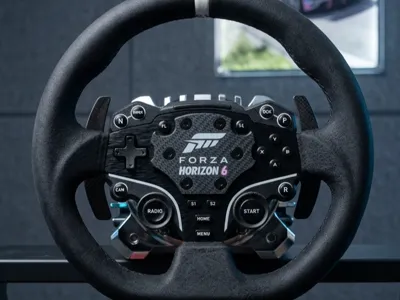
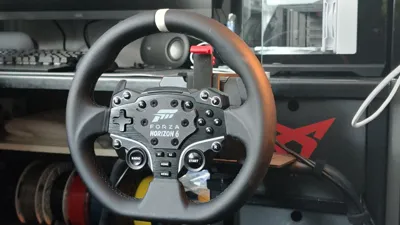
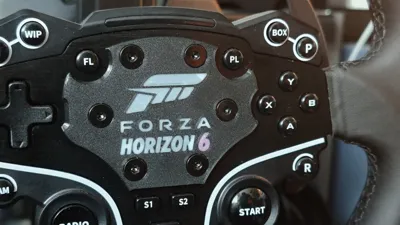
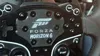
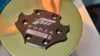
Custom Forza Horizon 6 Center Cap for Moza ES Steering Wheel
Upgrade your Moza ES Steering Wheel with this custom-designed Forza Horizon 6 center cap / faceplate. Specifically engineered as a direct replacement/mod for the stock Moza ES center badge, this aesthetic upgrade gives your rig a premium, official-licensed look tailored for the next generation of Horizon racing.
Features
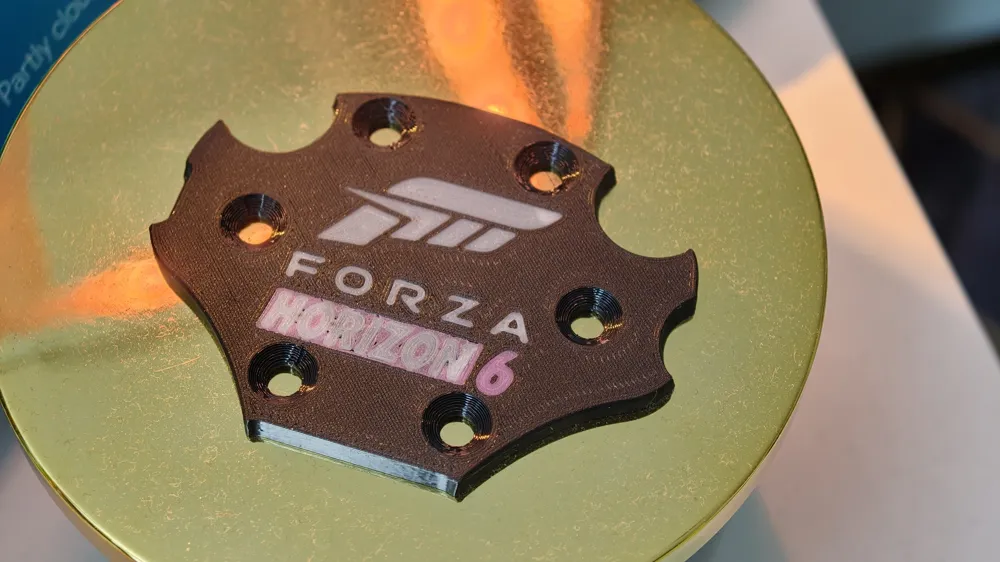
- Perfect Fit for Moza ES: Designed precisely around the dimensions and bolt pattern of the Moza ES wheel hub for a seamless, flush installation.
- 100% Support-Free: Optimized from the ground up for 3D printing. No supports are required, ensuring a clean surface finish straight off the build plate and zero wasted filament.
- Dual Design Options: The download includes two distinct versions in the files so you can choose the exact look that fits your style:
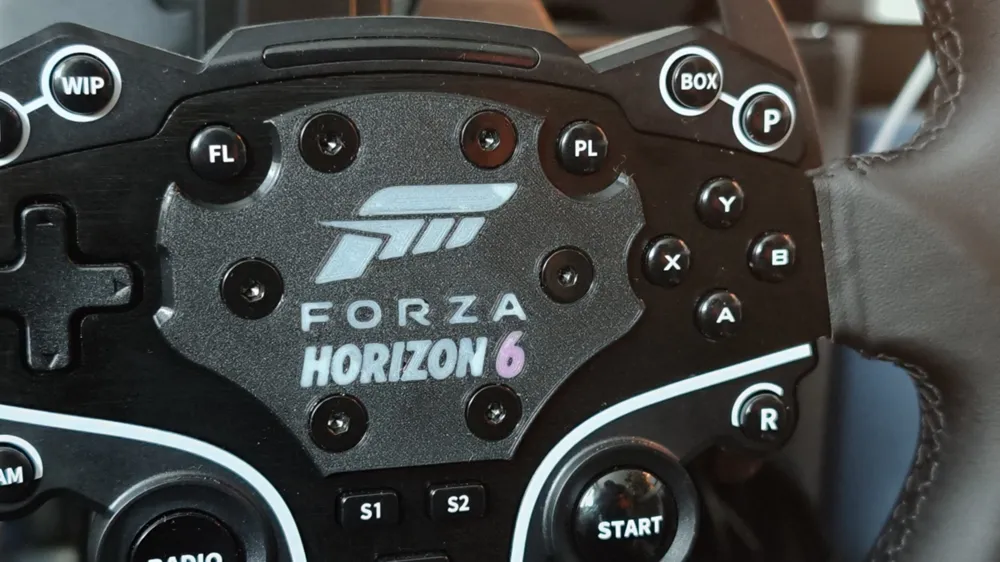
- Standard Version (Clean Look): Features the iconic Forza 'F' and clean "FORZA HORIZON 6" typography without any borders around the "Horizon" text.
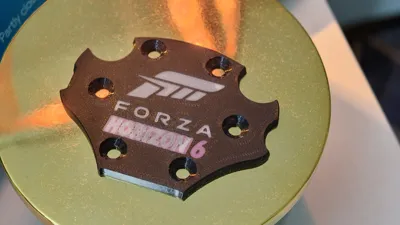
- Framed Version (Accent Look): Includes a stylized frame/border around the "Horizon" text to make the game's title pop and allow for easier multi-color detailing or inlay painting.
- High Detail & Textured Finish Compatible: Looks incredible when printed on a textured PEI sheet to replicate a rugged automotive interior plastic or carbon fiber look.
Printing Settings & Recommendations
- Material: PLA for easy printing and sharp details, or PETG/ASA for enhanced durability and UV resistance.
- Supports: DISABLED (Not needed).
- Layer Height: 0.12mm to 0.20mm (0.12mm is highly recommended for crisp text clarity on the top layers).
- Infill: 15% - 20% (Grid or Gyroid).
- Top/Bottom Layers: 4-5 top layers to ensure the solid face text is perfectly smooth without gaps.
- Color Change (Optional): To achieve the multi-color look like the product picture, you can program a filament change (M600) at the specific layer where the text and logo begin, or utilize an AMS/MMU system.
License

You shall not share, sub-license, sell, rent, host, transfer, or distribute in any way the digital or 3D printed versions of this object, nor any other derivative work of this object in its digital or physical format (including - but not limited to - remixes of this object, and hosting on other digital platforms). The objects may not be used without permission in any way whatsoever in which you charge money, or collect fees.


Comment & Rating (0)