
My Hero Academia - Dabi MHA Hueforge
Print Profile(1)
Description
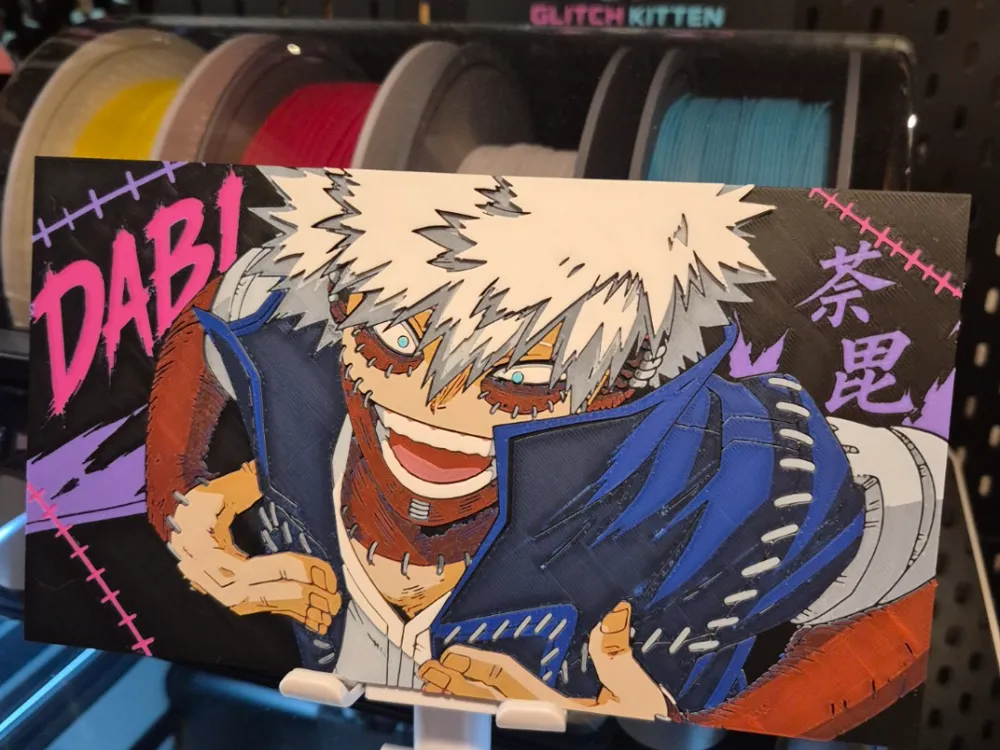
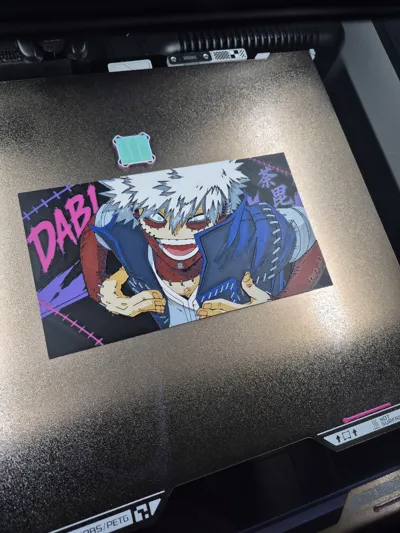
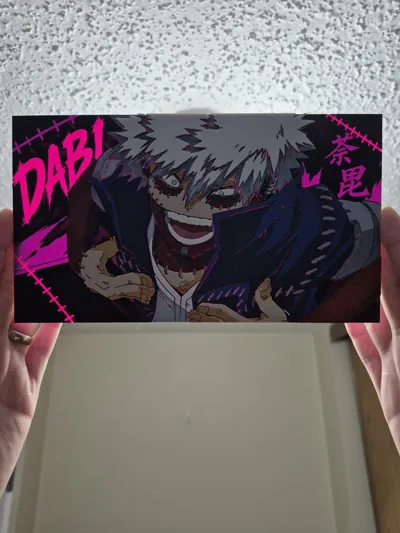
This marks the first villain to join my MHA Hueforge Series!
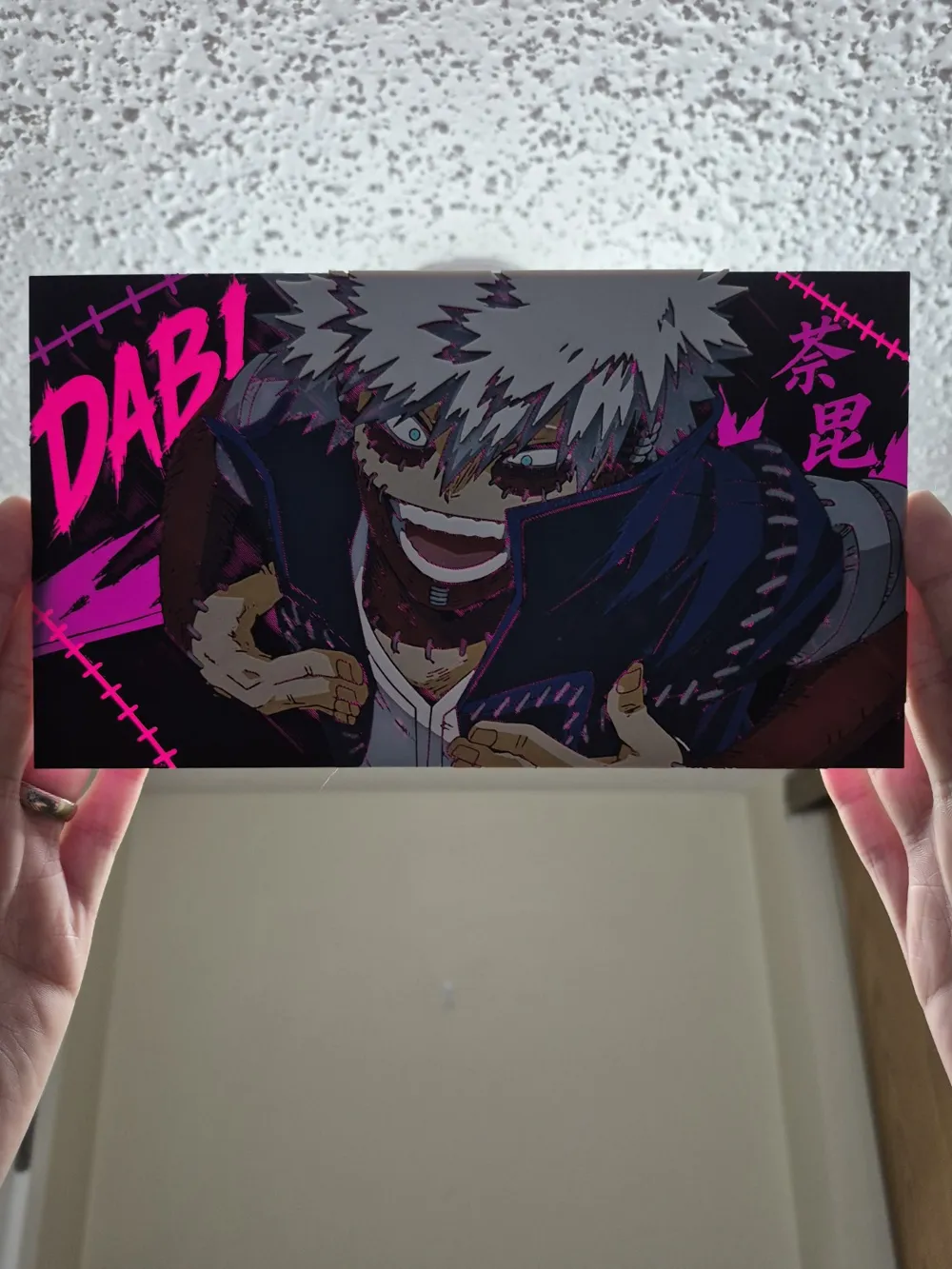
Here is Toya Todoroki, aka Dabi! Quirk: Blueflame
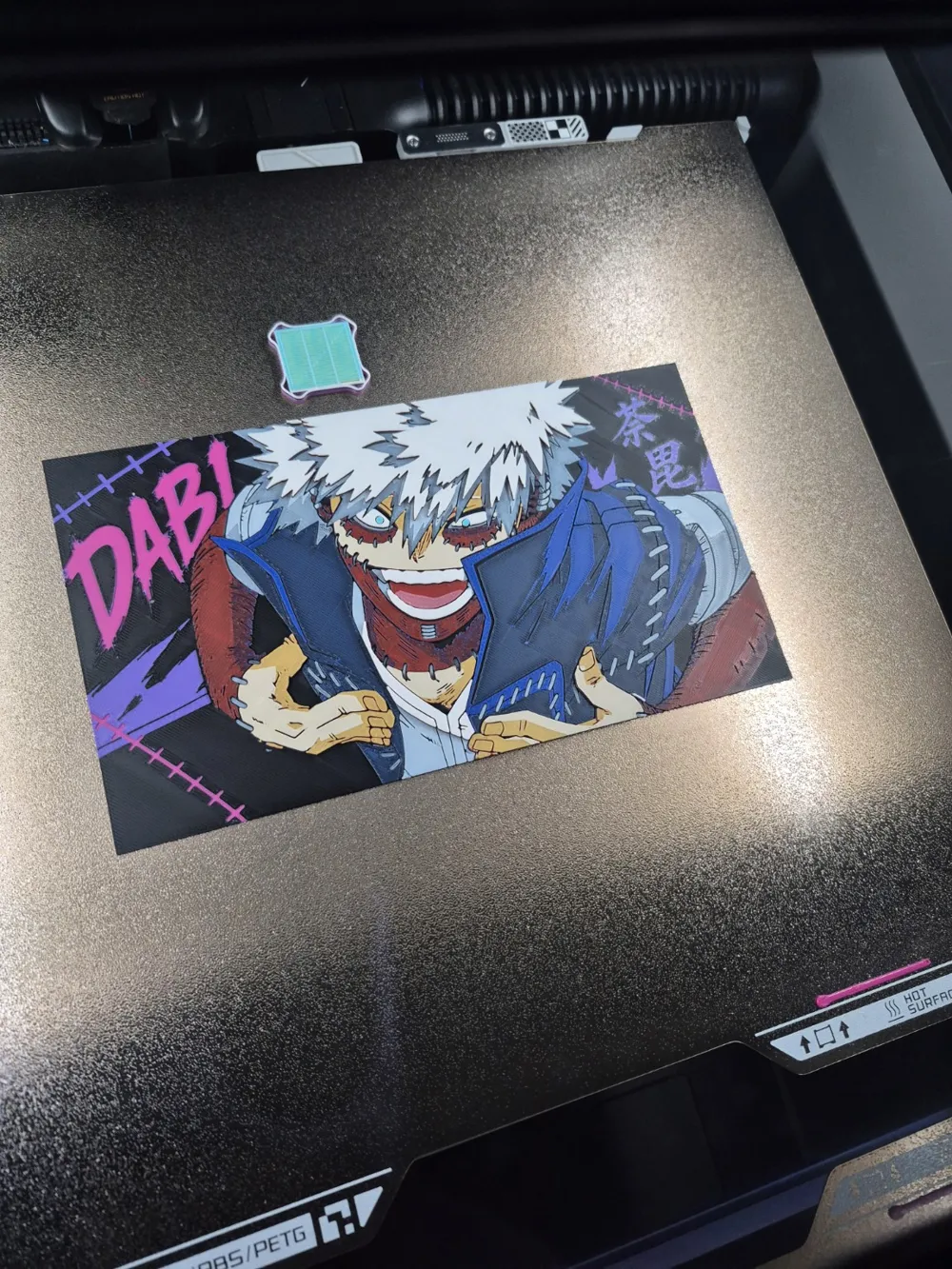
I have always loved the style on this character, and I wanted to lean into it with this. I really wanted this piece for myself, and I needed to fill a particular gap on my wall, so I was a little selfish with this one. It's 8 colors and it's 221x124mm. It has 2 programmed pauses for single AMS users to print this easily.
It can be scaled as long as the Z VALUE remains the same. Turn off uniform scaling 👌.
I have been hearing that some users are still a little intimidated by performing swaps on a single AMS. This time we'll try something a little different. I have concocted and included an instructional graphic aid in the description that I hope will help demystify the whole process a little 😁.
Ok let's print a villain!!
Print at 100% infill with a layer height of 0.08mm with a base layer of 0.16mm
The Model is 221.14x124.46mm in size
You may print at higher layer heights below the Base Thickness of 0.48mm
The Max allowed Thickness is 2.88mm and the Actual Thickness is 2.8mm
PLA BambuLab Basic Magenta Transmission Distance: 3
PLA BambuLab Basic Purple Transmission Distance: 4
PLA BambuLab Basic Black Transmission Distance: 0.6
PLA BambuLab Basic Jade White Transmission Distance: 5
PLA BambuLab Basic Blue Transmission Distance: 4
PLA BambuLab Basic Red Transmission Distance: 4
PLA BambuLab Basic Yellow Transmission Distance: 6
PLA BambuLab Basic Turquoise Transmission Distance: 1.4
This print uses 8 unique filaments.
If you are using multiple AMS units, or are manually swapping each color, delete my 2 pauses and do your thing.
SINGLE AMS USERS. Reference the chart below and note the AMS assignments. You will be assigning multiple colors to some of your bays.
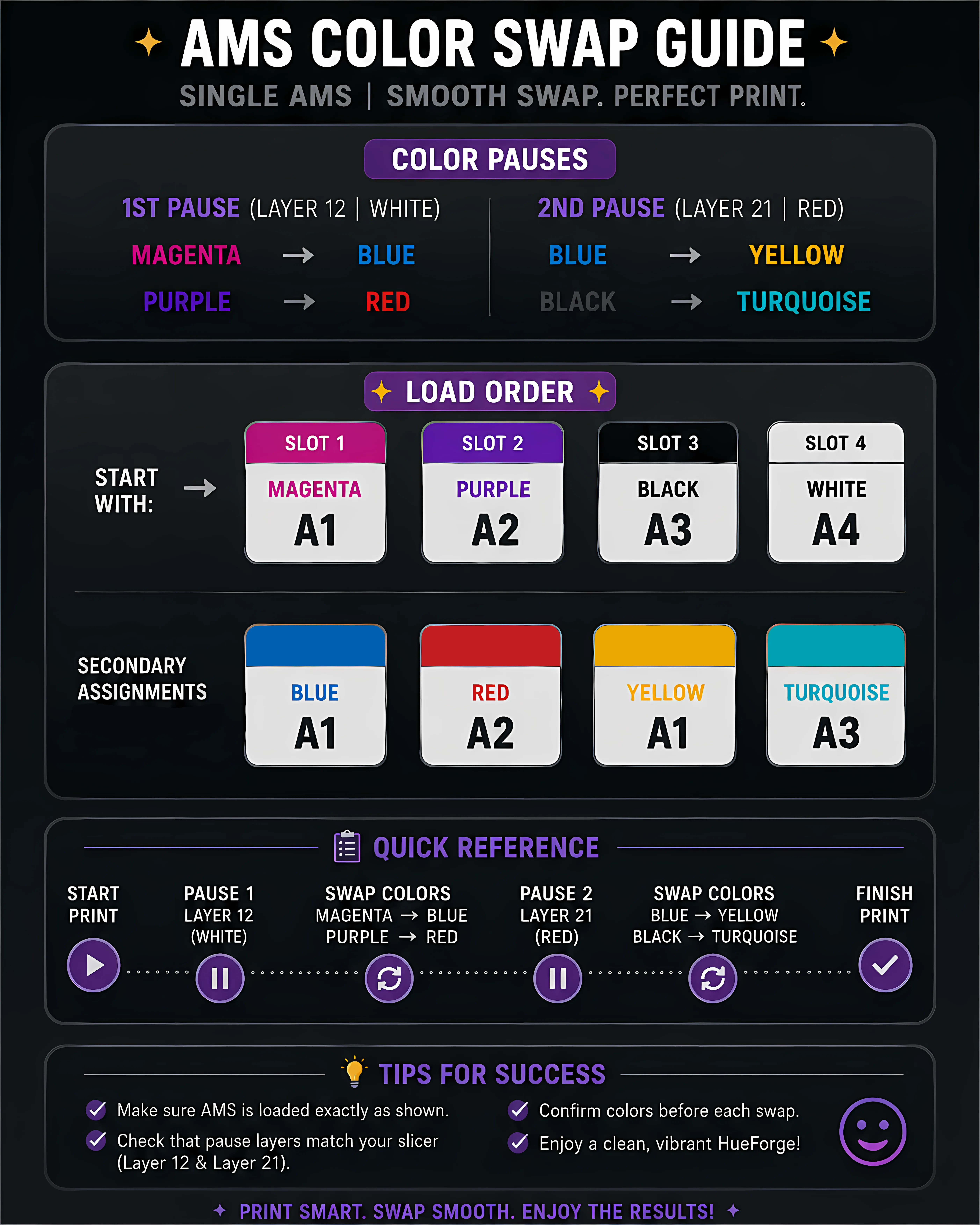
Swap Instructions:
Start with Magenta
At layer #6 (0.56mm) swap to Purple
At layer #10 (0.88mm) swap to Black
At layer #11 (0.96mm) swap to Jade White
At layer #15 (1.28mm) swap to Black
At layer #16 (1.36mm) swap to Blue
At layer #20 (1.68mm) swap to Red
At layer #24 (2mm) swap to Jade White
At layer #25 (2.08mm) swap to Yellow
At layer #26 (2.16mm) swap to Jade White
At layer #33 (2.72mm) swap to Turquoise for the rest.
Boost Me (for free)
I hope you love this one! Wanted it to be a little special. 😁
Deeply appreciate any ratings, comments, and support 🙏
See you on the next one!
License

You shall not share, sub-license, sell, rent, host, transfer, or distribute in any way the digital or 3D printed versions of this object, nor any other derivative work of this object in its digital or physical format (including - but not limited to - remixes of this object, and hosting on other digital platforms). The objects may not be used without permission in any way whatsoever in which you charge money, or collect fees.


Comment & Rating (27)