Search models, users, collections, and posts

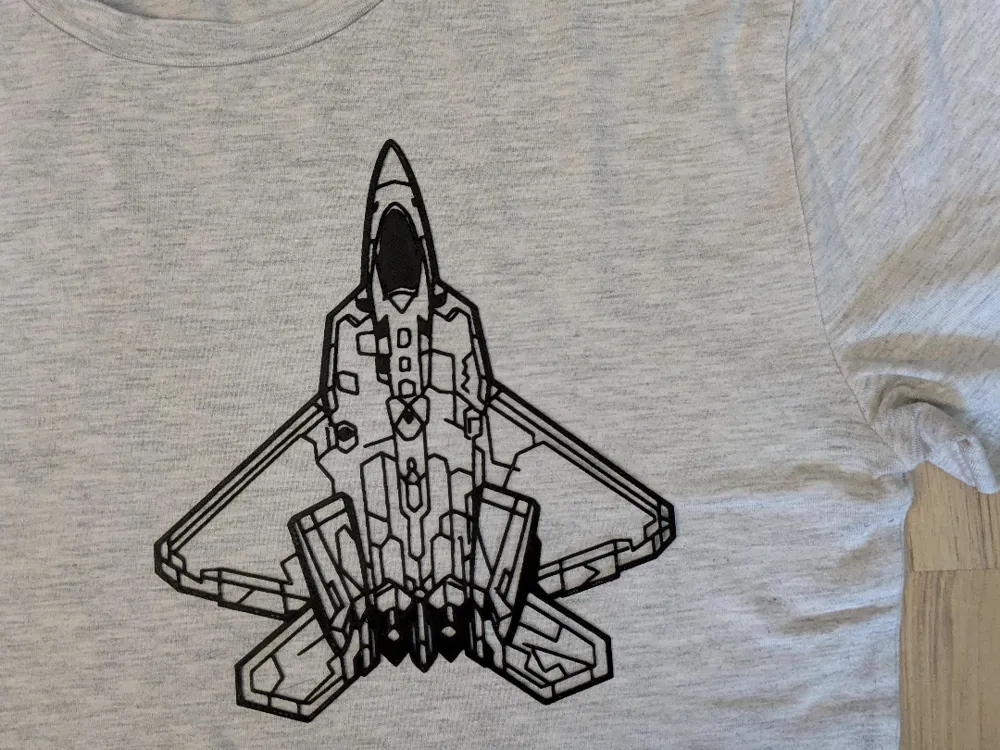
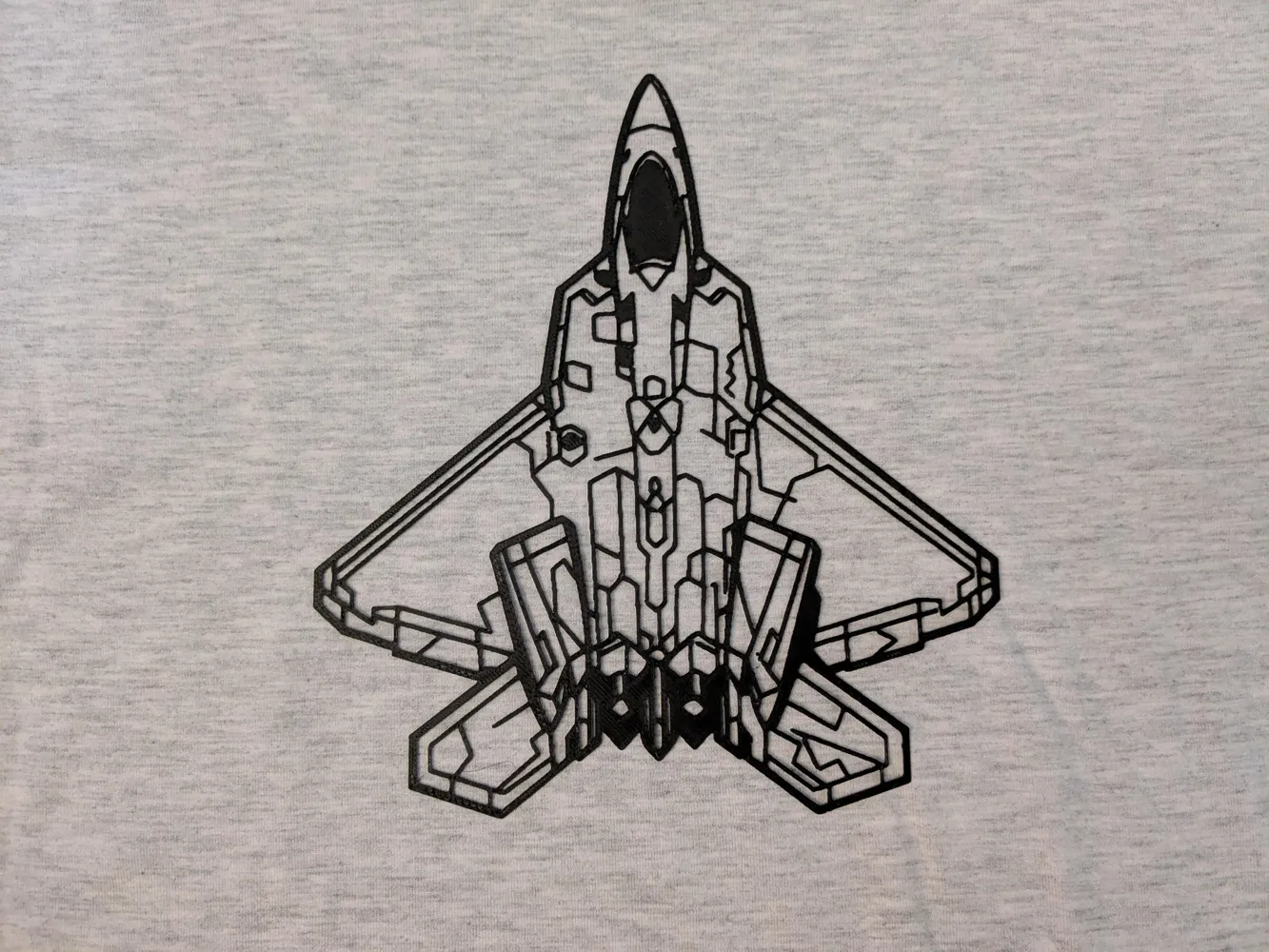
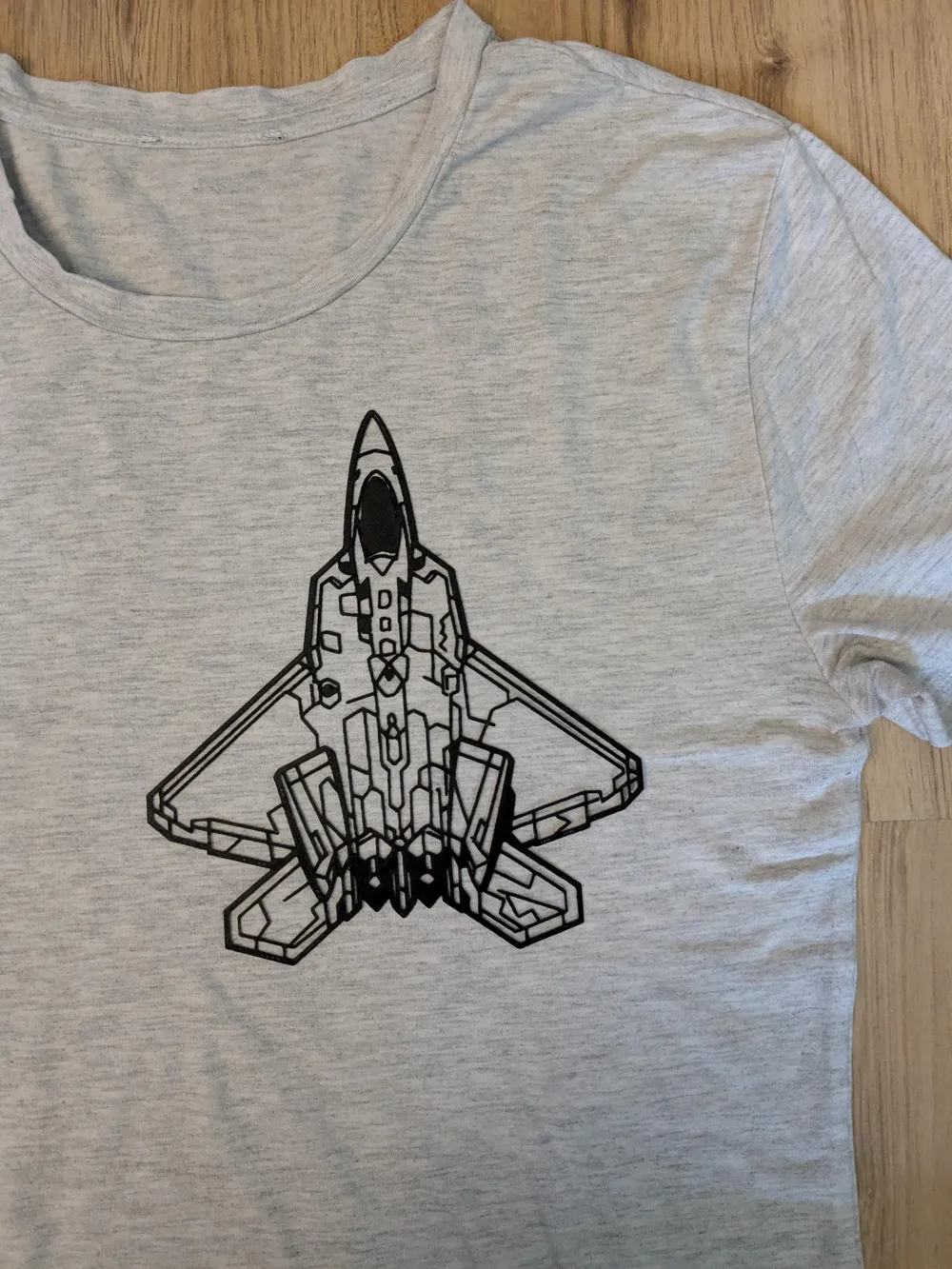
Shirt Print - Aircraft
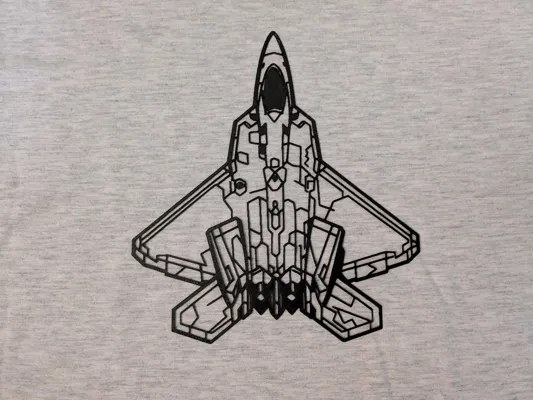
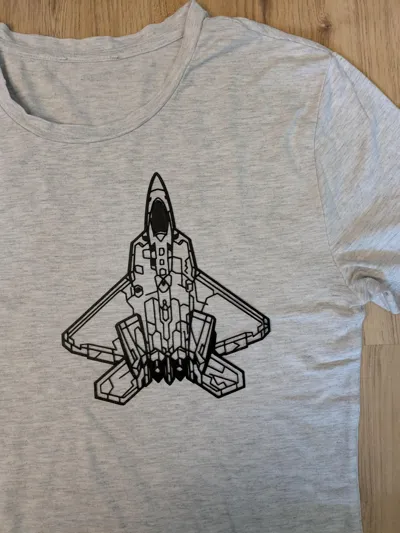
Print Profile(2)
Small Version
Designer
29 min
1 plate
Large Version
Designer
45 min
1 plate
Open in Bambu Studio
Boost
20
54
0
0
23
15
Released
Description
Aircraft - T-Shirt Print
Print with preset settings (TPU highly recommended! When changing the size, make sure to keep the height at around 0.3 mm)
Carefully take of the PEI (textured PEI recommended)
How to Iron on T-Shirt:
- get your ironing board and iron
- grab a heat resistant paper like baking/parchment paper
- arrange the print on the shirt, put the paper on it
- preheat the iron to high or max heat (depending on your iron, max works well with mine)
- put the iron on the print, first a couple of seconds (10-15s) without pressure (to melt the print),
then press down firmly and move the iron a little (10-15s) - the print shoud have flattend a little and adhere to the shirt, if not (or not enough) repeat the the previous step (it takes me sometimes 2 or 3 reps to get it sticking well)
- take the iron off the print, carefully remove the paper
- doublecheck if the print adheres well
- let cool down without moving the shirt too much
Ready to wear!
(I recommend machine wash at 30-40°C (86-104°F), at high temps the print might come off the shirt)
Recommeded Material: BambuLab TPU (other TPU should work as well)
[AI-aided design: MakerLab AI and other]
License

This user content is licensed under a
Creative Commons Attribution-Noncommercial-Share Alike


Comment & Rating (0)