
In depth ironing calibration test
Print Profile(2)
Description
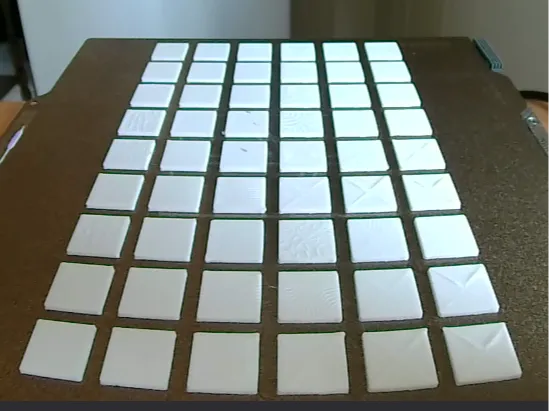
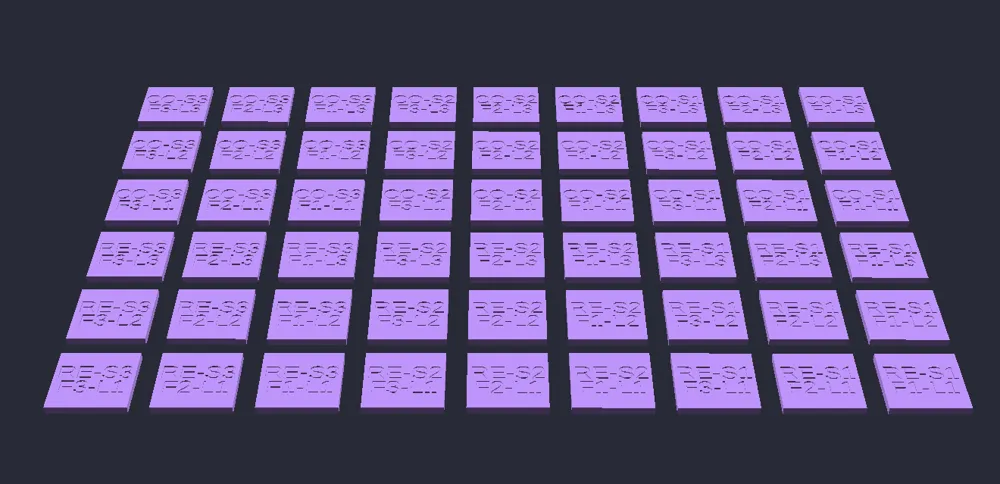
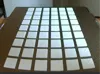
This test grid consists of many individual labeled wafers, each one with a unique combination of ironing settings. The parameters tested are:
- Both ironing patterns
- 40, 120 and 200mm/s speeds
- .1, .3 and .5mm line spacings
- 10, 30 and 50% flow ratios
Line spacing is something many ironing calibration tests don't test for, but it is very important for determining how smooth the surface is.
Once the test is complete, decide which set of parameters looks best for both ironing patterns. For finer testing, run this python script in the same directory as the 3MF file, input your chosen parameters, and it will produce another 3MF file with finer testing intervals [Out of range values will be clamped].
To run the script, shift+right-click in the directory, select “Open PowerShell window here” and run either the command python3 ironing_generator.py or py ironing_generator.py.
On Linux, open the terminal and run the same command python3 <enter>/<path>/<to>/ironing_generator.py
For even finer testing intervals, tick the “Enable Extra Fine Intervals” box.
License



Comment & Rating (0)