Search models, users, collections, and posts

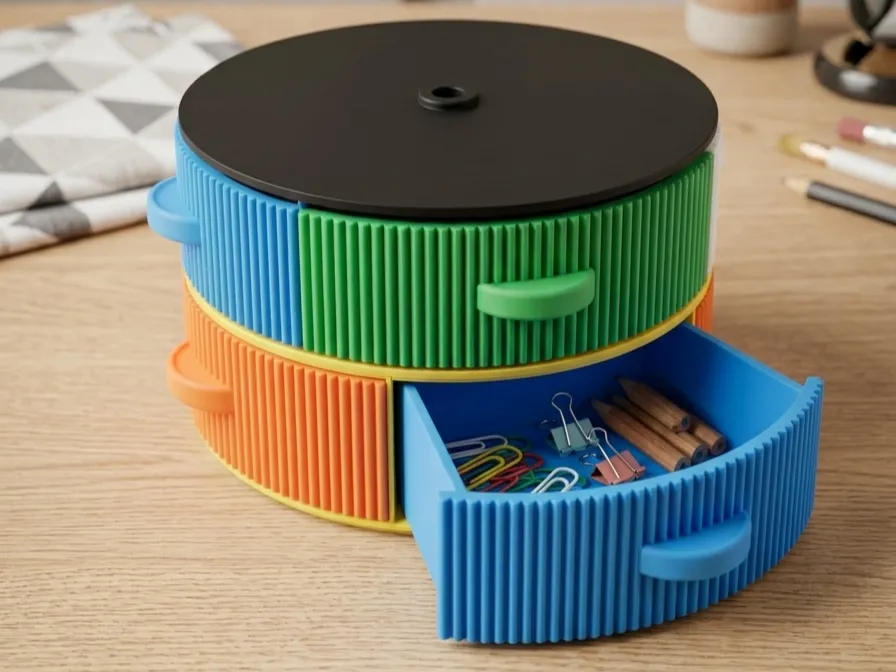
Stackable Tower Organizer (And it spins!)
IP Report
GIF

Print Profile(1)

All
A1 mini
P1S
X1 Carbon
X2D
P1P
H2D Pro
P2S
A1
X1E
H2C
X1
H2S
H2D
A2L

0.2mm layer, 2 walls, 15% infill
Designer
11.2 h
4 plates
3.5(2)

Open in Bambu Studio
Boost
427
1399
9
2
173
51
Released 

Description

Content has been automatically translated.
Show original

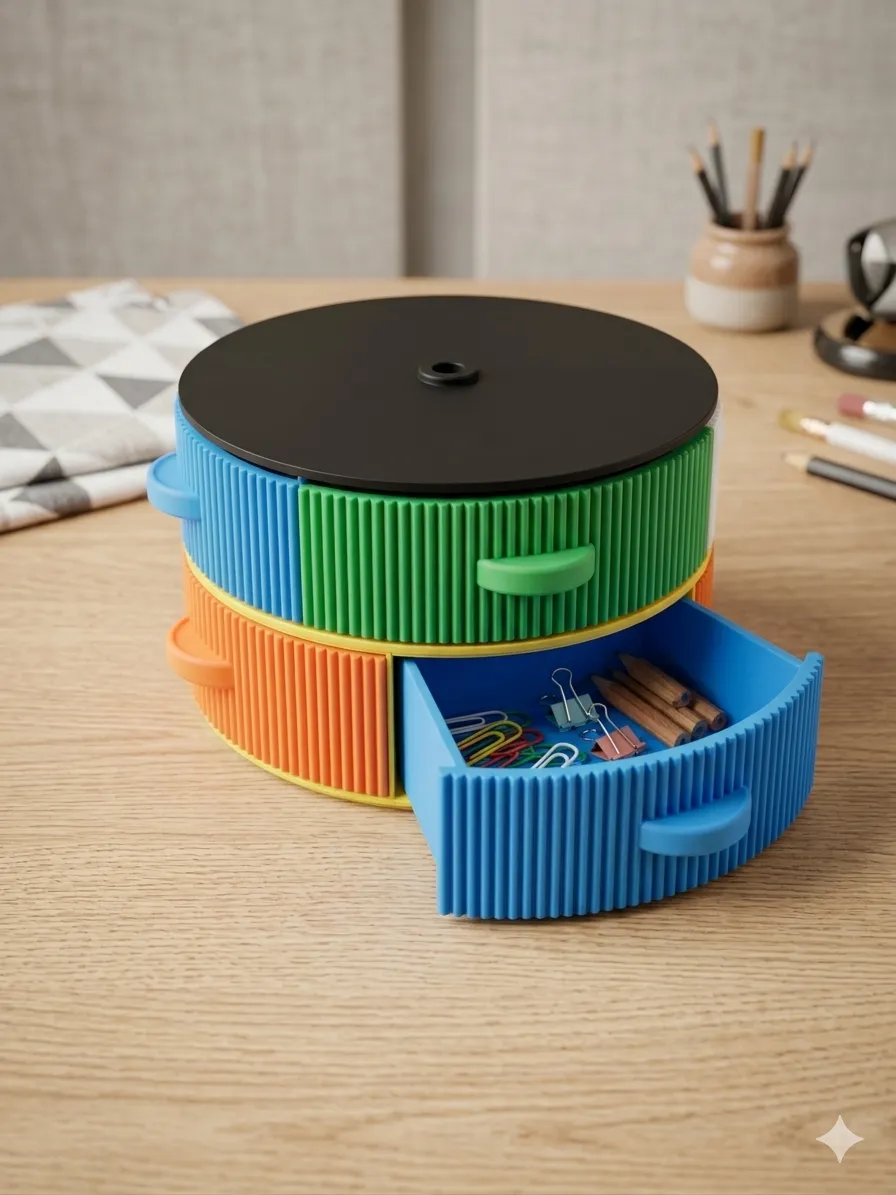
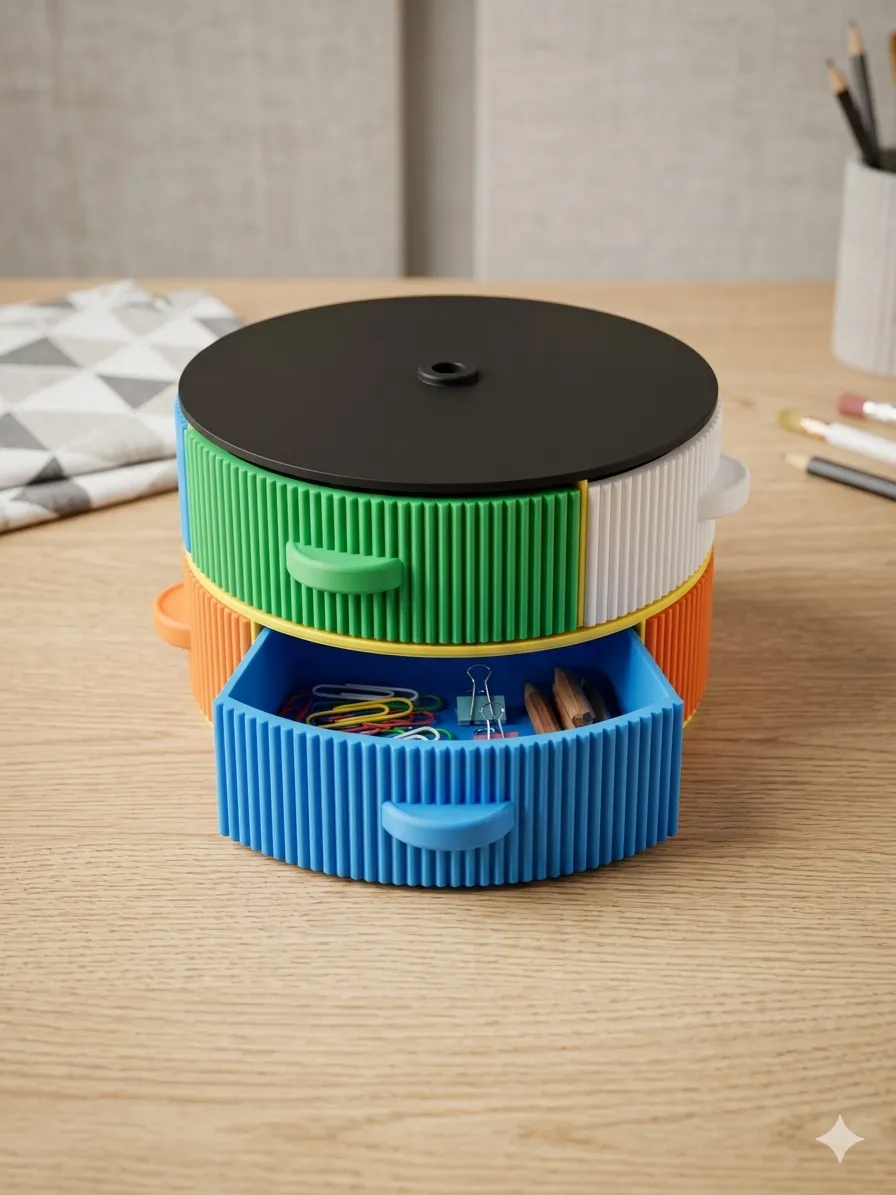
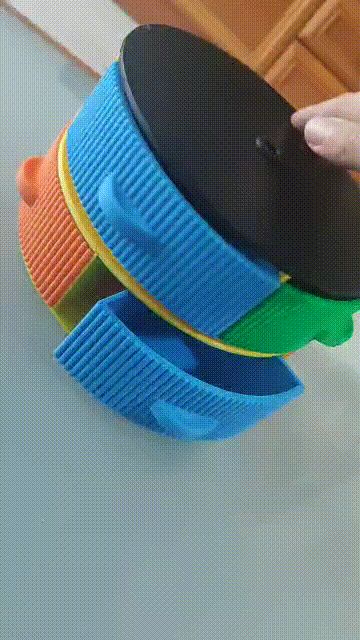
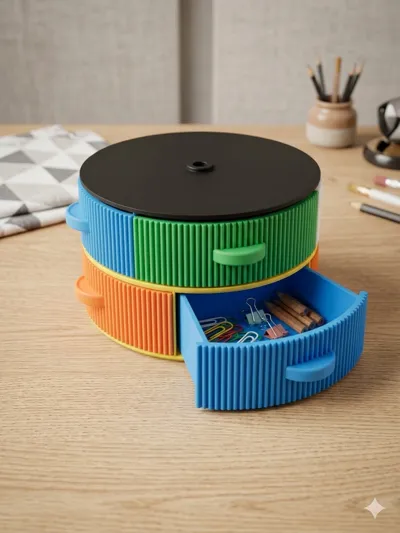
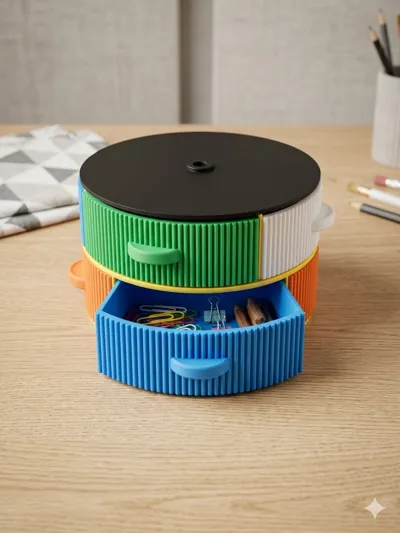
Since lately I haven't stopped making small things, I was running out of space to store everything, so I had to design an organizer where I can store everything I have and what I print in the future, I hope you like it! :D



I recommend printing the base first, then the boxes, and then attaching the lid with a little glue. The boxes fit perfectly into the rail, but depending on your printer's calibration, it might be a bit stiff at first. Make sure to "wear it in" a bit by repeatedly inserting and removing the drawer so it moves more smoothly. If it's still difficult, sand it a little to make it better. 
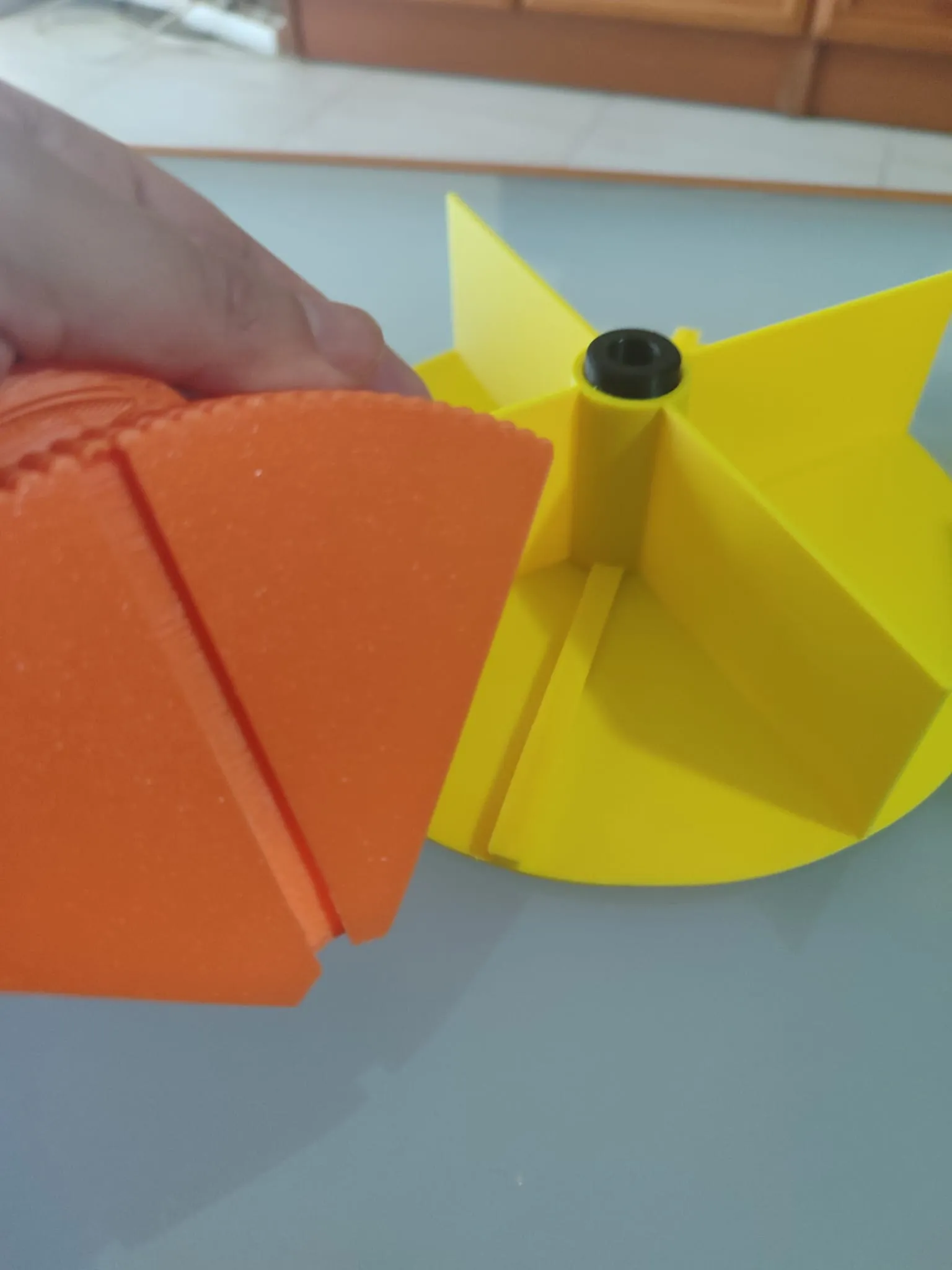


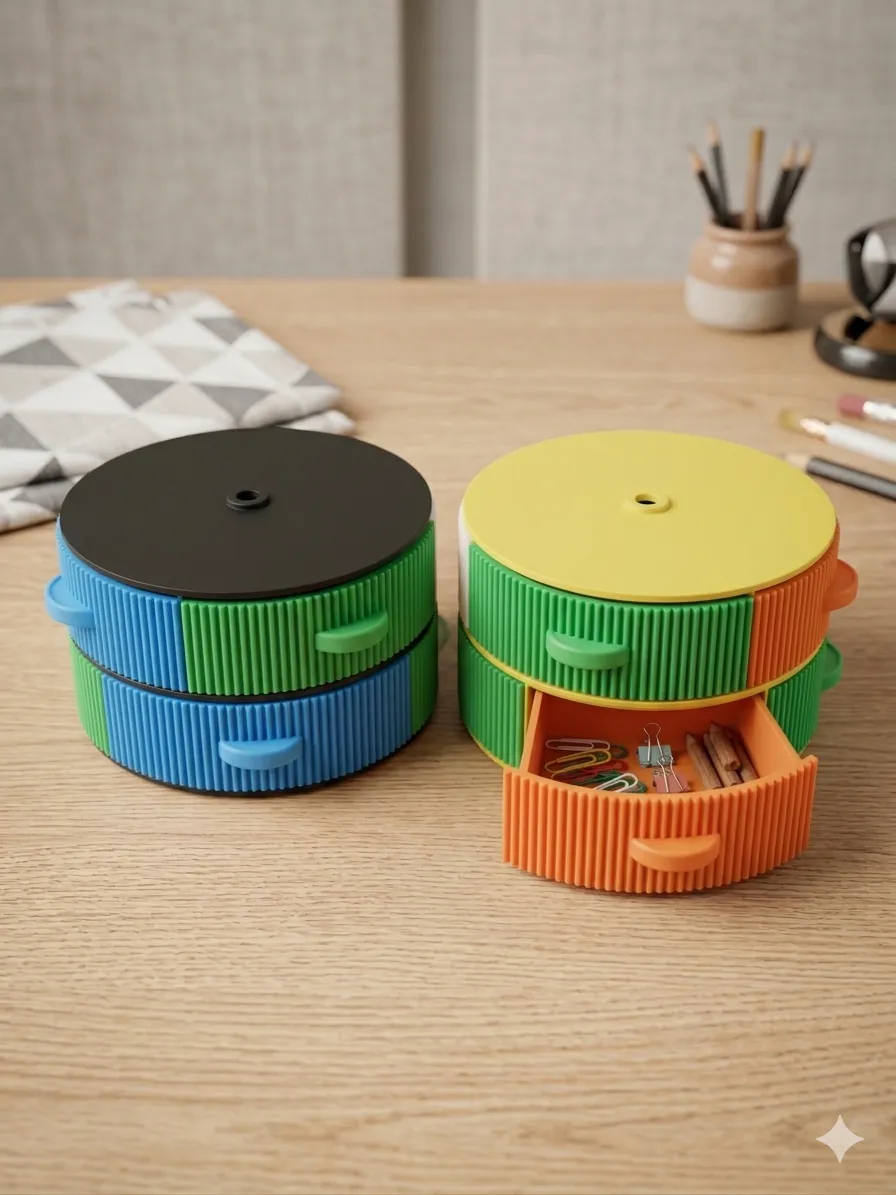
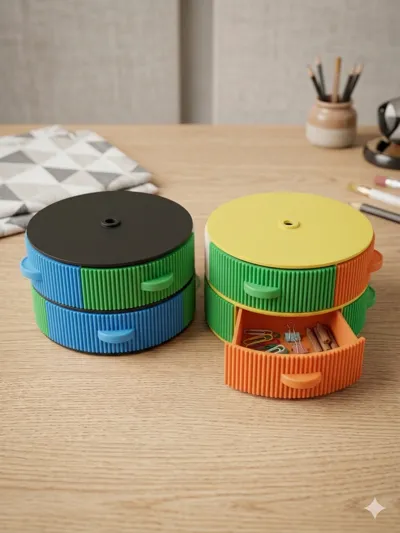
To stack more, just print the pillar2e and place the pieces on top, there's not much mystery to it :D

Comment & Rating (9)

(0/1000)

I tried printing this on 3 different Bamboo A1 lite printers and not one of them had any success, i tried different adjustments, nozzle cleanings, throughly washed build plates with dawn, switched between textured plates snd cool plate, still same issues, i hate to say it but there is something not right with this file, I printed other things all day long with no problems, but when bi tried to print this again major issues, plate 1 and 2 printed fine.
(Edited)
The designer has replied
0
Reply
I just tried printing one myself on my A1mini and it worked fine, i dont know what this issue could be :C Maybe try adding supports, someone told me they needed them on plates 3 and 4. When I have problems with the first few layers, what I do is increase the height of the first layer a little (maybe 0.26 or 0.28), and that usually solves the problem for me too. Hope it helps :D
0
Reply
thanks, I found the issue, the little dots it prints around the perimeter at the beginning is keeping the layer above the build plate and keeping the filiment from making contact with the plate, im not sure why they are even there, without them it would make full contact and not need supports
0
Reply
🥰🤩so cooool! Hope u share it on the MakerWorld community to join the Community Favorite Award. A few words about your process or a short video makes it easier for others to find your work and can boost your odds. See u in the community—and good luck~
designer
1
Reply
printed very good for me on my u1, idk why people having issues. very good model mate thank you.
(Edited)
designer
1
Reply
can the spools be used
Show original
0
Reply
Boosted
Love this. It is exactly what I need. I can't wait to get to start printing it.
0
Reply
Print Profile
0.2mm layer, 2 walls, 15% infill
0
Reply
Print Profile
0.2mm layer, 2 walls, 15% infill
Support Issue:Many people (especially kids) print straight from the app. Supports are needed on 3 of the 4 plates. I recommend printing from your computer and enabling supports.
0
Reply
No more

License

This user content is licensed under a Standard Digital File License.

You shall not share, sub-license, sell, rent, host, transfer, or distribute in any way the digital or 3D printed versions of this object, nor any other derivative work of this object in its digital or physical format (including - but not limited to - remixes of this object, and hosting on other digital platforms). The objects may not be used without permission in any way whatsoever in which you charge money, or collect fees.