
Print Profile(1)
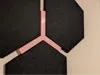
Description
Honeycomb Hex Wall Spacer Jig — Parametric for Any Hex Size
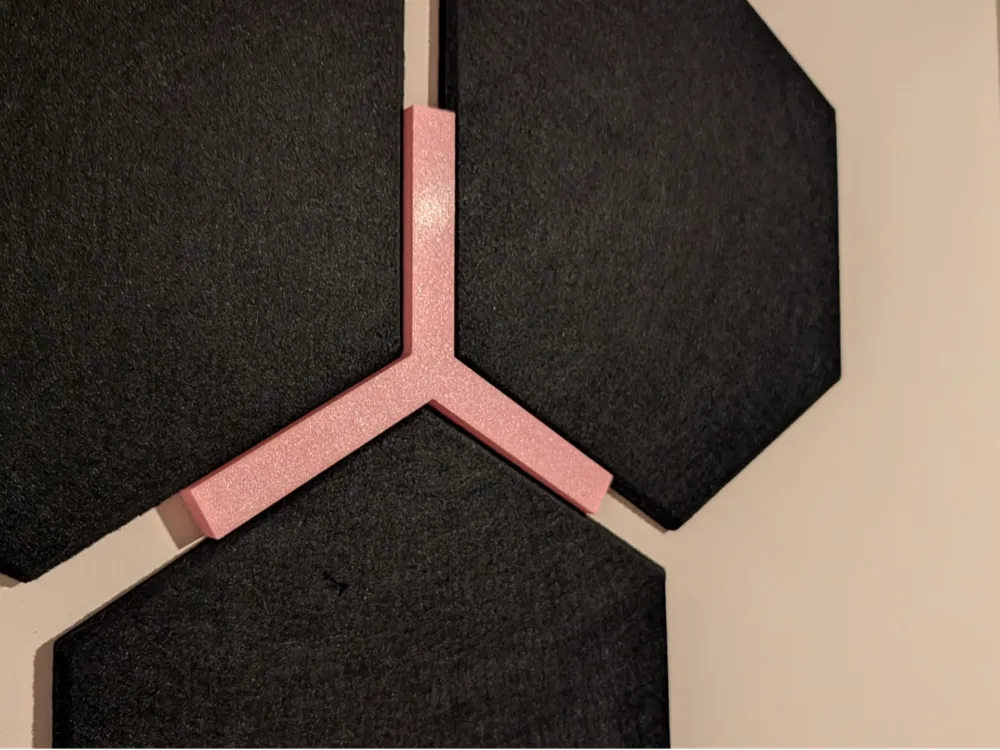
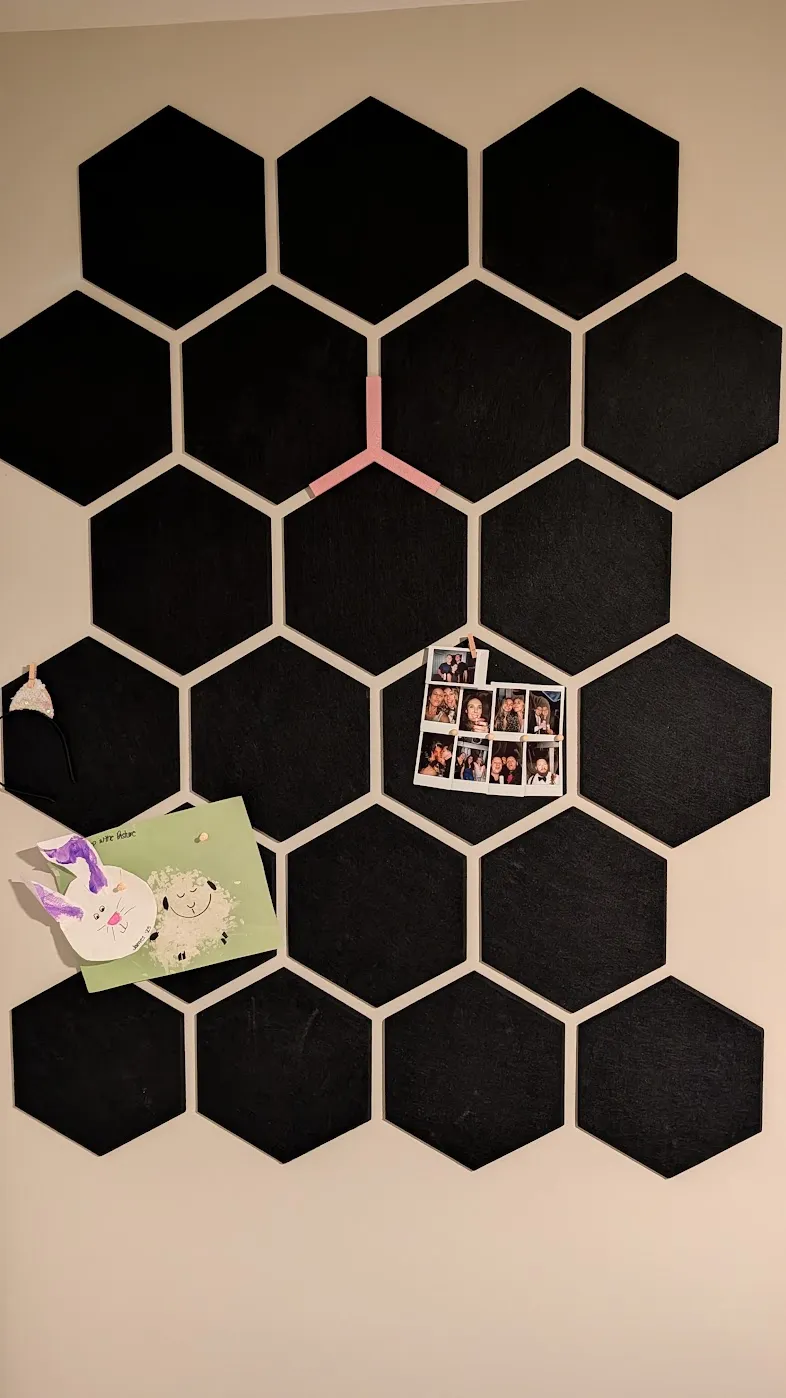
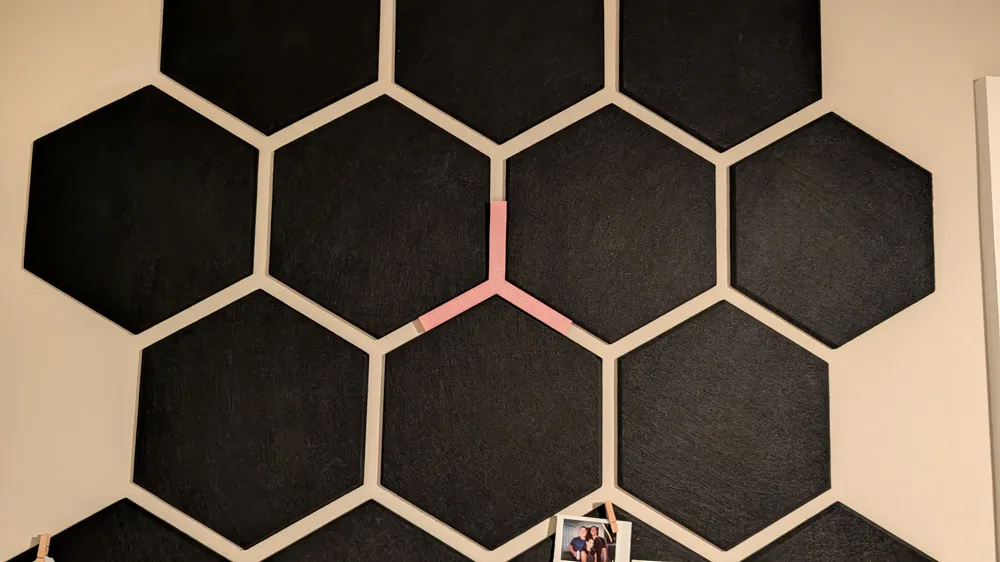
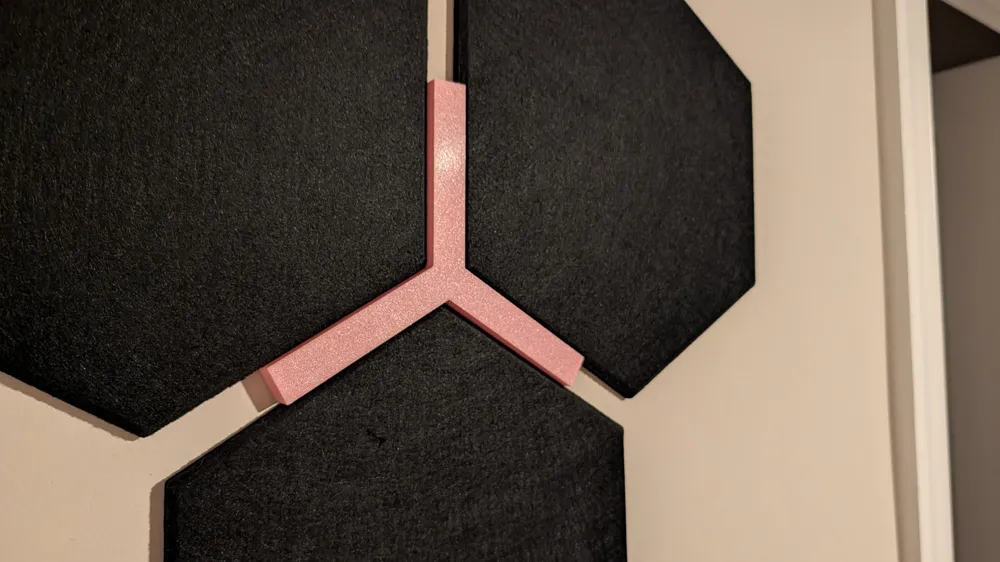
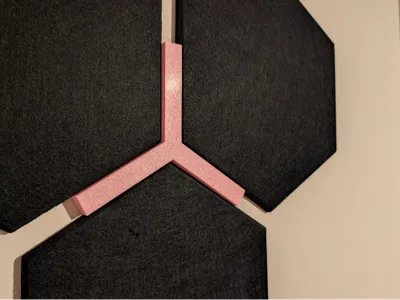
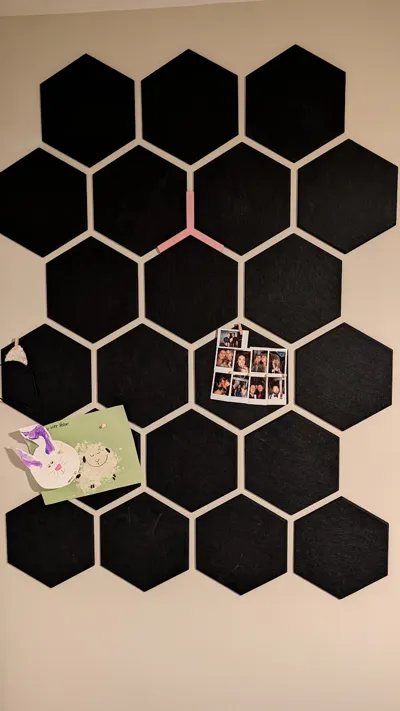
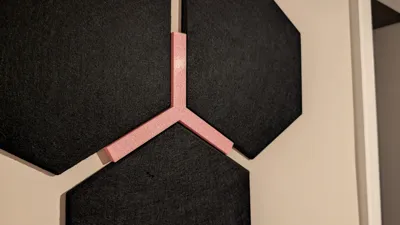
A simple but stupidly useful jig for anyone installing hexagonal tiles, felt acoustic panels, wood hex shelves, or any honeycomb-pattern wall decor. Drops into the negative space between three hexagons at a junction, defines a perfect gap, and aligns the edges of all three at once.
Why you want this
Installing hexagons on a wall sounds easy until you're 12 tiles in and realize each one is drifting a quarter inch off and the gaps look uneven. Painter's tape and a level don't cut it. This jig sets the gap and the alignment in one move — drop it at the junction, push three hexes against it, done.
How it works
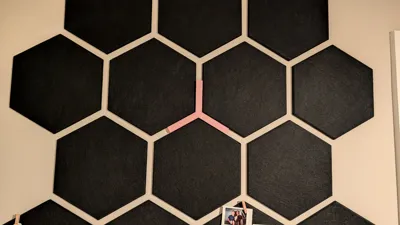
Three arms radiate at 120° from a solid central hub. The hub sits in the gap between hex points and defines spacing. The long arms extend down the channels between adjacent hex flat edges, so any misalignment shows up immediately as a visible gap between the arm and the hex edge. Print a few of these and leapfrog them across the wall as you go.
Parametric — works for any hex size and gap
Use the customizer to set:
- Hex point-to-point width (3"–24") — match your actual tiles
- Gap between hexes (0.25"–3") — set your preferred visual gap
- Arm length (1"–8") — longer arms = better registration; shorter = uses less filament
- Thickness (0.125"–1") — thicker is sturdier and easier to handle
- Optional debossed text — add your name or initials to the hub
The math is built in. Tell it your hex size and gap, and it computes the channel width and hub diameter automatically.
Default configuration
Designed for 11.5" point-to-point hexes with a 1" gap. Default arms are 4" long (8" tip-to-tip) at 0.5" thick. Resize as needed for your project.
Recommended print settings
- Layer height: 0.2mm
- Walls: 3
- Infill: 15% gyroid (plenty — this is a low-stress part)
- Supports: none (flat part)
- Material: PLA, PETG, or PLA+ — anything rigid
- Orientation: flat on the build plate
- Print time: ~45–60 min per piece in PLA at default size
- Print 3–4 of them so you can leave them in place as you install across a row
Tips
- Print one first and test-fit against your actual hexes before committing to a batch. If the arms feel tight in the channel, bump up fin_clearance slightly.
- The hub sits in the gap but doesn't push hexes apart — the hex points seat against the wedge transitions on either side of each arm.
- Works for both rows of a honeycomb (the geometry is the same at every 3-hex junction).
License



Comment & Rating (0)